
You started tracking IPs in a spreadsheet. It worked when you had one subnet and a short DHCP scope. Then the network grew.
Now two devices grabbed the same address last week, DNS records point at machines that no longer exist, and nobody trusts the sheet anymore. You are console-hopping between DHCP, DNS, and a document that was accurate three quarters ago.
This is the exact friction that IP address management software solves. A good IPAM tool gives you one system of record for every IP, subnet, and DHCP scope, automated discovery that keeps that record current, conflict detection that catches overlaps before they cause outages, and utilization reporting so you know what is actually free.
The market reflects how urgent this has become. The DNS, DHCP, and IPAM market reached USD 677.7 million in 2024 and is forecast to hit USD 2.3 billion by 2030, a 22.6% CAGR, according to Grand View Research (2024). IPv6 adoption expected to approach 40% of internet users by 2025 is a major driver, since manual IPv6 tracking in a spreadsheet is close to impossible.
If you are a product manager or a technical buyer evaluating infrastructure tooling for internal platform visibility or customer-facing network operations, this guide gives you a real shortlist. The same evaluation discipline shows up in adjacent categories like audit management software and best contract lifecycle management software, where a single source of truth beats scattered documents every time.
What's inside
This guide is for network admins, IT managers, infrastructure teams, and technical buyers choosing an IPAM platform in 2026. It covers commercial, free, open-source, Microsoft-native, and enterprise DDI options in one place.
We selected each ip management tool on four criteria: automated discovery and IP tracking, DHCP and DNS management or coordination, conflict detection, and utilization reporting. We also weighed deployment model (SaaS, self-hosted, or Windows-native), fit for hybrid network IP management, and pricing transparency. Where a vendor does not publish pricing, we say so rather than guess.
TL;DR
- Best for hybrid enterprise visibility: SolarWinds IP Address Manager, for centralized discovery, conflict detection, and DHCP/DNS management in one console.
- Best free and low-cost start: LightMesh, with a genuinely free plan and cloud-friendly subnet planning.
- Best network source of truth: NetBox, an open source IPAM and infrastructure data model built for automation.
- Best straightforward open-source IPAM: phpIPAM, for self-hosted IPv4/IPv6 subnet management with a REST API.
- Best enterprise DDI: Infoblox, for unified DNS, DHCP, and IPAM plus DNS-layer security at scale.
- Best Windows-native option: Microsoft IPAM, built into Windows Server.
- Best CMDB-anchored option: iTop, if you want IPAM inside a broader ITSM and asset context.
These IPAM tools split cleanly into commercial platforms, open-source projects, and a Windows-native path. The right pick depends on your environment size and operating model.
What is IP address management software?
IP address management software (IPAM) is a system of record that tracks, allocates, and monitors every IP address, subnet, and address block across a network, and coordinates that data with DHCP and DNS services. It replaces spreadsheets and manual console work with a single authoritative view of address space.
Modern ipam software typically bundles several core capabilities. The strongest ip address management tools go beyond simple tracking into active coordination and automation.
- Automated discovery: Scans the network to find live hosts, subnets, and address usage, then keeps the inventory current without manual entry.
- IP tracking and allocation: Records which addresses are assigned, reserved, or free, down to the subnet and device level.
- DHCP and DNS management: Reads or manages DHCP scopes and DNS records so allocation stays consistent across all three services (often called DDI when DNS, DHCP, and IPAM are unified).
- Conflict detection: Flags duplicate or overlapping assignments before two devices claim the same address and take a service down.
- Utilization reporting: Shows how much of each subnet is consumed, where you are running out, and where reclaimable space sits.
- Subnet management and IP planning: Models IPv4 and IPv6 address space, supports VLAN and VRF context, and helps plan new allocations without overlap.
- API and automation: Exposes a REST API so provisioning and network automation workflows can request and release addresses programmatically.
The category ranges from lightweight self-hosted tools to full enterprise DDI suites. The distinction that matters for buyers is whether the tool simply documents addresses or actively coordinates DHCP and DNS management alongside them.
When to use an IPAM tool
Not every environment needs the same depth. Here is how to pattern-match your situation.
Replace spreadsheets before they cause an outage
If you have more than a couple of subnets and multiple people assigning addresses, the spreadsheet is already a liability. The moment two admins allocate from the same range, you get conflicts that are painful to trace. An IPAM tool with conflict detection and automated discovery removes that guesswork and gives everyone the same current view.
Coordinate DHCP and DNS in one place
When you find yourself logging into a DHCP console, then a DNS console, then a document to reconcile them, that is the signal. IPAM that handles dhcp and dns management keeps scopes, leases, and records aligned so an IP change in one place does not leave a stale record in another.
Manage hybrid and cloud address space
If your addresses span on-prem, AWS, and Azure, spreadsheet tracking breaks completely. Hybrid network IP management needs a tool that can discover cloud subnets and reconcile them with your data center ranges, then report utilization across all of it in one view.
Comparison table
Here is how the seven ip address management tools compare on intent, key use case, pricing, and rating. Pricing reflects the most recent verified data from each vendor; where a vendor does not publish a public price, we note that directly.
| # | Product | Intent | Key use case | Pricing | G2 rating |
|---|---|---|---|---|---|
| 1 | SolarWinds IP Address Manager | Commercial | Centralized IPAM with DHCP/DNS visibility and conflict detection | Quote-based; 30-day free trial | 4.3/5 |
| 2 | LightMesh | Commercial (free tier) | Cloud-friendly IPAM and subnet planning | Free; Pro $35/mo; Team $249/mo; Enterprise custom | 4.5/5 |
| 3 | NetBox | Open source / commercial | Network source of truth and automation | Contact sales | 3.6/5 |
| 4 | phpIPAM | Open source | Self-hosted IPv4/IPv6 subnet management | Free (open source) | Not listed |
| 5 | Infoblox | Enterprise DDI | Unified DNS, DHCP, IPAM with DNS security | Token-based; contact sales | 4.5/5 |
| 6 | Microsoft IPAM | Windows-native | Centralized IP management on Windows Server | Included with Windows Server | Not listed |
| 7 | iTop | Open source CMDB | IPAM inside broader ITSM and asset management | Free community version | Not listed |
1. SolarWinds IP Address Manager
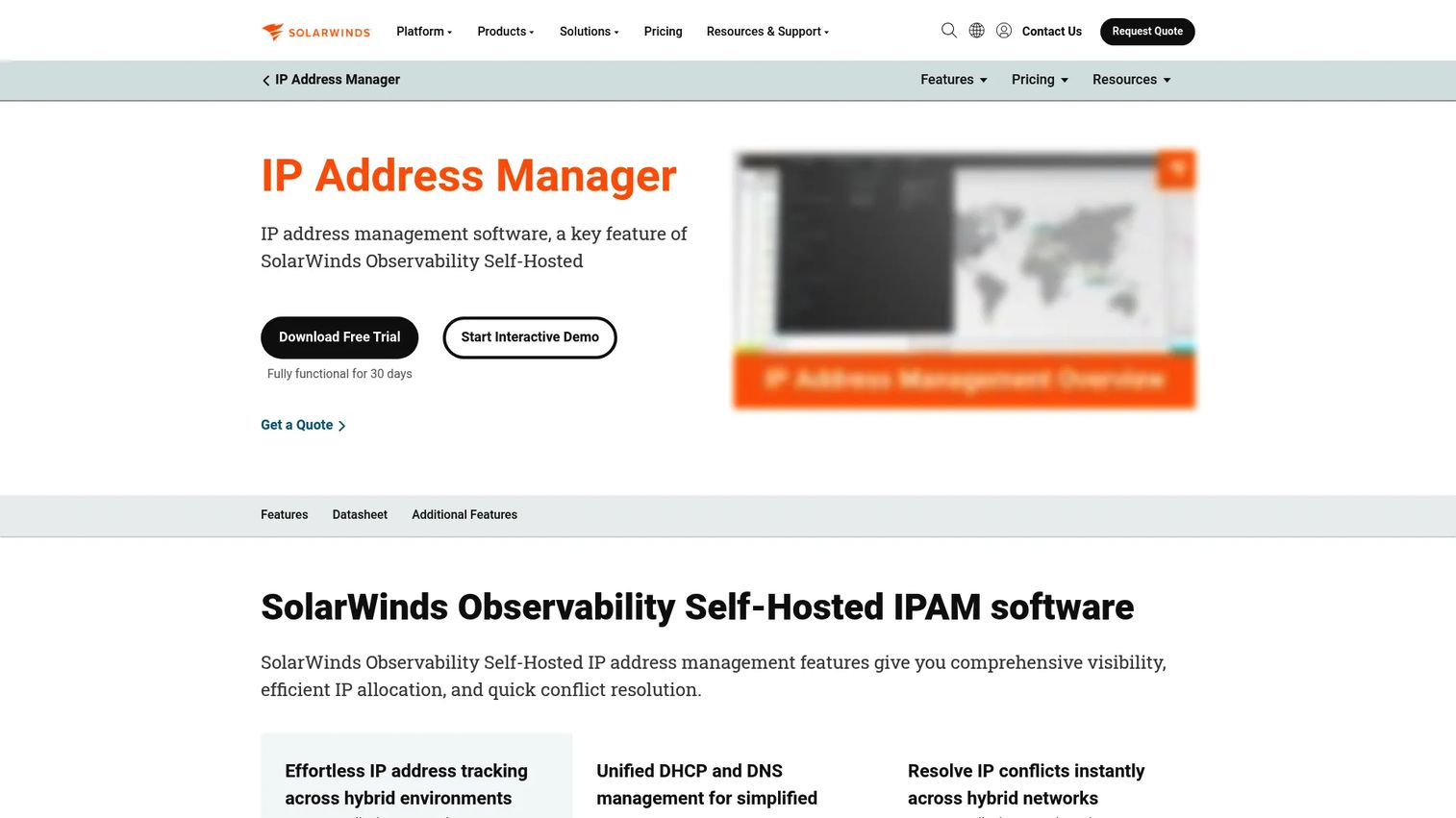
SolarWinds IP Address Manager is IP address management software built for discovering, tracking, and managing IPs, subnets, DHCP, and DNS from a single console. It runs as a standalone module on the SolarWinds Orion platform, which makes it a natural fit for teams already invested in SolarWinds monitoring. The emphasis is on centralized visibility across hybrid environments rather than a single narrow function.
Best for: IT teams that need centralized IPAM with DHCP/DNS visibility and conflict detection across a growing or hybrid network.
Key strengths
- IP address discovery and scanning: Automated IP scanning keeps your inventory current without manual entry, so the record reflects the real network.
- IP subnetting and planning: Model and plan subnets so new allocations do not overlap existing ranges.
- DHCP and DNS management: Manage scopes and records alongside IPAM, so a change in one service stays consistent across all three.
Why choose SolarWinds: If you want one console for discovery, conflict detection, and dhcp and dns management, and especially if you already run other SolarWinds Orion modules, this consolidates IP operations without stitching together separate tools. It suits mid-size and larger teams that have outgrown manual tracking and want commercial support behind the platform. The Orion integration means IP data can sit next to your broader network monitoring.
SolarWinds pricing: SolarWinds does not publish a public price for IP Address Manager. The product is available as a standalone Orion module, and the vendor directs buyers to request a custom quote. A 30-day fully functional free trial is available, which lets you validate discovery and conflict detection against your own network before committing. On G2, the platform carries a 4.3/5 rating.
2. LightMesh

LightMesh is an IP address management product from Tidal that simplifies and automates network IP administration. It leans cloud-friendly, with subnet visualization and native integration for AWS and Azure, and it scales from a free tier up to enterprise use. For teams that want free IPAM software to start with and room to grow, LightMesh is one of the more approachable entry points.
Best for: Teams that need cloud-friendly IPAM with subnet visualization, from a small free deployment up to enterprise network management.
Key strengths
- Subnet Planner: Visualize and plan subnets so you can see utilization and available space at a glance.
- AWS and Azure cloud integration: Discover and reconcile cloud address space alongside on-prem ranges for real hybrid network IP management.
- IP and network management: Track and manage addresses across environments from one interface.
Why choose LightMesh: The free plan makes it easy to start without a procurement cycle, which is rare in this category. Solo admins and small teams get real subnet planning and cloud integration without an enterprise contract, and paid tiers add capacity as the network grows. That makes it a practical fit for teams validating an IPAM workflow before standardizing on it.
LightMesh pricing: LightMesh offers a Free plan at $0, a Pro plan at $35 per month, and a Team plan at $249 per month, with Enterprise pricing available on request. The free tier is always free, which suits solo administrators and small environments. On G2, LightMesh holds a 4.5/5 rating, though based on a small number of reviews.
3. NetBox
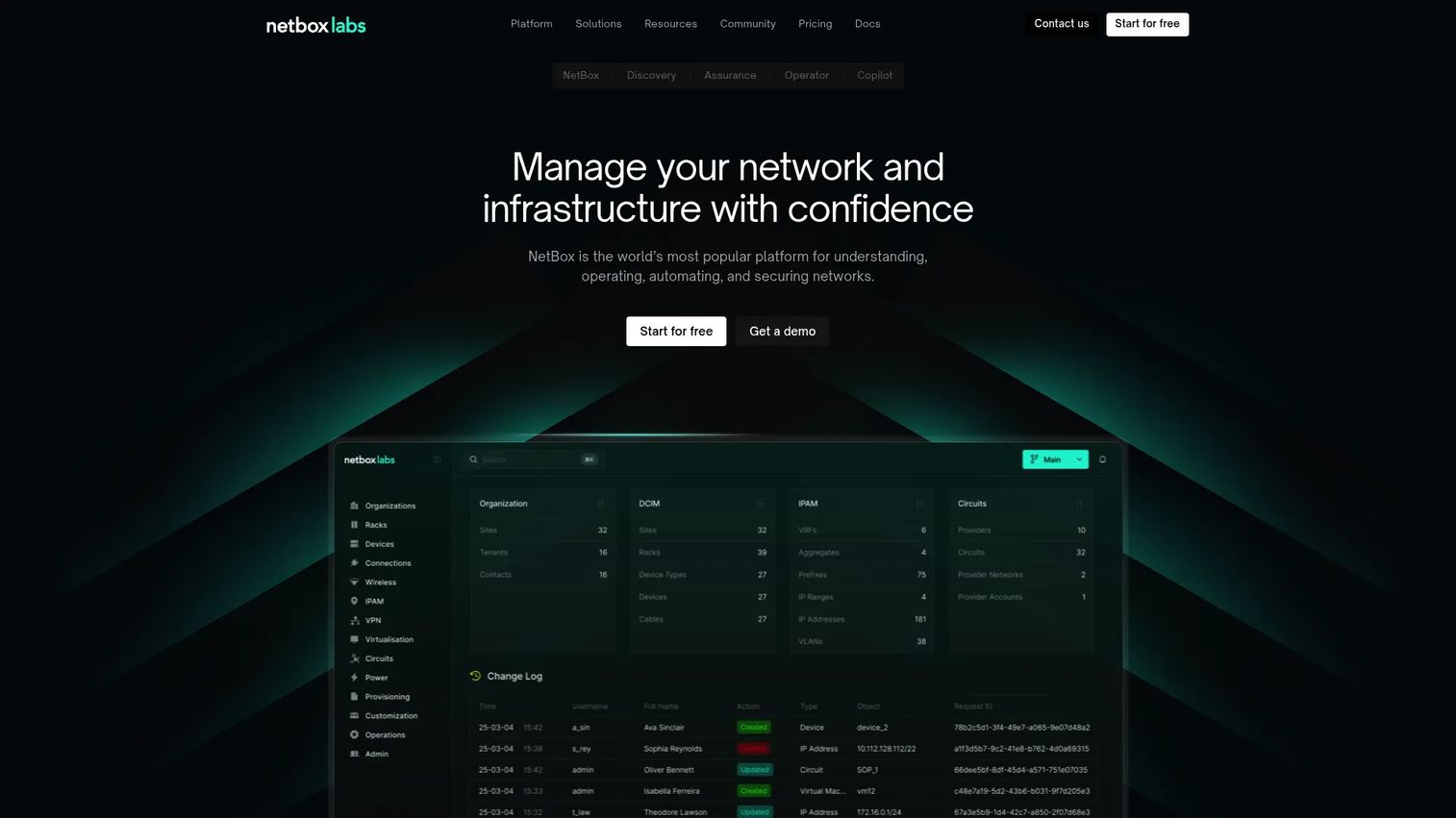
NetBox is a network source of truth platform for documenting, managing, automating, and securing networks. IPAM is one part of a broader data model that also covers data center infrastructure, so NetBox appeals to teams who want IP tracking to sit alongside rack, device, and cable documentation. It is widely adopted as open source IPAM and available in commercial cloud and enterprise editions.
Best for: Teams that need a network source of truth for infrastructure documentation and automation, not just a standalone IPAM tool.
Key strengths
- Network source of truth: One authoritative model for IPs, devices, racks, and connections that other systems can trust.
- IP address management and automation: Track address space and drive network automation from the same data model.
- Integrations and plugins: Extend the data model and connect to automation pipelines through a rich plugin ecosystem and API.
Why choose NetBox: If your team already runs network automation or plans to, NetBox gives you the structured source of truth those workflows depend on. Its audit logging and API make it a strong fit for infrastructure-as-code practices. The broader data model matters most when you want IPAM to be one facet of complete infrastructure documentation rather than an isolated address list.
NetBox pricing: NetBox Labs offers Cloud and Enterprise editions with Starter, Professional, and Premium plans. All plans on the pricing page are contact-sales only, with no public numeric price shown. The core NetBox project remains open source, so self-hosting is an option for teams that want to run it themselves. On G2, NetBox carries a 3.6/5 rating.
4. phpIPAM
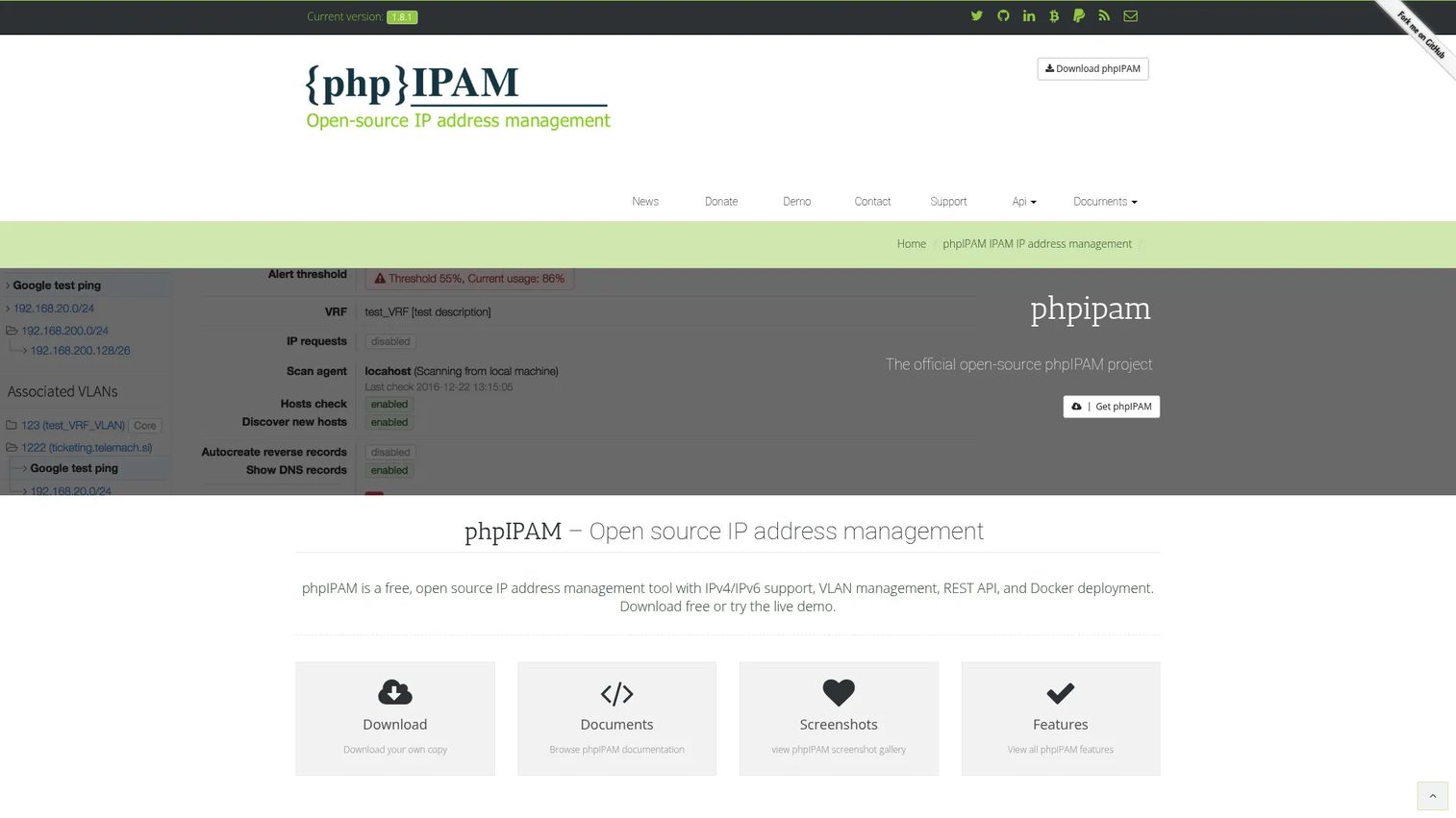
phpIPAM is open-source web IP address management software focused on doing IPAM well without heavy platform overhead. It handles IPv4 and IPv6, models subnets, VLANs, and VRFs, and exposes a REST API for automation. For teams that want free IPAM software they can self-host and control, phpIPAM is a long-standing, community-supported option.
Best for: Teams that need self-hosted IP address management with open-source flexibility and no license cost.
Key strengths
- IPv4/IPv6 IP address management: Manage both address families in one tool, which matters as IPv6 adoption grows.
- Subnet, VLAN, and VRF management: Model network segments and routing context, not just flat address lists.
- REST API: Automate address allocation and integrate phpIPAM into provisioning workflows.
Why choose phpIPAM: If you want straightforward, focused IPAM without the scope of a full infrastructure platform, phpIPAM keeps things lean. It is free, self-hosted, and gives you full control over your data. That makes it a good fit for teams comfortable running their own web application and database, and for environments where an open-source ip address manager is preferred over commercial licensing.
phpIPAM pricing: phpIPAM is free and open source. There is no public paid tier on the project site, and the download page provides the software at no cost. Because it is self-hosted, your only real costs are the server it runs on and the time to maintain it. A current G2 rating for phpIPAM was not available at the time of writing.
5. Infoblox
Infoblox is enterprise networking and security software that unifies DNS, DHCP, and IPAM (DDI) and adds DNS-layer threat defense. When infrastructure complexity is high, DDI matters because managing DNS, DHCP, and IPAM as separate systems creates gaps that turn into outages and security exposure. Infoblox brings all three under one authoritative platform across hybrid and multi-cloud environments.
Best for: Large organizations that need centralized DNS/DHCP/IPAM plus DNS security across hybrid and multi-cloud environments.
Key strengths
- Unified DNS, DHCP, and IPAM: Manage all three as one system across hybrid and multi-cloud, closing the gaps that separate tools leave.
- Token-based licensing: License across networking, security, and visibility capabilities through a flexible token model.
- Preemptive DNS-layer security: Use predictive threat intelligence to block threats at the DNS layer before they reach hosts.
Why choose Infoblox: For enterprises where DNS, DHCP, and IPAM sprawl across many sites and clouds, unifying them into authoritative DDI reduces both operational risk and security exposure. The DNS-layer security adds a control that pure IPAM tools do not offer. This is the pick when network scale and compliance requirements justify an enterprise platform rather than a point tool.
Infoblox pricing: Infoblox uses token-based licensing and does not publish a public price. The vendor directs buyers to talk to an expert for a quote, which is standard for enterprise DDI. On G2, Infoblox holds a 4.5/5 rating. Given the enterprise positioning, expect a sales-led evaluation with a scoped proof of concept.
6. Microsoft IPAM
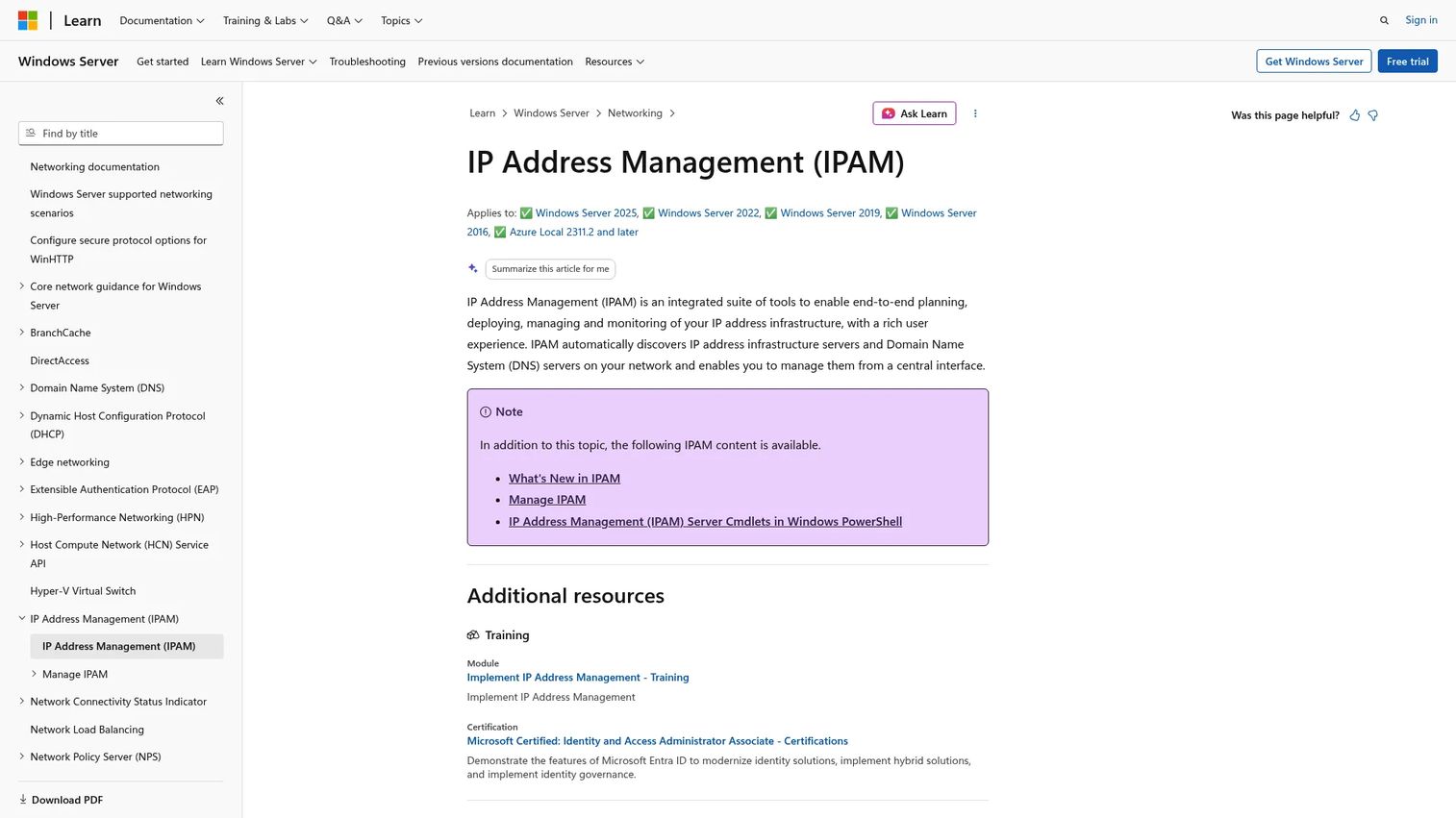
Microsoft IPAM is an integrated suite of tools for planning, deploying, managing, and monitoring IP address infrastructure, built directly into Windows Server. For organizations already standardized on Windows Server, it offers centralized IP management without buying a separate product. It automatically discovers IP address infrastructure and DNS servers and gives you a central interface to manage them.
Best for: Organizations running Windows Server that need centralized IP address management without a separate purchase.
Key strengths
- Automatic infrastructure discovery: Discovers IP address infrastructure servers and DNS servers on the network automatically.
- Central management interface: One console to manage IP address infrastructure across the Windows environment.
- Windows Server integration: Included within Windows Server, so it inherits Active Directory and existing Windows administration.
Why choose Microsoft IPAM: If your infrastructure is Windows-centric and you already run Windows Server, the built-in approach avoids adding another vendor and integrates with tools your team already knows. It centralizes IP address lifecycle management across your Windows DHCP and DNS servers. Windows-centric teams should verify supported Windows Server versions and confirm it covers any non-Windows or cloud address space they also need to track.
Microsoft IPAM pricing: Microsoft IPAM is included as a feature of Windows Server, so there is no separate license to buy beyond your existing Windows Server licensing. Microsoft does not list a standalone price for IPAM itself. Because it ships with the OS, the practical cost is the Windows Server infrastructure you already run. A G2 rating specific to Microsoft IPAM was not available at the time of writing.
7. iTop

iTop is an open-source ITSM and CMDB web solution for service management and impact analysis. IPAM is not its core purpose, but its modifiable CMDB data model can be extended to track IP address information alongside services, assets, and incidents. That makes iTop worth considering for teams that want IP data inside a broader service management context rather than in a dedicated ip address manager.
Best for: Teams that want an open-source ITSM and CMDB platform with customizable workflows, where IPAM is one part of a wider asset picture.
Key strengths
- ITSM and CMDB modeling: Model services, assets, and their relationships in one extensible data model.
- Helpdesk and change management: Handle incident, change, and problem management alongside your configuration data.
- Modifiable data model: Extend and adapt the CMDB, including for address and network records.
Why choose iTop: If your team already uses iTop for ITSM or is looking for an open-source CMDB, keeping IP data in the same platform connects addresses to the services and assets that depend on them. That context is valuable for impact analysis when something breaks. Be clear-eyed about scope, though: iTop is a service management platform first, so if you need deep automated discovery, conflict detection, and utilization reporting as primary features, a dedicated IPAM tool will go further.
iTop pricing: iTop offers a community version described as free of charge and not feature-limited, plus extended packages and professional services from Combodo. No public numeric price for the paid packages was found on the brand site. The free community edition is a reasonable starting point for teams that want to evaluate the CMDB and IPAM extension without cost.
Considerations before you buy
Before you commit to an ip management tool, work through this checklist against your actual environment.
Automated discovery and IP tracking
Confirm the tool discovers your real address space, not just what you enter manually. Check that automated discovery covers your subnets, VLANs, and any cloud ranges, and that it keeps the record current as devices come and go. A tool that relies on manual entry will drift out of date the same way a spreadsheet does.
DHCP and DNS coordination
Decide whether you need the tool to actively manage DHCP scopes and DNS records or just read and reconcile them. Full DDI platforms manage all three; lighter tools coordinate. Match the depth of dhcp and dns management to how often IP changes need to propagate to DNS in your environment.
Conflict detection and utilization reporting
Verify the tool flags overlapping or duplicate assignments before they cause an outage, and that utilization reporting shows where subnets are filling up. These two capabilities are the everyday payoff of IPAM. Without them you are still guessing about free space and still exposed to conflicts.
Deployment model and support
Choose between SaaS, self-hosted open source, and Windows-native based on your team's operating model and appetite for maintenance. Commercial tools bring support and predictable updates; open-source IPAM gives you control and no license cost. Weigh who will run it and how much time they have.
Conclusion
The right IPAM pick comes down to environment size and operating model, not a single best tool for everyone.
For hybrid enterprises that want centralized discovery, conflict detection, and DHCP/DNS management in one commercial console, SolarWinds IP Address Manager is the strongest all-rounder. Teams that want to start free and scale should look at LightMesh. If you are building network automation, NetBox gives you a real source of truth. For lean, self-hosted open source IPAM, phpIPAM does the job without overhead.
At the enterprise end, Infoblox unifies DNS, DHCP, and IPAM into DDI with DNS-layer security when scale and compliance demand it. Windows-centric shops should evaluate Microsoft IPAM first, since it ships with the OS. And if IP tracking belongs inside a broader CMDB, iTop keeps it connected to your services and assets.
Practical next step: shortlist two IPAM tools that match your deployment model, then run a trial or a community deployment against your own subnets. Test automated discovery and conflict detection on real data before you standardize. That is the only way to know a tool fits your network.
FAQs
IPAM software is a system of record that tracks, allocates, and monitors IP addresses, subnets, and address blocks, and coordinates that data with DHCP and DNS. Teams use it to replace spreadsheets and console-hopping with one authoritative view, prevent address conflicts, and report on utilization. It becomes essential once manual tracking can no longer keep pace with the network.
For a hosted free tier, LightMesh offers a genuinely free plan with subnet planning and cloud integration. For self-hosted open source, phpIPAM is free and focused specifically on IPAM, while NetBox is free as an open-source project if you run it yourself. iTop's community version is also free if you want IPAM inside a broader CMDB. The best choice depends on whether you prefer a hosted plan or self-hosting.
For many Windows-centric teams, Microsoft IPAM is enough because it ships with Windows Server, discovers your infrastructure automatically, and centralizes management across Windows DHCP and DNS servers. Verify it covers the Windows Server versions you run and any cloud or non-Windows address space you also need to track. If your environment is heavily hybrid or multi-cloud, evaluate whether a dedicated platform adds coverage you need.
Depending on the tool, IPAM either reads DHCP scopes and DNS records to reconcile them against its address inventory, or actively manages all three as a unified system (the DDI model). Full DDI platforms like Infoblox manage DNS, DHCP, and IPAM together so a change in one propagates to the others. Lighter ip address management tools coordinate rather than fully control DHCP and DNS.
For hybrid network IP management, prioritize automated discovery that reaches both on-prem and cloud subnets, reconciliation of AWS and Azure ranges with your data center address space, and utilization reporting across all environments in one view. Conflict detection that works across the whole footprint matters too. Tools like SolarWinds, LightMesh, and Infoblox are built with hybrid coverage in mind.
Yes, open-source IPAM runs in production at many organizations. phpIPAM and NetBox are widely used and actively maintained, and both expose APIs for automation. The trade-off compared with commercial tools is that you run and maintain the software yourself, so factor in the time to host, update, and support it. If you have the operational capacity, open-source IPAM is a solid, no-license-cost path.
IPAM prevents conflicts through conflict detection, which flags duplicate or overlapping assignments before two devices claim the same address. Because the tool holds a single authoritative record of what is assigned, reserved, and free, admins allocate from confirmed available space rather than guessing. Automated discovery reinforces this by catching addresses in use that were never recorded.
Move once you have multiple subnets, more than one person assigning addresses, or you have already hit a conflict that was hard to trace. Spreadsheets lack automated discovery, conflict detection, and utilization reporting, so they drift out of date and expose you to outages. If you are tracking IPv6 or hybrid cloud address space, a dedicated ip address manager is close to mandatory.