Your remote users say the app feels slow. Your ecommerce team is watching bounce rates climb. Your presales team gets pulled into performance objections mid-deal without a clear answer. And IT can't tell whether the problem lives in the browser cache, the WAN link, the server response, or the encrypted traffic layer.
Web client accelerator software addresses exactly this gap, improving perceived speed and reliability from the user side through caching, prefetching, WAN optimization, and client-side delivery improvements. According to the HTTP Archive Web Almanac (2025), only 48% of mobile websites passed all three Core Web Vitals that year. Performance is still a widespread failure, not a solved problem.
The category covers more ground than most buyers expect. Some tools focus on WordPress page speed. Others handle enterprise application access for distributed workforces. Getting the distinction wrong means buying a caching plugin to fix a WAN problem, which solves nothing.
What's inside
This guide compares 8 web client accelerator software tools for 2026, covering four capability areas: Enterprise remote-worker acceleration, website and WordPress caching, ecommerce edge delivery, and server-side acceleration. Items were chosen by category relevance and verified product availability.
Selection criteria:
- End-user performance impact across browser, network, and server layers
- Fit for remote workers, distributed teams, or public website visitors
- Depth of caching, prefetching, or WAN optimization capability
- Pricing and review transparency, verified at writing time
TL;DR
- Best for enterprise remote workers: Riverbed Client Accelerator, for WAN optimization, encrypted application acceleration, and centralized endpoint management
- Best for WordPress site speed: WP Rocket, with verified plans starting at $59.95/year for one site
- Best for ecommerce acceleration: Edgemesh, combining edge delivery, first-party measurement, and paid-media pacing for high-GMV Shopify brands
- Best automated website optimization: NitroPack, rated 4.9/5 on G2, with a free tier and paid plans from $8/month
- Best free WordPress caching: Cachify, open-source with no paid tier required
- Best for technical buyers doing discovery: Start with the bottleneck, not the tool. Remote-worker latency and website page speed require different categories entirely.
What is web client accelerator software?
Web client accelerator software improves the speed, responsiveness, and reliability of web applications or websites from the user side by reducing latency, optimizing content delivery, caching assets, prefetching resources, or accelerating application traffic across challenging networks.
The category covers three distinct approaches that share a keyword but serve different problems:
Client-side website acceleration improves what happens in the browser or at the edge before content reaches users. This includes browser caching, resource preloading, JavaScript optimization, image compression, and page-speed improvements. Tools in this segment help public websites, ecommerce storefronts, and WordPress publishers.
Remote-user application acceleration addresses what happens between a distributed employee and a private or SaaS application. This includes WAN optimization, bandwidth reduction, protocol optimization, and encrypted traffic handling. Tools here use endpoint software and centralized controllers, not browser plugins.
Web server or delivery acceleration improves what happens closer to the origin: Server-side caching, reverse proxy delivery, and edge distribution. These tools reduce origin load and shorten delivery paths.
Key features to look for across the category:
- Browser and application caching
- Precaching and prefetching
- WAN optimization and bandwidth reduction
- SSL/TLS handling and encrypted traffic support
- SaaS and enterprise application acceleration
- Centralized policy management and reporting
- Endpoint or controller-based deployment
- WordPress and ecommerce optimization
- Real-user monitoring and performance tracking
One important boundary: A WordPress caching plugin is not an enterprise client accelerator. A WAN optimizer is not a website speed tool. The right fit depends on where latency actually appears in your environment. For presales teams, that means asking the discovery question before recommending a product category.
You can also find relevant context in our guide to application performance monitoring tools, which covers the measurement side of performance validation.
When to use web client accelerator software
Accelerate remote and mobile workers
Remote users hit variable latency, VPN overhead, and bandwidth constraints that office networks never surface. Tools with endpoint clients, controllers, and WAN optimization address performance issues that no amount of browser caching will fix.
Ask during discovery: Are users on VPN? Are they accessing SaaS apps or private data center applications? Is the bottleneck packet loss, latency, or raw bandwidth? The answers determine whether you need endpoint software or a website plugin.
Improve website and ecommerce page speed
Website-focused accelerators help when page load times, Core Web Vitals scores, image delivery, or JavaScript execution are causing conversion friction. Presales teams supporting web and ecommerce buyers should separate frontend delivery issues from back-end application design problems before recommending a tool.
Reduce bandwidth and repeat data transfer
Caching, compression, prefetching, and protocol optimization reduce the cost of repeatedly loading the same resources across distributed teams. This is most visible for workflows involving document-heavy applications, ERP access, or high-frequency web app usage.
Web client accelerator software comparison
The table below covers 8 tools across the full category. Pricing and G2 ratings reflect verified data at writing time. Where no G2 listing was found for a specific product, the table shows N/A. See the application security testing software guide for related evaluation frameworks on enterprise tooling.
| # | Product | Best for | Key differentiator | Pricing | G2 rating |
|---|---|---|---|---|---|
| 1 | Riverbed Client Accelerator | Enterprise remote and mobile worker acceleration | WAN optimization, encrypted app acceleration, centralized controller | Custom pricing | N/A |
| 2 | SteelHead Mobile | Distributed workforce WAN acceleration | Software-only WAN optimization with VPN compatibility | Custom pricing | N/A |
| 3 | WP Rocket | WordPress website speed | Caching, preload, and Core Web Vitals optimization | From $59.95/year | N/A (verified on G2) |
| 4 | Speed Kit | High-traffic web performance | Service-worker caching and predictive preloading | Custom pricing | 4.2/5 |
| 5 | Edgemesh | Ecommerce edge acceleration | Edge delivery plus first-party measurement for Shopify | From $3,950/month | 4.7/5 |
| 6 | NitroPack | Automated website optimization | Caching, image optimization, CDN, and Core Web Vitals | Free; paid from $8/month | 4.9/5 |
| 7 | Cachify | Lightweight WordPress caching | Open-source static page caching, no paid tier | Free | N/A |
| 8 | Web Server Accelerator | Server-side delivery acceleration | Server-side caching and request acceleration | Not verified | N/A |
Best 8 web client accelerator software tools for 2026
1. Riverbed Client Accelerator
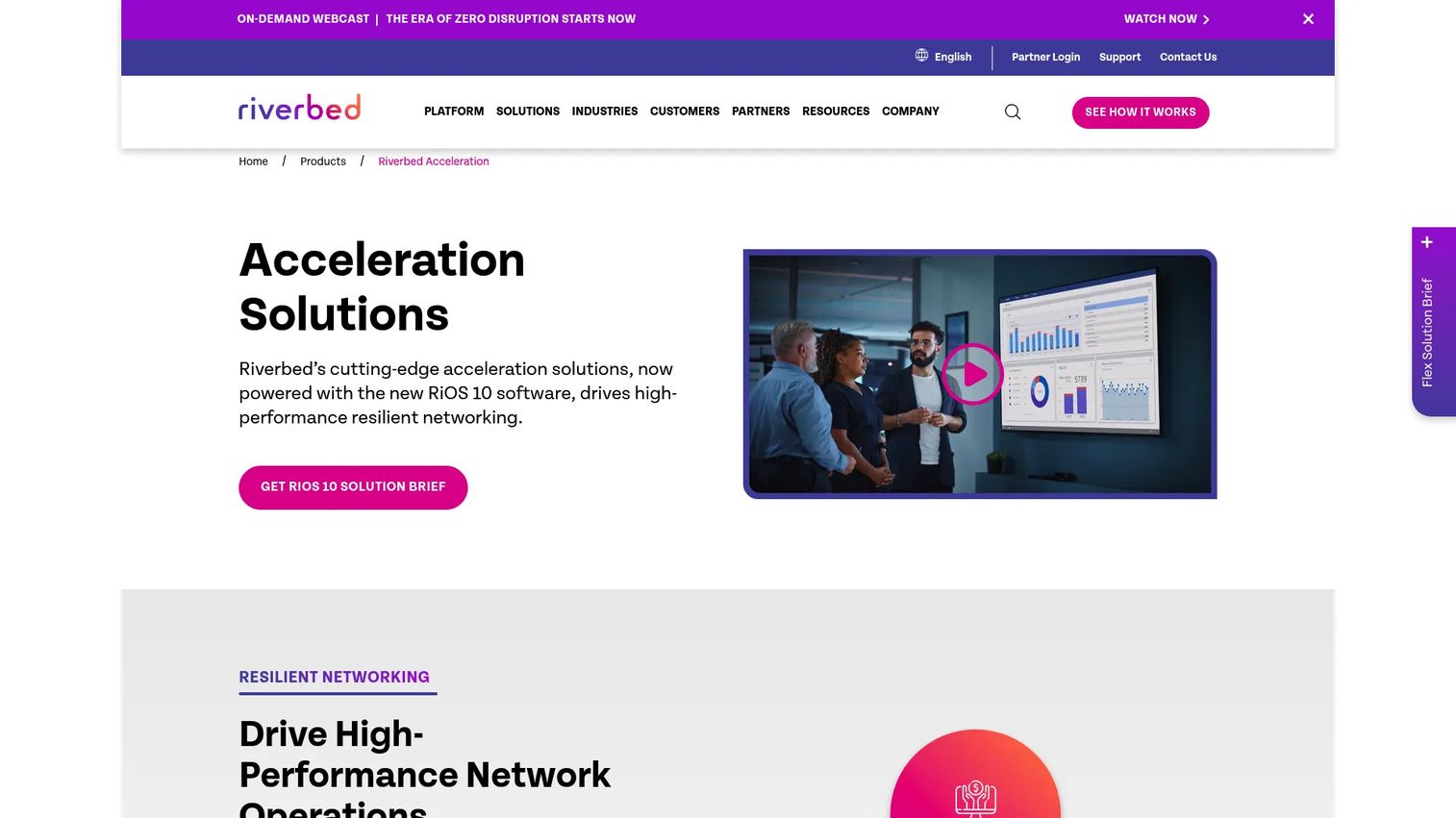
Riverbed Client Accelerator is enterprise application acceleration software for mobile and remote workers accessing on-premises, IaaS, and SaaS applications over variable networks. It uses URL learning, page parsing, embedded-object prefetching, and metadata acceleration to improve application responsiveness without requiring changes to the applications themselves. Centralized policy management, monitoring, and reporting are handled through a controller that gives IT visibility into endpoint health and licensing across the deployment.
Best for: Enterprise IT and network teams supporting distributed workforces who need consistent application performance across hybrid and remote environments.
Key features
- WAN optimization via URL learning and prefetching
- SSL/TLS acceleration for encrypted application traffic
- Centralized policy management and endpoint health visibility
- SaaS application support: Microsoft 365, Salesforce, ServiceNow, Box
- Bandwidth reduction through protocol optimization
Why choose Riverbed Client Accelerator: The tool addresses distributed access performance at the network and endpoint layer, not just the browser. It fits buyers whose users are on VPN accessing private or SaaS applications, not buyers whose issue is WordPress page speed.
Riverbed Client Accelerator pricing: Riverbed sells this through enterprise quote and authorized partner channels. Contact Riverbed sales or an authorized partner for subscription pricing specific to your deployment size and controller requirements.
2. SteelHead Mobile
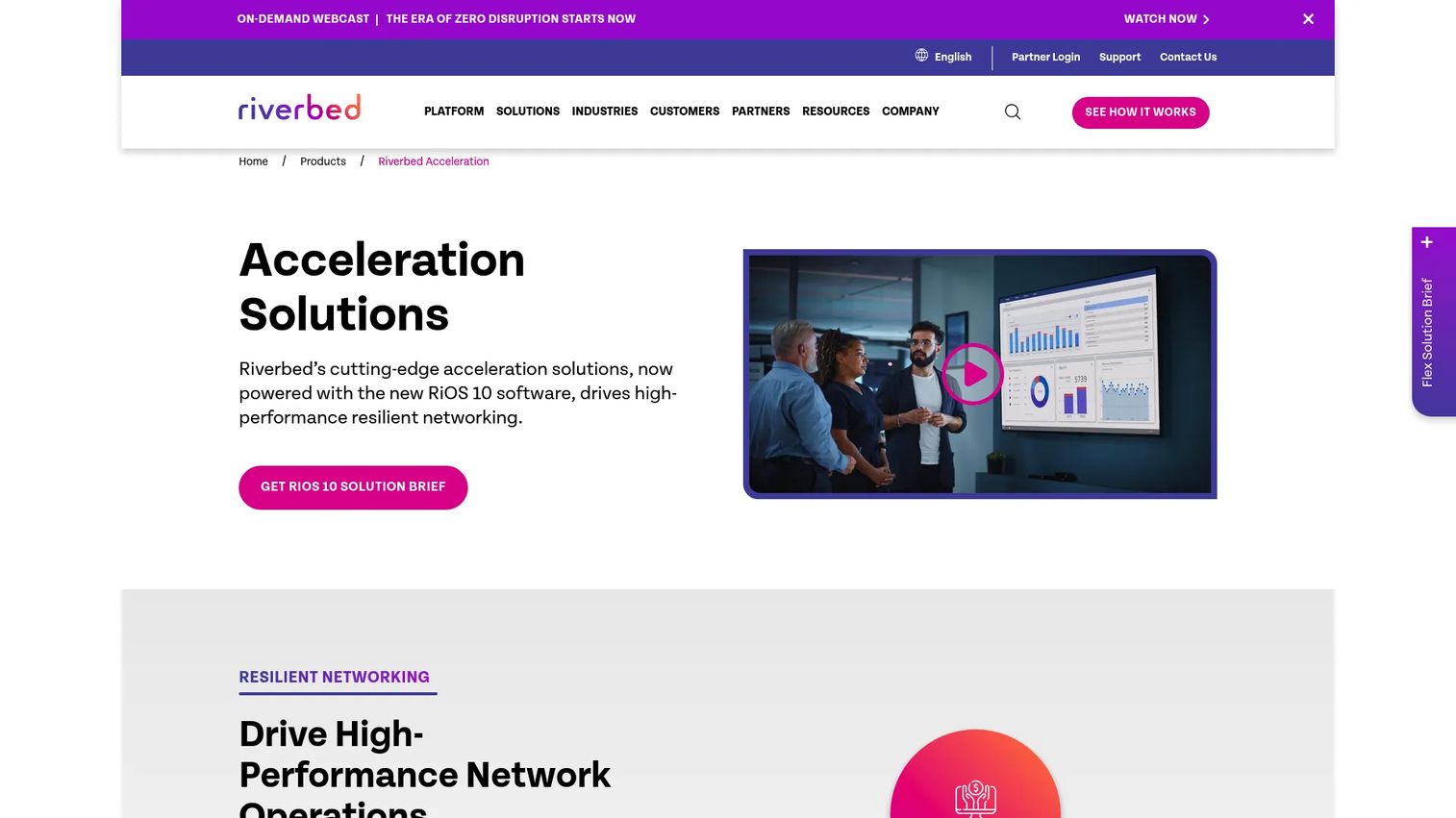
SteelHead Mobile is Riverbed's software-only WAN optimization product for remote workers accessing on-premises, IaaS, and SaaS applications over any network. It deploys as a lightweight endpoint client on desktops and laptops, managed through the SteelHead Mobile Controller. The controller handles concurrent-license management and supports up to 35,000 concurrent active mobile clients when deployed on Microsoft Azure.
Best for: Enterprise teams with existing Riverbed infrastructure who need mobile and remote-user application acceleration without hardware appliances.
Key features
- Lightweight endpoint client for desktops and laptops
- Centralized concurrent-license management via controller
- Up to 35,000 concurrent active mobile clients (Azure controller)
- VPN compatibility: Cisco AnyConnect, Palo Alto GlobalProtect, WireGuard, Microsoft Always On VPN, and others
- Fast access to on-premises, IaaS, and SaaS applications
Why choose SteelHead Mobile: It fits organizations evaluating Riverbed-based mobile acceleration or comparing current and legacy client acceleration approaches within existing Riverbed environments. Buyers new to the category should validate current product availability and roadmap before committing.
SteelHead Mobile pricing: Pricing is not shown on Riverbed's public pages. Reach out to Riverbed sales or an authorized partner for current subscription and licensing terms.
3. WP Rocket
WP Rocket is a WordPress performance and caching plugin built to improve page speed and Core Web Vitals scores without requiring developer resources. It activates caching, preloading, lazy loading, and file optimization on installation, and includes Rocket Insights for monitoring performance guidance over time. The plugin covers eCommerce optimization as well, making it relevant for WooCommerce stores alongside standard WordPress publishers.
Best for: WordPress site owners, agencies, and ecommerce teams that need measurable page-speed improvements without managing complex server configuration.
Key features
- Page caching and cache preloading
- CSS and JavaScript minification with delayed JS execution
- Lazy loading for images, videos, and iframes
- Database optimization
- Rocket Insights performance monitoring
Why choose WP Rocket: Before-and-after speed tests are straightforward to run, which makes it easy to validate in a buyer's environment. For presales teams supporting WordPress buyers, this is one of the more defensible client-side web acceleration picks because performance gains are measurable within a test window.
WP Rocket pricing: Annual licenses start at $59.95/year for one website. The Plus plan covers three websites at $119.95/year, and the Multi plan covers 50 websites at $299.95/year. A 14-day free trial is available. There is no permanent free tier.
4. Speed Kit
Speed Kit is web acceleration software by Baqend that reroutes website requests through a caching infrastructure layer, using service-worker-based browser caching and predictive preloading to reduce page delivery time for high-traffic sites. It supports dynamic content blocks alongside static asset optimization and includes real-user monitoring for ongoing performance tracking. The tool is designed for teams that need faster frontend delivery without rebuilding their existing application stack.
Best for: Web teams at high-traffic sites and online shops that need frontend acceleration without infrastructure changes.
Key features
- Service-worker-based browser caching
- Predictive preloading of resources
- Dynamic content block support
- Image optimization
- Real-user monitoring and performance tracking
Why choose Speed Kit: It targets the browser and delivery layer rather than the network or server layer, so it fits buyers whose bottleneck is frontend page delivery rather than remote-user latency. Teams wanting to see performance impact before full commitment should ask about trial or proof-of-concept options.
Speed Kit pricing: Contact Baqend directly for current plans and pricing. Verify availability before including in a shortlist.
G2 rating: 4.2/5.
5. Edgemesh
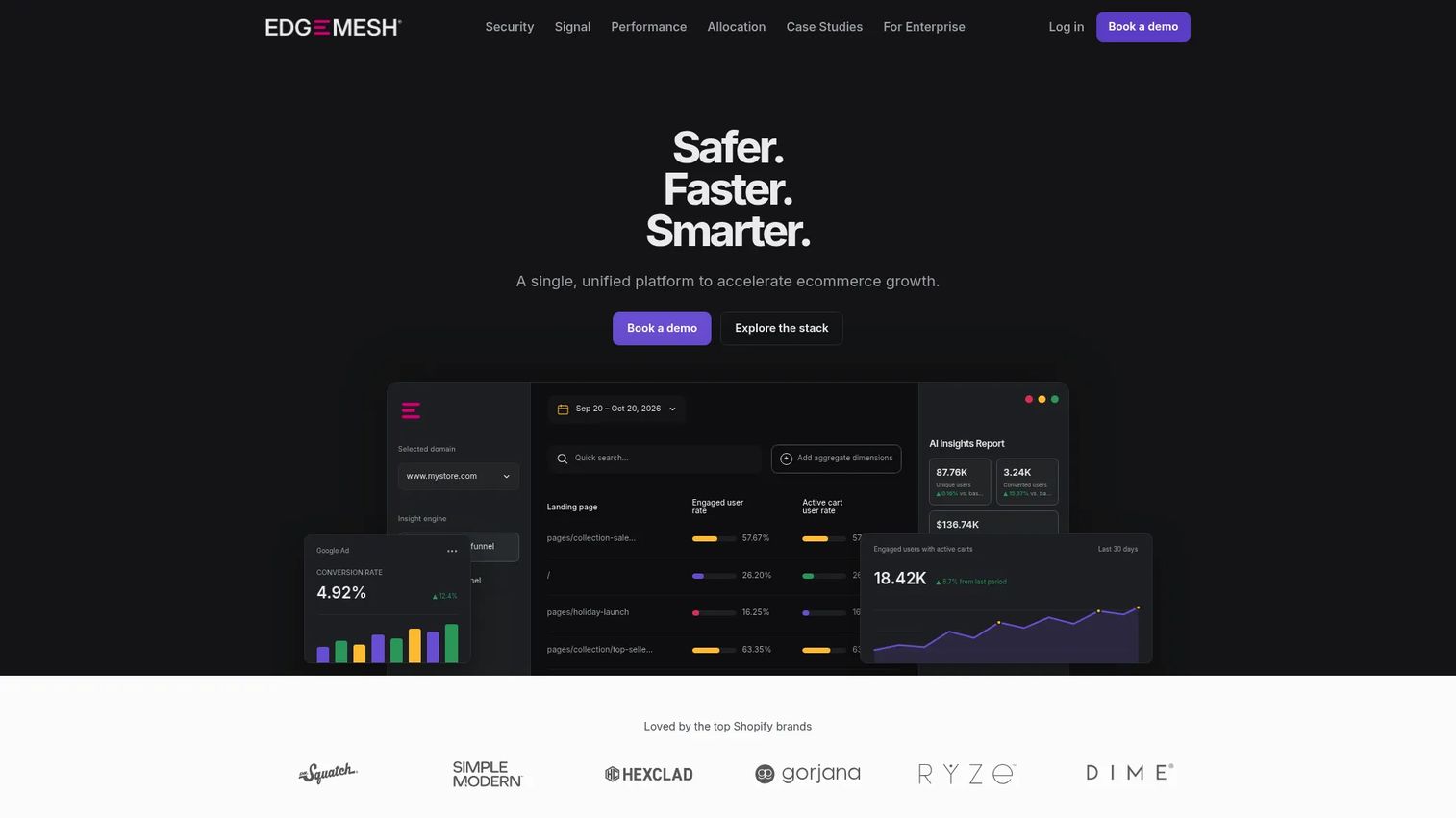
Edgemesh is an ecommerce growth platform combining edge delivery acceleration, bot and invalid-traffic filtering, first-party measurement, and paid-media pacing into a single service for Shopify and Shopify Plus brands. It targets high-GMV merchants rather than general web publishers, and its paid performance tiers reflect that positioning with per-domain monthly pricing. Edgemesh's edge delivery is paired with real-user speed measurement and conversion funnel analytics, so teams can connect performance investment to revenue outcomes.
Best for: High-volume ecommerce brands on Shopify doing $25M or more in annual GMV that need faster storefronts and cleaner first-party measurement.
Key features
- Global edge delivery with real-user speed measurement
- Bot and invalid-traffic filtering
- Server-side first-party measurement and conversion funnels
- Meta and Google paid-media management with daily pacing
- Ecommerce-focused performance reporting
Why choose Edgemesh: It directly connects storefront speed to ad spend and conversion, which is a different value proposition than a general caching plugin. For presales teams supporting ecommerce buyers with significant paid-media budgets, the measurement and allocation features are as relevant as the acceleration layer itself.
Edgemesh pricing: Security and Signal tiers are free for qualified Shopify brands meeting the GMV threshold. The Performance tier runs $3,950/month per domain with no annual lock-in. The Allocation tier (paid-media management) runs $7,950/month. Enterprise pricing is available for custom requirements.
G2 rating: 4.7/5.
6. NitroPack
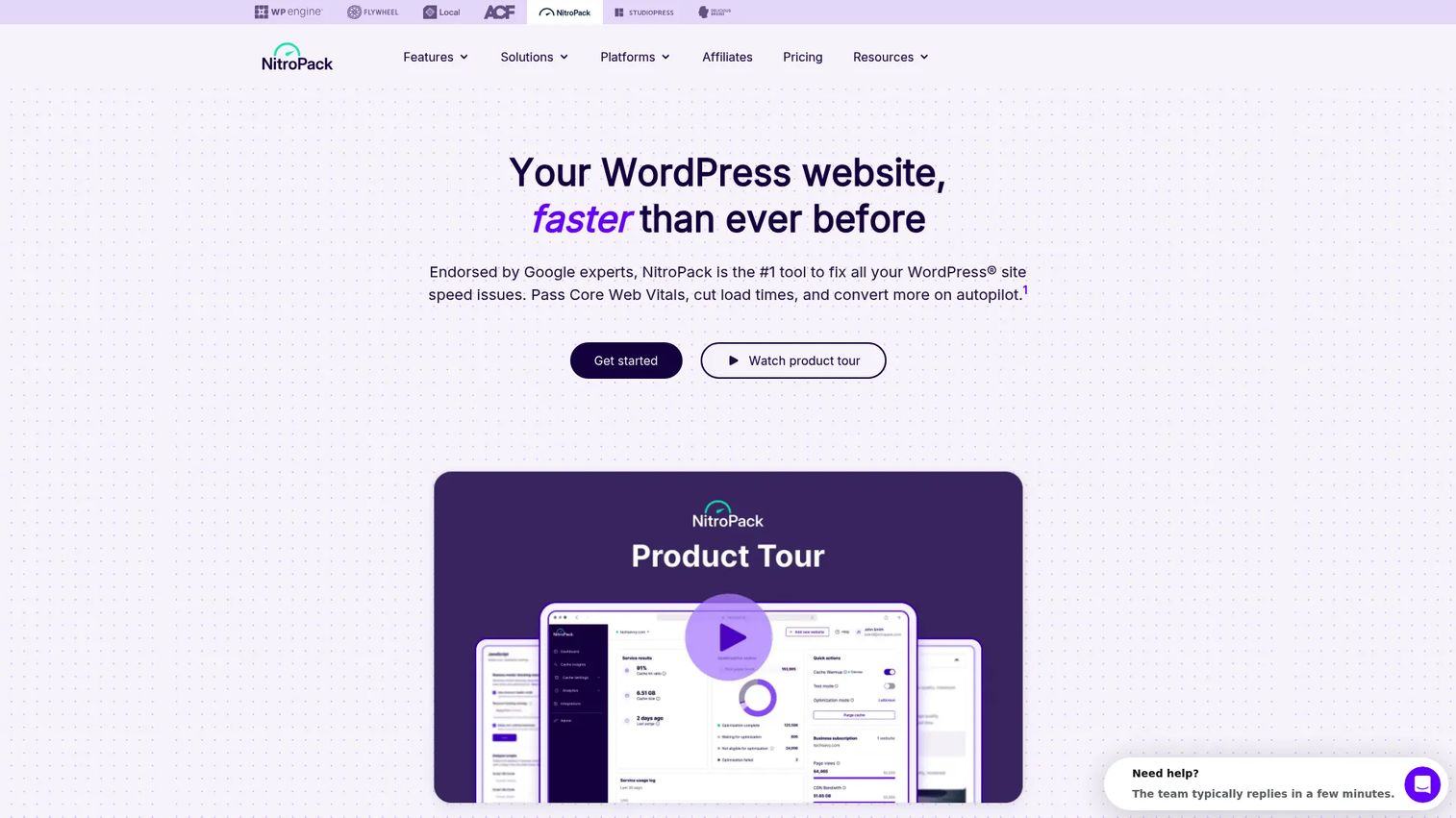
NitroPack is an all-in-one website speed and performance optimization service that handles caching, image and video optimization, code minification, CDN delivery, lazy loading, and Core Web Vitals improvements through a managed service layer. It requires no performance engineering time from the buyer, making it accessible to businesses, publishers, and agencies that want faster pages without a dedicated technical resource. Team collaboration features and a test mode let multiple stakeholders review changes before pushing to production.
Best for: Businesses, publishers, ecommerce sites, and agencies that want automated website speed optimization without manual tuning.
Key features
- Advanced caching and cache warmup
- Image, video, font, HTML, CSS, and JavaScript optimization
- Built-in CDN with global delivery
- Critical CSS generation and code minification
- Core Web Vitals monitoring and improvement tools
Why choose NitroPack: It covers more of the website optimization stack in a single service than most competing plugins, which reduces integration complexity. The free tier makes it easy to test before committing to a paid plan. For website acceleration buyers without in-house performance expertise, this is one of the stronger managed options.
NitroPack pricing: A free plan is available with 1,000 monthly pageviews and 1GB CDN bandwidth. Paid plans start at $8/month (Starter), $22/month (Plus), and $99.99/month (Pro), billed monthly. Annual billing discounts are also available. Agency pricing is custom.
G2 rating: 4.9/5.
7. Cachify

Cachify is a free, open-source WordPress caching plugin that stores posts, pages, and custom post types as static content to reduce page-load time. It supports multiple caching backends including database, HDD, Redis, and Memcached, and includes HTML compression and automatic cache flushing. WordPress Multisite is also supported. The plugin is distributed through the WordPress.org repository with no paid tier.
Best for: WordPress publishers and small teams that need straightforward page caching without a commercial plugin subscription.
Key features
- Caching via database, HDD, Redis, or Memcached
- WordPress Multisite support
- Manual and automatic cache flushing
- Optional HTML compression
- Apache and Nginx configuration support
Why choose Cachify: It fits teams whose requirement is basic page caching rather than a broader optimization platform. The open-source model means no license cost, but also no commercial support structure. For buyers who need image optimization, CDN, or Core Web Vitals tooling alongside caching, a more comprehensive tool like NitroPack or WP Rocket covers more ground.
Cachify pricing: Free. The plugin is open-source and available on WordPress.org with no paid tier.
8. Web Server Accelerator
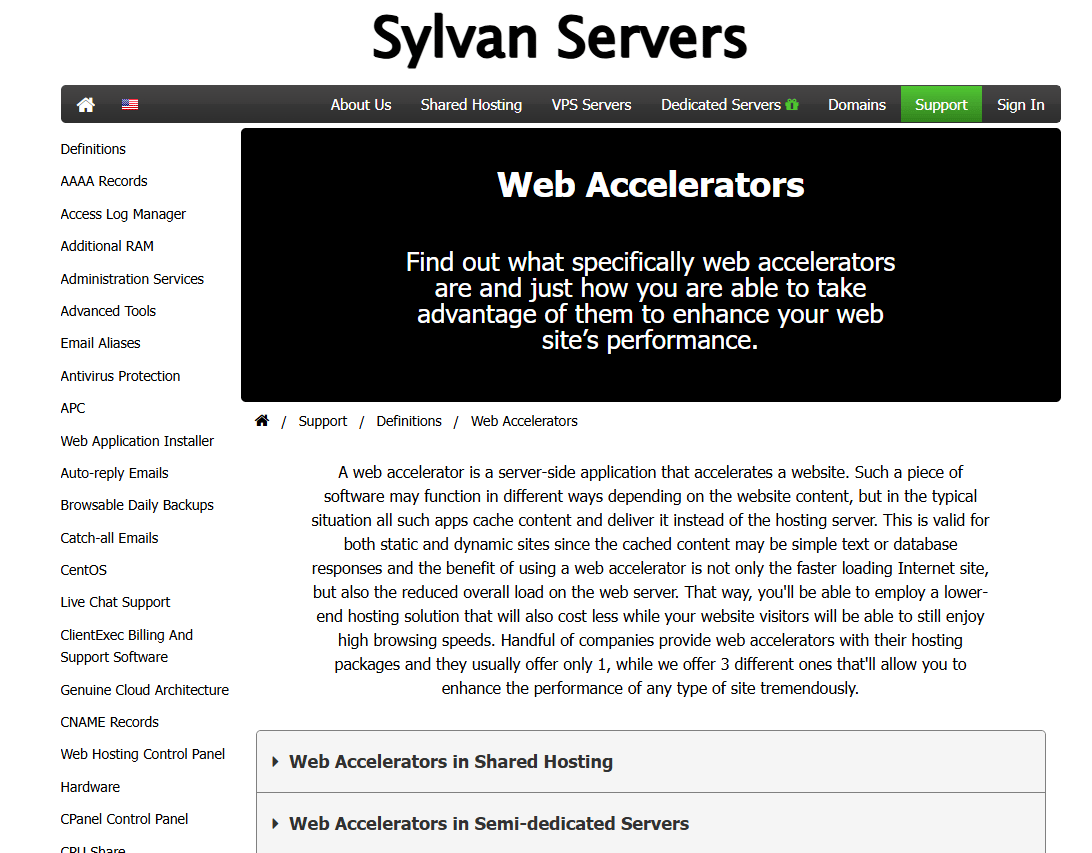
Web Server Accelerator appears in this category as a server-side delivery acceleration tool, distinct from browser-side caching or endpoint-based WAN optimization. The official homepage returned a 502 error during verification, which means no first-party product features, pricing, or positioning could be confirmed.
Best for: Teams whose bottleneck is origin or server delivery performance rather than browser-side or remote-user latency should verify current product status before evaluating this tool.
Key features
Features could not be verified. Typical server-side acceleration capabilities in this category include:
- Server-side caching and request acceleration
- Delivery optimization and traffic handling
- Reverse proxy configuration
- Performance tuning at the origin layer
Why choose Web Server Accelerator: Server-side acceleration tools address a different layer than browser caching or WAN optimization. If your bottleneck is server response time, this category is worth evaluating. Confirm Web Server Accelerator's current operational status before including it in a formal shortlist.
Considerations when choosing web client accelerator software
Match the tool to the real bottleneck
Browser caching does not fix VPN latency, and WAN optimization does not fix bloated JavaScript. Discovery comes first. Map where performance breaks: In the browser, on the network path, at the server, or at the endpoint level. That answer determines the product category, and the product category determines the shortlist.
Validate encrypted traffic handling
Buyers in regulated industries or security-conscious environments will ask how the tool interacts with TLS 1.3, certificate management, and traffic inspection policies. Understand whether the tool terminates, proxies, or passes encrypted traffic before recommending it. Involve security stakeholders early in the evaluation to avoid late-stage objections.
Check deployment and platform fit
Where does the tool actually sit? Some require an endpoint agent and controller, some are WordPress plugins, and some operate at the CDN or edge layer. Confirm compatibility with the buyer's existing infrastructure: ESXi, Hyper-V, Azure, WordPress hosting, Shopify, or custom application environments. Mismatched deployment models create implementation risk that presales teams should surface before a POC.
Measure before and after
Establish baseline metrics before any tool goes live: Page load time, Core Web Vitals scores, application response time, bandwidth use, and remote-user latency. Without a baseline, performance claims are difficult to validate and buyers have no way to confirm value after deployment.
Review management and reporting
Enterprise buyers need centralized policy management, reporting dashboards, and alerting across all endpoints. Website teams need performance visibility and issue detection. Verify that the tool's reporting capabilities match what the buyer's IT or marketing team will actually use in practice. Governance requirements differ significantly between WAN acceleration and website caching use cases. You can also review application portfolio management software for context on enterprise software governance frameworks.
Conclusion
This guide mapped eight tools across three distinct web client accelerator categories. Riverbed Client Accelerator and SteelHead Mobile serve enterprise remote-worker and WAN acceleration use cases, while WP Rocket, NitroPack, Cachify, and Speed Kit address website and WordPress page-speed problems. Edgemesh targets high-GMV ecommerce brands on Shopify with edge delivery and first-party measurement. Web Server Accelerator carries a verification flag and should be confirmed with the vendor before entering a formal evaluation.
The right shortlist depends on a single question: Where does latency actually appear in your environment? For presales teams, that means asking buyers whether the problem lives in the browser, the WAN path, the server, or the endpoint before recommending any specific tool. Buying a caching plugin for a VPN latency problem wastes evaluation time on both sides.
For application server software context relevant to the server-side layer, that guide covers related infrastructure tooling.
If your team also needs a better way to demonstrate complex software during technical evaluations, onboarding, or sales cycles, explore Guideflow. Start your journey with Guideflow today!
FAQs
Web client accelerator software improves the performance of web applications or websites from the user side through caching, prefetching, compression, WAN optimization, or client-side delivery improvements. Some tools focus on public website performance, while others focus on enterprise application access for remote and mobile users.
A web client accelerator operates closer to the user or browser, improving the experience through caching, prefetching, and endpoint-based WAN optimization. A web server accelerator operates closer to the origin, reducing server load and improving delivery through server-side caching, reverse proxy configuration, or CDN distribution.
Yes, when the tool supports endpoint-based WAN optimization and encrypted application acceleration. Website caching plugins improve public site performance for visitors but do not address VPN latency, packet loss, or enterprise application access issues that remote workers experience.
Sometimes. Enterprise tools like Riverbed Client Accelerator are built specifically to accelerate SaaS access over variable networks. Website optimization tools improve the browser experience for sites the user visits but do not control third-party SaaS application behavior or backend performance.
Test baseline latency, application response time, bandwidth use, and encrypted traffic behavior in the buyer's environment before deployment. Then measure the same metrics after deployment to confirm the tool addressed the actual bottleneck. Presales teams should also validate endpoint requirements, reporting capabilities, and VPN compatibility during technical discovery.
It can, because encrypted traffic handling may involve certificate management, traffic inspection, or proxy behavior that security and compliance teams need to review. Raise this with the buyer's security stakeholders early in the evaluation. This is not legal or compliance advice, and each organization should assess its own requirements.
It overlaps with client-side web performance improvement, but it is narrower in scope. WordPress caching tools improve page delivery for WordPress-hosted sites. They do not address enterprise application access, WAN latency, or the performance of non-WordPress applications. The term "web client acceleration" covers a broader range of tools and use cases.
Choose WAN optimization when distributed or remote users struggle with enterprise applications over variable or high-latency networks. Choose website acceleration when public site speed, Core Web Vitals scores, or ecommerce conversion rates are the primary concern. The bottleneck determines the category. For best sales acceleration software tools and related presales tooling, that guide covers the GTM stack that often sits alongside these infrastructure decisions.