Most businesses treat guest WiFi as an afterthought until it becomes a liability. Staff hand out shared passwords by mouth. Guests connect to the same subnet as the POS system. Sessions never expire. Nobody knows who connected, when, or for how long.
The public WiFi market was valued at $9.07 billion in 2025 and is projected to reach $22.69 billion by 2032, according to Ken Research (2026). That growth is being driven by venue operators, hospitality brands, and multi-location businesses who are turning guest connectivity into a controlled, measurable system rather than a free-for-all.
The right guest WiFi management software does four things: Separates visitor traffic from internal networks, handles authentication and consent at the login moment, generates data a marketing or ops team can act on, and scales across locations without requiring a dedicated network admin at each site.
The wrong setup turns every location into a support queue.
What's inside
This guide compares 11 guest WiFi software tools and platforms for 2026, covering captive portal software, cloud-managed network stacks, and lightweight hotspot tools. It is written for SaaS founders, IT leads, and operators evaluating a guest WiFi solution for hospitality, retail, coworking, or multi-site deployments.
Items were selected based on four criteria:
- Captive portal and authentication capabilities (login flows, consent capture, branded splash pages)
- Hardware compatibility with common WiFi infrastructure
- Multi-location management and centralized administration
- Pricing transparency and fit across business sizes
Ratings and pricing reflect verified figures from vendor pages and G2 listings.
TL;DR
- Best for full guest network access control: Antamedia Guest WiFi handles captive portals, paid WiFi, PMS login, and hosted or self-hosted deployment
- Best for hospitality marketing and email capture: MyPlace Guest WiFi Software turns the login moment into a review and retention channel at $49 per location per month
- Best for a lightweight Windows hotspot: Connectify Hotspot starts free and goes up to $49.98 for a lifetime MAX license
- Best for multi-router captive portal management: Spotipo works across 30+ router brands with MSP sub-accounts and white-label splash pages
- Best for IT-led network stacks: UniFi, Cisco Meraki, Aruba, Ruckus, Cambium, TP-Link Omada, and MikroTik each suit different infrastructure requirements and team sizes
- Founder shortcut: Audit your current hardware first, then decide whether you need a captive portal software layer, a WiFi marketing platform, or a cloud-managed infrastructure upgrade
What is guest WiFi software
Guest WiFi software lets businesses provide controlled internet access to visitors through a separate guest network, usually with login pages, access rules, consent capture, bandwidth controls, and usage reporting.
A basic router guest network separates visitor traffic from internal devices, but stops there. Guest WiFi software adds identity, consent, analytics, and centralized administration on top of that network separation. The gap between the two is significant for any business with more than one location or any marketing team that wants foot traffic to become a measurable signal.
Captive portals create the login page guests see before getting online. Depending on the platform, that page can collect email addresses, request social login, display terms of service, issue time-limited vouchers, or charge for access. Marketing-oriented systems push that data into CRM or email tools. Hospitality-specific platforms may also integrate with property management systems (PMS) for hotel guest authentication.
IT-oriented systems focus on something different: Device policy, network segmentation, access point management, and uptime. These platforms treat guest WiFi as one layer of a broader network infrastructure challenge rather than a customer data opportunity.
Core features to evaluate:
- Captive portal or branded splash page
- Authentication methods: Email, clickthrough, SMS, social login, vouchers, paid access, PMS
- Guest network isolation and VLAN support
- Bandwidth and session limits
- Consent and privacy controls
- Data capture, export, and CRM integration
- WiFi analytics and usage reporting
- Router and access point compatibility
- Multi-location management
- Access control software integration with broader IT workflows
The right choice depends on whether the buyer needs a software layer on top of existing hardware, a WiFi marketing platform with built-in engagement tools, or a cloud-managed infrastructure stack that includes guest network controls.
When to use guest WiFi software
Separate visitor access from internal systems
Guest WiFi should never share a subnet with POS terminals, staff devices, or admin tools. Software-managed guest networks enforce VLAN separation, set session durations, and apply device or bandwidth limits so internal systems stay protected. This is the baseline requirement before any other feature matters.
Capture consent and customer data at the login moment
Every guest who connects is a potential first-party data point. When a venue uses email capture, social login, or clickthrough terms at the captive portal, it builds an opted-in list that a marketing team can use for campaigns, review generation, and loyalty programs. The tool can support these consent workflows, but whether that data collection meets local privacy requirements is a question for legal review, not software configuration.
Manage multiple venues from one workflow
A single café can manage guest access manually. A hotel group, coworking chain, or multi-location retail brand cannot. Centralized guest WiFi management means consistent login templates, bulk policy updates, location-level reporting, and user roles that let a venue manager handle their own access without touching the broader network. This is the operational question that separates a point solution from a scalable guest WiFi solution.
Guest WiFi software comparison
The table below covers all 11 tools in this guide. Pricing reflects verified figures from vendor pages. G2 ratings come from live listings; N/A appears where no relevant G2 listing exists for the product.
| # | Product | Best for | Key differentiator | Pricing | G2 rating |
|---|---|---|---|---|---|
| 1 | Antamedia Guest WiFi | Hotels and venues needing full captive portal access control | Hosted or self-hosted deployment with paid WiFi and PMS login | From €59/year | 1.0/5 |
| 2 | MyPlace Guest WiFi Software | Hospitality venues wanting WiFi marketing and verified email capture | Login moment feeds review generation and CRM integrations | From $49/location/month | 4.9/5 |
| 3 | Connectify Hotspot | Small teams and travelers needing a Windows-based hotspot | Turns a Windows PC into a shared WiFi hotspot | Free; paid from $19.98/year | 4.2/5 |
| 4 | Spotipo | MSPs and operators managing captive portals across mixed hardware | Supports 30+ router brands with white-label and sub-accounts | From $49/location/month (annual) | 4.3/5 |
| 5 | UniFi | SMBs standardizing on Ubiquiti hardware | License-free platform with optional hosted management from $29/month | Free software; hosting from $29/month | N/A |
| 6 | Cisco Meraki | Enterprise IT teams needing cloud-managed multi-site networking | Cloud dashboard for distributed networks, zero-touch provisioning | Contact sales | 4.3/5 |
| 7 | Ruckus | High-density venues where coverage and performance are critical | Enterprise-grade APs with AI-driven analytics via RUCKUS One | Contact sales | 3.0/5 |
| 8 | Aruba | Enterprise campuses and multi-site IT teams | Unified wired, wireless, and SD-WAN management with NAC | Contact sales | 4.4/5 |
| 9 | Cambium | Outdoor venues, ISPs, and distributed enterprise deployments | ONE Network architecture with fixed wireless and enterprise Wi-Fi | Contact sales | 3.8/5 |
| 10 | TP-Link Omada | SMBs wanting affordable centralized network management | Free software controller; hardware purchases unlock the stack | Free software controller | N/A |
| 11 | MikroTik | Technical teams and MSPs needing flexible router configuration | RouterOS hotspot controls with one-time licensing from $24.95 | Hardware from $24.95; RouterOS licenses from $45 | 4.6/5 |
Best 11 guest WiFi software tools for 2026
1. Antamedia Guest WiFi
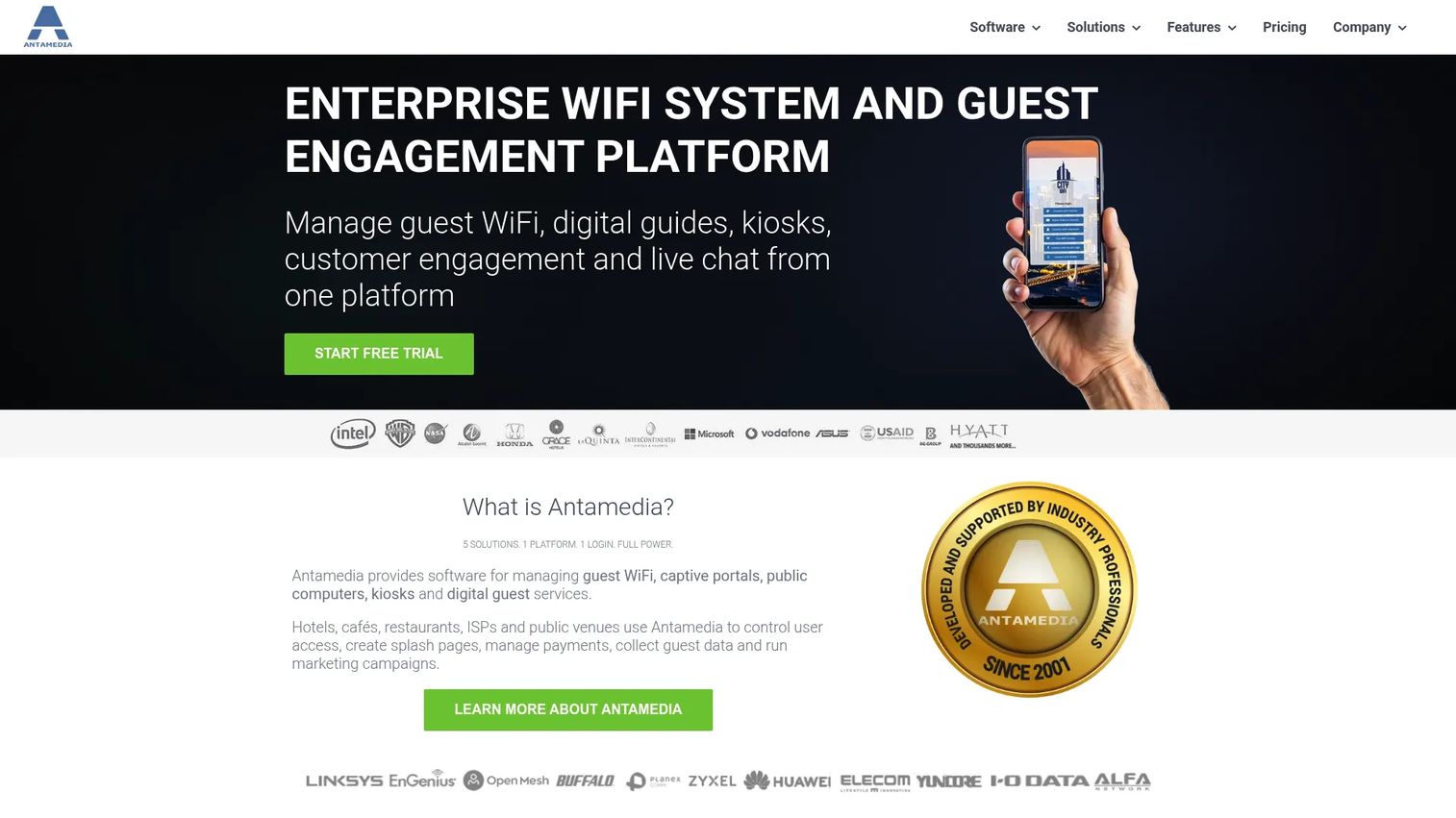
Antamedia Guest WiFi is a captive portal platform built for hotels, restaurants, airports, events, and venues that need controlled guest internet access. It covers everything from basic clickthrough login to paid WiFi billing, PMS authentication, and sponsored access. Deployment options include hosted cloud plans and self-hosted enterprise editions for organizations that cannot send guest data to external infrastructure.
Best for: Hotels, event venues, and operators that need robust access control with flexible monetization options.
Key features
- Captive portal with branded splash pages and multiple login types
- Paid WiFi access, vouchers, and sponsored access
- PMS authentication for hotel guest integration
- Bandwidth, speed, session, and device expiration limits
- Hosted cloud and self-hosted enterprise deployment options
Why choose Antamedia Guest WiFi: Choose it when access control depth matters more than marketing automation depth. The platform handles the full range of hospitality authentication scenarios, including PMS login and paid WiFi billing, in a single system.
Antamedia Guest WiFi pricing: Cloud plans start at €59/year (Cloud Core), with Cloud Premium at €99/year and Cloud Ultimate at €139/year. Enterprise Standard runs €2,990/year and Enterprise Premium €4,490/year. A free trial is available; contact sales for custom enterprise terms.
G2 rating: 1.0/5
2. MyPlace Guest WiFi Software
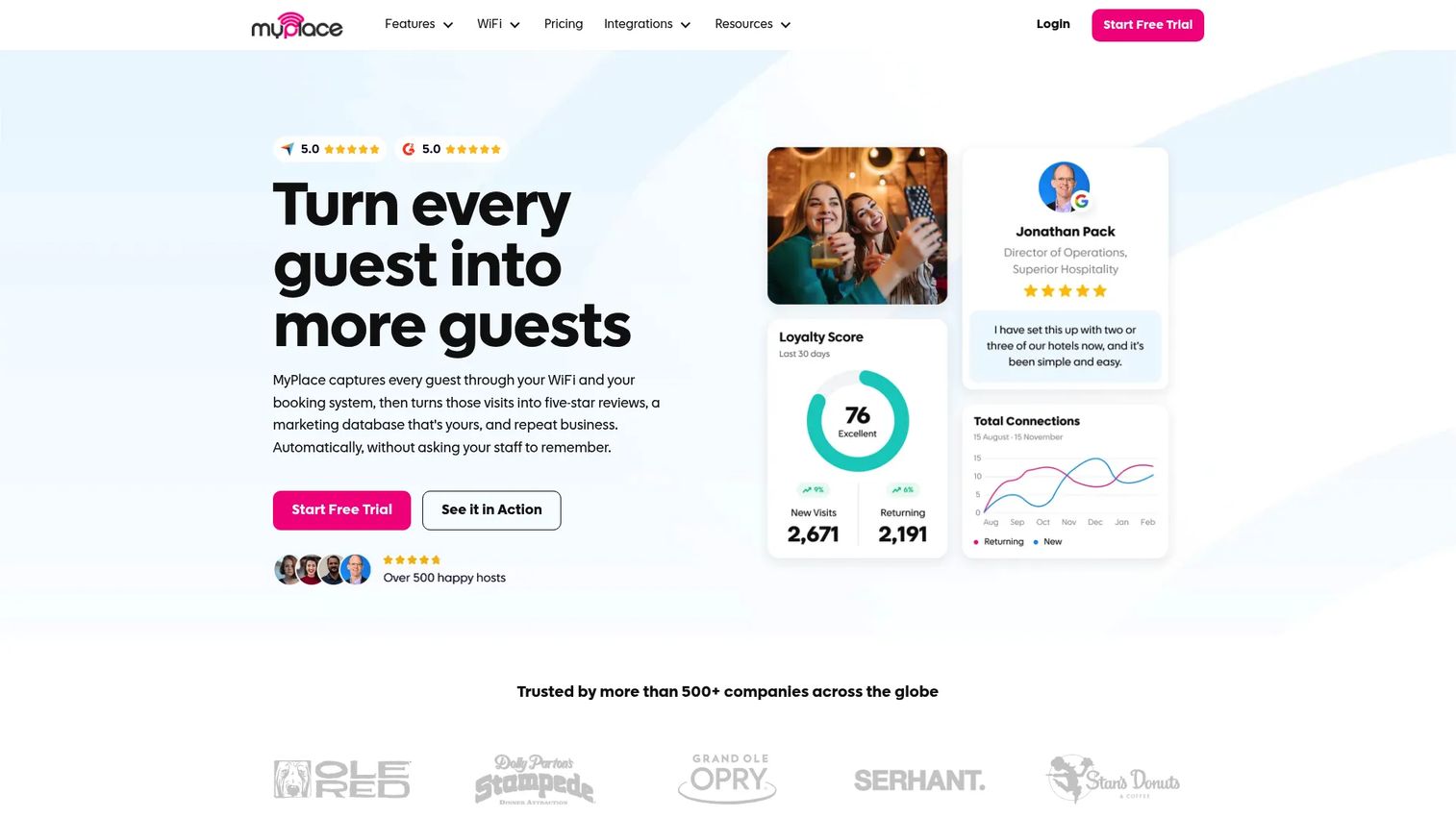
MyPlace Guest WiFi Software positions the guest login moment as a customer engagement opportunity. Beyond separating visitor traffic, it captures verified email addresses, generates review requests, and pushes contact data into marketing tools. The platform integrates with UniFi, Cisco Meraki, Ruckus, Aruba, and Cambium hardware, so it layers on top of infrastructure you likely already own.
Best for: Hospitality venues and multi-location operators that want WiFi access to support email marketing, reputation management, and guest retention.
Key features
- Branded captive portal with verified email capture
- Automated review generation and marketing integrations
- Consent tracking, session logging, and CSV data export
- Multi-location management with venue-level reporting
- Compatibility with UniFi, Meraki, Ruckus, Aruba, and Cambium
Why choose MyPlace Guest WiFi Software: For a founder who wants in-person foot traffic to feed a measurable channel, this turns a cost center into a customer data platform layer. The 14-day free trial with no credit card lets you validate before committing.
MyPlace Guest WiFi Software pricing: Plans are per location with no contracts. Essentials starts at $49/location/month. Growth is $79/location/month, and Advanced is $159/location/month. A Review Starter plan is also available at $49/location/month.
G2 rating: 4.9/5 (14 reviews on G2).
3. Connectify Hotspot
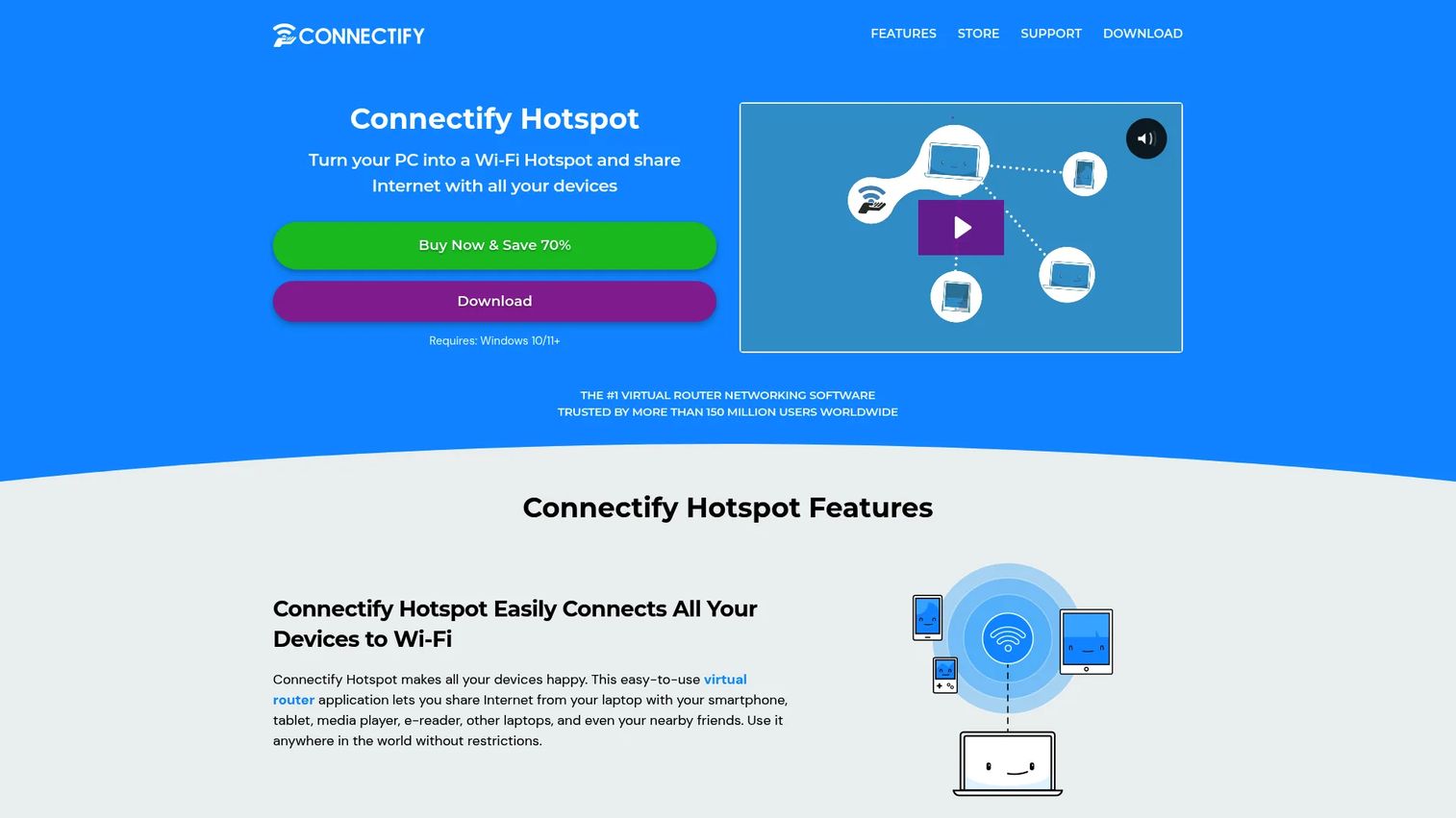
Connectify Hotspot converts a Windows PC or laptop into a shared WiFi access point. It is not a venue captive portal platform. Its purpose is connection sharing: Sharing WiFi, Ethernet, 4G/5G, or VPN connections with nearby devices from a single machine. This makes it useful for temporary setups, events, kiosks, travelers, and small teams that need connectivity without buying new hardware.
Best for: Individuals, small teams, and event organizers who need portable hotspot connectivity without a full guest WiFi management stack.
Key features
- WiFi, Ethernet, 4G/5G, and VPN connection sharing
- Wi-Fi Repeater and Bridging modes (MAX plan)
- WPA2-secured hotspot sharing
- Real-time device usage monitoring
- Built-in universal ad blocker
Why choose Connectify Hotspot: Choose this when the need is portable connectivity, not customer data capture or multi-site administration. It is the lightest option in this list and the most appropriate for one-off or travel use cases.
Connectify Hotspot pricing: A free version is available with session limits. Hotspot PRO costs $19.98/year or $34.98 as a lifetime license. Hotspot MAX costs $34.98/year or $49.98 as a lifetime license. A three-seat MAX Lifetime bundle is available at $99.97.
G2 rating: 4.2/5 on G2.
4. Spotipo
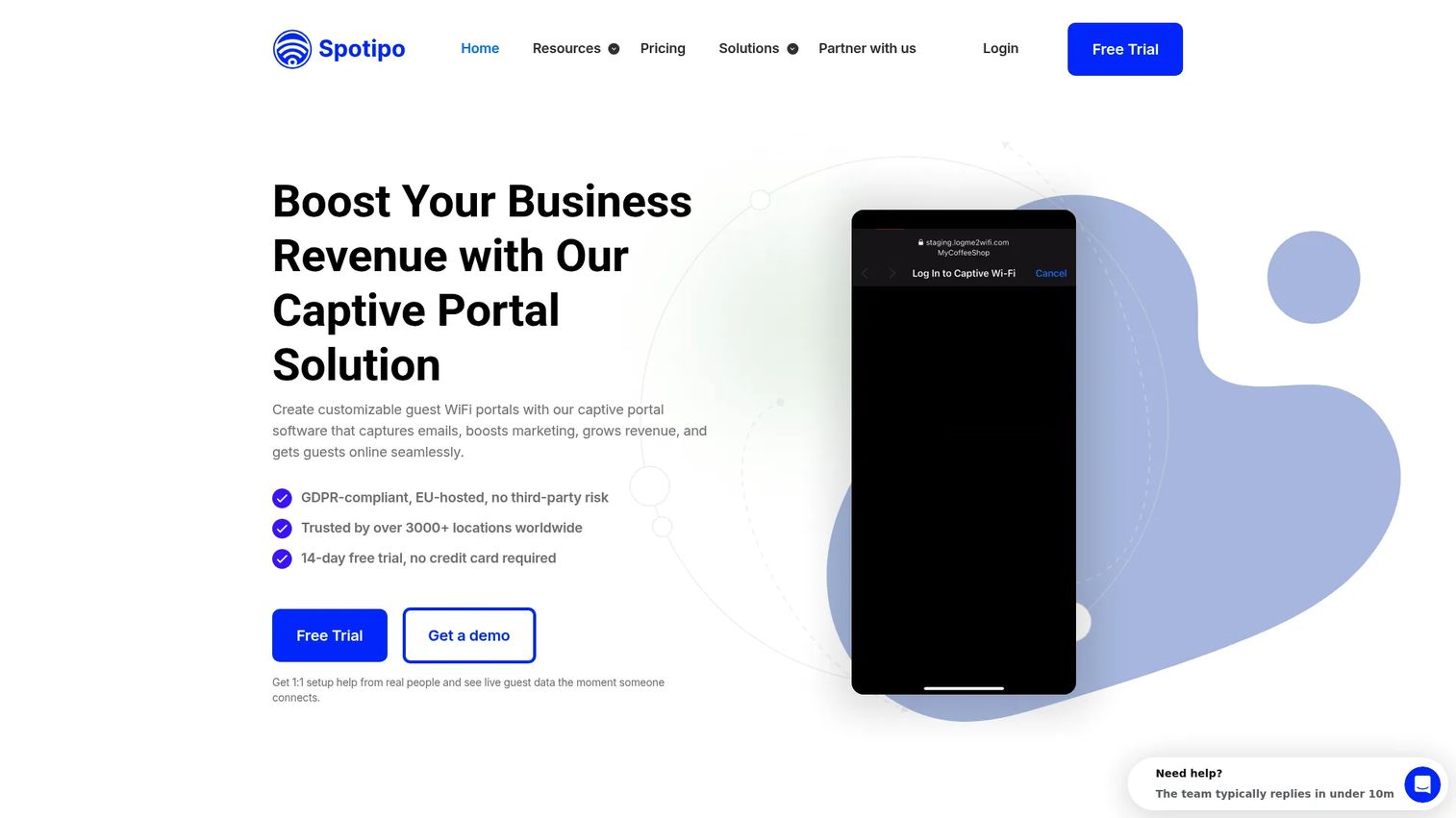
Spotipo is cloud-based captive portal software for guest WiFi marketing, data capture, and multi-location management. It is designed for operators who already own hardware and need a software layer across different router and access-point brands. Spotipo supports more than 30 router brands, including UniFi, MikroTik, Cisco Meraki, TP-Link Omada, Aruba, and Ruckus, making it practical for MSPs managing mixed infrastructure.
Best for: MSPs, ISPs, and multi-location operators managing captive portals across mixed WiFi hardware without replacing existing equipment.
Key features
- Customizable and white-label splash pages
- Vouchers, paid WiFi access via Stripe, and SMS login
- GDPR-compliant guest contact capture
- CRM and email marketing integrations including HubSpot, Mailchimp, and Klaviyo
- Multi-site management with sub-accounts and custom permissions
Why choose Spotipo: The value is central guest WiFi management without forcing a hardware replacement. For SaaS-style operators, sub-accounts let venue managers control their own login pages while a central admin owns policies across the portfolio.
Spotipo pricing: Starter runs $59/month per location (or $49/month billed annually at $590/year). Pro is $79/month per location (or $66/month billed annually). Enterprise pricing is custom. Starter supports up to 2,000 unique guests monthly; Pro adds payment login, advanced login types, and priority support.
G2 rating: 4.3/5 on G2.
5. UniFi
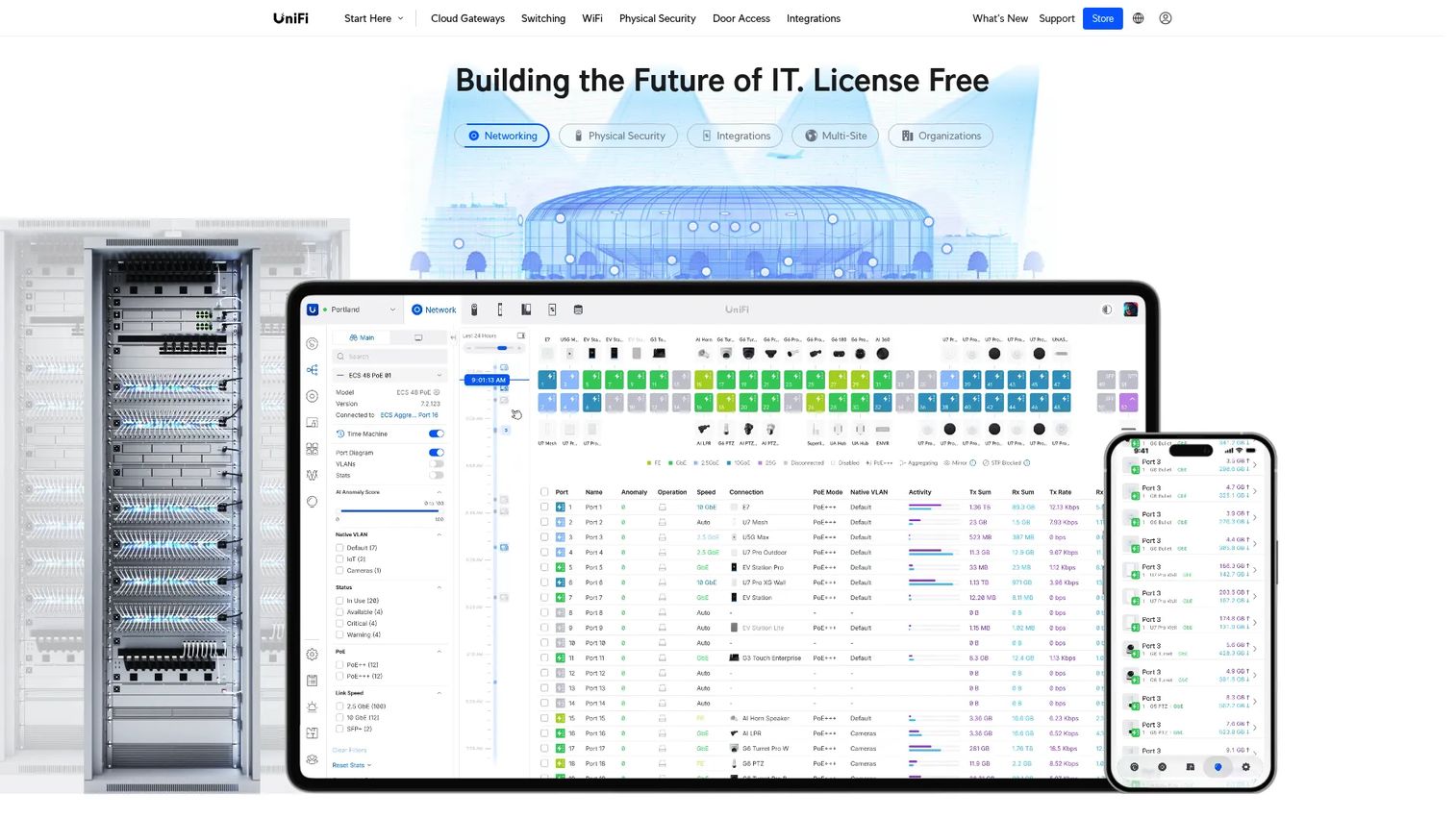
UniFi is Ubiquiti's IT platform that spans networking, physical security, and access control. The core software carries no license or subscription fee. For guest WiFi specifically, UniFi allows VLAN-separated guest networks, captive portal configuration, and site-level management through the UniFi Network controller. Hardware is purchased separately, and Official UniFi Hosting is available as a managed subscription for teams that want Ubiquiti to run the controller.
Best for: Cost-conscious SMBs and growing companies standardizing on a single hardware and management ecosystem.
Key features
- VLAN-separated guest networks and captive portal options
- Centralized multi-site management across gateways, switches, and access points
- Traffic analytics and VPN access
- Physical security and access control integrations
- Zero licensing fee for self-managed deployments
Why choose UniFi: UniFi suits teams that want WiFi, switching, and network visibility in one place at hardware cost only. It may need a tool like Spotipo or MyPlace layered on top for deeper guest data capture and WiFi marketing.
UniFi pricing: The core platform is free (no licenses or subscriptions). Official UniFi Hosting starts at $29/month for teams that want managed controller infrastructure. Hardware is priced separately per device.
6. Cisco Meraki
Cisco Meraki is a cloud-managed IT platform for wireless, switching, security, SD-WAN, and mobile device management. For guest WiFi, it provides splash pages, policy-based access controls, multi-site dashboarding, and zero-touch provisioning. The Meraki Dashboard gives distributed IT teams a single view across all locations, making it a strong choice when governance and visibility outweigh cost sensitivity.
Best for: Enterprise and multi-location IT teams that need cloud-managed networking with formal governance and multi-site operational visibility.
Key features
- Cloud-based Meraki Dashboard for multi-site management
- Splash pages and guest policy controls
- Wireless, switching, SD-WAN, and MDM in one platform
- Zero-touch provisioning and automated alerts
- API access and marketplace integrations
Why choose Cisco Meraki: Choose Meraki when infrastructure reliability, IT governance, and distributed management are board-level requirements. For founders scaling into enterprise territory, Meraki handles the network layer in a way that passes security and procurement scrutiny.
Cisco Meraki pricing: Meraki combines hardware and per-device license fees. Current pricing is not listed publicly and is sold through Cisco partners and resellers. Contact sales for a quote.
G2 rating: 4.3/5 on G2.
7. Ruckus
Ruckus provides enterprise wireless infrastructure for environments where density and performance are the primary constraints: Stadiums, hotels, hospitals, campuses, and large venue deployments. Management options include RUCKUS One, SmartZone, and the Unleashed controller for smaller sites. RUCKUS AI adds analytics and service assurance on top of the wireless stack.
Best for: High-density venues where dropped connections are a visible customer experience problem and AP performance is the deciding factor.
Key features
- Indoor and outdoor wireless access points
- RUCKUS One, SmartZone, and Unleashed management options
- AI-driven network analytics via RUCKUS AI
- ICX switches supporting 1 GbE to 100 GbE
- IoT connectivity and secure network access
Why choose Ruckus: Choose Ruckus when WiFi performance and coverage density are the primary problem, and pair it with a captive portal or WiFi marketing software layer when deeper guest data capture is also required.
Ruckus pricing: Pricing covers hardware and licensing and is sold through channel partners. No standard public tier pricing is available; contact a CommScope or Ruckus reseller for current quotes.
G2 rating: 3.0/5 on G2 (1 review).
8. Aruba
Aruba, a Hewlett Packard Enterprise company, delivers enterprise networking across wired, wireless, and SD-WAN infrastructure. For guest WiFi, Aruba's network access control (NAC) handles role-based device policies, guest onboarding, posture assessment, and access segmentation. Aruba Central provides cloud-native management for multi-site operations.
Best for: Enterprises and campuses that need scalable WLAN governance with formal security controls and policy-based guest access.
Key features
- Unified cloud-native management for wired, wireless, and SD-WAN networks
- NAC with role-based and device-based access policies
- Guest onboarding and profiling
- Enterprise wireless access points with Wi-Fi 6 and Bluetooth support
- Network switches with built-in analytics and automation
Why choose Aruba: Aruba fits organizations with IT complexity, formal procurement requirements, and a need for security-first access controls. It is infrastructure-first rather than marketing-first, so pair it with a dedicated WiFi marketing layer if email capture or SMS marketing integrations matter for your venues.
Aruba pricing: Aruba Central uses Foundation and Advanced licensing tiers. No current publicly displayed pricing was verified at generation time; contact HPE Aruba or an authorized reseller.
G2 rating: 4.4/5 on G2.
9. Cambium
Cambium Networks covers both enterprise indoor WiFi and fixed wireless access for ISPs and distributed outdoor deployments. The ONE Network architecture centralizes management across access points, switches, fixed wireless links, and SD-WAN through a cloud platform. This makes Cambium relevant for hospitality groups with outdoor areas, ISPs delivering managed WiFi services, or enterprises needing rural or campus-wide coverage alongside indoor access.
Best for: Outdoor venues, ISPs, and distributed enterprise properties needing managed wireless infrastructure across varying terrain.
Key features
- Unified ONE Network architecture with centralized cloud management
- Enterprise indoor and outdoor Wi-Fi 6, 6E, and 7 access points
- Point-to-point and point-to-multipoint fixed wireless connectivity
- Next-generation firewall and SD-WAN
- Application control and network monitoring
Why choose Cambium: Cambium handles coverage problems that standard indoor APs cannot solve, including outdoor areas, multi-building campuses, and ISP distribution networks. Add a captive portal software layer for venues that also need guest data workflows.
Cambium pricing: Hardware and subscription pricing is sold through partners and resellers. No current publicly displayed pricing was verified at generation time.
G2 rating: 3.8/5 on G2.
10. TP-Link Omada
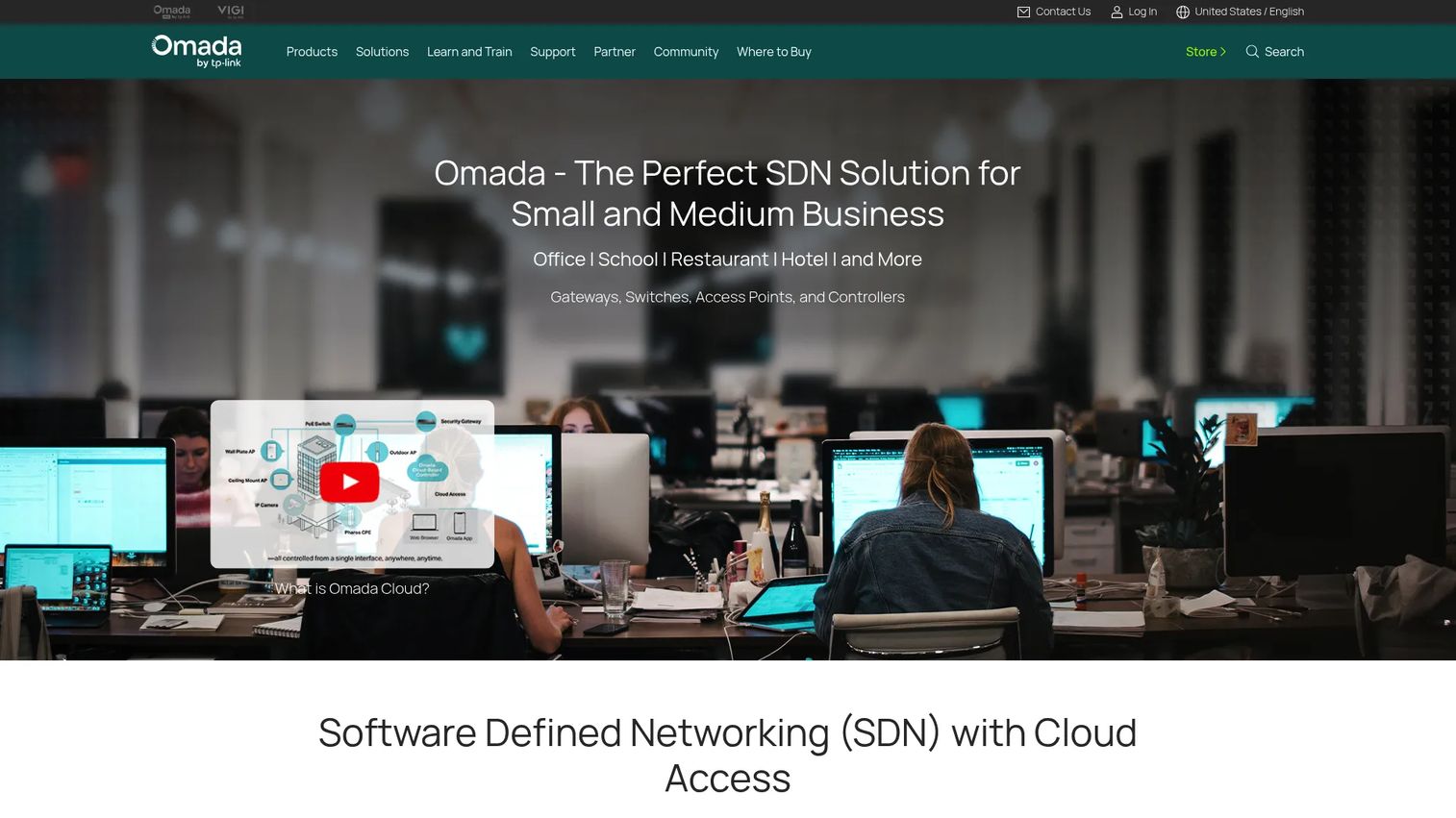
TP-Link Omada is TP-Link's software-defined networking platform for SMBs, small campuses, hotels, and offices. The Omada Software Controller is free to run on your own hardware. A cloud-based controller is also available on a device-license model. The stack covers gateways, switches, and access points with centralized monitoring, zero-touch provisioning, and guest portal and voucher features.
Best for: SMBs and small venues that want centralized network management and guest WiFi without enterprise-level hardware costs.
Key features
- Free Omada Software Controller (self-hosted)
- Guest portal and voucher access
- Centralized management of gateways, switches, and access points
- Zero-touch provisioning
- Cloud-based controller option with device licensing
Why choose TP-Link Omada: It is a practical step up from basic router guest WiFi for businesses that want network control without enterprise cost. The free software controller makes initial deployment affordable; hardware purchases are the primary investment.
TP-Link Omada pricing: The Omada Software Controller is free. The hardware controller requires a hardware purchase. The cloud-based controller uses per-device licensing; no public numerical license price was verified at generation time. Hardware access-point prices start at accessible price points through the TP-Link store.
11. MikroTik
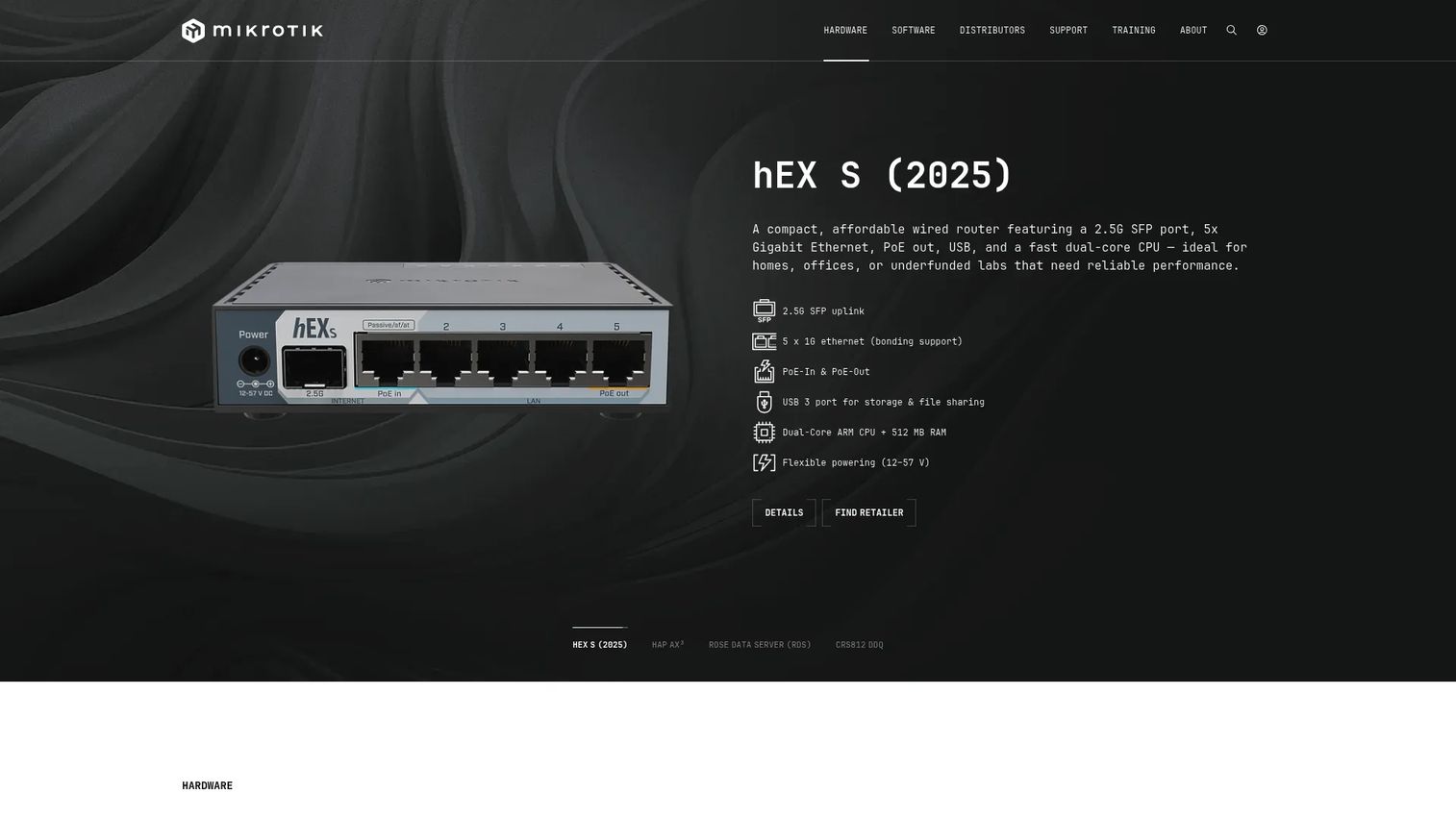
MikroTik builds routers, switches, and wireless systems running RouterOS, a networking operating system with deep hotspot configuration capabilities. Voucher workflows, user profiles, bandwidth queues, and routing policies are all configurable at a granular level. MikroTik is powerful and inexpensive relative to enterprise alternatives, but it rewards networking expertise and is not suited to venue managers who need a no-code admin panel.
Best for: Technical teams, MSPs, and network administrators who want granular hotspot configuration and low hardware cost.
Key features
- RouterOS hotspot module with login pages and user profiles
- Voucher generation and time-based access controls
- Bandwidth queues and traffic policies
- Flexible routing, firewalling, and VPN
- One-time RouterOS licensing with no subscription fees
Why choose MikroTik: For founders with a technical IT team or an MSP relationship, MikroTik delivers deep control at a low infrastructure cost. It is not the right fit if the expectation is a non-technical venue manager owning the guest WiFi system independently.
MikroTik pricing: Hardware starts at $24.95 for entry-level devices. RouterOS Level 1 is free (registration required). Paid RouterOS licenses are Level 4 at $45 one-time, Level 5 at $95 one-time, and Level 6 at $250 one-time.
G2 rating: 4.6/5 on G2.
Considerations when choosing guest WiFi software
Router and access point compatibility
This is the first thing to verify. A captive portal platform that does not support your existing hardware creates a forced infrastructure replacement before any other feature matters. Confirm compatibility between the software layer (Antamedia, MyPlace, Spotipo) and your current hardware (UniFi, Meraki, Ruckus, Aruba, Cambium, TP-Link Omada, MikroTik) before evaluating anything else.
Network isolation and guest access controls
Guest traffic should never share a subnet with internal systems. Verify that the platform enforces VLAN separation, supports session duration limits, and allows bandwidth or device caps per user. The specifics of how these controls interact with your hardware matter during implementation, not after.
Authentication and consent capture
Different use cases need different login methods. Hotels typically need vouchers or PMS login. Cafés and retail venues often want email capture or social login. Events may use clickthrough terms or paid access. The platform should support the method your guests expect. On consent, the software can provide the mechanism, such as opt-in fields, audit logs, and data retention settings, but whether your specific implementation meets local privacy requirements is a question for legal review.
Analytics and data flow
Collected guest data has to go somewhere useful. Look for venue-level reporting, export to CSV or CRM, and integrations with marketing analytics software or email tools. For founders running multi-location operations, the ability to roll up data across venues matters as much as per-location reporting.
Multi-location ownership and team roles
Who manages this after you hand it off? A guest WiFi solution that requires the founder or a senior IT person for every login page update will not scale. Look for permission templates, location-level admin roles, and centralized policy updates. The question is whether a venue manager can own their location's settings without touching the broader network.
Conclusion
Guest WiFi software splits clearly by operating model. If the primary need is customer data capture, marketing integrations, and reputation management, MyPlace Guest WiFi Software is the strongest option, especially for hospitality venues. If the need is access control depth, paid WiFi, and flexible deployment (hosted or self-hosted), Antamedia Guest WiFi handles that well. Spotipo fills the gap for MSPs and multi-hardware environments needing a centralized captive portal layer without forcing hardware replacement.
For lightweight connectivity rather than venue management, Connectify Hotspot covers temporary and travel use cases at minimal cost. The remaining tools in this guide (UniFi, Cisco Meraki, Ruckus, Aruba, Cambium, TP-Link Omada, and MikroTik) are network infrastructure platforms where guest WiFi is one layer of a broader stack decision.
The practical first step: Audit the hardware already deployed at each location, list the login methods and consent flows the business actually needs, and decide who will own the system after purchase. That decision tree will narrow the shortlist to two or three tools faster than reading any feature comparison page.
For founders building systems their team can own without daily involvement, the right guest WiFi management software becomes one less operational variable to manage yourself.
FAQs
Guest WiFi software provides businesses with controlled visitor internet access through a separate guest network, usually including login pages, authentication flows, consent capture, bandwidth controls, and usage reporting. It sits on top of existing WiFi hardware and adds identity, policy, and data capabilities that a basic router guest network does not provide.
A basic router guest network separates visitor traffic from internal traffic, but it does not add login flows, authentication, analytics, consent records, or centralized administration. Guest WiFi software handles all of that, whether through a captive portal layer added to existing hardware or through an integrated platform that manages both the network and the guest experience.
It depends on the platform and the hardware. Many captive portal tools (Spotipo, MyPlace, Antamedia) explicitly list compatible hardware, including UniFi, Cisco Meraki, Ruckus, Aruba, Cambium, TP-Link Omada, and MikroTik. Verify compatibility between the specific software version and your hardware model before buying, as feature support varies even within a compatible brand.
Common methods include email capture, clickthrough terms, social login, SMS verification, vouchers, paid access, and PMS login for hotels. The right method depends on the venue type. Hotels typically use vouchers or PMS login. Cafés and retail venues lean toward email capture or social login. Events often use time-limited vouchers or paid access tiers.
Yes, when configured correctly. VLAN separation, firewall rules, and guest-network isolation settings keep visitor traffic from reaching internal systems like POS terminals, staff devices, or admin tools. The configuration requires proper hardware support and setup; confirm with an IT professional before relying on it for any environment handling sensitive internal data.
Some platforms support paid WiFi, time-based vouchers, and sponsored access. Antamedia Guest WiFi and Spotipo both include paid access functionality. This model is common in hospitality, transport hubs, and premium-access event environments. Spotipo processes payments through Stripe; Antamedia handles billing through its own platform.
Guest WiFi software can support consent pages, opt-in fields, audit logs, privacy notices, and data retention controls. Whether a specific implementation meets local privacy requirements (GDPR, CCPA, or sector-specific rules) depends on configuration, legal review, and the data handling practices of the operator. The software provides the mechanism; compliance is the operator's responsibility.
Pricing varies significantly by vendor type. Captive portal software layers (MyPlace, Spotipo, Antamedia) price by location, typically $49 to $159 per location per month. Hardware-based platforms (UniFi, TP-Link Omada) charge for hardware separately and run free or low-cost software controllers. Enterprise network platforms (Cisco Meraki, Aruba, Ruckus, Cambium) use hardware plus subscription licensing sold through resellers, with pricing available on request. Lightweight tools like Connectify Hotspot start free with paid plans from $19.98/year.