You pick a tool because the sample renders look incredible. Then you try to export a rigged character into your engine, and the licensing page hits you with terms you never read, or the file format your pipeline needs isn't there.
That gap between the screenshot and the shipped asset is where most character creation projects stall. The global character development tools market reached $4.2B in 2025 and is projected to hit $8.1B by 2034, per MarketIntelo (2025). More tools, more noise, and a harder decision about which one actually fits your workflow.
The choice usually splits three ways: A free character creator for fast base meshes, a paid 3D character creator suite for production, or a browser tool to create your own character without touching a modeling app. Get the wrong one and you burn a week rebuilding assets your pipeline rejects.
This guide sorts seven options by what they output and who they fit.
What's inside
This guide compares seven character creation software options for 2026, ranked by workflow fit rather than screenshot polish. We picked tools on four criteria that decide real projects:
- Output quality: Stylized, realistic, or tabletop-ready results
- Customization depth: Body, face, hair, clothing, and accessory control
- Export formats and pipeline: What files come out and where they go
- Licensing and cost: Commercial terms and the real entry price
You get a side-by-side comparison table, honest pricing, and a buyer's checklist. Skip to the tool that matches your use case, whether that's game-ready assets, avatars, or free base meshes.
TL;DR
- Best for advanced pipeline integration: Character Creator 5 pairs auto-rigging with Unreal and Unity export at a one-time $299.
- Best free 3D suite: Daz Studio is free to download and strong for renders, scenes, and posed characters.
- Best open-source option: Blender is free, full-featured, and covers modeling through animation.
- Best for tabletop miniatures: Hero Forge runs in the browser with STL and 3D-print exports, free to start.
- Best lightweight free character generation: MakeHuman is open source and fast for base human meshes.
- Best browser-based avatar building: Character Creator by charactercreator.org is a free 3D character creator with SVG and PNG output.
What is character creation software
Character creation software is a set of tools for building stylized or realistic digital characters, avatars, and game-ready characters, either from parametric presets or from full modeling and sculpting. Some tools run in a browser as a simple character maker. Others sit inside a production pipeline with auto-rigging, morph targets, and export bridges into game engines.
Most 3D character creation software lets you shape a base mesh, dress it, and prepare it for animation or export. An avatar creation tool at the lighter end skips rigging and just outputs an image. A full suite at the heavier end handles everything from sculpting to skeleton setup.
Core capabilities to expect:
- Shape and body customization: Morphs, sliders, and proportions
- Hair, clothing, and accessories: Swappable assets and materials
- Rigging and animation readiness: Skeletons and auto-rig tools
- Export formats: FBX, OBJ, glTF, STL, or SVG for design work
- Licensing terms: Free, perpetual, subscription, or commercial-gated
- Save and revisit: Reopen and re-edit character variants
The market splits by intent. The global character modeling software market was valued at $2.42B in 2025 and is projected to reach $5.4B by 2035, an 8.3% CAGR, per WiseGuyReports (2026). Separately, the 3D avatar creator market reached $572.3M in 2023 and is projected to hit $2.22B by 2033, per Market.us (2024). One side serves production teams building rigged assets. The other serves people who just want to make a character and download it fast.
The practical question is not which tool is "best." It is which tool outputs what your project consumes: A rigged FBX for a game engine, a printable STL, or a flat SVG for a landing page.
When to use character creation software
Create game-ready characters
You need assets that drop into Unreal Engine or Unity without a rebuild. That means clean topology, a working rig, and FBX or glTF export. Tools built for this handle characterization and skeleton mapping so the character animates on arrival. Skip the browser-only tools here.
Build avatars for creative projects
Brand work, social content, tabletop campaigns, and quick creative assets often want a specific look over deep pipeline features. Realistic characters suit product renders and cinematics. Stylized characters suit games, illustration, and community art. Browser and desktop tools both cover this, so pick by output format.
Make your own character fast without modeling from scratch
Sometimes speed beats control. A free character creator gives you a usable base mesh or avatar in minutes, no sculpting required. This fits prototypes, placeholder art, and early concept work where a beginner-friendly path saves days. You refine later or hand it to an artist.
Comparison table
The table below sorts by pipeline depth and relevance to 3D character creation software. Pricing reflects each vendor's current page as of August 2026.
| # | Product | Best for | Key differentiator | Pricing | G2 rating |
|---|---|---|---|---|---|
| 1 | Character Creator 5 | Production pipelines | Auto-rigging plus Unreal and Unity export | $299 one-time; 30-day free trial | 5.0/5 (1 review) |
| 2 | Daz Studio | Renders and scenes | Free suite with Genesis platform | Free; Daz+ from $69/yr | Not listed |
| 3 | Blender | Full 3D creation | Open-source modeling to animation | Free | 4.6/5 (307 reviews) |
| 4 | Hero Forge | Tabletop miniatures | Browser building with STL exports | Free; Pro from $3.99/mo | Not listed |
| 5 | MakeHuman | Free base meshes | Parametric human generation | Free | 4.2/5 (11 reviews) |
| 6 | Autodesk Character Generator | Autodesk users | Web-based rigged characters | Included with qualifying Autodesk subscriptions | Not listed |
| 7 | Character Creator | Quick avatars | Browser character maker with SVG output | Free; commercial license from $5/mo | Not listed |
Read the table as a spectrum. The top rows serve teams shipping rigged, animated characters into engines. The bottom rows serve fast avatar creation and free character creation software with lighter output.
Best character creation software for 2026
1. Character Creator 5
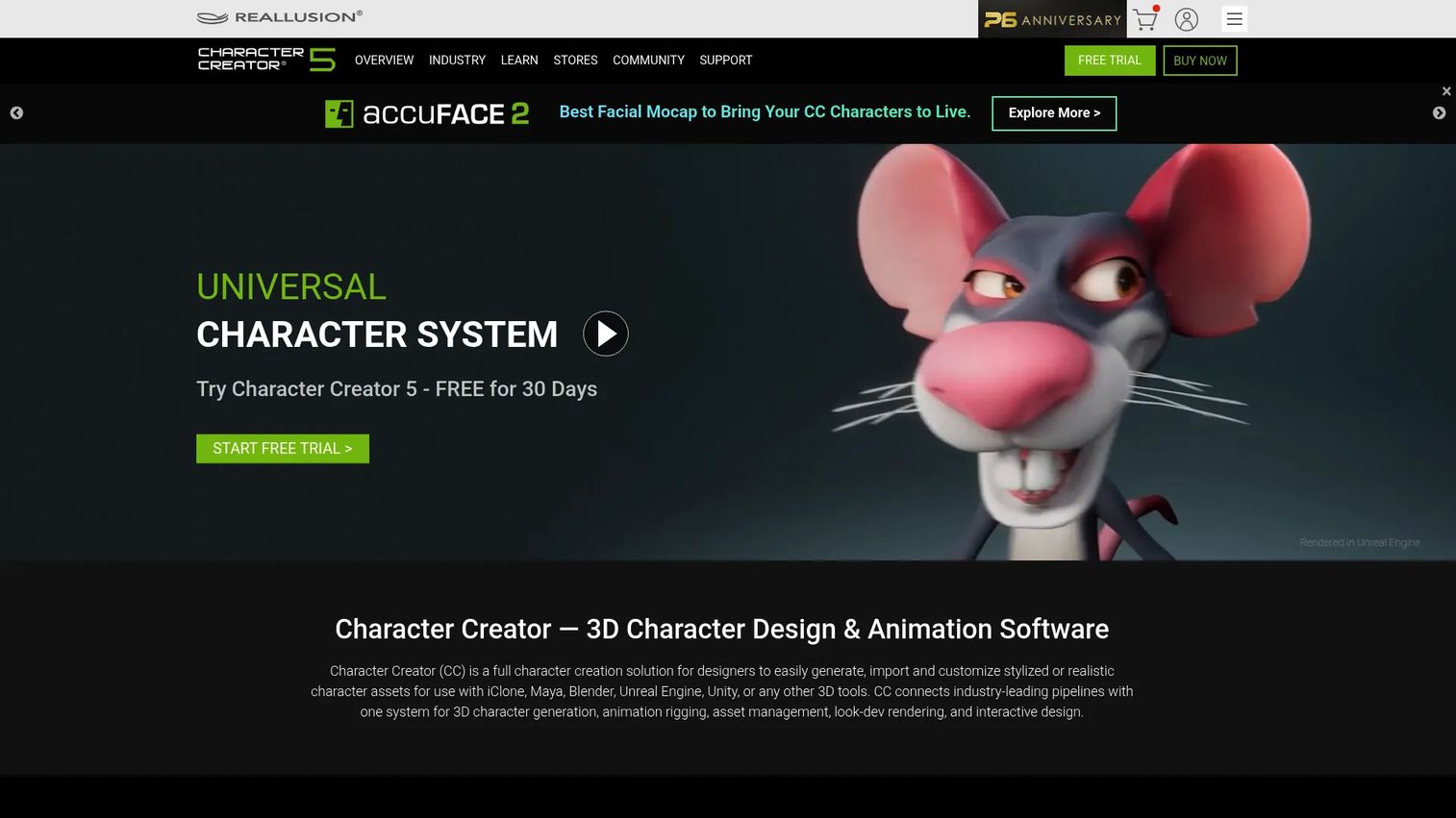
Character Creator 5 from Reallusion is a standalone 3D character creation software for building, customizing, and rigging realistic or stylized digital humans. It targets production teams that need characters ready for animation, games, and film. The pipeline covers HD morphs, facial rigging, and characterization, then bridges out to major engines.
This is the closest thing on the list to an all-in-one 3D character creator for professional output. AccuRIG integration handles humanoid auto-rigging, and the export path into Unreal and Unity is a first-class feature, not an afterthought.
Best for: Studios and creators who need production-ready characters with clean rigs and engine export.
Key features
- All-in-one character creation and customization
- Humanoid auto-rigging and characterization
- HD workflow: Subdivision, HD morphs, facial animation
- Game engine pipeline for Unreal and Unity
Why choose Character Creator 5: Choose it when you ship characters into a real pipeline and want rigging solved out of the box. It's the wrong pick if you only need a flat avatar or a quick base mesh.
Character Creator 5 pricing: CC5 Standard is a one-time $299 and includes Character Creator 5 plus the free CC5 resource set. CC5 Deluxe is a one-time $479 and adds ActorMIXER PRO, the ActorMIXER CORE Library, HD Ultimate Morphs, and the HD Human Anatomy Set. Both are perpetual licences with full commercial export rights. Reallusion also offers a 30-day free trial before you buy.
G2 lists Character Creator at 5.0/5, but from a single review. Treat that as one artist's experience rather than a meaningful sample.
2. Daz Studio
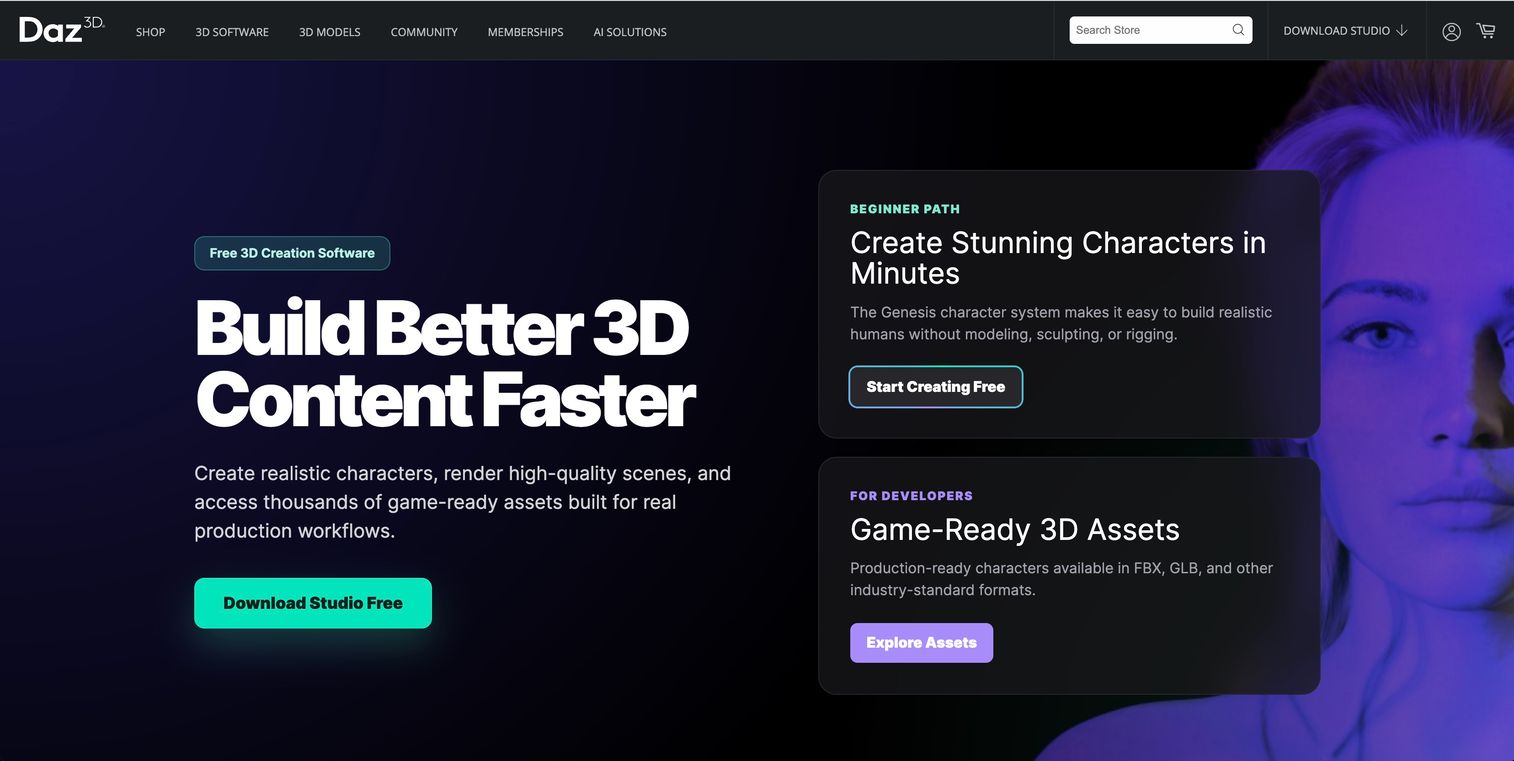
Daz Studio is free 3D creation and rendering software for building characters, scenes, and animations. It runs on the Genesis character platform, which gives you a deep morph and content library to shape figures without modeling from scratch. Rendering uses NVIDIA Iray, and dForce handles cloth and hair physics.
The free entry point makes it a common starting tool for artists and hobbyists. Export bridges move Daz figures into other apps when you need to take a character further down a pipeline.
Best for: Artists and hobbyists creating posed 3D characters, renders, and scenes.
Key features
- Free download with the full studio
- 3D character posing and shaping
- Rendering with NVIDIA Iray
- dForce cloth and hair physics
Why choose Daz Studio: Choose it when you want photoreal renders and a large content library at no upfront cost. The trade-off is that deeper looks and assets often mean buying content or a membership.
Daz Studio pricing: Daz Base is free and includes Daz Studio with no time limit. Daz+ costs $69 per year or $8.99 per month and adds member pricing, a 30% discount on Daz Originals, and weekly and monthly free content. Daz Premier costs $199 per year or $18.98 per month and adds Daz Studio Premier, a 35% Daz Originals discount, and a free character bundle each month. The software itself stays free at every tier - you're paying for content discounts and the enhanced Premier build.
Daz Studio has no G2 profile. It holds 4.6/5 from 9 reviews on Capterra, though that's a thin base for a tool this widely used.
3. Blender
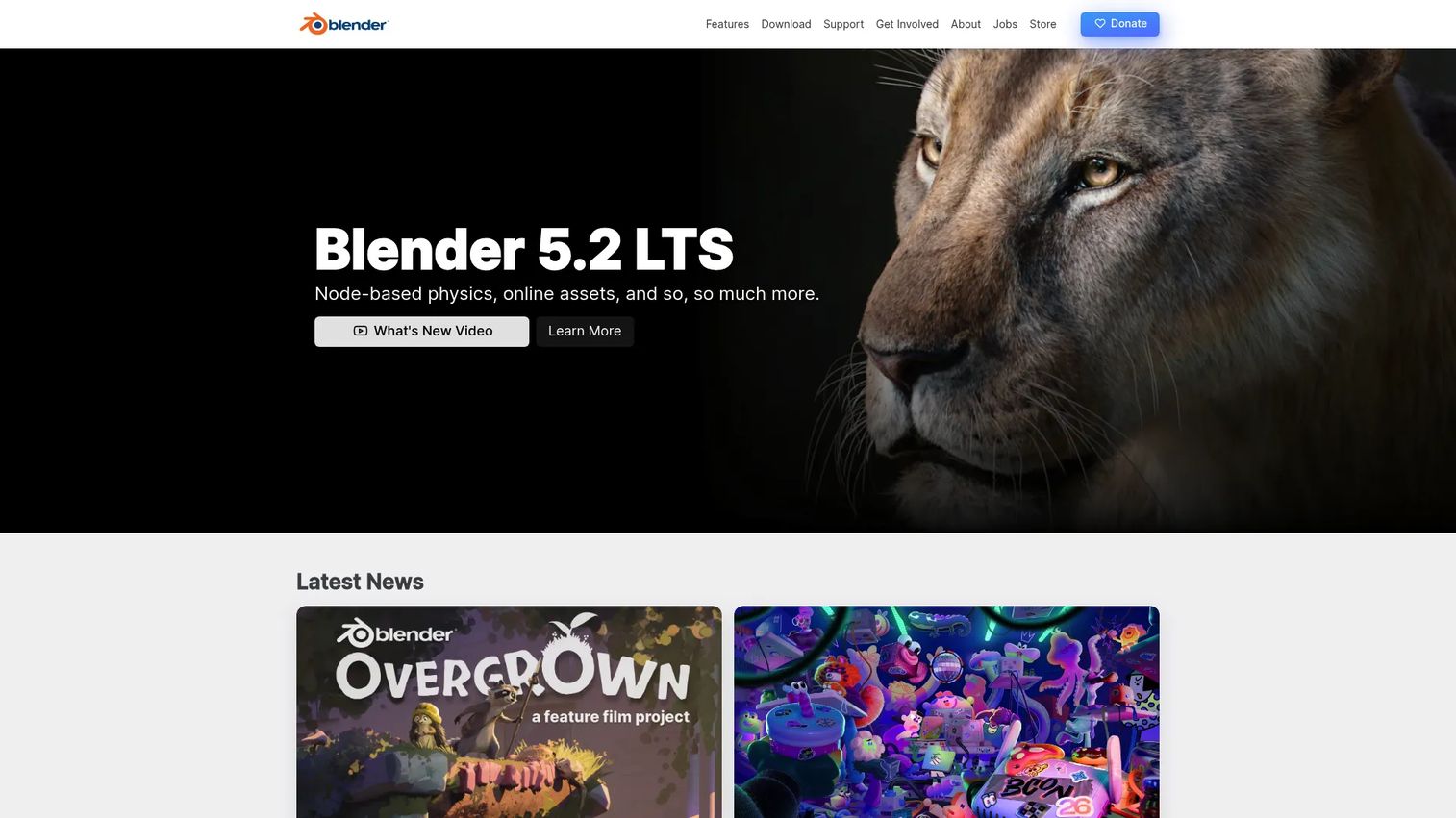
Blender is a free and open-source 3D creation suite. It is not a one-click character creator. It is the platform you use when you want full control over modeling, sculpting, rigging, and animation for stylized characters or realistic characters alike.
The trade-off is real. Blender does everything, which means it does nothing for you automatically. You build the character, the rig, and the animation yourself, or you install community add-ons that speed it up. For teams that want to own the full pipeline, that openness is the whole point.
Best for: Artists and studios wanting a free, full-featured suite to model and animate characters end to end.
Key features
- Modeling and sculpting tools
- Animation and rigging
- Video editing and compositing
- Open-source with a large add-on community
Why choose Blender: Choose it when you want zero license cost and complete control over the character pipeline. The learning curve is steep, so it fits teams with artist time, not those needing instant output.
Blender pricing: Blender is free to download and use under the GNU GPL, with no paid tiers, seat limits, or commercial restrictions. Optional donations fund the Blender Foundation.
Blender holds 4.6/5 on G2 across 307 reviews — the largest and most reliable rating base on this list.
4. Hero Forge
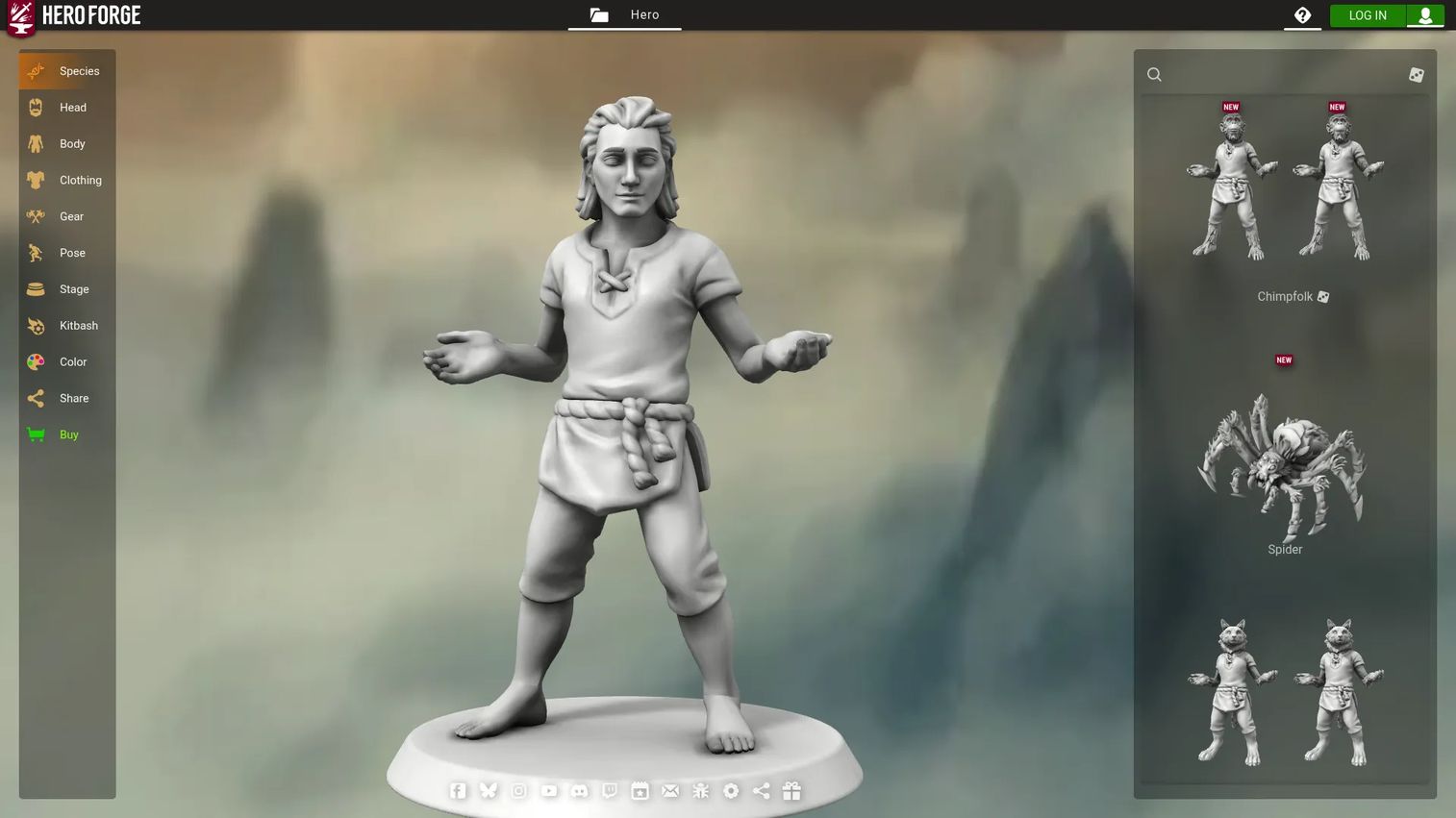
Hero Forge is a web-based 3D character creator for customizing and 3D-printing tabletop miniatures and digital minis. You build a character in the browser, then order a physical miniature or download digital exports. It is purpose-built for tabletop gamers and creators, not general production work.
The output is where it stands apart. Beyond physical minis, Hero Forge produces tokens, portraits, scenes, and STL or 3D digital files for virtual tabletop use and home printing.
Best for: Tabletop gamers and creators who want custom miniatures plus optional digital or 3D-print downloads.
Key features
- Browser-based 3D character design
- Custom tabletop miniatures and statuettes
- Digital exports: Tokens, portraits, scenes
- STL and 3D files for printing
Why choose Hero Forge: Choose it for tabletop and hobby use where a printable miniature or VTT token is the goal. It's not built for game-ready characters or animated production assets.\ \ Hero Forge pricing: The free plan covers full-colour design tools, weekly content drops, screenshot exports, and shareable design links. Hero Forge Pro runs $3.99 per month on the 12-month plan, $4.99 on the 3-month plan, or $5.99 month-to-month, adding kitbashing, Token Maker, Scene Maker, HD portraits, and folder organisation. Pro+ Download runs $14.99 per month on the 12-month plan, $16.99 on 3 months, or $19.99 month-to-month, and adds five digital credits monthly for STL and 3D digital minis.
Hero Forge has no G2 profile, which is unsurprising for a consumer tabletop tool rather than business software.
5. MakeHuman
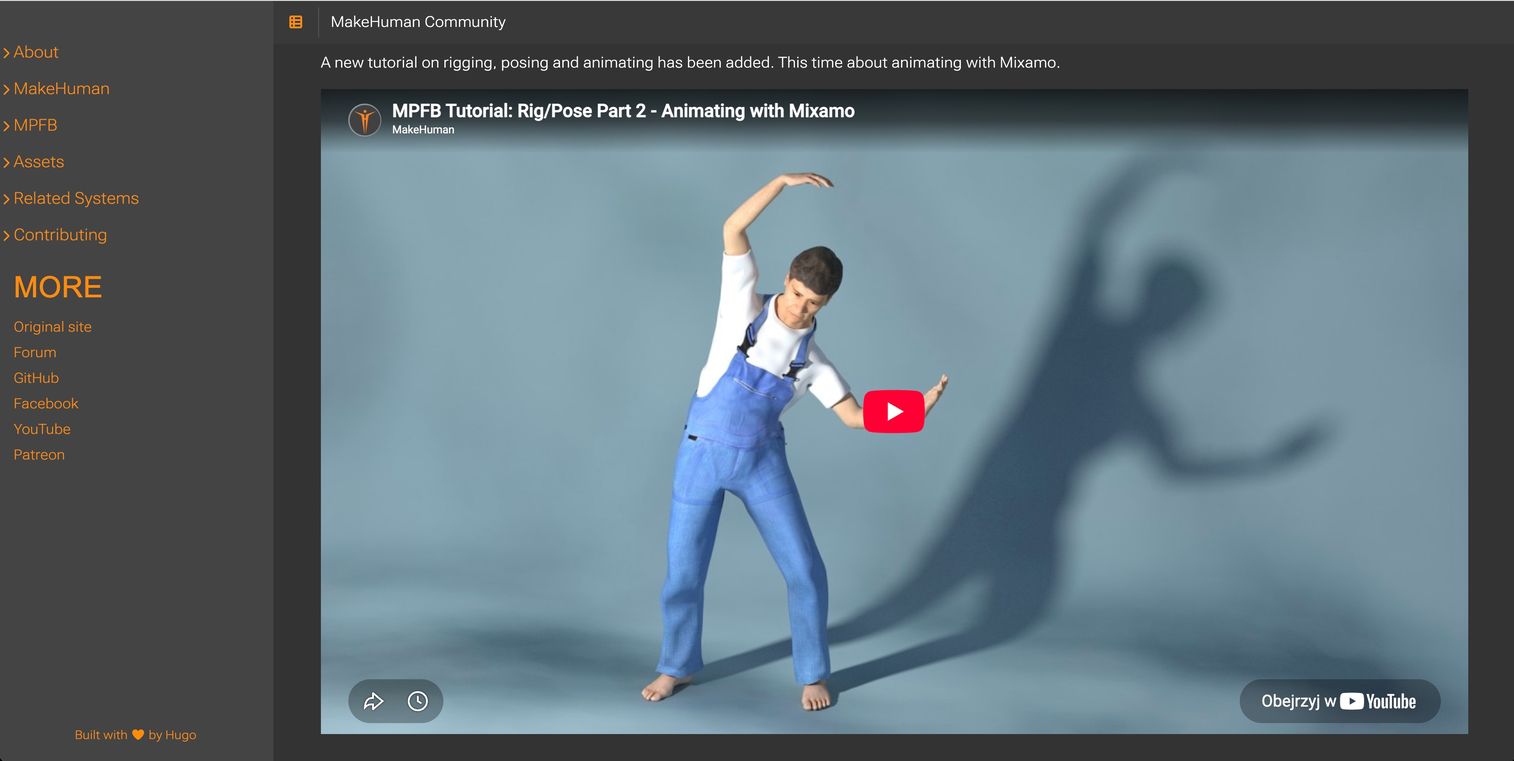
MakeHuman is open-source 3D human character creation software built around parametric modeling. You move sliders to shape a base human mesh, add assets, and export. It is a utility tool for generating clean base characters fast, rather than a full production suite.
For a 3D character creator that costs nothing and outputs quickly, MakeHuman fills a specific gap. Artists use it to generate a base mesh, then refine that character in a heavier tool like Blender for stylized characters or realistic characters.
Best for: Artists and developers needing free, open-source 3D human generation.
Key features
- Parametric human modeling with sliders
- Hair, clothes, shoes, and geometry assets
- Pose and animate workflows
- Standard export options
Why choose MakeHuman: Choose it when you need a free base human mesh to build on, not a finished production character. It's a starting point, not the whole pipeline.
MakeHuman pricing: MakeHuman is free and open source with no paid plans. The application is released under the AGPL, and the meshes it generates are CC0, so output carries no licensing restrictions for commercial work.
G2 lists MakeHuman at 4.2/5, but from only 11 reviews - directional at best, and not comparable to Blender's 307-review base.
6. Autodesk
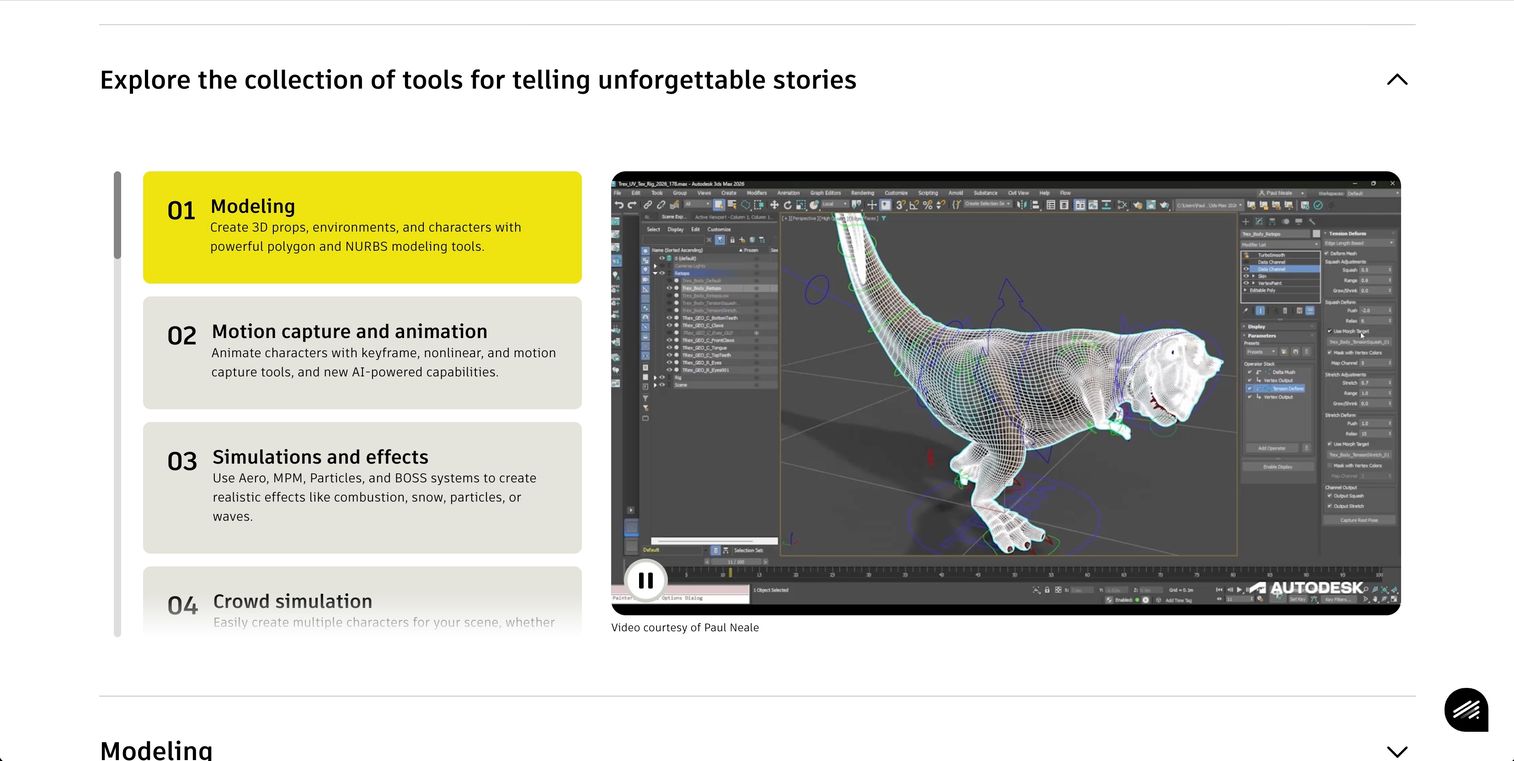
Autodesk Character Generator is a web-based tool for creating fully rigged 3D characters for animation and game engines. You blend source characters, customize the body, face, clothing, and hair from presets, then export a rigged character ready for animation packages.
The current status matters here. Standalone subscriptions are no longer available for purchase. Access now comes bundled with certain Autodesk product subscriptions and the Media & Entertainment Collection, so it fits teams already inside that stack.
Best for: 3D artists needing quick rigged characters inside the Autodesk ecosystem.
Key features
- Source character blending
- Preset body, face, clothing, and hair
- Rigged character export
- Output for game engines and animation packages
Why choose Autodesk Character Generator: Choose it if your team already runs Autodesk tools and wants fast rigged characters without leaving that stack. It's not a fit if you want a standalone purchase.
Autodesk Character Generator pricing: There is no standalone purchase. Autodesk stopped selling standalone Character Generator subscriptions on August 7, 2021. Access now comes bundled with a Maya, Maya LT, 3ds Max, MotionBuilder, or Mudbox subscription, or with the Media & Entertainment Collection. Students can access it free through Autodesk Education.
Autodesk Character Generator has no G2 profile of its own.
7. Character Creator by charactercreator.org
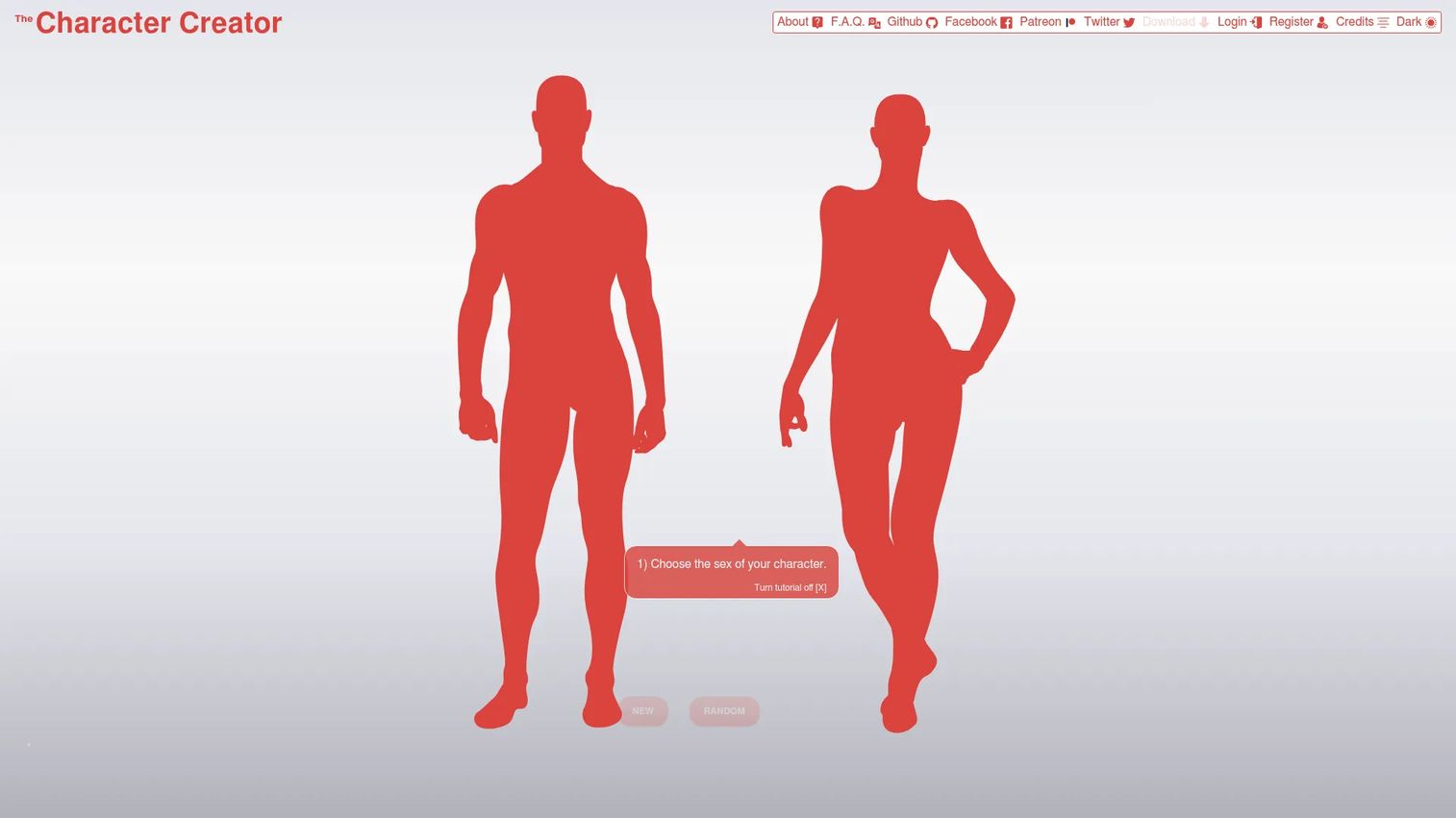
Character Creator at charactercreator.org is a free web-based character builder for creating and exporting illustrated avatars. You pick a male or female character, customize skin tone, colors, and clothing, then download the result. It runs entirely in the browser as a lightweight character maker.
This is the fastest path on the list to a usable avatar. Output comes as SVG or PNG, which suits writers, storytellers, and game developers who need quick character art rather than a rigged 3D asset.
Best for: Writers or game developers needing quick, mostly non-commercial character art.
Key features
- Choose male or female characters
- Customize skin tone, colors, and items
- Download as SVG or PNG
- Runs fully in the browser
Why choose Character Creator: Choose it for fast, free avatar creation when you need an image, not a 3D model. Commercial use requires a paid license, so check terms before shipping it in a product.
Character Creator pricing: The tool is free to use with no account required for basic building. Output is licensed CC BY-NC, so non-commercial use is free provided you credit the site. Commercial rights require a Patreon pledge of $5 per month or more, which also unlocks additional angles, poses, and supplemental art. The site separately offers an NFT option at 0.1 ETH per character.
This tool has no G2 profile. Note that the G2 listing for "Character Creator" belongs to Reallusion's CC5, a different product that also appears on this list.
Considerations
Before you commit a project to one tool, run through this checklist. Each item is where character creation projects tend to break late.
Check export formats before you commit
Confirm the tool outputs the exact format your pipeline consumes. Game engines want FBX or glTF with a working rig. 3D printing wants STL. Design work wants SVG or PNG. A great character you can't export is wasted work.
Verify commercial licensing terms
Free rarely means free for commercial use. Some tools gate commercial rights behind a paid license or a Patreon pledge, and others ship perpetual rights with purchase. As a character designer shipping in a product, read the license before the render, not after.
Match the tool to your pipeline
A browser avatar tool and a production suite solve different problems. If your team already runs Autodesk or Blender, a tool that bridges into that setup saves days. If you have no pipeline yet, favor tools that export standard formats cleanly.
Decide whether you need rigging or just a visual avatar
Rigging is the dividing line. If the character must animate, you need auto-rigging or a skeleton you can build. If you only need an image or a static render, skip rigging entirely and pick a lighter, faster tool.
Balance speed against control
Parametric and browser tools give you a character in minutes but limit how far you can push it. Full suites give total control at the cost of time and skill. Pick based on whether this is a placeholder or a final asset.
Conclusion
The right character creator software comes down to what your project consumes downstream, not which demo render looks best.
For production teams shipping rigged, animated characters into Unreal or Unity, Character Creator 5 earns the $299 with auto-rigging and engine export built in. For free, full-control creation, Blender covers modeling through animation if you have artist time. Daz Studio is the strong free pick for renders and scenes on the Genesis platform.
For narrower needs, the sort is clean. Hero Forge owns tabletop miniatures and STL exports. MakeHuman gives you fast free base meshes to refine elsewhere. Autodesk Character Generator fits teams already inside the Autodesk stack. And charactercreator.org delivers quick browser avatars when you need an SVG, not a 3D model.
Decide on four factors before you buy: Budget, pipeline depth, export needs, and licensing terms. Nail those and the shortlist picks itself. Start with a free option to test your workflow, then move to a paid suite only when your output demands it.
FAQs
Daz Studio is a strong beginner pick because it's free to download and runs on the Genesis platform, so you shape characters with morphs instead of modeling from scratch. For a lighter start, MakeHuman generates base human meshes with simple sliders. Both let you learn without an upfront cost.
It depends on output. Blender is the most capable free character creator if you want full modeling and animation control. Daz Studio is free for posing and rendering, MakeHuman is free for base meshes, and charactercreator.org is free for browser avatars with SVG or PNG export.
Character Creator 5 is built for this, with a game engine pipeline that exports rigged characters into Unreal and Unity. Autodesk Character Generator also exports rigged characters for game engines. Blender exports to Unreal too, but you build and rig the character yourself.
Only if the license allows it, so check every time. Character Creator 5 ships perpetual rights with purchase. Free tools vary: Charactercreator.org requires a paid Patreon license for commercial use, while open-source options like Blender and MakeHuman generally permit commercial output. Read the terms before you ship.
Match the format to your target. Game engines need FBX or glTF with a rig. 3D printing needs STL. Design and web work need SVG or PNG. OBJ is a common interchange format for static meshes. Confirm the tool exports what your pipeline actually imports.
Blender is a full 3D creation suite, not a one-click character maker. It has all the tools to model, sculpt, rig, and animate characters, but you do the work or add community plugins. It's a creation platform rather than a preset-based generator.
Tabletop is its core, but the output goes further. Beyond physical miniatures, Hero Forge produces digital tokens, portraits, scenes, and STL files for virtual tabletop use or home 3D printing. It's not built for animated game-ready characters, though.
Avatar tools usually output a flat image or a simple 3D likeness for profiles, social, or illustration, often in a browser. Character creation software goes deeper, with rigging, morphs, and export formats for animation and game pipelines. The line is whether the character needs to move.