You know how many laptops your company owns. Probably. The real number lives in three spreadsheets, a stale help desk export, and the memory of an admin who left in March.
That gap is the problem. When a device goes missing, a license renewal sneaks up, or an auditor asks "what runs where," fragmented tooling turns a five-minute answer into a week of archaeology. The global enterprise IT management software market hit USD 20.45 billion in 2024 and is forecast to reach USD 46.25 billion by 2033 at a 9.8% CAGR, according to the Global Enterprise IT Management Software Market Analysis (2025). That growth is not vanity spend. It reflects a real shift: nearly 62% of large enterprises now run unified IT management platforms specifically to cut system fragmentation, per MarketGrowthReports (2024).
The pull toward consolidation is measurable. In 2024, over 64% of global enterprises adopted cloud-based IT management suites, and roughly 58% of organizations now embed AI and automation for real-time diagnostics and predictive insight, according to the same MarketGrowthReports data. The pattern is clear. Teams are trading a pile of point tools for platforms that centralize visibility, governance and compliance, and workflows across departments and regions.
If you own internal tooling or you are the person who has to justify a six-figure platform to a finance committee, this shortlist is built for you. It maps the category cleanly, names where each tool wins, and gives you enough on pricing, integrations, security, and scalability to build a defensible business case, not just a feature wish list.
What's inside
This guide covers ten enterprise IT management tools across the categories buyers actually evaluate: IT service management, IT asset management software, asset inventory and discovery, endpoint and device management, software asset management, and configuration management. It is written for the person owning the evaluation, whether that is IT leadership, RevOps, or a product manager who inherited internal platform decisions.
We selected tools based on four criteria that matter at enterprise scale: enterprise readiness and scalability, integration depth across identity and ticketing stacks, security and compliance controls, and pricing transparency. Where a vendor publishes pricing, we cite it. Where it does not, we say so rather than guess.
TL;DR
- Best for enterprise service management: ServiceNow, the heavyweight for standardizing and automating workflows across every department.
- Best for modern, lower-overhead ITSM: Freshservice, a clean service desk with asset management and automation baked in.
- Best for asset discovery and shadow IT: Lansweeper, when your biggest problem is not knowing what you own.
- Best for asset lifecycle and licensing visibility: ManageEngine AssetExplorer, strong for midsize to enterprise inventory control.
- Best for endpoint control and remediation: Ivanti Neurons for security-conscious teams; Microsoft Intune for Microsoft-centric fleets; Jamf Pro for Apple-heavy environments.
- Best for compliance, SAM, and CMDB depth: Flexera for software licensing and cost control, Zluri for SaaS access governance, and BMC Helix Discovery for dependency mapping.
What is enterprise IT management software?
Enterprise IT management software is a category of platforms that help large organizations discover, track, govern, and support their technology assets and services from a centralized system. Instead of scattering control across spreadsheets, disconnected help desks, and manual audits, these tools consolidate visibility and workflows so IT can operate with less fragmentation and more accountability.
The category is not one thing. It breaks into layers that enterprise teams stack together:
- IT asset management (ITAM): Tracks hardware and software assets across their lifecycle, from procurement to retirement. This is where enterprise IT asset management lives, covering ownership, cost, and depreciation.
- IT service management (ITSM): Manages service workflows, incidents, problems, changes, and requests. This is the ticketing and process layer, usually built around ITIL practices.
- Inventory and discovery: Automatically scans networks and environments to build a live asset inventory, catching devices and software that manual tracking misses.
- Endpoint and device management: Configures, secures, and updates laptops, phones, and other endpoints, often with policy enforcement and remote actions.
- Software asset management (SAM): Focuses on license compliance, entitlements, and software spend, critical for audit readiness.
- Configuration management and CMDB: Maps assets, configurations, and their dependencies inside a configuration management database, so teams understand how infrastructure connects.
Enterprises rarely buy one layer in isolation. A large organization might run ITSM for the service desk, ITAM and SAM for cost and compliance, discovery to feed a CMDB, and endpoint management to enforce security policy. The goal across all of it is workflow centralization: one authoritative view of what you own, how it is used, and who is responsible.
When to use enterprise IT management software
Not every team needs a full enterprise suite. Here are the three situations where the investment clearly pays off.
When asset visibility is fragmented
You have laptops tracked in one sheet, SaaS subscriptions in another, and network gear nobody has audited since the last office move. When a device disappears or a contract auto-renews unnoticed, you cannot answer basic questions quickly. Discovery-first and ITAM tools rebuild that single source of truth, so device visibility stops depending on tribal knowledge.
When compliance and audits slow you down
Security reviews, license audits, and governance and compliance reporting eat weeks when the underlying data is manual. If your team dreads audit season because assembling evidence means chasing exports, a platform with audit logs, entitlement tracking, and reporting turns that scramble into a query. This is where SAM and CMDB layers earn their cost.
When IT needs to centralize workflows across teams
Multiple departments, multiple regions, and a service desk that lives in email is a scaling wall. When you need consistent request handling, change control, and asset ownership across a distributed org, ITSM platforms centralize the workflow so nothing depends on one person remembering the process.
Comparison table
Here is the shortlist side by side. Pricing reflects publicly listed figures where vendors publish them; several enterprise vendors quote custom pricing only. G2 ratings are drawn from each tool's current listing.
| # | Product | Intent | Key use case | Pricing | G2 rating |
|---|---|---|---|---|---|
| 1 | ServiceNow | Enterprise ITSM and workflow automation | Standardizing cross-department service workflows | Custom quote | 4.4/5 |
| 2 | Freshservice | Modern ITSM with asset management | All-in-one service desk for lean IT ops | From $19/agent/mo (annual) | 4.6/5 |
| 3 | Lansweeper | Asset discovery and inventory | Centralized visibility and shadow IT detection | From $239/mo (annual) | 4.4/5 |
| 4 | ManageEngine AssetExplorer | IT asset lifecycle management | Asset inventory and licensing visibility | Usage-based by asset count | 4.2/5 |
| 5 | Ivanti Neurons | Endpoint and ITSM automation | Endpoint control and self-healing remediation | Custom quote | 3.9/5 |
| 6 | Flexera | Software asset management and FinOps | License compliance and cloud cost control | Custom quote | 4.3/5 |
| 7 | Zluri | SaaS management and access governance | App discovery and identity governance | Custom quote | 4.6/5 |
| 8 | Jamf Pro | Apple device management | Managing and securing Apple fleets at scale | From $5.75/device | 4.7/5 |
| 9 | Microsoft Intune | Endpoint and app management | Centralized policy for mixed device fleets | From $4.00/user/mo (annual) | 4.5/5 |
| 10 | BMC Helix Discovery | Discovery and dependency mapping | CMDB population for complex infrastructure | Custom quote | 4.3/5 |
1. ServiceNow
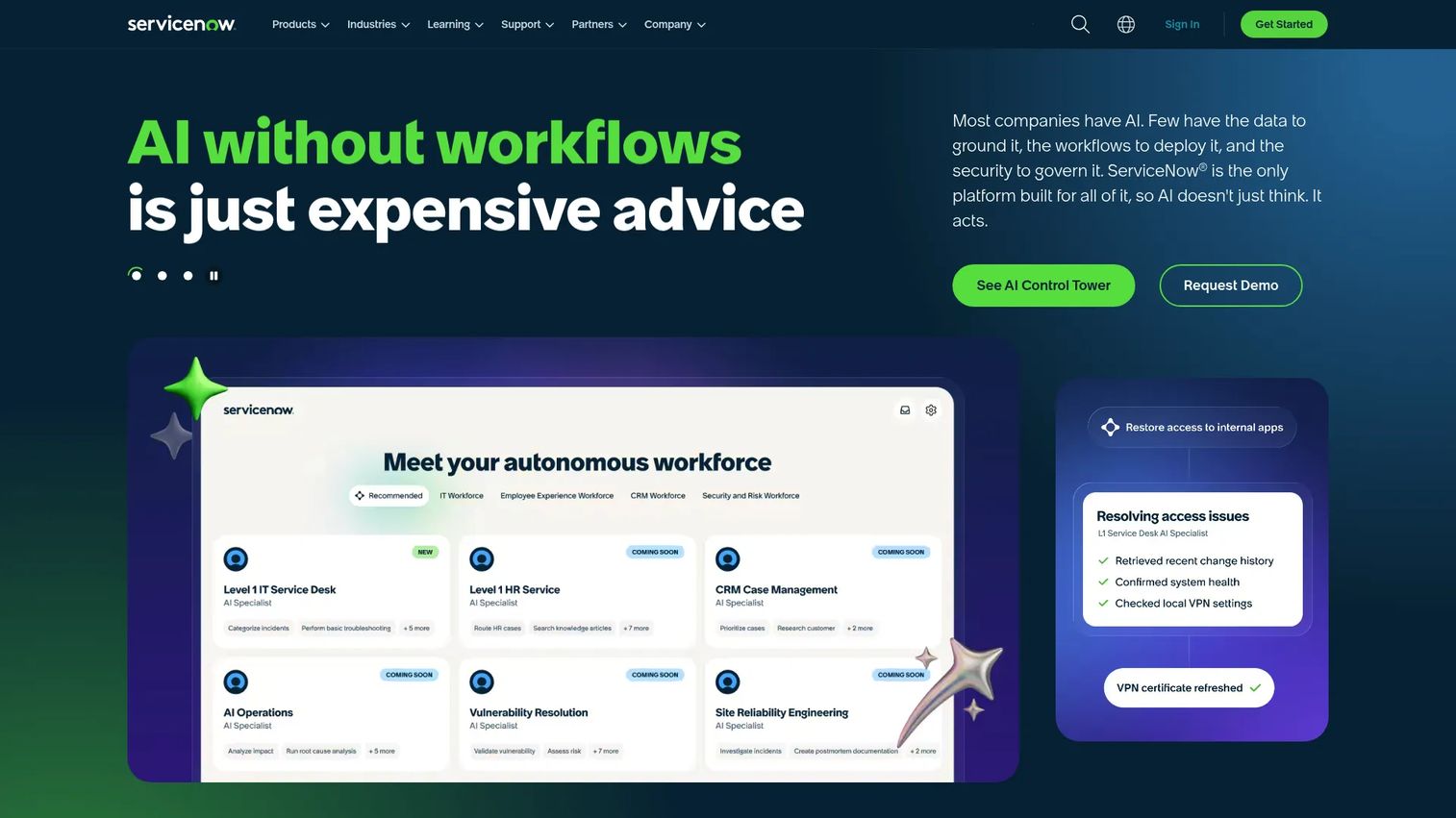
ServiceNow is the enterprise AI platform for automating business workflows across IT, customer service, and employee experience on a single cloud. It sits at the center of the most complex IT organizations, running service management, asset management, and orchestration as one connected system rather than a stack of tools that barely talk to each other.
Best for: Large enterprises standardizing and automating cross-department workflows at scale.
Key strengths
- AI agents: Automate routine ticket triage and resolution, cutting manual handling on repetitive requests.
- Workflow automation: Orchestrate incident, change, and asset processes across teams without custom glue code.
- Single cloud platform: Consolidate ITSM, ITAM, and service delivery on one system of record.
Why choose ServiceNow: If your problem is organizational sprawl across dozens of teams and legacy systems, ServiceNow is the platform built to absorb all of it. The tradeoff is real: implementation is a project, not a plug-in, and it rewards organizations with the scale and internal capacity to configure it well. For enterprises that fit, it becomes the backbone everything else connects to.
ServiceNow pricing: ServiceNow does not publish numeric pricing. Its pricing page lists plan names and feature bundles, then routes you to a custom quote based on your modules and scale. Expect enterprise-tier packaging and a sales-led evaluation.
2. Freshservice
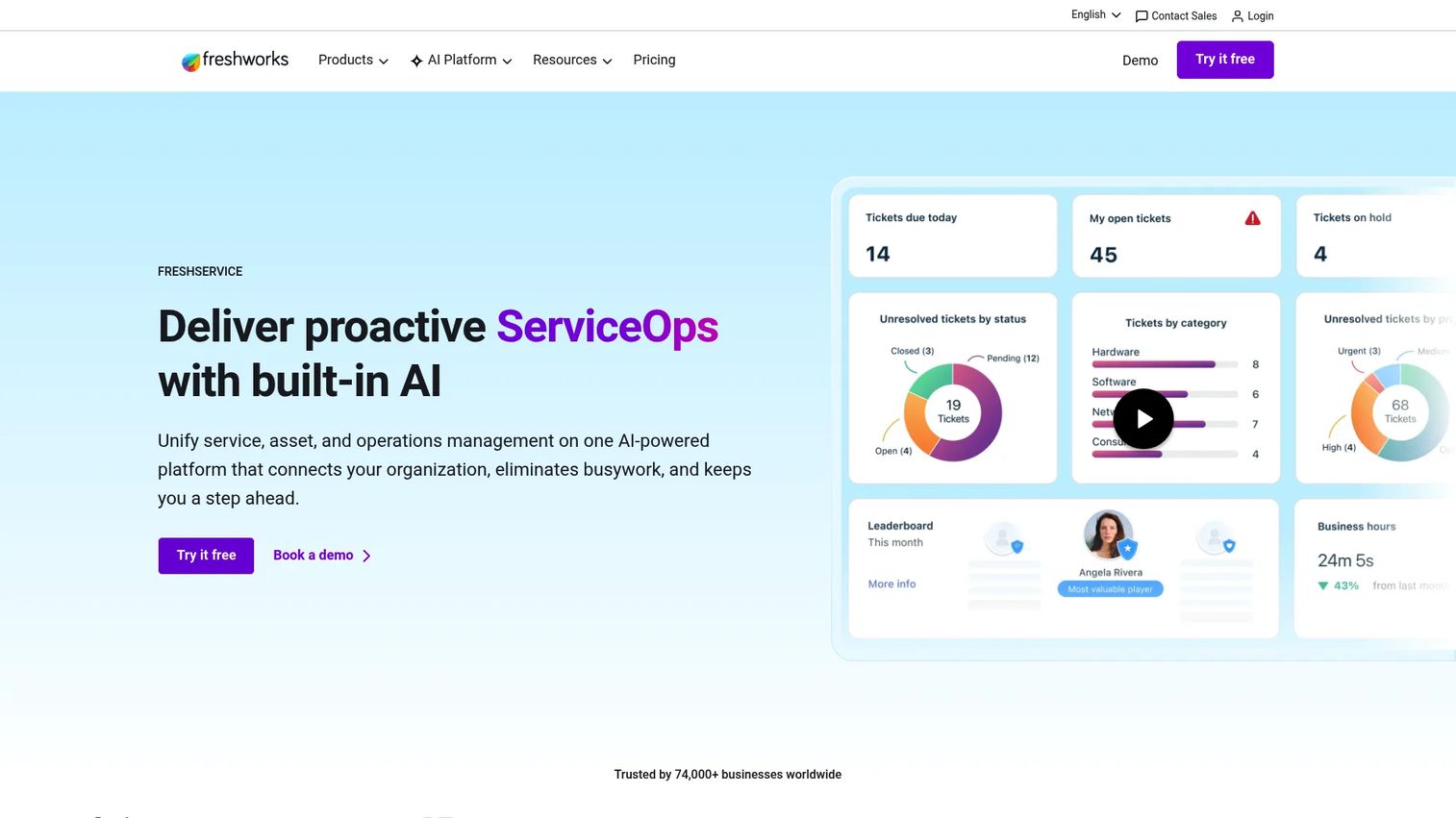
Freshservice is Freshworks' AI-powered IT service management and employee service platform. It delivers a clean, modern service desk with asset management and a CMDB built in, aimed at teams that want mature IT operations without the heaviest enterprise overhead.
Best for: IT teams needing an all-in-one service desk with asset and workflow management.
Key strengths
- Incident, problem, and change management: Full ITIL-aligned service workflows out of the box.
- IT asset management and CMDB: Track assets and their relationships without bolting on a separate tool.
- Workflow automation and self-service portal: Deflect repetitive requests and automate routing to cut agent load.
Why choose Freshservice: Freshservice fits teams that want ITSM and asset management to feel usable on day one, not after a six-month rollout. Its clean UX and transparent pricing make it a strong fit for growing enterprises that value speed to value and low maintenance across frequent changes. It scales up without demanding the implementation budget of the heaviest suites.
Freshservice pricing: Freshservice publishes per-agent pricing billed annually: Starter at $19/agent/month, Growth at $49/agent/month, and Pro at $99/agent/month. An Enterprise tier is custom-quoted, and a 14-day free trial is available. This transparency makes it easy to model total cost of ownership before committing.
3. Lansweeper
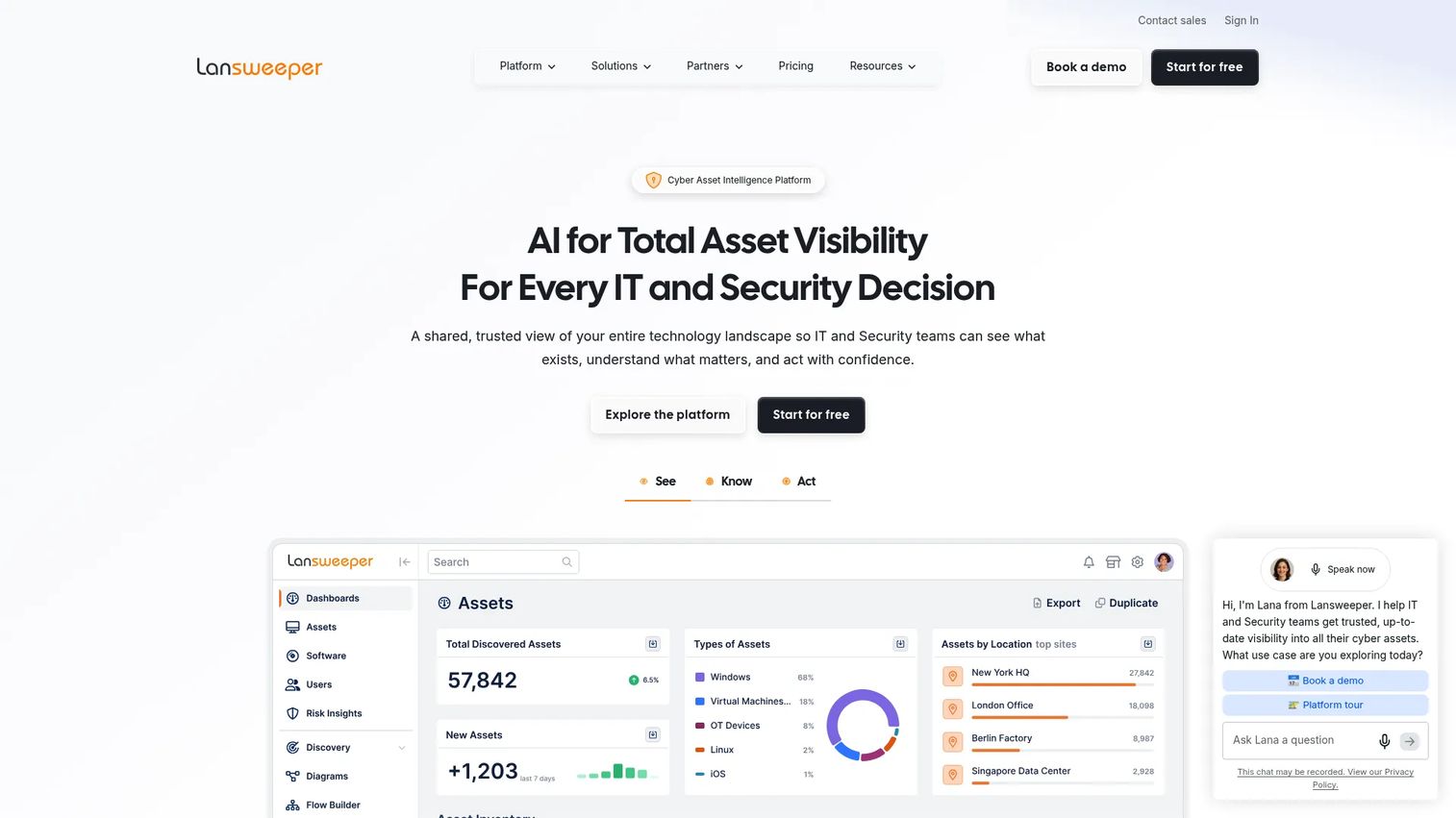
Lansweeper is an IT asset intelligence platform for discovering, inventorying, and analyzing assets across environments. When your central problem is not knowing what you actually own, Lansweeper is built to answer that question automatically rather than through manual audits.
Best for: IT and security teams needing centralized asset discovery and inventory.
Key strengths
- Agentless asset discovery: Scan and inventory devices across the network without installing software everywhere.
- Agent-based scanning: Capture off-network and remote devices for full visibility.
- Automated software deployment and reporting: Push software and generate inventory reports on a schedule.
Why choose Lansweeper: Lansweeper wins when discovery depth is the priority and shadow IT is the fear. It surfaces the devices and software that manual tracking misses, giving security and asset teams a live inventory to build governance on top of. It complements a service desk rather than replacing one, feeding accurate data into whatever ITSM layer you run.
Lansweeper pricing: Lansweeper is billed annually, with the Starter plan from $239/month covering 2,000 assets and the Pro plan from $439/month scaling to 9,000 assets. Enterprise is custom-quoted from 10,000 assets. A 14-day free trial continues free for up to 100 assets, which makes early evaluation genuinely low-commitment.
4. ManageEngine AssetExplorer
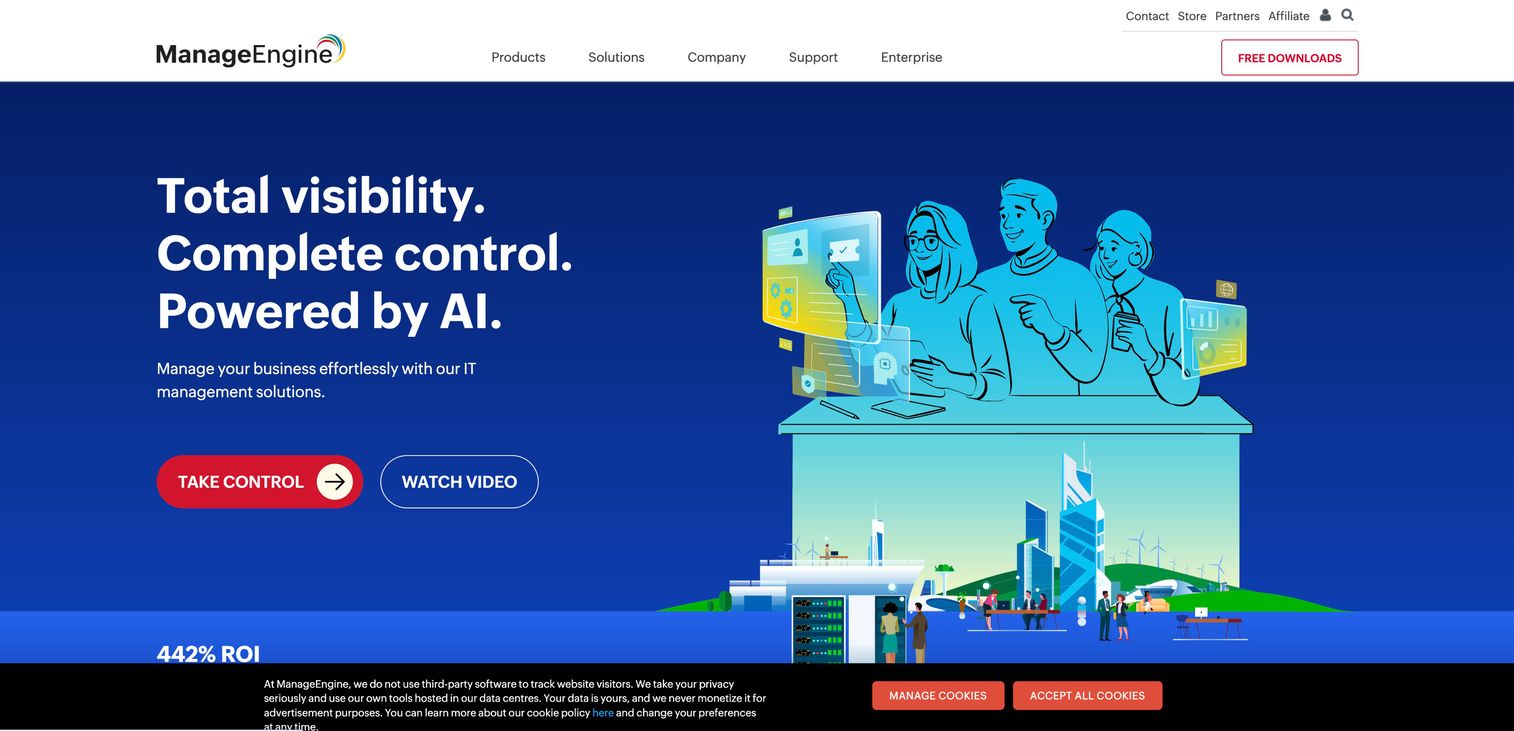
ManageEngine AssetExplorer is IT asset management software for discovering, tracking, and managing hardware and software assets across their lifecycle. It targets IT teams that need centralized asset inventory, discovery, and procurement tracking in one place.
Best for: IT teams needing centralized asset inventory, discovery, and lifecycle tracking.
Key strengths
- IT and non-IT asset discovery: Track and manage both technology and non-technology assets from one system.
- Purchase order and contract management: Handle procurement workflows and vendor contracts alongside inventory.
- Reports and mobile apps: Access inventory data and reporting from iOS and Android.
Why choose ManageEngine AssetExplorer: AssetExplorer fits midsize to enterprise environments that want asset lifecycle management and licensing visibility without a sprawling platform commitment. Its usage-based model scales with your asset count, and its procurement features connect purchasing to inventory so nothing falls through the cracks between finance and IT.
ManageEngine AssetExplorer pricing: Pricing is usage-based by the number of IT assets managed, shown as asset-count bundles that scale up from smaller environments to 10,000-plus assets. A 30-day fully functional free trial covers the cloud version for up to 250 IT assets, so you can validate fit before sizing a purchase.
5. Ivanti Neurons
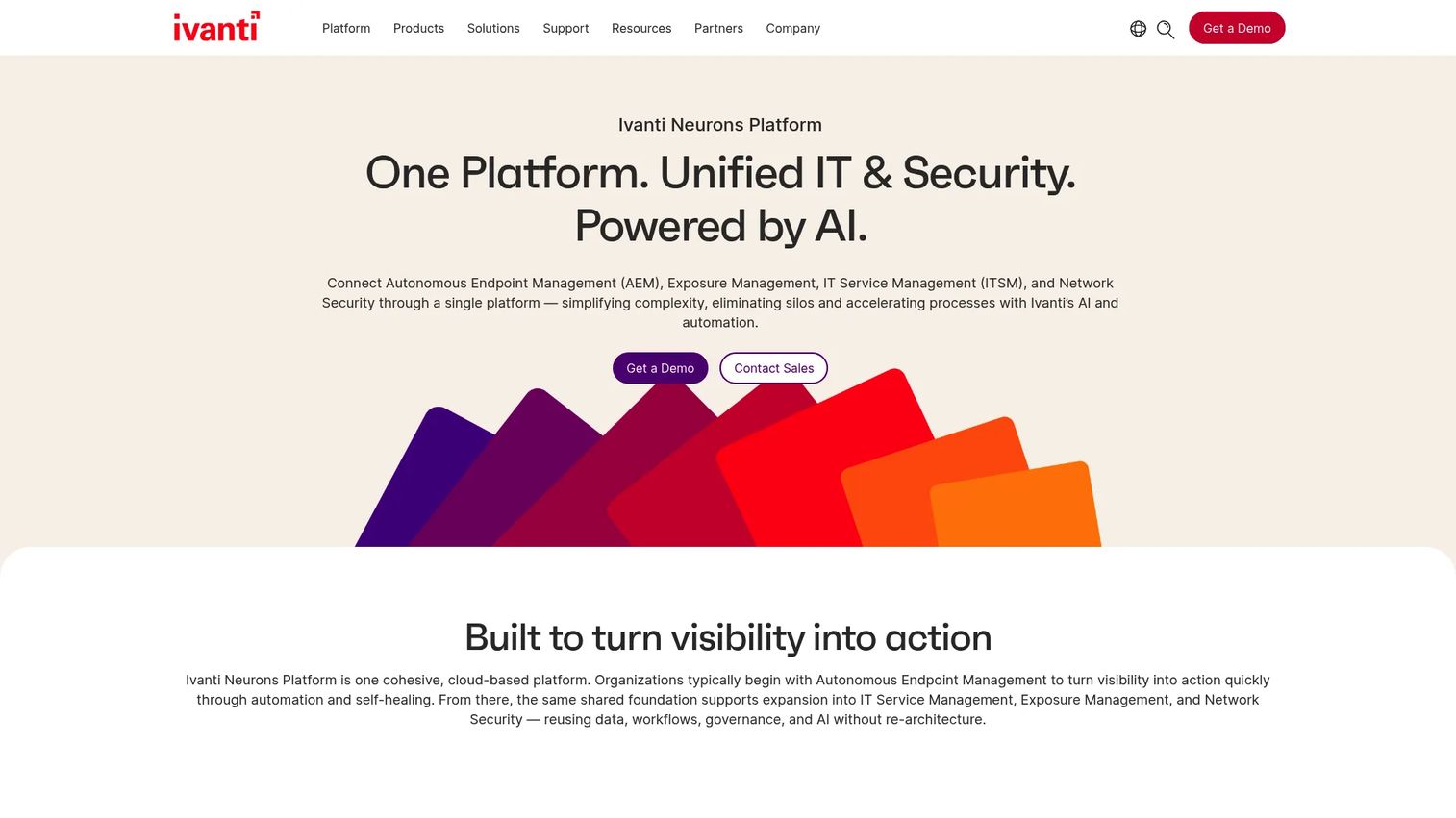
Ivanti Neurons is an enterprise software family spanning IT service management, endpoint management, security, and automation. It appeals to security-conscious IT teams that need endpoint control and operational visibility from a platform designed around real-time discovery and remediation.
Best for: Large organizations needing an enterprise ITSM and endpoint management platform with automation.
Key strengths
- Real-time discovery and visibility: Maintain a live view of assets and endpoints across the environment.
- AI-powered self-healing endpoints: Automatically detect and remediate issues before they become tickets.
- ITSM workflows with compliance controls: Run service management with dashboards, integrations, and governance built in.
Why choose Ivanti Neurons: Ivanti Neurons fits enterprises where endpoint security and automated remediation are as important as service workflows. The self-healing and self-securing angle appeals to teams that want to reduce manual intervention and shrink the window between a problem appearing and being fixed. It is a broad platform play for organizations consolidating endpoint and ITSM under one roof.
Ivanti Neurons pricing: Ivanti does not publish public pricing for the Neurons family. Its product pages route you to contact sales or request a demo, so expect a sales-led evaluation with pricing scoped to your modules and endpoint count.
6. Flexera
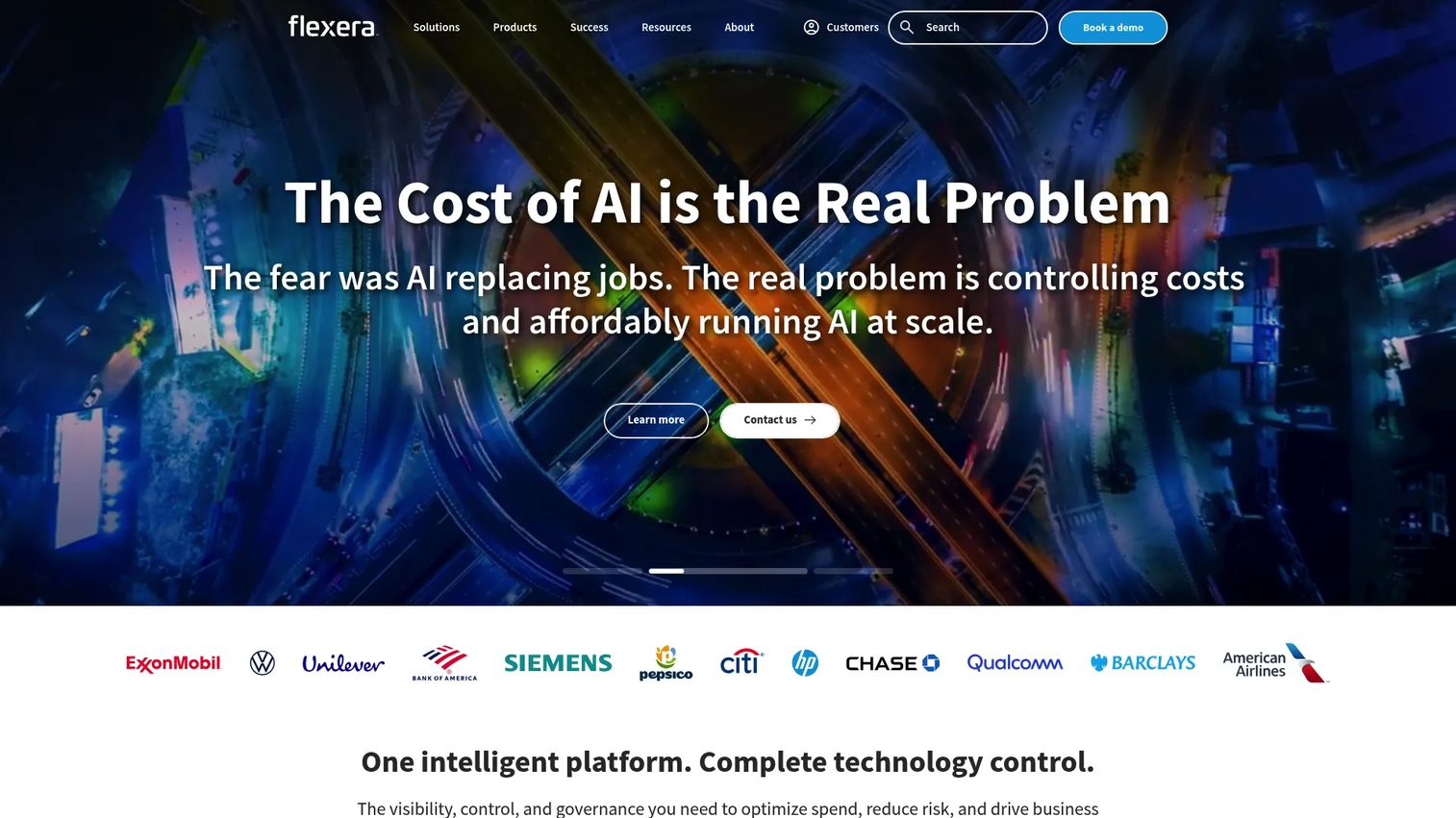
Flexera is enterprise software for IT asset management, software asset management, FinOps, and cloud spend optimization. Procurement-heavy and compliance-heavy enterprises evaluate it when software licensing and cost control are boardroom-level concerns, not afterthoughts.
Best for: Large enterprises managing hybrid IT, software licenses, SaaS, and cloud spend.
Key strengths
- IT visibility and asset lifecycle management: Maintain a full picture of hardware and software across hybrid environments.
- Cloud cost optimization and FinOps: Track and control cloud spend against actual usage.
- SaaS management and renewal optimization: Surface unused entitlements and manage vendor renewals proactively.
Why choose Flexera: Flexera earns evaluation when license compliance and software spend are material risks. Audit exposure and wasted cloud spend cost enterprises real money, and Flexera's SAM and FinOps depth is built to reclaim it. It is a specialist's platform for organizations where procurement and compliance carry serious weight.
Flexera pricing: Flexera does not publish public pricing. Its site describes a fixed subscription fee based on term length and usage metrics, but the actual figure comes through a sales conversation. Plan for an enterprise procurement cycle.
7. Zluri
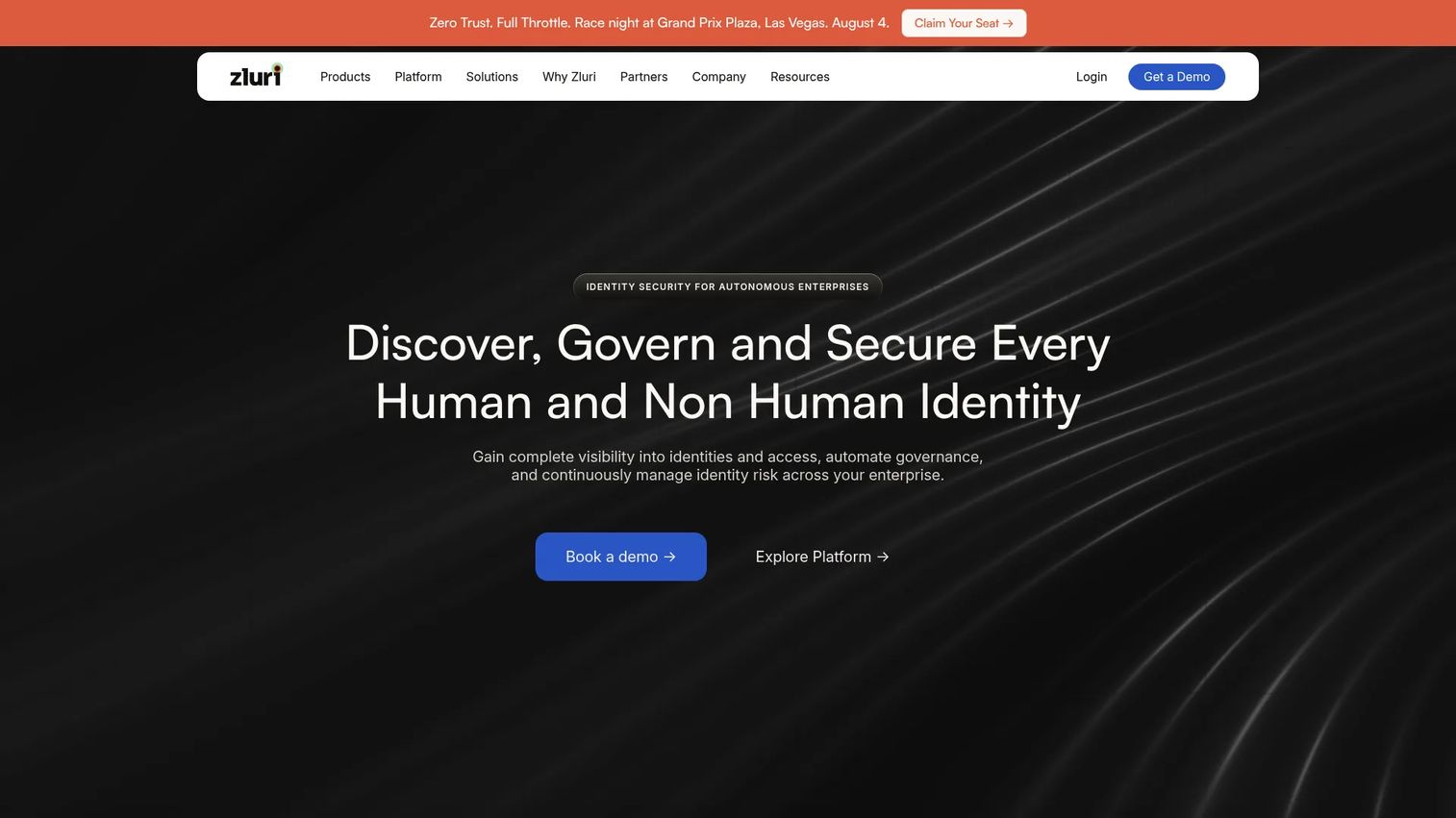
Zluri is an identity governance and administration platform for SaaS visibility, access governance, and identity security. It targets the SaaS sprawl problem: the dozens of apps employees adopt without IT ever knowing, and the access risk that piles up as people join and leave.
Best for: Mid-market and enterprise teams managing SaaS access governance and identity security.
Key strengths
- Identity visibility and intelligence: Discover every SaaS app and account across the organization.
- Identity governance and administration: Automate access reviews, provisioning, and deprovisioning.
- Identity security posture management: Surface and reduce access risk across your SaaS footprint.
Why choose Zluri: Zluri fits enterprises drowning in SaaS subscriptions and orphaned access. As app sprawl grows, so does spend waste and security exposure, and Zluri centralizes both discovery and governance. Buyers often compare it against broader IT management suites when SaaS-specific control is the missing layer in their stack.
Zluri pricing: Zluri does not publish public pricing on its site; a 14-day free account is available for early evaluation. Expect a sales-led quote scoped to your app count and governance needs.
8. Jamf Pro
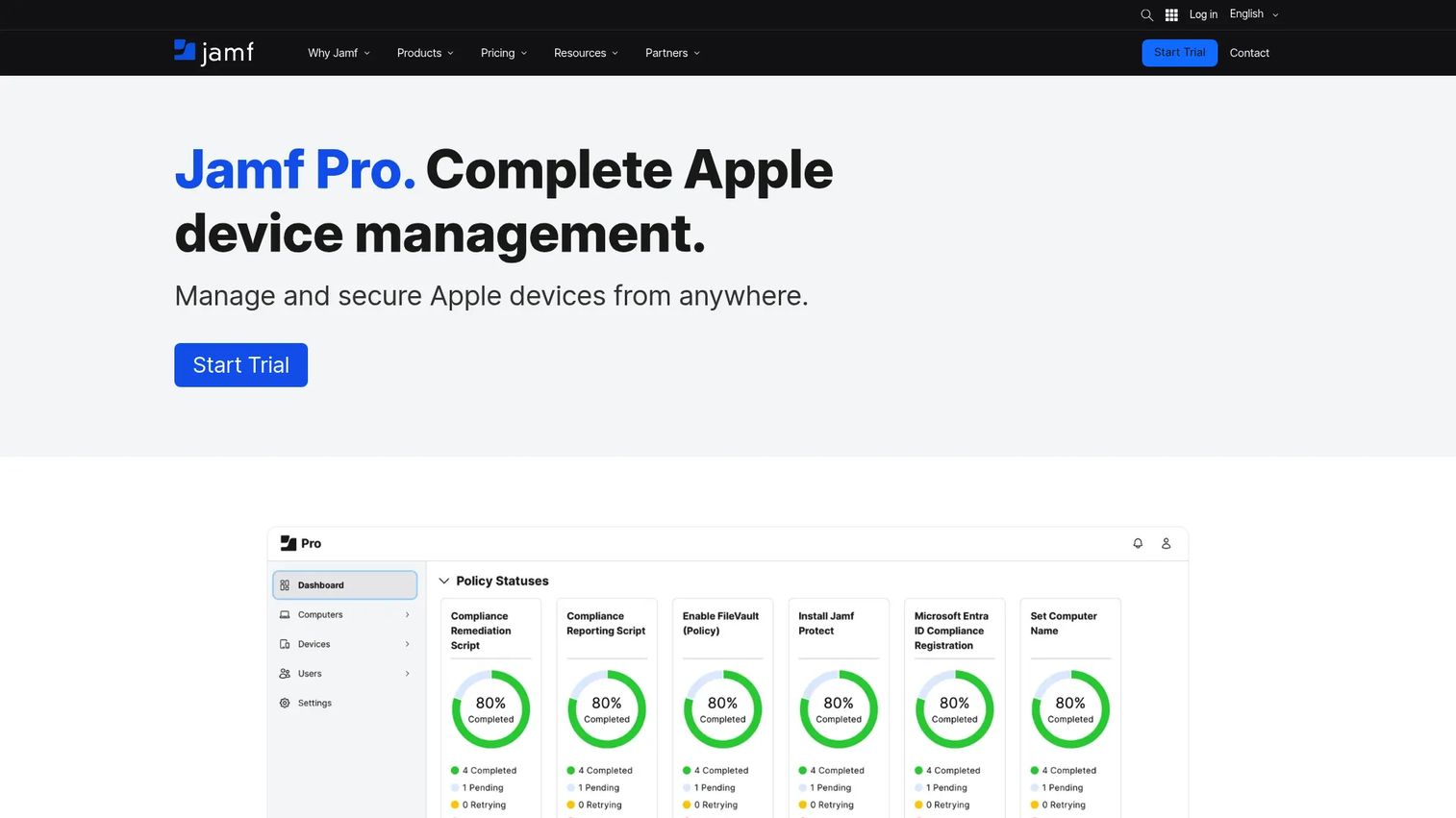
Jamf Pro is Apple device management and security software built specifically for organizations running Macs, iPhones, and iPads at scale. For Apple-heavy environments, it is the standard, delivering deployment, inventory, and security tailored to Apple's ecosystem rather than retrofitted from a Windows-first tool.
Best for: IT teams managing and securing Apple devices at scale.
Key strengths
- Zero-touch deployment: Ship devices that configure themselves the moment they power on.
- Inventory management and Blueprints: Track Apple assets and enforce consistent configurations.
- Compliance benchmarks and remote security commands: Enforce policy and respond to threats remotely.
Why choose Jamf Pro: If your fleet is meaningfully Apple, Jamf Pro's native depth beats generic endpoint tools. It supports Apple hardware the day new features ship, which matters for organizations that standardize on Mac. Teams with mixed fleets often pair it with a broader endpoint tool, using Jamf for the Apple layer specifically.
Jamf Pro pricing: G2 lists two editions: Jamf for Mobile at $5.75 per device and Jamf for Mac at $12.50 per device, with a free trial available. Per-device pricing makes total cost straightforward to model against fleet size.
9. Microsoft Intune
Microsoft Intune is a cloud-based endpoint management service for securing and managing devices and apps. For Microsoft-centric environments already running Entra ID and Microsoft 365, it is often the default choice, because policy, identity, and device management sit inside one ecosystem.
Best for: Organizations needing centralized endpoint, app, and access management across mixed device fleets.
Key strengths
- Device enrollment and configuration: Enroll, configure, secure, and update devices from the cloud.
- App protection with MDM and MAM: Deploy and secure apps across managed and personal devices.
- Conditional Access via Entra ID: Tie device compliance directly to identity-based access policy.
Why choose Microsoft Intune: Intune's advantage is integration. If your organization already lives in Microsoft's ecosystem, endpoint management, identity, and compliance connect without stitching third-party tools together. That native alignment reduces integration overhead and gives security teams a single policy surface across the fleet.
Microsoft Intune pricing: Microsoft lists Plan 2 as an add-on at $4.00/user/month, Plan 1 as the base subscription at $8.00/user/month, and the Intune Suite at $10.00/user/month, all paid yearly. A free 30-day trial is available, and the per-user model maps cleanly to seat-based budgeting.
10. BMC Helix Discovery
BMC Helix Discovery is SaaS discovery software that automatically maps IT assets, configurations, and dependencies. It matters most for large environments with complex infrastructure, where understanding how systems connect is as important as knowing they exist.
Best for: Enterprises needing automated infrastructure discovery and dependency mapping for CMDB and IT operations.
Key strengths
- Automatic discovery: Detect hardware and software across data centers and cloud without manual inventory.
- Configuration and dependency mapping: Map relationships between assets to understand impact and risk.
- Cloud-native SaaS with managed updates: Get BMC-managed updates and technology knowledge updates without maintenance overhead.
Why choose BMC Helix Discovery: Helix Discovery fits enterprises where the configuration management database is central to operations and change management. Dependency mapping turns a flat asset list into an operational map, so teams can see what a change will affect before they make it. For complex, interconnected infrastructure, that visibility is the point.
BMC Helix Discovery pricing: BMC does not publish public pricing; its site directs you to request pricing or contact sales. Expect an enterprise evaluation scoped to your environment size and discovery scope.
Considerations before you buy
A feature list does not tell you whether a platform survives enterprise reality. Weigh these before you sign.
Integration depth
The platform has to fit your existing stack, not fight it. Verify support for your identity provider, HR system, ticketing tools, endpoint agents, and analytics. Shallow integrations create manual sync work that erodes the ROI you built the business case on.
Security and governance controls
Enterprise buyers should confirm role-based access control, audit logs, data handling practices, and compliance certifications. These are not nice-to-haves. They determine whether the tool passes your own security review and whether it accelerates or stalls audits.
Total cost of ownership
Seat-based pricing and asset-count tiers are only the starting figure. Factor in module add-ons, implementation cost, and the internal time to configure and maintain the platform. The heaviest suites carry real implementation weight; the leaner tools trade some depth for faster time to value. Model TCO across three years, not one.
Scalability across teams and regions
A tool that works for one team can buckle across a distributed org. Check how pricing, permissions, and performance behave as you add departments, regions, and asset volume. Scalability is where a cheap-looking tool can quietly become expensive.
Maintainability
Someone owns this platform after purchase. Assess how much ongoing configuration each release demands, how quickly the vendor ships updates, and whether admin overhead grows with scale. Low maintenance is a feature, especially for lean teams.
Conclusion
The right pick starts with your problem, not the vendor's marketing. If your pain is cross-department workflow chaos at scale, ServiceNow is the enterprise backbone. If you want mature ITSM without the heaviest rollout, Freshservice delivers with transparent pricing. When the core problem is not knowing what you own, Lansweeper and ManageEngine AssetExplorer rebuild that visibility.
For endpoint control, match the tool to your fleet: Ivanti Neurons for automated remediation, Microsoft Intune for Microsoft-centric environments, and Jamf Pro for Apple-heavy organizations. When compliance and cost dominate, Flexera handles software asset management and FinOps, Zluri governs SaaS access, and BMC Helix Discovery maps the dependencies behind a serious CMDB.
Separate the layers before you shortlist. ITAM tracks what you own, ITSM manages how service gets delivered, discovery finds what tracking misses, endpoint management enforces policy, and SAM controls license risk. Name which layer hurts most, then evaluate the two or three tools built for it. That sequence keeps you from buying a heavyweight platform to solve a discovery problem, or a discovery tool to solve a workflow one.
FAQs
It is a category of platforms that help large organizations discover, track, govern, and support their technology assets and services from a centralized system. It spans subcategories including IT asset management, IT service management, discovery and inventory, endpoint management, software asset management, and configuration management. Most enterprises combine several layers rather than buying one tool.
ITAM tracks assets: what hardware and software you own, their cost, and their lifecycle. ITSM manages service workflows: incidents, problems, changes, and requests, usually built around ITIL practices. Many suites overlap both, which is why tools like Freshservice bundle asset management inside a service desk.
A configuration management database adds real value when infrastructure is complex and interconnected, because it maps dependencies so teams can predict the impact of a change. For smaller or simpler environments, a full CMDB can become overhead that is hard to keep accurate. The deciding factor is whether dependency mapping actually informs your operations and change management.
Discovery-first tools like Lansweeper and BMC Helix Discovery excel at building a live asset inventory automatically, catching devices and software that manual tracking misses. The tradeoff to weigh is discovery depth versus service workflows: a pure discovery tool surfaces what you own but does not manage the service desk. Many teams pair a discovery tool with an ITSM platform to cover both.
Start with the visible number, whether seat-based, per-agent, per-device, or asset-count tiers, then add the pieces that do not appear on the pricing page. Module add-ons, implementation cost, and internal maintenance time all feed total cost of ownership. Model TCO across multiple years, since scaling users, assets, and regions changes the math significantly.
Prioritize role-based access control, detailed audit logs, transparent data handling, and the compliance certifications your industry requires. These features determine whether the platform passes your internal security review and whether it speeds up or slows down audits. Governance controls are what separate an enterprise-grade tool from a departmental one.
AI drives automation across ticket triage, predictive diagnostics, and self-healing remediation that resolves issues before they become tickets. Roughly 58% of organizations now embed AI and automation in their IT management suites for real-time diagnostics and predictive analytics, per MarketGrowthReports (2024). The practical payoff is less manual handling and faster resolution, not novelty.
At minimum, look for identity providers, HR systems, endpoint agents, ticketing tools, communication platforms, and analytics stacks. These integrations are what turn a standalone tool into a connected system of record, and shallow integration support is a common reason platforms underdeliver on their promised ROI. Verify the specific connectors you need before you commit.