Open enrollment hits and the same pattern repeats. Spreadsheets fly between HR, payroll, and three carriers. An eligibility rule gets missed. A deduction comes out wrong. Someone spends two weeks reconciling a carrier invoice line by line, and the new hire who started last month still cannot find their plan documents.
That manual overhead is exactly what benefits administration software removes. The category is growing fast for a reason: the global benefits administration software market reached $2.5 billion in 2024, up 11% year over year, according to Apps Run The World (2025). Cloud-based deployment already accounts for 68.4% of revenues in 2025, per Precedence Research, which tells you where buyers are putting their budget.
For an operator who owns the budget but not the day-to-day, the appeal is simple. The right benefits administration platform turns a recurring fire drill into a repeatable system that runs without you in the room. It is the same logic founders apply when they evaluate any tool: does this earn its place in the stack, reduce manual work, and scale without adding headcount? If you are weighing operational software more broadly, our guides to contract lifecycle management and audit management software follow the same decision-support logic applied here.
This guide compares eight employee benefits administration software platforms so you can narrow a shortlist without sitting through eight sales calls first.
What's inside
This is a buyer's guide, not a directory. It is written for HR leaders, People Ops managers, and operators evaluating benefits enrollment software who want a clear path from "we need this" to "we picked two to demo."
We selected the eight platforms based on four criteria that actually matter when the software is live:
- Enrollment automation: how cleanly open enrollment and new-hire onboarding run without manual data entry.
- Carrier and payroll sync: the depth of carrier integrations and payroll sync that keep deductions and elections accurate.
- Compliance support: built-in handling for ACA, HIPAA, COBRA, and ERISA requirements.
- Self-service and reporting: an employee self-service portal plus reporting depth that surfaces eligibility, costs, and reconciliation gaps.
TL;DR
Short on time? Here is the quick decision shortcut by reader type:
- Best for all-in-one HR and payroll operations: ADP, with broad HCM coverage and deep compliance support.
- Best for a dedicated benefits administration platform: PlanSource, built around enrollment automation and carrier connectivity.
- Best for employee experience and engagement: Benefitfocus, with strong plan navigation and self-service.
- Best for SMB and mid-market practicality: Paycor and Paylocity, which bundle benefits inside a familiar HR/payroll workflow.
- Best for broker-supported teams: Employee Navigator, with broker-friendly workflows and 600+ partner integrations.
- Best for enterprise complexity: Alight Solutions and bswift, built for large, multi-plan benefit structures.
What is benefits administration software?
Benefits administration software is a benefits administration system that automates how an organization enrolls employees, tracks eligibility, syncs data with payroll and carriers, supports compliance, and gives employees a self-service portal to manage their own benefits.
Older benefits management software lived in spreadsheets and email threads. Modern employee benefits management software centralizes the entire workflow so HR, payroll, and carriers work from one source of truth instead of reconciling four versions of the same data.
A capable benefits administration platform typically handles:
- Open enrollment: guided election flows for annual enrollment and qualifying life events, with decision support to help employees pick plans.
- Eligibility tracking: rules-based validation that confirms who qualifies for which plan based on hours, class, location, or tenure.
- Carrier integrations: EDI and API connections that push elections to insurance carriers and pull back confirmations.
- Payroll sync: automated deduction updates so payroll reflects current elections without manual re-entry.
- Compliance automation: ACA reporting, HIPAA data handling, COBRA administration, and ERISA documentation support.
- Employee self-service portal: a place where employees enroll, view coverage, add dependents, and find plan documents without emailing HR.
- Reporting and reconciliation: dashboards that match enrollments and deductions against carrier invoices to catch billing errors.
Get those seven right and benefits stop being a quarterly emergency. They become infrastructure.
When to use benefits administration software
You do not buy this software because a vendor told you to. You buy it when one of these patterns starts costing you real time and money.
When open enrollment turns into a manual fire drill
If every November means weeks of spreadsheet wrangling, paper forms, and chasing employees for elections, you are paying a tax in HR hours and errors. Benefits enrollment software automates the election flow, validates inputs as employees go, and removes most of the manual data entry. The result is fewer mistakes and a process that does not consume your People Ops team for a month.
When eligibility and life-event changes are hard to track
A new hire qualifies after 30 days. An employee has a baby and needs to add a dependent within a window. Someone moves from part-time to full-time. Tracking these by hand invites missed deadlines and compliance exposure. Rules-based eligibility tracking applies your plan logic automatically, so the right people get the right options at the right time.
When payroll and carrier data keep drifting
When elections live in one system and deductions live in another, they drift. An employee drops a plan but the deduction keeps running. A carrier invoice does not match your records. Strong carrier integrations and payroll sync keep all three systems aligned, and built-in reconciliation flags the gaps before they become refunds or write-offs.
When employees keep asking the same benefits questions
If HR answers the same "how do I add my spouse" question fifty times a year, that is a scale problem. An employee self-service portal lets people enroll, update, and find answers on their own. It frees your team to handle the cases that actually need a human.
Comparison table
Here is how the eight benefits administration companies compare at a glance. Pricing for most enterprise HR platforms is quote-based, so we have noted what is publicly verifiable and left the rest to the demo conversation. Ratings reflect current G2 listings where available.
| # | Product | Intent | Key differentiation | Pricing | G2 rating |
|---|---|---|---|---|---|
| 1 | ADP | All-in-one HCM with benefits | Payroll, tax, HR, and benefits under one global platform | Quote-based | 4.6/5 |
| 2 | PlanSource | Dedicated benefits platform | Enrollment automation and carrier API connectivity | From $1,000 (setup) | 4.0/5 |
| 3 | Benefitfocus | Employee experience focus | Plan navigation, billing, and engagement tools | Quote-based | 4.3/5 |
| 4 | Paycor | SMB/mid-market HR + benefits | Benefits inside a broader HR/payroll workflow | Quote-based | 3.9/5 |
| 5 | Employee Navigator | Broker-supported teams | Broker-friendly workflows, 600+ integrations | From $0.45 PEPM | 4.6/5 |
| 6 | bswift | Configurable enterprise admin | AI-native support, 550+ integrations | Quote-based | Not listed |
| 7 | Paylocity | Unified HR/payroll platform | Benefits inside an all-in-one HR system | Quote-based | 4.4/5 |
| 8 | Alight Solutions | Enterprise outsourced benefits | Large-scale administration and employee experience | Quote-based | Not listed |
1. ADP
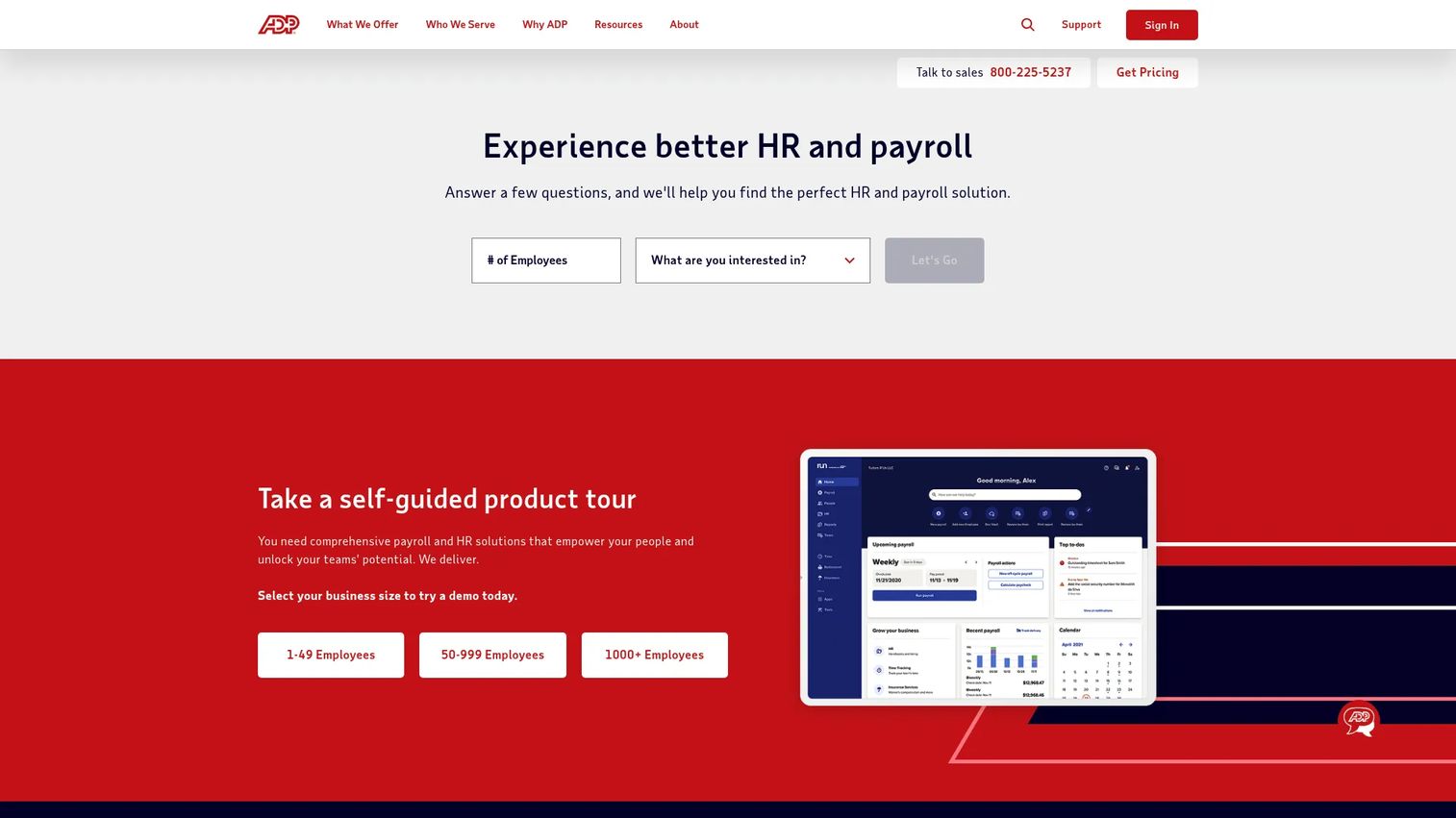
ADP is one of the most recognized names in human capital management, offering payroll, HR, time, tax, benefits, and outsourcing under one roof. For teams that want benefits administration as part of a broader HCM ecosystem rather than a standalone tool, ADP is the default starting point. It runs open enrollment, eligibility, deductions, and compliance inside the same system that handles payroll, which removes most of the cross-system reconciliation that smaller stacks fight with.
Best for: Businesses that want payroll and HR software with deep compliance support in a single platform.
Key strengths
- Payroll and tax filing: Benefits deductions flow directly into payroll, so elections and paychecks stay in sync without manual updates.
- HR and benefits administration: Enrollment, eligibility, and life-event handling sit inside the same system as your core HR records.
- Time, talent, and compliance tools: ACA reporting and broader workforce compliance are built in, not bolted on.
Why choose ADP: If you already process payroll through ADP or want one vendor accountable for payroll, HR, and benefits, the integration depth is the whole point. You trade some of the specialization of a dedicated benefits platform for fewer systems to reconcile and one support relationship to manage. For operators consolidating their stack, that single-vendor accountability is often worth more than best-of-breed depth in any one area.
ADP pricing: ADP packages benefits within products like RUN Powered by ADP, which lists four small-business plan tiers: Essential Payroll, Enhanced Payroll, Complete Payroll & HR Plus, and HR Pro Payroll & HR. The pricing page does not display public numeric prices and directs prospects to request a quote. RUN Powered by ADP holds a 4.6/5 rating on G2. Plan on a tailored quote based on headcount and the modules you need.
2. PlanSource
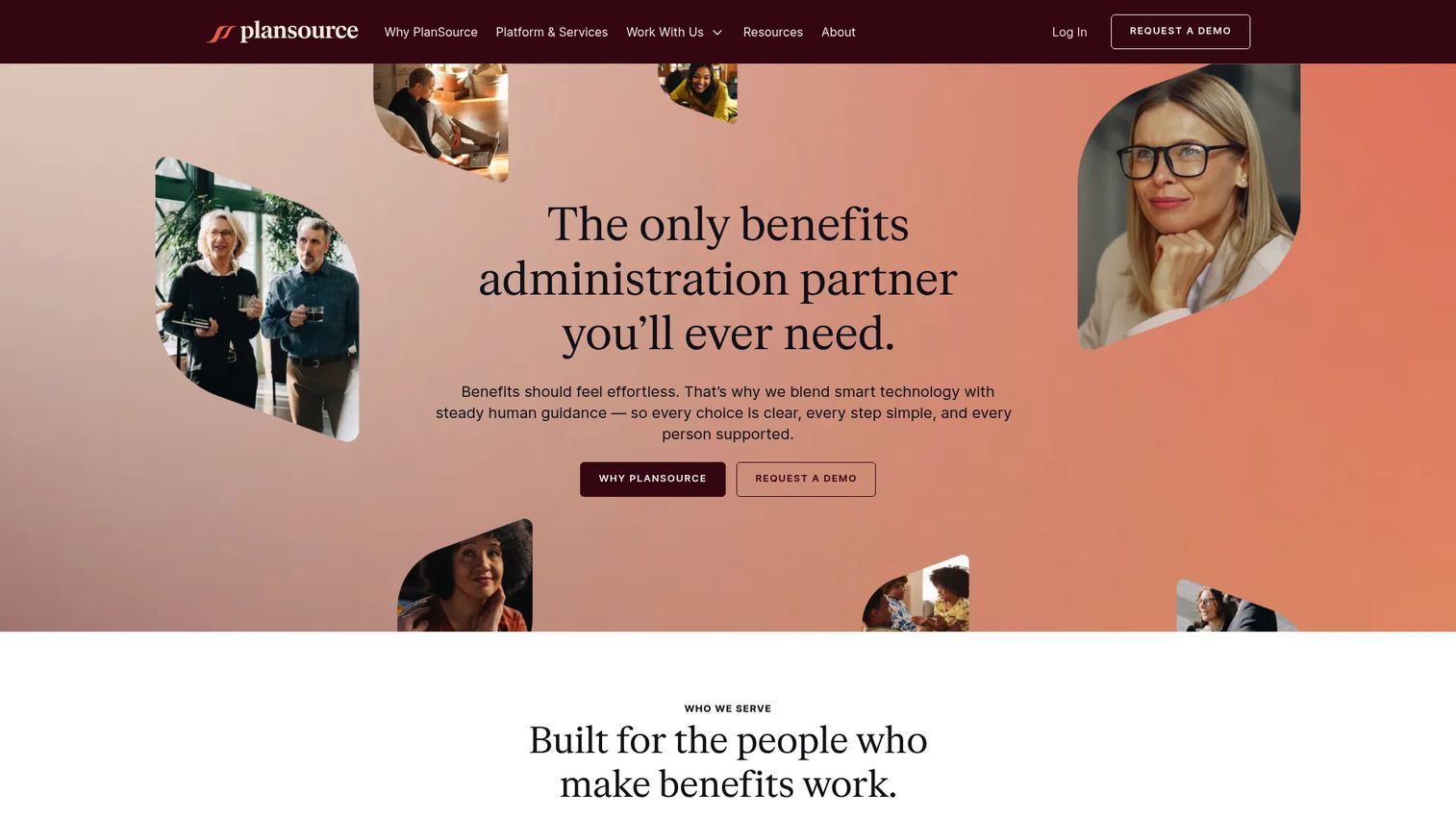
PlanSource is a dedicated benefits administration platform built for HR teams, brokers, carriers, and partners rather than a general HR suite that added benefits later. Its focus shows in the depth of its enrollment automation and carrier connectivity. If you want a system whose entire reason for existing is running benefits well, PlanSource sits firmly in that category.
Best for: Mid-market and enterprise teams that want a dedicated benefits administration platform with strong carrier integrations.
Key strengths
- Benefits administration: Purpose-built enrollment and eligibility workflows handle annual enrollment and life events without payroll-suite compromises.
- Enrollment APIs and carrier integrations: Direct connectivity pushes elections to carriers and pulls confirmations back, reducing manual EDI work.
- AI-assisted implementation, reporting, and communications: Tooling speeds up setup, surfaces reporting, and helps automate employee communications.
Why choose PlanSource: When benefits are complex enough that a payroll-native module starts to strain, a dedicated platform earns its keep. PlanSource is built for organizations juggling multiple carriers, plan types, and enrollment cycles where the carrier data flow is the hard part. Brokers and benefits-heavy mid-market teams tend to be the strongest fit.
PlanSource pricing: PlanSource does not publish a standard SaaS subscription page. A first-party fee schedule shows open enrollment setup pricing starting around $1,000 for a type-one renewal, $4,000 for type two, and $6,000 for type three, plus integration fees. There is no free tier. PlanSource holds a 4.0/5 rating on G2. Expect a custom quote based on your renewal type, integration count, and population size.
3. Benefitfocus
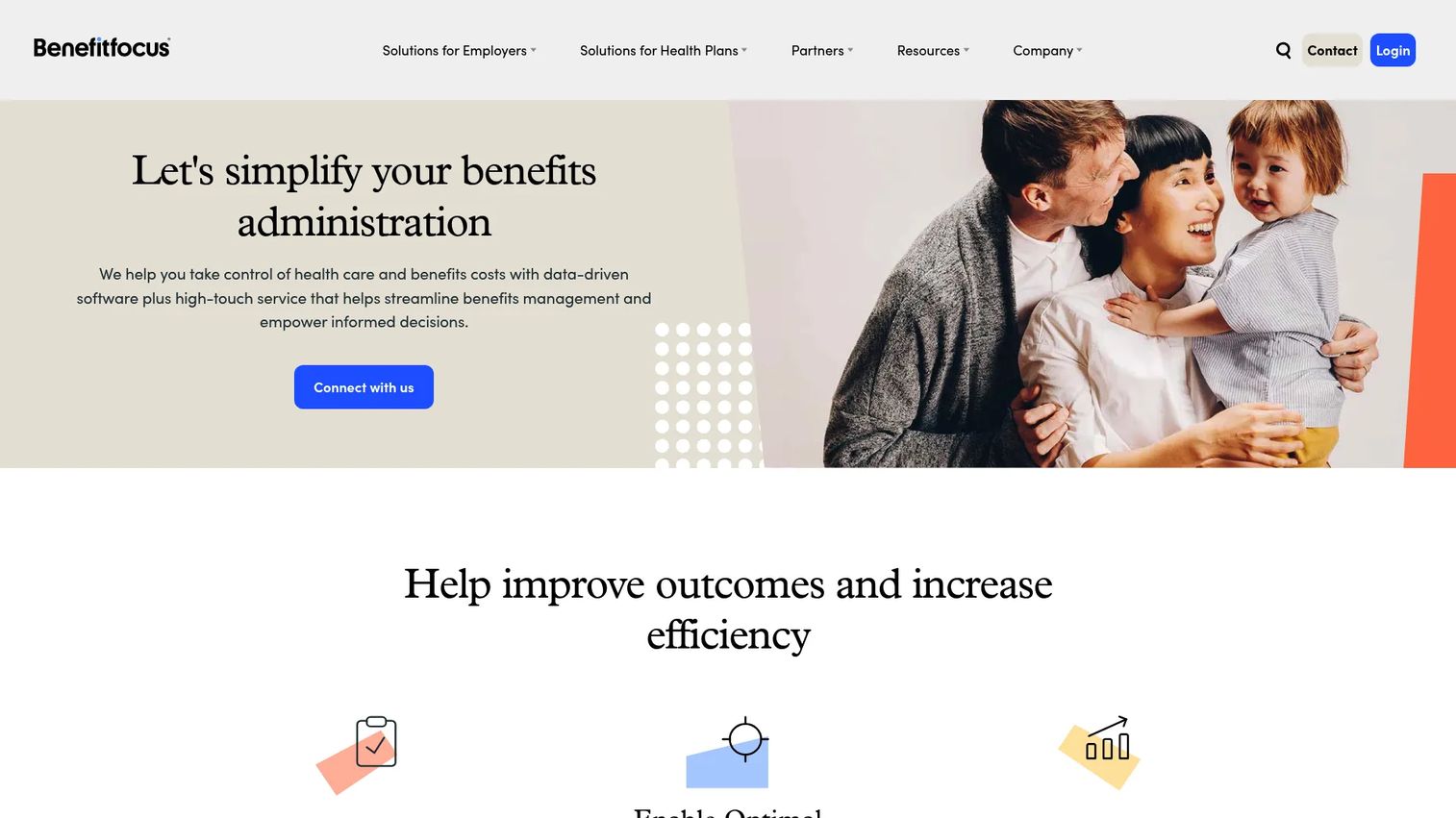
Benefitfocus is cloud-based benefits administration software built for employers, health plans, and brokers, with a clear emphasis on the employee experience. Where some platforms treat the employee portal as an afterthought, Benefitfocus puts plan navigation and engagement at the center. If your priority is helping employees actually understand and use their benefits, that focus matters.
Best for: Organizations that need a benefits administration platform for enrollment, billing, and employee engagement.
Key strengths
- Benefits administration and enrollment: Guided enrollment flows walk employees through plan choices with decision support built in.
- Billing and payments: Consolidated billing and payment handling simplifies the money side of benefits administration.
- Data management and integrations: Connections keep employee, payroll, and carrier data aligned across systems.
Why choose Benefitfocus: If employees routinely struggle to pick the right plan or find their coverage details, the engagement layer here is the differentiator. Benefitfocus is a strong fit for organizations that care about benefits comprehension and service depth, not just administrative throughput. The billing and payments tooling also helps teams that want enrollment and reconciliation closer together.
Benefitfocus pricing: Benefitfocus does not publish public pricing. The site prompts prospects to request a demo or contact sales, and Capterra similarly lists pricing as contact-vendor. Benefitfocus holds a 4.3/5 rating on G2. Pricing will depend on your population size, plan complexity, and the modules you enable, so a scoped quote is the practical next step.
4. Paycor
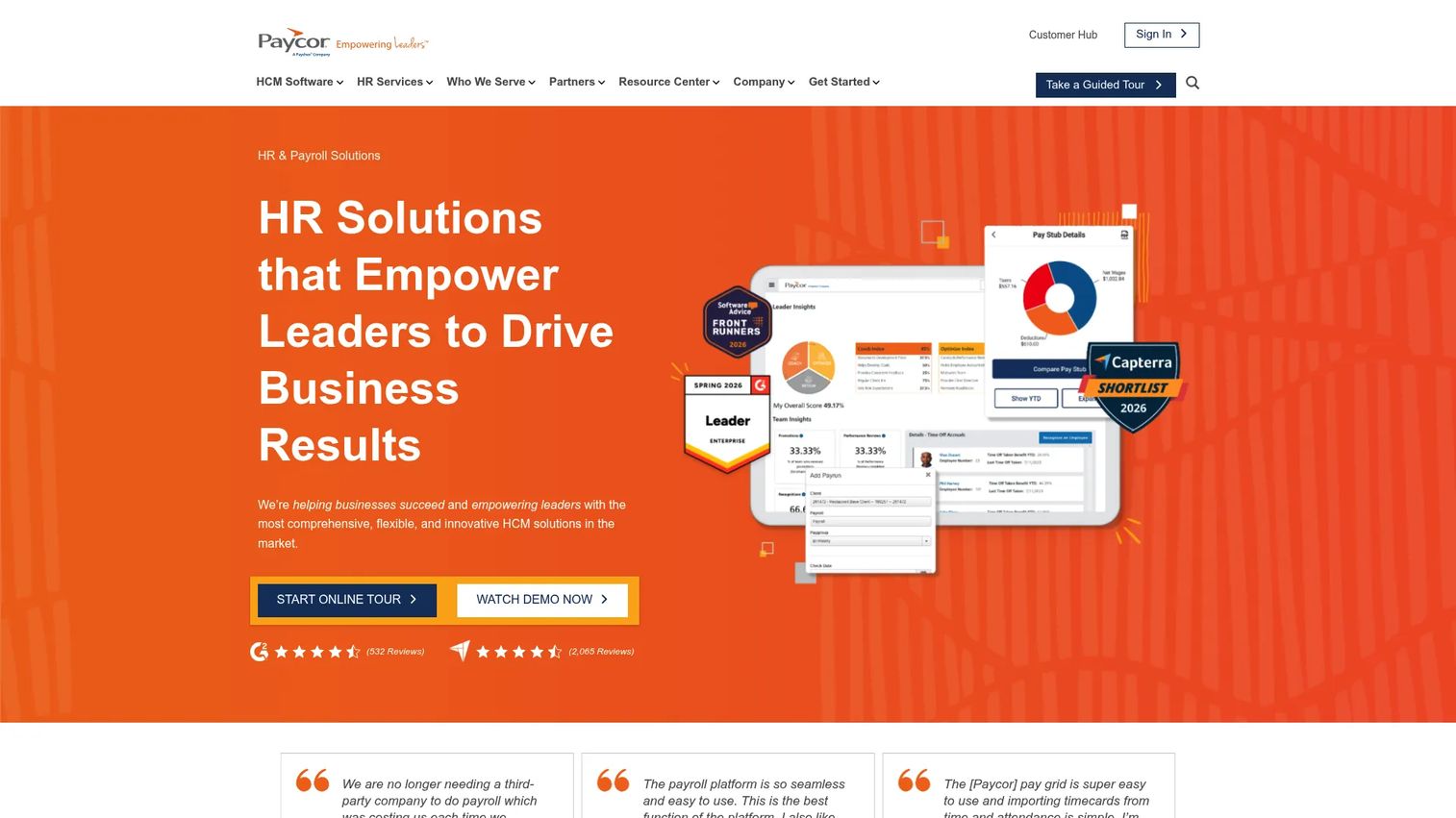
Paycor is cloud-based HCM software covering HR, payroll, recruiting, time, benefits, and workforce management. Benefits administration here lives inside a broader HR and payroll workflow rather than as a standalone product. For SMB and mid-market teams that want enrollment, deductions, and compliance handled in the same place they already run payroll, that packaging is the appeal.
Best for: Businesses wanting an all-in-one HCM platform with payroll and HR in one system.
Key strengths
- Payroll and tax service: Benefits deductions sync with payroll automatically, keeping elections and pay accurate.
- HR and onboarding automation: New-hire benefits enrollment ties into the same onboarding flow as the rest of HR.
- Workforce management and scheduling: Time and scheduling data feed eligibility logic for hours-based benefits.
Why choose Paycor: Paycor fits operators who would rather run one HCM system than stitch a dedicated benefits platform to a separate payroll tool. The trade-off versus a specialist is breadth over depth, which is exactly the right call for most SMB and mid-market teams whose benefit structures are not unusually complex. The all-in-one packaging reduces vendors and reconciliation work.
Paycor pricing: Paycor uses quote-based pricing. Small-business plans require a custom quote, and mid-market plans (50 to 1,000+ employees) are shown without a public numeric starting price. There is no free tier. Paycor holds a 3.9/5 rating on G2. Pricing scales with headcount and the modules you select, so request a quote sized to your team.
5. Employee Navigator
Employee Navigator is benefits administration and HR software built around brokers and the employers they serve. It connects with 600+ trusted partners, which makes it a natural hub for broker-supported teams that need benefits, onboarding, and ACA reporting in one place. For SMBs working closely with a broker, Employee Navigator is often the system the broker already recommends.
Best for: Insurance brokers managing benefits and HR administration for multiple clients.
Key strengths
- Benefits administration and ACA reporting: Enrollment, eligibility, and compliance reporting run together, reducing year-end scramble.
- New hire onboarding and HR management: Onboarding and core HR sit alongside benefits in one platform.
- Payroll and carrier integrations: 600+ partner connections push data to carriers and payroll providers.
Why choose Employee Navigator: If your benefits run through a broker, Employee Navigator's broker-friendly workflows and large integration network make handoffs clean. SMBs get enterprise-style benefits administration without enterprise overhead, and the broker relationship usually means setup support is built into the engagement.
Employee Navigator pricing: Most plans (Enhanced, Enhanced Plus, Elite, Platinum) are quote-based. The pricing page does show $0.45 PEPM for 834 EDI feeds on Enhanced Plus and Elite, and $0 PEPM for 834 EDI on Platinum. There is no free tier. Employee Navigator holds a 4.6/5 rating on G2. Your broker typically scopes pricing as part of the overall benefits engagement.
6. bswift
bswift is an AI-native benefits administration and HR technology platform built for employers with more configurable requirements. It pairs guided enrollment and compliance support with deep API connectivity and 550+ integrations. For teams whose benefit structures are complex enough that off-the-shelf workflows do not quite fit, bswift's configurability is the draw.
Best for: Employers needing configurable benefits administration with service support and integrations.
Key strengths
- Benefits administration for enrollment, eligibility, and compliance: Configurable workflows handle non-standard plan rules and eligibility logic.
- AI-native Emma Intelligence and Emma Chat: Built-in AI helps employees navigate plan choices and get answers during enrollment.
- Deep API connectivity and 550+ integrations: Extensive carrier and payroll connections keep data flowing across the stack.
Why choose bswift: When your eligibility rules, plan classes, or carrier relationships are unusual, a configurable platform beats a rigid one. bswift suits employers who need the admin engine to bend to their structure rather than forcing their structure into the software. The AI-driven employee support also helps reduce repetitive benefits questions at scale.
bswift pricing: bswift does not publish public pricing on its site, and there is no visible self-serve plan. Pricing is scoped through a sales conversation based on population size, plan complexity, and the service level you need. Given its enterprise focus and configurability, expect a tailored implementation and a custom quote rather than a list price.
7. Paylocity
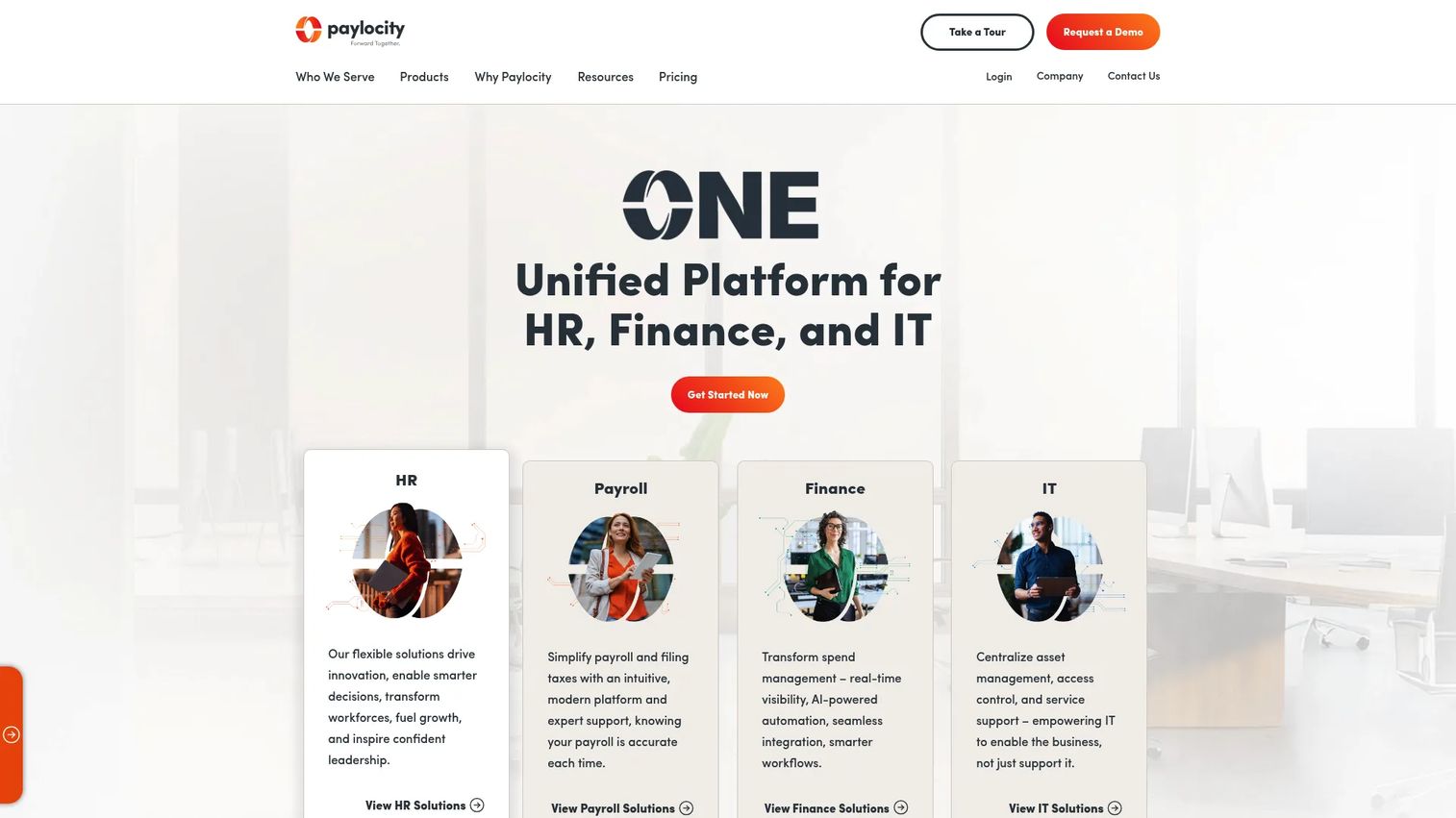
Paylocity is a unified HR, payroll, finance, and IT platform where benefits administration is one part of a broader workforce and spend system. Like other all-in-one HCM tools, its strength is keeping benefits in the same workflow as payroll and core HR. For mid-market to enterprise teams that value ease of use and a connected employee experience, Paylocity is a common pick.
Best for: Mid-market to enterprise teams needing an all-in-one HR/payroll/spend platform.
Key strengths
- Payroll and human resources: Benefits deductions and elections stay synced with payroll automatically.
- Workforce and talent management: Benefits sit alongside scheduling, talent, and HR data in one system.
- Finance and IT capabilities: Spend and IT tooling extend the platform beyond core HR.
Why choose Paylocity: Paylocity fits teams that want a modern, usable HR system where benefits, payroll, and the employee self-service portal share one interface. Where a dedicated benefits platform may go deeper on multi-carrier complexity, Paylocity goes wider across the full HR workflow, which is the right call when ease of use and consolidation matter more than benefits-specific depth.
Paylocity pricing: Paylocity describes its pricing as flexible and directs prospects to request a quote. No public numeric price is shown on the pricing page, and there is no advertised free tier. Paylocity holds a 4.4/5 rating on G2. Pricing scales with headcount and the modules you enable, so a scoped quote is the practical step.
8. Alight Solutions
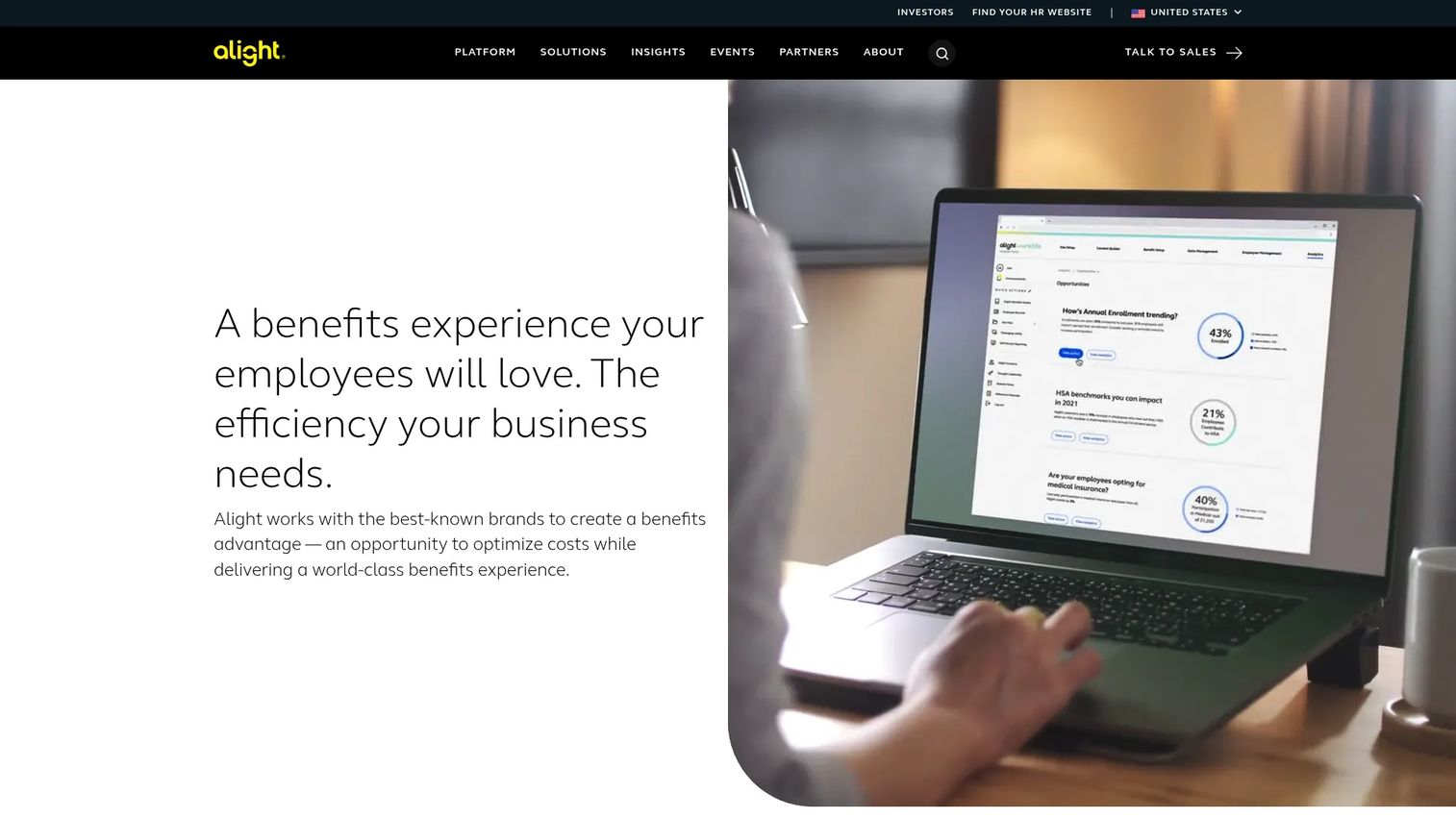
Alight Solutions provides employee benefits, wellbeing, retirement, absence, and healthcare navigation at enterprise scale. It partners with a majority of the Fortune 100 and administers benefits for over 30 million people. For large employers with complex, multi-plan benefit structures and a need for outsourced administration and employee experience support, Alight operates in a different tier than SMB-focused tools.
Best for: Large employers seeking outsourced benefits and HR-related employee experience solutions.
Key strengths
- Health benefits administration: Enterprise-grade enrollment, eligibility, and compliance across complex plan structures.
- Wellbeing solutions: Programs that extend benefits beyond core health and insurance coverage.
- Retirement benefits support: Retirement and financial wellbeing administration alongside health benefits.
Why choose Alight Solutions: Alight is built for scale and complexity most companies will not reach for years. If you administer benefits for tens of thousands of employees across multiple plan types and want a partner that combines technology with outsourced service, Alight fits. For smaller teams, the enterprise orientation is more capability than you need, which is why it sits last in a list weighted toward operator-friendly fit.
Alight Solutions pricing: Alight does not publish public pricing and uses a request-information model. Capterra lists a 4.1/5 rating from a small review pool, and a current G2 numeric rating was not verifiable this run. Pricing is scoped through a sales engagement based on population size, service scope, and the breadth of benefits you administer. Expect an enterprise-level, custom arrangement.
How to choose: a buyer's checklist
Eight credible options, and the wrong way to choose is by feature-list length. Narrow your shortlist against the criteria that actually bite once the software is live.
Implementation speed and effort
Ask how long a typical implementation takes for a company your size, and who does the work. A platform that takes six months to stand up is a different commitment than one live before your next enrollment. For an operator, first-quarter time-to-value matters as much as the feature set.
Integration coverage
Confirm the specific carrier integrations and HRIS integrations you need, by name. "Integrates with payroll" is not the same as "syncs deductions with your exact payroll provider." Verify payroll sync and carrier connectivity against your actual stack before you sign.
Compliance depth
ACA, HIPAA, COBRA, and ERISA are not optional. Confirm the platform handles the compliance obligations relevant to your size and structure, and that reporting is built in rather than a manual export you assemble yourself.
Reporting and reconciliation
Ask to see the reconciliation workflow. Strong benefits reconciliation matches enrollments and deductions against carrier invoices automatically, which is where real cost leaks hide. Reporting depth determines whether you catch a billing error in week one or write it off six months later.
Admin burden and self-service
Finally, weigh how much ongoing admin the platform actually removes. A strong employee self-service portal and decision support cut the repetitive questions that otherwise route to HR. The goal is a system that scales without adding headcount.
Conclusion
The right benefits administration software depends on company size and operational complexity, not on which vendor has the longest feature list.
For SMB and mid-market teams that want benefits inside a familiar HR and payroll workflow, ADP, Paycor, and Paylocity are the practical all-in-one picks. For a dedicated benefits administration platform with deep carrier connectivity, PlanSource and Benefitfocus lead. Broker-supported teams should look hard at Employee Navigator. And for enterprise-scale, multi-plan complexity, bswift and Alight Solutions are built for that tier.
Your next step is simple. Narrow this list to two options based on two factors: how cleanly each fits your existing payroll and HRIS, and how complex your enrollment and eligibility rules really are. Then request demos and pricing from those top two fits. Scope a quote against your actual headcount and integration needs, and you will have a confident decision without sitting through eight sales calls.
FAQs
Benefits administration software is a system that automates employee enrollment, eligibility tracking, payroll and carrier data syncing, compliance, and self-service. It replaces spreadsheets and manual processes with one platform where HR, payroll, and carriers work from the same data, reducing errors and admin time across open enrollment and life-event changes.
The features that matter most are payroll sync, carrier integrations, an employee self-service portal, compliance automation for ACA and HIPAA, and reporting depth. Together these keep elections and deductions accurate, push data to carriers automatically, let employees self-serve, and surface reconciliation gaps before they become costs.
It syncs election and deduction data so payroll reflects current benefits without manual re-entry, and it connects to your HRIS to share employee records. Strong HRIS integrations and payroll sync prevent the data drift that happens when elections live in one system and deductions live in another, eliminating duplicate entry.
HRIS software is the system of record for employee data: personal details, job info, and org structure. Benefits administration software handles benefits-specific workflows: enrollment, eligibility, carrier data, and compliance. Many platforms combine both, but the distinction is that HRIS holds the record while benefits software runs the benefits process.
They reduce errors through guided enrollment that validates inputs as employees go, rules-based eligibility tracking that applies plan logic automatically, and automated updates that sync elections to payroll and carriers. That removes the manual data entry and re-keying where most open enrollment mistakes originate.
Verify implementation speed for a company your size, specific carrier and HRIS integration coverage by name, the admin burden the platform actually removes, and reporting and reconciliation visibility. The goal is a system live before your next enrollment that scales without adding headcount, so weigh first-quarter time-to-value alongside the feature set.
Not always. When benefit structures are simple, a payroll-native module inside an all-in-one HCM tool is often enough. A dedicated benefits administration system earns its place when you juggle multiple carriers, complex eligibility rules, or higher enrollment volume, where benefits-specific depth saves more time than it costs.
Benefits reconciliation is the process of matching enrollments and deductions against carrier invoices to confirm you are paying for exactly the coverage employees actually have. It matters for cost control because unreconciled invoices hide errors, like deductions for dropped plans or carrier overcharges, that quietly drain budget when no system flags them.