Your member records live in a spreadsheet. Billing runs through a payment processor nobody wants to touch. Event registrations pile up in a form tool, and half your community talks in an email thread the other half never reads.
Every renewal season, someone exports three files and reconciles them by hand.
That sprawl is the real problem membership software solves. Not "engagement" in the abstract, but the daily tax of stitching member data, payments, gated content, and events across five disconnected tools. The market reflects the pain: the membership management software market is projected to grow from $8.5B in 2025 to $9.51B in 2026, according to ResearchAndMarkets (2024).
Most buyers think they need more features. They usually need fewer tools. The question isn't "which platform has the longest feature list," it's "which one collapses my stack without breaking migration, billing, or the member experience."
That's what this guide sorts out.
What's inside
This guide is for membership operators, associations, nonprofits, creators, and SaaS teams choosing software to run members, billing, content access, events, and community in one place.
We selected tools based on:
- Member database and CRM depth: custom fields, segments, lifecycle tracking
- Billing and renewals: recurring billing, failed payments, transaction fees
- Community and portal experience: what members actually see and self-serve
- Events, integrations, and migration: event management, automation, and switching effort
Every pick below fits a different organization type. The comparison table and item sections tell you which one matches your stack and scale.
TL;DR
- Best all-in-one for SaaS-style memberships: Outseta bundles billing, CRM, email, and gated access in one tool.
- Best community-first platform: Circle pairs a modern member experience with courses, events, and payments.
- Best for associations and nonprofits: Member365 leans into CRM, events, portals, and migration support.
- Best for digital membership cards: Join It handles dues, renewals, Apple Wallet and Google Wallet cards, and check-in.
- Best long-standing membership platform: Wild Apricot covers records, renewals, and events for clubs and nonprofits.
- Best website add-on: MemberSpace gates content on your existing site without replacing your stack.
What membership community software is
Membership community software is a platform that centralizes member records, recurring billing, gated content, events, and community engagement so an organization can run its entire membership in one system instead of separate tools.
It replaces the spreadsheet-plus-plugins stack most organizations outgrow. Instead of a CRM here, a payment processor there, and a forum somewhere else, the data lives in one member database and the workflows connect.
Core features buyers should expect:
- Member database and CRM: custom fields, tags, segments, and lifecycle stages in one member database
- Recurring billing and renewals: automatic dues collection, failed-payment retries, invoices, and proration
- Member portal or gated community: self-serve profiles, content access, and community spaces
- Event registration and attendance: event management with ticketing, RSVPs, and check-in
- Integrations and automation: connections to email, payment, CRM, and workflow tools
- Reporting and engagement insights: renewal rates, churn signals, and activity data
- Migration and onboarding support: CSV import, data mapping, and setup help
The category splits three ways, and knowing which you need saves months of the wrong evaluation.
| Category | What it is | Best fit |
|---|---|---|
| All-in-one membership platform | Members, billing, content, events, and community in one system | Associations, nonprofits, SaaS-style memberships |
| Community-first platform | Engagement, courses, and discussion with membership features layered on | Creators, cohorts, community-led brands |
| Website add-on | Membership gating and billing bolted onto an existing site | Small teams keeping their current website software |
When to use membership community software
When you need to replace spreadsheets and manual renewals
The clearest trigger is renewal season dread. If someone on your team exports member lists, cross-checks payments, and chases lapsed dues by hand, you have outgrown spreadsheets. A membership management platform automates dues collection, retries failed cards, and flags lapsed members without a manual reconciliation pass.
When members need self-service and gated access
If members email you to update their address, download a resource, or check their renewal date, you are the bottleneck. A member portal lets members manage profiles, access gated content, and renew on their own. That cuts your admin load and gives members faster answers.
When events and renewals are part of the same workflow
Events and billing should not live in separate tools. When a member registers for an event, the system should already know their tier, apply member pricing, and log attendance against their record. Keeping event management inside the same platform as recurring billing removes double entry and keeps member data clean.
Comparison table
We ranked these seven tools by how completely they cover the membership job, then by fit for specific organization types. Pay attention to all-in-one coverage, community depth, event support, pricing clarity, and onboarding effort. Pricing and G2 ratings below were verified against each vendor's live pages as of July 2026.
| # | Product | Best for | Key use case | Pricing | G2 rating |
|---|---|---|---|---|---|
| 1 | Outseta | Startups and SaaS-style memberships | Billing, auth, CRM, email, and support in one tool | From $37/mo | 4.6/5 |
| 2 | Circle | Community-first teams | Branded community with courses, memberships, events | From $89/mo | 4.5/5 |
| 3 | Member365 | Associations and nonprofits | All-in-one membership CRM, events, portals, LMS | From $299/mo | 3.3/5 |
| 4 | Join It | Digital membership cards and dues | Dues, renewals, member portal, Wallet cards, check-in | From $29/mo | 4.7/5 |
| 5 | Wild Apricot | Clubs, nonprofits, associations | Membership records, renewals, and event registration | From $66/mo | 3.8/5 |
| 6 | Glue Up | Enterprise associations and chambers | Membership, events, and engagement at scale | From $3,000/yr | 4.5/5 |
| 7 | MemberSpace | Existing websites and creators | Membership gating on any website | Free tier available | 4.7/5 |
Best 7 membership community software for 2026
1. Outseta
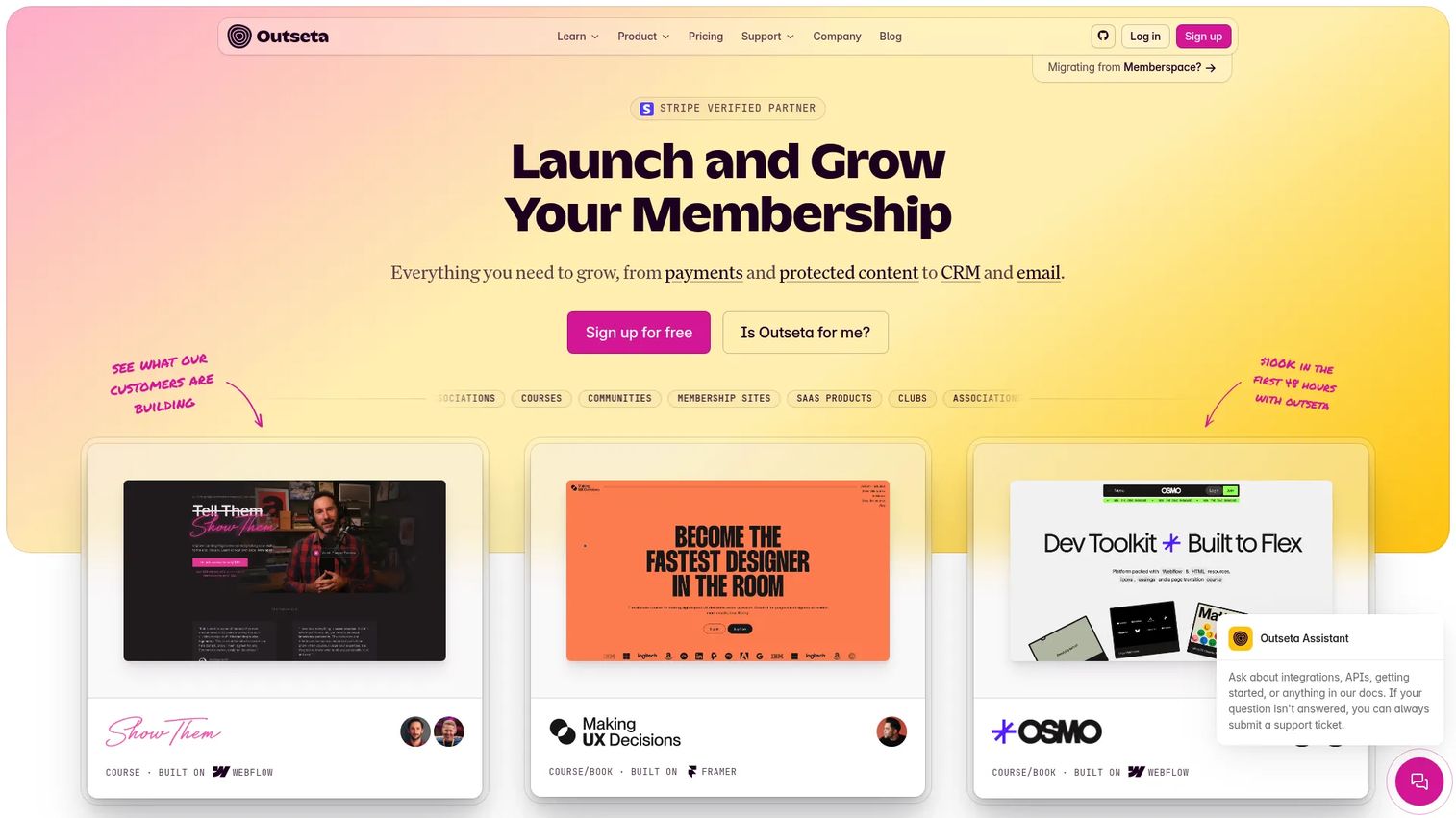
Outseta is an all-in-one platform that bundles billing, authentication, CRM, email marketing, and a help desk for subscription and membership businesses. It targets startups and membership operators who want to stop wiring together a payment processor, an auth layer, a CRM, and an email tool. The appeal is consolidation: one login, one member record, one bill.
Best for: Startups and membership or SaaS-style businesses that want billing, auth, CRM, email, and support in a single tool.
Key strengths
- Membership payments and recurring billing built in
- Authentication and gated access to protect member content
- CRM, email marketing, and help desk in one system
- Unlimited team members on every plan
- 7-day free trial to test the full stack
Why choose Outseta: If you are launching a membership or subscription product and want to avoid a five-tool stack on day one, Outseta covers the operational core. It fits founders and small teams who value one member database over best-of-breed sprawl.
Outseta pricing: Plans are billed monthly, starting with Founder at $37/month plus a 2% transaction fee. Start-up is $67/month, Growth is $97/month, and the 50K plan is $397/month, each with a 1% transaction fee. Every plan includes unlimited team members and a 7-day free trial.
2. Circle
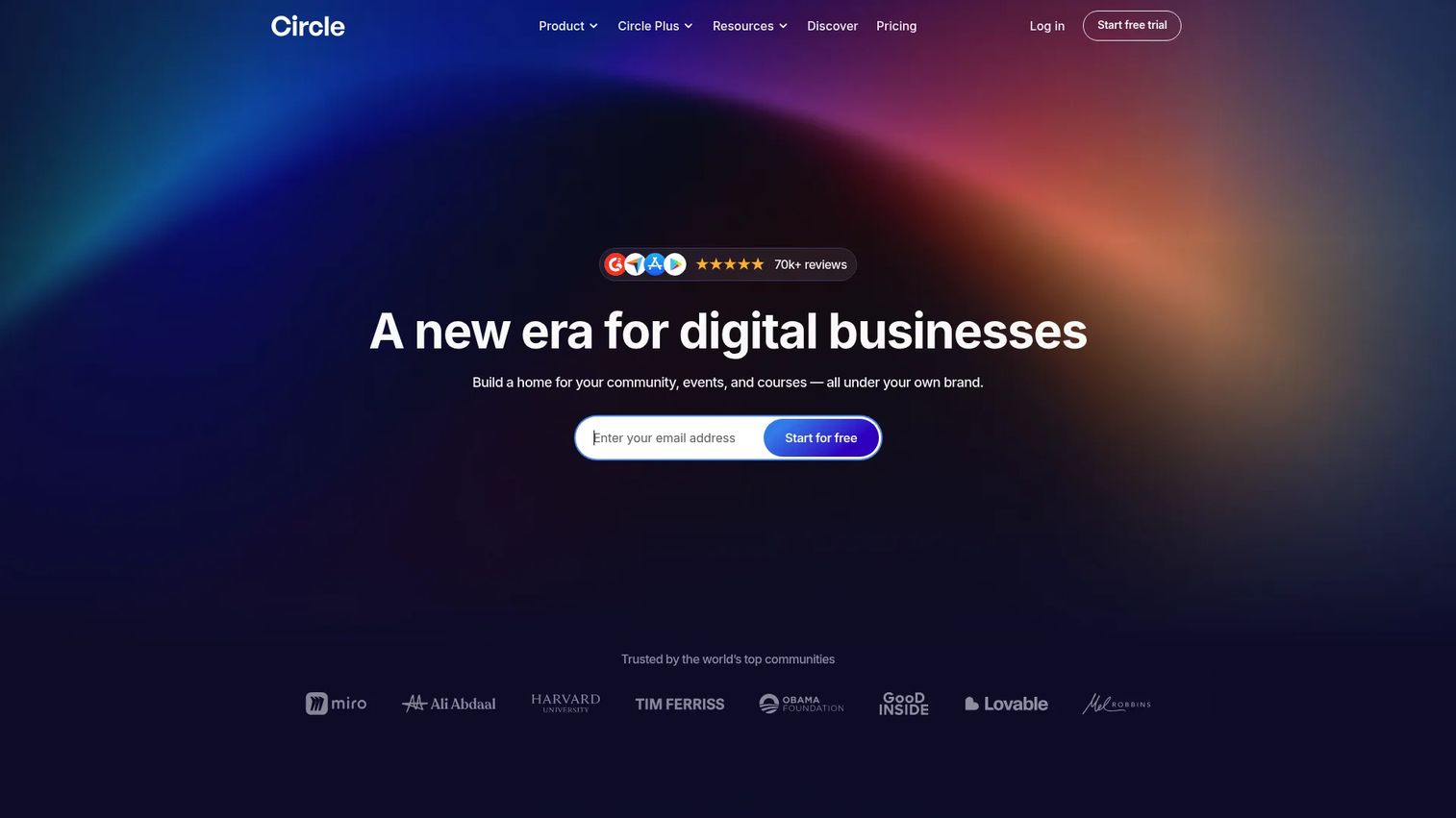
Circle is a community-first platform that brings community, courses, events, and content into one branded space. It is built for creators and businesses that lead with engagement, then layer membership and payments on top. Where association tools start with the member database, Circle starts with the community and adds access control and subscriptions around it.
Best for: Teams building a branded community with courses, memberships, and events at the center.
Key strengths
- Community, courses, events, and content in one platform
- Built-in payments, subscriptions, and access control
- Email, automations, and AI Agents for engagement
- Branded, modern member experience
- 14-day free trial to build before you commit
Why choose Circle: Choose Circle when community engagement is the product, not a bonus feature. It suits creators and community-led brands that want members participating daily, not just renewing annually. The trade-off is a lighter fit for heavy association CRM needs.
Circle pricing: Professional is $89/month and Business is $199/month. Circle Plus uses custom pricing for larger teams. A 14-day free trial is available on the paid plans.
3. Member365
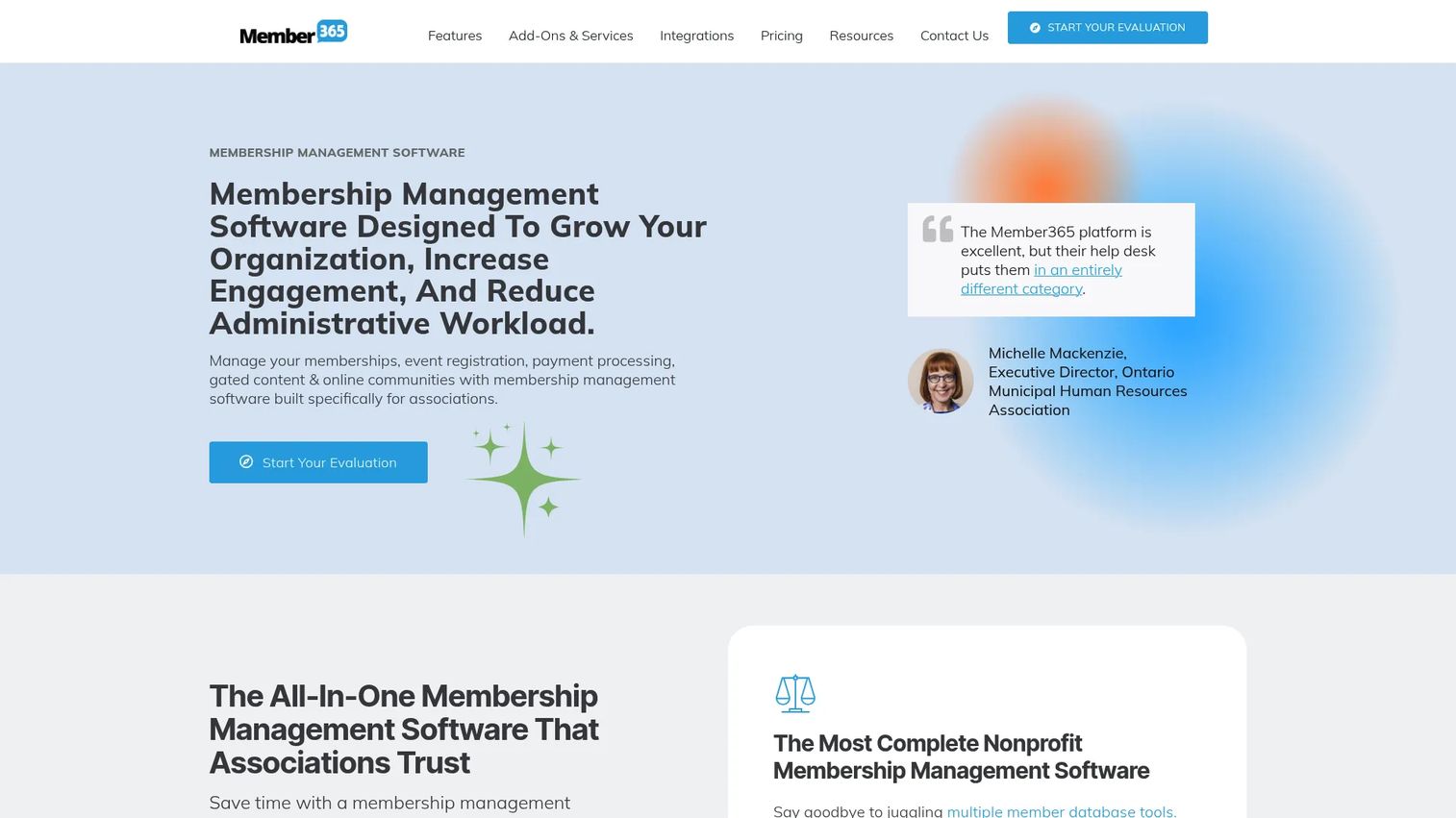
Member365 is membership management software built for associations and nonprofits that need a membership CRM, event management, email marketing, a member portal, and a learning management system in one platform. It leans into operational relief for organizations with committees, chapters, renewals, and continuing education to run. Migration and onboarding support are part of the buying story, which matters when you are moving years of member records.
Best for: Associations and nonprofits that need an all-in-one membership operations platform.
Key strengths
- Membership CRM for full member lifecycle tracking
- Event management with registration and attendance
- Member portal for self-serve access and renewals
- Learning management system for courses and CE
- Email marketing and integrations built in
Why choose Member365: Pick Member365 when your organization has the operational complexity of a real association: dues tiers, events, courses, and a board that wants reporting. Modular pricing means you add what you use. The consideration is that a small club may not need this much platform.
Member365 pricing: Pricing is modular and starts at $299/month plus a one-time setup fee, with premium modules added as your needs grow. A free trial is available.
4. Join It
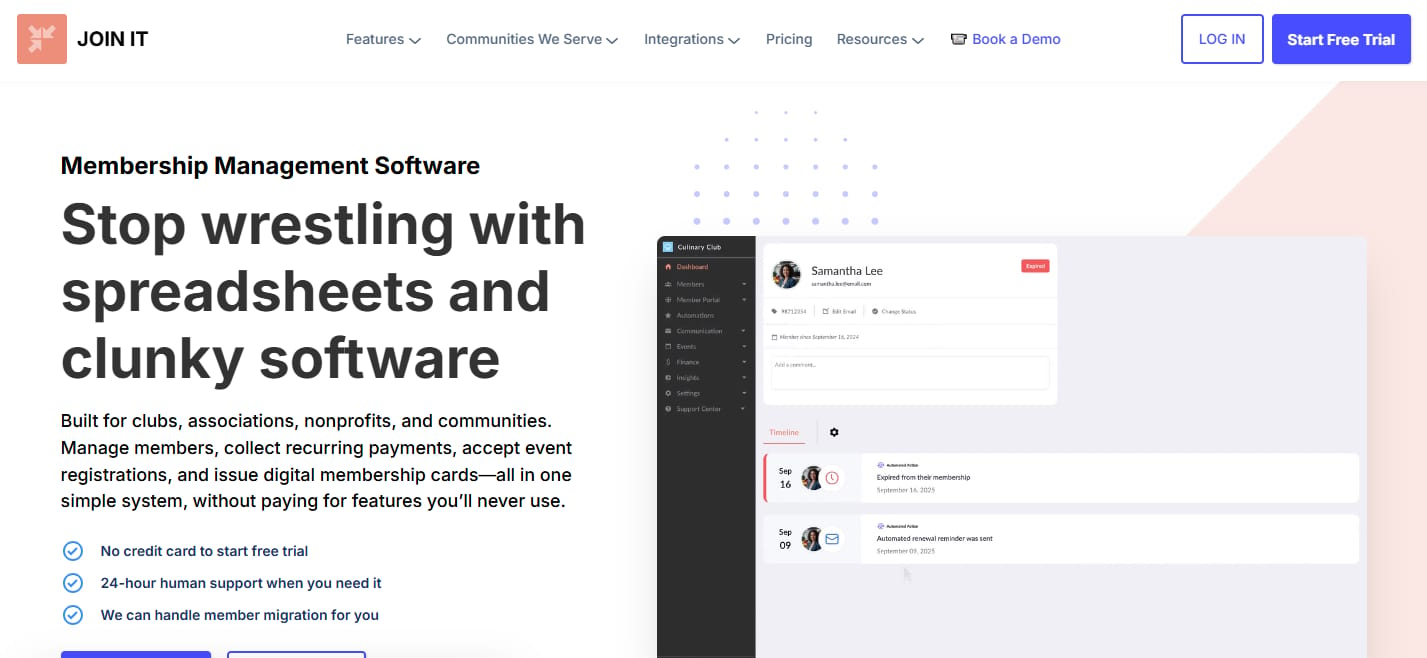
Join It is membership management software for organizations that want dues, renewals, member portals, and event check-in without a heavy setup. It stands out for digital membership cards, including Apple Wallet and Google Wallet support, which makes it a strong fit for organizations that verify membership in person. Setup is fast and administration is practical, which appeals to volunteer-run teams and lean staffs.
Best for: Membership-based organizations that want an all-in-one dues, renewal, and member engagement system with fast setup.
Key strengths
- Membership database with custom fields
- Digital membership cards for Apple Wallet and Google Wallet
- Member portal for self-serve renewals
- Recurring billing for dues collection
- Member check-in and multi-chapter management
Why choose Join It: Join It works best when you need members to carry a card and check in at events or facilities, and you want that running quickly. Nonprofits get an extra discount, and yearly billing saves more. It is a practical administration tool rather than a full community platform.
Join It pricing: Monthly plans are Starter at $29/month, Total at $99/month, and Extra at $199/month. Yearly billing takes 10% off, and nonprofits qualify for an additional 10% discount. Enterprise pricing is custom.
5. Wild Apricot
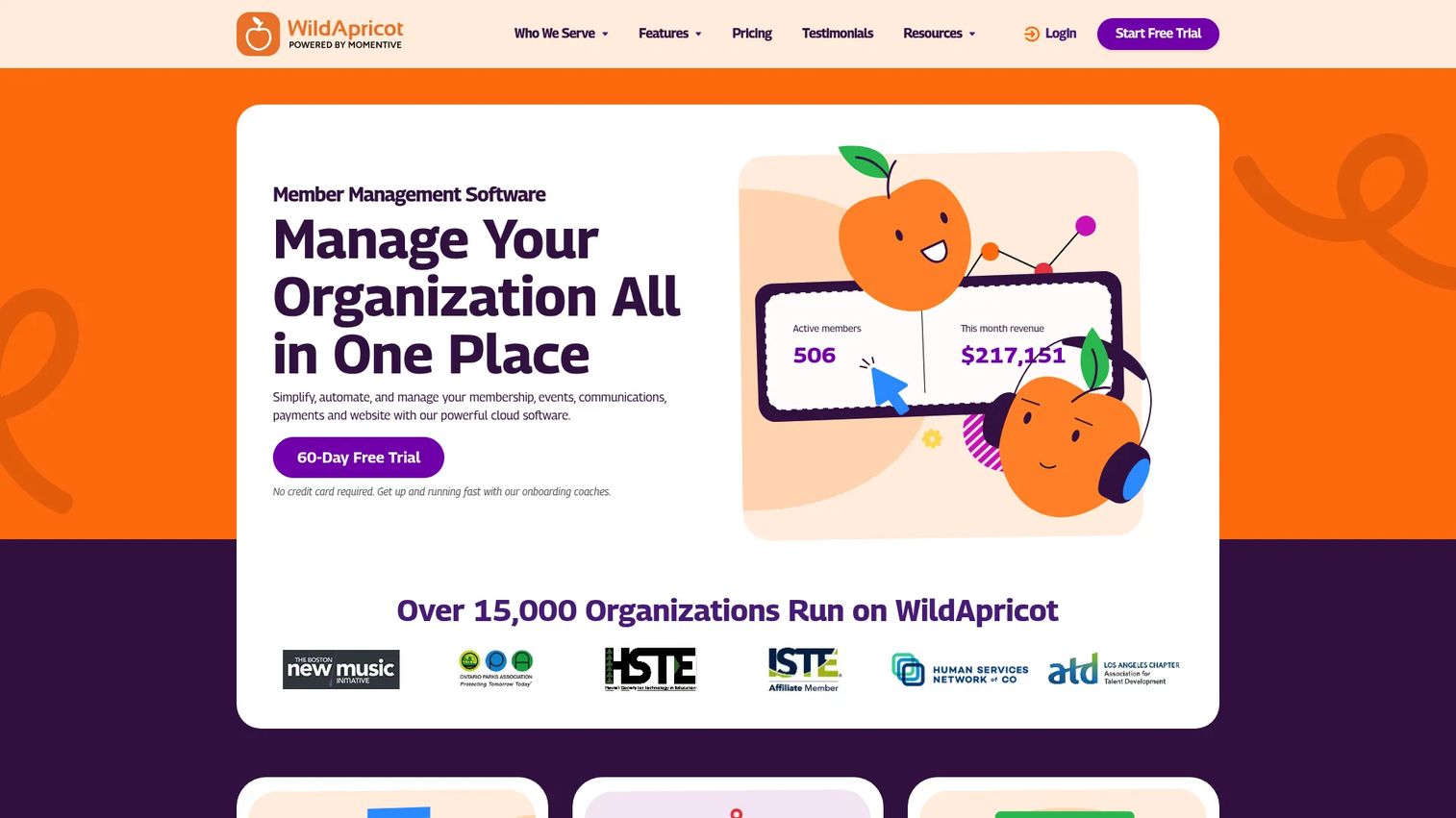
Wild Apricot is a long-standing all-in-one membership management platform for associations, nonprofits, clubs, and other membership-based organizations. It covers the operational essentials: contact and membership management, event registration and ticketing, and email marketing with automations. For small to mid-sized organizations that want proven software and a generous trial before committing, it is a common shortlist entry.
Best for: Small to mid-sized membership organizations that want a proven all-in-one platform.
Key strengths
- Membership and contact management with custom fields
- Event registration and ticketing built in
- Email marketing and automations for member outreach
- Member portal and website software in one place
- 60-day free trial to migrate and test
Why choose Wild Apricot: Choose Wild Apricot when you want a battle-tested membership database and event tools without paying enterprise prices. The contact-tier pricing scales with your list, so costs track your growth. The long trial gives you time to import records and validate fit before you pay.
Wild Apricot pricing: Public pricing is contact-tier based. The 100-contact tier starts at $66/month billed monthly, $59.40/month on a one-year prepay, or $56.10/month on a two-year prepay. A 60-day free trial is available.
6. Glue Up
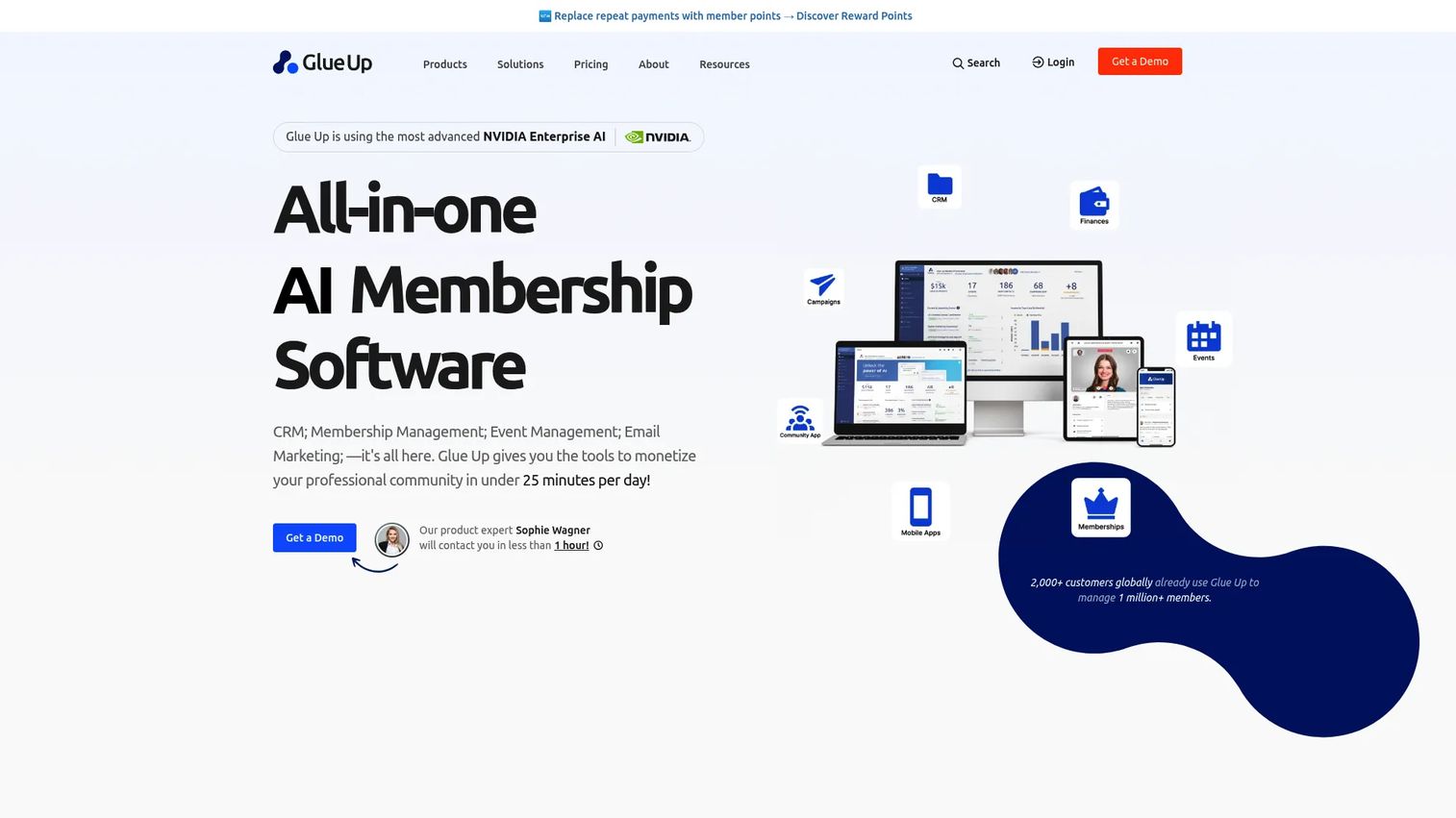
Glue Up is an all-in-one membership and community management platform built for associations, chambers, nonprofits, and other member-based organizations operating at scale. It combines membership management, event management, CRM and email communications, community management, chapter management, and website tools in one system. The event and engagement capabilities are a core strength, which fits organizations where conferences and member participation drive the mission.
Best for: Associations, chambers, and nonprofits that need one platform for memberships, events, and engagement at scale.
Key strengths
- Membership management with chapter management
- Event management for conferences and programs
- CRM and email communications built in
- Community management for member engagement
- Website, branding, and integrations included
Why choose Glue Up: Glue Up suits larger associations and chambers that run frequent events and need engagement tooling alongside membership records. Annual contracts and higher entry pricing signal an enterprise-leaning fit. If events and community engagement are central, the breadth pays off.
Glue Up pricing: Plans are billed annually. Professional starts from $3,000 to $6,500 per year, Advanced from $8,000 to $18,500 per year, and Enterprise is custom pricing.
7. MemberSpace
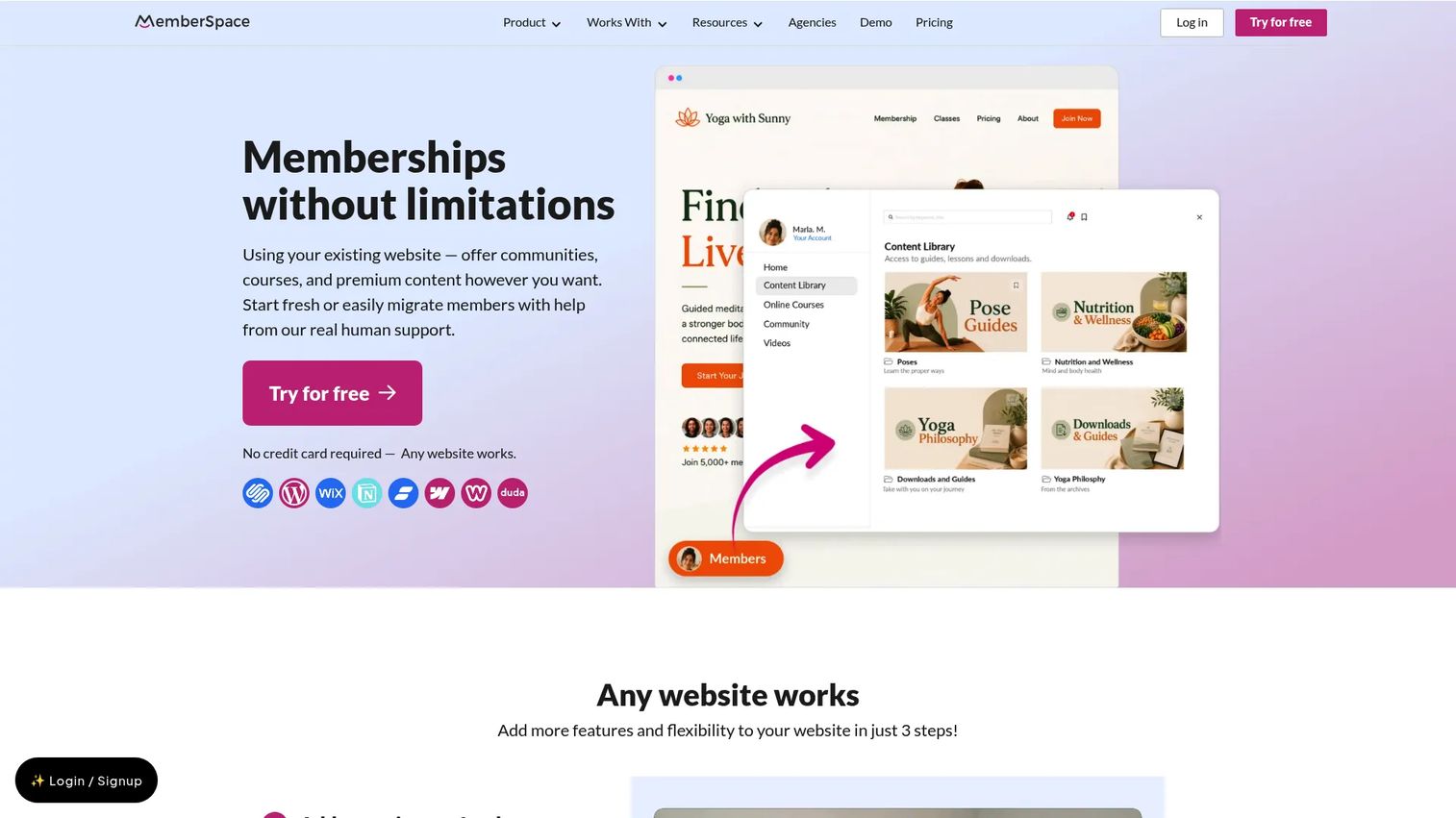
MemberSpace is membership software that adds member access to any existing website, letting you sell memberships, courses, communities, and digital products. It is the add-on option for teams that like their current website software and only need gating and billing on top. Instead of replacing your whole stack, you keep your site and layer membership controls into it, which keeps operational overhead light.
Best for: Creators and businesses that want to add membership access to an existing website.
Key strengths
- Flexible memberships: recurring, one-time, multiple, and free plans
- Content gating for members-only pages, libraries, and courses
- Member spaces for gated content and courses
- Payments with Apple Pay, Google Pay, and trials
- Signup with Google login and free-plan support
Why choose MemberSpace: Choose MemberSpace when replacing your website is off the table and you just need to gate content and collect payments. It fits creators and small businesses that want membership without a platform migration. The trade-off is that it complements a site rather than serving as a full member database and CRM.
MemberSpace pricing: MemberSpace offers a free plan to get started. Paid pricing is set on its pricing page; confirm the current tier that matches your member count and feature needs before committing.
Considerations
Member database quality
The member database is the foundation, so check it first. Look at how many custom fields you get, whether you can segment by tag or tier, and how the system tracks the member lifecycle from lead to lapsed. A membership database software that forces every member into the same flat record will fight you within a year.
Billing and renewal mechanics
Recurring billing is where memberships quietly lose money. Verify how the platform handles failed payments and retries, whether it sends dunning emails, and how invoices and proration work. Then read the fine print on transaction fees, because a percentage on every dues payment adds up faster than the monthly plan price.
Community and portal experience
The member portal is what members actually touch, so evaluate it from their seat. Can members update profiles, access gated content, and renew without emailing you? A clean self-serve portal cuts your admin load. A confusing one generates the exact support tickets you bought the software to avoid.
Event and communication workflows
Events, email, and segments should read from the same member data. Check that event management applies member pricing automatically, logs attendance to the member record, and lets you email a segment based on tier or activity. When these connect, you stop double-entering data across tools.
Migration and total cost of ownership
The sticker price is rarely the real cost. Add setup fees, transaction fees, and the hours spent on migration when you compare. Ask how member records import, whether the vendor helps map fields, and what breaks during the switch. The cheapest monthly plan can become the most expensive platform once fees and switching effort are counted.
Conclusion
The right membership community software depends on what you are actually replacing.
If you want one tool for billing, auth, CRM, and email on a SaaS-style membership, Outseta is the consolidation pick. If community engagement is the point, Circle leads with a modern, branded experience. Associations and nonprofits with real operational weight fit Member365 or, at larger scale with heavy events, Glue Up. If you need digital membership cards and fast setup, Join It is built for that, and Wild Apricot remains a proven all-in-one for clubs and mid-sized organizations. If replacing your website is off the table, MemberSpace gates content on the site you already have.
Do not buy on feature lists. Shortlist two or three tools that match your organization type, then compare the two things that decide long-term cost: how cleanly your existing members migrate, and what recurring billing plus transaction fees actually total per year. Run the trial with your real data before you commit.
Start your journey with Guideflow today!
Start your journey with Guideflow today!
FAQs
Pricing ranges widely by features, member count, and billing needs. Entry plans start around $29 to $89 per month for smaller tools, while association platforms like Member365 start at $299 per month and enterprise options like Glue Up run several thousand per year. Always add transaction fees and any one-time setup cost to the monthly price when you compare.
Yes. Most platforms accept CSV imports of your member records, and many offer field mapping so your custom data lands in the right place. Association-focused tools often include onboarding or migration support. Plan the migration before you buy: export your current data, check how it maps, and use the free trial to validate the import.
Usually not. All-in-one membership platforms handle billing, event management, and community from one member database, which removes double entry and keeps data clean. Separate tools can still make sense if you have a specialized need, like a dedicated events platform, but most organizations reduce cost and manual work by consolidating.
Membership management software centers on operations: the member database, recurring billing, renewals, and events. Community software centers on engagement: discussion, courses, and daily member participation. Many platforms now do both, but tools like Wild Apricot lead with management while tools like Circle lead with community. Pick based on which side drives your organization.
Associations and nonprofits usually prioritize a strong membership CRM, automated renewals, event management, a self-serve member portal, and reliable migration support. Chapter management and continuing education tools matter for larger bodies. Reporting for boards and committees is often a deciding factor, since leadership wants clear numbers on renewals and engagement.
Very. Integrations connect your platform to email, payment processors, CRM, and event tools so data flows without manual exports. Automation handles renewals, failed-payment retries, and welcome sequences without staff time. Before buying, confirm the platform integrates with the tools you already use and can automate the workflows that currently eat your team's hours.
Check migration effort, hidden fees, admin workload, and the member experience. Confirm how your records import and whether the vendor helps. Add transaction fees and setup costs to the monthly price for a true total cost of ownership. Then test the member portal yourself, because a clunky self-serve experience creates the support tickets you are trying to eliminate.
Yes. Every platform on this list supports online signup and self-serve renewals through a member portal. Members pay with recurring billing tied to a payment processor, and the system handles renewals automatically. Some tools add options like Apple Pay, Google Pay, and Wallet-based digital membership cards, which make joining and verifying membership faster.