


You opened your first pixel art editor to draw a 32x32 sprite. Two hours later you were fighting the animation timeline, not the art.
That is the real problem with picking pixel art software. The drawing part is easy. The tool decides everything that comes after: whether animation stays manageable across dozens of frames, whether your exports drop cleanly into a game engine, and whether the workflow matches the machine you actually sit at.
The market backs up how much this choice matters. Coherent Market Insights (2026) estimates the global graphic design software market at $10.51B, with pixel image editors holding a 32.2% share. Pixel work is not a niche hobby corner anymore. It is a category with real tooling depth and real tradeoffs.
So the question is not "which one draws pixels best." Every tool draws pixels. The question is which one fits your platform, your animation needs, and your export pipeline without slowing you down.
What's inside
This guide is for anyone comparing pixel art programs before committing time to one workflow, from hobbyists drawing their first sprite to game developers shipping tilesets.
We selected these tools by evaluating four things that actually break projects:
- Animation tooling: frames, layers, onion skinning, and frame tags
- Export compatibility: sprite sheets, GIF, PNG, and engine-ready formats
- Platform fit: desktop, browser, and iPad support
- Pricing model: free, one-time purchase, open-source, or subscription
We covered free, paid, open-source, desktop, web, and iPad options so you can match a tool to your setup instead of the other way around.
TL;DR
- Best all-around for pro sprite work: Aseprite. Deep animation, layers, cels, and sprite sheet export in one desktop app.
- Best for iPad: Pixquare. Native Apple Pencil workflow with a one-time purchase and Aseprite file compatibility.
- Best free browser option: Pixilart. Draw and share online with no install, plus a large community.
- Best open-source pick: Pixelorama. Free, cross-platform, with tilemaps and animation built in.
- Best lightweight beginner editor: Piskel. Browser-based sprite creation with fast animation basics.
- Best classic Windows editor: GraphicsGale. Traditional sprite and animation workflow, now free.
- Best modern free desktop editor: PixiEditor. Contemporary interface with layers and animation, open-source.
What is pixel art software
Pixel art software is a specialized image editor built to create, animate, edit, and export low-resolution artwork with precise control over every individual pixel.
Unlike general raster editors, a dedicated pixel art editor gives you pixel-perfect tools that prevent anti-aliasing and stray pixels, plus animation systems designed for sprite work rather than full-motion video. That distinction is why game developers and sprite artists reach for these programs instead of a generic drawing app.
Most tools in this category share a common feature set:
- Layers: stack and organize elements without merging them
- Frames: build animation sequences frame by frame
- Onion skinning: see previous and next frames as you draw
- Palette management: lock, swap, and reuse color sets
- Pixel-perfect tools: draw clean lines without unwanted pixels
- Export formats: output GIF, PNG, and sprite sheets
- Tilemaps and tileset editing: build repeatable game tiles
Not every tool weights these features equally. Some, like Aseprite and GraphicsGale, are built animation-first for artists managing long frame sequences. Others, like Pixilart and Piskel, prioritize fast browser access and a low barrier to entry for beginners. A third group, including Pixelorama and PixiEditor, targets open-source flexibility and production pipelines where you want control without subscription pressure.
The digital art and design tools market that these programs sit inside reached $15.6B in 2024 and is projected to hit $76.9B by 2034 at a 17.3% CAGR, according to Market.us (2024). Tooling in this space keeps maturing, which means the gap between a casual sketch app and a production-ready sprite editor keeps widening. Choosing the right category member up front saves you from migrating your whole workflow later.
When to use pixel art software
Create game sprites and tilesets
Building sprites and tilesets is the most common reason to pick up a pixel art editor. If you are drawing static assets, most tools handle it fine. But once you need repeatable tiles that align on a grid, a dedicated tileset editor with tilemap support saves real time. Aseprite, Pixelorama, and GraphicsGale all handle sprite and tile workflows, so match the pick to your engine and export needs.
Animate frames for characters and effects
Animation is where cheap tools and serious ones split. A walk cycle across eight frames needs onion skinning so you can see the previous pose while drawing the next. It also needs frame tags to group animations and clean sprite sheet export to get everything into your engine. For simple two-frame effects, a lightweight browser editor is enough. For character animation with dozens of frames, reach for deeper animation tooling.
Work on mobile or tablet
If you draw on an iPad with an Apple Pencil, a desktop app forces an awkward workflow. Pixel art software for iPad like Pixquare is built for touch and pressure input from the ground up. That matters when you sketch on the couch or at a desk without a laptop. Browser tools also work on tablets, but a native app gives you pen support and offline access that a web editor cannot match.
Comparison table
Here is how the seven tools compare on the factors that decide most projects: who each one fits, what sets it apart, current pricing from vendor sources, and G2 rating where a verified listing exists. Where no current G2 rating was verifiable, the table shows N/A rather than a guessed number.
| # | Product | Best for | Key differentiator | Pricing | G2 rating |
|---|---|---|---|---|---|
| 1 | Aseprite | Pro sprite and animation work | Deep animation, cels, and sprite sheet export | $19.99 one-time | N/A |
| 2 | Pixquare | iPad and iPhone artists | Native Apple Pencil workflow, Aseprite compatible | From $7.99 one-time | N/A |
| 3 | Pixilart | Free online beginners | Browser-based with a large community | Free, Pro $4.99/mo | N/A |
| 4 | Pixelorama | Open-source game art | Free, cross-platform, tilemaps and 3D layers | Free | N/A |
| 5 | Piskel | Lightweight sprite basics | Free browser editor with live animation preview | Free | N/A |
| 6 | GraphicsGale | Classic Windows sprite work | Real-time animation preview, now free | Free | N/A |
| 7 | PixiEditor | Modern free desktop editing | Open-source, cross-platform, contemporary UI | Free | N/A |
Best 7 pixel art software for 2026
Each section below covers what the tool does, who it fits, its standout features, and current pricing. Use the "best for" line to skip straight to the ones that match your setup.
1. Aseprite
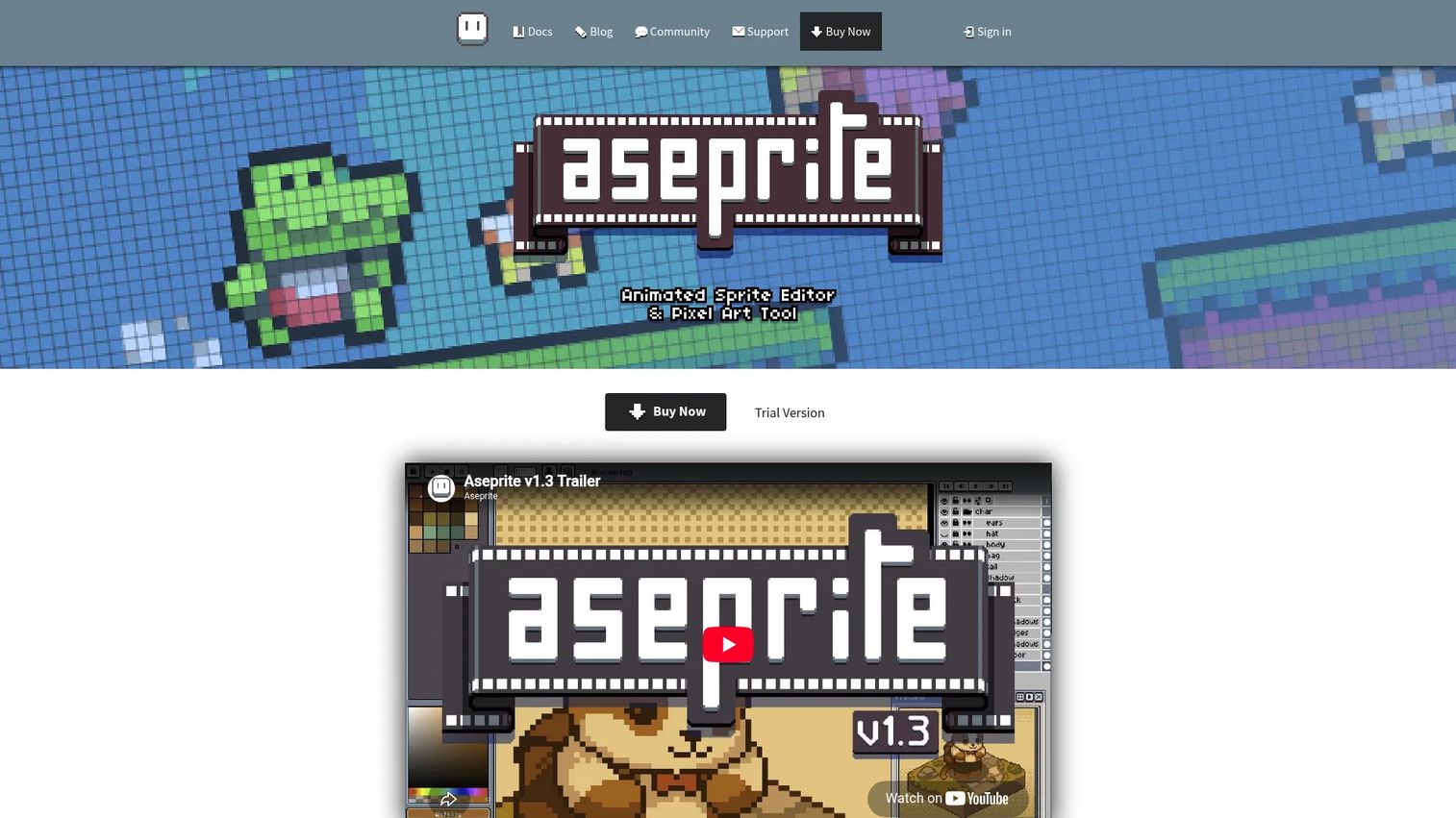
Aseprite is the tool most serious sprite artists land on. It is a desktop pixel art editor built animation-first, with layers, cels, and a frame timeline that stays manageable even across long sequences. If you are producing sprites that need to ship into a game, Aseprite covers the full path from first pixel to exported sprite sheet. Its onion skinning lets you see previous and next frames while you draw, which is the difference between a smooth walk cycle and a guessing game.
Best for: Pixel artists and game developers creating and animating sprites for production.
Key features
- Animation with layers, cels, and frame tags
- Onion skinning for frame-by-frame drawing
- Sprite sheet and JSON texture atlas export
- Pixel-perfect drawing tools and palette control
- CLI support for automation and batch export
Why choose Aseprite: Choose it when animation depth and export control matter more than a free price tag. It rewards artists who work in long frame sequences and need clean engine-ready output, so it fits teams shipping real game art rather than one-off sketches.
Aseprite pricing: Aseprite is a one-time purchase. The FAQ lists a $19.99 minimum pledge to get the .exe and .dmg files for the 1.x version series, and a trial version is available on the site.
2. Pixquare
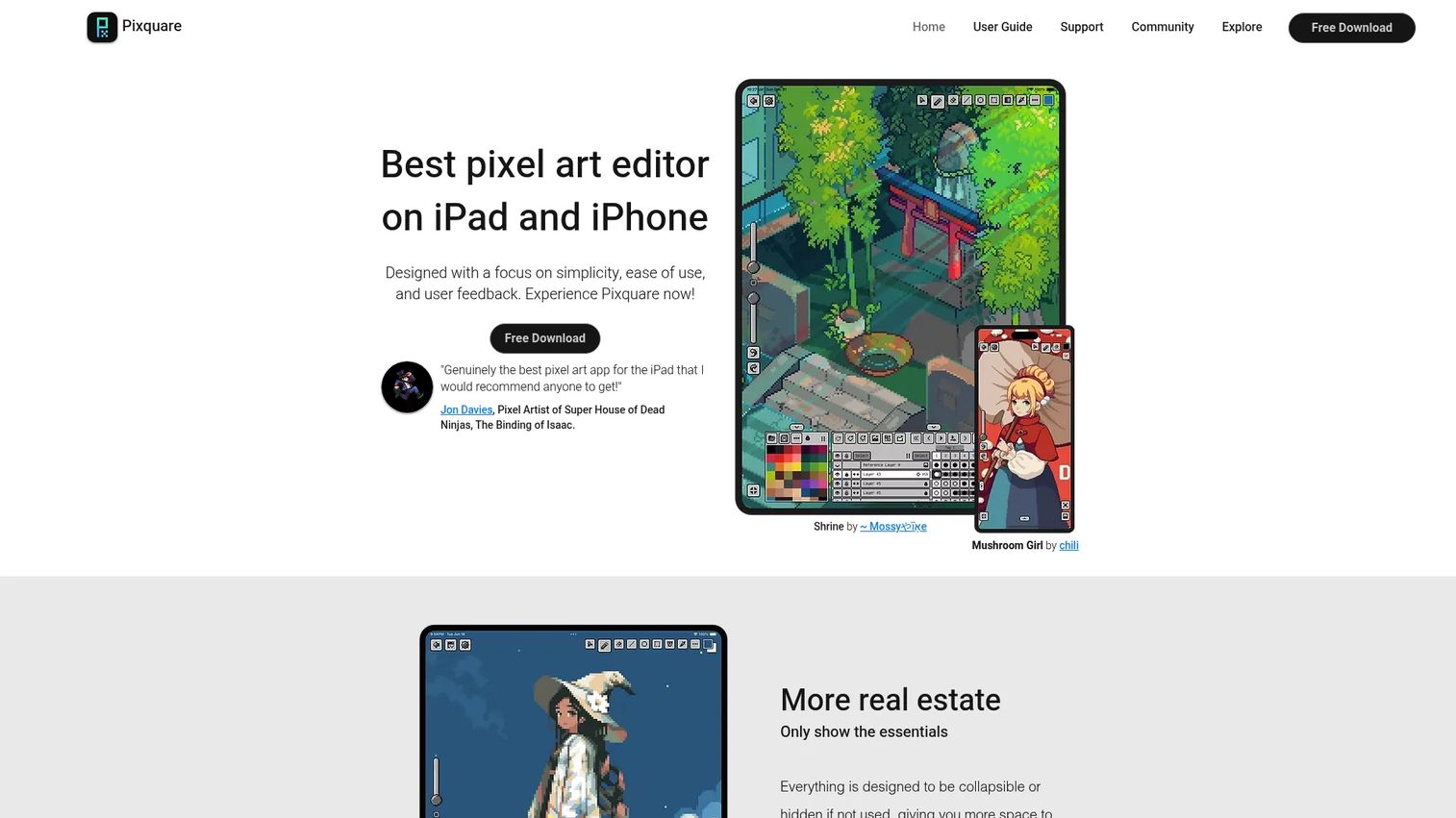
Pixquare is the pick if you draw on an iPad or iPhone. It is built for touch and Apple Pencil from the ground up, so pressure and tilt feel native rather than bolted on. The app carries a full animation timeline, advanced layers, and a tileset system, which puts it well beyond a casual sketch app. Its Aseprite file compatibility means you can move work between your tablet and a desktop workflow without redoing anything.
Best for: iPad and iPhone artists making pixel art, sprites, and animations on the go.
Key features
- Advanced layers and animation timeline
- Tileset and tilemap system
- Aseprite file compatibility for cross-device work
- Apple Pencil pressure and tilt support
- One-time purchase with no subscription
Why choose Pixquare: Choose it when your primary canvas is a tablet and you want a native feel with no recurring fee. It fits artists who sketch away from a desk but still need real animation and layer depth.
Pixquare pricing: Pixquare is a one-time purchase with no subscription. The app is free to download, and paid licenses run $7.99 for the iPhone-only license and $19.99 for the all-device license.
3. Pixilart
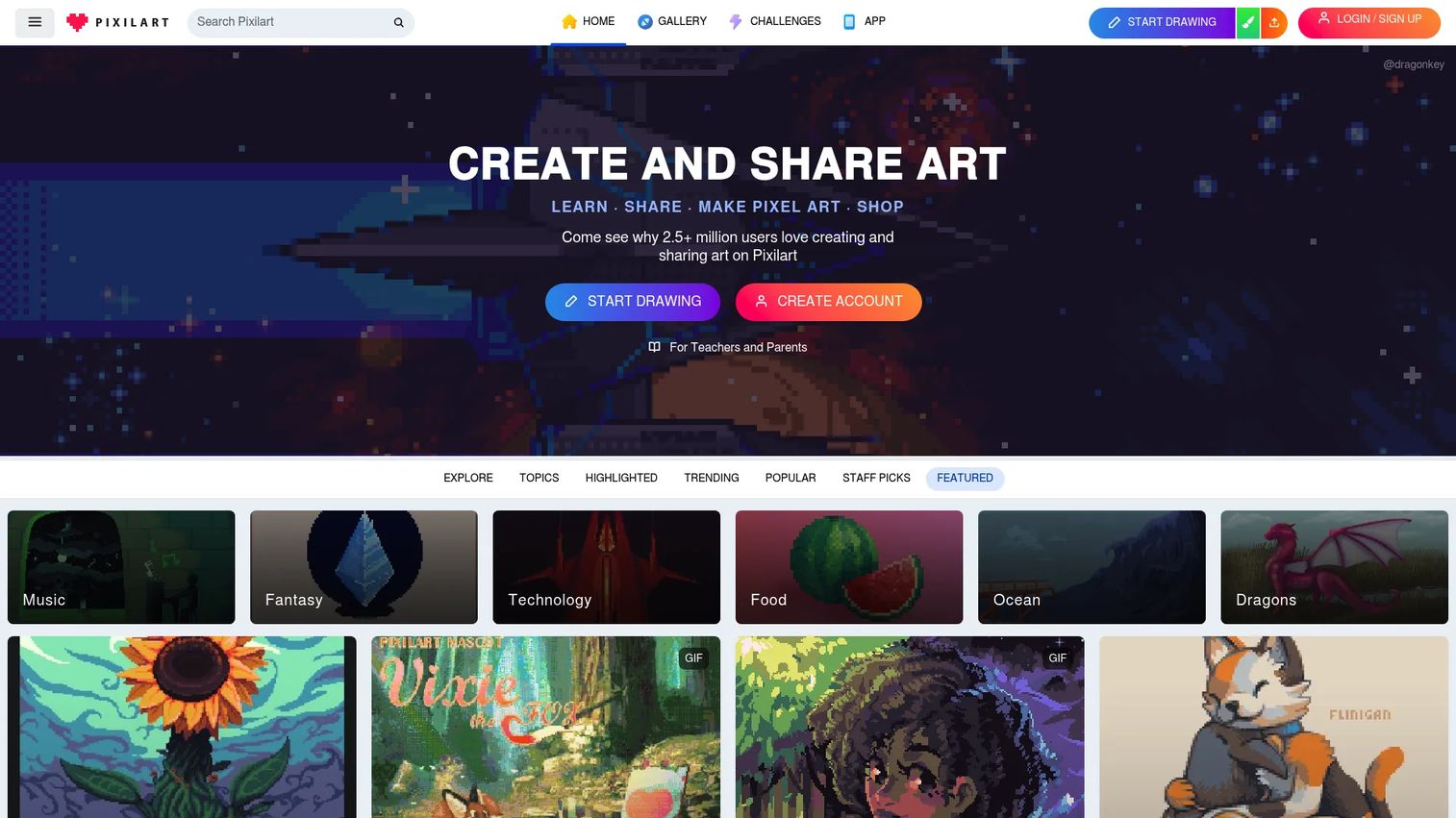
Pixilart is the easiest way to start drawing pixel art without installing anything. It runs in the browser, so you open a canvas and go. Beyond the editor, it carries a large community where artists share work and learn from each other, which makes it a strong fit for classrooms and beginners. It handles the core essentials well: layers, animated GIF frames, custom canvas sizes, and pixel-perfect drawing.
Best for: Individuals or classrooms creating and sharing pixel art online.
Key features
- Layer editing in the browser
- Animated GIF frame support
- Pixel-perfect drawing and custom canvas sizes
- Stamps, text, and dithering tools
- Community sharing and feedback
Why choose Pixilart: Choose it when you want zero setup and a place to share what you make. It fits beginners and teachers who value quick access and community over deep production tooling.
Pixilart pricing: Pixilart has an always-free plan. Pro runs $4.99 per month and adds an ad-free experience, 1 GB of cloud storage, and unlimited stamps, with a 3-day free trial.
4. Pixelorama
Pixelorama is a free, open-source pixel art editor from Orama Interactive. It runs on desktop and in the browser, and it carries a genuinely deep feature set for a free tool: a layer system that includes pixel, group, and 3D layers, plus animation and tilemap support. For game developers who want flexibility without subscription pressure, it is a strong open source pixel art software choice backed by active community documentation.
Best for: Artists and game developers who want a free pixel art and animation editor with room to grow.
Key features
- Pixel drawing and animation tools
- Layer system with pixel, group, and 3D layers
- Tileset and tilemap support
- Export to PNG, APNG, and GIF
- Cross-platform desktop and web builds
Why choose Pixelorama: Choose it when you want production-friendly tooling without paying a subscription. It fits developers who value an open codebase and community docs over a polished commercial support line.
Pixelorama pricing: Pixelorama is free on the official site, itch.io, and GitHub. A paid Steam version is also available and is otherwise the same app.
5. Piskel
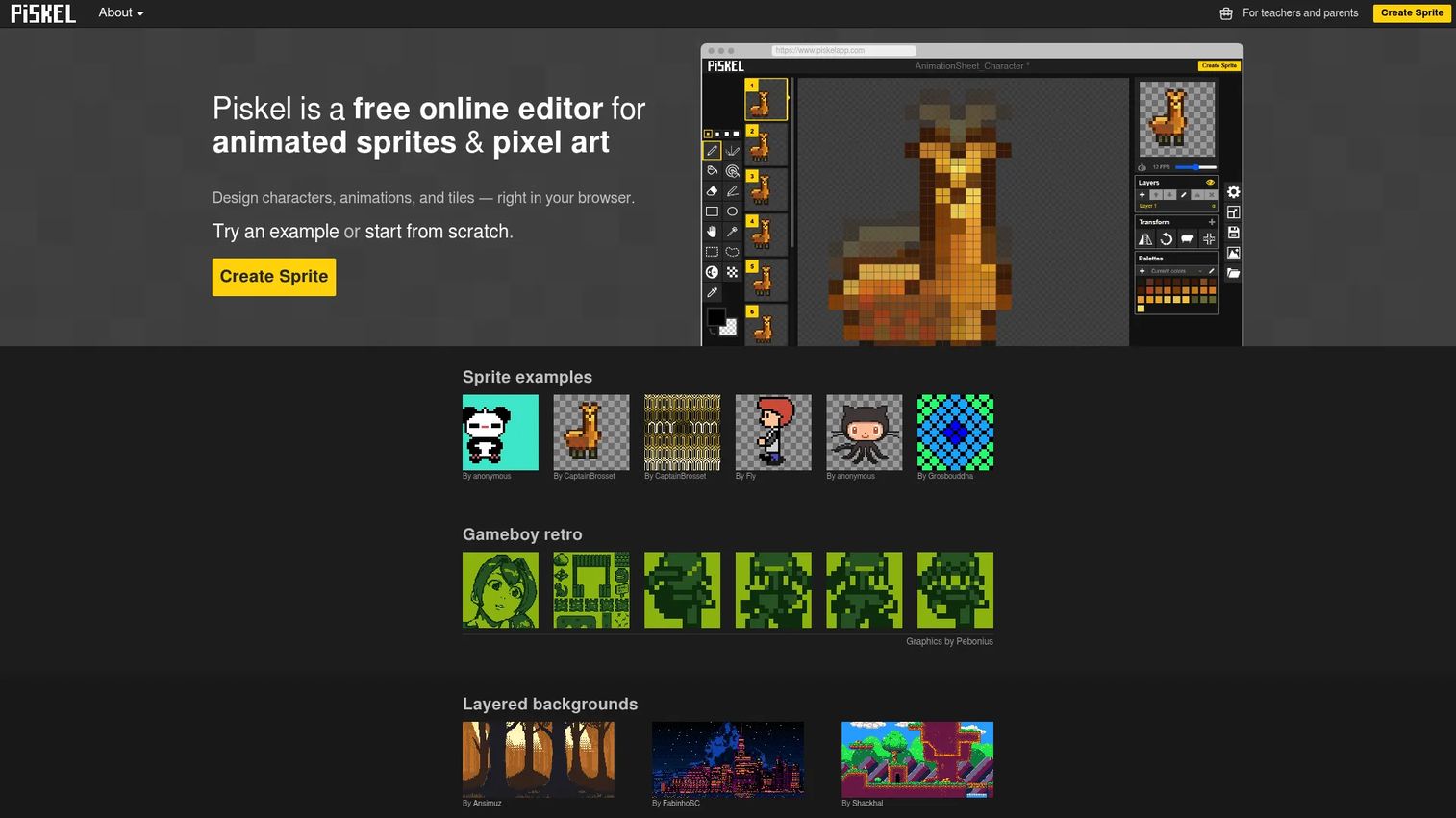
Piskel is the lightweight option for fast sprite creation in the browser. It keeps the interface simple and the workflow quick, which is exactly what you want when you are learning the basics or knocking out a small animated sprite. Its live animation preview lets you watch your frames play as you edit, so you get instant feedback without exporting anything.
Best for: Individuals or educators needing a free sprite editor with fast animation basics.
Key features
- Browser-based sprite and pixel art editing
- Live animation preview
- Export to GIF, PNG, and sprite sheets
- Simple, low-friction interface
- Piskel for Kids version for classrooms
Why choose Piskel: Choose it when speed and simplicity beat depth. It fits beginners and teachers who want a sprite editor that opens instantly and gets out of the way.
Piskel pricing: Piskel is free, and the FAQ notes there is no paid ad-free version. The Piskel for Kids version is also free.
6. GraphicsGale
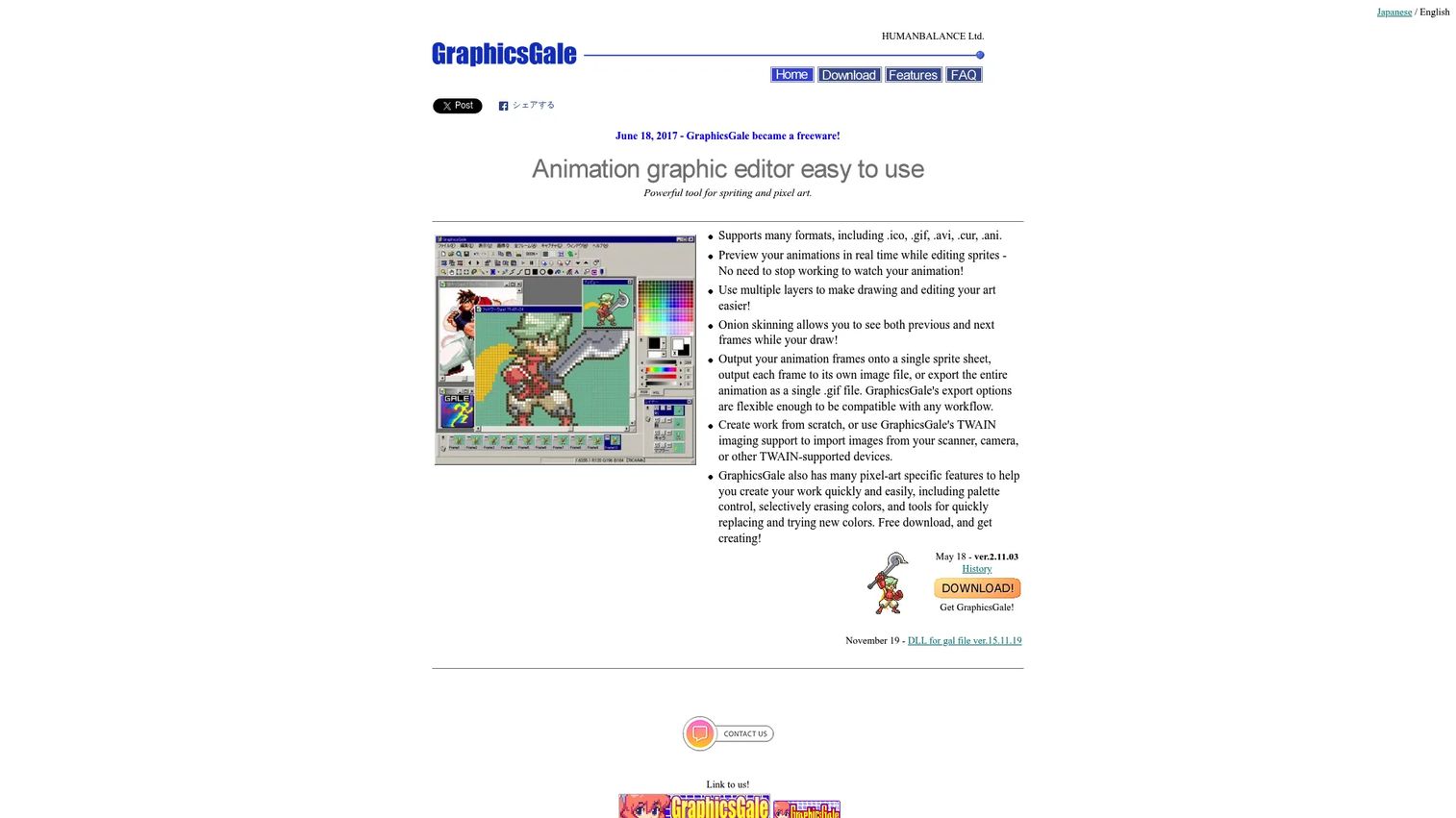
GraphicsGale is a classic Windows pixel art and animation editor with a following among artists who prefer a traditional desktop workflow. It carries real-time animation preview, multiple layers, and onion skinning, which covers the core of serious sprite animation. It also supports a wide range of formats including icons, cursors, GIF, and AVI, so it fits retro and utility work that newer tools sometimes overlook.
Best for: Pixel artists and sprite animators working on Windows.
Key features
- Real-time animation preview
- Multiple layers and onion skinning
- Icon, cursor, GIF, and AVI support
- Traditional Windows desktop workflow
- Install and portable versions
Why choose GraphicsGale: Choose it when you want a proven, no-cost Windows sprite editor with a classic feel. It fits artists comfortable with an older interface who value animation preview and broad format support.
GraphicsGale pricing: GraphicsGale is free. Both the install version and the portable version are offered at no cost.
7. PixiEditor
PixiEditor is a free, open-source 2D graphics and pixel editor with a contemporary interface. It runs on Windows, Linux, and macOS, which makes it one of the more flexible cross-platform picks on this list. Licensed under LGPL v3, it gives you brush and layer tools in a modern layout that feels closer to current design software than a legacy sprite tool. That makes it a comfortable landing spot for artists who want a fresh workflow with room to grow.
Best for: Artists who want a modern, open-source pixel and 2D graphics editor across platforms.
Key features
- Windows, Linux, and macOS support
- Open-source under LGPL v3
- Brush and layer tools in a modern interface
- Pixel-art and general 2D graphics editing
- Active development and supporter tiers
Why choose PixiEditor: Choose it when you want a contemporary, cross-platform editor without a price tag. It fits artists who value a modern UI and an open codebase over a long track record.
PixiEditor pricing: PixiEditor is free and open-source. The site also lists optional supporter tiers named Silver, Gold, and Diamond for backers who want to contribute.
Considerations
Before you commit to one editor, run your project through this checklist. The right pick depends on how you work, not on which tool has the longest feature list.
Animation workflow
If animation matters, check for onion skinning, frame tags, and clean sprite sheet export before anything else. A tool that shows previous and next frames while you draw saves hours on any multi-frame sequence. Ask whether it can group animations with tags and output a sheet your engine reads, because that is where cheaper tools tend to stop short.
Export compatibility
Your export formats decide whether the art actually ships. Confirm the tool outputs the formats your pipeline needs: GIF for previews, PNG for individual frames, and sprite sheets with metadata for game engines. A JSON or texture atlas export, like the one Aseprite offers, drops assets straight into common engines without manual slicing.
Platform fit
Match the tool to the machine you actually use. Desktop apps like Aseprite and GraphicsGale suit a fixed workstation, browser tools like Pixilart and Piskel run anywhere with no install, and Pixquare fits iPad and iPhone artists. Cross-platform open-source options like Pixelorama and PixiEditor cover mixed setups across Windows, macOS, and Linux.
Pricing model
Decide what pricing model fits your commitment. A one-time purchase like Aseprite or Pixquare means no recurring cost. Open-source tools like Pixelorama, GraphicsGale, and PixiEditor are free, which suits hobbyists and teams avoiding budget approval. A subscription like Pixilart Pro only makes sense if you want the ongoing extras it adds.
Learning curve and collaboration
Factor in how fast you or your team can get productive. Browser tools and beginner-friendly editors ramp quickly, while animation-first desktop apps reward the time you invest. If you work in a classroom or a team, weigh community resources and file compatibility so people can share and hand off work without friction.
Conclusion
The best pixel art software is the one that matches your platform, animation needs, and export pipeline, not the one with the most features.
For serious sprite and animation work headed into a game engine, Aseprite is the strongest all-around pick thanks to its animation depth and export control. If you draw on a tablet, Pixquare gives you a native Apple Pencil workflow with a one-time purchase and cross-device file compatibility. For free and open-source buyers who want production tooling without subscription pressure, Pixelorama covers tilemaps, animation, and cross-platform builds.
If you are just starting, Pixilart and Piskel let you draw in the browser with zero setup, and GraphicsGale and PixiEditor give you free desktop options across older and newer workflows.
Your next step is simple: pick the two tools that match your platform, try the free versions or trials, and draw one real sprite in each before committing. The workflow that feels right after one sprite is usually the one that stays right after a hundred.
Whatever you build, the tool should get out of your way so the art can carry the work. And if your day job involves showing complex software to users instead of drawing it, Start your journey with Guideflow today!
FAQs
Pixilart and Piskel are the friendliest starting points. Both run in the browser with no install, keep the interface simple, and cover animation basics. If you want a native app that grows with you, Pixquare on iPad or a free desktop tool like PixiEditor are also approachable picks.
For anyone doing sprite animation or shipping game art, yes. Its animation timeline, onion skinning, and sprite sheet export handle production work that free tools often stop short of. At a $19.99 one-time purchase with a trial available, the cost is low relative to the workflow depth you get.
It depends on your platform. Pixelorama is the strongest free open-source pick for game art with tilemaps and animation, GraphicsGale is a proven free Windows option, and PixiEditor offers a modern cross-platform interface. For browser work, Pixilart and Piskel are free and need no install.
Aseprite leads for animation thanks to its frame timeline, frame tags, onion skinning, and clean sprite sheet export. GraphicsGale is a strong free alternative with real-time animation preview. Pixelorama also handles animation well if you want an open-source option.
Pixquare is built for iPad and iPhone with native Apple Pencil support, an animation timeline, and Aseprite file compatibility. It is a one-time purchase with no subscription. Browser-based tools like Pixilart also work on a tablet if you prefer not to install an app.
Yes. Free and open-source tools like Pixelorama, GraphicsGale, and PixiEditor include layers, animation, and export formats that support real production work. The tool rarely limits the art. What matters more is your workflow, your export settings matching your engine, and the time you put into the craft.
A pixel art editor gives you pixel-perfect tools that prevent anti-aliasing and stray pixels, plus animation systems and palette management built for sprite work. A general image editor is built for photos and high-resolution artwork, so it lacks the tight pixel control and frame-based animation that sprite artists rely on.
Only if you are building game tiles that repeat across a grid. If you draw standalone sprites or characters, tileset tools are optional. For tile-based game maps, a dedicated tileset editor like the ones in Aseprite, Pixelorama, or Pixquare saves significant time aligning and previewing tiles.










