You built the perfect proposal. Then legal flagged a discount, pricing had a typo, and the deal desk needed two days to approve it. The buyer went quiet.
That gap between "they want to buy" and "here's an accurate quote they can sign" is where deals stall. Manual quoting in spreadsheets and email threads adds days when momentum matters most.
The cost is real. Global Growth Insights (2026) reports that 64% of enterprises prioritize CPQ specifically to reduce quoting errors. Business Research Insights (2026) found 58% of B2B firms adopt CPQ to cut quote-processing time. When a bad quote goes out, you lose the sale twice: once on the mistake, and again on the rework.
So the question is not whether quoting friction is costing you deals. It is which tool removes the most friction for the way your team actually sells.
What's inside
This guide is for account executives, RevOps, and deal desk teams evaluating configure price quote software for 2026. We picked tools that solve real quoting pain, not feature checklists.
We selected each platform on four criteria:
- CRM and ERP fit: how cleanly it connects to your system of record
- Pricing and approval control: discount guardrails, rules, and governance
- Quote speed: how fast a rep goes from opportunity to a clean, sendable quote
- Implementation reality: setup effort, admin ownership, and time to value
Pricing and G2 ratings below were verified against vendor pages and live G2 listings.
TL;DR
- Best for Salesforce-native teams: Salesforce Agentforce Revenue Management ties quoting to CRM and the full revenue lifecycle.
- Best for modern quote-to-revenue: DealHub combines guided selling, DealRooms, and subscription billing.
- Best for enterprise quote-to-cash: Conga CPQ handles complex configuration plus document automation.
- Best for complex product catalogs: Oracle CPQ and SAP CPQ suit large orgs with deep ERP and commerce needs.
- Best for fast quoting without heavy deployment: QuoteWerks delivers configurable quotes and proposals with strong integrations.
- Best for proposals plus e-signature: PandaDoc pairs quoting with document workflow and signing in one place.
What is configure price quote software?
Configure price quote software, or CPQ, is a sales tool that helps reps configure products, apply pricing rules, and generate accurate quotes fast. It replaces manual spreadsheets and disconnected approval chains with one controlled workflow.
The name maps to the workflow. Configure: select the right product combinations and options. Price: apply pricing rules, discounts, and regional or segment logic automatically. Quote: generate a clean, branded, sendable document in minutes.
CPQ solutions usually sit between your CRM and your billing or ERP layer. That position matters because quoting is where the revenue lifecycle either flows or breaks.
Core capabilities most CPQ tools share:
- Guided selling: rep-facing prompts that recommend valid configurations
- Pricing automation: rules for discounts, bundles, tiers, and currency
- Approval workflows: routing for discounts and non-standard terms
- CRM integration: quote data synced to opportunities and forecasts
- Quote generation: templated, branded documents with version control
- Quote-to-cash handoff: clean data passed to contracts, billing, and ERP
For AEs, the payoff is simple. Fewer pricing mistakes, faster turnarounds, and less time reconstructing what the deal desk approved.
When to use configure price quote software
CPQ earns its cost in specific situations. Here are the three that matter most for revenue teams.
Speed up complex quotes
When your product has options, bundles, tiers, and discount rules, manual quoting slows to a crawl. A rep configuring a multi-product deal by hand can burn hours and still ship an error.
Say you sell a platform with usage tiers, add-on modules, and volume discounts. CPQ walks the rep through valid combinations and prices them instantly. What took a day now takes minutes, and the quote is right the first time.
Reduce pricing mistakes
Pricing errors are expensive. A wrong discount or a mispriced line item either loses margin or triggers a redo that stalls the deal.
CPQ enforces guardrails. When you sell across regions or segments with different price books, the tool applies the correct pricing automatically. Reps get freedom to move fast without the risk of quoting something they cannot deliver.
Keep quotes consistent across the team
When five AEs, two managers, and a deal desk touch the same quoting process, consistency breaks down. One rep discounts differently than another, and forecasts get noisy.
CPQ gives everyone the same rules, templates, and approval paths. A new hire quotes the same way as your top performer. That consistency is what makes forecasts you can defend in a board meeting.
Comparison table
Here is a side-by-side look at the seven CPQ tools in this guide, sorted by relevance to configure price quote workflows. Pricing and ratings reflect verified public sources as of August 2026.
| # | Product | Best for | Key differentiator | Pricing | G2 rating |
|---|---|---|---|---|---|
| 1 | Salesforce Agentforce Revenue Management | Salesforce-native revenue teams | Quoting tied to full revenue lifecycle on Salesforce | From $150/user/month | 4.2/5 |
| 2 | DealHub | B2B quote-to-revenue automation | Guided selling plus DealRooms and billing | Custom pricing | 4.7/5 |
| 3 | Conga CPQ | Enterprise quote-to-cash | Complex configuration plus document automation | Custom pricing | 4.3/5 |
| 4 | Oracle CPQ | Complex product configuration | Guided selling with deep enterprise systems | From $240/month | 4.0/5 |
| 5 | SAP CPQ | ERP-adjacent enterprise quoting | Configuration and price controls with embedded AI | From $98/user/month | 4.1/5 |
| 6 | QuoteWerks | Fast quoting without heavy deployment | Configurable quotes with broad integrations | From $50/user/month | 4.4/5 |
| 7 | PandaDoc | Proposals plus e-signature | Quote, proposal, and signing in one workflow | From $0 | 4.7/5 |
Best configure price quote software for 2026
Each tool below follows the same pattern: what it does, who it fits, key strengths, why choose it, and verified pricing. Honest fit guidance included.
1. Salesforce Agentforce Revenue Management
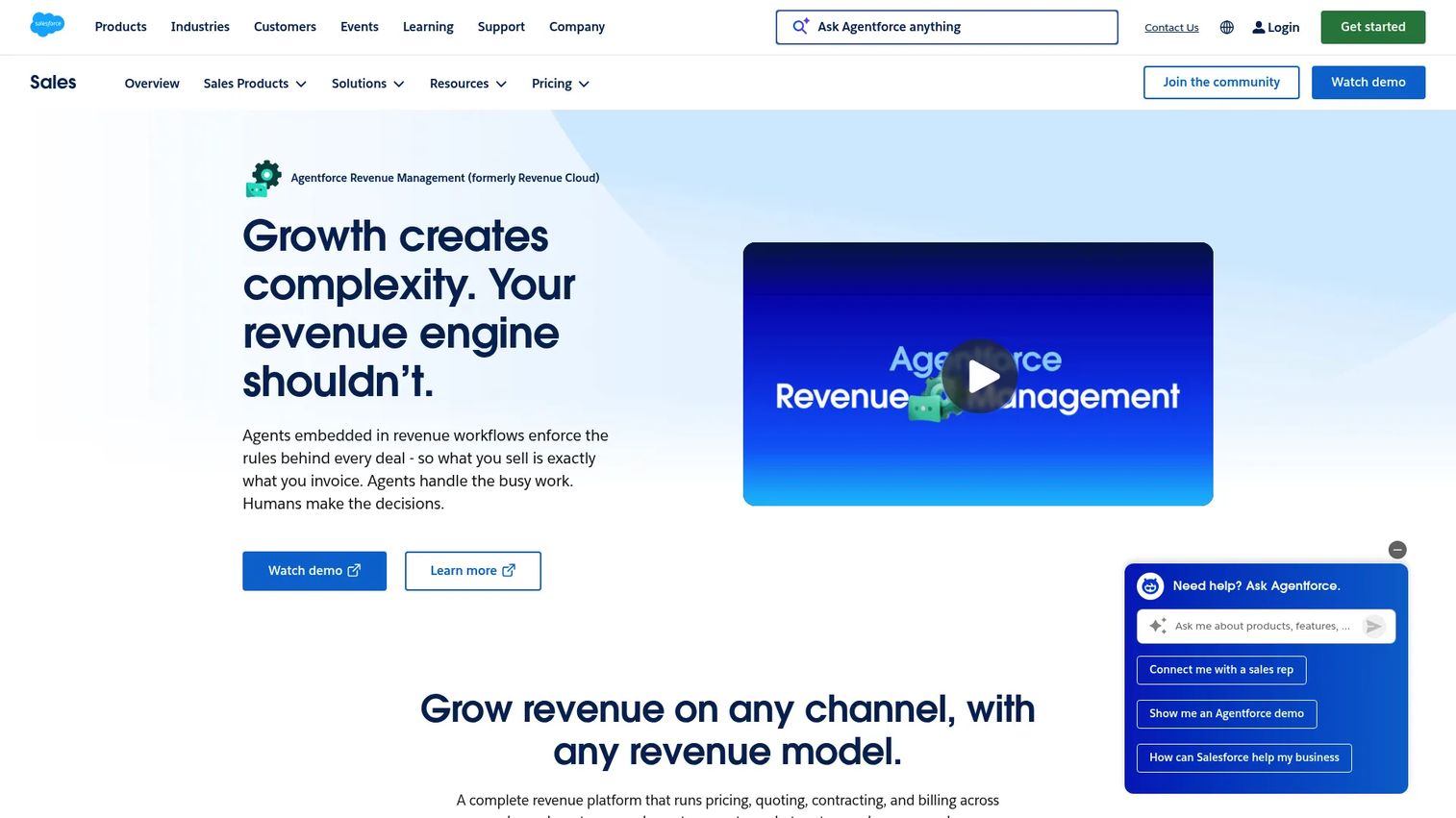
Salesforce Agentforce Revenue Management is Salesforce's revenue lifecycle platform covering quoting, contracting, billing, and revenue analytics. It brings CPQ into the same environment where your pipeline already lives. For teams standardized on Salesforce, that means quote data flows straight into opportunities, forecasts, and the broader revenue lifecycle management layer.
Best for: Mid-market to enterprise teams needing quote-to-cash and revenue lifecycle automation on Salesforce.
Key strengths
- Automatic quoting powered by Agentforce
- Unified product catalog and pricing
- Subscription management and asset lifecycle management
Why choose Salesforce Agentforce Revenue Management: If your CRM is Salesforce, keeping quoting native removes an integration layer and keeps revenue data in one place. It is a paid add-on rather than a standard Sales Cloud feature, so factor that into your budget.
Pricing: Revenue Cloud Growth starts at $150 USD per user per month, billed annually. Revenue Cloud Advanced is $200 USD per user per month, billed annually. A separate Revenue Cloud Billing edition is quote-based.
2. DealHub
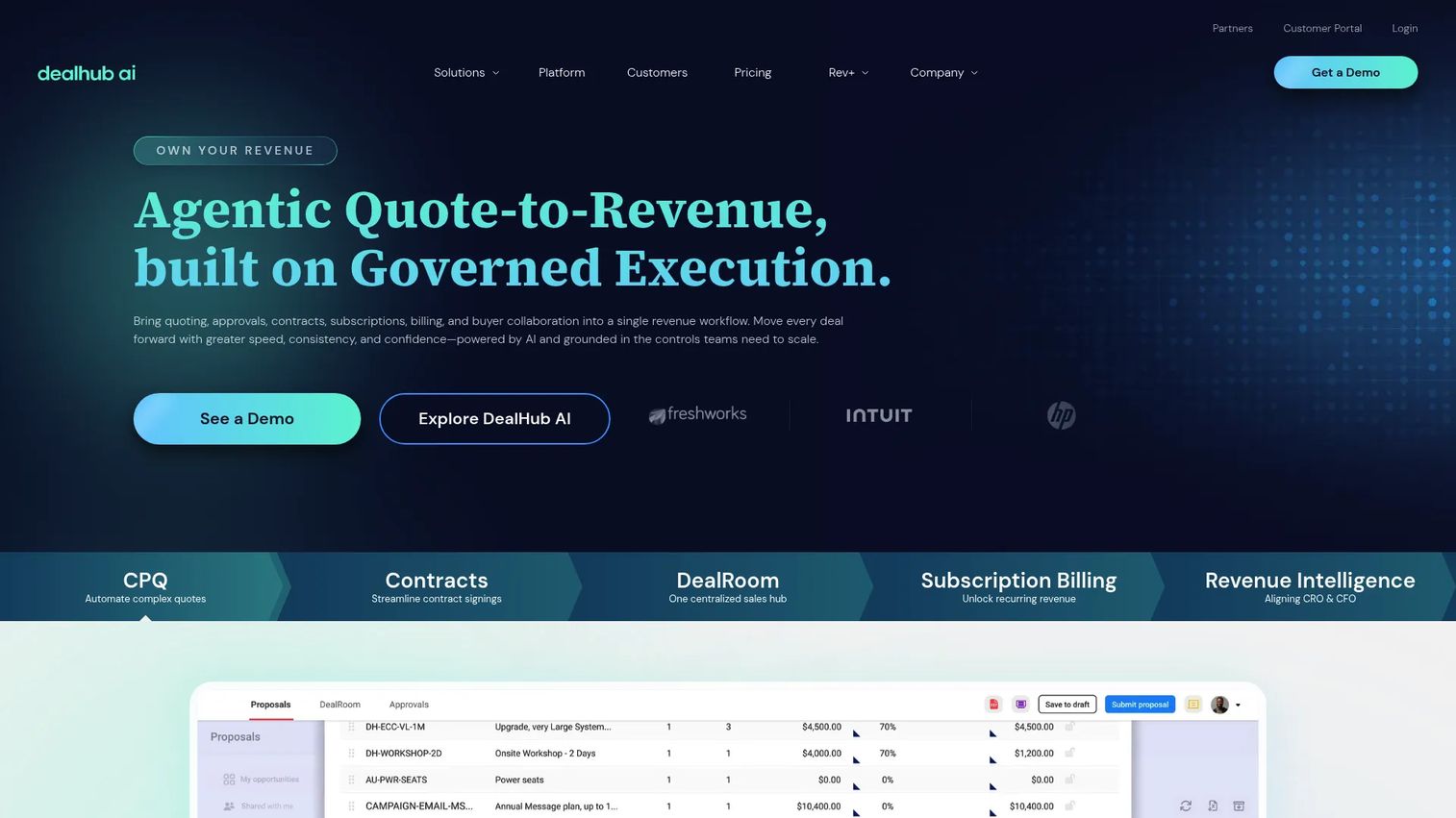
DealHub is an agentic quote-to-revenue platform spanning CPQ, proposals, subscriptions, billing, and deal collaboration. Its guided quote configuration helps reps build correct quotes fast, and its DealRoom brings buyers and sellers into one shared space. That combination makes it a strong fit for teams that want quoting and deal collaboration in the same flow.
Best for: B2B revenue teams needing CPQ and quote-to-revenue workflow automation.
Key strengths
- CPQ and guided quote configuration
- Subscription management and billing
- Digital DealRoom, contracts, and eSign
Why choose DealHub: If your deals involve multiple stakeholders and back-and-forth, the DealRoom keeps everyone aligned while CPQ keeps quotes accurate. It suits teams that value a connected quote-to-revenue motion over piecing together separate tools.
Pricing: DealHub uses custom pricing. The site directs buyers to request a quote rather than listing public numeric tiers.
3. Conga CPQ
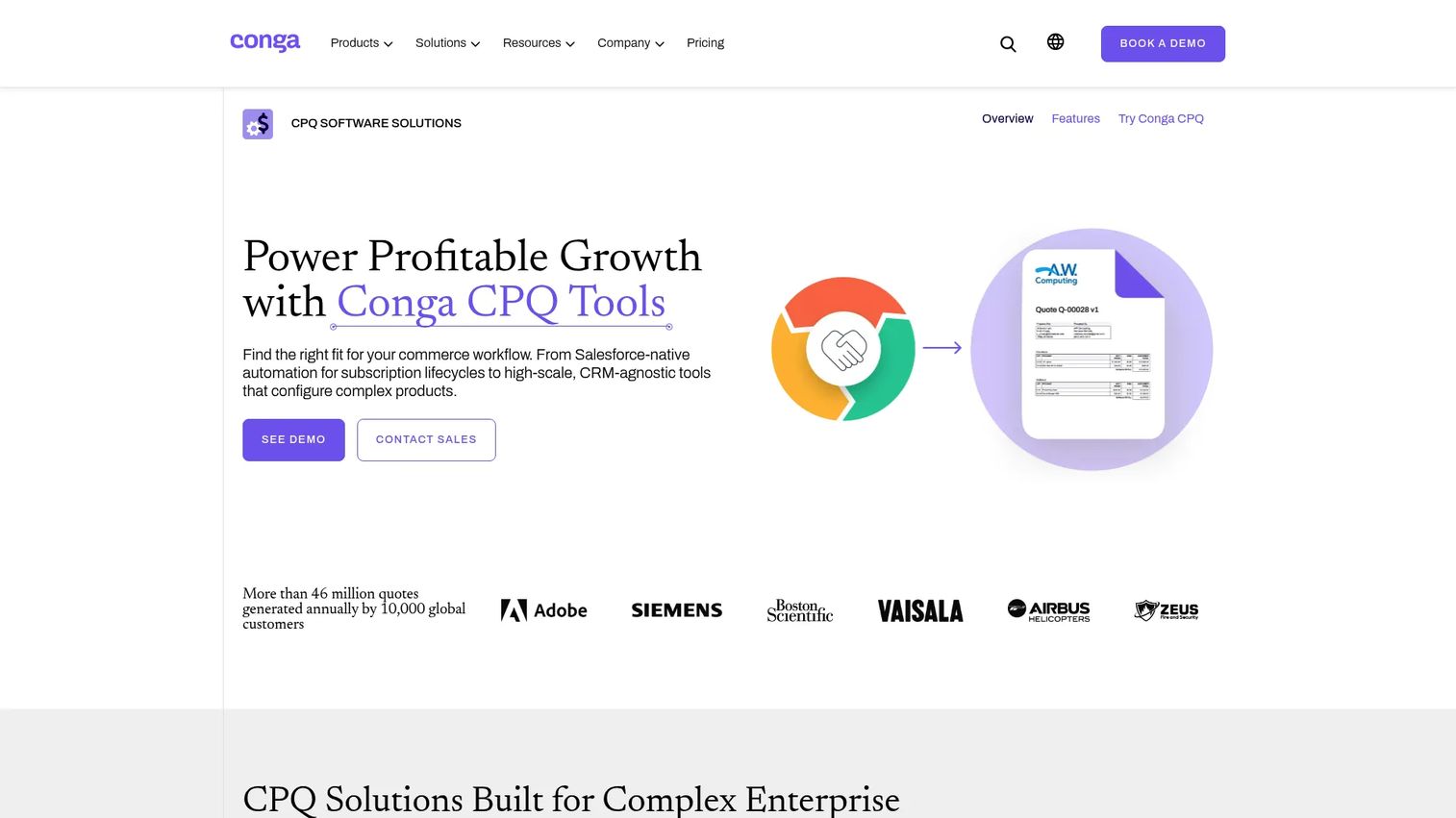
Conga CPQ is a configure price quote solution built for complex enterprise quoting, pricing, and subscription lifecycles. It handles intricate product configuration and pairs it with document automation, which matters when quotes turn into contracts. For enterprise sales teams managing renewals and non-standard terms, that end-to-end coverage is the draw.
Best for: Enterprise sales teams needing complex CPQ and quote-to-cash workflows.
Key strengths
- Guided product configuration
- Pricing rules and approvals
- Subscription and renewal management
Why choose Conga CPQ: If your quoting process runs into contracts and renewals, Conga's document automation keeps that handoff clean. It fits enterprise teams that need governance and complexity handled together rather than in separate systems.
Pricing: Conga does not display public CPQ pricing. Its pricing page directs visitors to contact sales for a quote.
4. Oracle CPQ
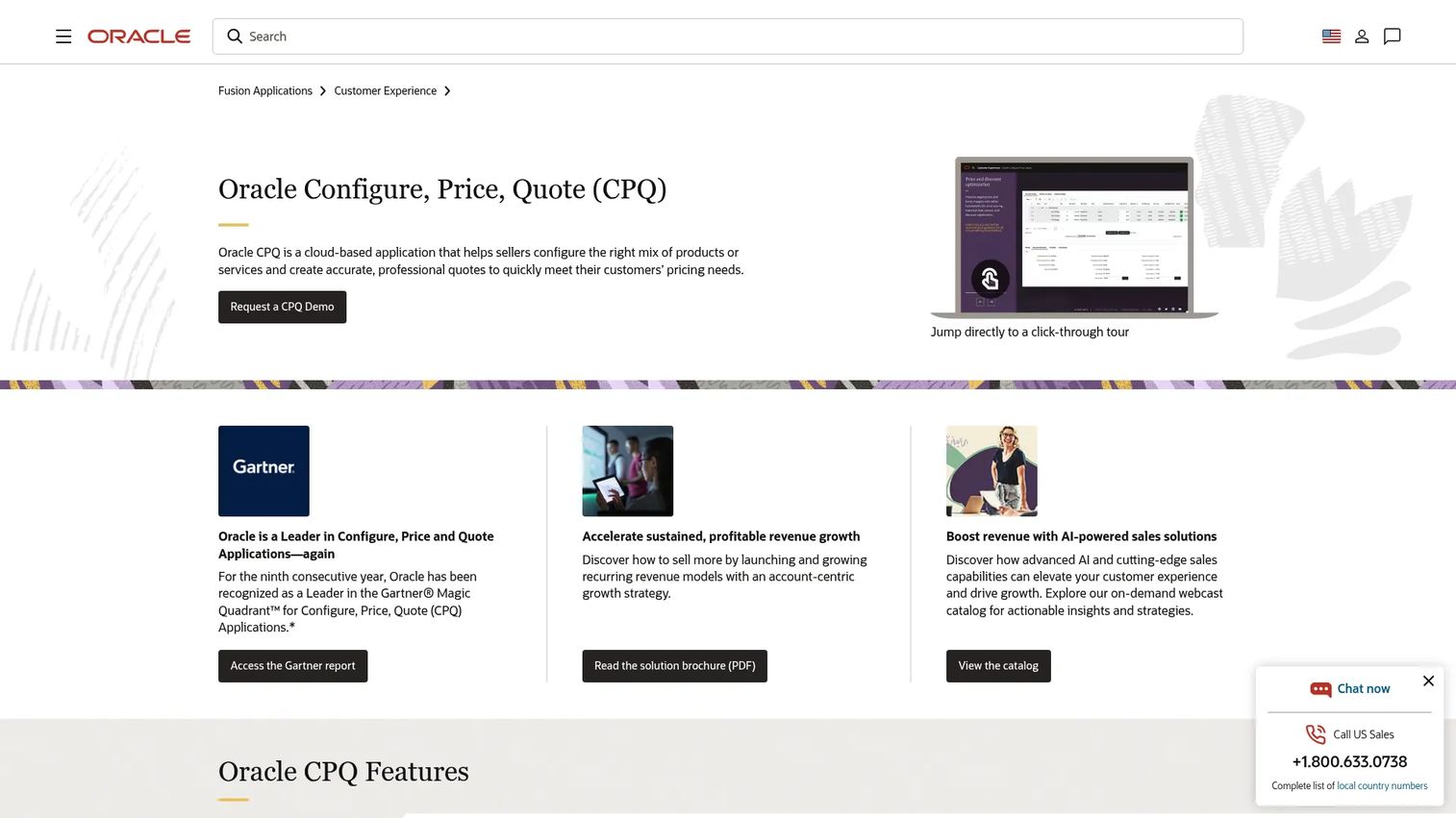
Oracle CPQ is cloud-based configure price quote software for generating accurate quotes and guiding complex product sales. It suits larger organizations with deep pricing logic and enterprise systems already in place. Guided selling and real-time pricing help reps navigate configurable products without leaning on the deal desk for every quote.
Best for: B2B teams selling complex, configurable products that need guided selling and quote automation.
Key strengths
- Guided selling and product configuration
- Real-time pricing, discounting, and approvals
- Quote and proposal generation with subscription and renewal support
Why choose Oracle CPQ: If you already run Oracle systems and sell complex products, keeping CPQ in that stack reduces integration overhead. Note that initial quotes require a minimum three-year contract term, so it fits teams ready for a longer commitment.
Pricing: Oracle publishes a CPQ Cloud Service price list. The base CPQ Cloud Service starts at $240.00 monthly, with add-ons such as a channel user service at $35.00 monthly and connector services from $5.00 monthly.
5. SAP CPQ
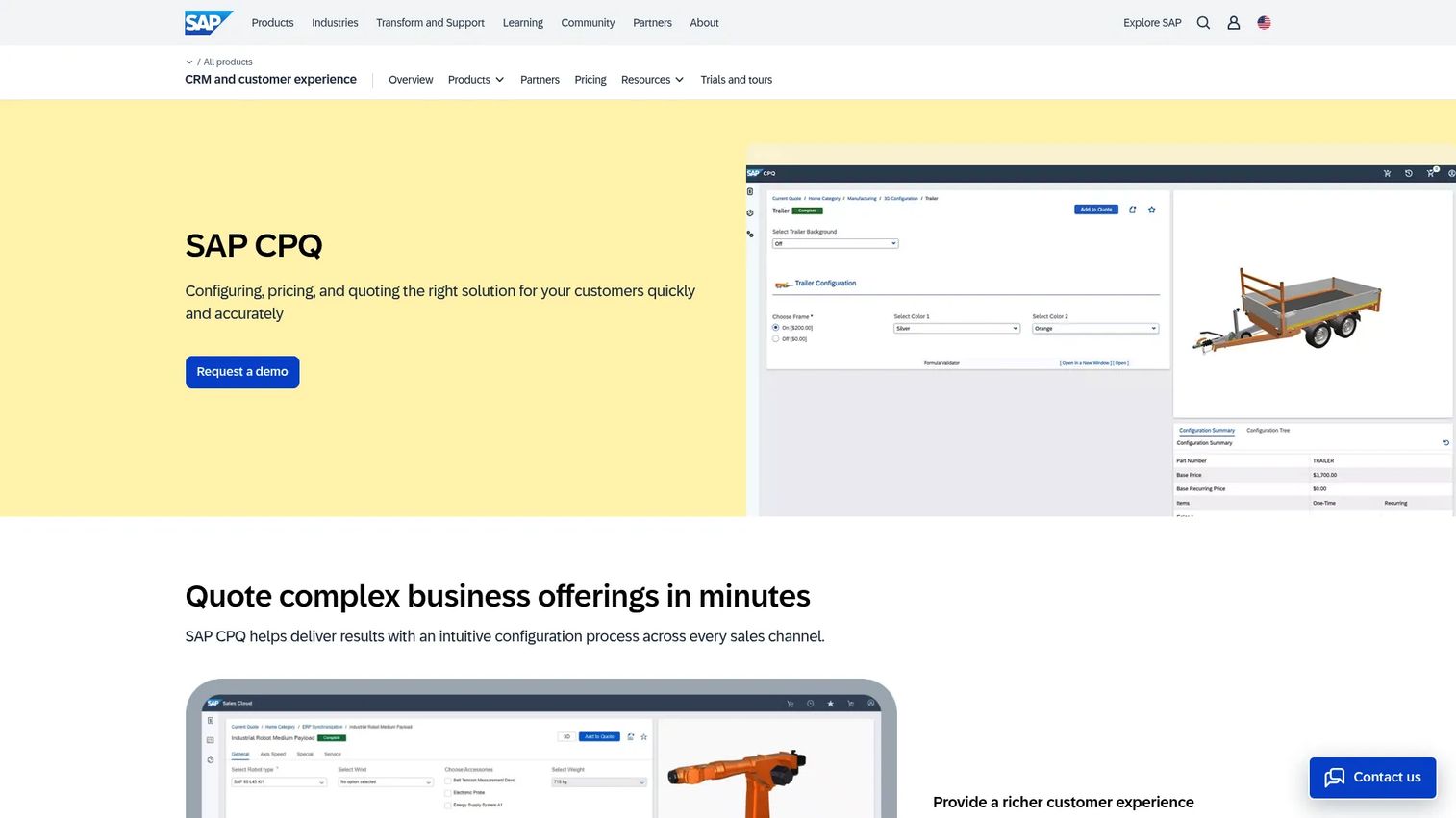
SAP CPQ is cloud CPQ software for configuring, pricing, and quoting complex offerings. It fits enterprises with product complexity and ERP adjacency, especially those already invested in SAP commerce and back-office systems. Embedded AI helps accelerate quoting while price controls keep discounts and configurations in bounds.
Best for: Enterprises needing complex quote configuration, pricing controls, and proposal generation.
Key strengths
- Cloud deployment
- Automated and accelerated quoting with embedded AI
- Configuration optimization and price controls
Why choose SAP CPQ: If your commerce and ERP run on SAP, keeping CPQ in the same family simplifies the quote-to-cash path. The standard edition requires a minimum of 50 users, so it fits larger teams rather than small ones.
Pricing: SAP CPQ standard edition starts at USD 98.00 per user per month, with a minimum of 50 users and one production plus one test tenant. Add-ons include SAP Commerce access, extra storage, and additional test tenants.
6. QuoteWerks
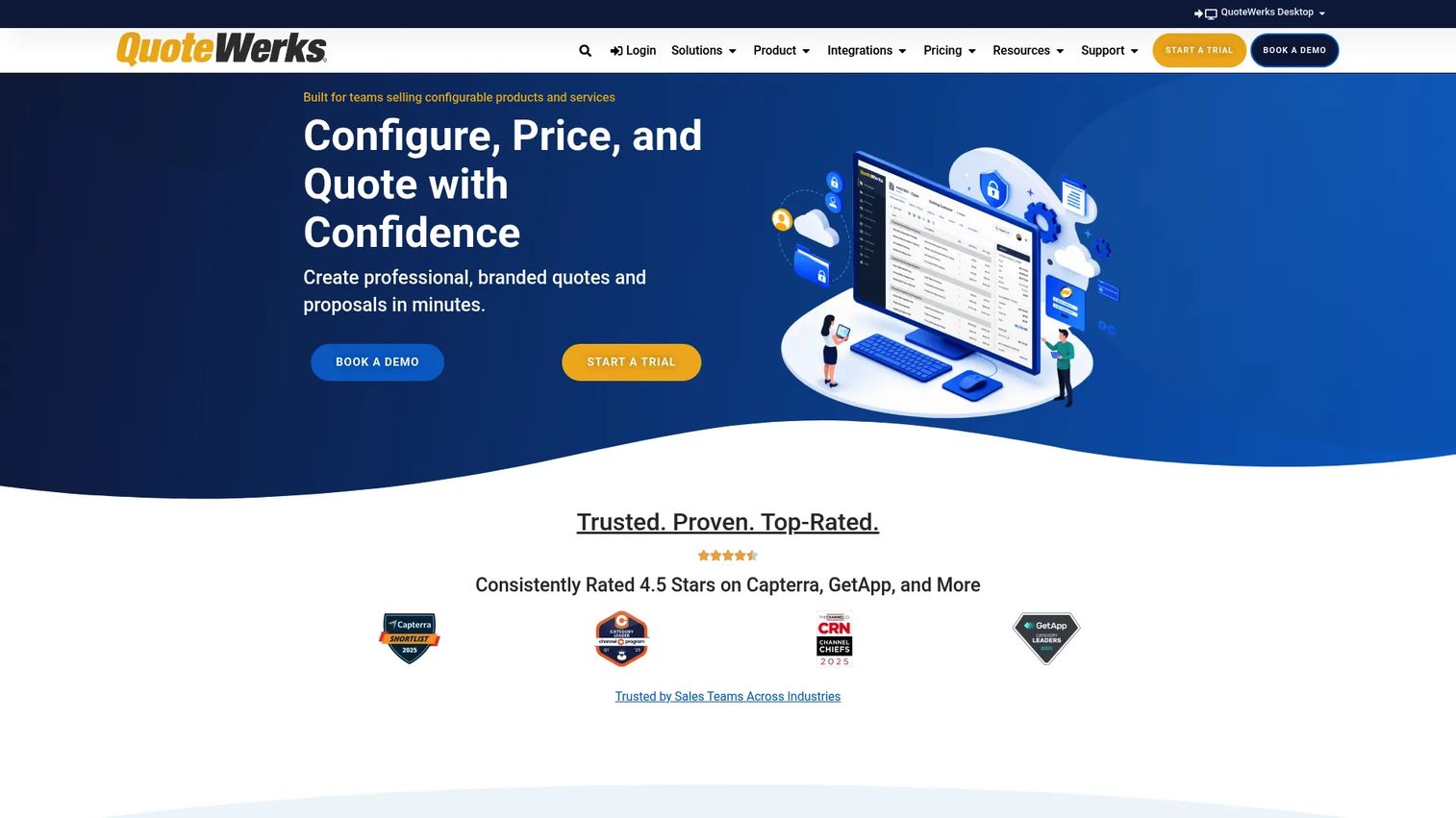
QuoteWerks is CPQ and quoting software for creating quotes, managing product and pricing data, and delivering proposals. It gives teams configurable quoting and broad integrations without an enterprise-heavy rollout. That makes it a practical pick for sales teams that want faster quotes and proposals without a long implementation.
Best for: Sales teams that need configurable quoting, proposal generation, and integrations.
Key strengths
- Quote creation and proposal design
- Product and pricing management
- CRM, PSA, and accounting integrations
Why choose QuoteWerks: If you want quoting speed and integrations without a heavy enterprise deployment, QuoteWerks fits. It suits mid-market and smaller teams that need control over quotes without a large admin burden.
Pricing: QuoteWerks Web pricing is concurrent-user based. The Essential plan starts at $50 per concurrent user per month, Balanced at $78, and Pinnacle at $102, billed monthly on a 12-month term or annually with one month free.
7. PandaDoc
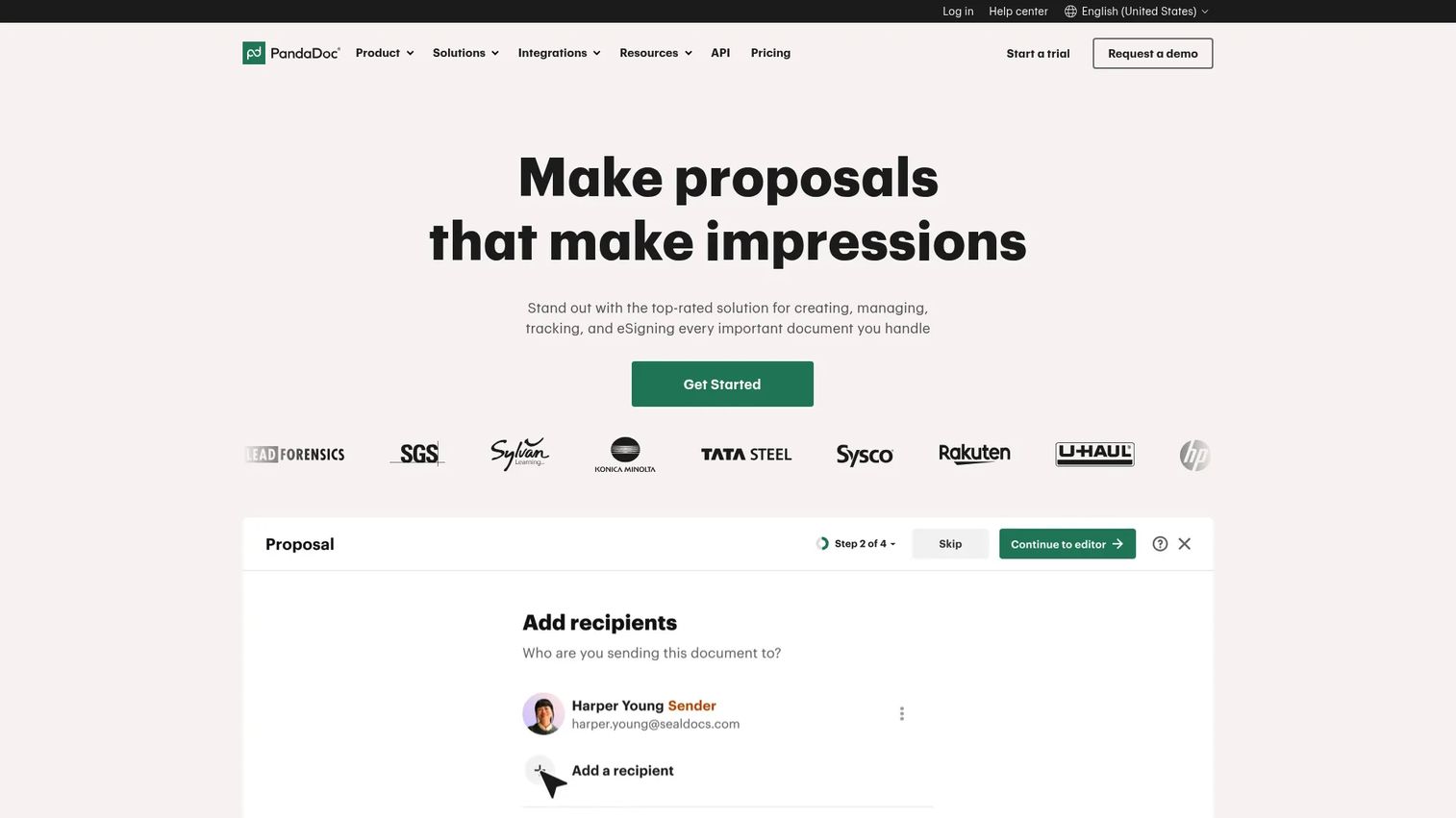
PandaDoc is document workflow software for creating, sending, signing, tracking, and automating agreements and proposals. It leans toward the quote-and-proposal side of CPQ, pairing quoting with e-signature and document automation. For teams whose bottleneck is the proposal and signing step, that single workflow removes real friction.
Best for: Teams that need proposal, contract, and e-signature workflows in one platform.
Key strengths
- eSignatures
- Document editor and templates
- CRM integrations and workflow automation
Why choose PandaDoc: If your quoting pain lives in proposals and signing rather than deep product configuration, PandaDoc closes that gap in one tool. It fits teams that want documents plus sales motion support without a full CPQ deployment.
Pricing: PandaDoc offers a Free plan at $0. Starter is $19 USD per seat per month, Business is $49 USD per seat per month, and Enterprise uses per-seat or per-document pricing through sales.
Considerations
Before you commit to a CPQ platform, run your shortlist through this checklist.
CRM and ERP integration
Quoting data has to flow both ways. Verify how the tool syncs quotes to opportunities and how it hands off to billing and ERP. A CPQ that does not connect cleanly to your system of record creates duplicate work and forecast noise. Ask for the specific integration, not a generic "we integrate with everything."
Pricing complexity
Map your real pricing models before you buy. Confirm the tool supports your bundles, tiers, usage-based pricing, currencies, and regional price books. If your discounts follow rules, make sure the pricing engine enforces them rather than relying on rep judgment.
Approval and governance controls
Check how discount approvals route and who can override them. Look at role-based permissions, audit trails, and how non-standard terms escalate. For enterprise deals with legal and procurement, these guardrails are what keep late-stage deals from unraveling.
Implementation effort
Be honest about setup. Ask who owns admin, how long a typical rollout takes, and what change management the team needs. A powerful CPQ that nobody adopts is worse than a simpler one everyone uses. Match the deployment weight to your team's capacity.
Reporting and forecast visibility
Quoting data should feed forecast accuracy. Confirm the tool surfaces discount rates, quote-to-close, and pipeline value in a way your RevOps team can act on. If the numbers stay trapped in the quoting layer, you lose the visibility that makes CPQ worth it.
Conclusion
The right CPQ depends on your stack, your pricing complexity, and your approval needs.
If you run on Salesforce, Salesforce Agentforce Revenue Management keeps quoting native to your CRM. For modern quote-to-revenue with deal collaboration, DealHub is a strong fit. Enterprise teams with complex configuration and contracts should look at Conga CPQ, Oracle CPQ, or SAP CPQ, especially where Oracle or SAP systems already anchor the back office.
If you want quoting speed without a heavy rollout, QuoteWerks delivers configurable quotes and broad integrations. And if your bottleneck is proposals and signing, PandaDoc pairs quoting with document workflow in one place.
Shortlist two or three based on your current CRM, how complex your pricing rules run, and how much governance your deals require. Then run a real quote through each. The tool that gets a clean, accurate quote in front of your buyer fastest is the one that wins deals.
FAQs
CPQ stands for configure, price, quote. It describes software that helps sales reps configure product options, apply pricing rules, and generate accurate quotes quickly. The goal is faster, error-free quotes that keep deals moving instead of stalling in spreadsheets and approval loops.
Your CRM is the system of record for contacts, opportunities, and pipeline. CPQ handles the quoting workflow: product configuration, pricing, and quote generation. They work together. CPQ usually syncs quote data back into the CRM so quotes tie directly to opportunities and forecasts.
CPQ covers configuring, pricing, and quoting. Quote-to-cash is the wider process that runs from quote through contract, order, billing, and revenue recognition. CPQ is the front end of quote-to-cash. Many CPQ tools extend into contracts and billing to cover more of that lifecycle.
Companies selling configurable products, bundles, subscriptions, or tiered pricing benefit most. If your reps quote by hand, discounts vary across the team, or approvals slow deals down, CPQ pays off. The more complex your pricing and the larger your sales team, the stronger the case.
Look for guided selling, pricing automation, approval workflows, CRM integration, and quote generation with version control. Strong options also connect to ERP and billing for a clean quote-to-cash handoff. Reporting that feeds forecast visibility is what turns quoting data into a revenue advantage.
CPQ enforces pricing rules and valid product configurations automatically. Reps cannot ship a discount outside guardrails or misprice a line item, because the engine applies the correct logic. That is why Global Growth Insights (2026) found 64% of enterprises prioritize CPQ specifically to reduce quoting errors.
For SaaS teams with subscriptions, usage tiers, and add-on modules, CPQ handles the recurring-revenue complexity that trips up manual quoting. It automates renewals, proration, and subscription changes. If your quoting is simple and your catalog small, a lighter proposal tool may cover it instead.
It depends on complexity. A lighter quoting tool can be live in weeks, while an enterprise CPQ with deep ERP integration and custom pricing rules can take several months. Ask each vendor for a realistic timeline, who owns admin, and what change management your team needs before you commit.