Mining profitability is not decided at the wallet. It is decided at the configuration screen, the pool dashboard, and the electricity bill. Choose the wrong software for your hardware and you will spend more time troubleshooting than earning. Pick the wrong pool and you will wait months for a payout that barely clears your power cost.
The global cryptocurrency mining market reached $4.61 billion in 2025 and is projected to grow at a 12.3% CAGR through 2033, according to Grand View Research (2026). That growth is attracting more participants, more hardware, and more software options than ever before. It also means more ways to make a bad decision before you have spent a dollar on hardware.
If you are evaluating mining as an infrastructure decision or a treasury experiment, the software question is really an operations question. Who monitors uptime? How does the system alert on hashrate drops? What does the reporting look like for your finance lead? The tool does not fix bad mining economics. It only makes them visible faster.
This guide covers 16 crypto mining software tools and platforms, compared by hardware fit, operating model, pricing, and what each one is actually built to do.
What's inside
This guide is built for operators who want practical selection criteria, not hype. Tools were selected across five operating models: Local mining software, multi-rig management platforms, profitability calculators, hosted mining services, and mining pools.
Selection criteria:
- Hardware compatibility: ASIC, GPU, CPU, and FPGA support verified per tool
- Operating model clarity: local software versus hosted versus pool-first
- Monitoring and alerting: whether rigs can be managed without manual daily checks
- Fee and pricing transparency: pool fees, service fees, and contract terms reviewed directly from vendor pages
TL;DR
- Best overall for beginners: NiceHash combines mining software, a hashrate marketplace, and a profitability calculator in one entry point
- Best for technical ASIC and FPGA miners: CGMiner and BFGMiner offer command-line control and deep hardware access, both free under GPLv3
- Best for multi-rig management: Hive OS and Awesome Miner let operators monitor and automate across many machines without manual checks per rig
- Best for profitability research: WhatToMine is the right tool before buying or repurposing any hardware
- Hosted mining alternatives: GoMining and ECOS remove hardware work but add contract and custody risk; review withdrawal terms before committing capital
- Pool-first choices: F2Pool, AntPool, and Foundry USA matter most when pool infrastructure and payout reliability drive the decision
What is crypto mining software?
Crypto mining software connects mining hardware to a blockchain network or mining pool, coordinates hashing work, monitors performance, and routes rewards to a designated wallet. It is the operational layer between your hardware and the coins you earn.
Software categories in this guide:
- Local miner programs: CGMiner, BFGMiner, EasyMiner, MultiMiner
- Mining operating systems: Hive OS
- Rig management platforms: Awesome Miner, Minerstat
- Marketplace and auto-switcher: NiceHash
- Profitability calculator: WhatToMine
- Hosted or cloud mining platforms: GoMining, ECOS, Genesis Mining
- Mining pools: F2Pool, AntPool, Foundry USA
Key capabilities to evaluate
- Hardware compatibility (ASIC, GPU, CPU, FPGA)
- Pool connection and multi-pool support
- Remote monitoring and alerting
- Profitability switching across coins
- Electricity cost inputs and reporting
- Fee transparency (pool fees, service fees, withdrawal thresholds)
- Operating system support
- Security controls and official download source
What crypto mining software is not
A mining app is not a wallet, exchange, or tax tool. Hosted mining and cloud mining platforms are adjacent alternatives, not the same category as local mining software. Pool dashboards are part of the mining stack but operate differently from miner programs. Choosing the right operating model comes before choosing a specific product.
When to use crypto mining software
Run ASIC miners without constant manual checks
ASIC mining requires stable pool connections, firmware awareness, temperature monitoring, and uptime visibility. Without software that alerts on hashrate drops or rejected shares, you will discover problems through missed payouts, not dashboards. Choose software that connects to your specific ASIC models and gives your operations team a view they can act on remotely.
Manage GPU or mixed rigs across locations
GPU rigs need overclocking profiles, remote reboot capability, alerting on crashed workers, and centralized dashboards. If a person must physically inspect each rig daily, the operation is not yet systemized. Multi-rig management software lets one operator maintain visibility across dozens of machines without being on-site.
Test profitability before buying hardware
Mining economics depend on hashrate, power cost, coin price, difficulty, pool fees, and hardware depreciation, and all of those inputs move. Use a profitability calculator before committing capital to any hardware purchase. The calculation does not guarantee an outcome, but it reveals whether the model is fragile to a small electricity price increase.
Crypto mining software comparison
The table below covers all 16 tools in this guide. Pricing reflects verified data from vendor pages. G2 ratings are shown where a listing exists; "N/A" indicates no verified listing was found.
| # | Product | Best for | Key differentiator | Pricing | G2 rating |
|---|---|---|---|---|---|
| 1 | NiceHash | Beginners and marketplace mining | Mining software plus hashrate marketplace | Free to use; marketplace fees apply | 4.1/5 |
| 2 | CGMiner | Technical ASIC and FPGA miners | Open-source GPLv3 command-line control | Free | 3.9/5 |
| 3 | Awesome Miner | Multi-rig management | Central dashboard with profit switching | From $4/month (2 miners) | 4.3/5 |
| 4 | EasyMiner | Beginners using a GUI | Visual interface for pool or solo mining | Free | 3.6/5 |
| 5 | Hive OS | GPU and ASIC farms | Mining OS with remote management | Free up to 2 workers; from $0.50/rig/month | N/A |
| 6 | Kryptex | Casual Windows miners | Auto-switching desktop mining app | Free; pool and withdrawal fees apply | 3.8/5 |
| 7 | Minerstat | Profitability intelligence and API | Real-time mining data and hardware benchmarks | Free API tier; paid plans available | N/A |
| 8 | WhatToMine | Profitability research | Coin and hardware profitability calculator | Free; $9/month for ad-free access | N/A |
| 9 | BFGMiner | Advanced ASIC and FPGA users | Modular miner with dynamic clocking | Free | N/A |
| 10 | MultiMiner | Hosted cloud mining | Cloud hashrate for BTC, DOGE, TRX, LTC | From $0.22 per 10 GH/s | 5.0/5 |
| 11 | GoMining | Hosted Bitcoin mining | Digital miner model without local hardware | Digital miners from $12.99 | 4.2/5 |
| 12 | ECOS | Cloud mining contracts | Hosted mining and crypto investment products | App access free; contract pricing varies | 4.2/5 |
| 13 | Genesis Mining | Cloud mining buyers | Long-running hosted mining provider | Contact vendor for current contract availability | 2.3/5 |
| 14 | F2Pool | Pool-first multi-coin mining | Large multi-coin pool with PPLNS and FPPS | BTC: 4% FPPS or 2% PPLNS; varies by coin | N/A |
| 15 | AntPool | Bitcoin and ASIC mining pools | Pool infrastructure tied to ASIC ecosystem | Fees vary by coin and payout method | N/A |
| 16 | Foundry USA | Institutional Bitcoin mining pool | U.S.-focused FPPS pool with tiered fees | Tiered by quarterly hashrate; contact for rates | N/A |
Best 16 crypto mining software tools for 2026
1. NiceHash
NiceHash is a crypto mining platform that combines mining software, a hashrate marketplace, and a profitability calculator. Users can mine with their own hardware and sell hashrate to buyers, or purchase hashrate directly without running hardware at all. It is positioned as a broad entry point into Bitcoin-focused mining rather than a low-level configuration tool.
Best for: Beginners and small operators who want one platform for mining software, profitability estimates, and marketplace-based hashrate.
Key features
- Hashrate marketplace for buying and selling computing power
- NiceHash Miner with automatic algorithm switching
- QuickMiner for GPU-based Windows mining
- Built-in profitability calculator
- Free NiceHash OS for unlimited mining rigs
Why choose NiceHash: Choose NiceHash when you want one entry point that handles software, profitability estimates, and marketplace access without managing multiple tools. It trades low-level configuration control for convenience.
NiceHash pricing: NiceHash is free to use. The platform charges marketplace fees that vary by algorithm, with a minimum order of 0.001 BTC. Withdrawal fees apply and are listed on the NiceHash pricing page.
G2 rating: 4.1/5
2. CGMiner
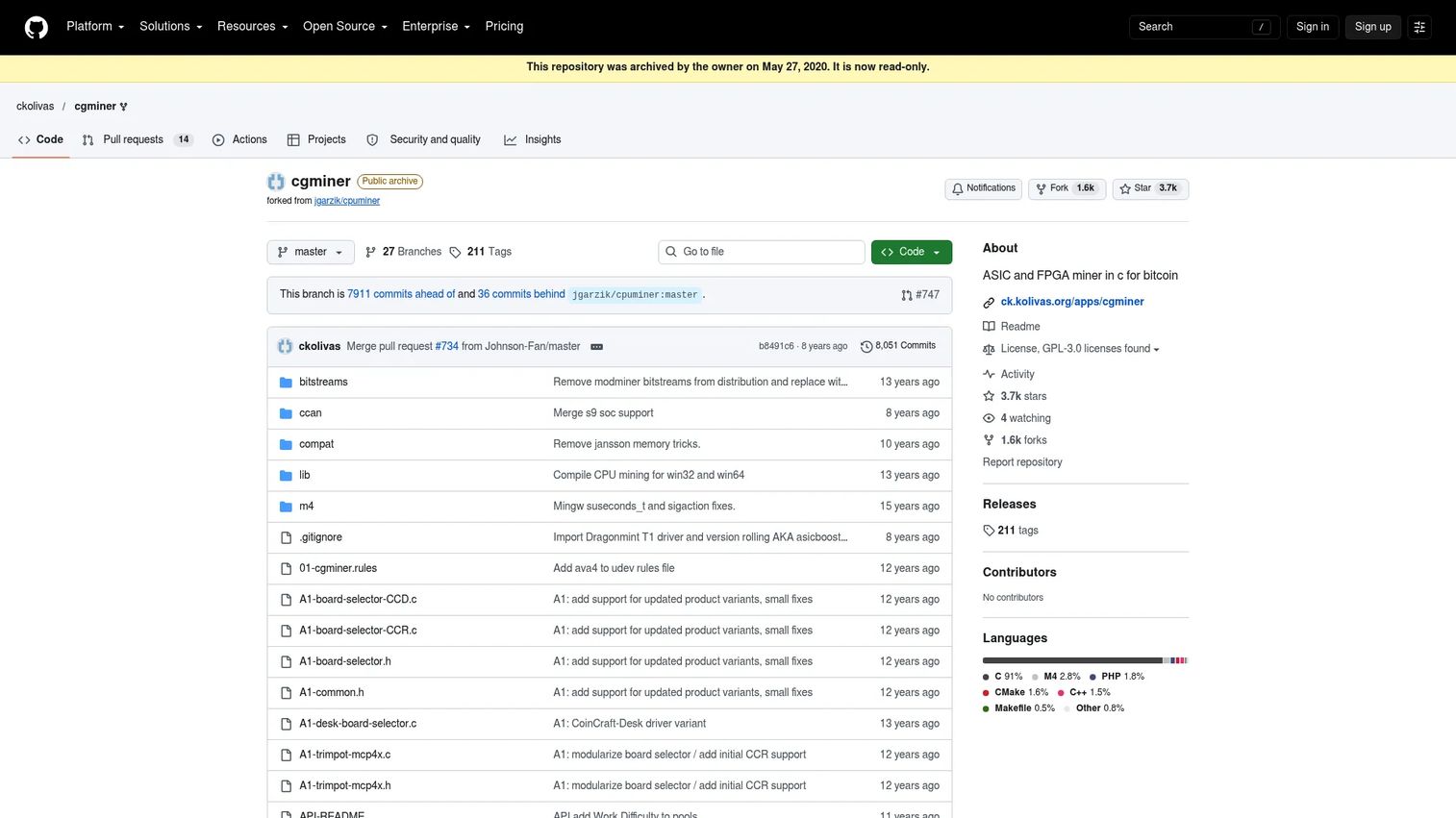
CGMiner is a free, GPLv3-licensed, multi-threaded Bitcoin miner for FPGA and ASIC hardware. It has been around for years and remains a reference point for command-line mining control. There is no polished interface; this is terminal-first software for operators who know what they are configuring.
Best for: Advanced miners who want low-level control over ASIC and FPGA hardware with multi-pool and API access.
Key features
- Open-source GPLv3 codebase
- Multi-pool mining support with Stratum protocol
- FPGA and ASIC hardware compatibility
- Remote monitoring and control via API
- Proxy support for network flexibility
Why choose CGMiner: Choose CGMiner when control and transparency matter more than a clean interface. It fits operators comfortable with configuration files, terminal workflows, and hands-on troubleshooting.
CGMiner pricing: Completely free. Costs come from hardware, pool fees, and electricity, not the software itself.
G2 rating: 3.9/5
3. Awesome Miner
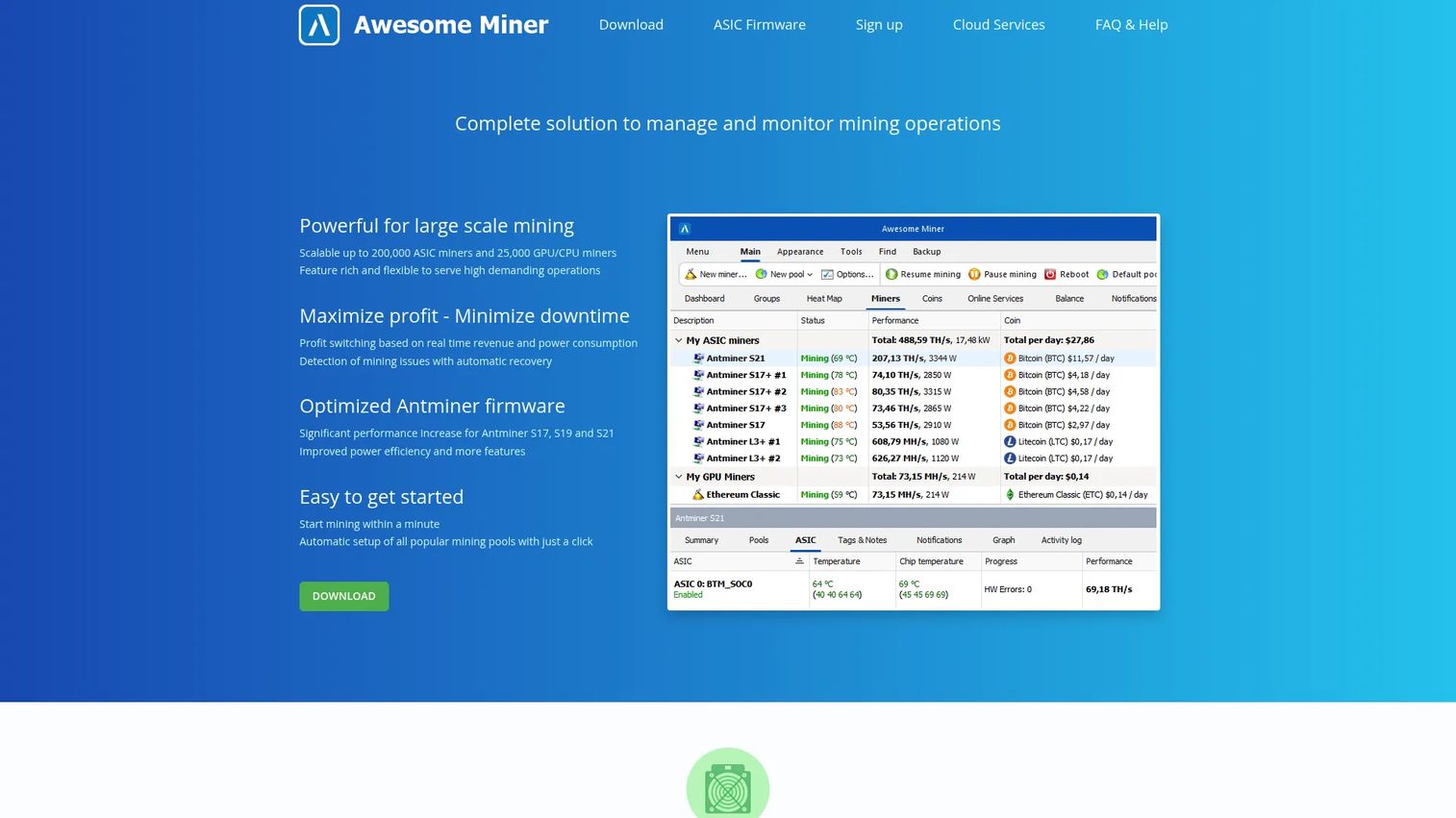
Awesome Miner is a centralized mining management tool built for operators running multiple rigs or mining engines. It covers monitoring, profit switching, rule-based automation, and fleet-level visibility from one dashboard. If you have moved past a single machine and need structured oversight, this is where Awesome Miner earns its place.
Best for: Small to mid-sized mining operators who need one dashboard for monitoring, profit switching, and automated alerts across many miners.
Key features
- Centralized dashboard for ASIC and GPU miners
- Profit switching with configurable rules
- Automation triggers and notifications
- Built-in web interface with multi-user access
- Mining history, statistics, and API access
Why choose Awesome Miner: Choose Awesome Miner when your operation has grown beyond a single machine. It removes the need to log into separate miner interfaces and gives one view of uptime, profitability rules, and alerts.
Awesome Miner pricing: Free for up to 2 miners with limited features. Paid plans start at $4/month (or $36/year) for 2 miners with full features and cloud services. The Antminer Firmware option charges a 2.8% mining fee.
G2 rating: 4.3/5
4. EasyMiner
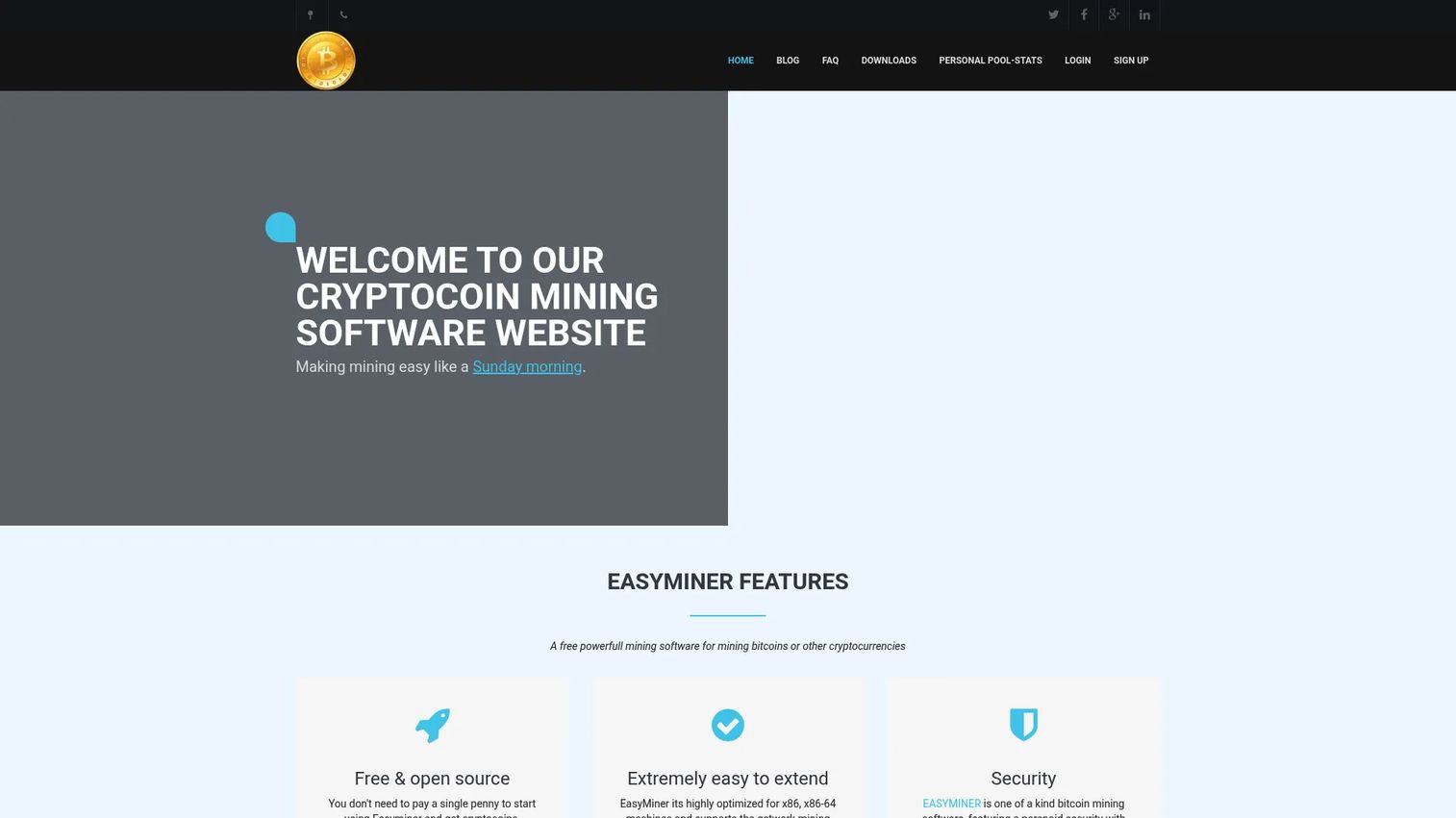
EasyMiner is a free, open-source graphical mining interface for Windows. It gives users who do not want to start in the command line a visual path into pool or solo mining. Support extends to CPU and GPU hardware with common mining protocols, and the interface shows real-time statistics including hashrate, shares, and earnings.
Best for: Beginners who want a visual interface for getting started with pool or solo mining before learning more technical tools.
Key features
- Graphical user interface for CPU and GPU mining
- Stratum and getwork protocol support
- Pool and solo mining configurations
- Real-time hashrate, shares, and earnings display
- SSE2, AVX, and AVX2 optimization
Why choose EasyMiner: Choose EasyMiner when you want to understand how mining works without starting in a terminal. It is a learning tool more than a fleet management platform.
EasyMiner pricing: Free and open source. Hardware, pool fees, and electricity are the only costs.
G2 rating: 3.6/5
5. Hive OS
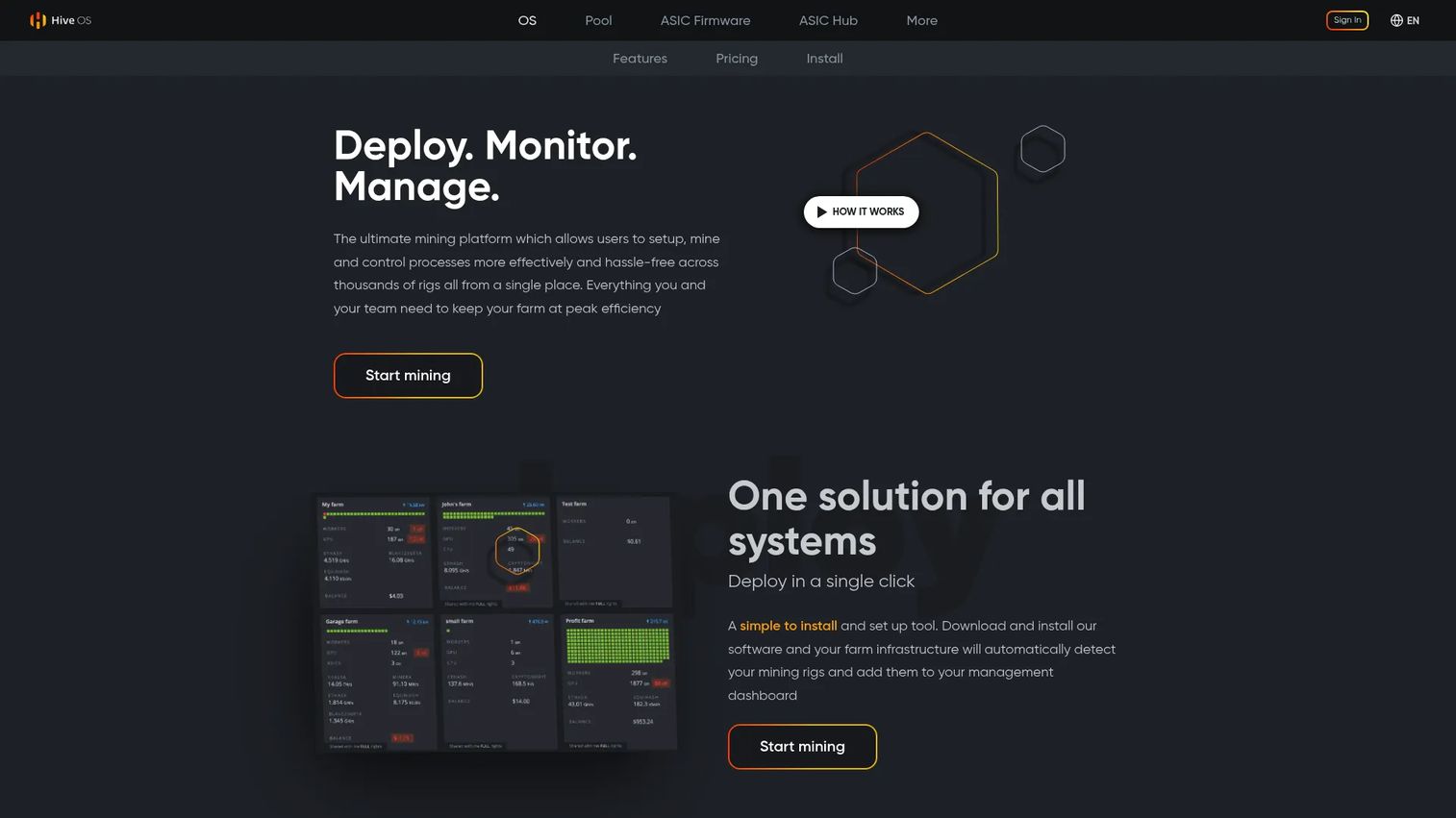
Hive OS is a Linux-based mining operating system built to manage GPU rigs and ASICs remotely. It replaces the standard OS on mining machines with a purpose-built environment that includes flight sheets for pool and wallet configuration, GPU overclocking profiles, remote console access, and farm-level dashboards with real-time heatmaps.
Best for: GPU miners, ASIC operators, and mining farms that need remote management without on-site manual checks.
Key features
- Mining OS replacing the standard operating system on rigs
- Remote console, reboot, shutdown, and VPN access
- Flight Sheets for wallet, pool, and miner configuration
- GPU overclocking, AutoFan, and dual mining support
- Farm organization with schedules, notifications, and API
Why choose Hive OS: Choose Hive OS when the operation needs structure, repeatable setup, and remote visibility across distributed rigs. It reduces manual rig maintenance and gives teams a single operational view.
Hive OS pricing: Free for up to 2 workers (Start plan). Personal plan charges $0.50 to $3 per GPU rig per month, or $2 per ASIC per month. ASICs running Hiveon firmware are free. Business pricing starts at 1,000 devices and requires a custom quote.
6. Kryptex
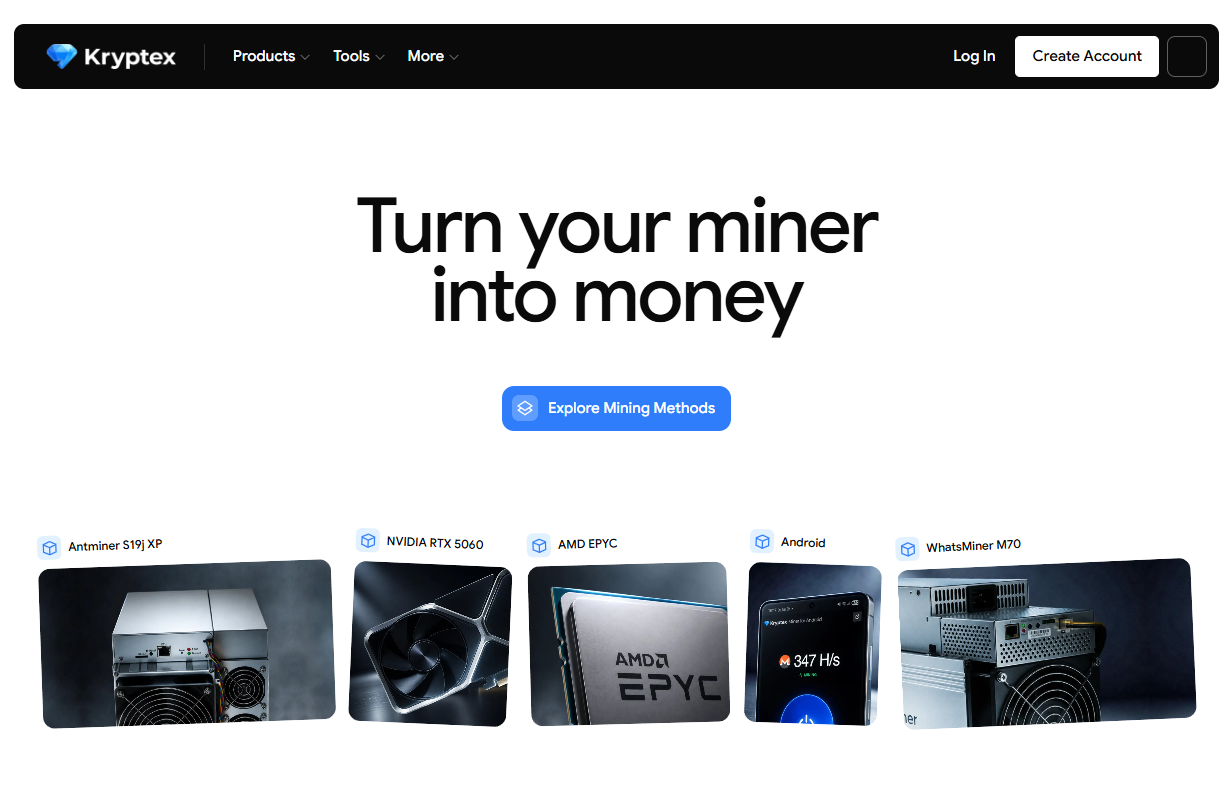
Kryptex is a Windows desktop mining application that benchmarks your hardware, automatically switches to the most profitable coin at any given moment, and provides withdrawal options in Bitcoin and other formats. It is designed for users who want to test whether their existing PC hardware earns anything meaningful without configuring pools or wallets manually.
Best for: Casual miners who want a low-friction test of PC hardware mining potential before committing to dedicated equipment.
Key features
- Automatic switching to the most profitable coin
- Hardware benchmarking on setup
- Remote mining control and pause or resume
- Real-time statistics: Temperature, fan speed, power use, and earnings
- Multiple withdrawal options with configurable minimums
Why choose [Kryptex](https:// Kryptex.com/): Choose Kryptex for experimentation, not as evidence that consumer PC mining will cover electricity. It is useful for understanding what your hardware is worth in mining terms before making a larger decision.
Kryptex pricing: The program is free. Revenue runs through pool and withdrawal fees rather than a subscription. Specific withdrawal fees and minimums are listed on the Kryptex fees page.
G2 rating: 3.8/5
7. Minerstat
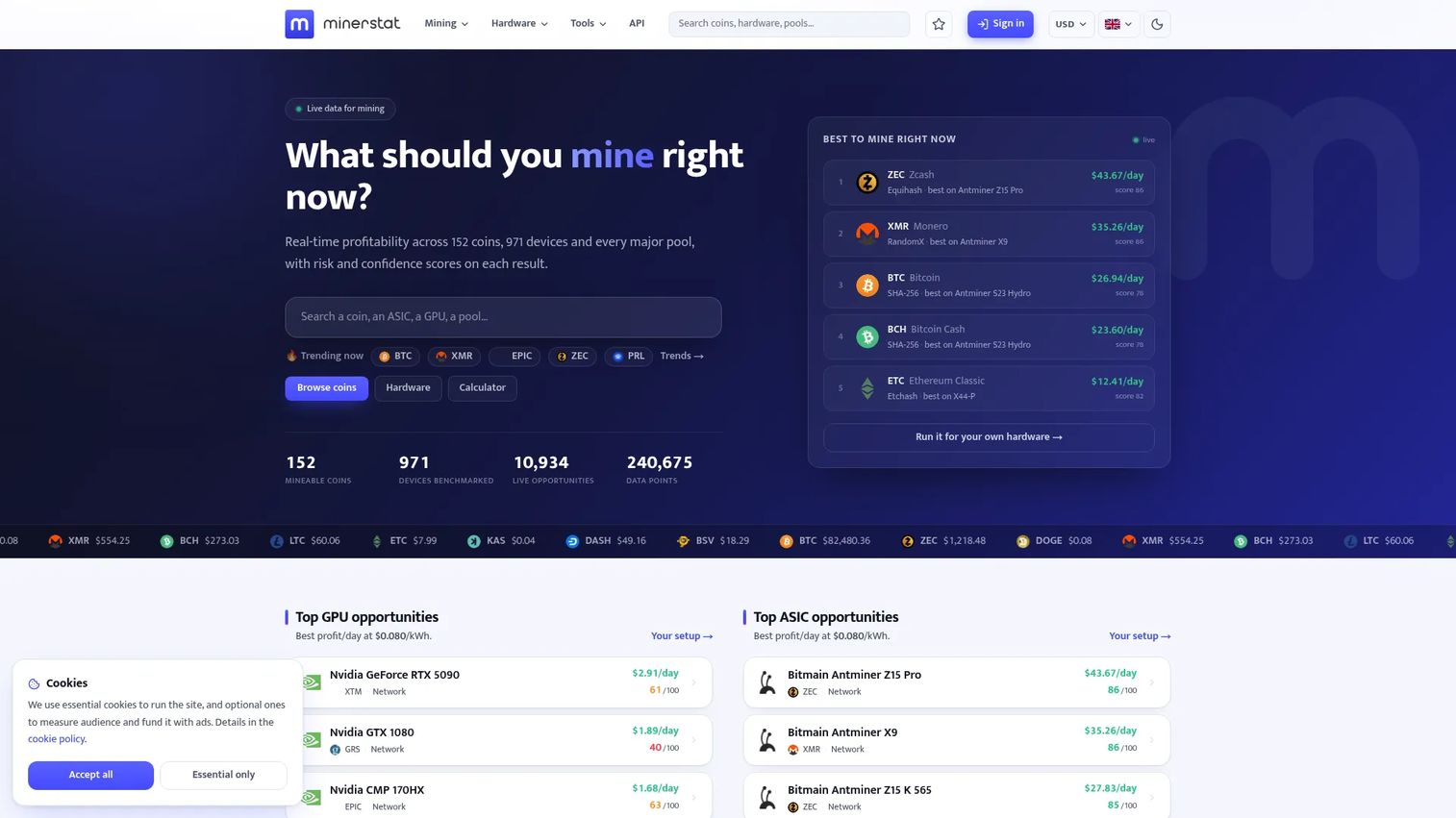
Minerstat is a mining intelligence platform that provides real-time profitability rankings, hardware benchmarks, pool and algorithm data, and an API for developers and data-driven operators. It covers GPU and ASIC mining with calculators for coins, hardware comparisons, and ROI modeling.
Best for: Operators who need live profitability intelligence, hardware analysis, and structured mining data before scaling a fleet.
Key features
- Real-time mining profitability rankings by coin and hardware
- ROI calculator, DAG-size calculator, and hashrate converter
- Hardware benchmarks and algorithm comparisons
- Mining pool and software data
- Developer API with free and paid access tiers
Why choose Minerstat: Choose Minerstat when you need better data before adding more hardware. It helps operators understand which coins and configurations will perform before rigs are running.
Minerstat pricing: A free API tier is available at 100 requests per month. Developer and Enterprise tiers offer higher API quotas; monetary pricing for those tiers is not displayed on the public pricing page. Contact Minerstat for enterprise rates.
8. WhatToMine
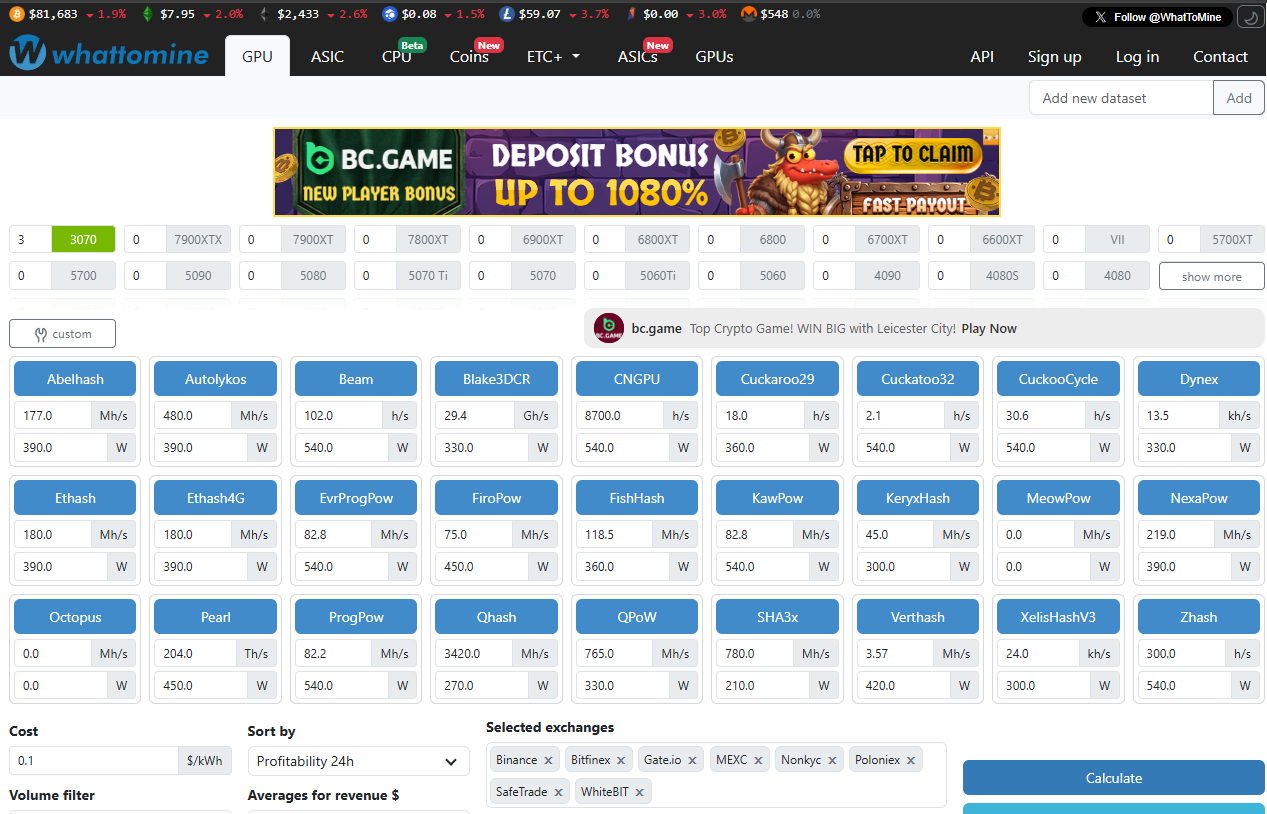
WhatToMine is a profitability calculator, not mining software that runs hardware. You enter your hashrate, power draw, electricity cost, and pool fee, and it returns estimated revenue across dozens of coins. It is the right starting point before buying any hardware or changing mining strategy.
Best for: Miners comparing coins, hardware configurations, and electricity assumptions before purchasing rigs or switching strategies.
Key features
- Profitability calculator with electricity cost and pool fee inputs
- Coin and algorithm profitability tables
- Hardware comparison across GPUs and ASIC miners
- Revenue estimates based on current network difficulty
- Developer API for profitability data integration
Why choose WhatToMine: Use WhatToMine before buying hardware. It reveals whether the economics justify deeper setup work and shows how fragile your model is to a power price increase.
WhatToMine pricing: The core calculator is free. A $9/month support subscription removes ads. API plans exist for developers; prices for those are not publicly displayed.
9. BFGMiner
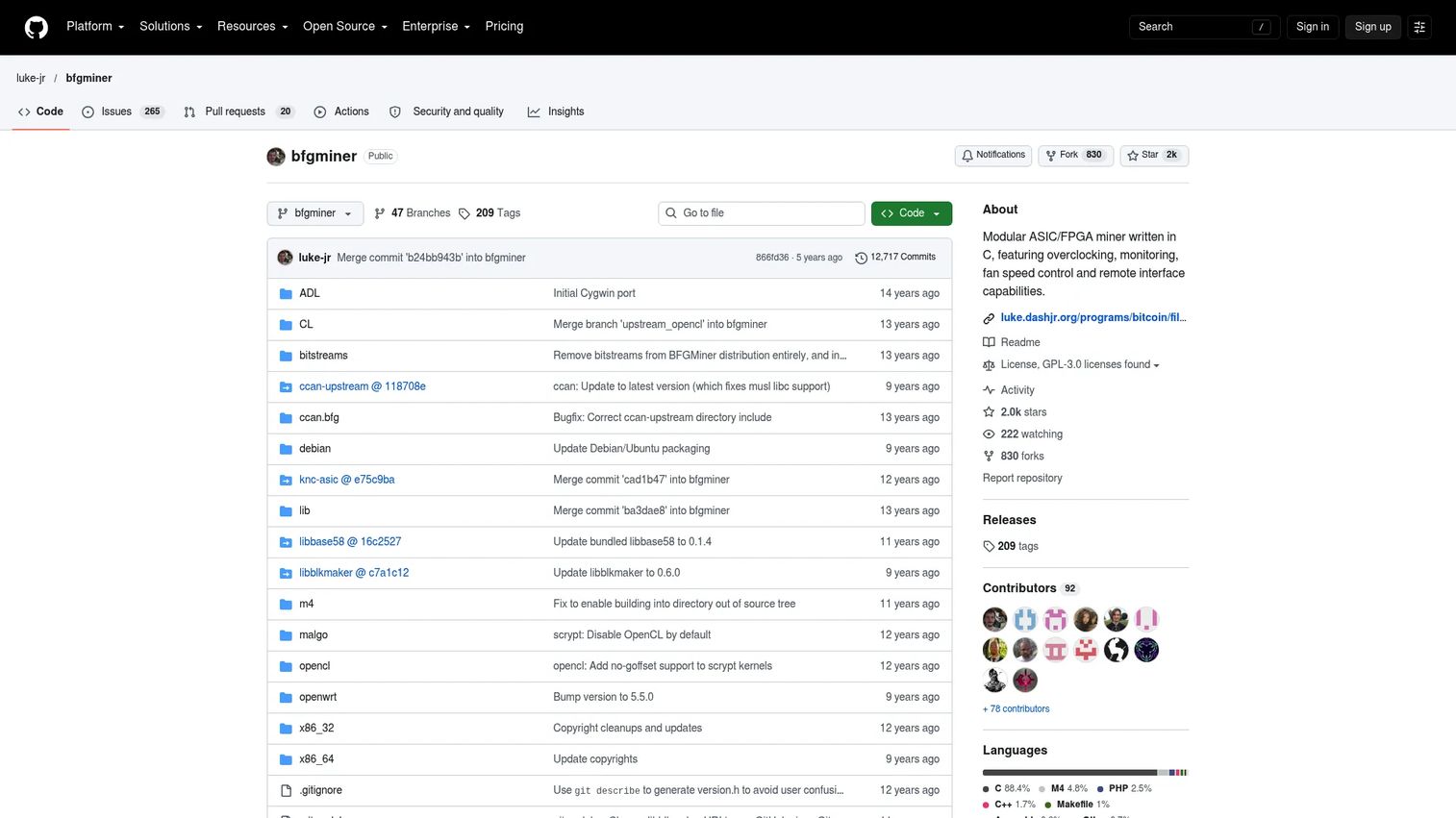
BFGMiner is a free, GPLv3-licensed, modular mining program that supports ASIC, FPGA, GPU, and CPU hardware. It includes dynamic clocking, monitoring, fan-speed control, and a remote API interface. Like CGMiner, it is a technical tool for operators who work comfortably in the terminal.
Best for: Technical miners who want modular hardware control across ASIC and FPGA devices with remote monitoring capability.
Key features
- ASIC, FPGA, GPU, and CPU hardware support
- Dynamic clocking and fan-speed control
- Multi-pool and multi-blockchain support
- Remote API interface for monitoring and management
- OpenCL GPU support and overclocking controls
Why choose BFGMiner: Choose BFGMiner when you need technical control and do not require a beginner interface. It is most useful for operators who can troubleshoot drivers, device connections, and pool configurations without hand-holding.
BFGMiner pricing: Completely free under GPLv3. Hardware, pool fees, and electricity are the only costs.
10. MultiMiner
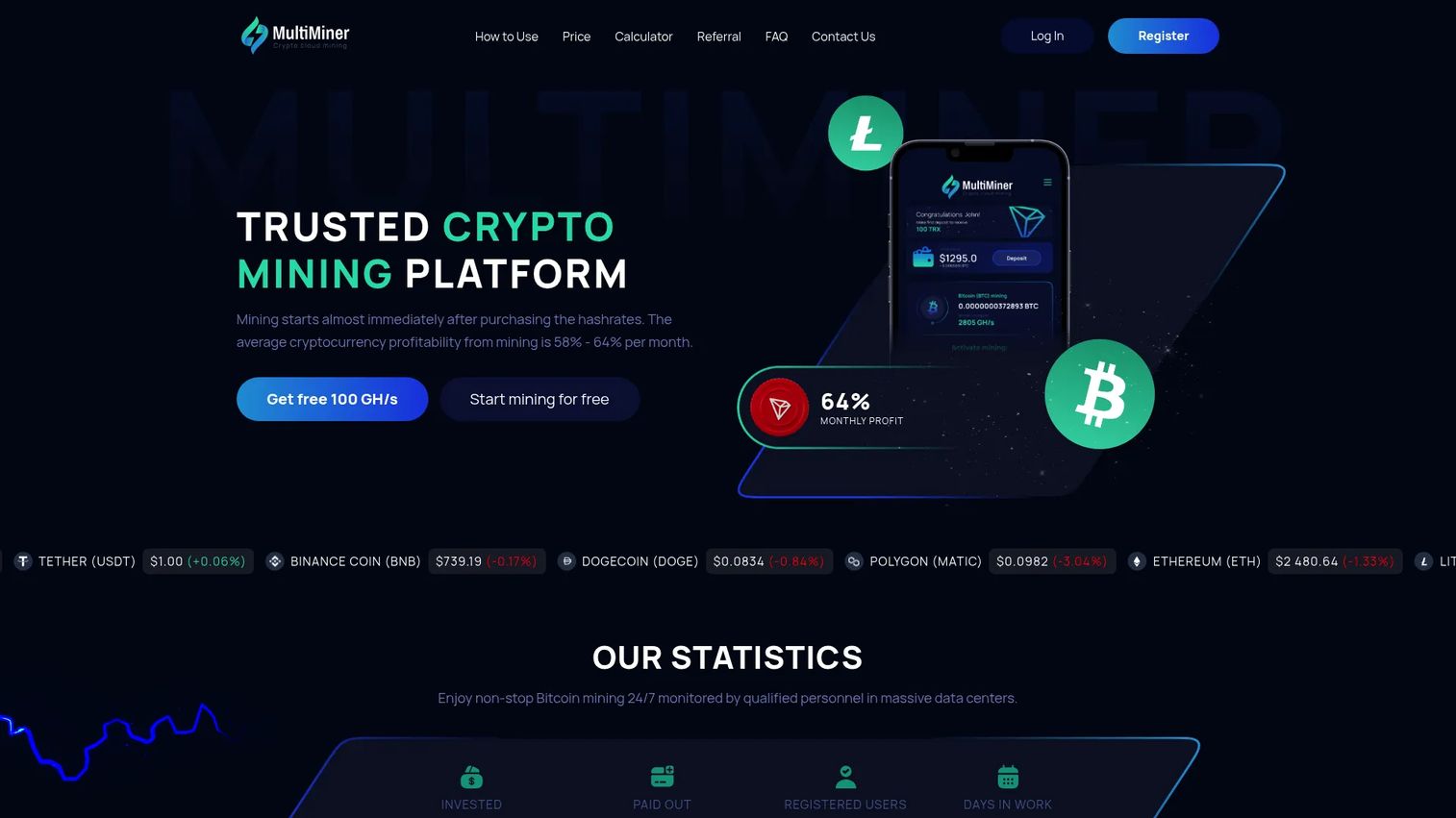
MultiMiner is a cloud mining platform that lets users purchase hashrate for Bitcoin, Dogecoin, Tron, and Litecoin without owning or maintaining hardware. Contracts are listed as unlimited duration with hashrate-based pricing. A free 100 GH/s starting bonus is advertised on the platform.
Best for: Users who want cloud-based cryptocurrency mining with no equipment, cooling, or power management responsibility.
Key features
- Cloud mining without equipment ownership
- Bitcoin, Dogecoin, Tron, and Litecoin hashrate options
- Profitability calculator on the platform
- 24/7 monitored infrastructure
- Referral program
Why choose MultiMiner: Choose MultiMiner when you want mining exposure without operating hardware. As with all cloud mining services, review contract terms and withdrawal rules before purchasing hashrate.
MultiMiner pricing: BTC cloud mining starts at $0.28 per 10 GH/s. TRX starts at $0.22 per 10 GH/s. DOGE and LTC contracts are also available. A free 100 GH/s bonus is offered on signup.
G2 rating: 5.0/5
11. GoMining
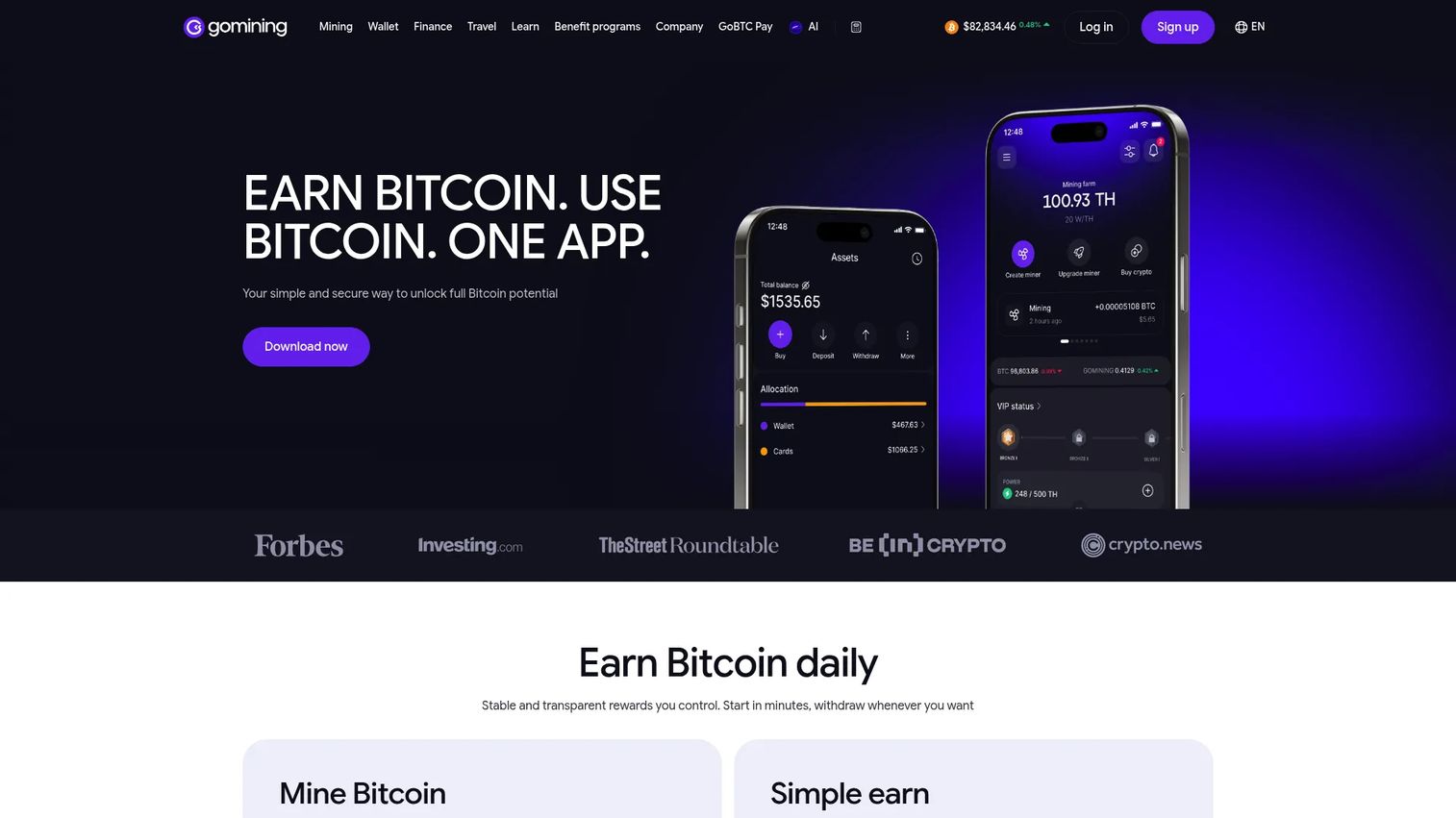
GoMining is a Bitcoin-focused hosted mining platform where users purchase digital miners instead of running physical hardware. Each digital miner generates daily BTC rewards based on its hashrate. The platform also includes a crypto wallet, simple earn products, a crypto card, and travel booking features tied to its token.
Best for: Users who want Bitcoin mining exposure through an app-based model without power, cooling, or hardware operations.
Key features
- Digital miners generating daily BTC rewards
- Crypto wallet for BTC storage and transfers
- Simple Earn for BTC rewards on balances
- GOMINING token discounts and governance
- Mobile app access
Why choose GoMining: Choose GoMining when hardware management is off the table. Evaluate digital miner pricing, maintenance fees, reward structures, and withdrawal terms before committing capital. Hosted mining removes infrastructure work but introduces counterparty risk.
GoMining pricing: Digital miners start from $12.99 as a one-time purchase. Maintenance fees and reward structures vary by miner type and are listed on the GoMining platform.
G2 rating: 4.2/5
12. ECOS
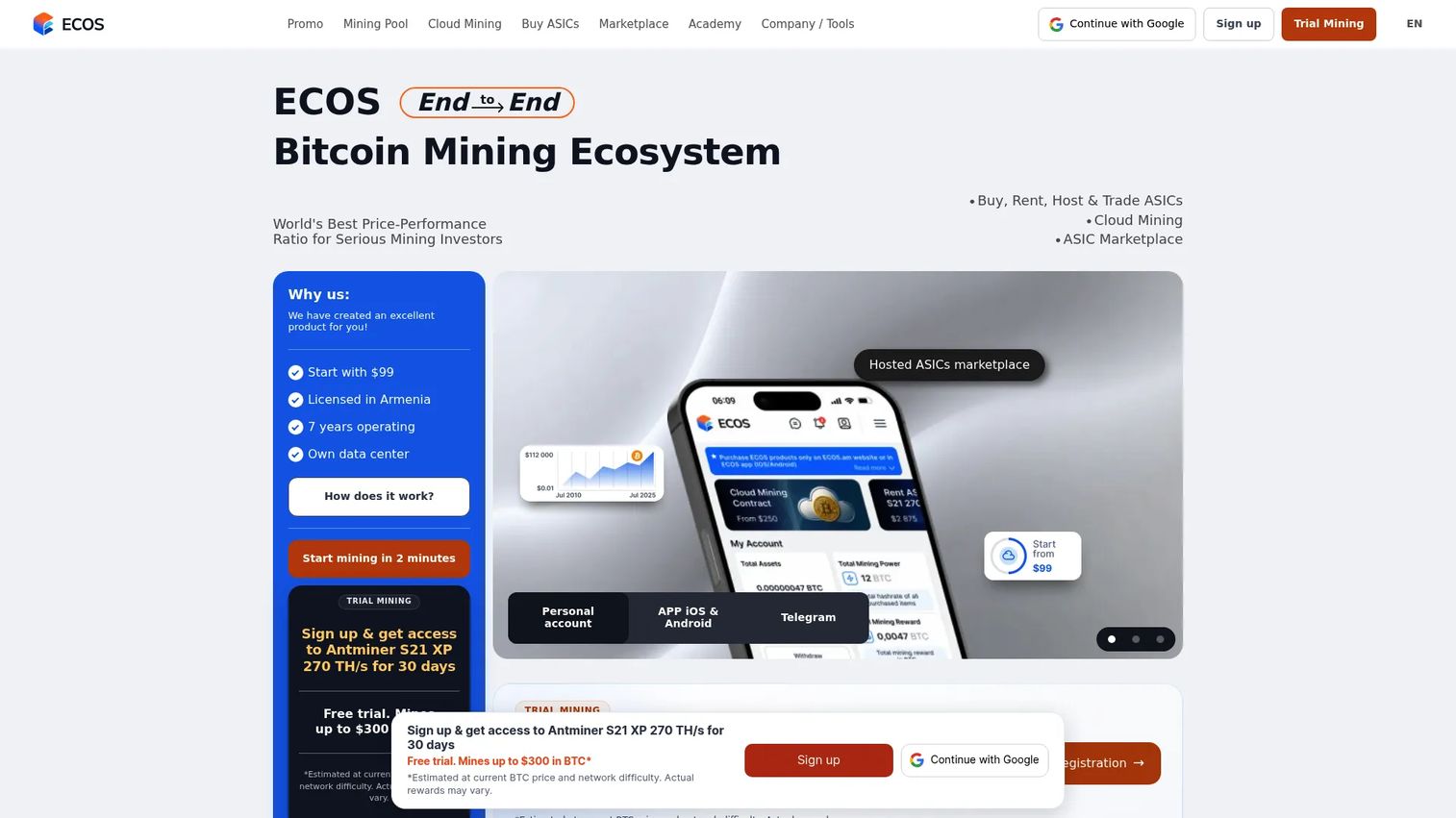
ECOS is a cryptocurrency investment platform offering cloud mining, ASIC hosting, a crypto wallet, exchange, and portfolio products. Buyers purchase hosted mining contracts rather than installing software on their own machines. The platform is free to access, with costs tied to the specific contracts or services selected.
Best for: Buyers comparing cloud mining contracts against running and maintaining hardware themselves.
Key features
- Cloud mining contracts with BTC mining focus
- Crypto wallet supporting over 200 currencies
- Cryptocurrency exchange
- ASIC mining farm hosting
- Mobile app access
Why choose ECOS: Choose ECOS when you want a managed mining path with additional crypto tools in one platform. The evaluation should focus on contract length, fees, withdrawal terms, and how returns are calculated.
ECOS pricing: The ECOS app is free to access. Cloud mining contract prices vary; specific figures are displayed within the platform after signup. Review contract terms and service fees directly before purchasing.
G2 rating: 4.2/5
13. Genesis Mining
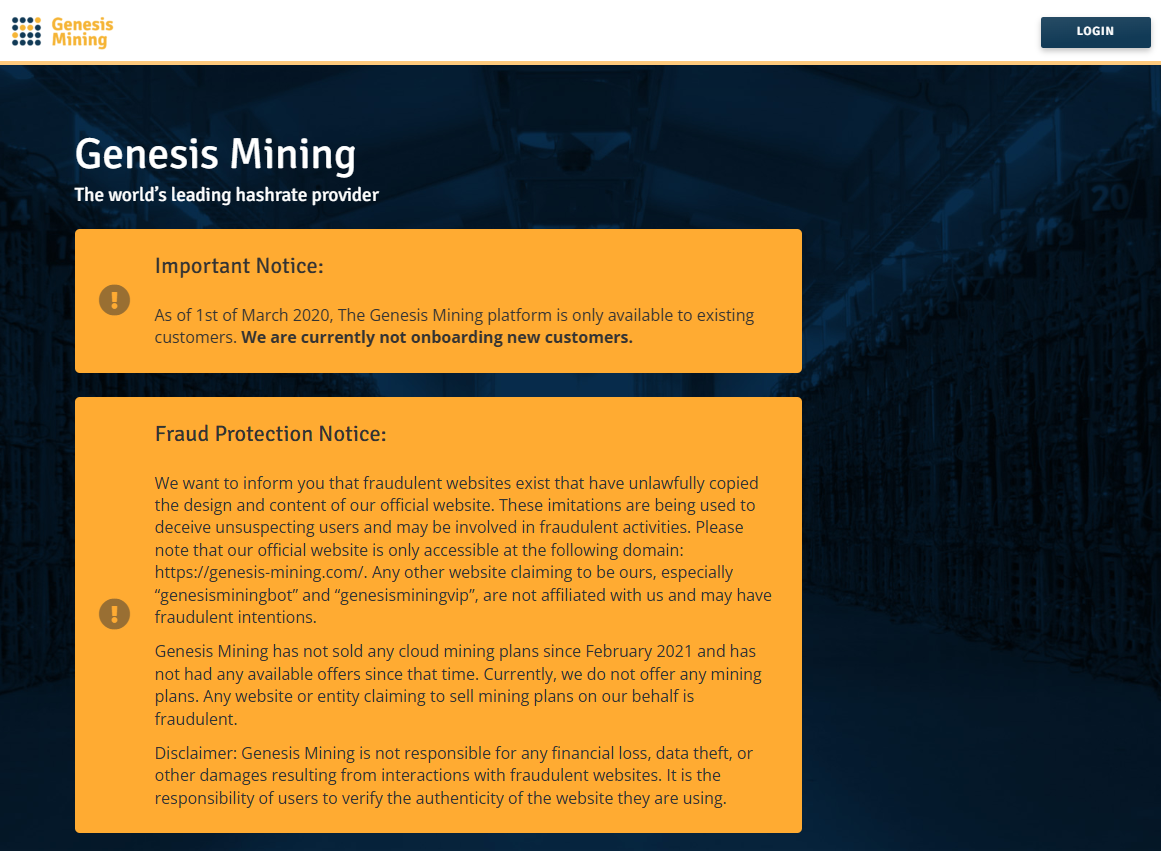
Genesis Mining is one of the longer-running hosted mining providers in the market. It offers cloud-based cryptocurrency mining contracts where users purchase access to hosted infrastructure rather than owning hardware. Contract availability has varied over time, so confirm current offerings directly before evaluating further.
Best for: Buyers researching established cloud mining providers and comparing hosted mining contracts.
Key features
- Cloud-based cryptocurrency mining contracts
- Bitcoin and altcoin mining options
- Automatic altcoin-to-Bitcoin conversion
- Daily transfers to customer wallets
- Contract-based access without hardware ownership
Why choose Genesis Mining: Check current contract availability before making any decision. Genesis Mining is relevant for buyers comparing hosted mining options side by side, but its offerings have changed over the years. The G2 rating is 2.3/5, which reflects a meaningful volume of mixed user feedback.
Genesis Mining pricing: Current contract pricing, fees, and availability could not be confirmed from the vendor's homepage during research. Contact Genesis Mining directly for current terms.
G2 rating: 2.3/5
14. F2Pool
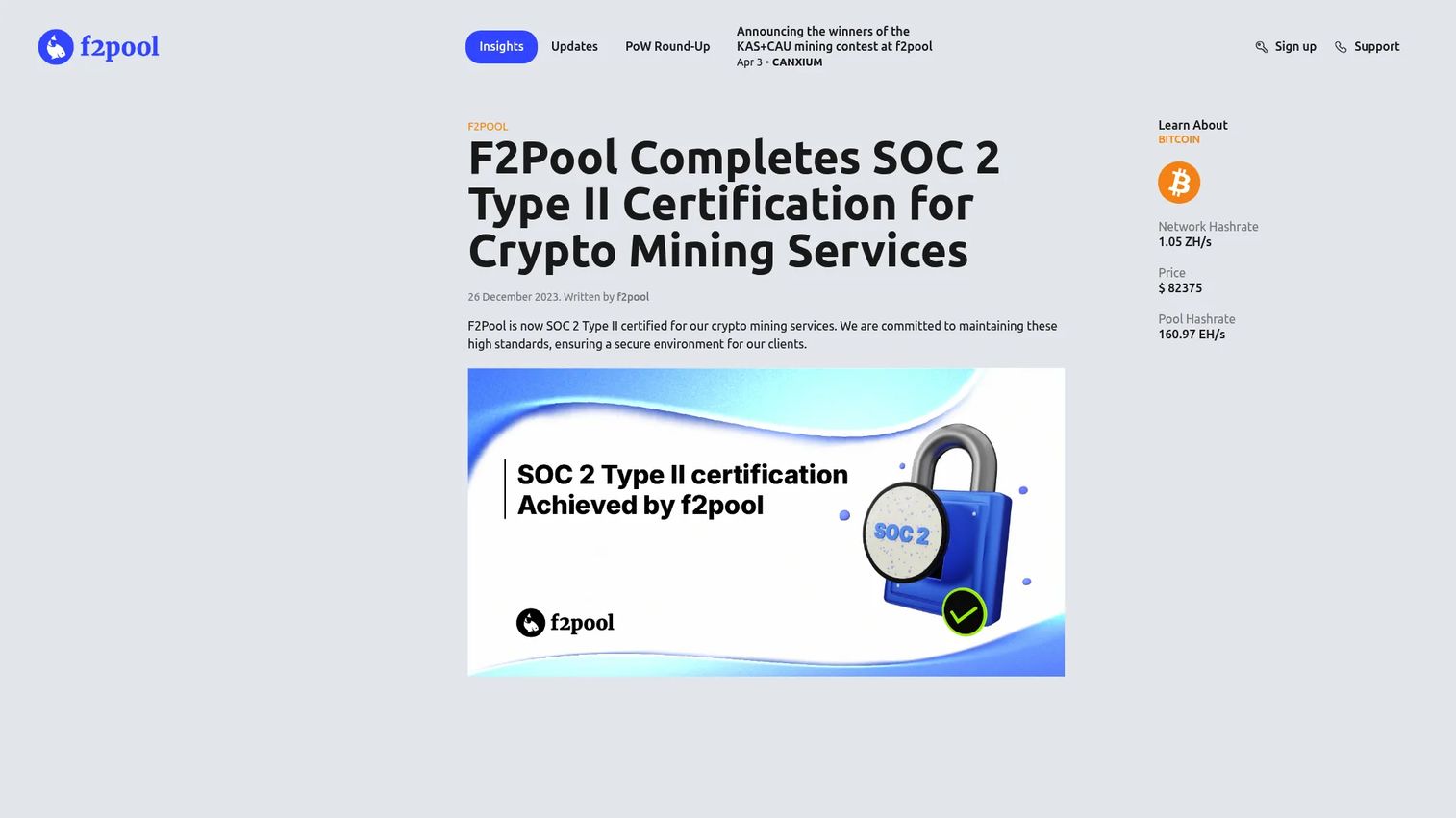
F2Pool is a major multi-coin proof-of-work mining pool. It is not a miner application, but pool choice is part of the mining software stack because it directly affects payouts, fee structure, and reporting. F2Pool supports multiple coins with hashrate monitoring, revenue tracking, and data export.
Best for: Miners who want broad coin support and established pool infrastructure with multiple payout scheme options.
Key features
- Multi-coin proof-of-work mining pool
- Hashrate, revenue, and payout monitoring via dashboard and app
- Multiple payout schemes (PPLNS, FPPS, and others)
- Merged mining support
- Mining data export in Excel, CSV, and PDF
Why choose F2Pool: Choose F2Pool when pool reliability, coin coverage, and reporting quality matter more than running a niche pool. Fees vary by coin; Bitcoin runs at 4% FPPS or 2% PPLNS, and Litecoin at 4% PPS.
F2Pool pricing: Fees are coin-specific. Bitcoin: 4% FPPS or 2% PPLNS. Kaspa: 1% PPLNS. Litecoin: 4% PPS. Review the F2Pool support page for the full fee schedule by coin.
15. AntPool
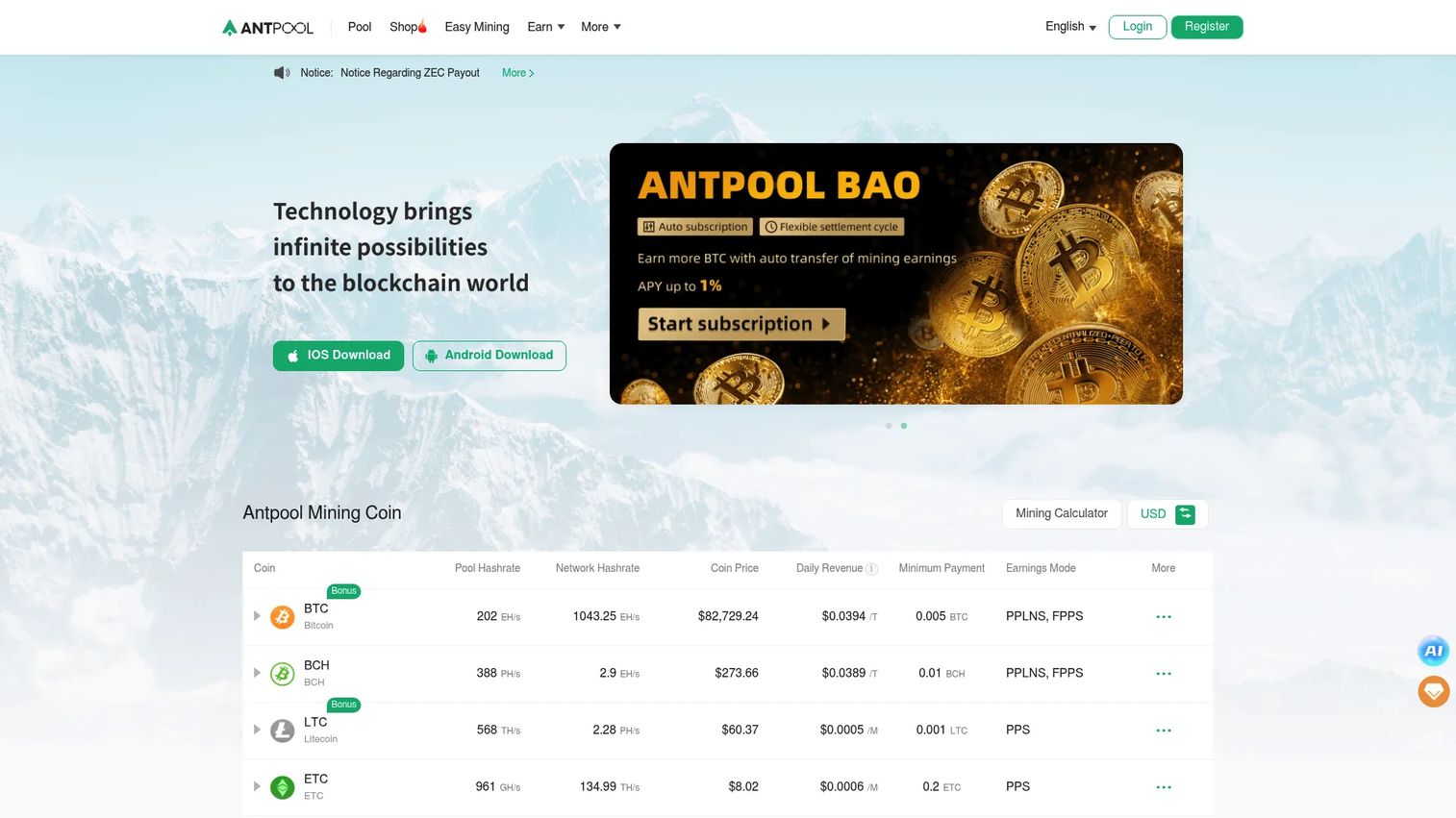
AntPool is a cryptocurrency mining pool supporting Bitcoin, Bitcoin Cash, Litecoin, Ethereum Classic, Zcash, Dash, Kaspa, and other coins. It offers multiple payout methods including FPPS, PPS, and PPLNS, with daily settlement. The pool includes account and sub-account management, real-time hashrate warnings, and an API.
Best for: ASIC miners who want a large Bitcoin-focused mining pool with multi-coin support and detailed account management.
Key features
- Multi-coin mining including BTC, BCH, LTC, KAS, and others
- FPPS, PPS, and PPLNS payout methods with daily settlement
- Account, sub-account, and group management
- Real-time hashrate warnings via app, email, and SMS
- API access for account statistics and mining calculators
Why choose AntPool: Choose AntPool when pool scale and multi-coin coverage matter. Compare fees, payout thresholds, and geographic infrastructure against other large pools before deciding.
AntPool pricing: Fees and earnings vary by coin and payout method. No single public fee schedule was confirmed from the English-language pages at time of research. Review the current fee structure directly on the AntPool platform.
16. Foundry USA
Foundry USA is a U.S.-based institutional Bitcoin mining pool built for serious mining operators. It offers FPPS payouts, KYC/AML and SOC compliance, tiered account permissions, address whitelisting, and a robust API. This is less relevant for hobbyists and more relevant for operations that need enterprise-grade pool infrastructure with regulatory compliance.
Best for: Institutional or U.S.-based Bitcoin miners who need compliant pool infrastructure, FPPS payouts, and enterprise account controls.
Key features
- FPPS payouts with institutional reliability
- KYC/AML and SOC compliance
- Tiered account permissions and address whitelisting
- Sub-accounts, payout management, and hashrate monitoring
- Exportable data and full API suite
Why choose Foundry USA: Choose Foundry USA when the operation needs a serious Bitcoin mining pool with institutional orientation and U.S.-based compliance infrastructure. It is not a beginner consumer app.
Foundry USA pricing: Fees follow a tiered structure based on quarterly group-level hashrate. Specific rates are not publicly listed. Contact Foundry USA directly for pricing based on your mining volume.
Considerations when choosing crypto mining software
Match the software to your hardware first
ASIC, GPU, CPU, and FPGA mining each require different software and pool support. Choose software after confirming hardware compatibility, not before. A tool that does not support your ASIC model is not a tool at all.
Calculate profitability after electricity, not before
The inputs that matter are hashrate, power draw, electricity rate, pool fees, hardware depreciation, and downtime. If the model breaks with a 10% electricity price increase, the operation is fragile. WhatToMine is useful here before any purchase.
Check monitoring and alerting depth
Uptime, temperature, rejected shares, and hashrate drops all carry financial consequences. Multi-rig operators need alerts, remote access, and logs. Ask whether the tool can notify your team before revenue is lost, not after.
Review fees and payout rules in full
Pool fees, withdrawal thresholds, marketplace fees, cloud mining maintenance charges, and contract terms all reduce returns. Avoid evaluating a tool on features alone. Compare the total cost of using it against what you will actually receive.
Screen for security and download source
Mining software is a common vector for malicious code. Only download from official sources. Verify checksums when available. For cloud and hosted platforms, evaluate custody, withdrawal controls, and company reputation before sending money.
Conclusion
The right crypto mining software starts with your operating model, not a ranked list.
If you have one PC and want to experiment, NiceHash or Kryptex will get you running quickly. If you are managing ASIC hardware and need technical control, CGMiner and BFGMiner are proven open-source options. Multi-rig operators running GPU farms will get the most from Hive OS or Awesome Miner. Before purchasing any hardware, run your assumptions through WhatToMine first.
For hosted mining, GoMining and ECOS remove hardware work but add contract and custody risk. Genesis Mining has a mixed track record on G2; verify current availability and terms before committing. Foundry USA, F2Pool, and AntPool matter most when the core decision is pool infrastructure rather than mining software.
The choice between these tools matters, but the choice happens after you have modeled your electricity cost, hardware efficiency, and payout path. Software cannot rescue bad mining economics. It can only show you the problem before you spend more money.
FAQs about crypto mining software
NiceHash is the most complete starting point for beginners because it combines mining software, a profitability calculator, and a hashrate marketplace in one platform. EasyMiner and Kryptex are also approachable for users who want a graphical interface on existing PC hardware. The best choice depends on whether you are mining with a GPU rig, an ASIC, or exploring a hosted option without hardware.
CGMiner and BFGMiner are the established open-source options for ASIC and FPGA mining, offering command-line control and multi-pool support. For fleet management across many ASICs, Hive OS adds remote monitoring and configuration. Pool choice also matters for Bitcoin mining; AntPool and Foundry USA are both oriented toward ASIC operators running Bitcoin.
You can run Bitcoin mining software on a laptop, but the economics do not work in 2026. Bitcoin mining difficulty requires ASIC-level hashrate to be competitive. A laptop will generate negligible hashrate relative to power draw, and the heat generated accelerates hardware wear. Laptop mining may be useful for understanding how mining software works, not as a revenue strategy.
Mining software is legal in most jurisdictions, but local regulations, energy restrictions, and tax obligations vary significantly. Several countries have restricted or banned cryptocurrency mining. Mining rewards are generally treated as taxable income in the U.S. and many other markets. Consult a qualified tax professional and check local regulations before starting any mining operation.
Cloud mining removes hardware maintenance, power management, and cooling costs. It adds contract risk, custody risk, and counterparty risk. You are trusting a third party to mine on your behalf and pay you according to their contract terms. Before purchasing any cloud mining contract, check withdrawal rules, minimum payout thresholds, fee structures, contract length, and the provider's reputation on independent review platforms.
Start with WhatToMine and enter your specific hardware's hashrate, power draw, your local electricity rate, and the pool fee for the coin you plan to mine. The result is an estimate based on current difficulty and coin price, both of which change. Mining profitability also depends on hardware depreciation and downtime. If the margin is thin at current conditions, it will disappear when difficulty increases or coin price drops.
Security tools flag mining software because malicious actors commonly deploy miners without user consent to steal computing power. This creates false positives for legitimate mining programs. Only download mining software from official repositories or verified vendor pages. Check the file hash against published checksums when the project provides them. Avoid any download from a third-party mirror you did not seek out yourself.
Solo Bitcoin mining in 2026 is statistically impractical for anyone without a significant share of the network hashrate. Pools smooth payouts by combining hashrate across many miners and distributing rewards proportionally. For most operators, pools reduce variance and provide more predictable income. Pool selection should weigh fees, payout method (PPLNS, FPPS, PPS), payout threshold, pool uptime history, and geographic infrastructure.