A near-miss gets logged in an email. A corrective action lives in one engineer's head. The last MOC approval is a signature on a PDF nobody can find. Then an auditor walks in and asks for the traceable record.
That gap is where process safety programs get exposed. When compliance, incidents, and change management all depend on spreadsheets, shared drives, and memory, the record is only as strong as the person who last updated it. And in a facility governed by OSHA PSM or EPA RMP, an incomplete record is a citation waiting to happen.
The category exists because the stakes are physical, not just administrative. Process safety management software gives teams one system to capture incidents, run investigations, track corrective actions, document management of change, and stay audit-ready across multiple sites and shifts. The market reflects the pressure: Verdantix valued the process safety management software market at $1.45 billion in 2024 and projected it to reach $3.07 billion by 2030, a 13.3% CAGR. Facilities are investing because manual traceability no longer holds up under regulatory scrutiny.
If your team is drowning in scattered records, the fix is not more discipline. It is a system that makes traceability automatic. Buyers evaluating this category often look at adjacent workflow tools too, so it is worth reviewing dedicated audit management software, contract lifecycle management, and event management platforms when mapping how compliance data flows across your operations.
What's inside
This guide compares seven process safety management software tools for teams that need OSHA PSM and EPA RMP compliance, incident and corrective action workflows, audit readiness, and management of change control. We selected platforms based on four criteria: compliance coverage across recognized standards, depth of incident and CAPA workflows, MOC and audit documentation support, and cross-device access for field and office teams. The list mixes broad EHS platforms with dedicated PSM solutions, so you can match scope to your actual operational reality rather than a feature checklist.
TL;DR
- Best overall for broad safety workflow coverage: SafetyCulture, for teams that want inspections, incident capture, and operational visibility in one mobile-first platform.
- Best for dedicated PSM automation depth: ePSM, built specifically around OSHA PSM and EPA RMP compliance.
- Best for built-in compliance visibility and reporting: APSM, focused on simplified PSM workflows and task tracking.
- Best for enterprise risk and barrier management: Enablon, for organizations integrating EHS, ESG, and operational risk.
- Best for operational task and audit discipline: TenForce, for configurable EHSQ workflows in regulated manufacturing.
- Best for contractor and multi-site coordination: Cognibox, for regulated environments with an external workforce.
- Best for EU-focused and ESG-linked safety operations: Quentic, for modular EHS and sustainability governance.
What is process safety management software?
Process safety management software is a system that helps industrial teams manage regulatory compliance, incident response, and operational risk across facilities that handle hazardous processes. It centralizes the workflows that keep a plant compliant and traceable, replacing the spreadsheets and shared drives that break under audit pressure.
The core workflows a PSM platform should cover:
- Incident management and incident investigation: log events, run root-cause analysis, and track findings through to closure.
- Corrective actions and CAPA: assign, schedule, and verify corrective and preventive actions so nothing slips.
- Audits and inspections: run scheduled and ad-hoc checks with structured findings and follow-up tasks.
- Management of change (MOC): route process changes through documented review, approval, and verification steps.
- Hazard identification and process hazard analysis (PHA): capture and manage hazard studies and risk assessments.
- Risk assessment and barrier management: rank and control risk, and track the safeguards that reduce it.
- Dashboards, analytics, and compliance reporting: surface program health and produce audit-ready records on demand.
- Mobile access and cloud access: let field teams capture data on-site and keep records synced across shifts and locations.
Key standards this software helps address:
- OSHA PSM (29 CFR 1910.119) in the United States
- EPA RMP (Risk Management Program) for facilities with regulated substances
- Seveso III directive for major-accident hazards in the EU
- COMAH regulations in the United Kingdom
Good PSM software turns these obligations into repeatable workflows with a defensible paper trail, not a scramble before every audit.
When to use process safety management software
Not every team needs a dedicated platform on day one. Here is how to recognize the moment.
When spreadsheets and shared drives stop being enough
Manual systems work until they don't. One site with a stable team can survive on shared drives. Add a second facility, shift-based crews, and an OSHA PSM audit cycle, and the cracks show. Version control breaks. Someone edits the wrong file. An auditor asks for the corrective action history on a 2024 incident and it takes three days to reconstruct. When you cannot answer "show me the record" in minutes, the manual approach has already cost you more than software would.
When incident follow-up keeps slipping
An incident gets reported. An investigation opens. Then the corrective action stalls because it lives in an email thread nobody owns. Incident management, incident investigation, and CAPA belong in one system so a finding never dies between the report and the fix. When you cannot see, at a glance, which corrective actions are open, overdue, or verified, follow-up is already slipping.
When change management creates compliance risk
An undocumented process change is one of the fastest ways to lose PSM compliance. A valve gets swapped, a setpoint changes, a procedure gets updated, and none of it routes through review. Management of change workflows prevent this by forcing every change through documented approval and verification before it goes live. When your last three process changes cannot each be traced to an approved MOC record, you have a compliance gap, not a paperwork gap.
Comparison table
We ranked these tools by relevance to core PSM buyer decisions: compliance scope, workflow depth, and deployment fit. The table below helps you shortlist fast. "Intent" describes what the tool is built to do, "Key use case" points to its strongest workflow, and pricing and G2 rating are included where a verified public value exists.
| # | Product | Intent | Key use case | Pricing | G2 rating |
|---|---|---|---|---|---|
| 1 | SafetyCulture | Mobile-first operations and safety | Inspections, audits, incident capture | Free; Premium $24/seat/mo | 4.6/5 |
| 2 | ePSM | Dedicated PSM/RMP compliance | OSHA PSM and EPA RMP automation | Custom | Not listed |
| 3 | APSM | PSM workflow and asset management | Compliance workflows and task tracking | Custom | Not listed |
| 4 | Enablon | Enterprise EHS, ESG, and risk | Barrier management and integrated risk | Custom | Not listed |
| 5 | TenForce | Configurable EHSQ platform | Incidents, audits, and CAPA | Custom | Not listed |
| 6 | Cognibox | Contractor compliance and training | Multi-site contractor coordination | Custom | 3.9/5 |
| 7 | Quentic | Modular EHS and ESG | EU-focused safety and sustainability | Custom | Not listed |
The 7 best process safety management software tools
Below, each tool gets the same treatment: what it does, who it fits, its key strengths, why you'd choose it, and pricing where a verified figure exists.
1. SafetyCulture
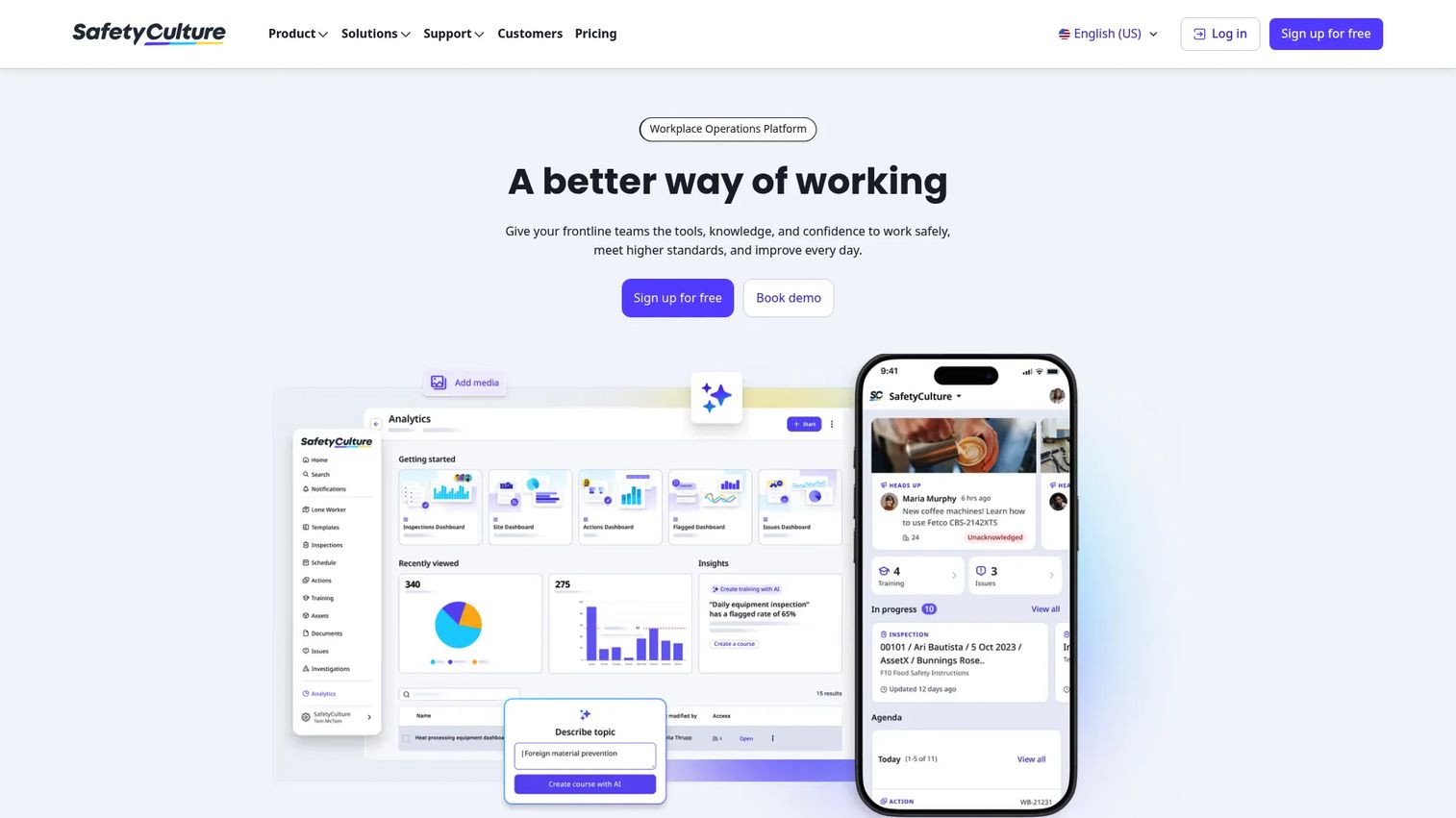
SafetyCulture is a workplace operations platform for inspections, training, asset management, tasks, documents, issues, and analytics. It started as a mobile-first inspection app and grew into a broad safety and operations system. For process safety teams, its strength is capturing data in the field: an inspector logs a finding on a phone, and the corrective action, task, and record follow automatically. That closes the gap between what happens on the plant floor and what shows up in the audit trail.
Best for: Teams that want one mobile-first platform for inspections, incident capture, and operational safety visibility across sites.
Key strengths
- Inspections, audits, and checklists: run structured checks in the field with photos, findings, and instant follow-up tasks.
- Training: assign and track training so competency records stay current and auditable.
- Asset management: tie inspections, issues, and maintenance to the assets they cover for full traceability.
Why choose SafetyCulture: If your program lives and dies on field data capture, SafetyCulture removes the delay between observation and record. It suits multi-site operations where inspectors, technicians, and supervisors all need to log issues from a phone and see them route into corrective actions without a desktop.
SafetyCulture pricing: SafetyCulture publishes public pricing. There is a Free plan with up to 10 seats at $0. The Premium plan is $24 per seat per month. Enterprise pricing is custom. Lite seats start from $5 per seat per month billed annually, and Full seats are $24 per seat per month billed annually. It holds a 4.6/5 rating on G2.
2. ePSM
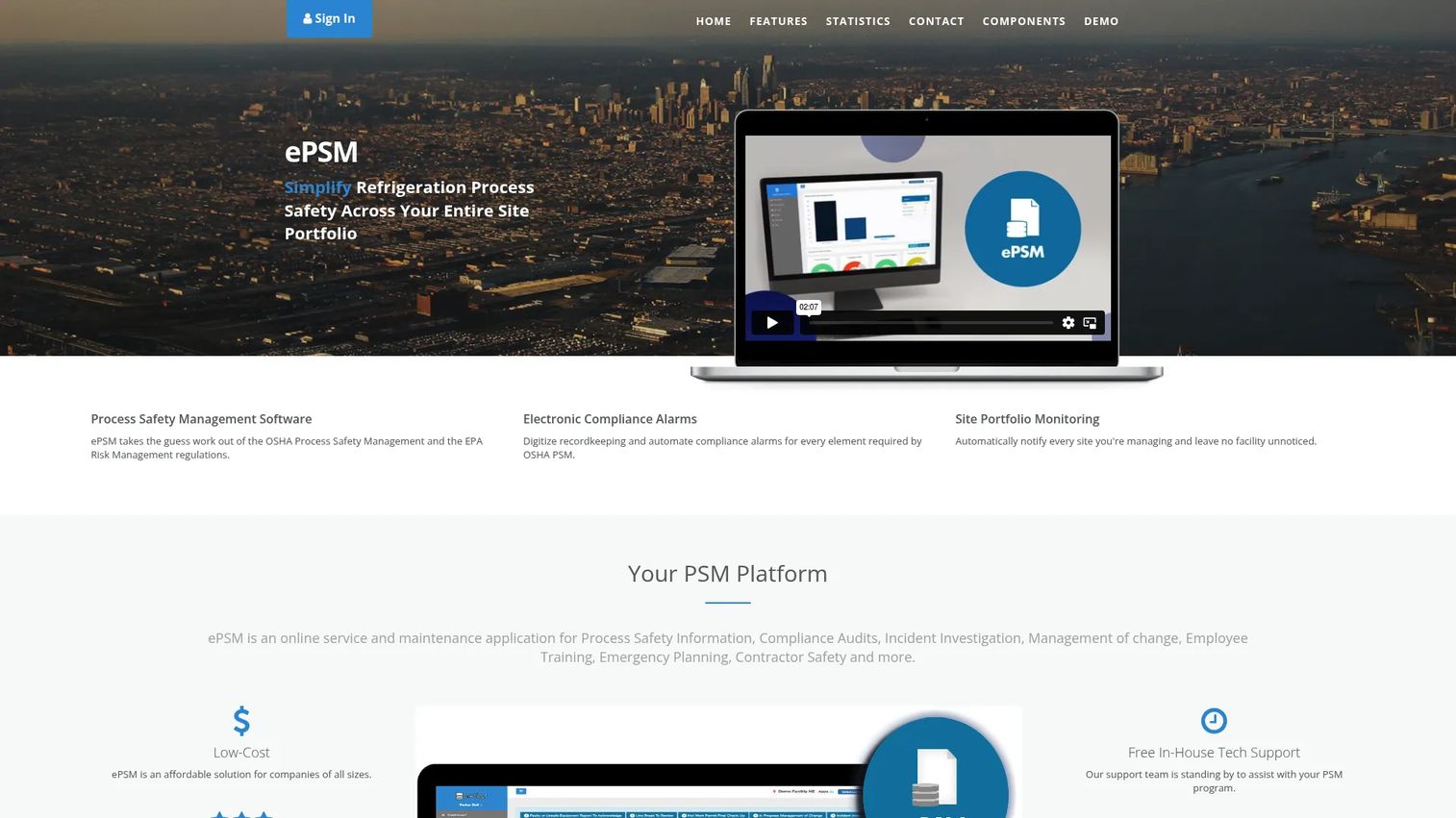
ePSM is web-based process safety management software built specifically for OSHA PSM and EPA Risk Management compliance. Where broad EHS platforms cover safety generally, ePSM narrows in on the PSM and RMP element structure, mapping its workflows to the regulatory requirements industrial facilities actually face. That focus shows up in how it handles inspections, alarms, and report generation as connected compliance tasks rather than generic forms.
Best for: Companies that need cloud-based PSM and RMP compliance with inspection and action tracking built around the regulations.
Key strengths
- OSHA PSM and EPA RMP compliance tools: workflows mapped directly to the compliance elements teams are audited against.
- Automated inspections, alarms, and report generation: reduce manual effort in recurring compliance tasks and reporting.
- User management, training tracking, and action tracking: keep responsibilities, competencies, and corrective actions in one place.
Why choose ePSM: Choose ePSM when your priority is regulatory depth over breadth. Teams that spend most of their time on OSHA PSM and EPA RMP obligations benefit from software that speaks that language natively, rather than a general platform they have to configure into compliance shape.
ePSM pricing: ePSM positions itself as a low-cost option and directs prospects to contact its team for a quote. No public pricing figure or plan table is listed on its site, so evaluate it with a direct pricing conversation and a scoped compliance requirement in hand.
3. APSM
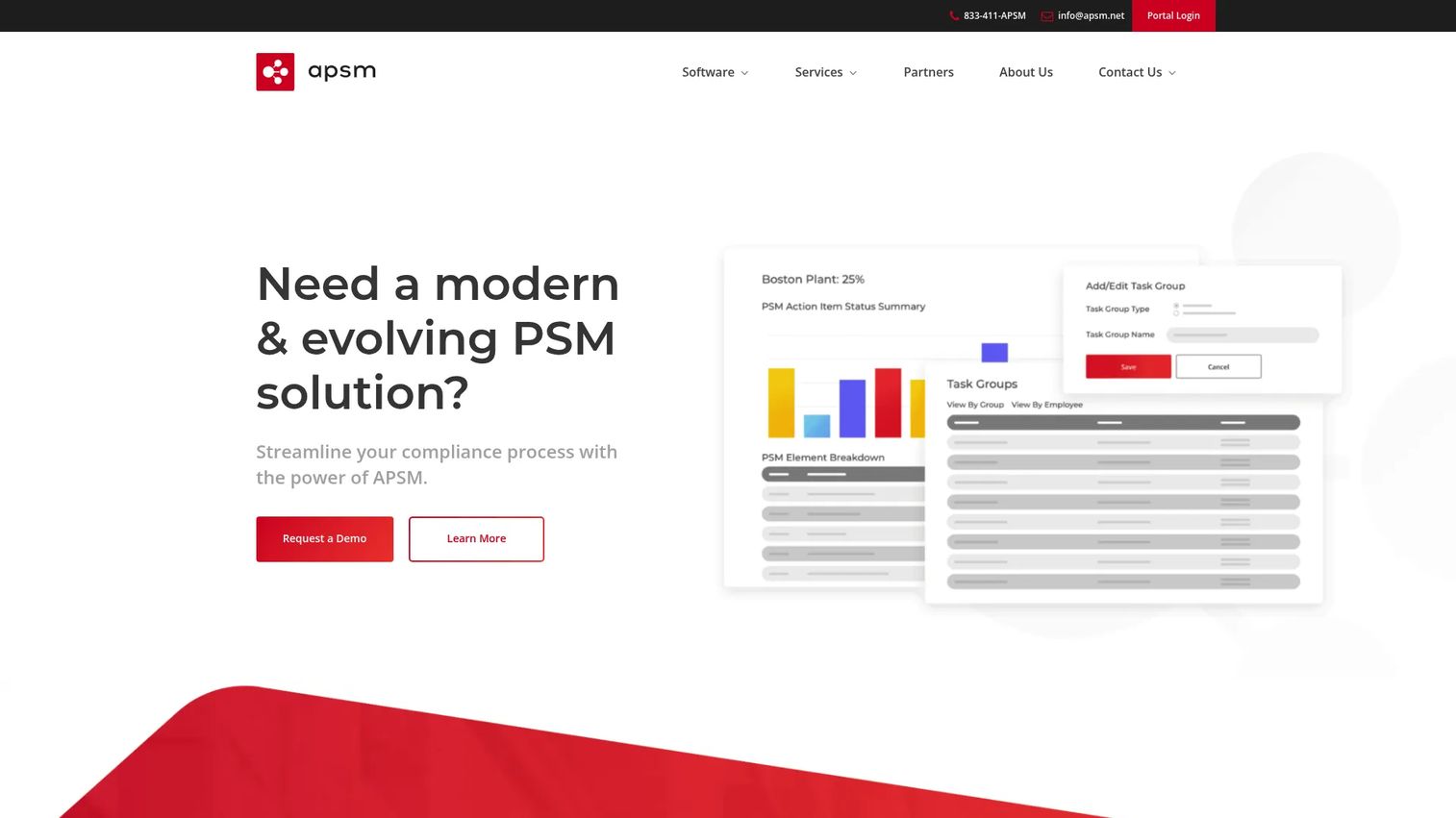
APSM is PSM and compliance software for managing process safety, workflows, assets, and related compliance tasks. Its angle is operational simplicity: configurable forms, approvals, notifications, and reporting that give teams built-in visibility into where each compliance task stands. For sites that want PSM structure without an enterprise-scale rollout, APSM aims to keep the workflow front and center.
Best for: Industrial and compliance-heavy organizations that need PSM and RMP workflow plus asset management in one place.
Key strengths
- Workflow management: customized forms, approvals, notifications, verifications, reporting, and conditional logic for compliance tasks.
- Asset management: manage sites, assets, work orders, inventory, and documents in a single system.
- Integrated learning and audit/risk management: connect training, audits, and risk workflows to the same records.
Why choose APSM: APSM fits teams that want compliance visibility without heavy configuration overhead. If you need task assignment, reminders, and reporting that keep PSM work moving, and you value a focused tool over a sprawling suite, APSM is worth a scoped evaluation.
APSM pricing: APSM exposes a pricing inquiry and demo-request flow but does not list public pricing numbers on its site. Treat pricing as sales-led and request a quote scoped to your site count and required modules.
4. Enablon
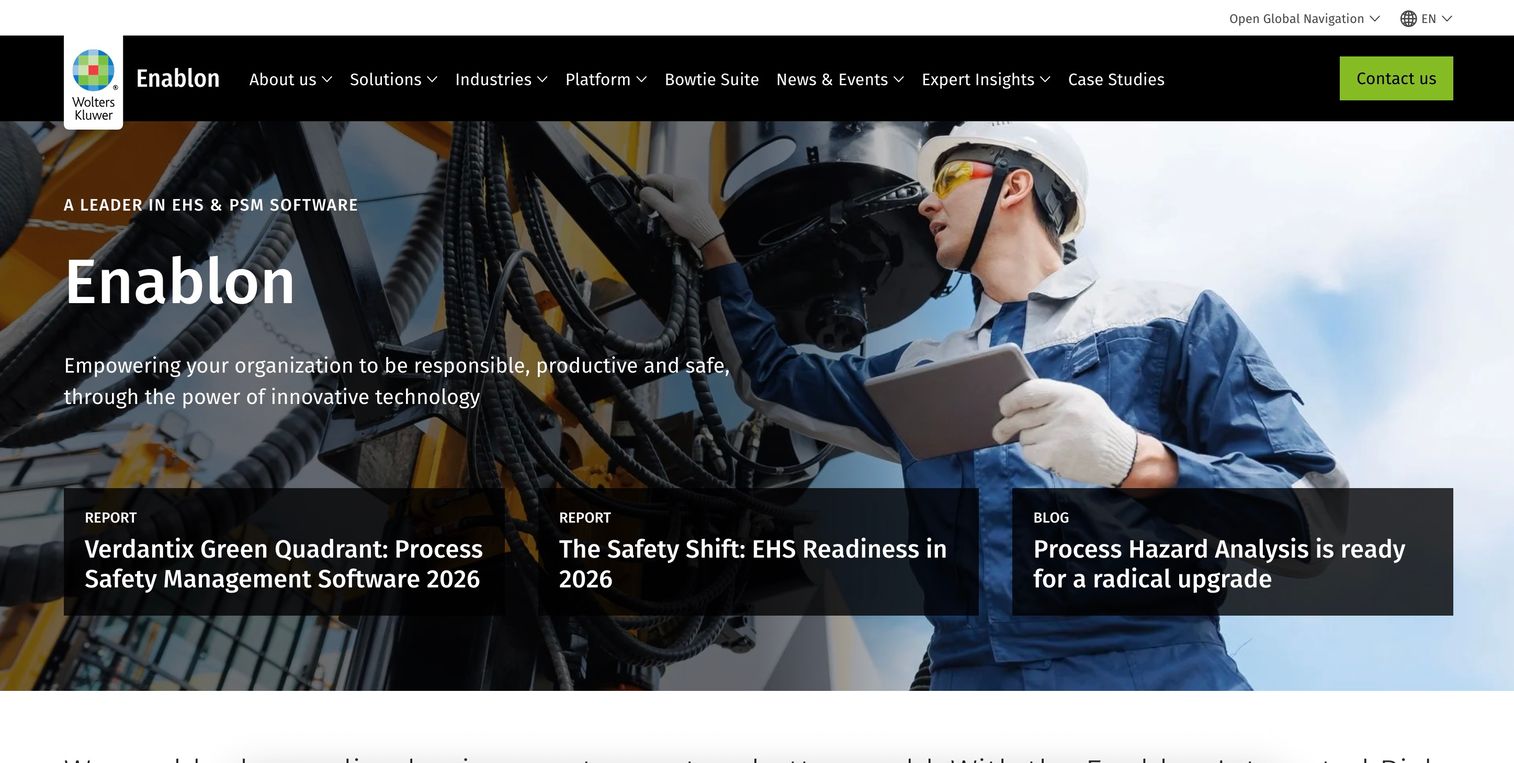
Enablon, from Wolters Kluwer, is enterprise EHS, ESG, and integrated risk management software. It sits at the heavy end of this list, built for large organizations that need process safety folded into a broader risk and compliance platform. Its Control of Work, permit-to-work, and hazard tracking capabilities make it a strong fit for facilities where barrier management and PHA are central to daily operations.
Best for: Large enterprises that need EHS, ESG, and operational risk management unified in one platform.
Key strengths
- Integrated risk management: connect EHSQ, operational risk, and ESG so process safety data feeds enterprise risk reporting.
- Control of Work: manage permit-to-work and hazard tracking as governed, auditable workflows.
- ESG data collection and disclosure: capture, report, and disclose sustainability and compliance data alongside safety.
Why choose Enablon: Enablon is the pick when process safety cannot be an island. Organizations that need barrier management, incident management, MOC, and analytics to roll up into enterprise-wide risk and ESG reporting get a platform built for that scale. Smaller single-site teams may find it more than they need.
Enablon pricing: Enablon does not list public pricing. It runs a sales-led enterprise model, so expect a scoped proposal based on modules, sites, and user count. Budget for an enterprise-tier engagement rather than a per-seat plan.
5. TenForce
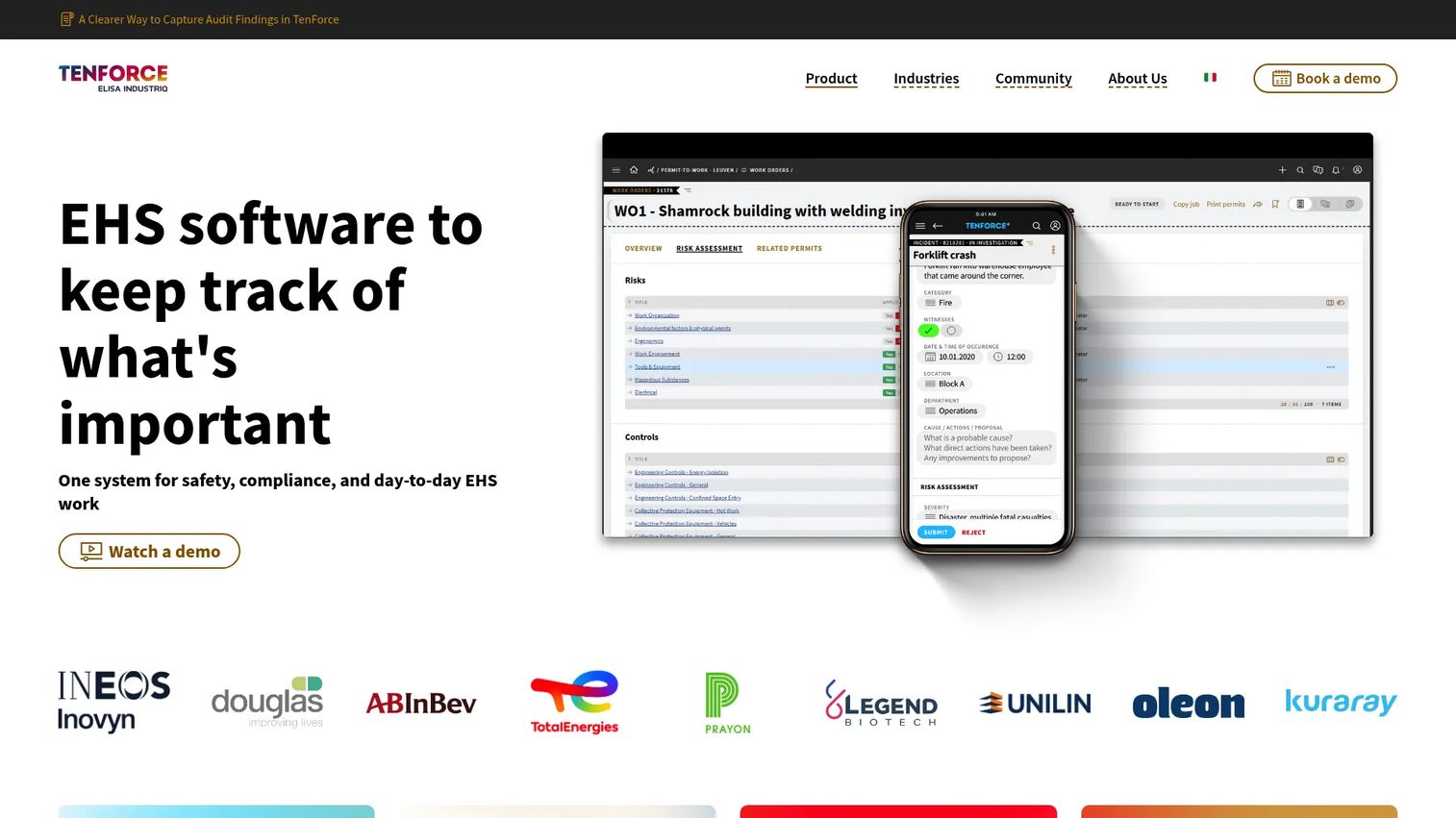
TenForce is EHSQ software for safety, compliance, quality, and operational risk management. Its strength is configurability: teams in regulated manufacturing can shape incident, audit, and task workflows to match how their operations actually run. That flexibility makes it a good fit for sites that have outgrown generic forms but want to keep control of how work moves through the system.
Best for: Manufacturing and regulated teams that need a configurable EHSQ platform with strong operational discipline.
Key strengths
- Incident management: capture, investigate, and close incidents with structured workflows.
- Audits and inspections: schedule, run, and track audits with findings that route into action.
- Corrective and preventive actions (CAPA): manage CAPA end to end so findings turn into verified fixes.
Why choose TenForce: TenForce suits teams that value operational visibility and want workflows that mirror their real processes. If your priority is task discipline, audit follow-through, and CAPA that closes reliably across a manufacturing footprint, its configurable approach earns its place.
TenForce pricing: TenForce does not publish public pricing on its own site and runs a demo-and-contact model. Reviewers on Capterra rate it 4.1/5. Request a quote scoped to your modules and site count, and confirm which EHSQ modules you actually need before committing.
6. Cognibox
Cognibox is contractor compliance, employee training, and risk management software. Its distinct value is the external workforce: in regulated environments, contractors on-site are a real compliance exposure, and Cognibox is built to qualify, track, and manage them. For facilities that coordinate large contractor populations across multiple sites, that focus fills a gap general PSM tools tend to leave open.
Best for: Organizations managing contractor compliance and workforce training across regulated, multi-site operations.
Key strengths
- Contractor qualification and compliance management: verify and track contractor compliance before they set foot on-site.
- Employee conformity and training management: keep internal training and conformity records current and auditable.
- Analysis and tasks workflow modules: manage risk analysis and follow-up tasks in structured workflows.
Why choose Cognibox: Choose Cognibox when contractor management is a core part of your process safety exposure. Sites with rotating external crews, prequalification requirements, and multi-site oversight get a purpose-built system rather than a bolt-on. It holds a 3.9/5 rating on G2.
Cognibox pricing: Cognibox does not list public pricing and directs visitors to request a demo. Pricing is sales-led, so scope a quote around your contractor volume, site count, and training requirements.
7. Quentic
Quentic is cloud-based EHS and ESG software for health, safety, environmental, quality, and sustainability management. Its modular structure lets teams license only the areas they need, and its European roots make it a strong fit for organizations working under Seveso III and COMAH alongside broader ESG governance. For teams that treat safety and sustainability as connected obligations, Quentic keeps them on one platform.
Best for: Mid-market or enterprise teams that need modular EHS and ESG management, especially with an EU regulatory footprint.
Key strengths
- Modular EHS and ESG platform: license the modules you need and add more as your program grows.
- AI-enabled tools and analytics: surface trends and program health across safety and sustainability data.
- App, integrations, and workflow automation: connect field capture, existing systems, and automated workflows.
Why choose Quentic: Quentic fits organizations that need compliance, incident management, audits, and sustainability-linked reporting in one modular system. If your governance spans both safety and ESG, and you operate under EU regulations, Quentic's breadth and modularity are a natural match.
Quentic pricing: Quentic uses modular licensing with low monthly charges but does not display a public numeric price on its pricing page. Expect a modular quote based on the areas you license and your user count.
Considerations before you buy
A demo looks clean. Your first audit is where the tool proves itself. Evaluate against these criteria before you commit.
Regulatory scope
Confirm the software maps to the standards you are actually governed by. OSHA PSM and EPA RMP for US facilities, Seveso III and COMAH for EU and UK operations. A tool built for one regime may need heavy configuration to serve another. Match scope to your regulatory reality, not the vendor's headline features.
Workflow depth
Test the workflows you run most: incident investigation, CAPA, MOC, and PHA. A tool can list "incident management" and still make follow-up clumsy. Walk a real incident and a real management of change through the system before you sign.
Mobile and cloud access
Field teams capture data where the work happens. Confirm mobile access is genuinely usable on a plant floor, not a shrunken desktop view. Cloud access matters for keeping records synced across shifts and sites in real time.
Reporting and analytics
You need audit-ready records on demand and dashboards that show program health. Ask to see the actual compliance report an auditor would receive, and confirm you can produce it without vendor help.
Deployment and integration fit
Check how the tool fits your existing stack: maintenance scheduling, document management, eSignature, and any systems that feed it data. A platform that stands alone creates the same silos you are trying to escape.
Conclusion
Process safety management software exists to make traceability automatic, so a corrective action, an incident record, or an MOC approval is never one person's memory away from being lost. The right pick depends on your scope. SafetyCulture leads for mobile-first field capture and broad safety operations. ePSM and APSM go deep on dedicated PSM and RMP compliance. Enablon fits enterprises unifying EHS, ESG, and risk. TenForce suits configurable EHSQ discipline in manufacturing. Cognibox owns contractor and multi-site coordination. Quentic covers modular EHS and ESG, especially in the EU.
Shortlist based on regulatory scope, workflow depth, and deployment fit, in that order. Then do the work that actually decides it: take your top two or three, and run a real incident, a real CAPA, and a real management of change through each one. The tool that keeps those workflows clean and audit-ready is the one that earns your budget.
FAQs
Process safety management software is a system that helps industrial teams manage regulatory compliance, incident response, and operational risk for facilities handling hazardous processes. It centralizes incident management, corrective actions, audits, management of change, and hazard identification into traceable workflows. The goal is a defensible audit trail that replaces scattered spreadsheets and shared drives.
The core features are incident management and investigation, corrective actions and CAPA, audits and inspections, management of change, and process hazard analysis. Strong dashboards, compliance reporting, and both mobile and cloud access matter because field teams capture data on-site and auditors expect records on demand. Prioritize the workflows you run most, then confirm the tool handles them cleanly.
Yes. Good PSM software maps its workflows to OSHA PSM requirements under 29 CFR 1910.119, so incidents, corrective actions, audits, and management of change all produce the traceable records an auditor expects. Dedicated PSM tools often structure their modules around the specific compliance elements teams are audited against, which reduces configuration work.
Yes, and management of change is one of the most important reasons teams adopt it. MOC workflows route every process change through documented review, approval, and verification before it goes live, which prevents undocumented changes from creating compliance risk. When every process change traces back to an approved MOC record, you close one of the fastest paths to a PSM violation.
The software lets teams schedule and run audits and inspections with structured findings, then routes those findings into corrective actions with owners and deadlines. Because records are captured in one system, producing an audit-ready report becomes a query rather than a scramble. Mobile access means inspectors log findings in the field and they sync immediately.
Very. Process safety data is generated on the plant floor, not at a desk, so mobile access removes the delay between an observation and its record. Field teams log inspections, incidents, and near-misses on a phone or tablet, and cloud access keeps those records synced across shifts and sites in real time. Without it, data collection lags and traceability suffers.
General EHS software covers environment, health, and safety broadly, spanning incidents, audits, training, and often ESG across an organization. PSM software focuses specifically on process safety for facilities with hazardous processes, mapping tightly to OSHA PSM and EPA RMP requirements. Many broad EHS platforms include PSM capabilities, so the practical question is whether the tool goes deep enough on the process safety workflows you are audited against.