
You added a form to your landing page last quarter. It collects names and emails. But you still can't answer the question your VP keeps asking: how many of those submissions became pipeline, and how fast did they reach a rep?
That gap is the real problem with most online form builder software. A form that only collects text fields is a dead end. A form that routes leads to your CRM, fires the right follow-up, and shows you completion rates is part of the funnel. The difference shows up in your numbers.
The category is also growing fast. The global online form builder software market was valued at USD 3.86 billion in 2024 and is projected to reach USD 10 billion by 2035, a 9.1% CAGR, according to WiseGuyReports. More vendors means more noise, and more risk of paying for a tool that overlaps with something already in your stack.
So before you shortlist, get clear on five things: ease of use, integration depth, pricing model, analytics, and use case fit. Those are the lenses that separate a form creator that just collects data from one that moves your conversion rate.
What's inside
This guide compares 21 online form builder tools for marketers, ops leads, and founders evaluating their stack in 2026. The list spans lead capture forms, surveys, WordPress forms, payment and registration flows, automation-heavy workflows, and interactive campaign builders.
We chose tools based on four criteria that matter most to a digital marketer:
- Integration quality: CRM integrations, email tools, analytics, and webhooks.
- Pricing model: free tiers, response limits, and how cost scales with volume.
- UX and speed: drag and drop form builder experience and time to publish.
- Marketer fit: form analytics, lead routing, and conversion-focused features.
Each tool section covers a quick overview, who it suits, key strengths, a reason to pick it, and current pricing. Verified G2 ratings appear in the comparison table.
TL;DR
Short on time? Here are the fast shortcuts to help you shortlist.
- Best all-around web form builder: Jotform, for its template breadth, payments, and integration depth across nearly any form type.
- Best free form builder: Google Forms, for teams already inside Google Workspace who need simple surveys and quick Sheets export.
- Best for WordPress forms: Gravity Forms, for site owners and agencies that need flexible, add-on driven forms on their own domain.
- Best for design polish: Typeform, for conversational, brand-friendly responsive forms where engagement drives completion.
- Best for automation and workflows: Zoho Forms, for AI form builder features, approvals, and broad ecosystem connections.
- Best for payments and complex logic: Cognito Forms, for calculations, structured data, and payment forms without heavy setup.
Background
What online form builder software is
Online form builder software lets you create, publish, and manage web forms without writing code. You build a form in a visual editor, share it through a link or embed, and collect responses in a central dashboard.
These tools power a range of outputs: lead capture forms, surveys, event registrations, payment forms, feedback collection, and qualification flows. The best online form creator turns each submission into structured data you can route, measure, and act on. Pairing forms with an interactive demo can also turn passive captures into engaged, self-qualifying experiences.
In short, form builder software is the layer between a visitor's intent and your downstream systems. It captures the input and decides where it goes next.
What good form builder software usually includes
The strongest form building software shares a common feature set:
- Drag and drop form builder: Add and rearrange fields without code.
- Templates: Prebuilt forms for surveys, lead gen, and registrations.
- Conditional logic: Show or hide fields based on prior answers.
- Embeds: Drop forms onto landing pages, sites, and emails.
- Branding controls: Match colors, fonts, and logos to your brand.
- CRM integrations and email tools: Sync submissions to your stack automatically.
- Form analytics and export: Track completion, then push data to CSV, Sheets, or a webhook.
- Responsive forms: Render cleanly on mobile, where much of your traffic lives.
A free form builder may cover the basics. Paid tiers usually unlock logic, payments, and deeper integrations.
Why marketers care about it now
A form is not a field collection tool. It is a conversion event that feeds your funnel.
When a form converts better, your cost per acquisition drops without spending a dollar more on traffic. When it routes leads cleanly to your CRM, your MQL quality and follow-up speed improve. When it reports completion and drop-off, you can fix friction instead of guessing. If lead quality is your priority, pairing form capture with lead scoring software helps you route the strongest prospects faster.
That is the marketer's lens. Every field you add, every logic branch, every integration affects CAC, conversion rate, and the quality of what your sales team receives. A form generator software decision is a growth decision, not a procurement checkbox.
When to use online form builder software
Capture leads from landing pages
When you want volume, keep it short. A two or three field lead capture form embedded on a landing page reduces friction and lifts mobile completion. Choosing the right landing page builder to host that form matters just as much as the form itself.
Here, speed matters most: how fast it embeds, how clean it renders on a phone, and how quickly it hands the lead to your CRM. A form that delays the handoff costs you follow-up time, and follow-up time costs you deals.
Qualify traffic with surveys or progressive forms
When you need better leads rather than more of them, reach for a longer form with logic. A survey builder or progressive form uses conditional logic and branching to ask only the relevant questions.
This is where personalization pays off. You can route a budget-qualified lead one way and a tire-kicker another, all from the same form. More structure, used well, raises lead quality without tanking completion. Layering in personalization software can take this segmentation even further.
Collect payments, registrations, or event signups
When the form is the transaction, you need more than fields. Payment forms, event signups, and paid registrations require secure submission, a payment integration, and a confirmation flow. For event-heavy use cases, dedicated event management software often pairs well with your form stack.
These workflows also lean on integrations: send the registrant to your CRM, trigger a confirmation email, and update your event tool. A form builder that handles money and confirmation in one flow saves you from stitching three tools together.
Comparison table
Here is a quick view of all 21 tools, sorted by relevance to marketers evaluating online form builder software. Use it to scan intent, differentiation, pricing, and verified G2 ratings before diving into the sections below.
| # | Product | Intent | Key differentiation | Pricing | G2 rating |
|---|---|---|---|---|---|
| 1 | Google Forms | Free, simple surveys | Native Google Workspace and Sheets export | Free; Workspace from $12/user/mo | n/a |
| 2 | Zoho Forms | Automation and ecosystem | AI builder, approvals, Zoho integrations | Free plan; paid tiers available | 4.4/5 |
| 3 | Jotform | General-purpose builder | 20,000+ templates, payments, integrations | Free; Bronze $34/mo | 4.6/5 |
| 4 | Typeform | Engagement and polish | Conversational, brand-friendly forms | Free; Basic $29/mo | 4.5/5 |
| 5 | Tally | Fast, lightweight forms | Generous free tier, document-style UX | Free; Pro $29/mo | 4.9/5 |
| 6 | Fillout | Flexible modern workflows | 50+ field types, native scheduling | Free plan available | 4.6/5 |
| 7 | Paperform | Design-forward forms | Page-like forms with payments and logic | Free; Essentials $24/mo | 4.8/5 |
| 8 | forms.app | Forms, surveys, quizzes | No-code with e-signatures and payments | Free; Basic $19/mo | 4.5/5 |
| 9 | 123FormBuilder | Structured business forms | Secure forms, logic, payments | Free; Gold $18.5/mo | 4.5/5 |
| 10 | Cognito Forms | Advanced logic and payments | Calculations, workflows, structured data | Free; Pro $19/mo | 4.6/5 |
| 11 | Wufoo | Simple hosted forms | Theme designer, embeds, integrations | Free; Starter $16.25/mo | 4.2/5 |
| 12 | Gravity Forms | WordPress forms | Add-ons, conditional logic, site licensing | Basic $59/yr | 4.7/5 |
| 13 | Ninja Forms | WordPress forms | Free core plugin, premium add-ons | Free core; Plus $59.40/yr | 4.3/5 |
| 14 | HubSpot forms | CRM-native capture | Forms tied to CRM and automation | Free; Starter $10/seat/mo | 4.4/5 |
| 15 | Woorise | Interactive campaigns | Giveaways, quizzes, landing pages | Free trial; Basic $23/mo | 4.6/5 |
| 16 | AidaForm | Mid-market builder | Conversational and classic forms | Free; Starter $12/mo | 4.7/5 |
| 17 | involve.me | Quiz funnels | Calculators, funnels, email automation | Free; Start $19/mo | 4.7/5 |
| 18 | Microsoft Forms | Microsoft 365 forms | Quick surveys, polls, Excel export | Included with Microsoft 365 | 4.4/5 |
| 19 | Canva Forms | Design-first forms | Brand continuity inside Canva | Free; Pro $144/yr | n/a |
| 20 | AidaForm (mid-market) | See section 16 | Covered above | See section 16 | 4.7/5 |
| 21 | Cognito Forms (advanced) | See section 10 | Covered above | See section 10 | 4.6/5 |
The takeaway: there is no single best form builder. The right pick depends on whether your priority is free simplicity, WordPress fit, design polish, automation, or payments.
1. Google Forms
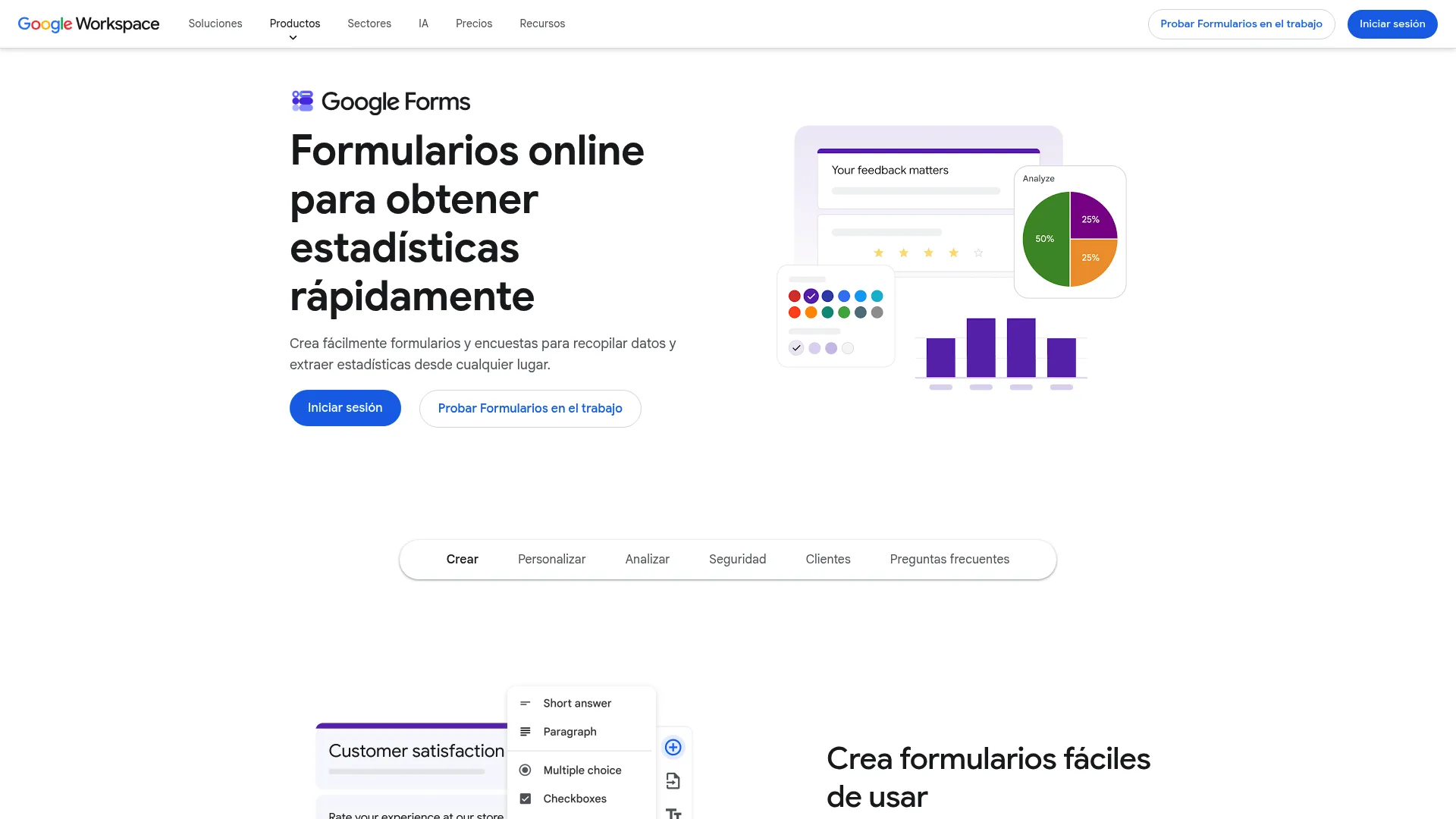
Google Forms is the simplest entry point in this list and the easiest free form builder to start with. You get drag and drop form creation, multiple question types, custom branching, and real-time charts that flow straight into Google Sheets. For teams already living inside Google Workspace, it removes every setup hurdle.
It works best for lightweight surveys, internal feedback, quizzes, and quick data collection where you do not need payments or deep branding.
Best for: Teams and individuals inside Google Workspace who need fast, free forms and surveys.
Key strengths
- Zero cost: The personal version is completely free with no response caps to worry about.
- Sheets export: Responses populate a live spreadsheet for instant analysis.
- Collaboration: Multiple editors can build and review a form together in real time.
Why choose Google Forms: If your forms are simple and your team already uses Gmail and Sheets, Google Forms removes friction entirely. It will not replace a marketing-grade builder for branded lead capture forms or payment flows, but for surveys and internal collection it is hard to beat on speed and price.
Google Forms pricing: The personal version is free. Business access comes through Google Workspace, with Business Standard at $12 USD per user per month on an annual commitment, or $14.40 USD per user per month billed monthly.
2. Zoho Forms
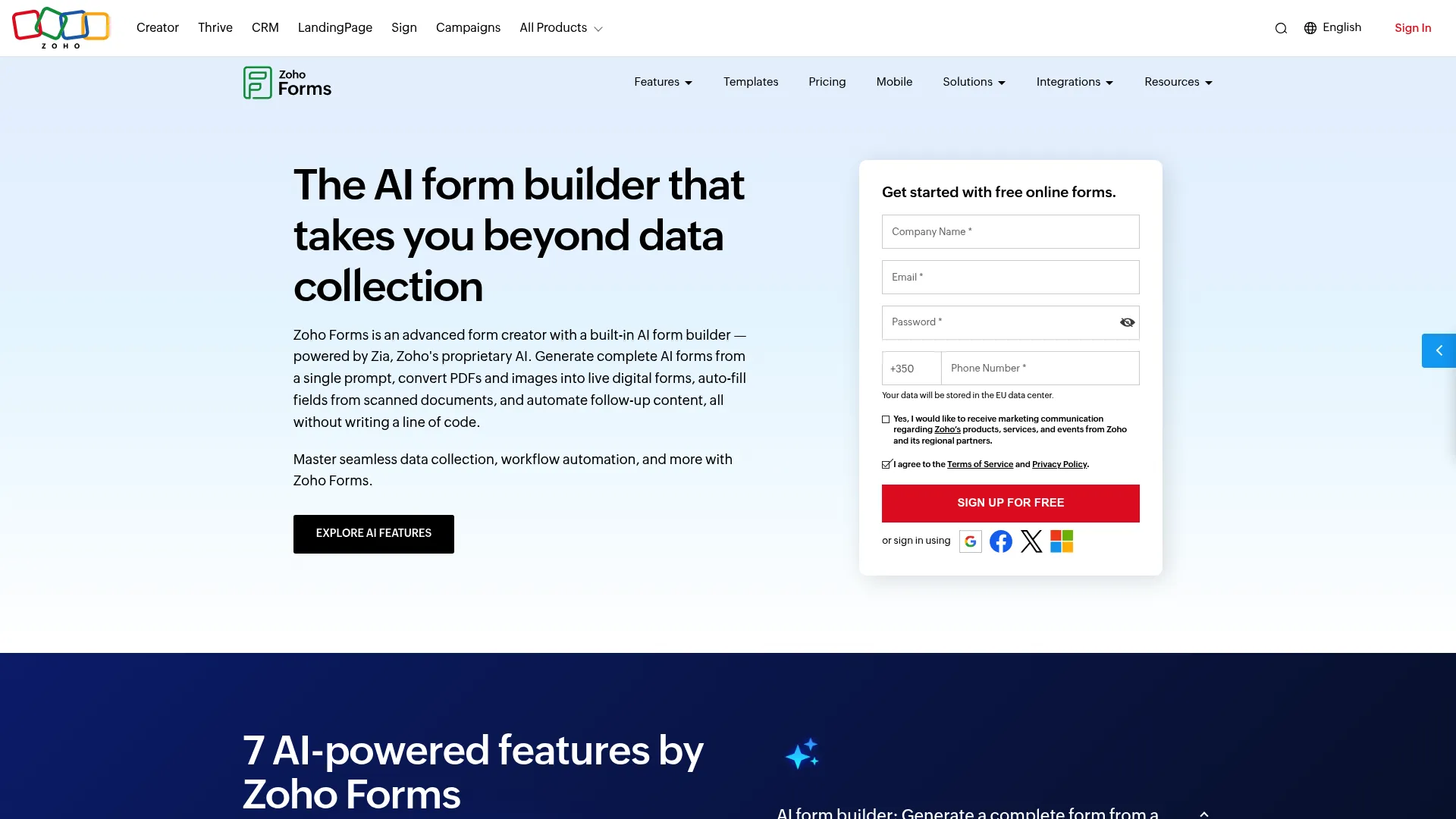
Zoho Forms is a no-code online form builder built for teams that want automation, not just collection. It ships with an AI form builder, drag and drop form creation, workflow automation, and PDF-to-form and image-to-form conversion. If you already run on Zoho's CRM and apps, the ecosystem fit is the draw.
It suits teams that need approvals, conditional routing, and mobile or offline form collection across departments.
Best for: Teams that want a flexible builder with automation and Zoho ecosystem integration.
Key strengths
- AI form builder: Generate a starting form fast, then refine it in the editor.
- Workflow automation: Route submissions through approvals and follow-up actions.
- Mobile and offline support: Capture responses in the field, even without connectivity.
Why choose Zoho Forms: The appeal is workflow depth. When a submission needs to trigger an approval, update a record, or branch based on a field, Zoho Forms handles that downstream logic natively. It is a strong pick for ops-heavy marketing teams already invested in the Zoho stack.
Zoho Forms pricing: Zoho Forms offers a free-forever plan, plus Basic, Standard, Professional, and Premium tiers billed monthly or annually. Exact tier pricing is best confirmed on the Zoho Forms pricing page before you commit.
3. Jotform
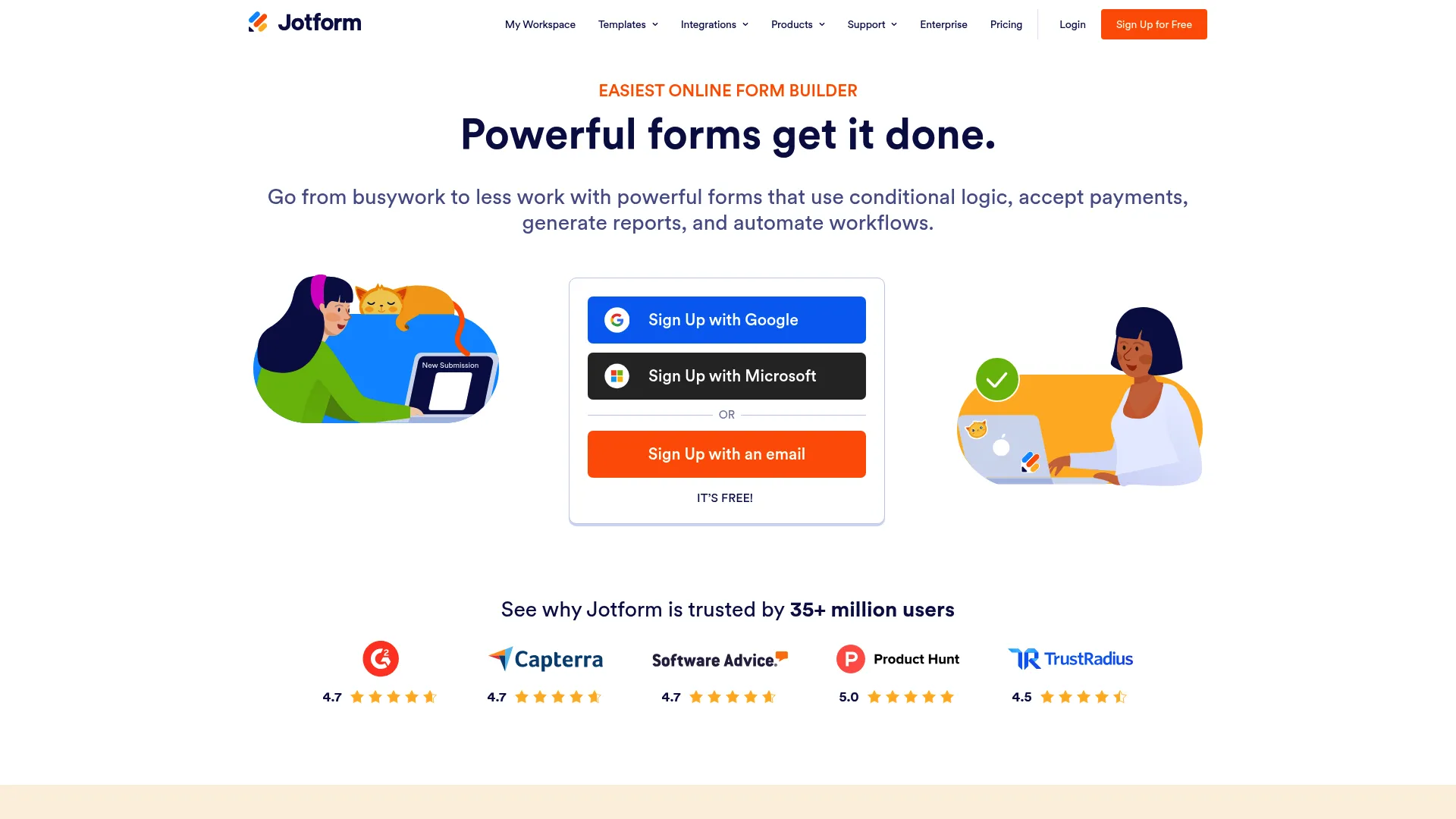
Jotform is the most versatile general-purpose web based form builder on this list. With a drag and drop form builder, more than 20,000 premade templates, and no-code embeds, it covers almost any form type you can name. That breadth is why it lands as the strongest all-around pick.
From lead capture forms to surveys, payments, and registrations, Jotform flexes across use cases without forcing you into a niche.
Best for: Teams that need one tool to handle a wide range of forms and data collection workflows.
Key strengths
- Template library: Over 20,000 ready-made forms accelerate any build.
- No-code embeds: Drop forms onto any page without touching code.
- Payment depth: Connect to a wide range of payment gateways for paid forms.
Why choose Jotform: If your team builds many different forms across campaigns, Jotform's range means you rarely outgrow it. It balances ease of use with enough integration depth to feed your CRM and email tools, making it a safe default for marketers who want one builder to cover most needs.
Jotform pricing: Jotform has a free Starter plan. Paid tiers include Bronze at $34/month, Silver at $39/month, and Gold at $99/month, each billed annually, with custom Enterprise pricing available.
4. Typeform

Typeform built its name on conversational, one-question-at-a-time forms that feel polished and on-brand. It covers forms, surveys, quizzes, polls, and landing pages, with AI-powered creation, conditional logic, and automations underneath the design layer.
It shines when response experience drives completion: high-intent surveys, branded lead gen, and quizzes where engagement matters more than raw speed.
Best for: Teams that want polished, high-response forms and surveys with strong brand presentation.
Key strengths
- Conversational UX: One question at a time keeps respondents engaged.
- AI-powered creation: Generate forms and surface insights faster.
- Automations and webhooks: Connect responses to your wider stack.
Why choose Typeform: When the form itself is part of your brand experience, Typeform's polish lifts completion in a way plain builders cannot. It is a strong choice when engagement and design quality outweigh the need for the absolute simplest setup.
Typeform pricing: Typeform offers a free plan. Paid tiers include Basic at $29 USD/month, Plus at $59 USD/month, Business at $99 USD/month, and Growth Flow at $349 USD/month.
5. Tally
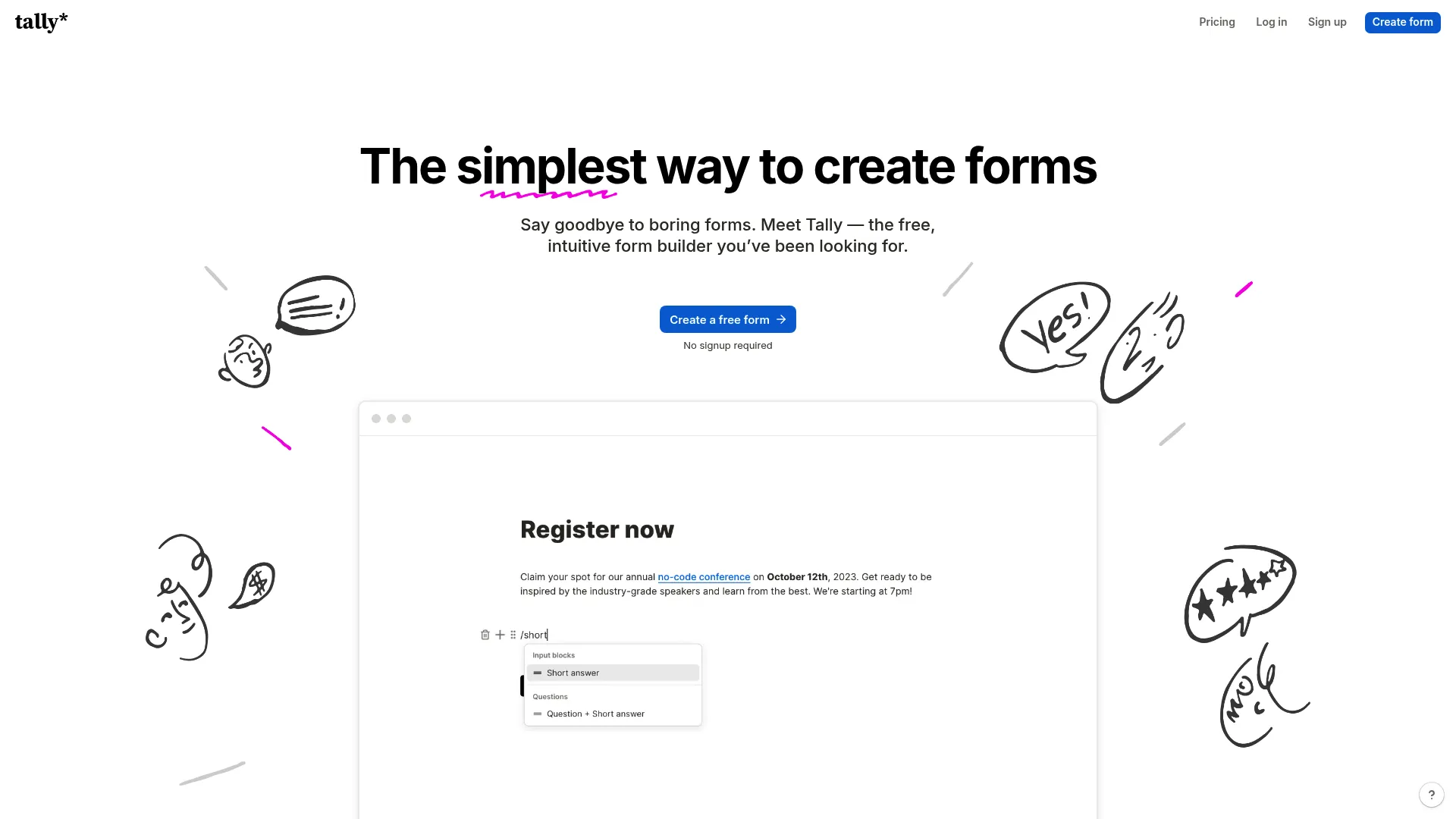
Tally is the lightweight, no-nonsense form creator that feels like typing in a document. Its standout is a remarkably generous free tier: unlimited forms and submissions even before you pay. For teams that want to publish fast without friction, it is a refreshing option.
It works well for quick surveys, waitlists, and lead capture where speed and simplicity beat heavy customization. It also pairs naturally with Notion-centric workflows.
Best for: Teams and creators who want a fast, document-style builder with a generous free plan.
Key strengths
- Unlimited free use: Unlimited forms and submissions on the free plan.
- Logic and calculations: Conditional logic, hidden fields, and answer piping built in.
- Custom domains and payments: Custom CSS, file uploads, and payment options on paid tiers.
Why choose Tally: Tally removes the cost and complexity barrier for getting a form live. If you want a clean, fast builder that does not nickel-and-dime you on response counts, it is one of the easiest tools here to adopt.
Tally pricing: Tally is free for the vast majority of features. The Pro plan is $29/month and the Business plan is $89/month for advanced needs.
6. Fillout
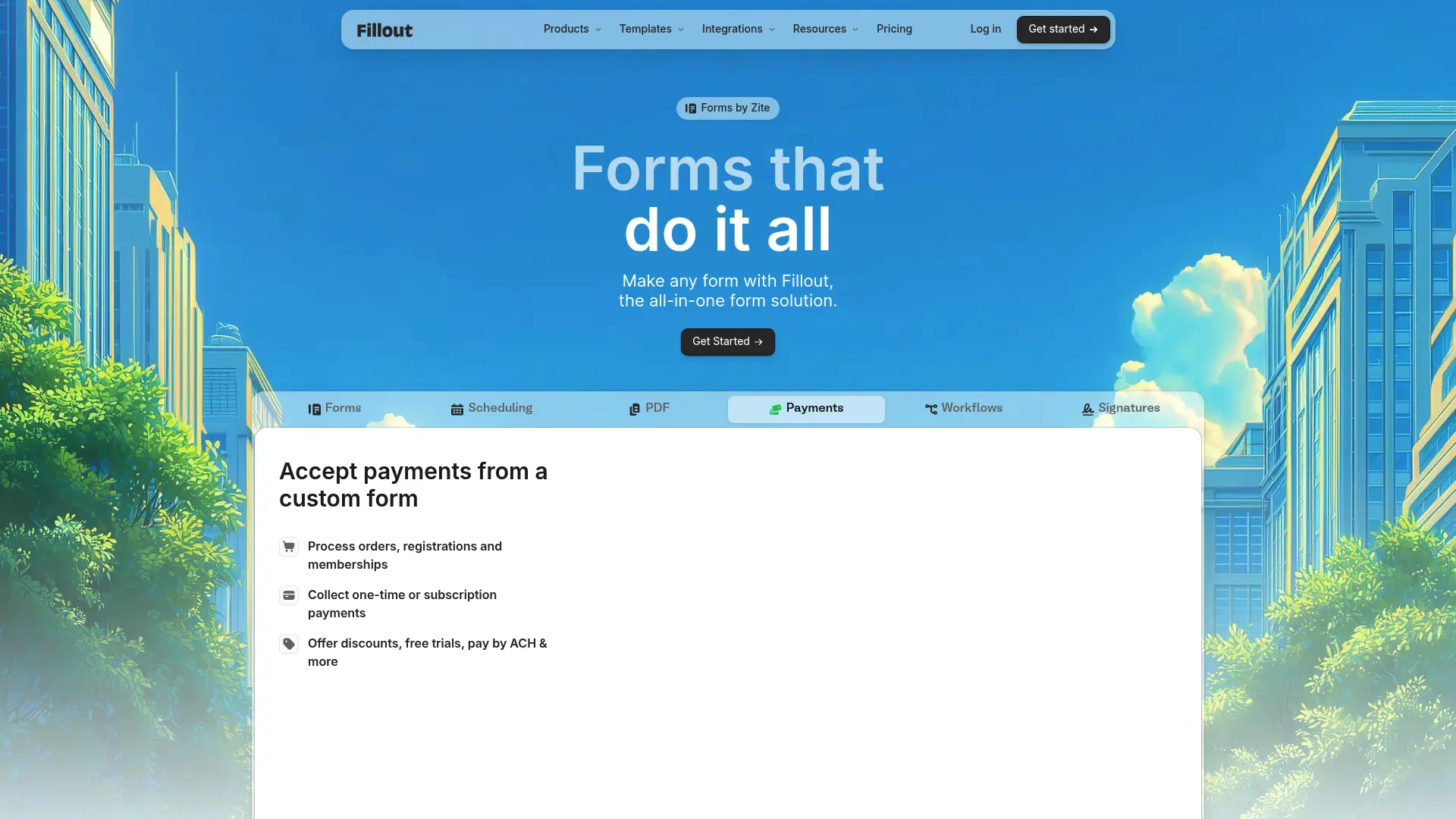
Fillout is a modern builder that blends forms, surveys, scheduling, and workflow routing in one tool. With more than 50 field types, native scheduling, and AI form, survey, and quiz builders, it leans toward teams that want both speed and customization.
It fits marketers and ops teams who need flexible forms that collect data and then route it cleanly into the next step.
Best for: Teams that need flexible forms with scheduling and automation in one place.
Key strengths
- 50+ field types: Build complex forms without workarounds.
- Native scheduling: Book meetings inside the same flow as the form.
- AI builders: Generate forms, surveys, and quizzes quickly.
Why choose Fillout: Fillout's mix of field depth and built-in scheduling makes it a strong fit when a form needs to do more than collect, such as qualifying and booking in one motion. That consolidation can replace a separate scheduling tool in your stack.
Fillout pricing: Fillout offers a free plan, along with Starter, Pro, Business, and Enterprise tiers. Its publicly listed Team plan runs $300 USD per month; core plan pricing is best confirmed on Fillout's site before purchase.
7. Paperform
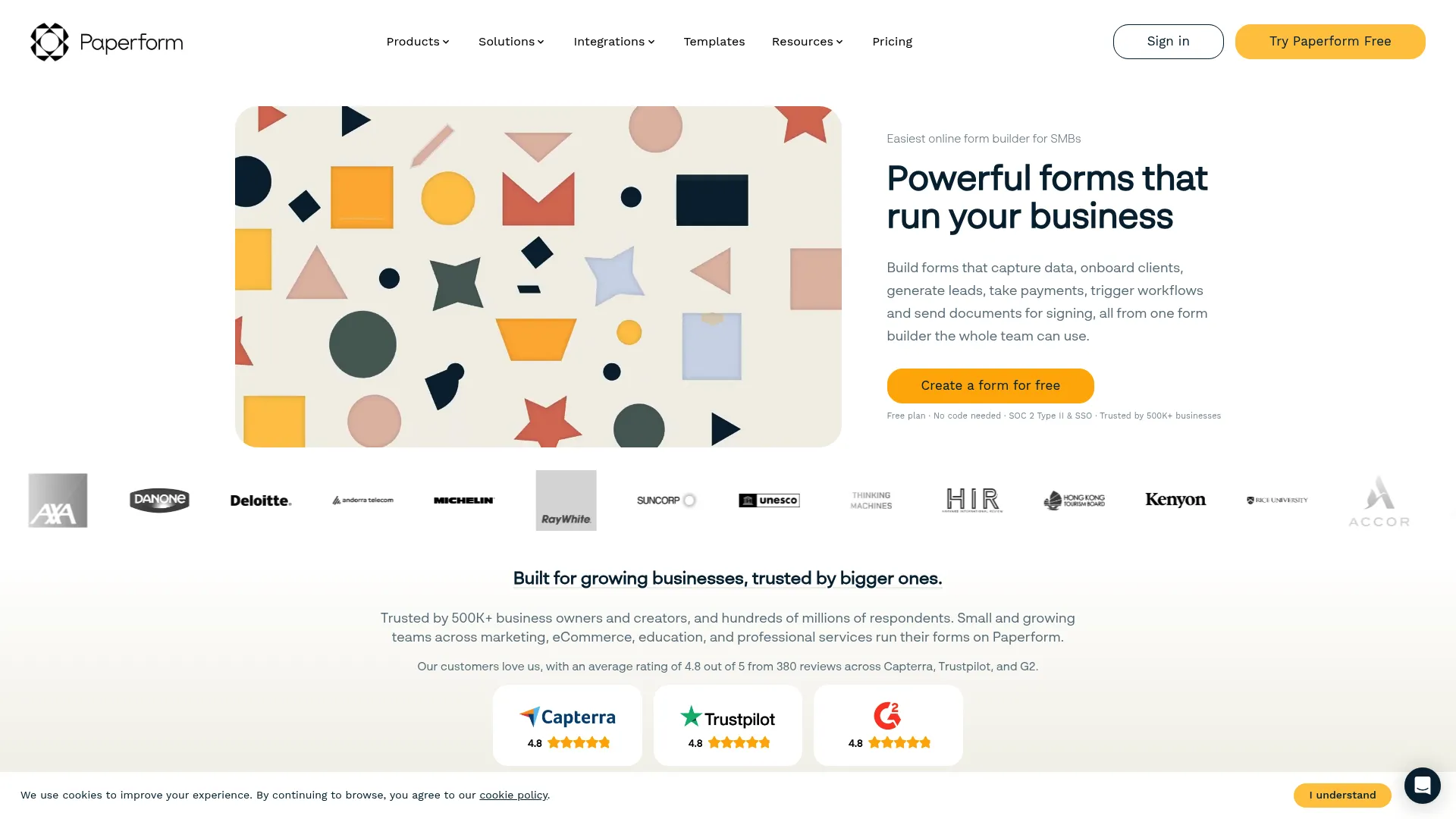
Paperform blurs the line between a form and a landing page. Its design-forward editor lets you build content-rich, branded forms that handle payments, bookings, events, and calculations. With more than 2,000 integrations, it slots into almost any stack.
It suits marketers who want a form that feels like a guided, on-brand experience rather than a bare field collector.
Best for: SMBs needing branded forms with payments, logic, and integrations.
Key strengths
- Content-rich forms: Build forms that read like a landing page.
- Payments and bookings: Handle transactions and scheduling natively.
- 2,000+ integrations: Connect to your CRM, email, and analytics tools.
Why choose Paperform: When brand presentation affects conversion, Paperform's page-like forms give you more creative control than standard builders. It is a strong pick for richer capture flows where the form is part of the campaign, not an afterthought.
Paperform pricing: Paperform has a free plan and three paid tiers: Essentials at $24/month, Pro at $49/month, and Business at $99/month, with annual billing also available. A 7-day Pro trial is offered at signup.
8. forms.app
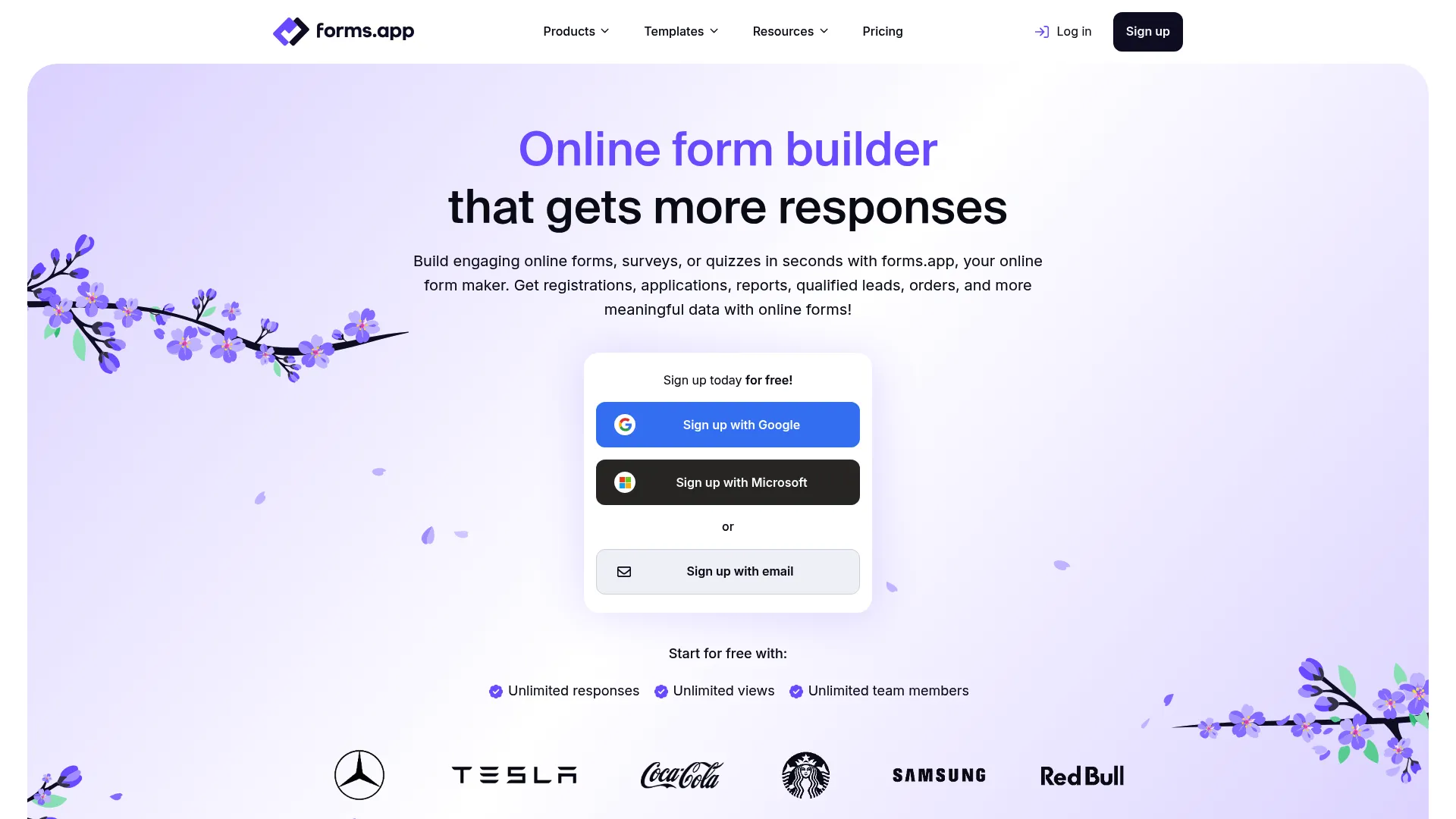
forms.app is a no-code builder for forms, surveys, and quizzes with a clean, fast workflow. Conditional logic, e-signatures, payments, and integrations make it a practical all-rounder for small teams and fast-moving marketers.
It works for lead capture, feedback surveys, and quizzes where you want a flexible builder with a free tier and room to scale.
Best for: Teams needing a flexible, no-code builder with a free tier and scalable response limits.
Key strengths
- Conditional logic: Personalize the form path based on answers.
- E-signatures: Collect signed agreements inside the form.
- Payments and integrations: Take payments and sync data to your stack.
Why choose forms.app: forms.app balances a usable free tier with enough advanced features to grow into. For small teams that want forms, surveys, and quizzes from one builder without a steep cost curve, it is a sensible, well-rounded choice.
forms.app pricing: forms.app is free to start. Paid plans, billed annually, include Basic at $19/month, Pro at $29/month, and Premium at $59/month.
9. 123FormBuilder
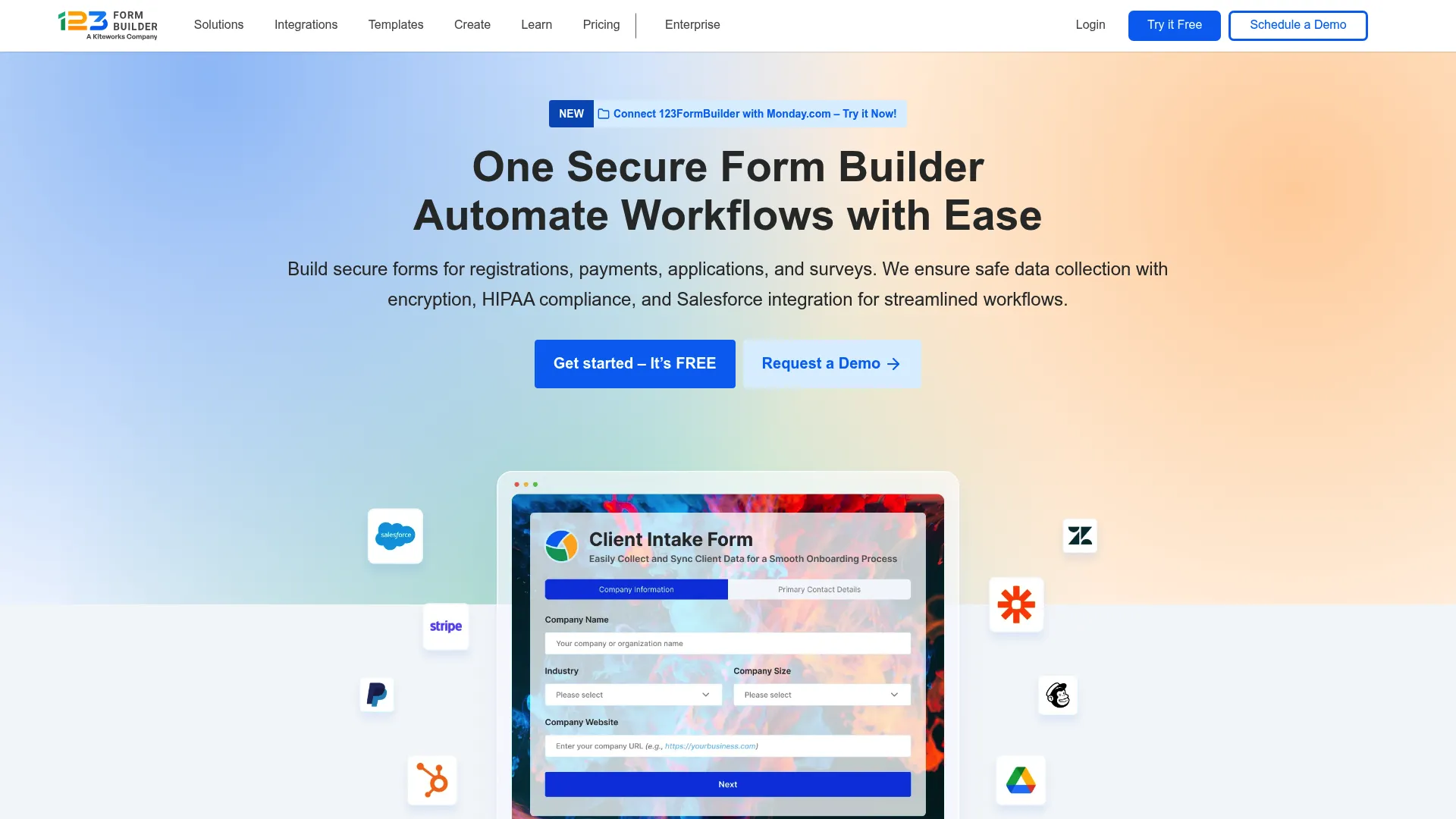
123FormBuilder leans toward structured, business-grade form creation. With a drag and drop form builder, conditional logic, and payment integration, it gives teams more control and compliance structure than bare-bones tools.
It fits organizations that need secure online forms, surveys, and lead capture forms with workflow rigor behind them.
Best for: Teams that need secure online forms, surveys, and lead capture without code.
Key strengths
- Drag and drop builder: Assemble structured forms without code.
- Conditional logic: Route and adapt forms based on input.
- Payment integration: Collect payments inside secure forms.
Why choose 123FormBuilder: When you need more structure and security than a lightweight builder offers, 123FormBuilder provides a middle ground between simple tools and heavy enterprise platforms. It is a practical fit for regulated or process-heavy form needs.
123FormBuilder pricing: A free Basic plan is available. Paid tiers, billed yearly, include Gold at $18.5/month, Platinum at $24.5/month, Diamond at $49.5/month, and Enterprise starting at $225/month.
10. Cognito Forms
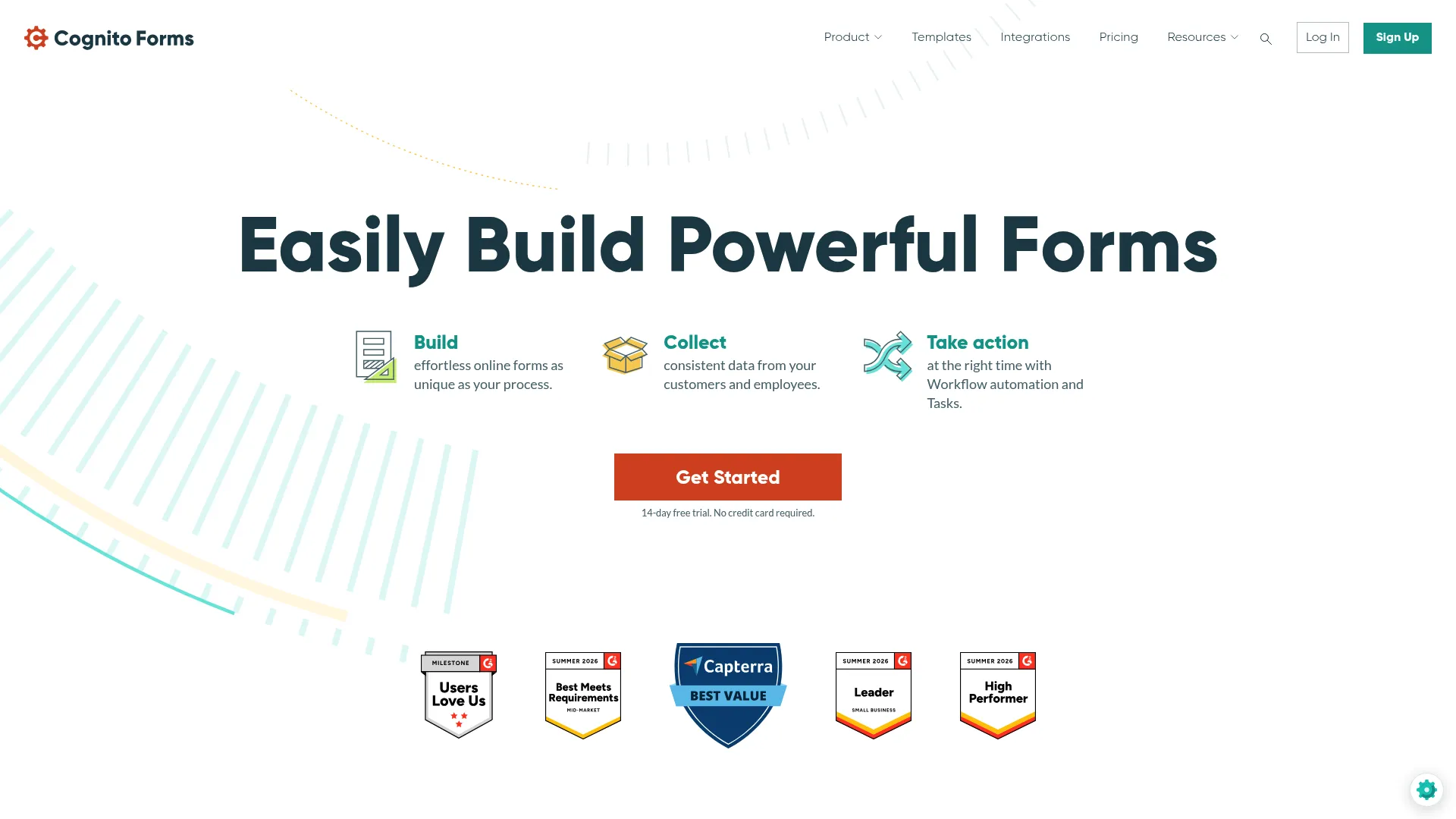
Cognito Forms is built for advanced forms and structured workflows. Its drag and drop builder pairs with calculations, electronic signatures, file uploads, workflow automation, APIs, and webhooks. That makes it a strong fit for operational and payment-heavy forms.
It suits teams whose forms involve math, conditional pricing, or multi-step data handling rather than simple field collection.
Best for: Small businesses needing customizable forms with workflow and payment capabilities.
Key strengths
- Calculations: Build forms that compute prices, totals, or scores.
- E-signatures and uploads: Collect signatures and documents in one flow.
- APIs and webhooks: Push structured data into your systems automatically.
Why choose Cognito Forms: When your forms need to calculate, branch, and process payments with real logic, Cognito Forms handles complexity gracefully without enterprise overhead. It is one of the best picks here for payment forms and operationally heavy workflows. For agreements that need signing, pairing it with dedicated e-signature software adds another layer of compliance.
Cognito Forms pricing: Cognito Forms has a free Individual plan, plus Pro at $19/month, Team at $39/month, and Enterprise at $129/month. The site also notes free trials and savings of up to 20% with prepayment.
11. Wufoo
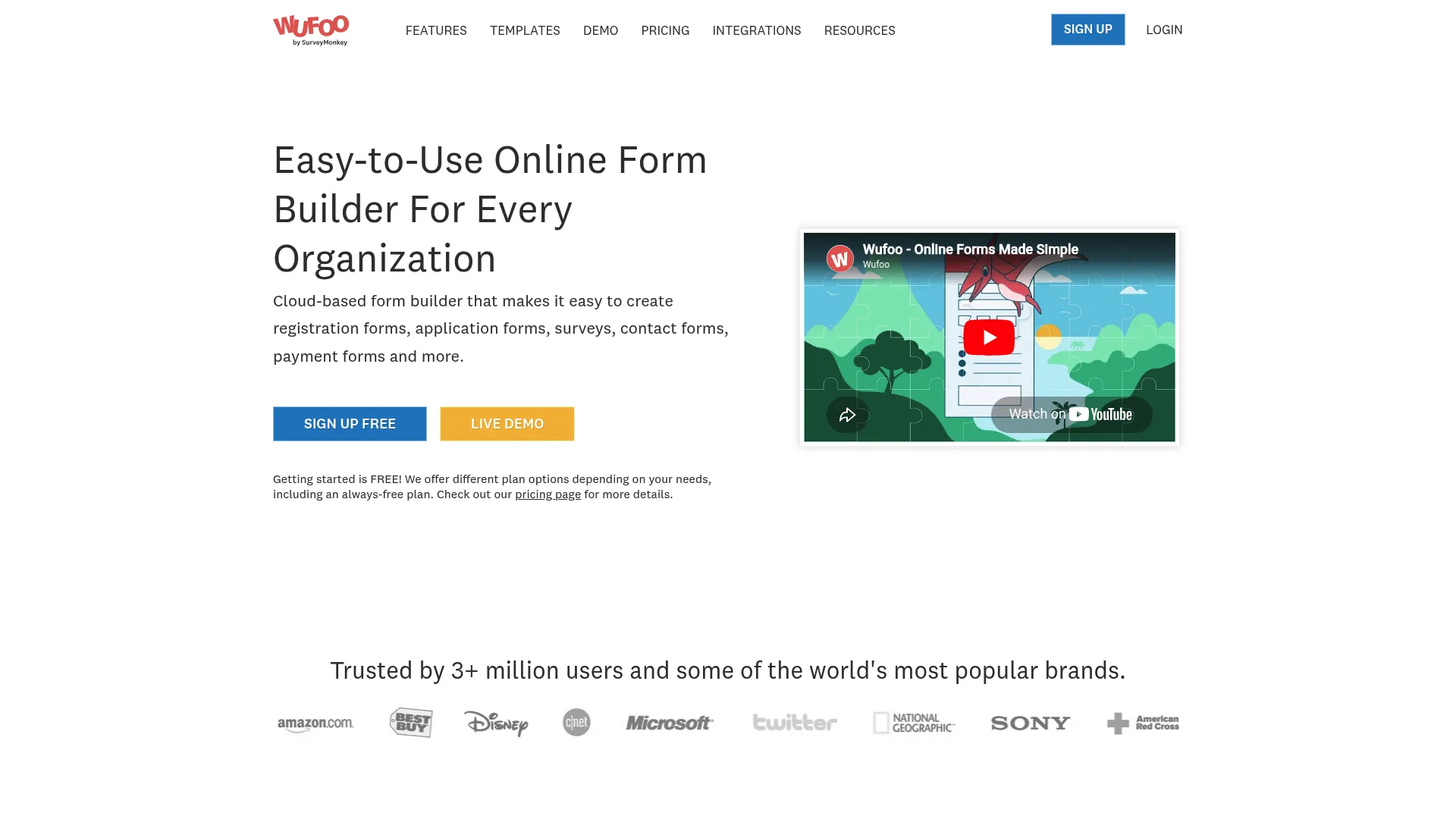
Wufoo is a long-running hosted web form builder that keeps things straightforward. A drag and drop builder, a theme designer for custom branding, plus payments, file uploads, and integrations cover standard form needs without complexity.
It works for teams that want a reliable, embeddable form builder for general data collection and lead capture.
Best for: Teams that need a simple hosted builder with branding, payments, and workflow integrations.
Key strengths
- Theme designer: Customize branding without code.
- Embeds: Place forms on any site or landing page.
- Payments and integrations: Collect payments and connect to your stack.
Why choose Wufoo: Wufoo is a dependable, no-drama option when you need forms that just work. It will not lead the pack on advanced logic or design, but for standard capture and registration it is a solid, proven choice.
Wufoo pricing: Wufoo has a free plan. Paid tiers, billed annually, include Starter at $16.25/month, Professional at $33.25/month, Advanced at $83.25/month, and Ultimate at $210.25/month.
12. Gravity Forms
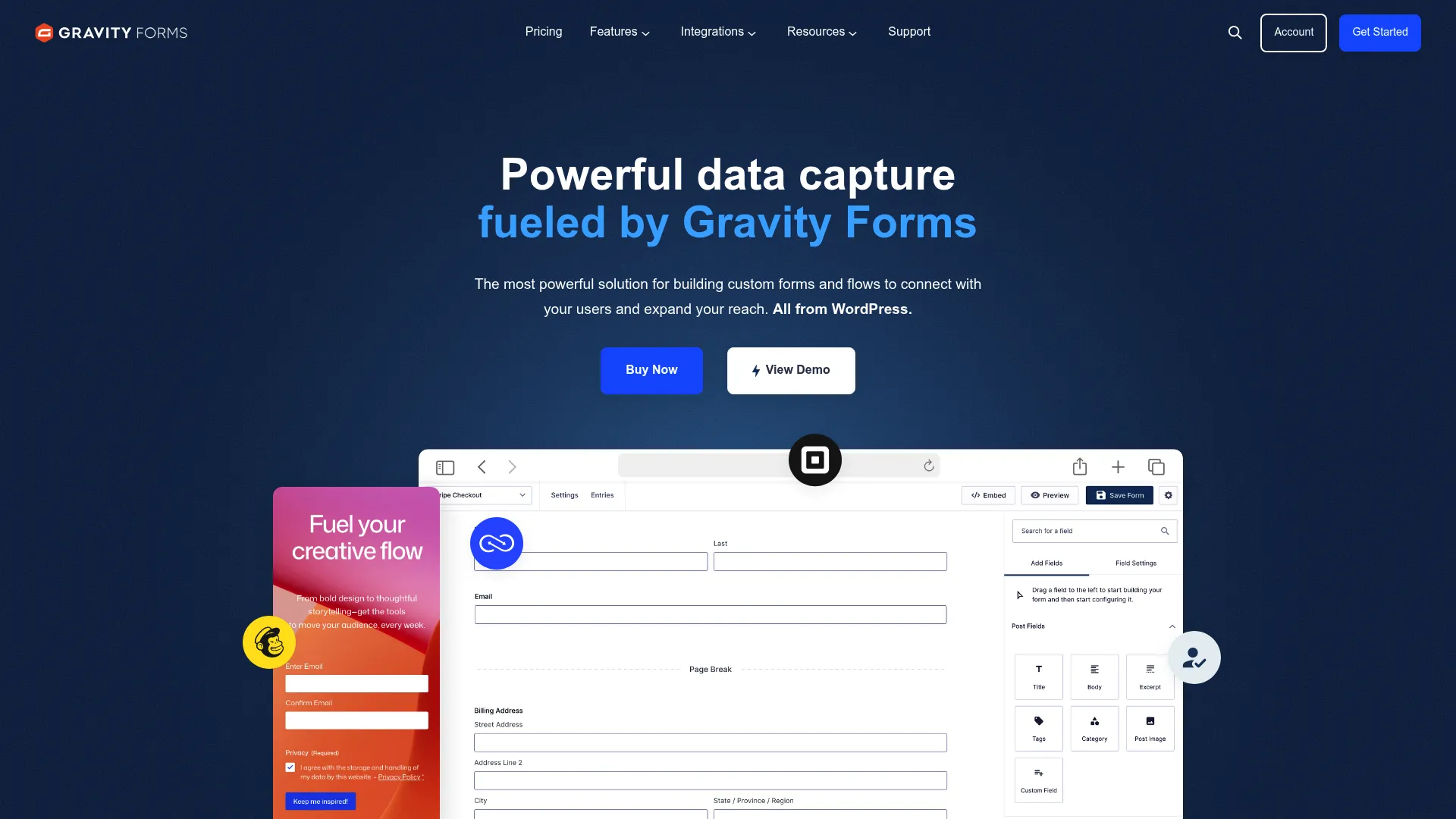
Gravity Forms is the go-to WordPress form builder for teams that run on WordPress. It installs as a plugin and brings a drag and drop builder, conditional logic, more than 30 field types, and a deep add-on ecosystem for payments, CRMs, and automation.
It fits WordPress sites and agencies that need flexible, feature-rich forms hosted on their own domain.
Best for: WordPress teams and agencies that need flexible forms with add-ons and multi-site licensing.
Key strengths
- WordPress-native: Forms live on your own site, fully under your control.
- Add-on ecosystem: Extend to payments, CRMs, and marketing tools.
- Conditional logic: Build complex, adaptive forms with ease.
Why choose Gravity Forms: If WordPress is your home base, Gravity Forms gives you developer-friendly depth and ownership of your data on your own domain. For complex WordPress forms, it is the strongest pick on this list.
Gravity Forms pricing: Gravity Forms uses annual licenses with no free tier: Basic at $59 per year for one site, Pro at $159 per year for three sites, and Elite at $259 per year for unlimited sites.
13. Ninja Forms
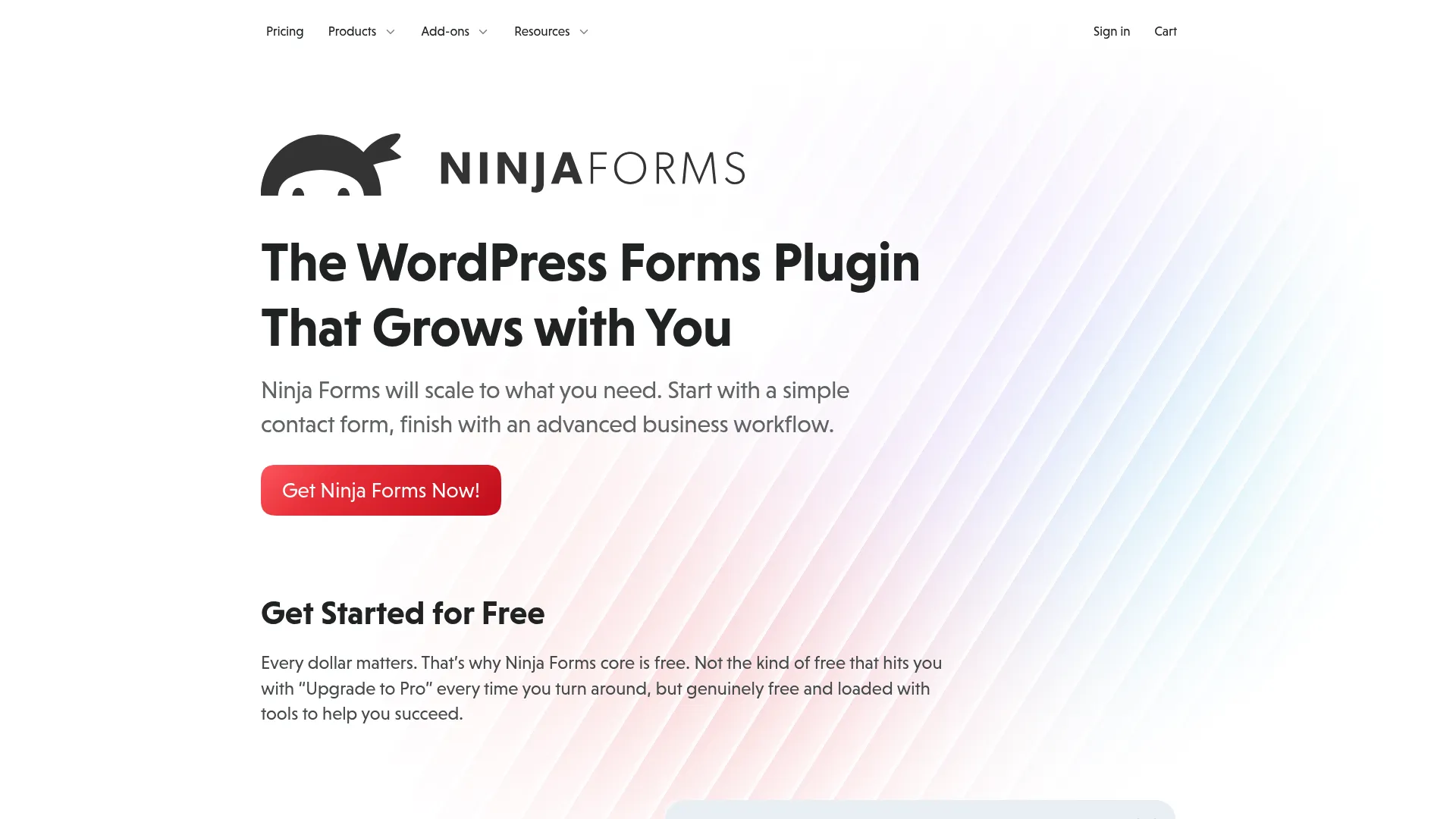
Ninja Forms is another strong WordPress option, built around a free core plugin with paid add-on memberships. You get a drag and drop builder, unlimited forms and submissions, plus email notifications and anti-spam protection out of the box.
It suits WordPress site owners who want to start free and add capabilities as needs grow, without a heavy custom stack.
Best for: WordPress teams that want a free base form builder with optional premium add-ons.
Key strengths
- Free core plugin: Start building forms at no cost.
- Unlimited forms: No caps on forms or submissions in the core.
- Anti-spam protection: Keep junk submissions out of your pipeline.
Why choose Ninja Forms: Ninja Forms is a practical pick for WordPress teams that want to control cost. Start with the free core, then buy only the add-ons you actually need. That modular approach keeps your form stack lean and site-ops friendly.
Ninja Forms pricing: The Core plugin is free. Paid memberships, billed yearly, include Plus at $59.40/year, Pro at $119.40/year, and Elite at $299.40/year.
14. HubSpot forms

HubSpot forms are built directly into its CRM and marketing platform. The value is not the form itself, it is what happens after submission: every lead flows straight into the CRM, syncs to lifecycle stages, and triggers automation without a separate integration.
It fits marketing teams that want lead capture forms tied natively to routing, scoring, and follow-up inside one platform.
Best for: Businesses wanting an all-in-one CRM and go-to-market platform with native form-to-CRM data flow.
Key strengths
- CRM-native capture: Submissions become CRM records instantly.
- Lifecycle syncing: Leads map to stages and trigger automation.
- Email and automation: Follow-up fires without extra tooling.
Why choose HubSpot forms: If you already run on HubSpot, native forms remove the gap between capture and CRM entirely. The appeal is stack consolidation: fewer integrations, cleaner data, and faster lead routing. The tradeoff is that the value is strongest when you are committed to the HubSpot ecosystem. If you are still evaluating platforms, our roundup of the best CRM software can help you compare options.
HubSpot forms pricing: HubSpot has a free tier that includes forms. Paid plans start with Starter at $10/month per seat, then scale to Professional at $1,450/month and Enterprise at $4,700/month for the broader platform.
15. Woorise
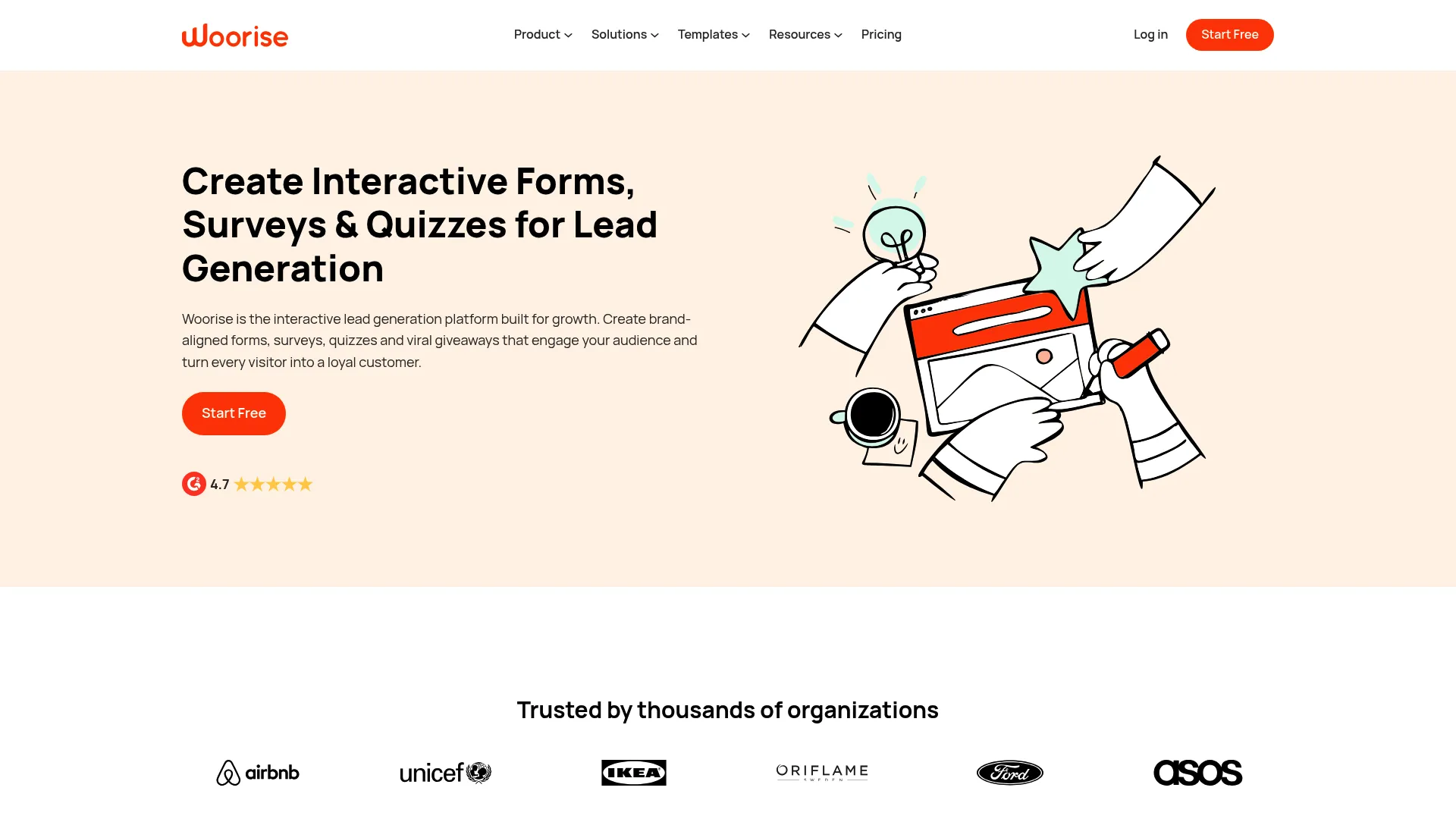
Woorise goes beyond standard forms into interactive lead generation. Its drag and drop builder creates landing pages, forms, quizzes, surveys, giveaways, and popups, all aimed at growth campaigns. Integrations, webhooks, Zapier, and API access connect it to your stack.
It fits marketers running contests, giveaways, and interactive campaigns where the goal is capturing leads through engagement.
Best for: Teams that want an all-in-one tool for lead capture and interactive campaigns.
Key strengths
- Campaign builder: Create giveaways, quizzes, and surveys in one tool.
- Landing pages included: Pair forms with hosted pages for full funnels.
- Integrations and webhooks: Route campaign leads into your CRM and email tools.
Why choose Woorise: When a plain form is not enough and you need interactive, viral-friendly campaigns, Woorise gives you the full toolkit. It is a strong pick for growth marketers focused on lead generation forms wrapped in engaging experiences.
Woorise pricing: Woorise offers three public plans: Basic at $23/month, Grow at $33/month, and Pro at $68/month, with a 14-day Pro trial and yearly billing that saves 20%.
16. AidaForm
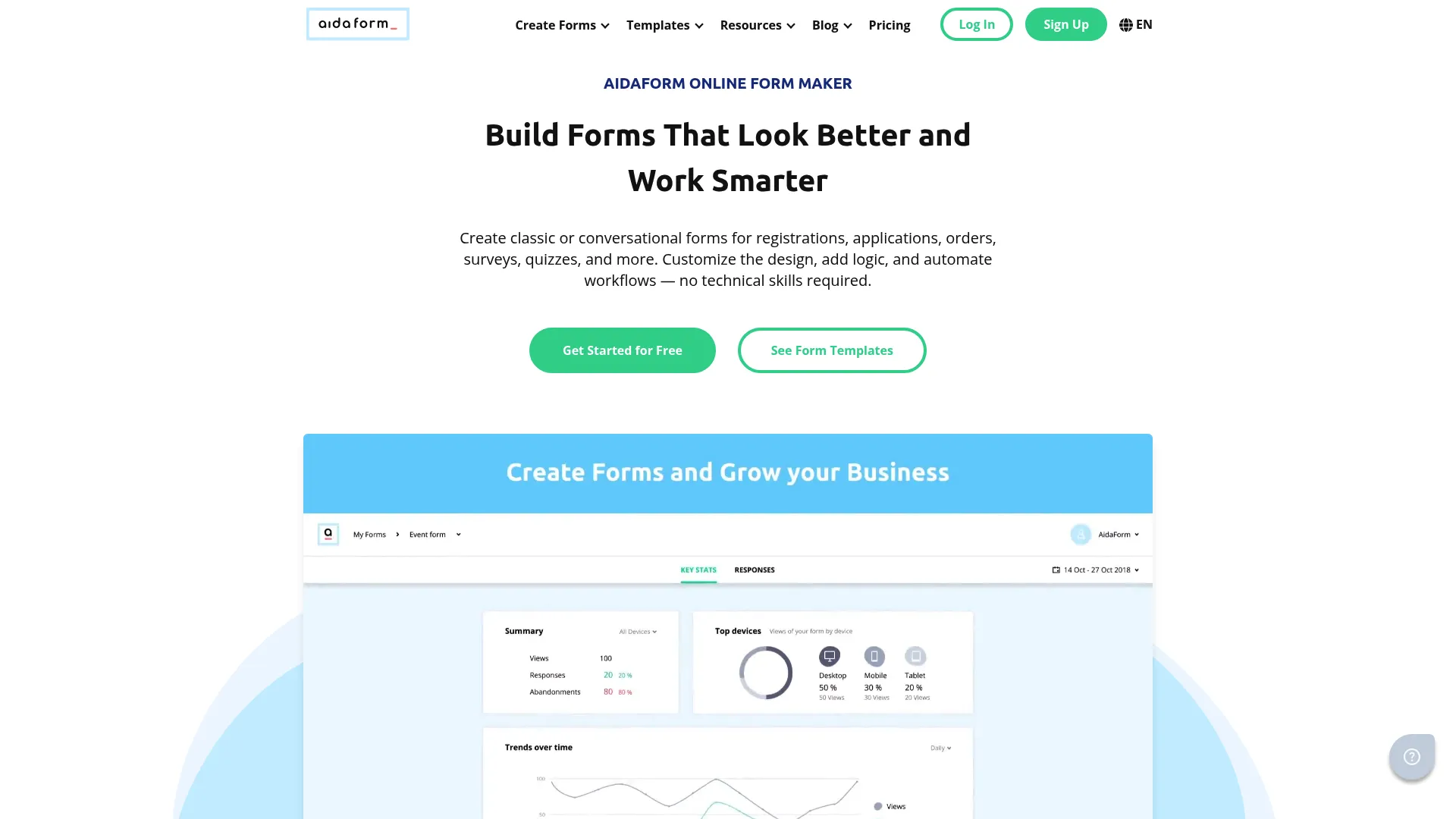
AidaForm is a practical mid-market builder that offers more than basic free tools without the complexity of enterprise platforms. It supports both conversational and traditional forms, unlimited forms and fields, and integrations with Google Sheets, Zapier, Slack, Discord, APIs, and webhooks.
It fits teams that want a flexible form creator software option with a usable free tier and room to add automation.
Best for: Teams needing a flexible online form builder with a free tier and paid automation features.
Key strengths
- Conversational and classic forms: Choose the format that fits each use case.
- Unlimited forms and fields: Build without structural limits.
- Broad integrations: Connect to Sheets, Zapier, Slack, and more.
Why choose AidaForm: AidaForm sits in a useful middle ground: more capable than the most basic free tools, but simpler and cheaper than heavy enterprise builders. For teams that have outgrown free-only tools but do not need a complex platform, it is a strong value pick.
AidaForm pricing: AidaForm has a free-forever plan. Paid tiers are Starter at $12/month, Expert at $24/month, and Ultimate at $40/month, with annual billing also available.
17. involve.me

involve.me is an interactive lead-gen builder centered on quiz funnels. It creates quizzes, forms, calculators, landing pages, and popups, with conditional logic, answer scoring, and built-in email automation. It goes well past a standard form into conversion experiences.
It fits marketers who want interactive funnels that qualify, score, and follow up with leads automatically.
Best for: Teams that want interactive lead-generation funnels with automation.
Key strengths
- Quiz funnels: Build engaging, multi-step lead capture experiences.
- Answer scoring: Qualify and segment leads based on responses.
- Built-in email automation: Trigger follow-up without a separate tool.
Why choose involve.me: When you want forms that double as conversion funnels, involve.me's quizzes, calculators, and built-in automation make it more than a form builder. It is a strong, experience-driven pick for marketers focused on interactive lead generation. For broader campaign automation, our list of the best marketing automation software is a useful companion read.
involve.me pricing: involve.me has a free plan. Paid tiers, charged annually, include Start at $19/month, Grow at $49/month, and Scale at $119/month, with Enterprise from $399/month.
18. Microsoft Forms
Microsoft Forms is Microsoft's built-in tool for surveys, quizzes, and polls. It offers simple form creation, branching questions, and one-click export to Excel, with built-in analytics for quick reads. For Microsoft 365 teams, it is the natural fit.
It works for internal surveys, quizzes, and polls inside a Microsoft-heavy environment where collaboration runs on Microsoft 365.
Best for: Teams and individuals needing quick internal surveys, quizzes, and polls inside Microsoft 365.
Key strengths
- Microsoft 365 fit: Lives inside the tools your team already uses.
- Branching questions: Adapt the form based on responses.
- Excel export: Send results straight to Excel for analysis.
Why choose Microsoft Forms: For organizations standardized on Microsoft 365, Microsoft Forms removes setup friction the way Google Forms does for Workspace teams. It is best suited to internal and lightweight use rather than branded, marketing-grade lead capture.
Microsoft Forms pricing: Microsoft Forms is included with Microsoft 365 subscriptions rather than sold separately. Check current Microsoft 365 plans for the tier that fits your team.
19. Canva Forms
Canva Forms brings simple form creation into a design-first workflow. For teams already building marketing and social content in Canva, it offers brand continuity: forms that match the visuals you create elsewhere, using the same drag-and-drop editor and brand kits.
It fits teams that want lightweight, on-brand forms without leaving the Canva environment they already work in.
Best for: Teams and individuals creating marketing and social content who want quick, on-brand forms.
Key strengths
- Drag-and-drop editor: Build forms with the Canva tools you know.
- Brand kits: Keep forms consistent with your visual identity.
- Templates and content library: Start from polished design templates.
Why choose Canva Forms: If your team lives in Canva for content, Canva Forms keeps form creation inside that workflow with brand consistency built in. It is best scoped to simple, design-led forms rather than complex logic or payment-heavy flows.
Canva pricing: Canva is free for one person. Paid tiers include Pro at US$144/year and Business at US$250/year per person, with custom Enterprise pricing available on request.
20. AidaForm for mid-market teams
AidaForm earns a second look here specifically for mid-market teams weighing it against both free-only tools and enterprise platforms. The same flexible builder, covered in section 16, supports unlimited forms and fields, conversational and classic layouts, and a broad set of integrations including Google Sheets, Zapier, Slack, Discord, APIs, and webhooks.
For this segment, the appeal is cost-effective scale: you get automation and integrations without jumping to a high-price tier.
Best for: Mid-market teams that need more than free tools but want to avoid enterprise pricing.
Key strengths
- Scalable plans: Move from free to paid as response volume grows.
- Automation integrations: Connect forms to your data and messaging tools.
- Format flexibility: Use conversational or traditional forms per campaign.
Why choose AidaForm at mid-market scale: It bridges the gap between basic free builders and complex platforms, giving growing teams automation and integration depth at a reasonable price. That makes it a sensible step up for teams whose needs have outpaced free-only tools.
AidaForm pricing: The free-forever plan stays available, with paid tiers at Starter $12/month, Expert $24/month, and Ultimate $40/month, plus annual billing options.
21. Cognito Forms for advanced workflows
Cognito Forms rounds out the list as the pick for the most logic-heavy, operational forms. As covered in section 10, its drag and drop builder pairs with calculations, electronic signatures, file uploads, workflow automation, APIs, and webhooks, making it well suited to forms that process rather than just collect.
For advanced workflows specifically, this is where Cognito Forms separates from lighter tools: it handles pricing math, structured data, and payment forms without enterprise complexity.
Best for: Teams whose forms involve calculations, structured data, or payment processing.
Key strengths
- Calculation engine: Compute totals, pricing, and scores inside the form.
- Workflow automation: Move submissions through structured, multi-step processes.
- APIs and webhooks: Integrate form data deeply with your systems.
Why choose Cognito Forms for advanced workflows: When a form needs to behave like a small application, with logic, payments, and structured output, Cognito Forms delivers that depth affordably. It is the standout here for operationally heavy and payment-driven form needs.
Cognito Forms pricing: The free Individual plan remains available, with Pro at $19/month, Team at $39/month, and Enterprise at $129/month, plus prepayment savings of up to 20%.
Considerations
Before you commit to any online form builder software, run your shortlist through these criteria. They map directly to conversion, routing, and ROI rather than feature counts.
Integration fit
Evaluate how each tool connects to your CRM, email platform, analytics, and spreadsheets. The real question is not whether it captures a submission, but how cleanly that data reaches your downstream workflow. Prioritize native CRM integrations and webhooks over generic exports, because lead routing speed affects follow-up and conversion.
Pricing model
Form builders charge in different ways: free tiers, seat-based pricing, response-based limits, and feature-gated plans. Look closely at what scales badly. A cheap plan that caps responses or gates logic behind a higher tier can cost more as your volume grows. Match the pricing model to how your form usage will expand.
Mobile experience
Much of your form traffic is mobile, so completion depends on responsive forms. Test how fields render on a phone, how much tapping a respondent does, and whether long forms force excessive scrolling. Tap friction and field length directly affect conversion, so a clean mobile experience is non-negotiable for lead capture.
Reporting and exports
You need visibility after submission, not just a stored response. Check for form analytics, completion and drop-off charts, dashboards, CSV export, Sheets sync, and webhooks. Strong form reporting lets you prove ROI and fix friction instead of guessing where leads abandon the form. Pairing this with broader marketing analytics software gives you a fuller view of funnel performance.
Customization and brand fit
Decide when visual polish matters and when function wins. For branded lead capture, look at templates, CSS control, branding options, and embed flexibility. For internal or operational forms, function usually outweighs design. Match the level of customization to the form's job.
Conclusion
There is no single best online form builder, only the right fit for your stack and your goals. The strongest shortlist depends on what you optimize for.
For a versatile, all-around web form builder, Jotform is the safe default. For free simplicity, Google Forms inside Workspace or Microsoft Forms inside Microsoft 365 cover the basics. For WordPress forms, Gravity Forms leads, with Ninja Forms as the budget-friendly alternative. For design polish, Typeform stands out. For automation and ecosystem depth, Zoho Forms delivers. For payments and complex logic, Cognito Forms is hard to beat. For interactive lead generation, Woorise and involve.me push past standard forms.
The decision should not come down to which tool has the longest feature list. It should come down to integrations, reporting, mobile completion, and how well the builder fits your existing workflow and conversion goals. Pick the one that reduces friction for your visitors and gets clean data to your team fastest. Start with a free tier, test it against a real campaign, and measure what happens after submission.
FAQs
Online form builder software lets you create, publish, and manage web forms without code. You build forms in a visual editor, then collect and route responses for lead capture, surveys, registrations, payments, and feedback. The best tools turn each submission into structured data that feeds your CRM and analytics.
Weigh five factors: integration quality, pricing model, ease of use, mobile experience, and reporting. Prioritize CRM integrations and form analytics if you care about conversion and ROI. Then match the tool to your primary use case, whether that is lead capture, surveys, WordPress forms, or payments.
For lead generation forms, look for tools with strong CRM integrations, fast routing, and responsive forms that convert on mobile. HubSpot forms excel at native CRM routing, while Jotform and Typeform balance conversion-friendly design with broad integrations. Interactive options like Woorise and involve.me add quizzes and funnels for engagement-driven capture.
Several tools offer strong free tiers. Google Forms is fully free for simple surveys, Tally gives unlimited forms and submissions on its free plan, and Jotform, forms.app, and Cognito Forms all include capable free tiers. The tradeoff is that paid plans usually unlock logic, payments, branding, and deeper integrations as you scale.
For WordPress forms, Gravity Forms and Ninja Forms are the two strongest plugin-based options. Gravity Forms offers deep, add-on driven flexibility for complex forms, while Ninja Forms starts with a free core plugin and adds premium features through memberships. Both keep your form data on your own domain.
Yes. Most form builder software offers CRM integrations and email tool connections, either natively or through Zapier and webhooks. These integrations matter because they automate lead routing and follow-up, which speeds up response time and protects MQL quality. Check that your specific CRM is supported before buying.
Many do. Tools like Cognito Forms, Jotform, Paperform, and 123FormBuilder support payment forms, event registrations, and paid signups through payment gateway integrations. For these workflows, prioritize secure submission, confirmation flows, and integrations that update your CRM and event tools automatically.
Track conversion rate, lead source, routing time, and downstream engagement. Form analytics on completion and drop-off show where friction lives, while CRM data reveals whether submissions become qualified pipeline. Measuring beyond the submission is how you tie a form to CAC, MQL quality, and real funnel outcomes.