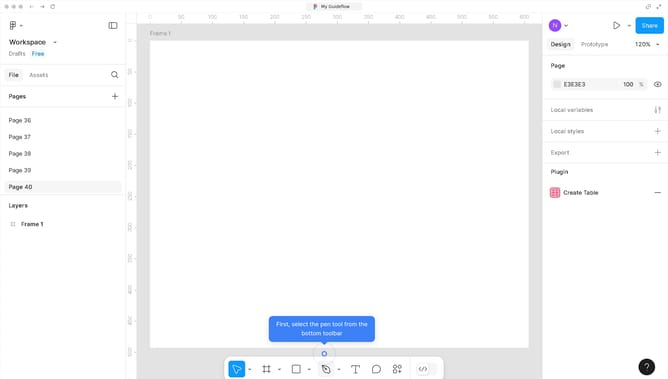
How to create mockups in Figma?
Here is how to create mockups in figma
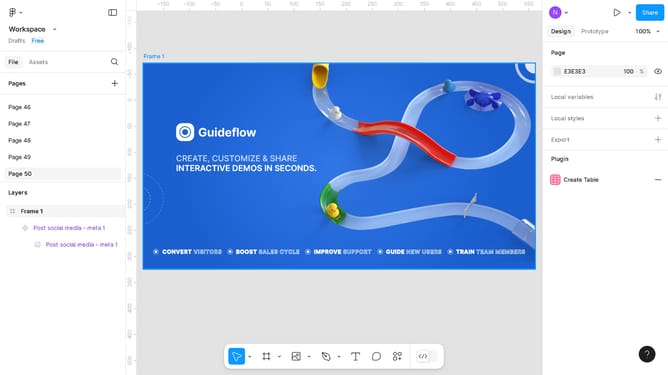
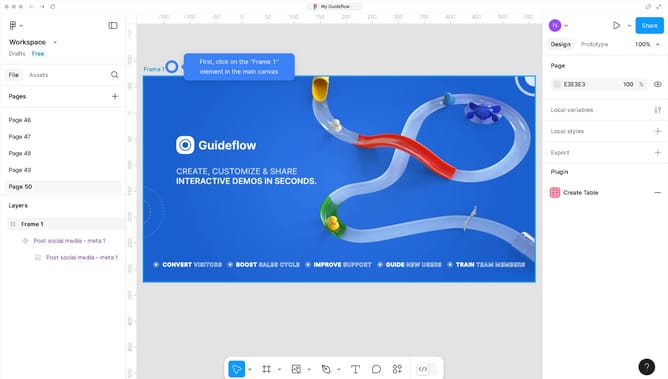
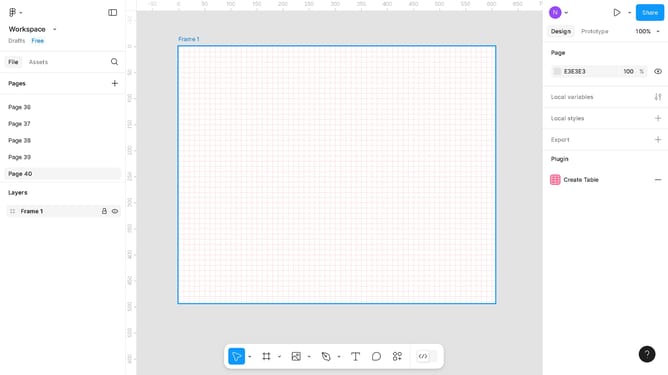
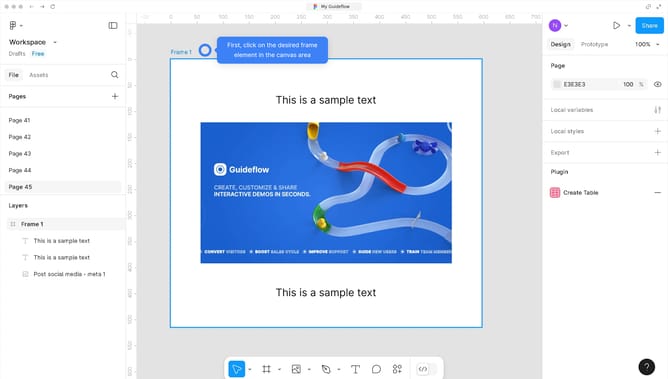
- First click on the frame in the Layers panel
- Then click on the "Plugins" button in the bottom toolbar
- Next click on "Quick Mockups - Create instant mockups!" from the Plugins menu
- Then configure on the Quick Mockups window panel the frame you need
- Next, click on the "Apply Mockup" button in the Quick Mockups dialog
- Finally, click the "X" close button to exit the Quick Mockups dialog
Why should you create mockups in Figma?
Figma is a versatile cloud-based design tool that streamlines collaboration among designers.
Creating mockups in Figma is an intuitive process, thanks to its robust features such as vector networks and intuitive prototyping capabilities. With its real-time collaboration, designers can effortlessly iterate and refine ideas. Additionally, its vast array of design elements and plugins enhances creativity, ensuring that each mockup aligns perfectly with the client's vision.
Using Figma for mockups accelerates the design process, fosters team synergy, and elevates your project outcomes by ensuring high levels of precision and creativity. Its flexibility and user-friendly interface make it an ideal choice for bringing creative visions to life with ease.