How to make a GIF in Figma
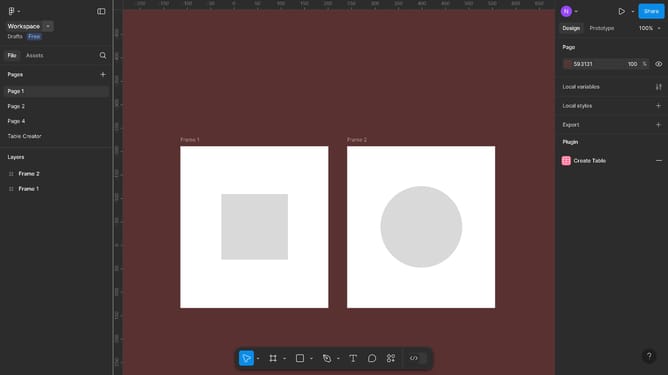
Here is how to make a gif in figma
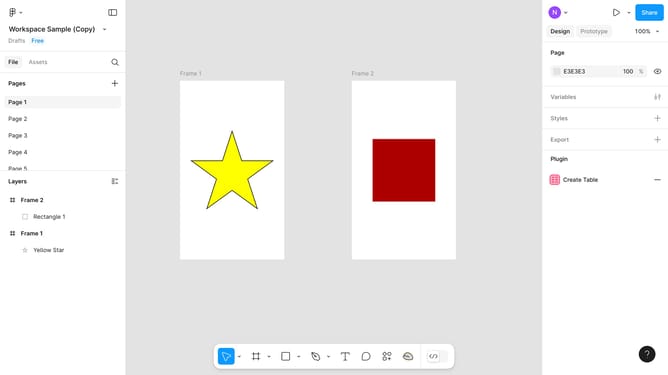
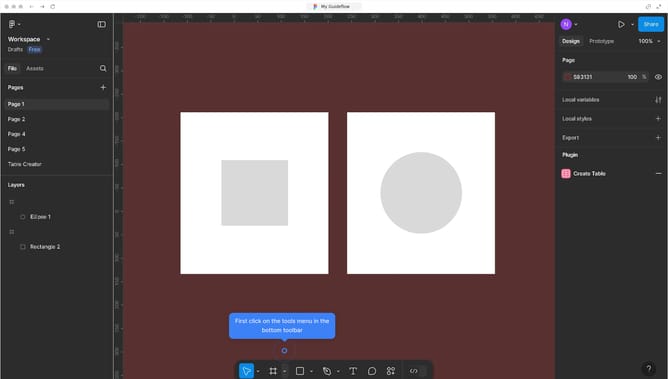
- First click on the area containing both frames in the canvas to select it
- Then click on the "Action" icon in the bottom toolbar
- Next click on "Animated Gif Maker" from the plugins menu
- Configure the settings in the "Animated Gif" Maker dialog
- Finally click the "Download Gif" button to save your animated GIF
Why should you make a GIF in Figma
Figma is a powerful collaborative design tool enabling teams to create and prototype interfaces seamlessly.
Making a GIF in Figma elevates your design presentations by adding dynamic elements, which captivate viewers' attention.
Creating GIFs allows designers to showcase transitions, interactions, and animations, making it easier to communicate ideas.
Using GIFs in your Figma projects can significantly enhance storytelling and improve the overall engagement of your designs.
Last update