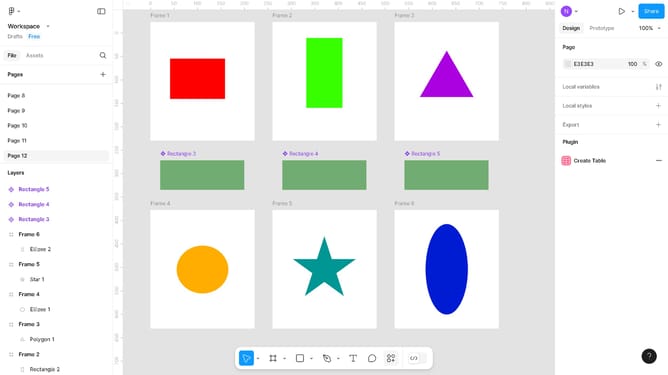
How to duplicate files in Figma
Here is how to duplicate files in figma
- First click on the project you want to duplicate in the main content area
- After that select the "Duplicate" option from the context menu to create a copy
Why should you How to duplicate files in Figma
Figma is an innovative design tool that brings collaborative creativity to life for designers everywhere.
When it comes to duplicating files in Figma, this feature empowers users to effortlessly replicate entire projects or specific elements with just a simple action.
This capability is essential for redesign iterations or branching off new ideas without disrupting the original file. It enhances efficiency and ensures consistency, fostering a seamless workflow for designers.
By enabling quick file duplication, Figma saves time and allows for greater innovation in design projects.
Last update