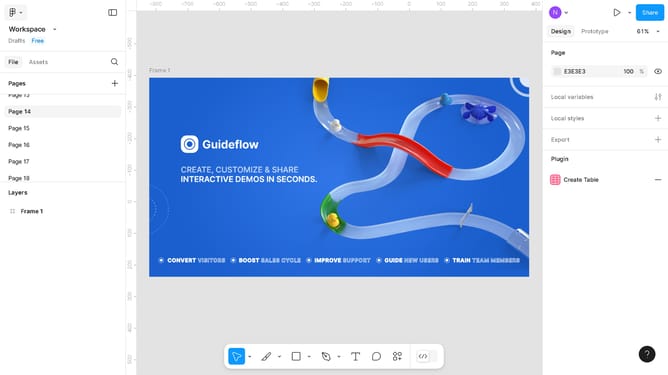
How to make a button in Figma
Here is how to make a button in figma
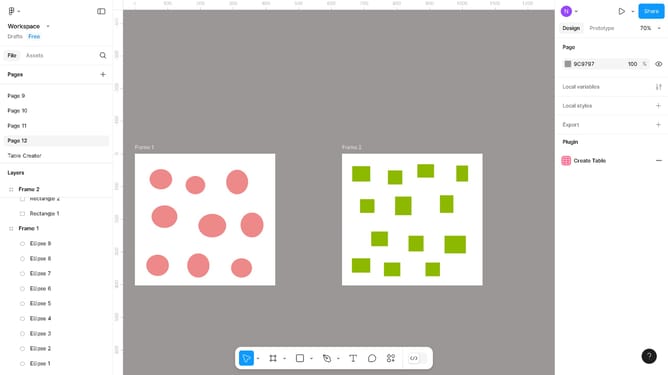
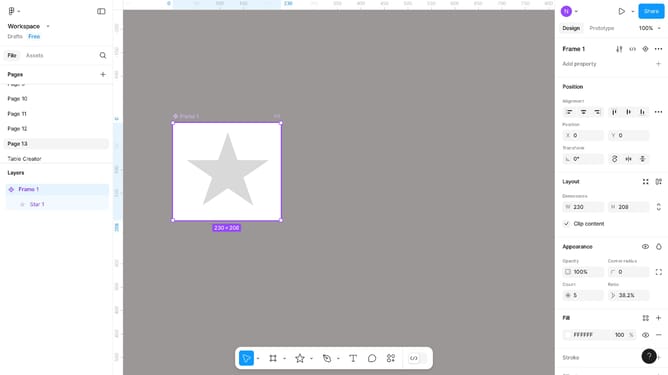
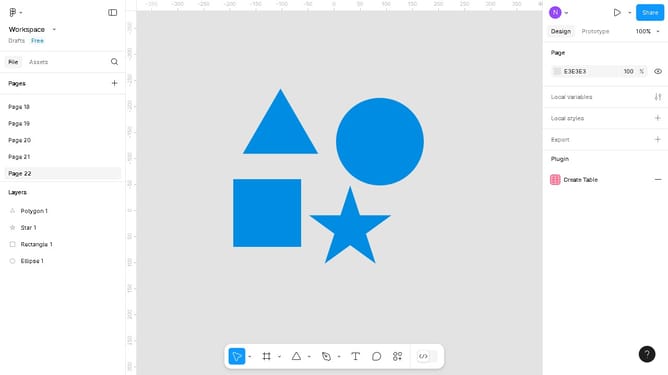
- First click on the circle icon in the toolbar at the bottom
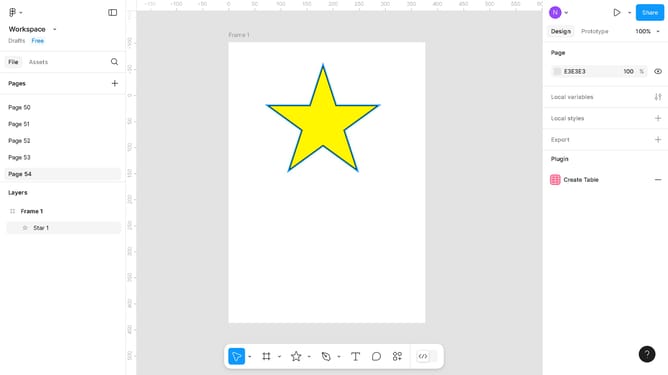
- Then configure your button on the "Design" menu in the right sidebar
- Next right-click on the button you created
- Click on "Create component" in the context menu
- Then click on "Prototype" tab in the top right corner
- Next click on the dropdown arrow in the "Action" options
- Next click on the "Navigate to" button in the dropdown menu
- Then click on the frame where you want the button to redirect you
- Next right-click on the image to show the action options
- Next click on "Copy" in the context menu
- Next right-click on the area you want to paste the button you copied
- Click the "Paste here" option in the action menu
- Click on the preview play button in the top right corner
- Finally click on the button in the preview tab to test your button
Why should you make a button in Figma
Figma is a versatile design tool that empowers creators to bring digital projects to life with collaborative ease.
Crafting a button in Figma is straightforward and efficient, allowing designers to focus on creativity rather than complex processes. By harnessing Figma's intuitive interface, users can seamlessly design buttons that enhance user interaction on web and mobile platforms.
Utilizing Figma for button creation ensures consistency and visual appeal, making it an essential asset for any design project looking to impress and engage users.
Last update