How to make a search bar design in Figma
Here is how to make a search bar design in figma
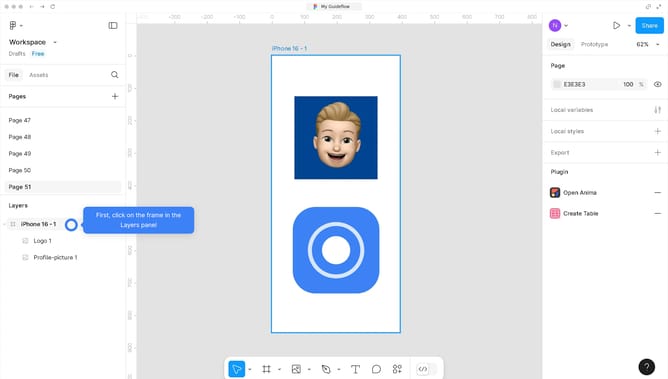
- First, click on a space in the canvas to create your search bar design
- Next, click on the image to select it
- Next, click on the "More action" icon and click the "Create component" button in the top toolbar
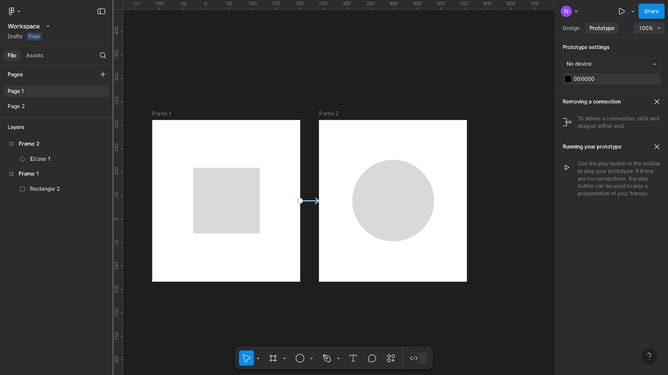
- Then click on the "Prototype" button in the top toolbar
- After that, click on the "Interaction" tab in the right sidebar
- Next, click on "Navigate to" from the action dropdown menu
- Next, click on the "Destination" field from the action dropdown menu
- Then click on the destination where you want your search bar to redirect you to
- After that, click on the "Present" icon from the top right corner
- Finally, click the button to test your interactive search bar
Why should you make a search bar design in Figma
Figma is a collaborative design platform that empowers teams to create stunning user interfaces with ease and precision.
Designing a search bar in Figma unlocks a world of creative possibilities, allowing designers to craft a visually appealing and functional user interface element.
Its intuitive features enable easy customization, ensuring that the design fits seamlessly into any project.
Utilizing Figma for designing elements like a search bar enhances collaboration and streamlines the design process, resulting in a cohesive and professional user experience.
Last update