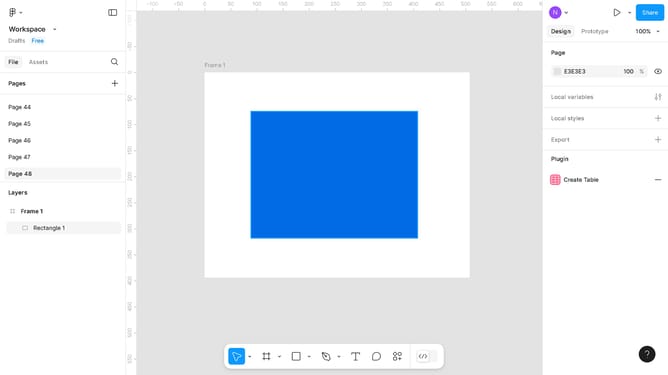
How to underline the text in Figma
Here is how to underline the text in figma
- First, click on the text element in the canvas area
- Then click on the "Settings" button in the right sidebar
- Finally, click on the "Underline" option in the Basics panel that appears
Why should you underline the text in Figma
Figma is a collaborative design platform that empowers teams to create stunning user interfaces and experiences seamlessly.
One of Figma's valuable text formatting features is the ability to underline text, which enhances readability and draws attention to key elements in your design. This feature is particularly beneficial in communicating emphasis, ensuring that important text stands out and captures the user's eye.
Using underlining thoughtfully can significantly improve communication within your designs by clearly highlighting crucial information and guiding users through the interface effortlessly.
Last update