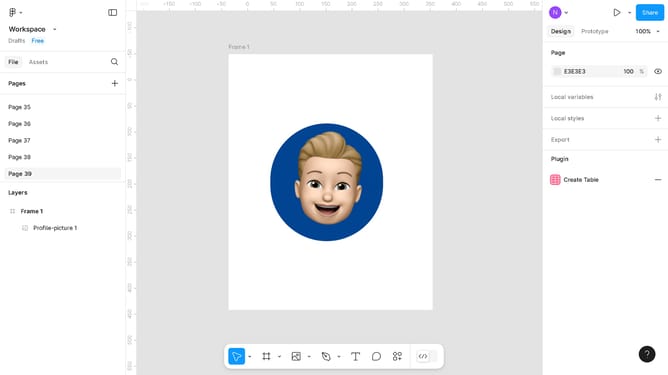
How to create rounded corners in Figma
Here is how to create rounded corners in figma
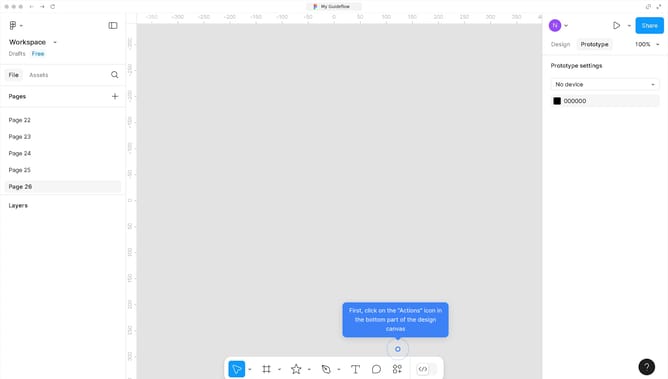
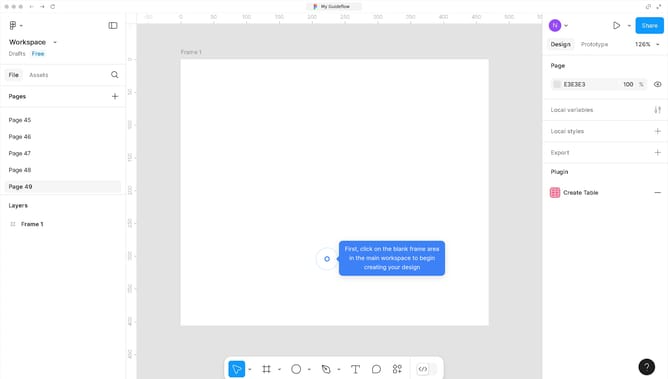
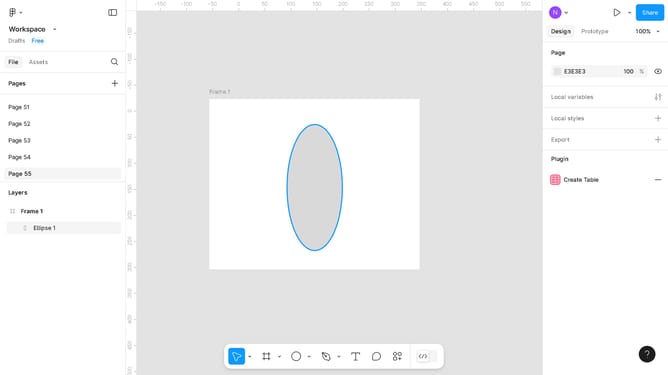
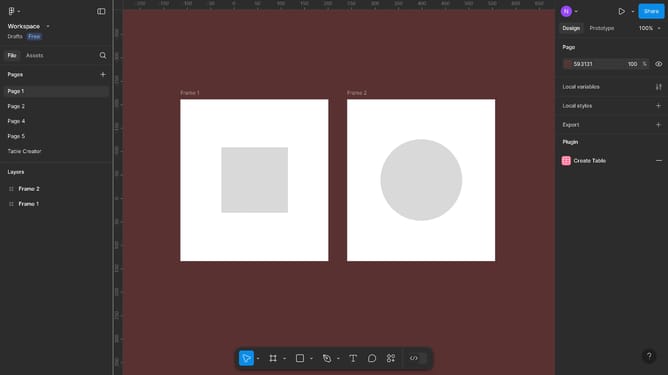
- First, click on the rectangle object in the center of the canvas to select it
- Then configure the "Corner radius" option in the right sidebar properties panel
- Finally, click on the open canvas area to save your changes
Why should you create rounded corners in Figma
Figma is a collaborative interface design tool that empowers creators to transform ideas into interactive, visual realities.
Creating rounded corners in Figma is a simple feature that enhances the aesthetic appeal of your designs. This feature allows designers to adjust the radius of corners on shapes and elements effortlessly.
Rounded corners contribute significantly to modern, clean, and user-friendly designs. They offer a softer, more approachable look, which can improve user engagement and experience.
Overall, utilizing rounded corners in your Figma projects can elevate your design execution, ensuring consistency and elegance in interfaces.
Last update