How to rotate objects in Figma
Here is how to rotate objects in figma
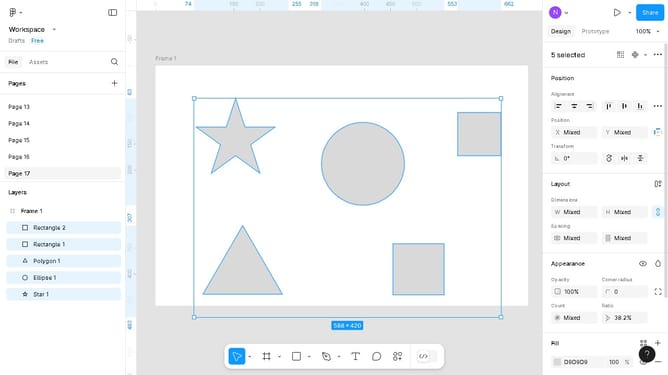
- First, click on the shape on the canvas to select it
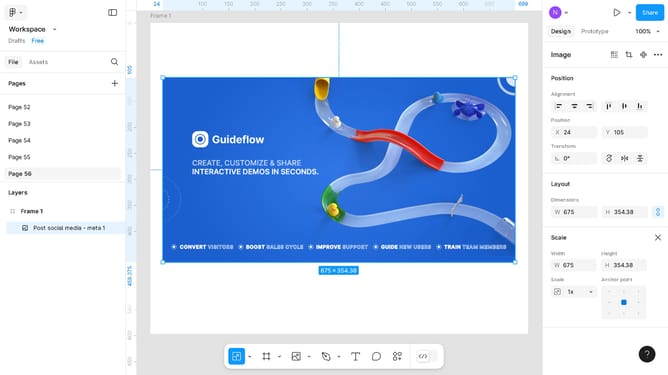
- After that, configure the settings on the "Transform" section in the right sidebar
Why should you rotate objects in Figma
Figma is a versatile design tool that empowers teams to create, collaborate, and bring ideas to life in a digital canvas.
A key feature of Figma is the ability to rotate objects with precision and ease. This feature allows designers to manipulate shapes, icons, and assets, enhancing creativity and design flexibility.
By rotating objects, designers can achieve dynamic and visually appealing compositions. This capability not only enhances the visual interest of the design but also aids in creating a more intuitive user interface.
Ultimately, the ability to rotate objects in Figma streamlines the design process, allowing for more innovative and effective design solutions.
Last update