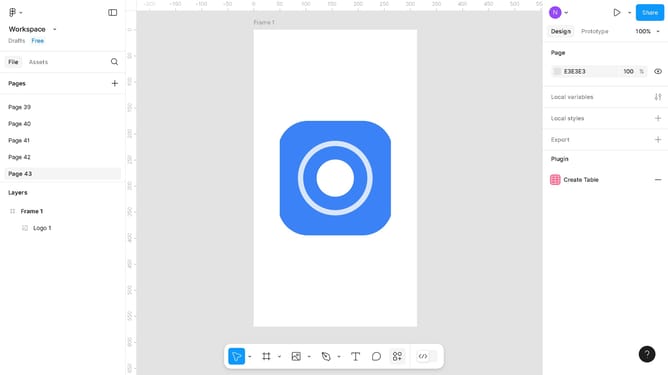
How to type on a vector path in Figma?
Here is how to type on a vector path in figma
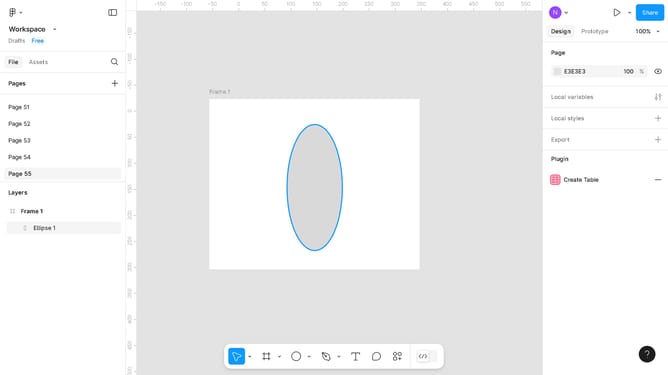
- First, click on the text and vector element in the canvas area
- Then click on the plugin toolbar icons at the bottom of the screen
- Then click on the "Plugin & widget" icon in the settings menu
- Next, click on the "To Path" option in the search dropdown menu
- Finally configure the "To Path" settings tab that appears and click "Link" once done
Why should you type on a vector path in Figma?
Figma is an innovative design tool that facilitates real-time collaboration for designers worldwide.
One powerful feature in Figma is the ability to type on a vector path. This allows text to follow the contours of vector shapes for creative design solutions.
Using this feature adds dynamic visual interest and enhances the storytelling aspect of your designs without disrupting the design flow.
It offers designers the flexibility to experiment with typography in engaging and impactful ways, elevating design projects seamlessly.
Last update