How to download a Figma file
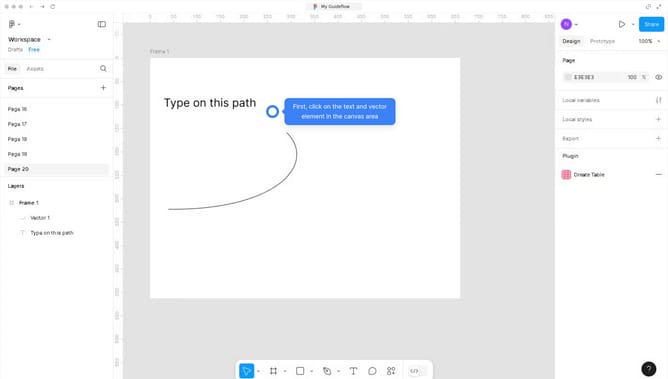
Here is how to download a figma file
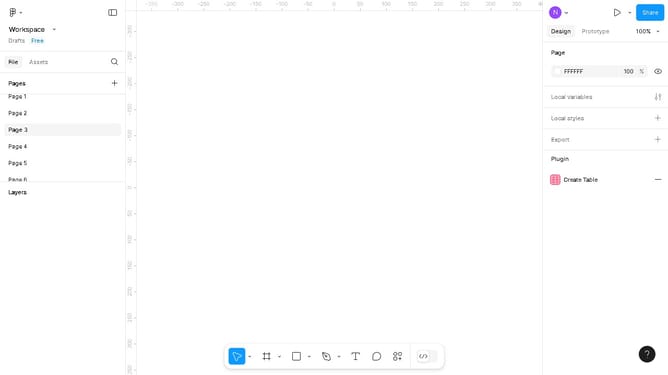
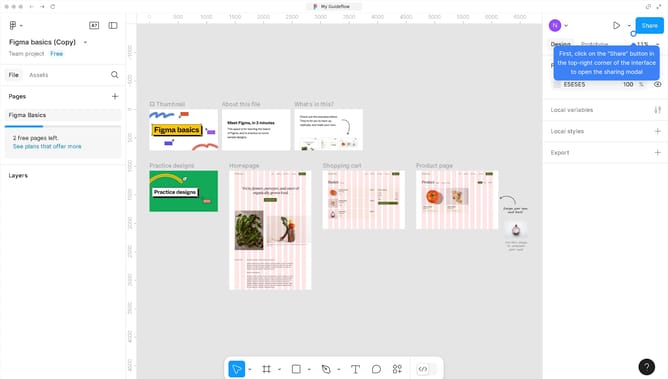
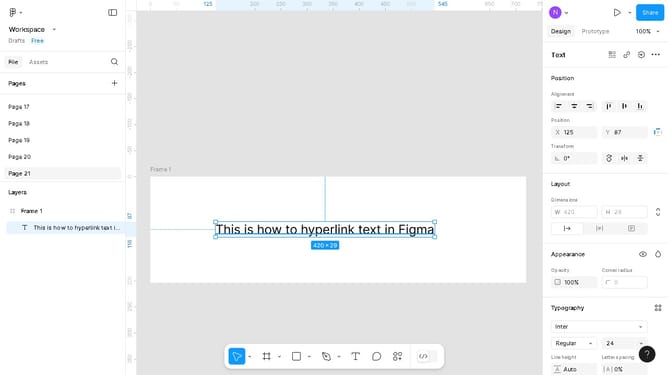
- First, click on the "Workspace" dropdown in the top-left corner of the interface
- Then click on the "File" menu item in the left sidebar
- Finally, click on the "Save local copy" option in the dropdown menu
Why should you download a Figma file
Figma is a powerful online tool for collaborative interface design, offering an environment for teams to create, prototype, and share with ease.
Downloading a Figma file enables offline access, helping you view or share your design concepts even without an internet connection, sustaining productivity anywhere.
This feature supports file sharing among stakeholders, facilitating smoother review processes. It retains the design's fidelity while ensuring ease of distribution. So, each stakeholder stays in the loop, enhancing team collaboration and feedback efficiency.
Last update