How to transfer the ownership of Figma files to another account?
Here is how to transfer the ownership of figma files to another account
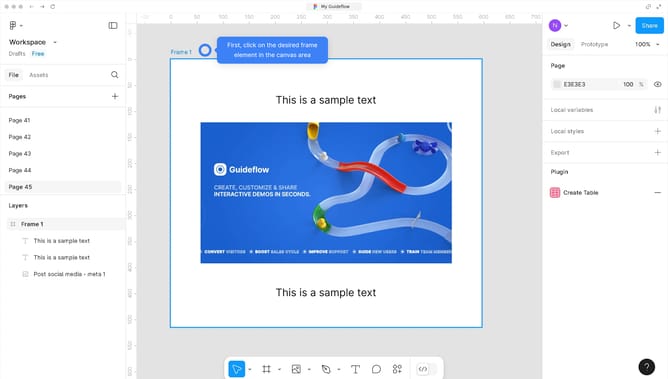
- First, click on the "Share" button in the top-right corner of the interface to open the sharing modal
- Then click on the permission dropdown next to the user in the sharing modal
- Next, select "owner" option from the permission dropdown menu
- Finally, click on the "Transfer ownership" button in the confirmation dialog box
Why should you transfer the ownership of Figma files to another account?
Figma is a powerful design tool that enables seamless collaboration for creative teams. Transferring the ownership of Figma files to another account offers significant flexibility and ensures smooth workflow continuity.
This feature is crucial for scenarios like team changes or when handing off projects to new owners. By changing file ownership, you provide the new owner with full administrative rights, enabling them to manage the file's accessibility and permissions efficiently.
This streamlines project organization, reduces administrative bottlenecks, and facilitates a collaborative environment where transitions occur without disruption. Embrace the ease and efficiency of keeping your design projects flexible with Figma’s file ownership transfer feature.