How to curve the text in Figma
Here is how to curve the text in figma
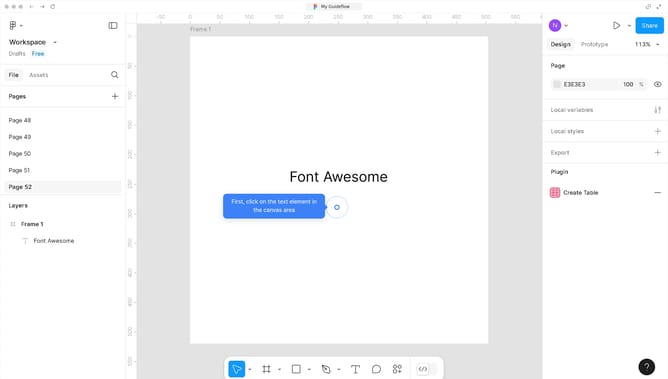
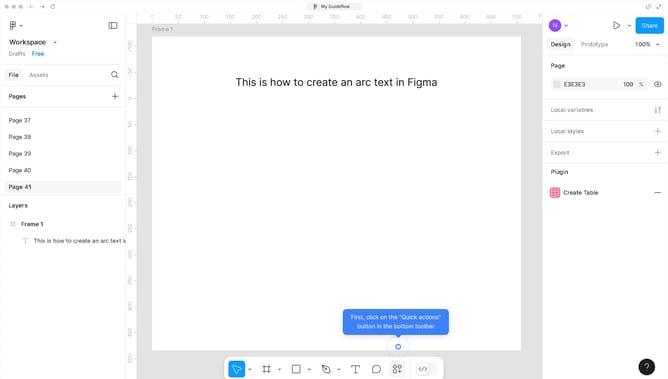
- First select the text element that says you want to edit in the canvas
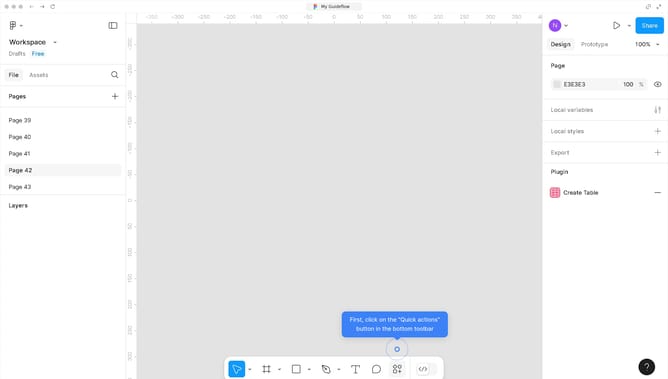
- Click on the "Actions" button in the bottom toolbar
- Click on the "Plugins & widgets" menu item in the main menu
- Select "ARC - Bend your type!" from the plugins submenu
- Finally configure the settings of your text in the plugin window and click "Apply"
Why should you curve the text in Figma
Figma is a versatile design tool created for collaborative interface development and creative exploration.
Curving text in Figma allows you to add dynamic and artistic flair to your design projects. By manipulating text paths, designers can achieve a range of expressive styles, enhancing the visual appeal.
This technique is particularly beneficial for creating logos, typographic artworks, and unique branding elements, ensuring your design stands out.
Incorporating curved text enriches user experience and engages the audience's attention effectively.
Last update