How to merge shapes in Figma to form a new object?
Here is how to merge shapes in figma to form a new object
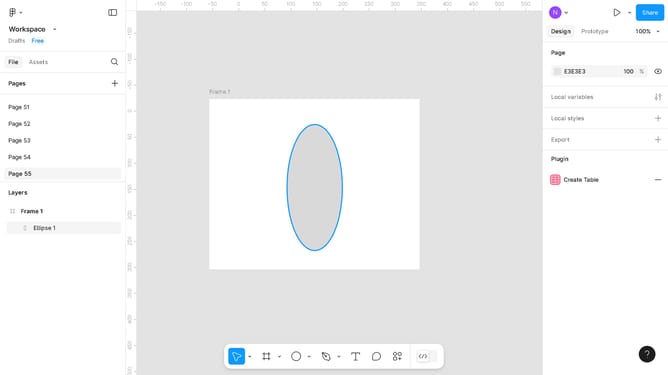
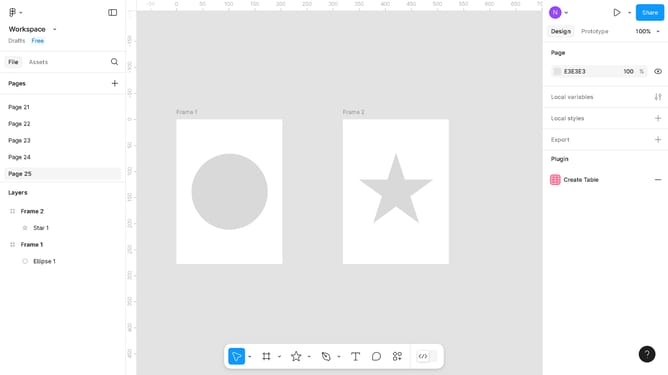
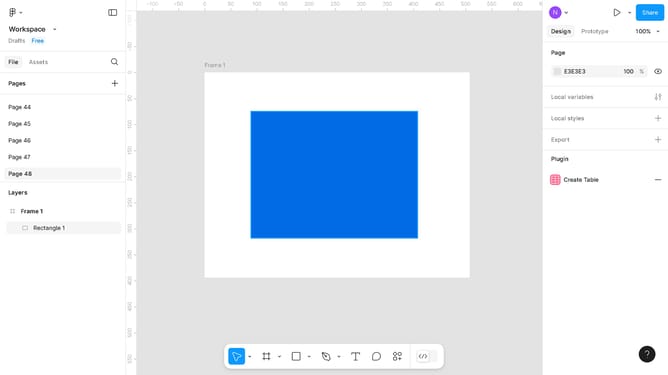
- First select the shapes in the left sidebar under Layers
- Then click the "More actions" button (three dots) in the top right corner of the screen
- Finally select the "Union selection" option from the dropdown menu to merge the images
Why should you merge shapes in Figma to form a new object?
Figma is a collaborative interface design tool that revolutionizes how teams create digital experiences.
Merging shapes in Figma to form a new object allows designers to unleash their creativity and streamline their design process. This feature enables the easy combination of different shapes and elements, morphing them into a single, cohesive design piece. Whether crafting intricate icons or complex UI components, this functionality enhances flexibility and efficiency.
By merging shapes, designers can maintain a clean workspace and apply global styles, reducing redundancy and ensuring consistency across projects. Embrace the ability to experiment freely without compromising design integrity.
Last update