How to add bullet points in Figma
Here is how to add bullet points in figma
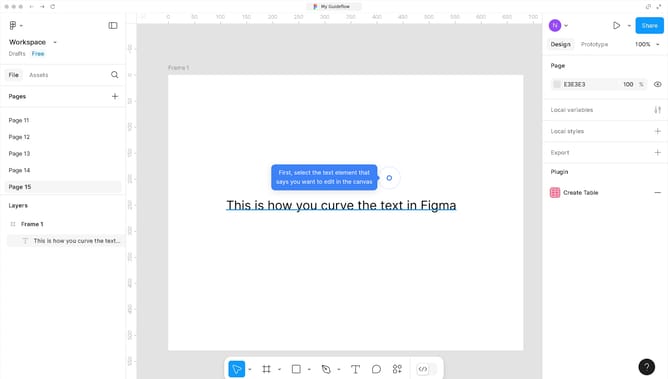
- First, click on the text items in the main canvas to select them
- Then click on the "Typography" settings button in the right sidebar
- Finally, click on the "List style" option in the Typography settings panel to adjust the bullet point format
Why should you add bullet points in Figma
Figma is a collaborative design tool that empowers teams to create visually stunning interfaces.
Adding bullet points in Figma enhances organization and readability within your design projects. This feature allows designers to delineate key ideas or tasks succinctly, supporting clearer communication.
Using bullet points aids in structuring content effectively, ensuring your layout is both appealing and informative. This is particularly beneficial in conveying complex information with ease.
Overall, bullet points in Figma offer a straightforward way to enrich your designs by fostering clarity and focus.
Last update