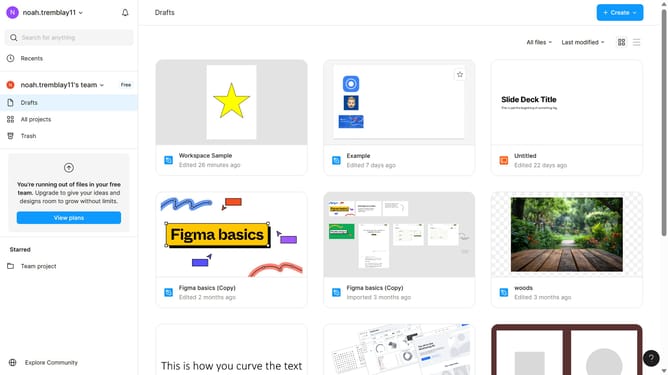
How to export images from Figma?
Here is how to export images from figma
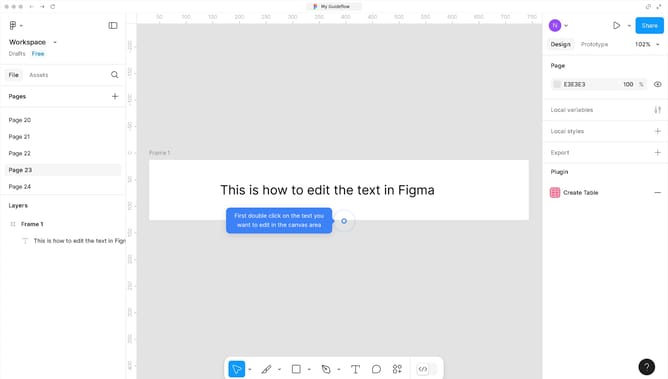
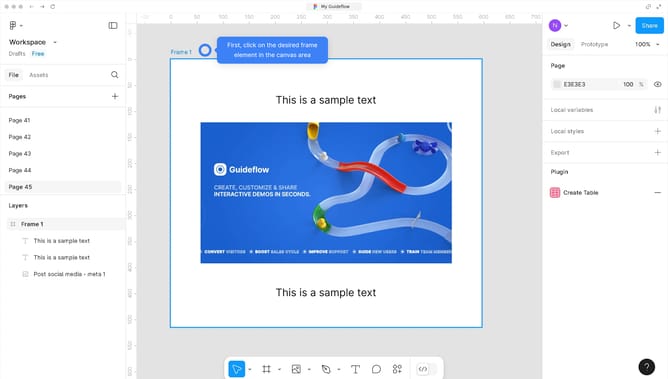
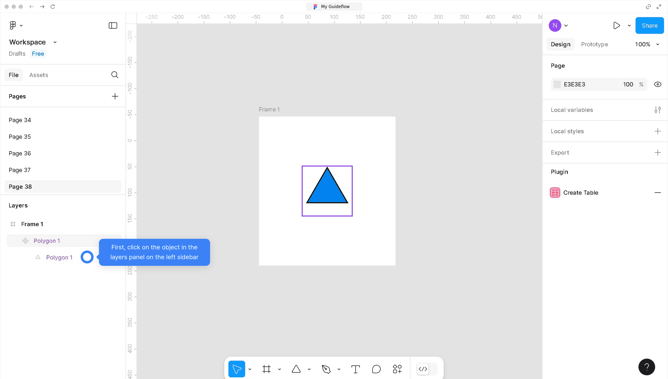
- First click on the image in the area to select it
- Then click on the "Main Menu" dropdown in the top-left corner of the interface
- Next click on the "File" menu in the main menu bar
- Then select "Export" option from the File dropdown menu
- Finally click the "Export" button in the export panel
Why should you export images from Figma?
Figma is an innovative design tool that enables collaboration and creativity in real-time.
Exporting images from Figma is a seamless process that enhances both productivity and flexibility. This feature allows designers to effortlessly share their work across different platforms without losing quality. It supports various formats, enabling you to choose the best one for your needs.
Using this feature, team members and stakeholders can easily access visually stunning assets, ensuring a more streamlined communication and feedback process. The ability to quickly export and distribute images means faster project turnarounds and more time to focus on creative tasks.
Last update