How to open a FIG file in Figma
Here is how to open a fig file in figma
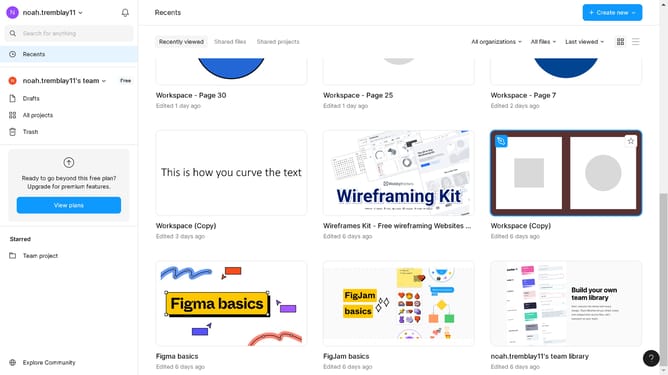
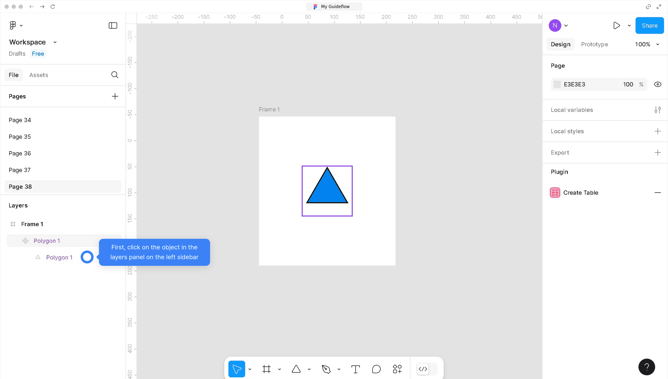
- First, click on the "Import" button in the top-right corner of the main interface
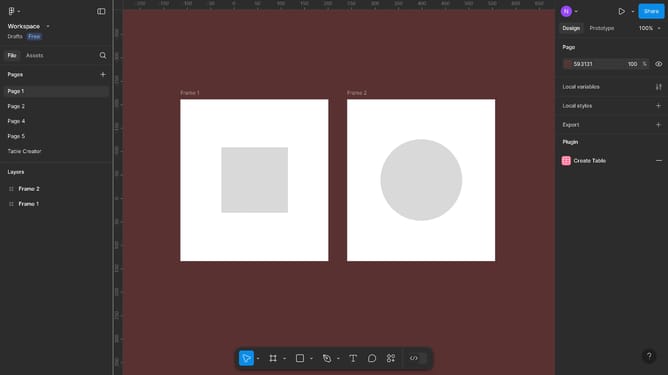
- Then click on the "Import from computer" button in the center of the import dialog window
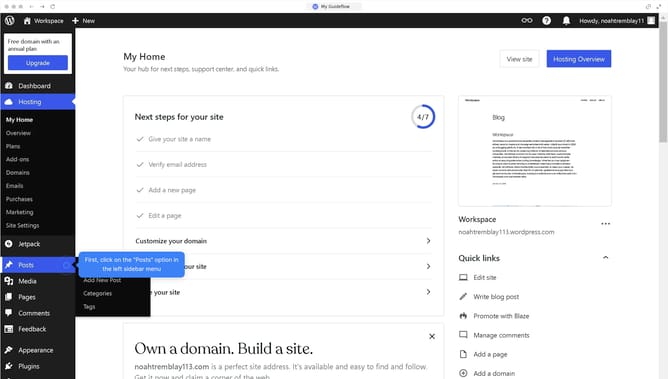
- Finally, click the "Done" button in the bottom-right corner of the import confirmation dialog
Why should you open a FIG file in Figma
Figma is a powerful cloud-based design tool that fosters seamless collaboration and creativity.
Opening a FIG file in Figma is straightforward, ensuring you have instant access to a rich design ecosystem. This capability allows you to tap into a dynamic workspace where you can view, edit, and share your designs effortlessly.
Utilizing the FIG file feature in Figma means enjoying the benefits of a centralized platform, which enhances team collaboration and streamlines your design workflow.
Ultimately, this feature amplifies productivity, allowing your creative ideas to flourish efficiently.
Last update