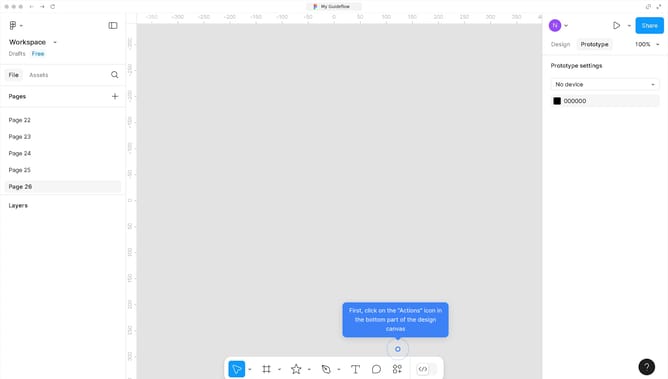
How to hide the frame name in Figma?
Here is how to hide the frame name in figma
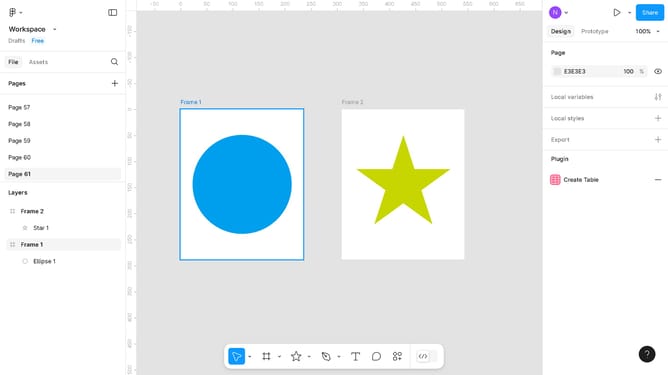
- First click on the "Actions" icon in the bottom toolbar
- Then click on "Hide Names" option from the menu
- Next click "Hide" button in the popup window
- Finally click on the "Frame 2" element in the canvas area
Why should you hide the frame name in Figma?
Figma is a collaborative design tool that streamlines the creative process for teams and individuals.
One of its subtle yet beneficial features is the ability to hide frame names during your design workflow. This feature offers a cleaner workspace by eliminating visual clutter, allowing designers to focus purely on their creative tasks without distractions.
In a busy design, hidden frame names help in minimizing chaos, making the workspace visually appealing. It's a small tweak with a substantial impact, enhancing both efficiency and aesthetics of your design environment.
Last update