How to convert characters into superscripts in Figma
Here is how to convert characters into superscripts in figma
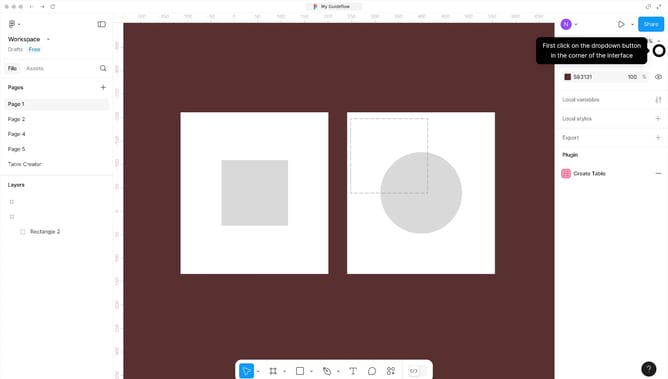
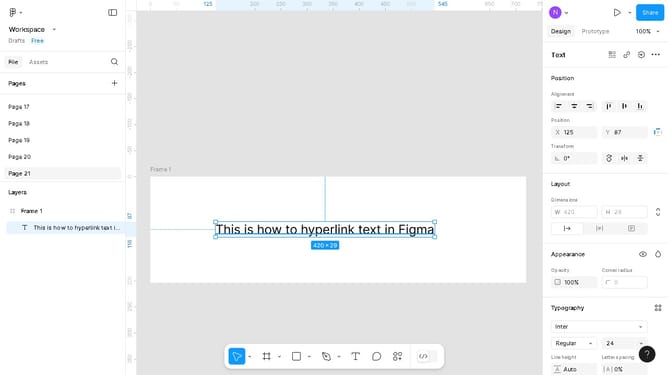
- First, double-click on the text element in the main canvas area
- Then click and drag to highlight the specific characters to superscript
- Next, click on the "Settings" icon in the right sidebar typography settings
- Finally, select the "superscript" style option from the Position section
Why should you convert characters into superscripts in Figma
Figma is an innovative design tool that empowers teams to create, collaborate, and refine their digital projects seamlessly.
Converting characters into superscripts in Figma is a valuable feature for designers aiming to include mathematical notations or scientific formulas within their projects. By utilizing this feature, users can maintain the visual clarity and professionalism of their work.
Employing superscripts enhances the presentation of technical information without compromising on readability or design aesthetics, thus supporting a more polished and coherent communication.
Last update