How to italicize text in Figma
Here is how to italicize text in figma
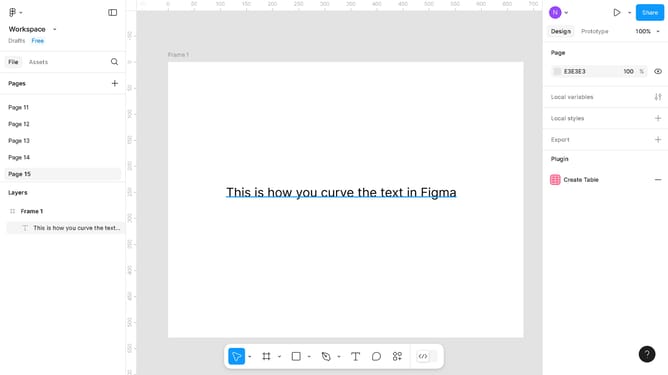
- First, click on the text in the canvas area
- Then click on the dropdown icon beside "Regular" in the "Typography" section in the right sidebar
- Finally, click on the font style dropdown and select "Italic" from the options
Why should you italicize text in Figma
Figma is an innovative design tool that fosters seamless collaboration and creativity in digital design projects.
To add emphasis to your text in Figma, you can italicize it with just a few clicks. This feature allows designers to highlight important words or phrases within their projects, subtly conveying meaning and context.
Using italics can enhance readability and ensure that key points stand out without overwhelming the design. As part of Figma's intuitive features, italicizing text contributes to creating balanced and appealing compositions with ease.
Last update