How to make a carousel in Figma?
Here is how to make a carousel in figma
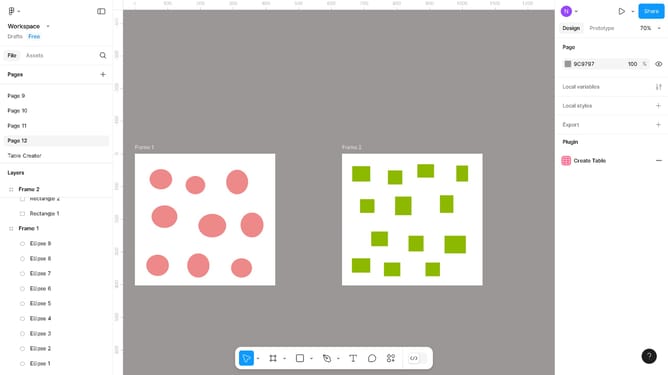
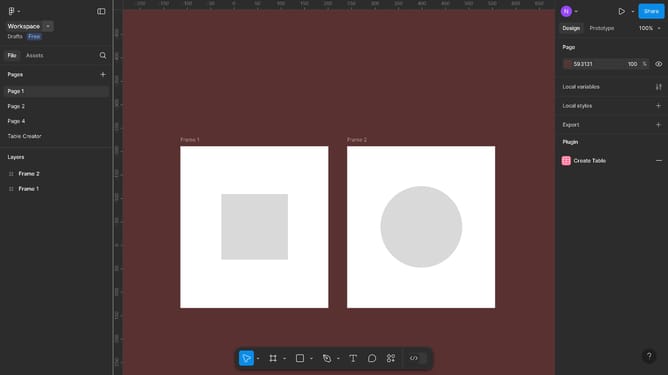
- First, select the images in the canvas area and insert them into the frame
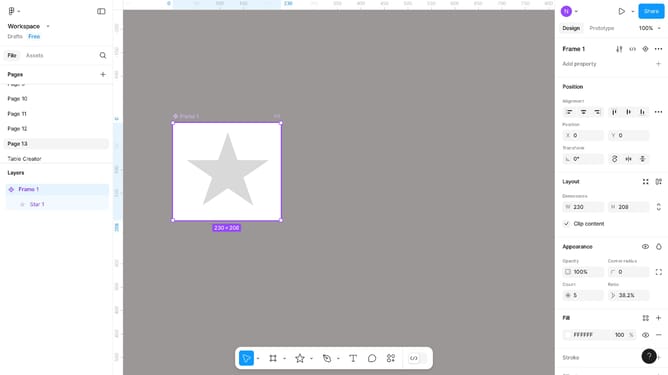
- Then click on the "Frame 1" item in the left sidebar Layers panel
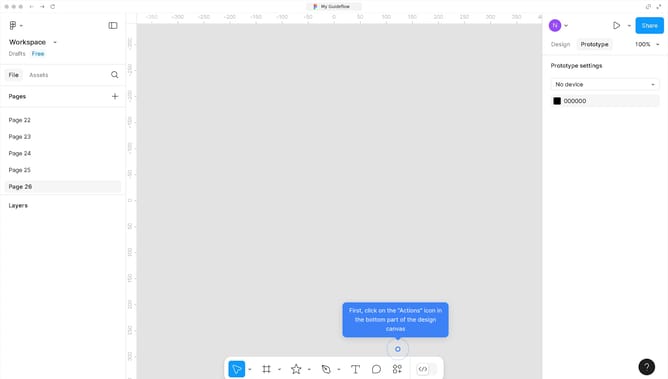
- Next, click on the "Prototype" tab in the top right corner
- Then click on the dropdown in the right sidebar under Scroll behavior
- Next select the "Horizontal" option from the scrolling dropdown menu
- Then click on the "Preview" button in the top right corner
- Finally, click and drag the images in the frame to test horizontal scrolling
Why should you make a carousel in Figma?
Figma is a dynamic tool designed for collaborative interface design and prototyping.
Creating a carousel in Figma allows you to showcase multiple visuals or messages in a compact space, enhancing user interaction. Using Figma, designers can seamlessly organize and present content through engaging sliders.
The interactive nature of carousels helps in delivering complex ideas simply and aesthetically. Leveraging Figma's powerful design capabilities, users gain the advantage of a fluid and adaptable design process, maximally enhancing user experience and engagement.
Last update