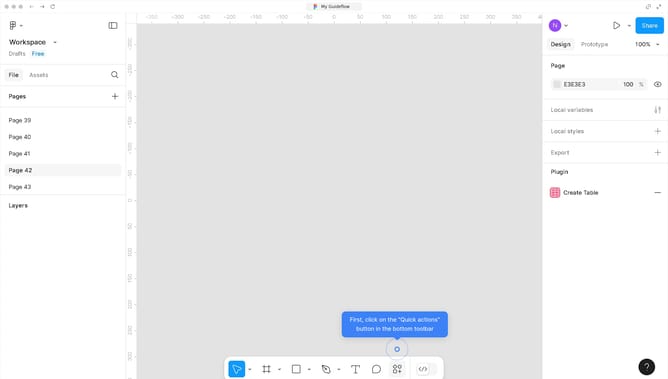
How to create an arc text in Figma?
Here is how to create an arc text in figma
- First, click on the "Quick actions" button in the bottom toolbar
- Then select "Arc Bend Pro - Bend Text & Image & Shape" from the plugins menu
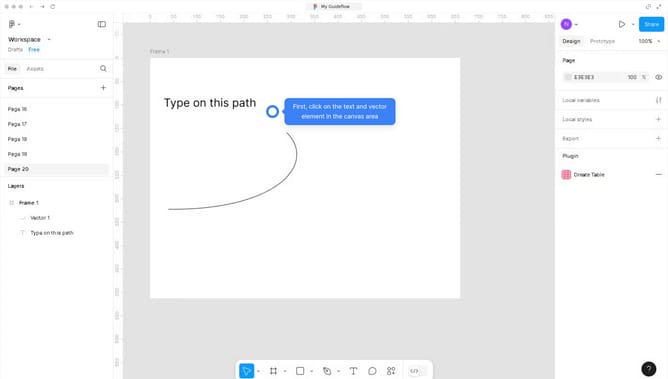
- Next, click on the text element in the canvas to modify it into an arc
- Finally click the "Create" button in the Arc Bend Pro plugin panel
Why should you create an arc text in Figma?
Figma is a dynamic design tool tailored for collaborative interface creation. Creating arc text within Figma empowers designers to add artistic flair and visual interest to their projects. It gives designers the flexibility to curve text effortlessly, emphasizing elements like logos and banners. This feature enhances creative expression and elevates design presentation, adding layers of depth and personalization. Leveraging arc text in Figma can make layouts more engaging and retains user attention by breaking away from linear text confines.
Last update