How to make a grid in Figma?
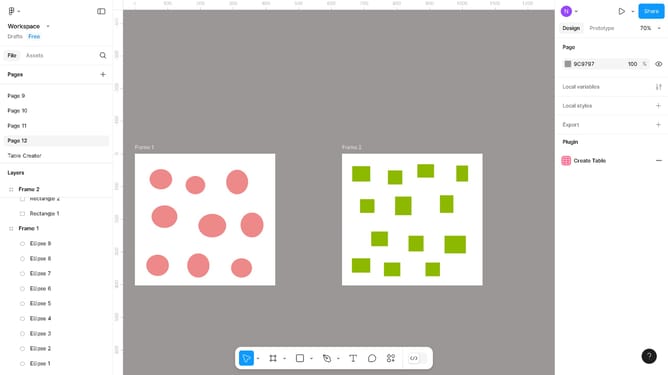
Here is how to make a grid in figma
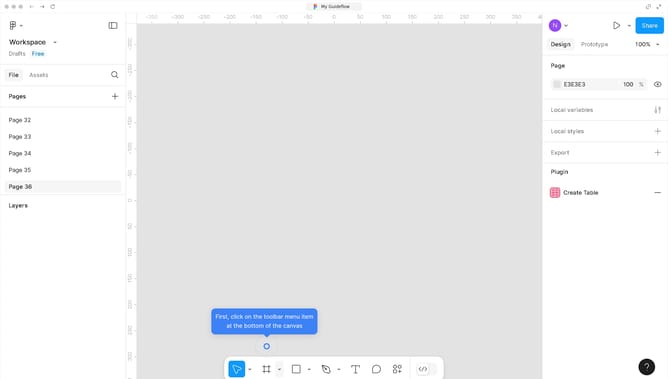
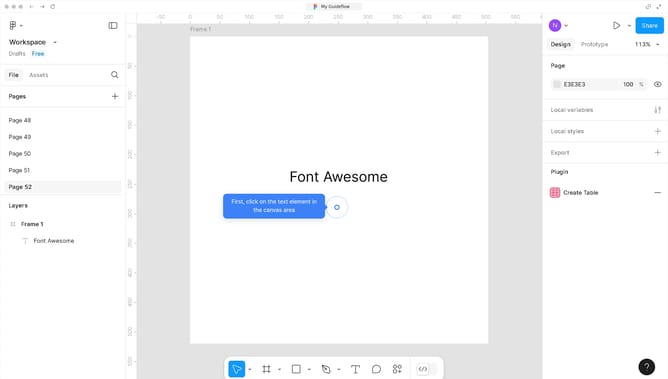
- First click on the canvas area in the center of the frame
- Then click on the "Layout grid" section in the right sidebar
- Next click on the grid icon button in the Layout grid panel
- Then click on the "Size" field in the grid settings
- Finally click on the canvas area to save your grid
Why should you make a grid in Figma?
Figma is an innovative web-based design tool that facilitates seamless collaboration and design creation.
Creating a grid in Figma enhances design precision and consistency. It provides a foundational structure that assists in aligning design elements, promoting clean aesthetics in user interfaces.
Utilizing grids helps streamline the design process, improving efficiency and ensuring design symmetry. Embracing this feature elevates the overall quality of projects, benefiting designers and end users alike.
Last update