How to link pages in Figma
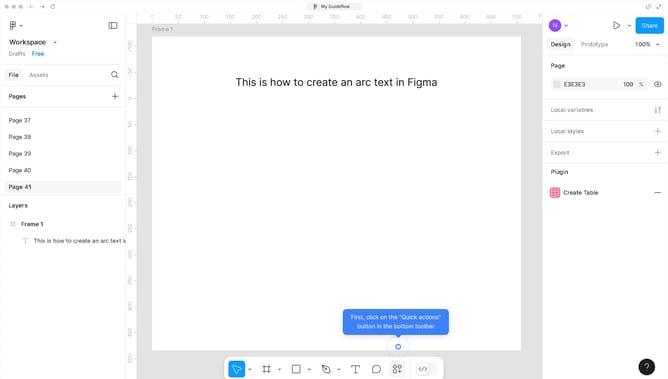
Here is how to link pages in figma
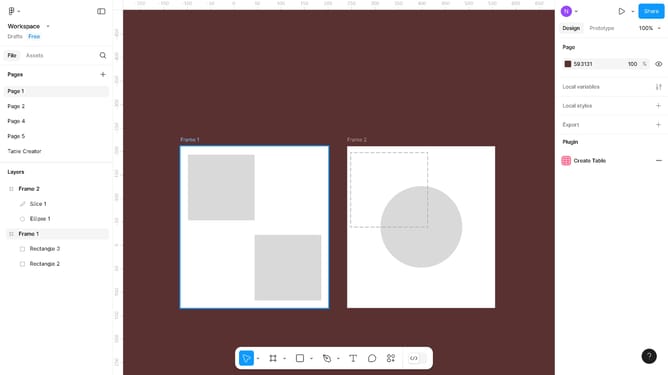
- First, right-click on the page you want to link from the left sidebar navigation
- Then click on "Copy link to page" from the context menu
- Next click on the text you want to insert your link in the main canvas
- Then click on the "Link" button in the right sidebar properties panel
- After that, click on the input field and paste the link to your selected page
- Finally, click on the open canvas to complete the link creation
Why should you link pages in Figma
Figma is a collaborative design tool that allows teams to create and refine digital projects together seamlessly.
Linking pages in Figma is an intuitive feature that enhances navigation within your design project. This feature enables designers to create interactive prototypes by connecting different frames or pages, allowing users to experience a project’s flow as if it were a live website or app.
Utilizing this feature is vital for presenting cohesive design concepts, facilitating smoother client reviews, and iterating design ideas efficiently. It plays a crucial role in improving collaboration, understanding, and communication across multidisciplinary teams.
Last update