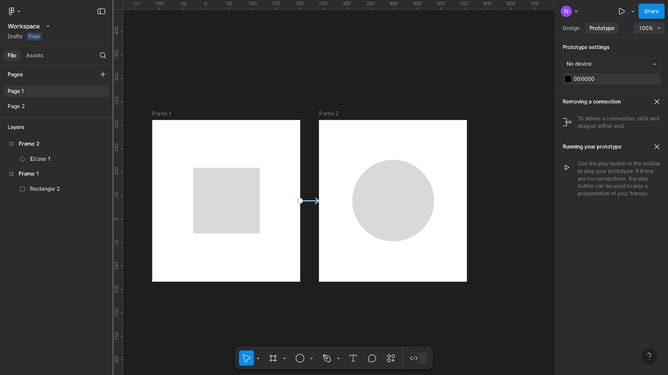
How to make the Figma prototype responsive
Here is how to make the figma prototype responsive
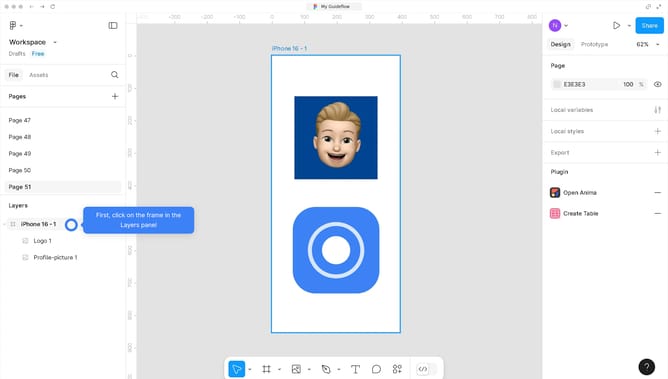
- First, click on the object you want to use as your prototype
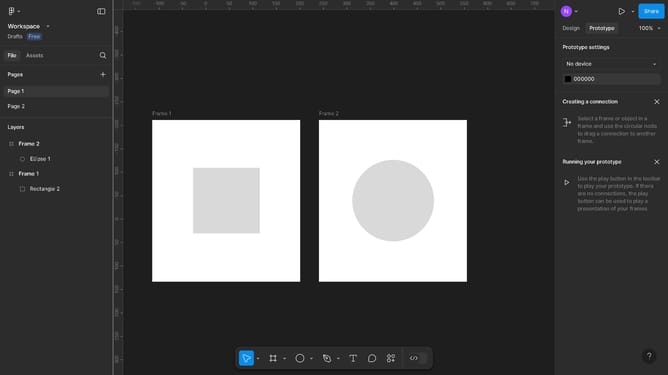
- Then click on the "Prototype" button in the top toolbar
- Next, click on the Action dropdown menu of the Interaction panel
- Then select "Navigate to" from the Action dropdown menu
- Click on the "Destination" dropdown option of the Interaction panel
- Select the frame you want it to redirect you to from the "Destination" dropdown menu
- Finally click on the "Preview" button in the top toolbar
Why should you make the Figma prototype responsive
Figma is a powerful design tool that enables seamless collaboration and creation of interactive prototypes.
Making a Figma prototype responsive is essential for ensuring it looks great on various devices. This feature allows designers to simulate real-world scenarios, adapting to screen sizes automatically.
Responsive prototypes in Figma enhance user experience and make the design process efficient, saving time and effort.
Using this feature leads to effective communication among stakeholders, offering a clear vision of the final product.
Last update