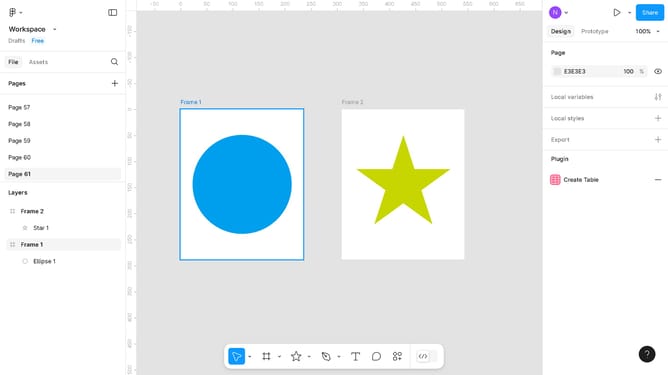
How to merge layers in Figma
Here is how to merge layers in figma
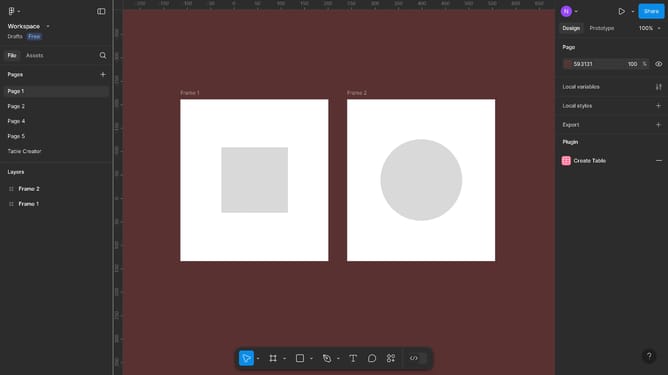
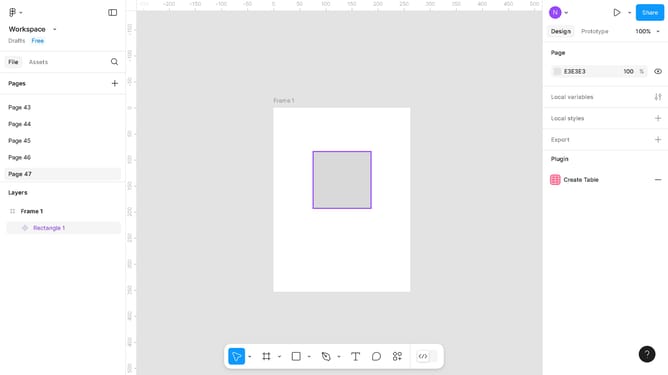
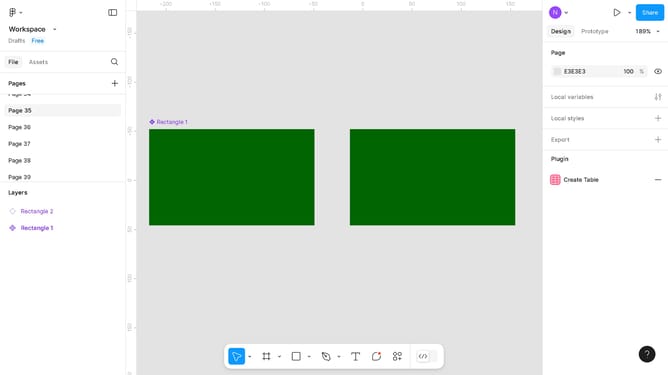
- First, select the objects in the Layers panel on the left sidebar menu
- Then right-click on the selected group of images to access quick options
- Finally, click on the "Flatten" option in the context menu that appears
Why should you merge layers in Figma
Figma is a leading collaborative design tool that transforms ideas into interactive mockups effortlessly.
Merging layers in Figma is a feature that streamlines your workflow by consolidating multiple layers into one cohesive piece. This is particularly beneficial in reducing clutter and simplifying the editing process. By merging, you enhance the overall organization of your design, making future edits more intuitive and efficient.
Furthermore, merging layers aids in maintaining a cleaner workspace, allowing designers to focus on creativity rather than overwhelming details. Integrating this feature into your design routine not only boosts productivity but also promotes collaborative harmony within teams.
Last update