How to scale objects in Figma
Here is how to scale objects in figma
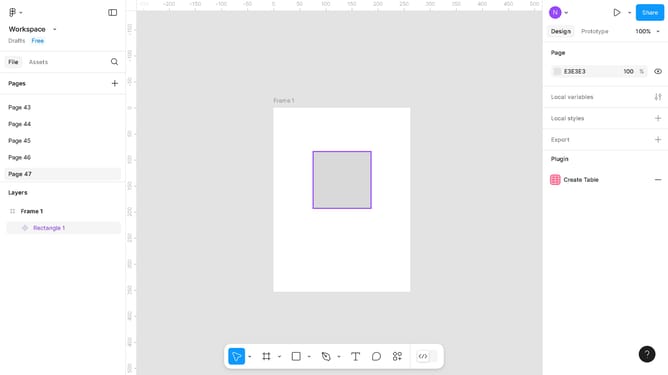
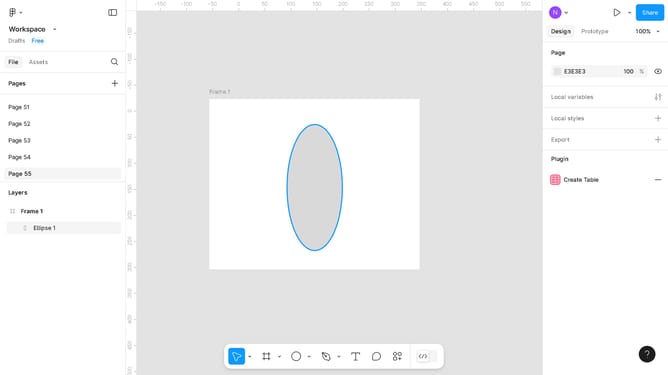
- First, select the object in the canvas area you want to edit
- Click on the bottom toolbar to activate the editing tools
- Select the "Scale" option from the toolbar menu
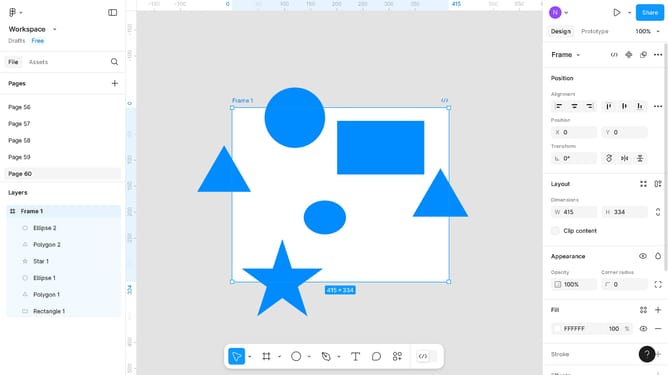
- Next, configure the "Scale" menu in the right sidebar properties panel
- Finally, click on the open canvas to apply your changes
Why should you scale objects in Figma
Figma is an innovative design tool that empowers designers to collaborate seamlessly in creating digital products.
Scaling objects in Figma is intuitive and highly efficient, allowing designers to adjust their designs while preserving proportions effortlessly. It provides flexibility, enabling adjustments to fit various screen sizes and resolutions while maintaining aesthetic consistency.
Utilizing scaling features in Figma enhances workflow efficiency, making the design process smoother and more adaptable to changing project requirements.
Last update