How to create a design system in Figma?
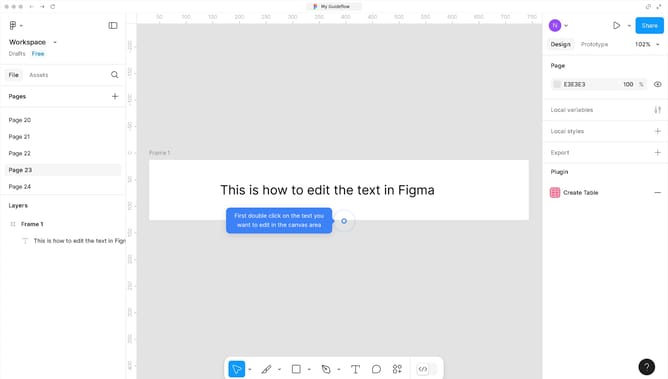
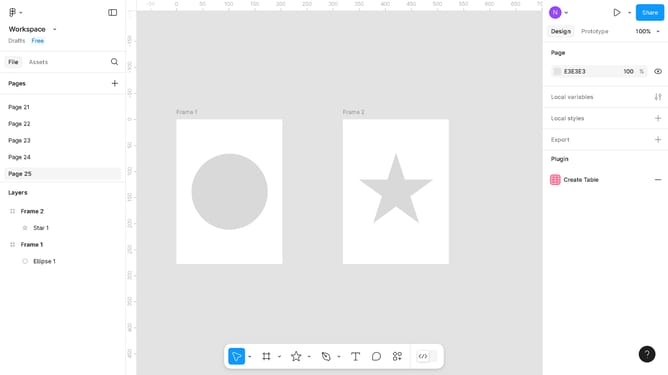
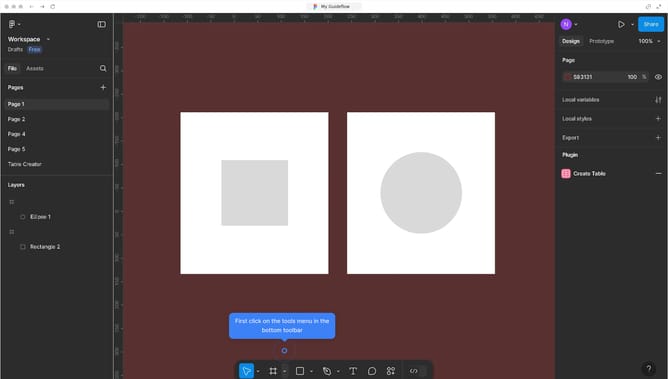
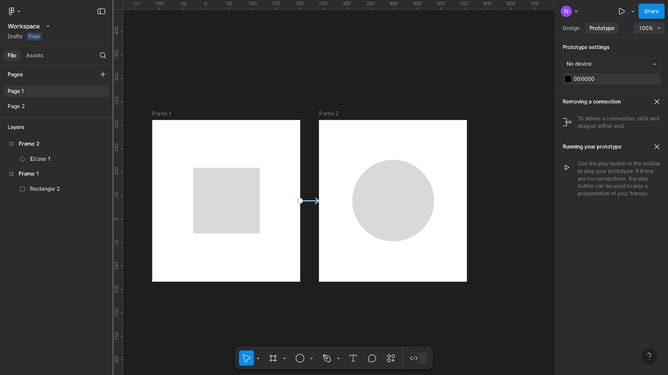
Here is how to create a design system in figma
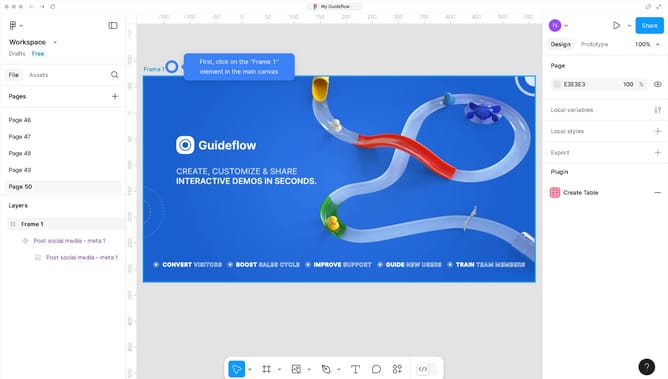
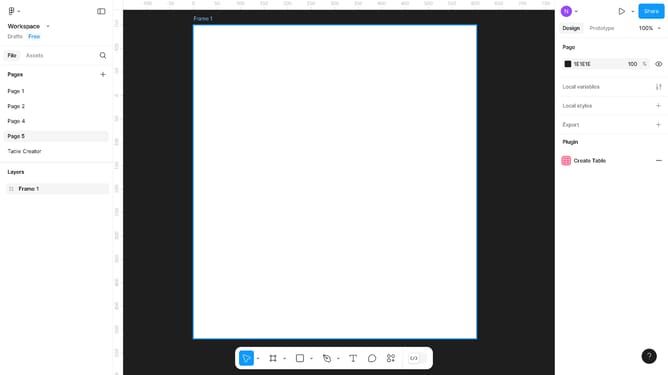
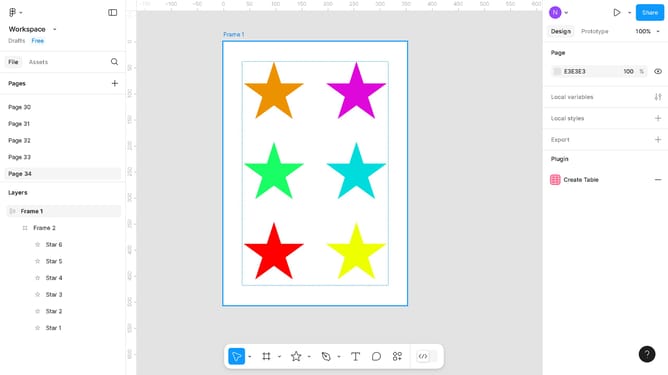
- First click on the blank frame area in the main workspace to begin creating your design
- Next, click on the "Share" button located in the top-right corner of the header
- Finally, click on the "Copy link" button in the sharing dialog box to share with collaborators
Why should you create a design system in Figma?
Figma is a cutting-edge design tool that empowers teams to create collaboratively and efficiently. Creating a design system in Figma centralizes all design assets, ensuring consistency and cohesion across projects. With features like shared styles, components, and libraries, Figma simplifies the process of maintaining a unified brand voice.
By adopting a design system in Figma, teams can work smarter, reduce duplication, and achieve seamless scalability. This approach enhances productivity by streamlining the design workflow and enabling real-time collaboration. Elevate your projects with structured yet flexible design systems that adapt to the evolving needs of creative endeavors.
Last update