How to draw objects in Figma?
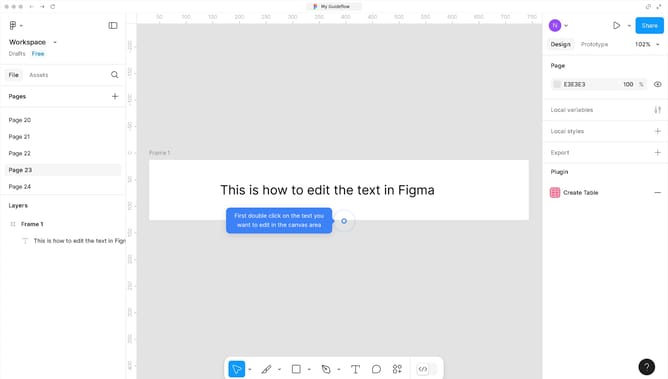
Here is how to draw objects in figma
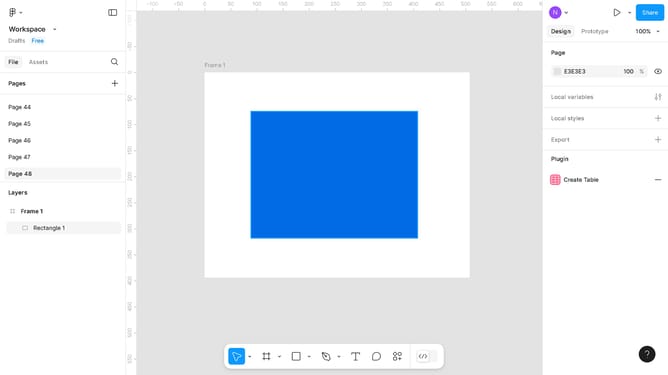
- First click in the area of the frame to start drawing
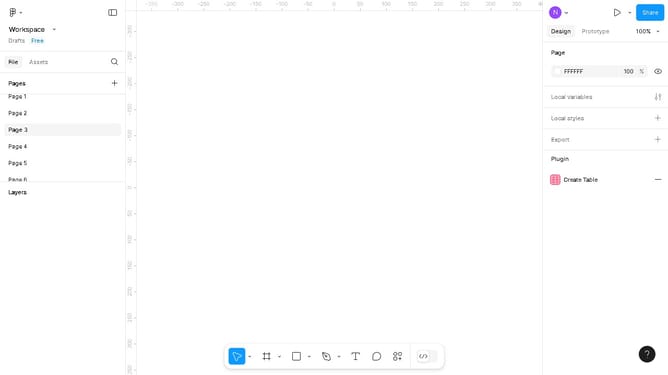
- Then click on the toolbar at the bottom of the screen to access drawing tools
- Next click on the "Pencil" option in the pen tools dropdown menu
- Finally click on the open canvas to save your drawing
Why should you draw objects in Figma?
Figma, a revolutionary design tool, empowers teams to create and collaborate seamlessly in real time.
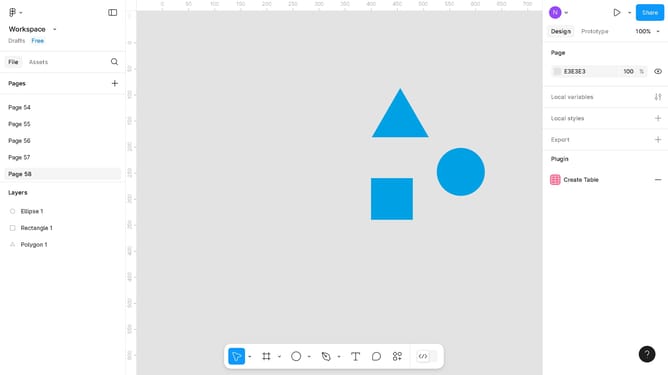
Drawing objects in Figma is intuitive and flexible, allowing designers to transform ideas into visual brilliance with ease. Its vector-based features ensure precision and scalability, making it ideal for UI/UX design and illustration alike.
Using Figma’s drawing tools enhances creativity, as it encourages experimentation with shapes, patterns, and colors directly within the platform. The collaborative nature allows instant feedback, fostering a more integrated and productive design workflow.
Last update