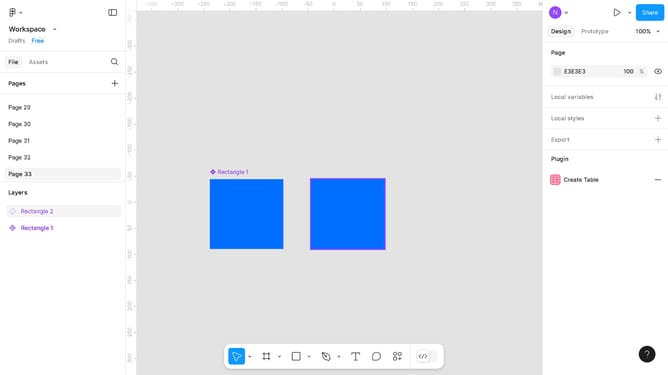
How to blur layers in Figma?
Here is how to blur layers in figma
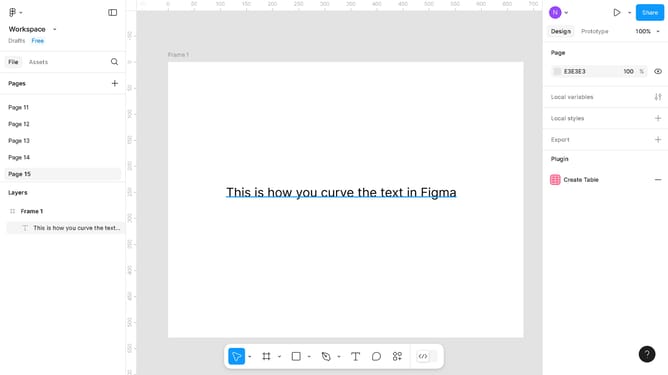
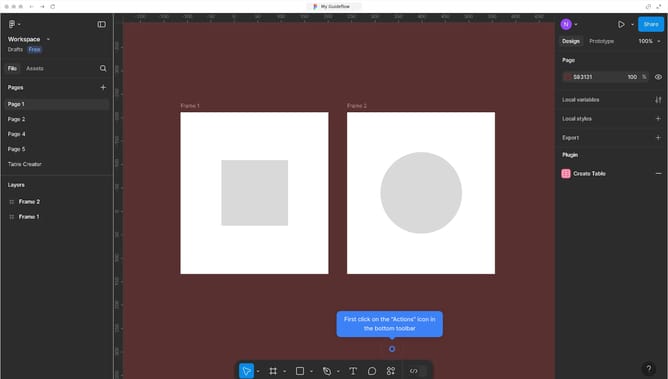
- First click on "Frame 1" in the Layers panel on the left side
- Then click on "Effects" in the right properties panel
- Next click on the dropdown menu
- Then select "Layer blur" from the effects options
- Click on the Layer blur settings icon in the Effects panel
- Finally adjust the blur value to "10" by clicking and dragging the blur slider
Why should you blur layers in Figma?
Figma is a leading design tool crafted for collaborative digital interface creation.
Blurring layers in Figma is a feature that enhances the depth and focus of your design elements. It allows designers to seamlessly incorporate soft transitions and highlight specific areas of interest.
This not only adds a sleek, modern touch, but also ensures that the user’s attention is gently guided towards the key aspects of a design. By using this feature, designs become more dynamic and visually appealing, fostering an engaging user experience.
Last update