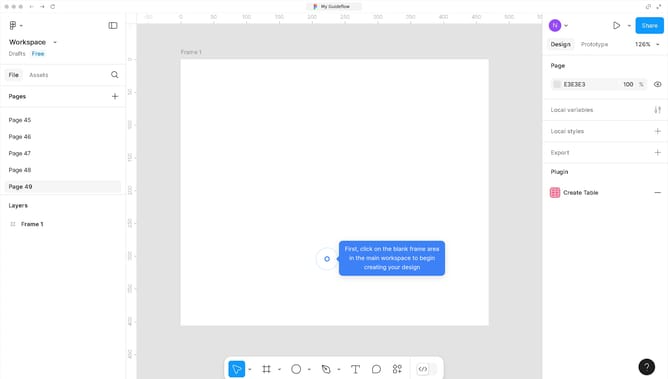
How to print design files from Figma
Here is how to print design files from figma
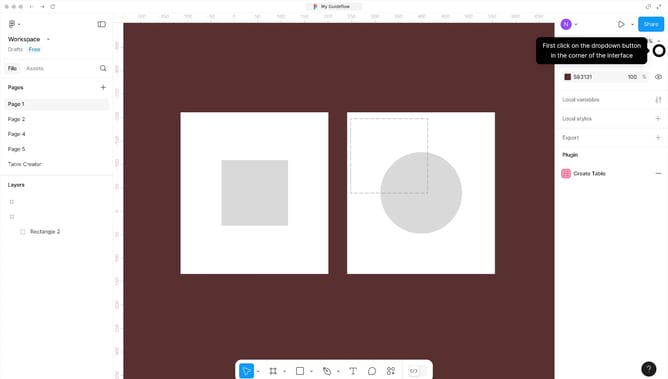
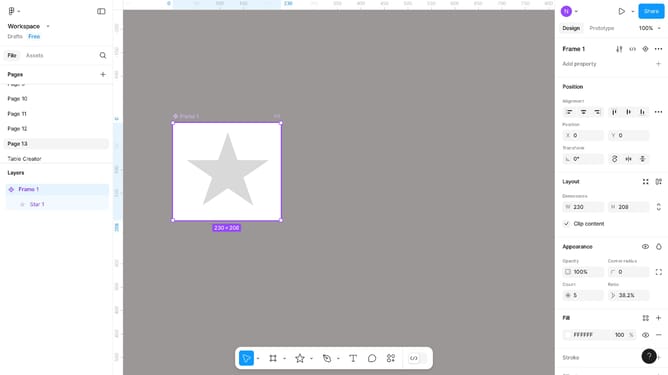
- First, click on the "Workspace" dropdown in the top-left corner of the interface
- Then click on the "File" menu item in the main navigation
- Next, select the "Export frames to PDF" option from the File dropdown menu
- Click the "Export" button in the export settings dialog
- Finally, click on the "print" icon in the exported PDF document
Why should you print design files from Figma
Figma is a leading collaborative interface design tool that enables teams to create, test, and deliver designs efficiently.
Printing design files from Figma is a streamlined process that maintains the integrity and quality of your design work.
This feature allows designers to present their creations in physical form, bridging digital innovation with traditional presentation methods.
Using Figma to print ensures that your designs are represented accurately and professionally, making it easier to share tangible results with clients and stakeholders.
Last update