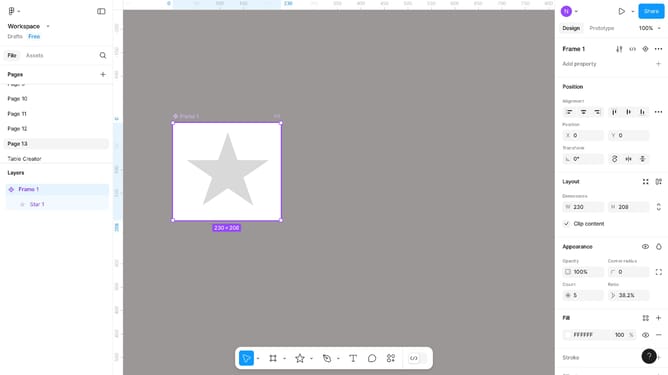
How to resize the image in Figma
Here is how to resize the image in figma
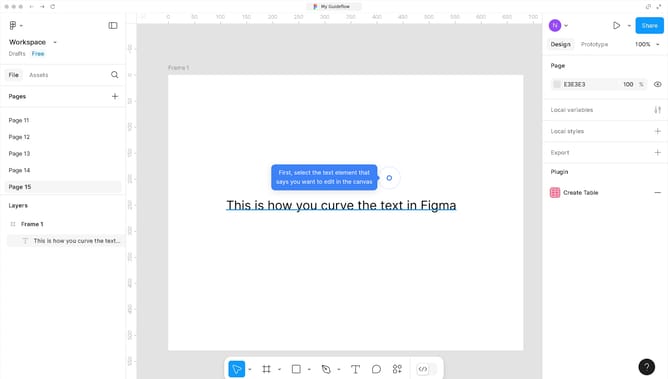
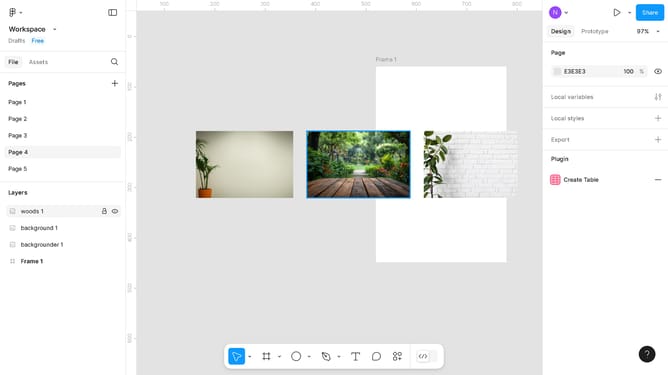
- First, select the object you want to edit
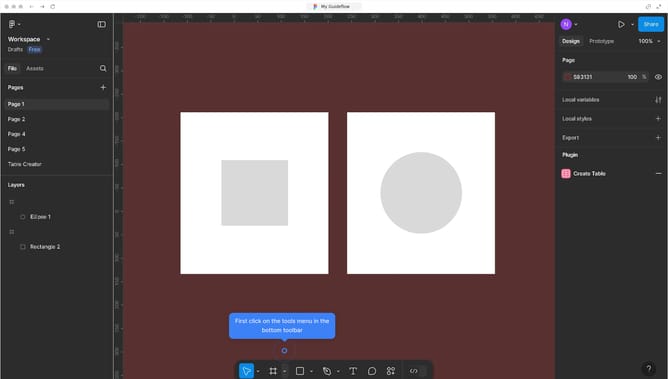
- Click on the bottom toolbar to activate the editing tools
- Select the "Scale" option from the toolbar menu
- Next, configure the "Scale" of the object according to your preference
- Finally, click on the open canvas to apply your changes
Why should you resize the image in Figma
Figma is an intuitive design tool that empowers creativity and collaboration.
Resizing images in Figma without cropping is a seamless task with effortless precision. This feature ensures that the integrity of your visuals is maintained, allowing you to fit elements perfectly within your design framework.
By preserving the original proportions of images, designers can quickly adapt their components, enhancing the adaptability of design projects.
Using Figma's resizing capabilities streamlines workflow, saving time and boosting overall productivity in any creative endeavor.
Last update