You open eight tabs. Lightroom, Photoshop, Capture One, a couple of one-time-purchase editors, and something free your friend swears by. Every one claims to be the best photo editing software. Two hours later you have more open tabs and no decision.
The problem is not a shortage of good tools. It is that most roundups list features without telling you what each tool actually replaces or who it fits. A studio shooter tethering to a camera needs something different from a marketer batch-editing 200 product shots on deadline. A hobbyist wants speed. A retoucher wants layers and control.
The photo editing software market reflects how crowded this space has become. It was valued at roughly USD 16.76 billion in 2024 and is projected to reach USD 37.3 billion by 2033, a 9.3% CAGR through 2033, according to SkyQuest. More money means more options, and more options means more decision paralysis.
This guide cuts through that. We compare eight photo editing programs across the tradeoffs that actually decide your choice: subscription versus perpetual license, RAW processing depth, AI editing speed, and workflow fit. If your work leans on visual assets, you may also want a look at image optimization software for delivery, or AI image generators for creating source images before you ever edit them. For now, let's find your editor.
What's inside
This guide is for anyone choosing a primary photo editor in 2026: photographers, designers, marketers editing product and campaign imagery, and hobbyists who want serious control without a steep bill. We picked the eight tools by four criteria: editing depth and RAW support, pricing model (subscription, perpetual, or free), workflow speed for batch and organization work, and platform coverage across desktop, web, and mobile. Every pricing figure and rating below reflects each vendor's current listing. No tool made the cut on brand name alone.
TL;DR
- Best overall for balanced pro workflows: Adobe Lightroom, for organization, RAW editing, and cross-device sync.
- Best AI-assisted editing: Luminar Neo, for fast sky replacement, relighting, and generative tools on a one-time license.
- Best studio-grade precision: Capture One, for tethering, color control, and high-end RAW handling.
- Best advanced retouching companion: Adobe Photoshop, for layers, compositing, and restoration.
- Best no-subscription editor: Affinity Photo, for deep editing without a recurring bill.
- Best free photo editing software: RawTherapee, an open-source RAW processor for control-hungry users.
- Best RAW image quality: DxO PhotoLab, for DeepPRIME denoising and lens corrections.
What is photo editing software?
Photo editing software is a desktop, web, or mobile application that lets you adjust, retouch, organize, and export digital images, including RAW files straight from a camera sensor. The category spans quick one-click editors, RAW-first processors built around image fidelity, and layer-based tools for compositing and restoration.
Modern image editing software usually blends several jobs into one workflow. Here are the core capabilities buyers evaluate:
- RAW processing: Non-destructive conversion of camera RAW files, with control over exposure, white balance, and tone before any pixel is baked in.
- Photo management and organization: Cataloging, tagging, rating, and searching large libraries so you can find a shot from three years ago in seconds.
- Batch editing: Applying the same adjustments, presets, or exports across dozens or hundreds of images at once.
- Local and global adjustments: Masking, selective edits, and full-frame corrections for exposure, color, and detail.
- AI photo editing: Automated masking, subject selection, sky replacement, noise reduction, and generative fill or removal.
- Retouching and compositing: Layer-based editing, healing, cloning, and combining multiple images into one.
- Output and delivery: Sharpening, export presets, color-space handling, and format conversion for print or web.
Some tools, like Lightroom and Capture One, lead with cataloging and RAW. Others, like Photoshop, specialize in pixel-level retouching. A few, like ON1 Photo RAW, try to do everything in one app. The right pick depends less on the feature count and more on which of these jobs you do most.
When to use each type of photo editor
Not every editor fits every job. Three quick patterns cover most readers.
Manage and edit large photo libraries
If you shoot volume, weddings, events, product catalogs, real estate, you need cataloging and RAW editing in one place. Lightroom and Capture One are built for this. They keep thousands of images organized, apply edits in batches, and sync across devices so you can cull on a laptop and finish on a desktop.
Retouch, composite, or restore images
When the job is pixel-level, removing objects, blending exposures, restoring old prints, compositing multiple shots, you want layers and precise selections. Photoshop and Affinity Photo lead here. These are not primarily catalog tools; they sit beside a library manager and handle the heavy retouching.
Edit fast with AI or on a budget
If speed or cost drives your choice, the field splits. Luminar Neo automates complex edits with AI so a portrait or landscape takes minutes. RawTherapee gives advanced RAW control for free. Both replace expensive subscriptions for the right user, one through automation, the other through open-source depth.
Comparison table
Here is the full shortlist at a glance. Pricing reflects each vendor's current listing, and ratings come from the tool's live listing where a verified figure was available.
| # | Product | Intent | Key use case | Pricing | G2 rating |
|---|---|---|---|---|---|
| 1 | Adobe Lightroom | Balanced pro workflow | RAW editing plus cloud organization across devices | From US$11.99/mo | Not listed |
| 2 | Luminar Neo | AI-assisted speed | Fast AI edits with lifetime license | From $119 one-time | Not listed |
| 3 | Capture One | Studio-grade precision | Tethered capture and high-end RAW | Subscription and one-time plans | Not listed |
| 4 | Adobe Photoshop | Advanced retouching | Layers, compositing, restoration | From US$22.99/mo | 4.6/5 |
| 5 | Affinity Photo | No-subscription editing | Deep editing without recurring cost | One-time purchase | 4.5/5 |
| 6 | DxO PhotoLab | RAW image quality | DeepPRIME denoising and lens corrections | From $149.99 one-time | 4.7/5 |
| 7 | ON1 Photo RAW | All-in-one desktop | RAW, AI, and photo management in one app | From $49.99 one-time | 5.0/5 |
| 8 | RawTherapee | Free RAW control | Advanced open-source RAW processing | Free | 4.1/5 |
1. Adobe Lightroom
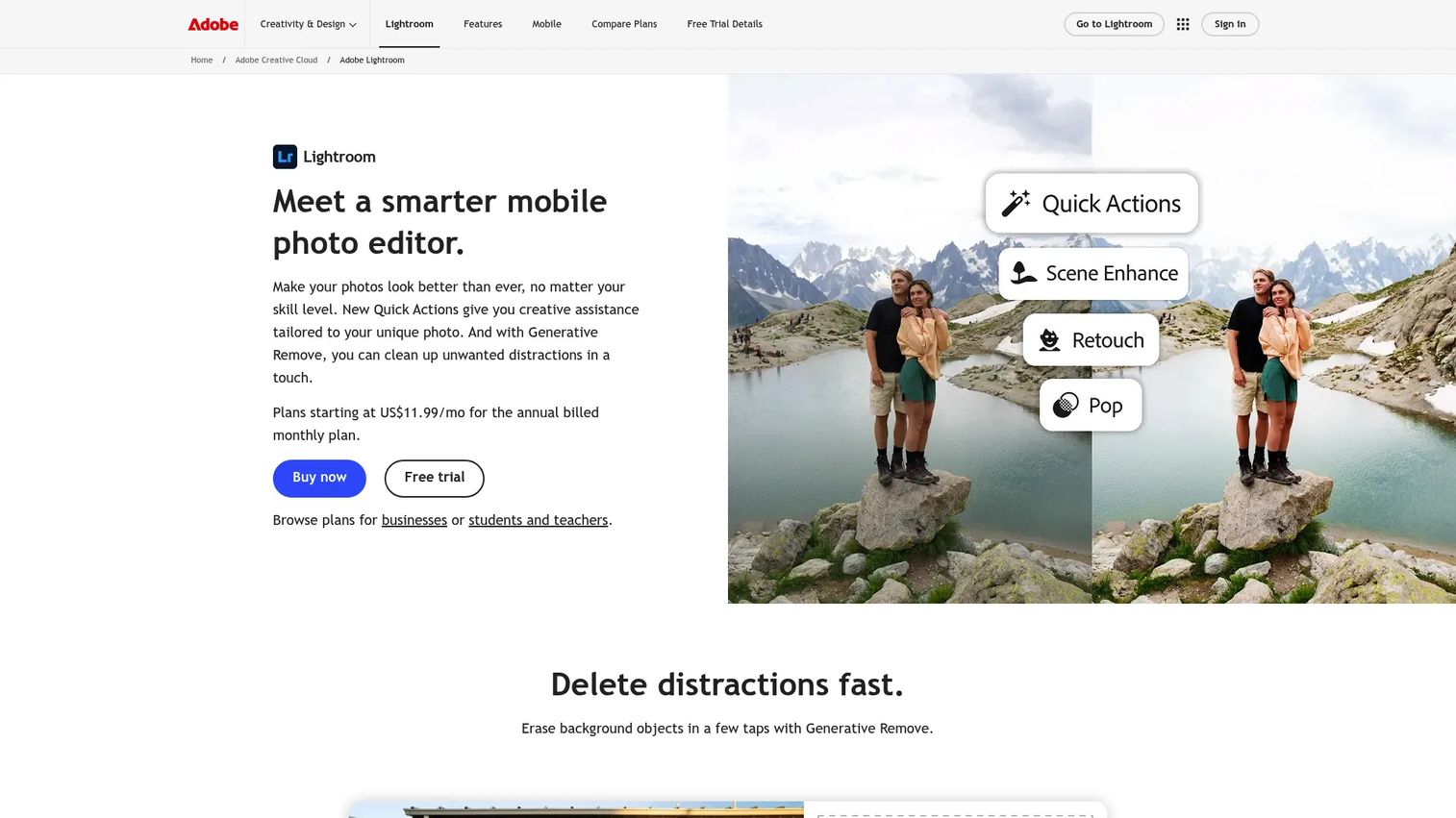
Adobe Lightroom is the default answer for most photographers who want editing and organization in one place. It handles RAW editing, cataloging, and non-destructive adjustments, then syncs your library across desktop, web, and mobile. For anyone shooting volume and editing on more than one machine, that cross-device flow is the reason Lightroom wins.
Best for: Photographers who want strong RAW editing plus cloud-based organization across every device.
Key strengths
- Generative Remove: Delete unwanted objects and clean up frames with AI, no manual cloning required.
- AI-powered adjustments: Lens Blur and selective AI masking make targeted edits fast and precise.
- Cross-device library: Organize and edit the same catalog across desktop, web, and mobile without exporting.
Why choose Adobe Lightroom: Lightroom fits the photographer who edits in batches and wants a searchable, synced library rather than a folder of loose files. It handles the full cull-to-export cycle, and its mobile app is free, so you can start on a phone and finish on desktop. The tradeoff is the subscription model, which some perpetual-license fans avoid. If organization and speed across devices matter more than owning the software outright, Lightroom is the balanced pick.
Adobe Lightroom pricing: The standalone Lightroom plan starts at US$11.99/mo on an annual, billed-monthly basis. The Photography plan, which bundles Lightroom with Photoshop, runs US$19.99/mo. Adobe also offers Creative Cloud Pro tiers, an education plan, and a teams license at US$37.99/mo per license. Lightroom on mobile is free, with premium upgrades available.
2. Luminar Neo
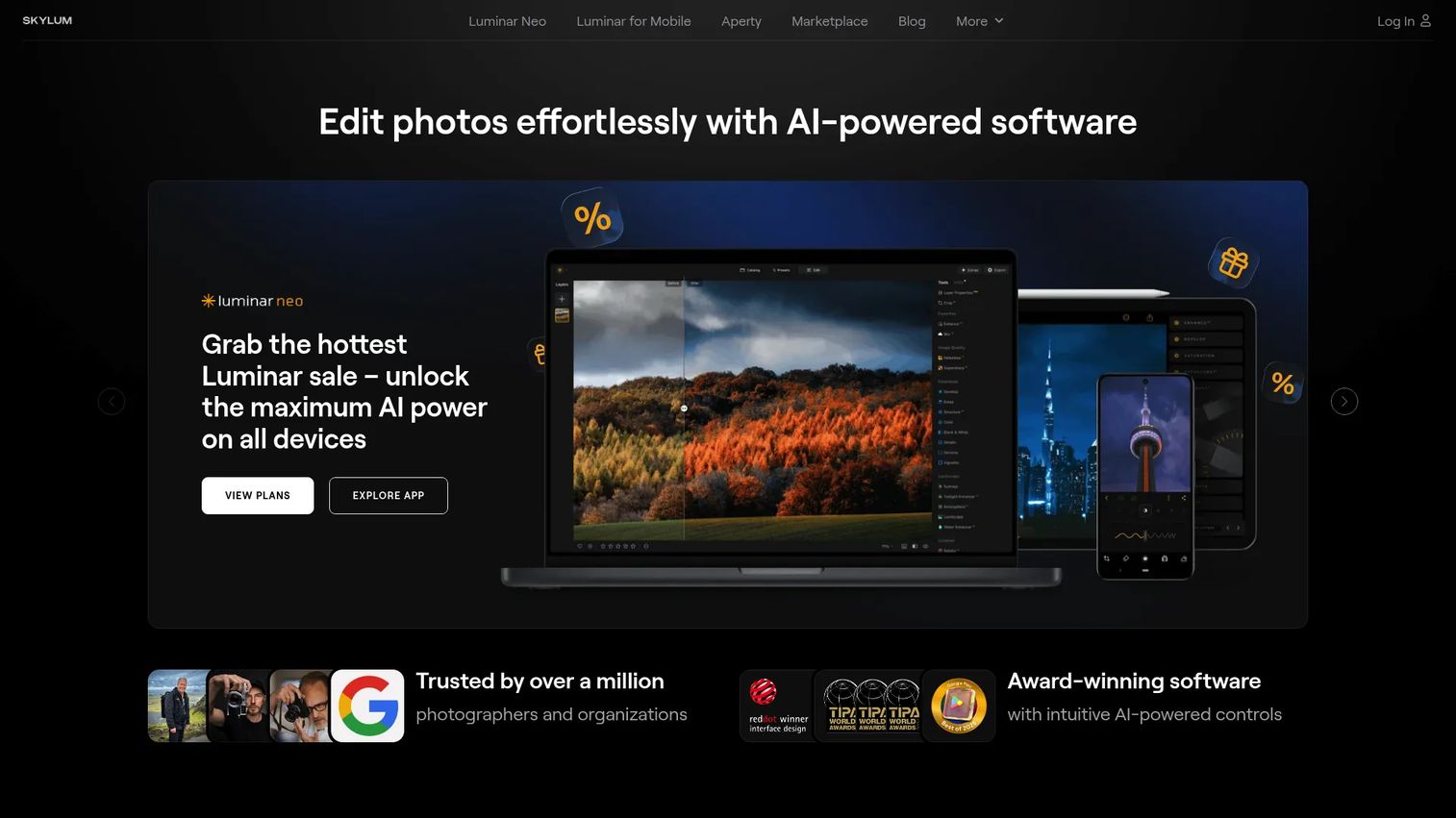
Luminar Neo from Skylum is the AI-first pick for photographers who want complex edits done fast. It works as a standalone editor or a plugin, and its generative tools, GenErase, GenExpand, and GenSwap, handle jobs that would take manual work in other apps. If you want a portrait retouched or a sky swapped in minutes, this is the tool.
Best for: Photographers who want AI-assisted editing with a lifetime-license option instead of a subscription.
Key strengths
- AI editing tools: Sky replacement, portrait retouching, background removal, and relighting run in a few clicks.
- Generative capabilities: GenErase, GenExpand, and GenSwap add or remove content without leaving the app.
- Flexible workflow: Use Luminar Neo standalone or as a plugin alongside Lightroom or Photoshop.
Why choose Luminar Neo: Luminar Neo fits the photographer who values speed and creative enhancement over manual, slider-by-slider control. The AI handles the heavy lifting, which makes it ideal for high-volume portrait or landscape work on deadline. Because it also runs as a plugin, you do not have to abandon an existing Lightroom or Photoshop workflow to use it. The perpetual license appeals to anyone tired of monthly bills.
Luminar Neo pricing: Skylum sells perpetual licenses as one-time payments. The Desktop license is $119, the Cross-device license is $149, and the Max license is $164. Each includes one year of unlimited upgrades. These are one-time purchases rather than recurring subscriptions, which is a large part of Luminar Neo's appeal for budget-conscious users.
3. Capture One
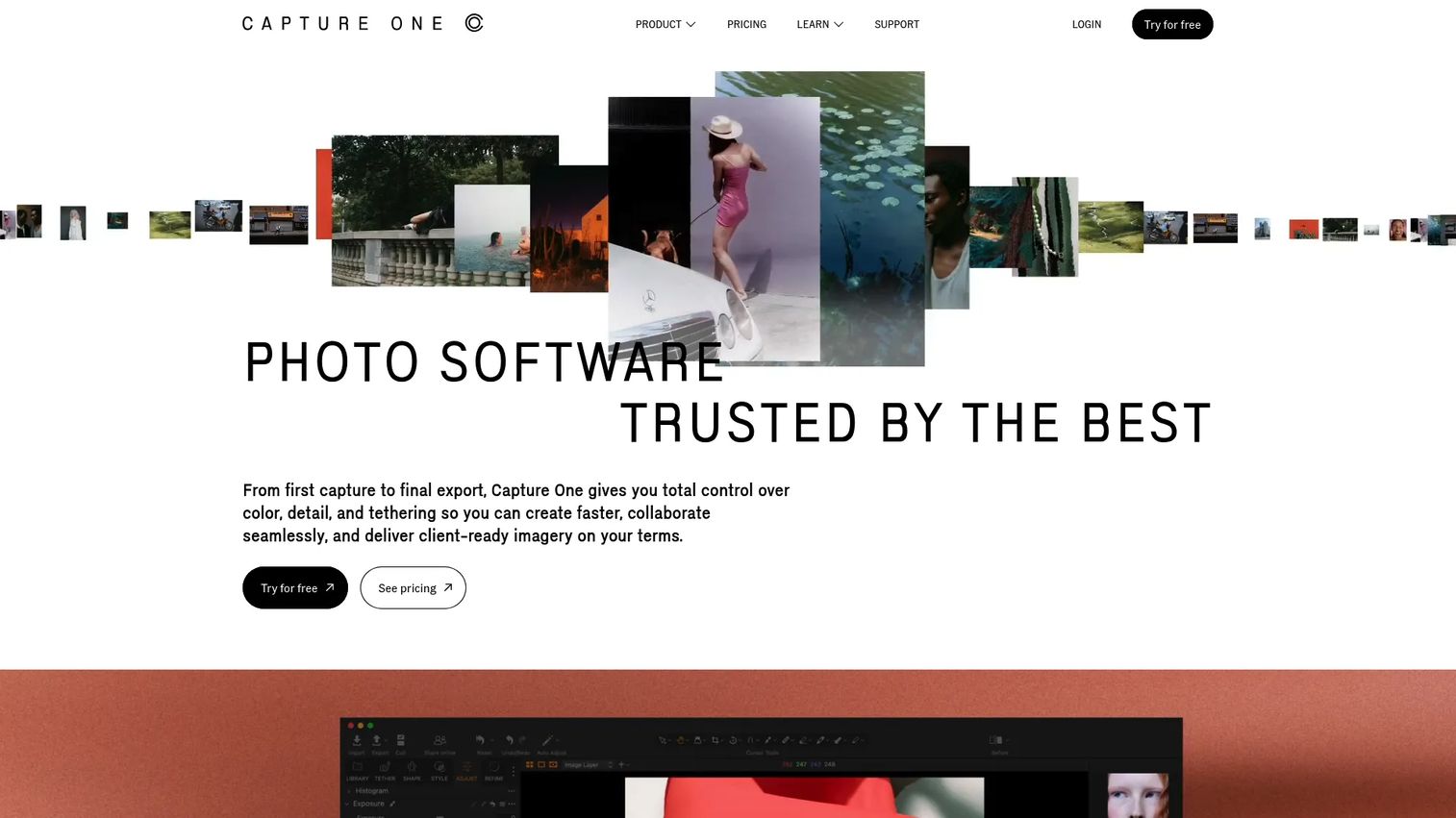
Capture One is the studio professional's editor. It is built around precise color control, industry-leading tethering, and high-end RAW conversion, the imaging software to shoot, edit, and collaborate the way you want. Commercial, fashion, and product photographers who work tethered to a camera lean on Capture One because nothing else matches its capture-to-edit fidelity.
Best for: Photographers and studio teams who need high-end RAW editing and tethered capture.
Key strengths
- Superior color and RAW: Advanced color profiles and RAW conversion deliver precise, true-to-scene results.
- Industry-leading tethering: Shoot directly into the software with broad camera support for studio work.
- Assisted editing: AI Crop, Match Look, and advanced masking speed up complex edits without sacrificing control.
Why choose Capture One: Capture One is for the professional or studio team that treats color accuracy and tethered capture as non-negotiable. It is a deeper, more precise RAW editor than most, which is exactly why commercial shooters choose it over lighter alternatives. It supports professional workflow needs like collaboration and consistent color across a shoot. If your work runs through a studio and a camera cable, this is the tool built for you.
Capture One pricing: Capture One offers both subscription and one-time purchase plans, including Pro, All in One, and Studio tiers, plus a mobile subscription. You can test Capture One for desktop with a free 30-day trial, and the mobile app offers a free 7-day trial. Plan names and billing cadences are public on the vendor site, so check the current pricing page for the tier that fits your workflow.
4. Adobe Photoshop
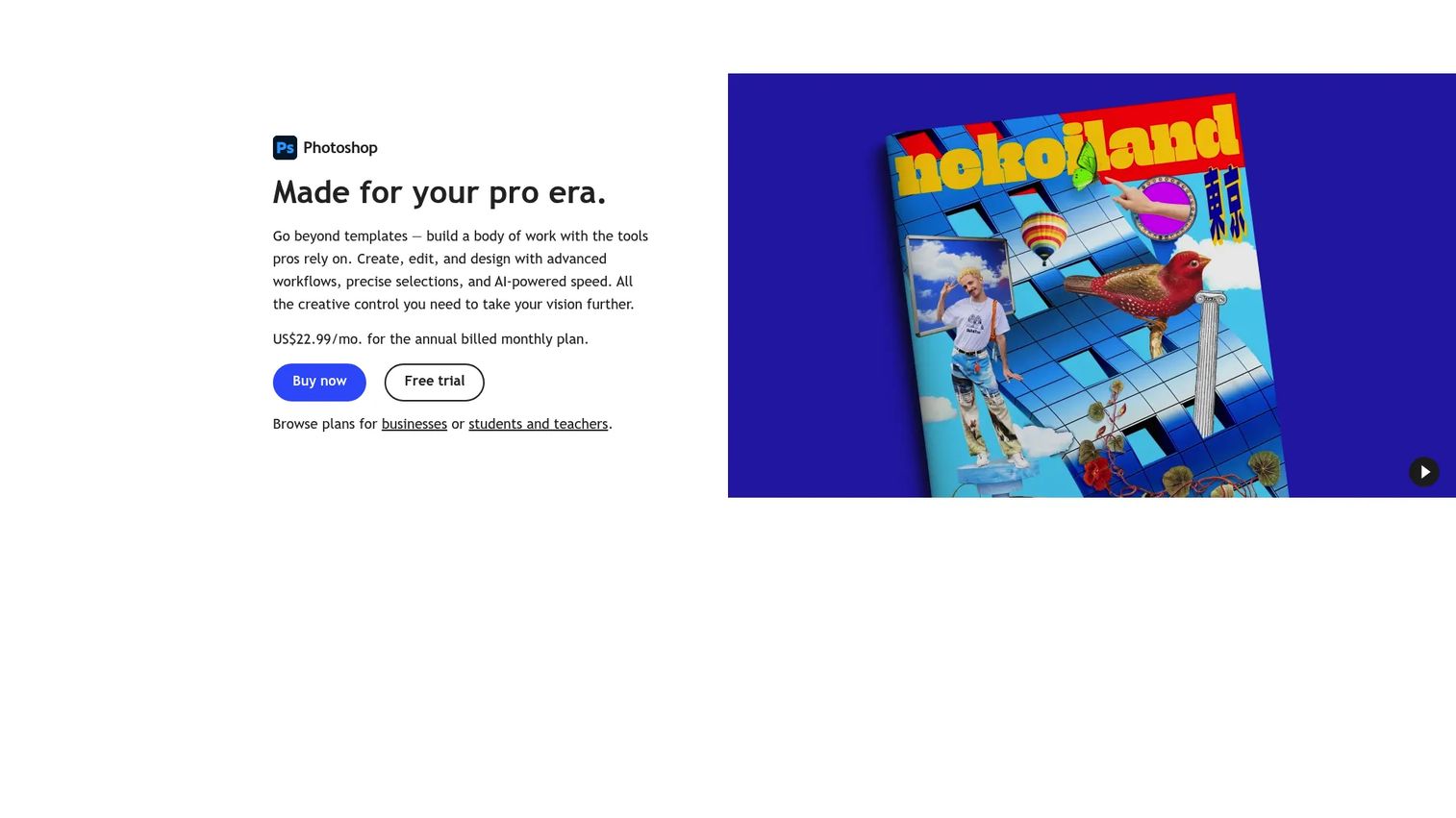
Adobe Photoshop is the professional standard for retouching, compositing, and design, not a catalog-first editor. It works in layers, which is what separates it from RAW processors like Lightroom. For object removal, image restoration, complex compositing, and pixel-level retouching, Photoshop is the tool professionals reach for, and it usually sits beside Lightroom rather than replacing it.
Best for: Professional photo editing, compositing, restoration, and design work.
Key strengths
- Layer-based editing: Non-destructive layers, masks, and blending modes give total control over every element.
- Generative AI: Generative Fill and object removal add or erase content with a text prompt.
- Cross-platform: Edit on desktop, web, and mobile with retouching and adjustment tools throughout.
Why choose Adobe Photoshop: Photoshop is the advanced companion, not the all-in-one editor. Most photographers pair it with Lightroom or another cataloger and jump into Photoshop only when a job needs layers, compositing, or restoration. That is a strength, not a limitation: it means Photoshop stays the deepest retouching tool in the stack while your library lives elsewhere. If your work includes serious retouching or design, it is close to essential.
Adobe Photoshop pricing: The standalone Photoshop plan starts at US$22.99/mo on an annual, billed-monthly basis. The Photography plan, which bundles Photoshop with Lightroom, is US$19.99/mo, often the better value if you want both. Adobe also offers a Firefly Pro plan at US$19.99/mo and Creative Cloud Pro at US$69.99/mo. There is a 7-day free trial rather than a free tier. Photoshop holds a 4.6/5 rating on G2.
5. Affinity Photo
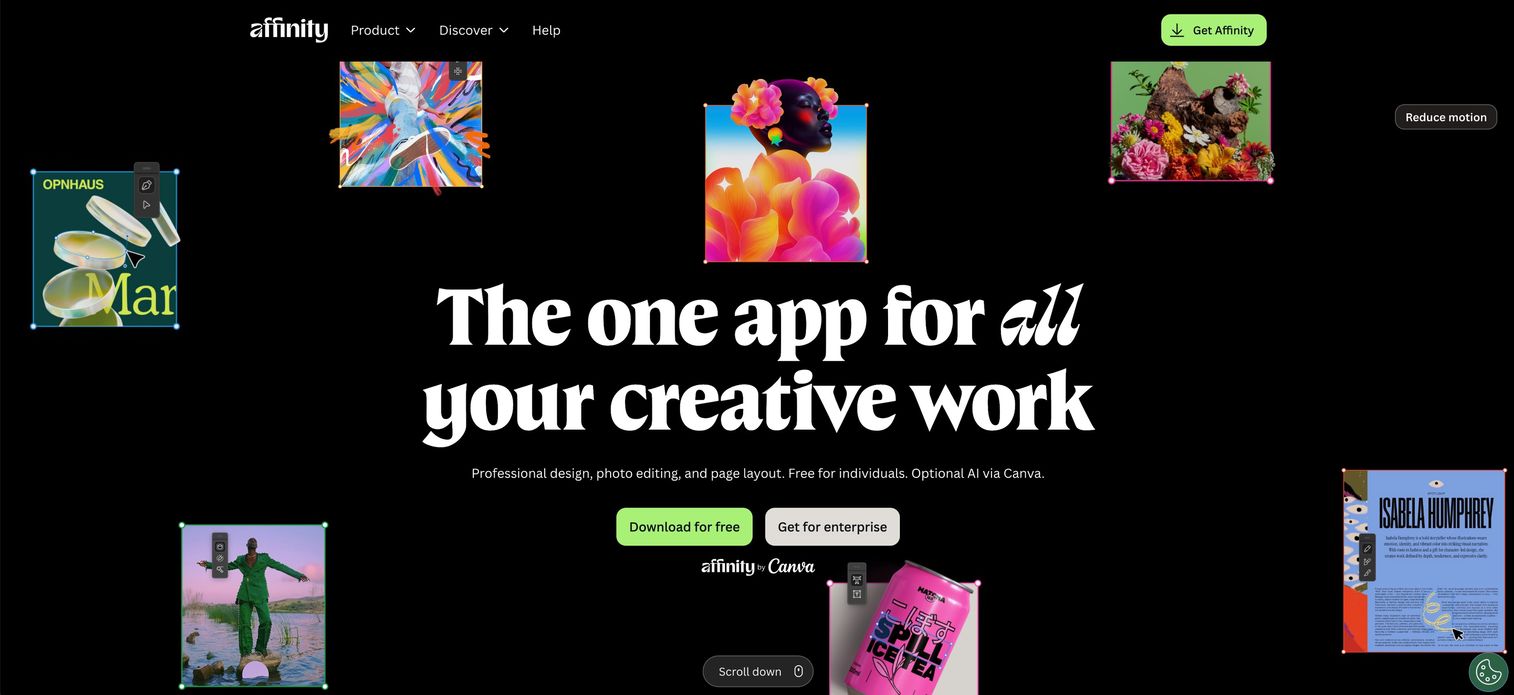
Affinity Photo is the go-to for anyone who wants Photoshop-class editing without a subscription. It handles non-destructive editing, RAW development, retouching, compositing, and advanced masking, all in a one-time-purchase app. For cost-conscious photographers and designers who still need serious depth, Affinity Photo is the standout professional photo editing software that does not bill you every month.
Best for: Photographers and designers who want a one-time-purchase photo editor with professional depth.
Key strengths
- Non-destructive editing: Adjust, layer, and mask without altering original pixels.
- RAW development: Process camera RAW files with full tonal and color control inside the app.
- Advanced selections and masking: Precise, refined selections for compositing and detailed retouching.
Why choose Affinity Photo: Affinity Photo appeals to the user who resents recurring fees but refuses to give up serious editing power. It covers the retouching and compositing work most people reach for Photoshop to do, without a monthly bill. That makes it a strong fit for freelancers, students, and anyone building a lean stack. If owning your software matters and you still need depth, this is the pick.
Affinity Photo pricing: Affinity Photo is sold as a one-time purchase rather than a subscription, which is central to its appeal for budget-focused users. Public pricing shifts with promotions and version releases, so confirm the current figure on the vendor site before buying. Affinity Photo holds a 4.5/5 rating on G2.
6. DxO PhotoLab
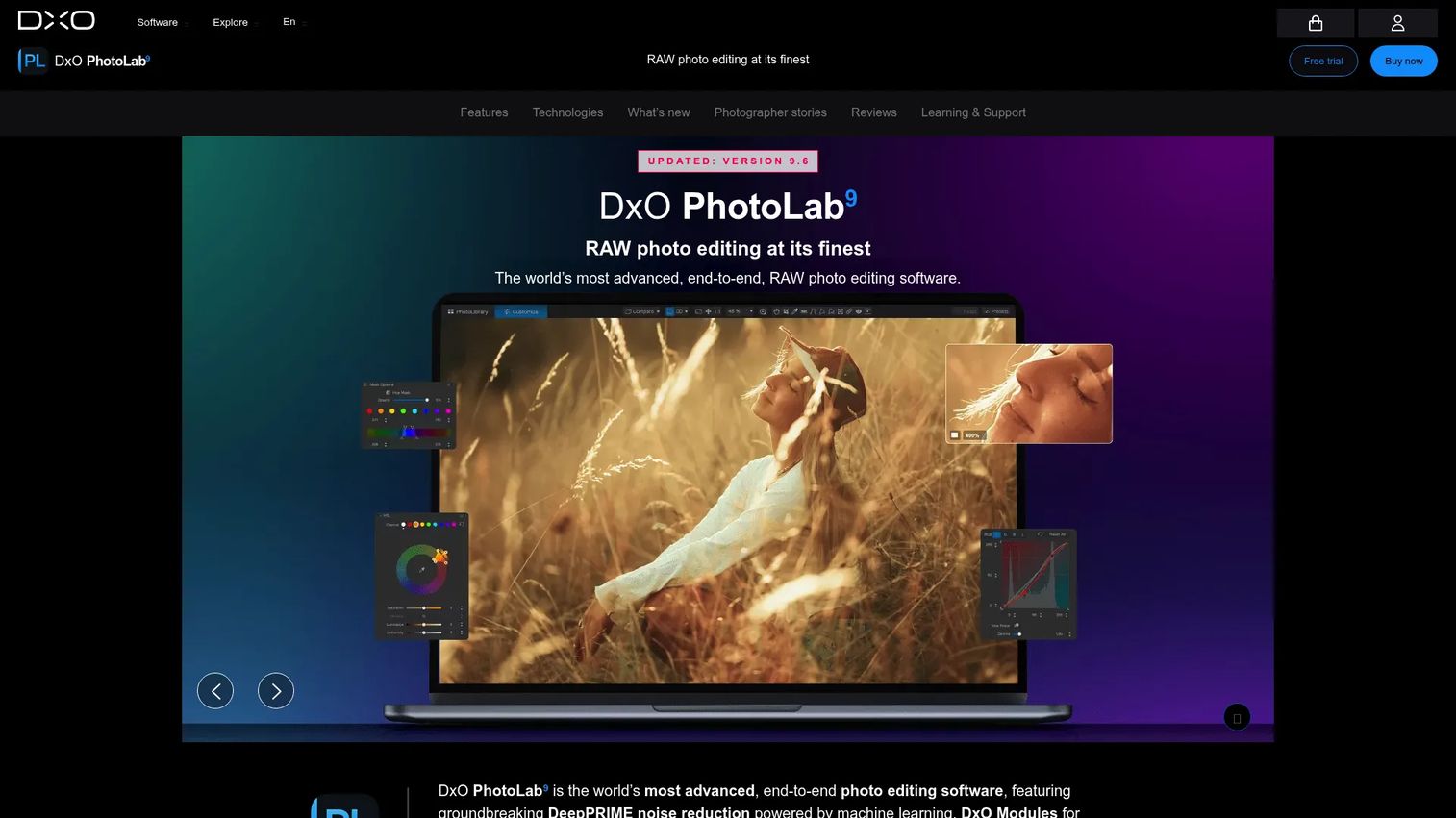
DxO PhotoLab is the RAW editing software photographers choose when image fidelity beats flashy features. Its DeepPRIME noise reduction, powered by machine learning, is among the best in the field, and its DxO Modules apply automatic, camera-specific lens corrections. If you shoot in low light or push high ISO, PhotoLab's denoising alone can justify the purchase.
Best for: Photographers who want top-tier RAW editing with strong automatic corrections and denoising.
Key strengths
- DeepPRIME denoising: DeepPRIME 3 and DeepPRIME XD3 remove noise while preserving detail using machine learning.
- Automatic lens corrections: DxO Modules apply precise, camera- and lens-specific optical corrections.
- AI Masks and local tools: Targeted local adjustments and AI-driven masking for selective edits.
Why choose DxO PhotoLab: PhotoLab is for the photographer who cares about RAW image quality above all, sharpness, clean shadows, accurate optics. It is not trying to be an all-in-one AI playground; it is trying to make your files look their technical best. Photographers who care more about fidelity than novelty gravitate to it. If you shoot demanding conditions and want the cleanest possible output, DxO earns its place.
DxO PhotoLab pricing: DxO PhotoLab 9 is sold as a one-time purchase in two editions. The Essential edition is $149.99 and the Elite edition is $239.99. There is a 30-day free trial rather than a free tier. As a perpetual license, it avoids the recurring cost of subscription photo editing software, and it holds a 4.7/5 rating on G2.
7. ON1 Photo RAW
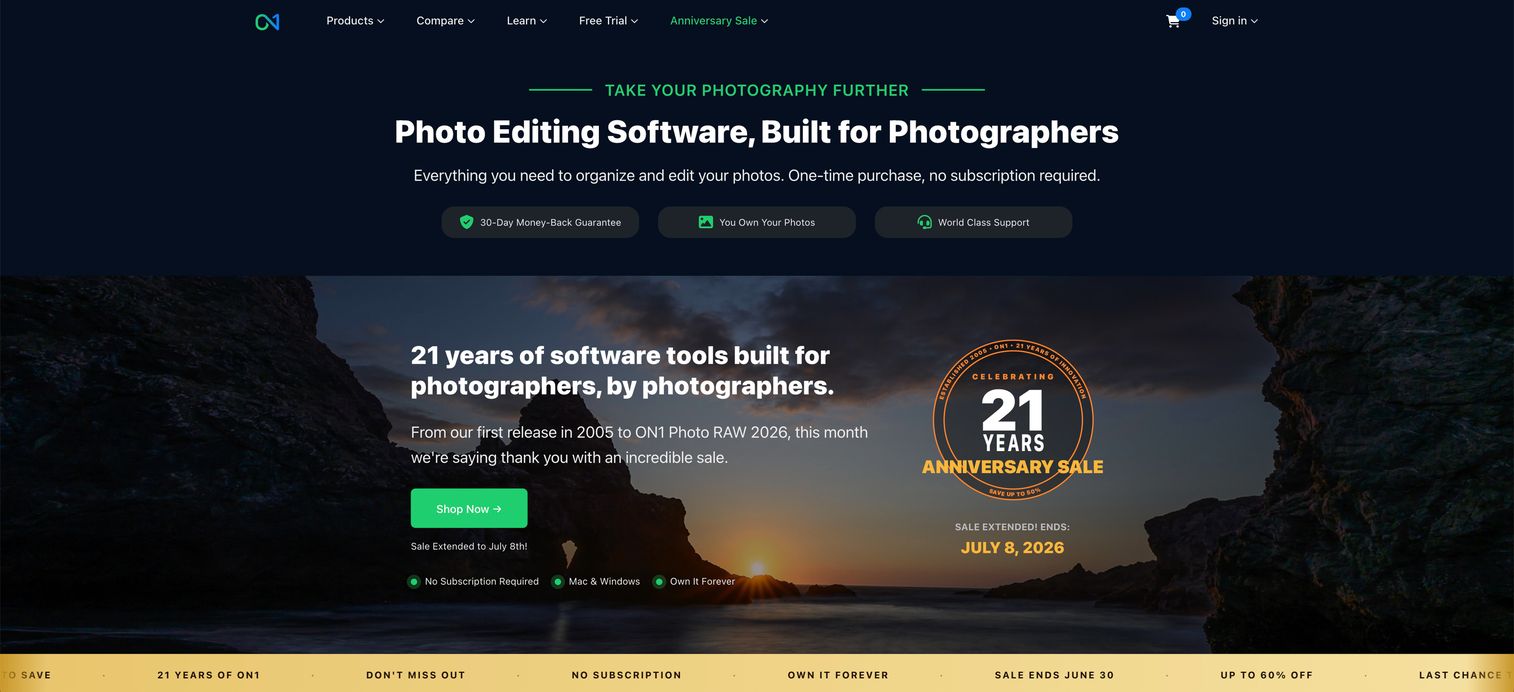
ON1 Photo RAW is the all-in-one desktop editor for photographers who want fewer apps in their stack. It combines non-destructive RAW editing, AI masking and selection tools, layers, effects, and photo management in a single application. Instead of pairing a cataloger with a separate editor, you get RAW processing, retouching, and organization in one place, on a one-time license.
Best for: Photographers who want a one-time-purchase RAW editor with AI tools and local library management.
Key strengths
- Non-destructive RAW editing: Full RAW processing with edits that never touch your originals.
- AI masking and selection: Automated subject and sky selection speeds up complex local adjustments.
- All-in-one workflow: Layers, effects, and photo management live inside a single desktop app.
Why choose ON1 Photo RAW: ON1 fits the photographer who wants to consolidate, one app for cataloging, RAW, retouching, and effects, without a subscription. It appeals to users tired of bouncing between a library manager and a separate editor. The perpetual license and included AI tools make it a practical, self-contained workflow. If you value control inside a single desktop app and want to own the software, ON1 is built for that.
ON1 Photo RAW pricing: ON1 Photo RAW 2026.4 is a one-time purchase at $49.99, and the MAX edition is $79.99. There is also an ON1 Photo Studio subscription at $89.99 per year, plus a free trial on the site. It holds a 5.0/5 rating on G2, though from a small review sample, so weigh that accordingly. For an all-in-one editor at this price, it is hard to fault.
8. RawTherapee
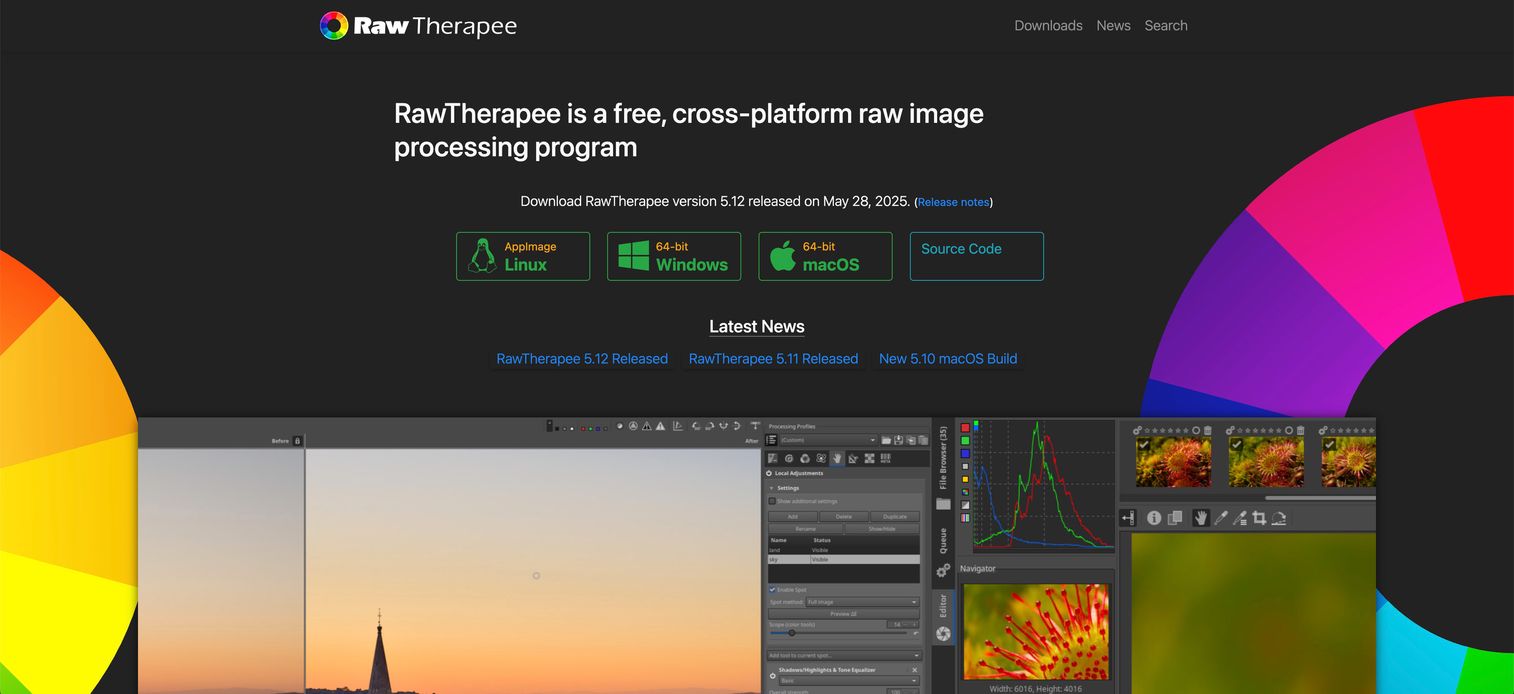
RawTherapee is the best free photo editing software for advanced users who want deep RAW control and do not mind a learning curve. It is a free, open-source, cross-platform RAW processor released under the GNU General Public License Version 3. What it lacks in polish it makes up in raw capability: 32-bit floating-point processing, advanced demosaicing, and extensive RAW support at zero cost.
Best for: Photographers who want a free and open source photo editor with advanced RAW processing.
Key strengths
- 32-bit non-destructive processing: High-precision floating-point editing preserves maximum image data.
- Advanced demosaicing: Multiple demosaicing algorithms and broad RAW support for fine detail control.
- Cross-platform and free: Runs on Linux, macOS, and Windows with no cost and open-source code.
Why choose RawTherapee: RawTherapee replaces a paid RAW processor for the technical user who wants control over every parameter. It rewards patience with depth that rivals commercial tools, which is why advanced hobbyists and open-source advocates keep it in the mix. It belongs on this list because free does not have to mean basic. If you want maximum RAW control without spending a cent, RawTherapee delivers.
RawTherapee pricing: RawTherapee is completely free and open source, with no paid tiers. There is no subscription and no perpetual license to buy, you simply download it. It holds a 4.1/5 rating on G2. For a capable RAW processor at no cost, it is the clear budget and open-source choice.
How to choose the right photo editing software
Before you commit, run your shortlist through these criteria. The right tool is the one that fits your workflow, not the one with the longest feature list.
Pricing model
Decide upfront whether you want a subscription or a perpetual license. Lightroom and Photoshop are subscription-only. Luminar Neo, DxO PhotoLab, ON1 Photo RAW, and Affinity Photo offer one-time purchases. RawTherapee is free. If recurring cost bothers you, that alone narrows the field fast.
RAW processing depth
If you shoot RAW, and most serious photographers do, prioritize RAW conversion quality. DxO PhotoLab and Capture One lead on fidelity and denoising. Lightroom and RawTherapee are strong all-rounders. A tool that mangles your RAW files is a false economy no matter the price.
Workflow and organization
Ask whether you need cataloging built in. Lightroom, Capture One, and ON1 Photo RAW manage large libraries. Photoshop and Affinity Photo are editors that expect a separate organizer. Match the tool to how many images you handle and how you find them later.
AI and automation
If speed matters, weigh the AI tools. Luminar Neo automates the most complex edits, sky swaps, relighting, generative fill. Photoshop's Generative Fill and DxO's AI masking are strong too. Automation is a real time-saver for batch and high-volume work.
Conclusion
There is no single best photo editing software, only the best one for your workflow. If you want a balanced pro setup with organization and cross-device editing, Lightroom is the safe default. For studio-grade precision and tethering, Capture One is built for you. Need AI speed on a lifetime license? Luminar Neo. Want serious editing without a subscription? Affinity Photo, or RawTherapee if free is the goal.
The rest slot in cleanly: Photoshop for advanced retouching beside your cataloger, DxO PhotoLab for the cleanest possible RAW output, and ON1 Photo RAW when you want everything in one app you own outright.
Pick based on the jobs you do most, RAW, retouching, batch, or organization, and the pricing model you can live with. Then commit and stop opening tabs. Most of these offer a free trial, so download your top two, run a real edit through each, and let your own workflow decide.
If your day job involves showing off a product rather than editing photos, that is a different problem. Teams that need to turn a product into a self-serve interactive demo can capture a flow, edit it, personalize it for each audience, share it anywhere, and analyze engagement with Guideflow. Start your journey with Guideflow today!
FAQs
Adobe Lightroom is the easiest starting point for most beginners because it pairs guided RAW editing with automatic organization and a free mobile app. If you want to avoid a subscription, ON1 Photo RAW gives you an all-in-one editor on a one-time license with a gentler curve than pro-grade tools. Both let you get real results before you learn the deep controls.
RawTherapee is the best free photo editing software for advanced RAW control, offering 32-bit processing and broad camera support at no cost. It is open source and cross-platform, so it runs on Linux, macOS, and Windows. Expect a steeper learning curve than paid tools, but the depth rivals commercial RAW processors.
For most photographers, yes. Lightroom handles RAW editing, batch work, and library organization, which covers the majority of everyday editing. Photoshop is the deeper tool for layer-based retouching, compositing, and restoration, and it usually sits beside Lightroom rather than replacing it. If you mainly cull and edit shoots, start with Lightroom.
DxO PhotoLab and Capture One lead on RAW image quality. PhotoLab's DeepPRIME denoising and automatic lens corrections make it exceptional for high-ISO and low-light work. Capture One offers superior color profiles and RAW conversion for studio and commercial shooters. Lightroom and the free RawTherapee are strong all-round RAW editing software options too.
Adobe Lightroom is the standard for batch editing and photo management, letting you apply edits and exports across hundreds of images and search a synced library across devices. Capture One and ON1 Photo RAW also combine cataloging with RAW editing in one workflow. If you shoot volume, prioritize a tool with built-in organization over a pure editor.
Affinity Photo is the top no-subscription pick for deep editing and compositing, sold as a one-time purchase. Luminar Neo, DxO PhotoLab, and ON1 Photo RAW also offer perpetual licenses, each with a different focus, AI speed, RAW fidelity, and all-in-one workflow respectively. RawTherapee is free if you want zero cost. All of them avoid Adobe's recurring fee.
For photographers who value speed over manual control, yes. Luminar Neo automates complex edits like sky replacement, relighting, and generative fill, which turns multi-minute jobs into a few clicks. It runs standalone or as a plugin alongside Lightroom or Photoshop, and its perpetual license avoids a subscription. It is ideal for high-volume portrait and landscape work on deadline.
Most professionals run a combination rather than a single app. A common studio stack pairs Capture One or Lightroom for RAW editing and organization with Photoshop for advanced retouching and compositing. Commercial and fashion shooters lean on Capture One for tethering and color, while photographers chasing maximum image fidelity add DxO PhotoLab for its denoising and lens corrections.