Your plant still loses hours to maintenance work that lives in the wrong places. Preventive maintenance tasks sit in a spreadsheet nobody opens until a machine goes down. Work orders come in by text, by radio, by a supervisor scribbling on a clipboard. Nobody can answer a simple question with confidence: what did we do to this asset, and when.
That gap has a cost. The global industrial maintenance management software market is expected to grow from USD 8.25 billion in 2023 to USD 22.3 billion by 2032 at an 11.69% CAGR, according to Market Research Future (2024). Plants are not buying software because it is trendy. They are buying it because manual tracking stops scaling the moment asset counts and shift coordination get real.
Plant maintenance software fixes the visibility problem. It gives you one place for work order management, preventive maintenance scheduling, asset history, and spare parts, then surfaces the data that tells you where downtime is coming from. For maintenance software for manufacturing specifically, the buying decision is less about feature checklists and more about whether the tool can absorb your plant's execution reality without creating a new bottleneck.
This guide is a plant-first comparison. If you are also mapping adjacent operational stacks, it can help to see how buyers evaluate categories like audit management software, contract lifecycle management software, and event management software, since the evaluation logic (workflow fit, adoption, integrations) carries over. Below, eight tools ranked on how well they run a plant.
What's inside
This list is built for plant and industrial maintenance teams evaluating equipment maintenance software. We chose entries based on four things that matter on a plant floor: depth of work order management, preventive maintenance scheduling logic, asset and spare parts inventory management, and how fast a team can adopt the tool through mobile workflows and onboarding support.
Entries were selected for fit to plant operations, not just broad CMMS popularity. A tool that dominates facilities maintenance rankings does not automatically run a multi-line manufacturing plant well. Each pick below is judged on plant execution, multi-site coordination, and whether it can replace spreadsheet chaos.
TL;DR
- Best overall for plant teams needing flexible deployment and Excel-first onboarding: FastMaint
- Best for teams that want a modern, mobile-first maintenance workflow: Coast
- Best for multi-site and enterprise maintenance visibility: eMaint
- Best for plant supervisors who need straightforward technician execution: WorkTrek
- Best for teams balancing simplicity and fast rollout: Limble
- Best for operators that want analytics and team-wide adoption: UpKeep
- Best for crews that need broad CMMS coverage and predictive options: MaintainX
- Best for deeper analytics and predictive maintenance workflows: Fiix
What is plant maintenance software?
Plant maintenance software is a system that organizes work orders, preventive maintenance, assets, spare parts inventory, and reporting so maintenance teams can execute and track all maintenance work from one place.
In practice, most plant maintenance software functions as a CMMS (computerized maintenance management system). Some tools extend into EAM (enterprise asset management) territory, adding deeper asset lifecycle and reliability capabilities. The label matters less than fit. Start with your plant's workflow needs, then decide whether CMMS depth is enough or whether you need EAM breadth. The global CMMS software market was USD 1.29 billion in 2024 and is projected to reach USD 2.41 billion by 2030 at an 11.1% CAGR, per Grand View Research (2024), so this category is far from static.
Core capabilities you should expect from any serious maintenance management software:
- Work orders: create, assign, prioritize, and close out reactive and planned jobs
- Preventive maintenance: recurring schedules based on time, meter readings, or usage
- Asset and inventory management: equipment records, history, and spare parts inventory management
- Mobile technician access: a mobile CMMS so field work does not wait for a desktop
- Reporting and dashboards: maintenance KPI reporting on downtime, backlog, and compliance
- Multi-site coordination: consistent processes across plants and locations
- Implementation and support: onboarding that gets the team using it, not avoiding it
- Role-based workflows: distinct views for operators, technicians, and supervisors
Manufacturing is the leading vertical for related predictive tooling, accounting for 28.7% of global predictive maintenance software revenue in 2025, according to Dataintelo (2025). That is why plant-grade maintenance tracking software increasingly bundles analytics and predictive options alongside core execution.
When to use plant maintenance software
Not every plant needs to rip out spreadsheets tomorrow. But there are clear thresholds where manual tracking starts costing more than the software would.
Replace spreadsheets before recurring PMs break the process
Spreadsheets work until they don't. The failure point is usually recurring preventive maintenance across a growing asset count. When you have dozens of assets, overlapping PM intervals, and multiple shifts touching the same equipment, a spreadsheet cannot enforce the schedule. Tasks get skipped, versions conflict, and nobody notices until a bearing fails. Preventive maintenance software enforces the cadence and flags what is overdue before it becomes downtime.
Standardize work order execution across technicians and supervisors
When work requests arrive through five different channels and closeout data is inconsistent, leadership loses the thread. A maintenance scheduling software system gives you one intake for requests, one approval path, one assignment flow, and one closeout format. That consistency is what makes maintenance KPI reporting trustworthy. Without it, your downtime numbers are guesses.
Centralize assets, spare parts, and plant history
If asset history is scattered across email threads, paper logs, and someone's local drive, you are rebuilding context every time a machine goes down. Asset maintenance management software centralizes equipment records, work history, and spare parts inventory management so a technician can see the full picture on the asset in front of them. This is also where multi-site maintenance pays off, since standardized asset data travels across locations.
Comparison table
Here is a plant-first view of all eight tools. The intent column tells you which operating style each fits. Pricing and G2 ratings reflect verified current figures where available. If you want a sense of how these criteria map onto adjacent software categories, buyer guides like best marketing resource management software and best community management software use the same intent-plus-differentiation structure.
| # | Product | Intent | Key differentiation | Pricing | G2 rating |
|---|---|---|---|---|---|
| 1 | FastMaint | Plant operations and low-friction deployment | Cloud, desktop, or self-hosted with Excel import and email-based operator requests | From $100/mo (Cloud); $2,500+ one-time | Not listed |
| 2 | Coast | Mobile-first maintenance teams | Work orders plus built-in messaging and scheduling | Free plan; from $2/user/mo | 5.0/5 |
| 3 | eMaint | Multi-site CMMS and EAM buyers | Configurable CMMS/EAM with reliability and IIoT depth | Team, Professional, Enterprise (quote) | 4.5/5 |
| 4 | WorkTrek | Supervisor-led work order execution | Clean work order and asset workflows with unlimited guest requests | From $29/user/mo | 5/5 |
| 5 | Limble | Fast rollout and simple adoption | Mobile-first CMMS with quick technician adoption | Contact sales | 4.8/5 |
| 6 | UpKeep | Analytics-driven plant teams | Asset operations with strong reporting and field workflow | From $24/user/mo | 4.5/5 |
| 7 | MaintainX | Broad industrial maintenance workflows | Frontline-friendly CMMS with free tier and wide adoption | Free plan; from $20/user/mo | 4.8/5 |
| 8 | Fiix | Predictive maintenance and advanced reporting | CMMS with free entry tier and analytics depth | Free plan; from $45/user/mo | 4.6/5 |
1. FastMaint
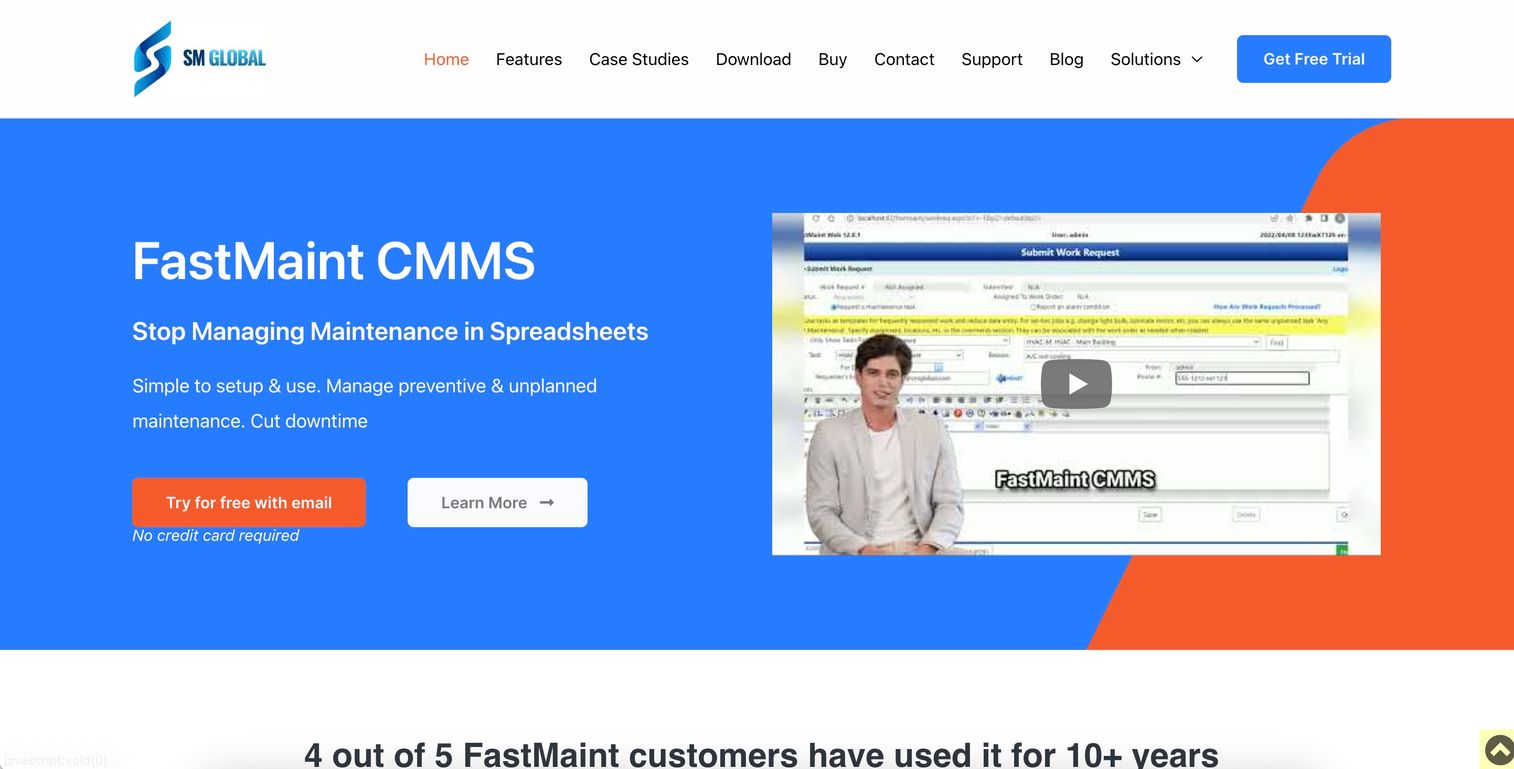
FastMaint is CMMS software for maintenance management, built by SMGlobal for teams that want deployment flexibility most cloud-only tools do not offer. You can run it as FastMaint Cloud, as desktop Standard, or self-hosted, which matters for plants with strict data or connectivity requirements. It covers work orders, preventive maintenance scheduling, and inventory without forcing you into a subscription model.
Best for: Small to mid-size plant teams that want control over deployment and a low-friction path off spreadsheets.
Key strengths
- Flexible deployment: Cloud subscription or one-time license for desktop and self-hosted use, so IT constraints do not block adoption.
- Excel import wizard: Bring existing asset lists, PM schedules, and parts data in from spreadsheets instead of retyping everything.
- Operator maintenance requests by email: Frontline operators can submit work requests without a login, which keeps intake simple on the floor.
FastMaint's scheduling logic goes beyond a basic calendar, handling meter-based and usage-based PMs alongside time-based ones. The work request workflow routes operator submissions into the queue for supervisor approval and assignment, and reporting covers work history, costs, and PM compliance. That combination fits plants that want practical maintenance administration without a heavy rollout.
Why choose FastMaint: If your plant needs deployment options beyond cloud, or you want to avoid recurring per-user fees, FastMaint's one-time license model is rare in this category. The Excel import wizard also shortens the leap from spreadsheet chaos to structured work order management.
FastMaint pricing: FastMaint Cloud starts at $100 per month. FastMaint Standard is a $2,500 one-time license, while Professional and Web start at $6,000 one-time. There is no free tier. Pricing is verified from SMGlobal's FastMaint page.
2. Coast
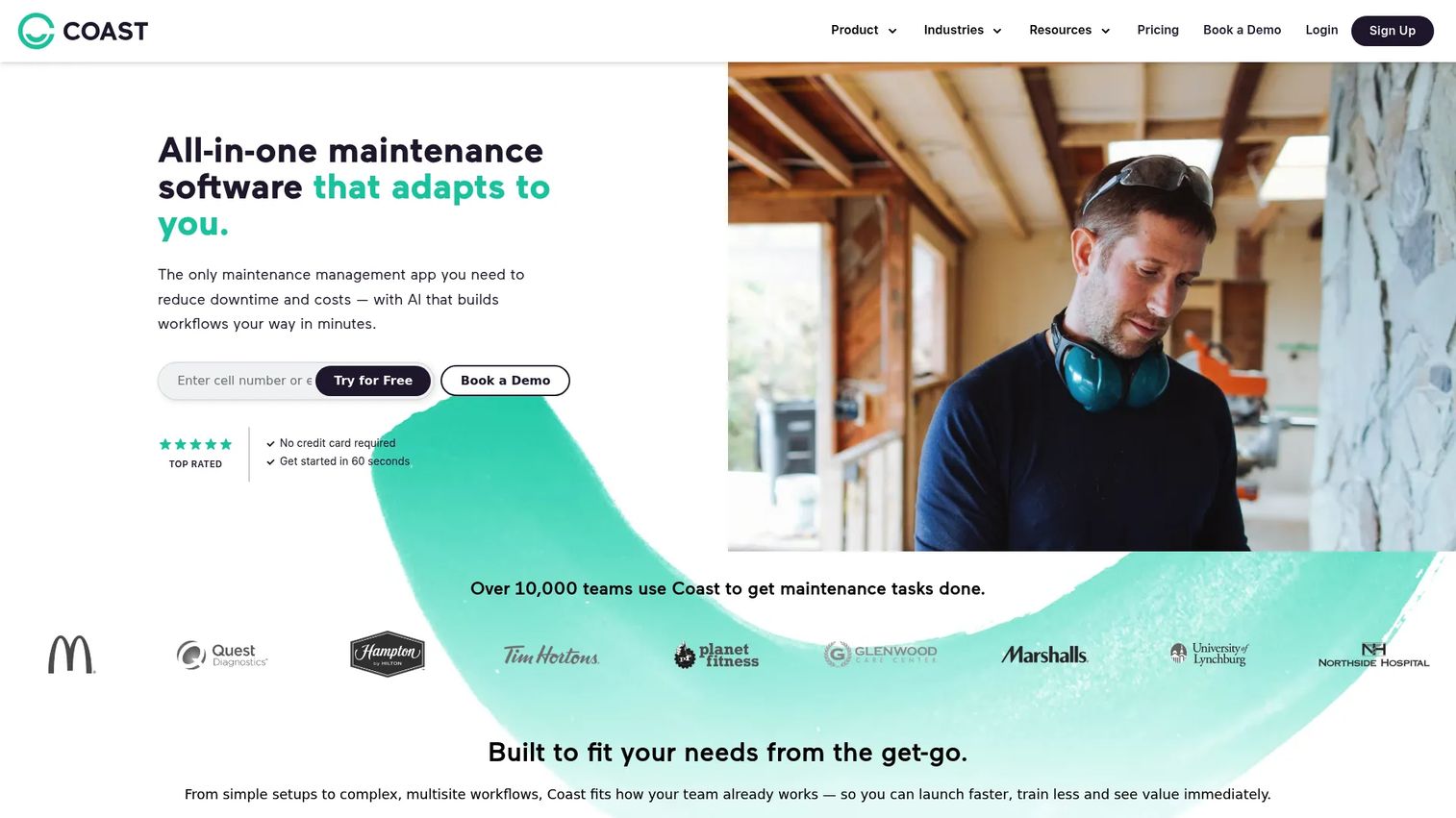
Coast is all-in-one maintenance software for managing work orders, assets, messaging, scheduling, and tasks in one place. It stands out for pairing core maintenance management software features with built-in team communication, so the conversation about a job lives next to the job itself. For plants where coordination happens over text and radio today, that consolidation is the pitch.
Best for: Maintenance teams that want work order management with built-in messaging and scheduling in a modern, mobile-first interface.
Key strengths
- Work orders and preventive maintenance: Create, assign, and schedule reactive and recurring jobs from desktop or mobile.
- Asset management and warranty tracking: Keep equipment records and warranty details attached to each asset.
- Team messaging and scheduling: Communicate and coordinate shifts without leaving the platform.
Coast's mobile experience is a real strength for technicians logging work in the field. The scheduling and task management layer helps supervisors see coverage across the week, and analytics surface completion and backlog trends. It fits teams prioritizing quick adoption over deep configuration.
Why choose Coast: If your plant's biggest gap is coordination, not asset depth, Coast folds communication into the maintenance workflow so nothing lives in a separate chat app. The free plan and low per-user pricing make it easy to pilot with one crew before rolling wider.
Coast pricing: Coast offers a free plan after a 7-day trial. Paid tiers are Starter at $2 per user per month and Pro at $4 per user per month, with a custom plan for mixed-needs teams. It holds a 5.0/5 rating on G2.
3. eMaint
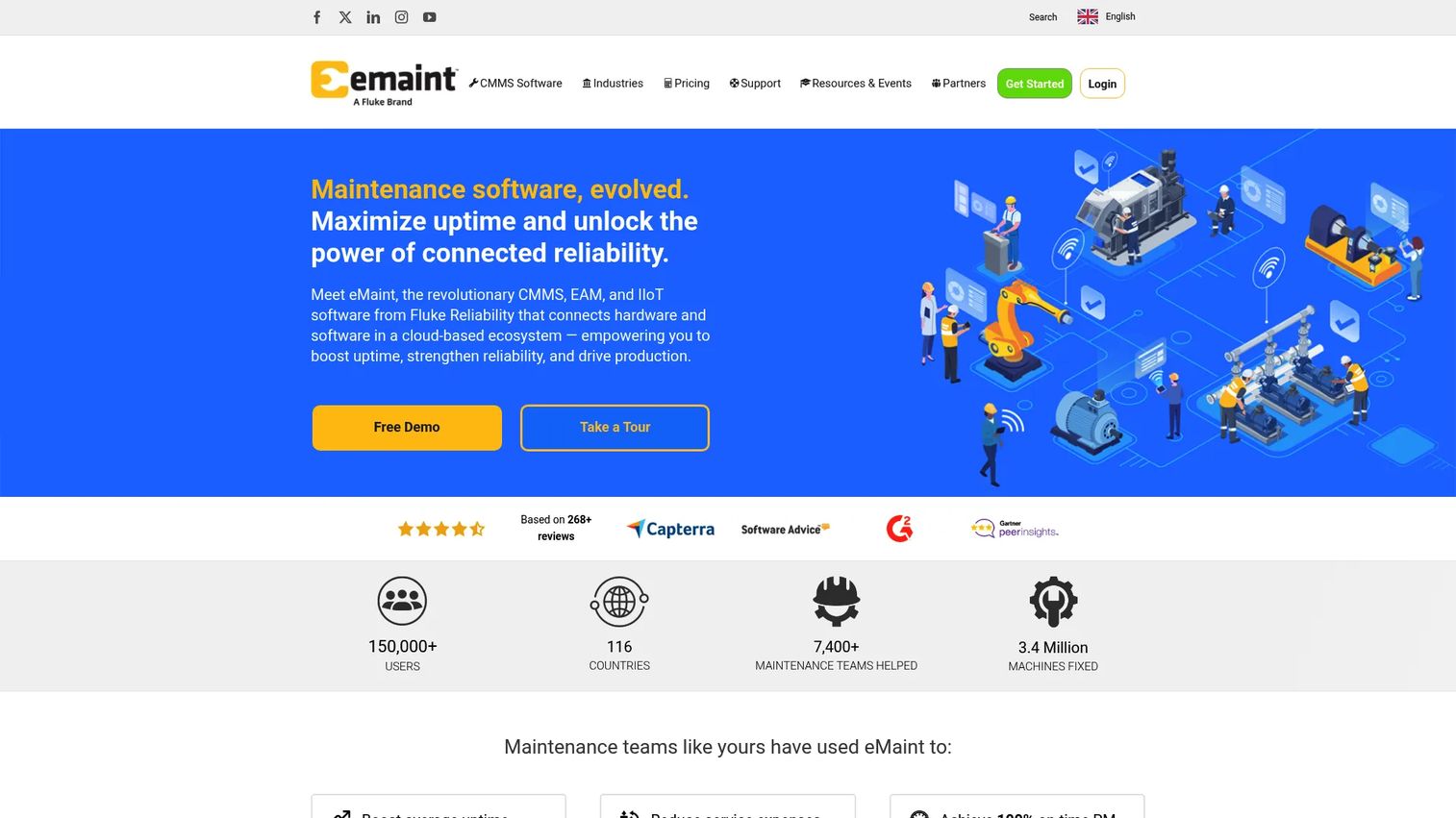
eMaint is cloud-based CMMS, EAM, and IIoT software for maintenance and reliability teams. It is the pick when your operation has outgrown simple work order tracking and needs configurable workflows across multiple sites. eMaint sits comfortably in CMMS vs EAM vs ERP conversations because it spans maintenance execution and broader asset lifecycle management.
Best for: Multi-site maintenance and reliability teams that need configurable CMMS or EAM workflows and deep reporting.
Key strengths
- Asset management and work orders: Structured records, work order management, and spare parts inventory management across locations.
- Reporting and preventive maintenance: Configurable dashboards for maintenance KPI reporting alongside recurring PM scheduling.
- Mobile app and integrations: Field access plus connections into IIoT sensors for condition monitoring and predictive maintenance.
eMaint's configurability is its calling card. You can shape workflows to match how each plant actually runs rather than bending your process to the tool. That flexibility is why it fits larger or more complex operations, and its implementation support is built for teams that need help standing up multi-site maintenance.
Why choose eMaint: If you run several plants and need consistent processes with the option to layer in reliability and predictive maintenance, eMaint's CMMS and EAM depth handles it. The tradeoff is that this depth rewards teams willing to invest in configuration and onboarding.
eMaint pricing: eMaint's public pricing page lists Team, Professional, and Enterprise plans without displayed numeric prices, and Enterprise is a custom quote. A free demo is available. It holds a 4.5/5 rating on G2.
4. WorkTrek
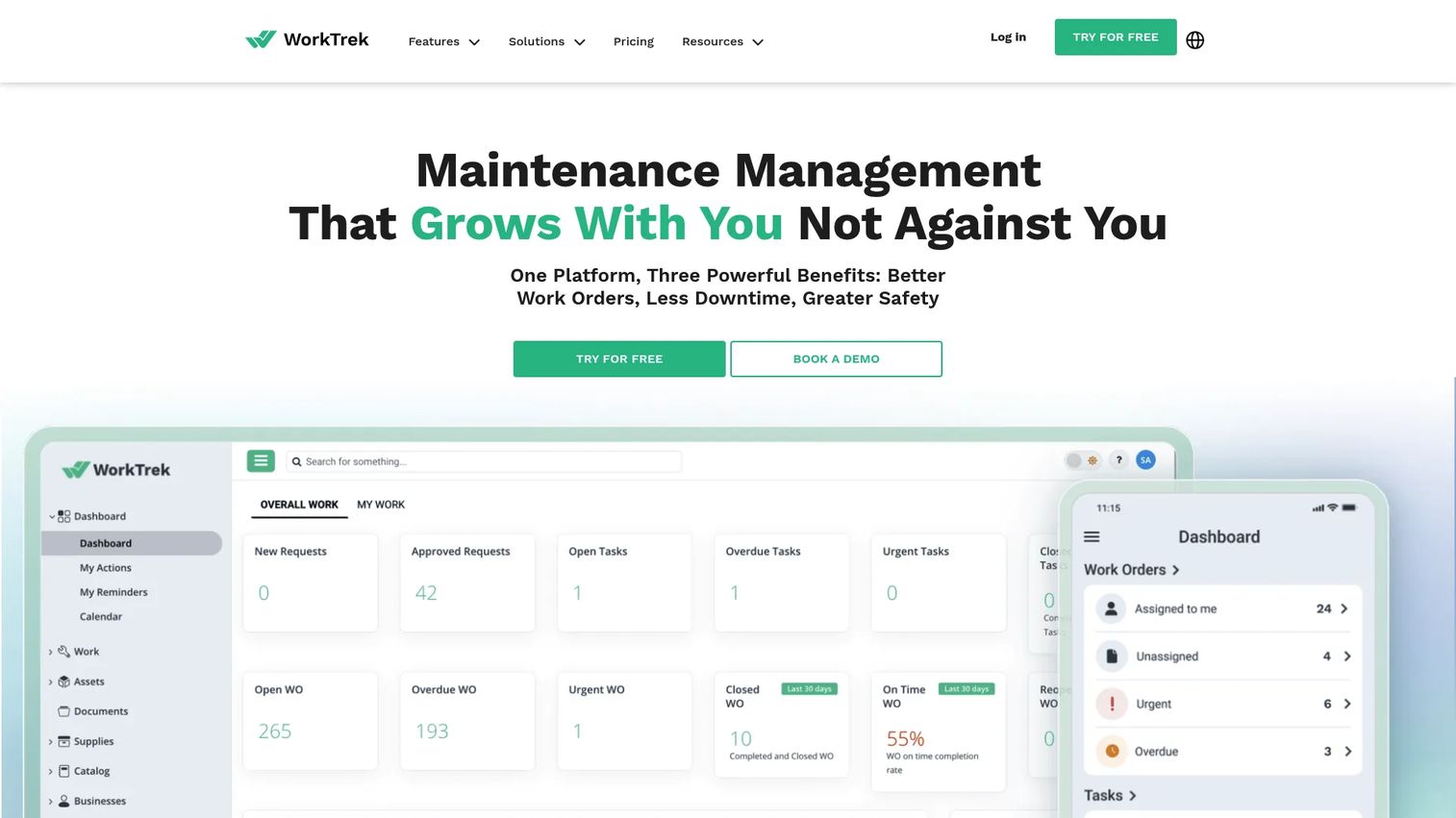
WorkTrek is CMMS software for maintenance, asset, work order, and request management. It focuses on clean, supervisor-friendly workflows: intake a request, assign the technician, track the job, close it out with history intact. For plants that want clarity over feature sprawl, that focus is the appeal.
Best for: Maintenance teams that need a CMMS for straightforward work orders, assets, and preventive maintenance with clear technician assignment.
Key strengths
- Work order and task management: Assign jobs to technicians and track status from request to closeout.
- Asset management: Equipment records with history so technicians see context on the machine in front of them.
- Preventive maintenance: Recurring schedules that keep planned work from slipping.
WorkTrek includes unlimited guest requests on every plan, which means operators can submit work without a paid seat. The mobile application supports field technicians, and reporting covers the KPIs supervisors care about. The workflow clarity makes it easy for a supervisor to run the queue without wrestling the tool.
Why choose WorkTrek: If your priority is clean supervisor-to-technician execution rather than heavy configuration, WorkTrek keeps the workflow simple. Unlimited guest requests also make operator intake painless without inflating seat costs.
WorkTrek pricing: Starter is $29 per user per month and Professional is $49 per user per month, both with unlimited guest requests and the mobile app. Enterprise pricing is available on request. It holds a 5/5 rating on G2.
5. Limble
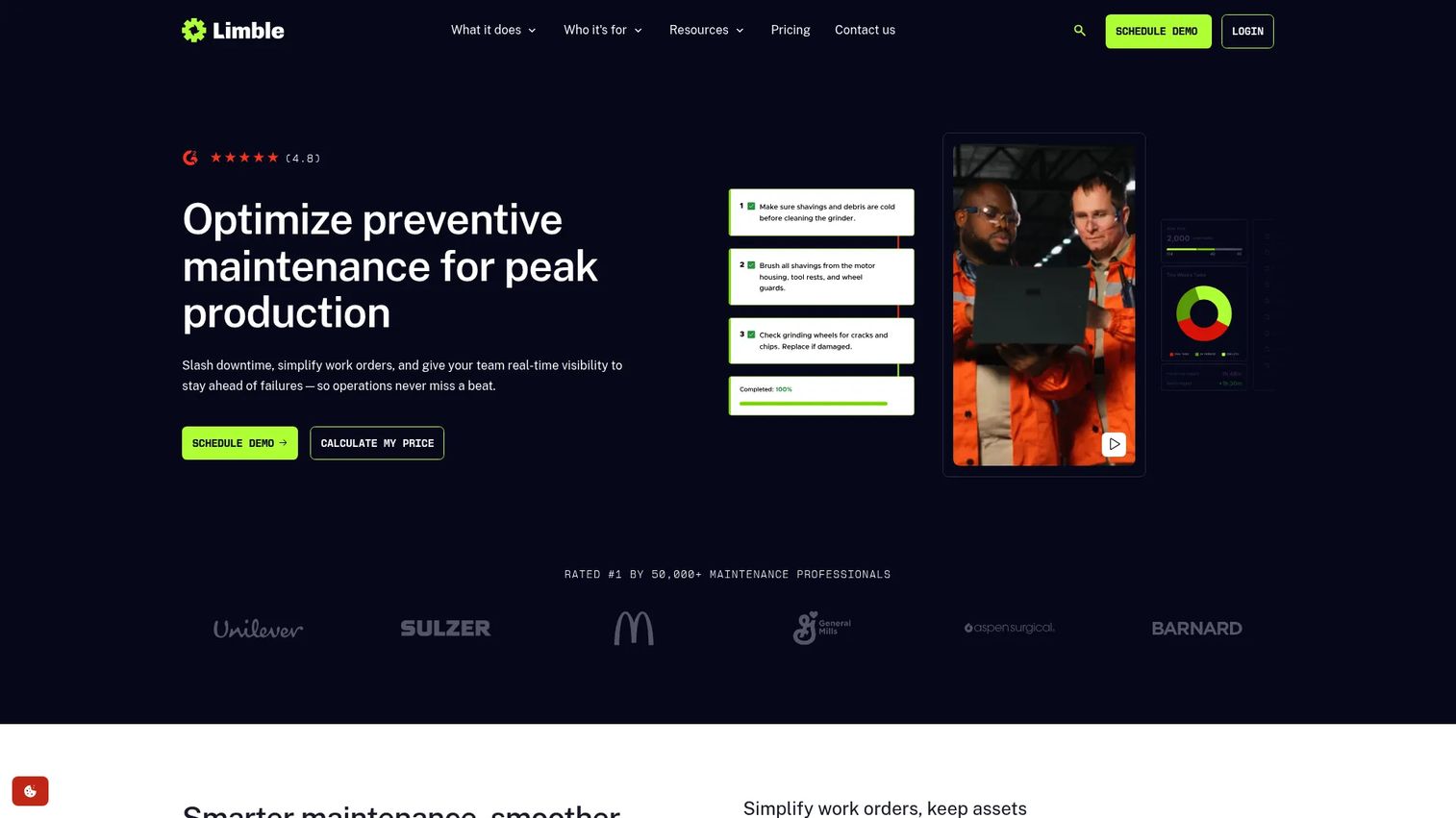
Limble is cloud-based CMMS software for maintenance, asset, work order, and inventory management. Its reputation is built on adoption speed. Technicians who resist software tend to pick up Limble quickly because the mobile experience is designed around how they actually work, not around an admin's org chart.
Best for: Maintenance teams that want a mobile-first CMMS with fast rollout and minimal process overhead.
Key strengths
- Work requests, work orders, and preventive maintenance: Full execution loop from intake to recurring PM scheduling.
- Asset and spare parts inventory tracking: Equipment records paired with spare parts inventory management.
- Mobile app, integrations, and reporting: Field-first mobile CMMS with connections to your wider stack.
Limble's strength is that it gets used. Many maintenance software rollouts stall on adoption, and Limble's focus on a clean mobile flow reduces that risk. Preventive maintenance setup is quick, and reporting gives supervisors visibility without a steep learning curve.
Why choose Limble: If you have been burned by a tool the team refused to adopt, Limble's usability is the reason to look again. It fits plants that want to be running in weeks, not quarters.
Limble pricing: Limble's public pricing is contact-sales across its Basic, Standard, Premium+, and Enterprise tiers, and no numeric first-party price was visible on this run. It holds a 4.8/5 rating on G2.
6. UpKeep
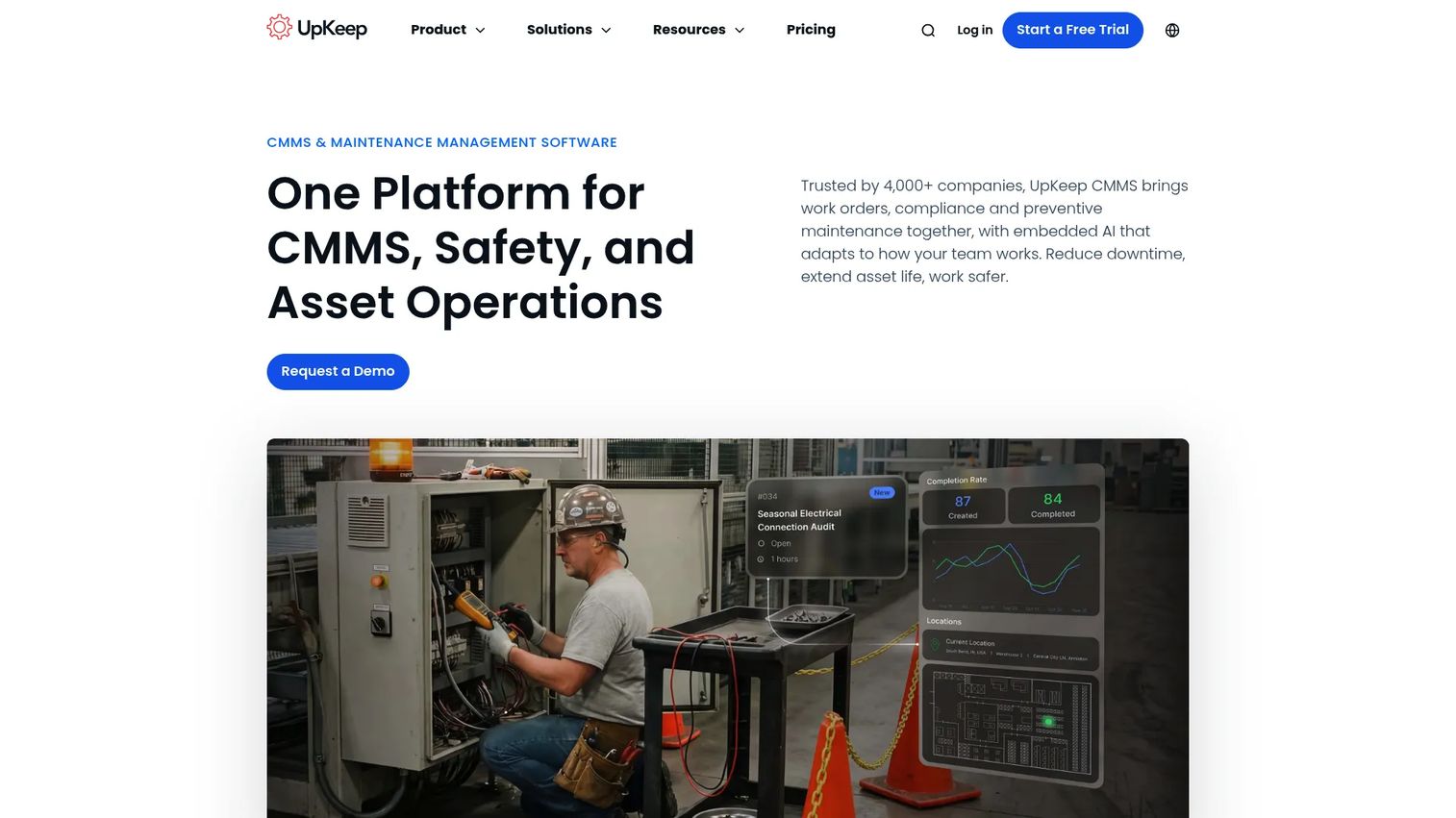
UpKeep is asset operations management software for maintenance and reliability teams. It leans mobile-first for field execution and pairs that with analytics designed to give operators visibility into maintenance performance. For plant teams that want both a strong technician workflow and dashboards leadership will read, UpKeep balances the two.
Best for: Maintenance teams that need a mobile-first CMMS with strong reporting and asset visibility for analytics-driven decisions.
Key strengths
- Work order management: Capture, assign, and close work orders from the field on mobile.
- Preventive maintenance scheduling: Optimize recurring PMs against asset usage and history.
- Asset tracking and parts inventory management: Equipment records tied to spare parts inventory management.
UpKeep's analytics are a differentiator for teams that want maintenance KPI reporting they can act on. The mobile-first design means technicians capture work orders where the work happens, which improves data quality. That combination supports both field execution and the visibility leadership wants.
Why choose UpKeep: If you want field-strong execution plus reporting that surfaces downtime reduction opportunities, UpKeep covers both. It fits plants that treat maintenance data as a decision input, not just a log.
UpKeep pricing: Essential is $24 per user per month and Premium is $55 per user per month, both publicly priced. Professional and Enterprise require a custom quote. A free trial is available with no credit card, and pricing is verified on UpKeep's site. It holds a 4.5/5 rating on G2.
7. MaintainX
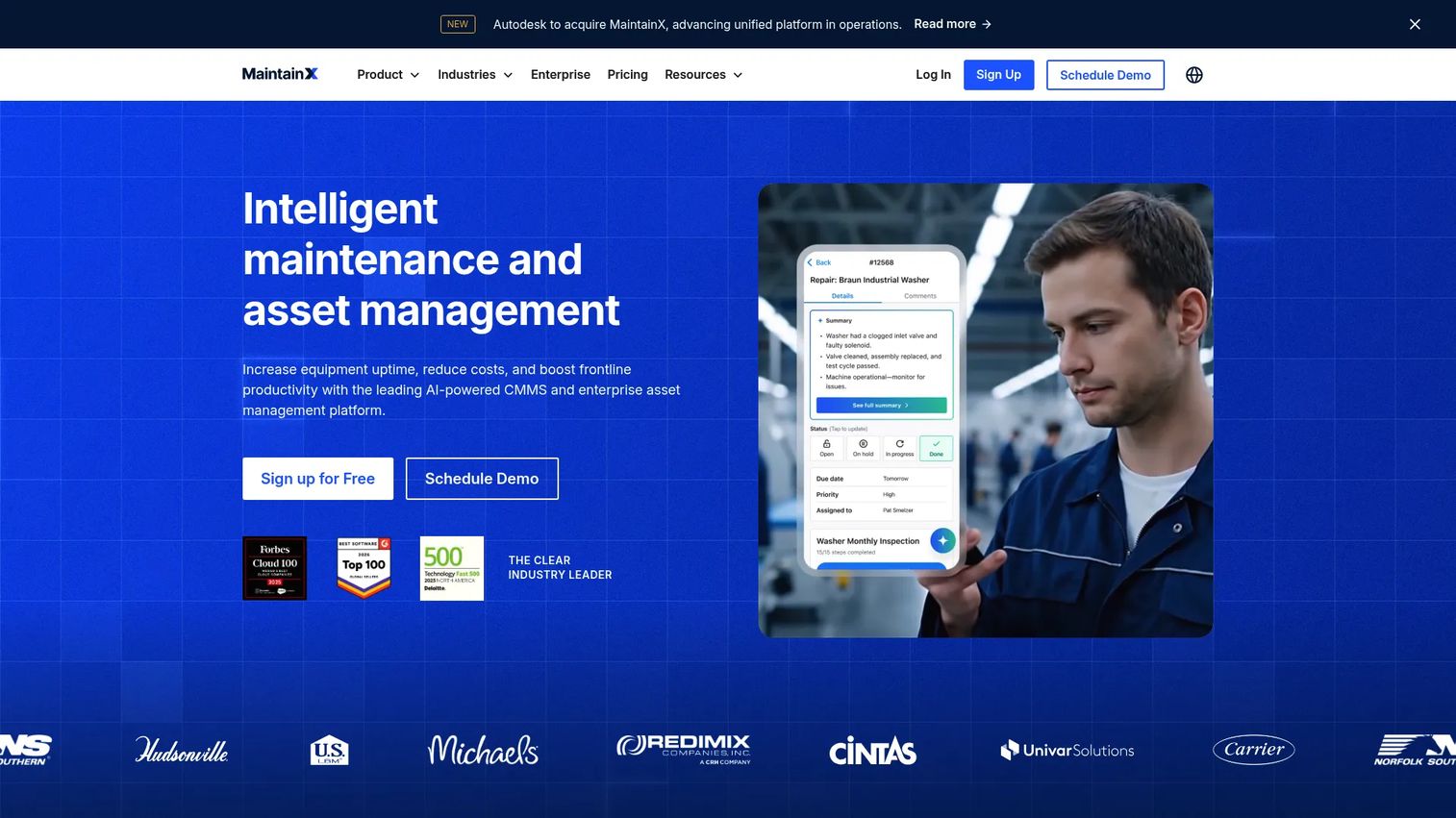
MaintainX is AI-powered maintenance and asset management software built for frontline teams. Its adoption across manufacturing and facilities crews is a genuine strength, since it is designed to feel usable to technicians who have never touched a CMMS. It covers broad industrial maintenance workflows without demanding heavy setup.
Best for: Maintenance, operations, and facilities teams that need broad CMMS and asset management workflows with wide frontline adoption.
Key strengths
- Work order management: Create, assign, and track work orders with a frontline-friendly interface.
- Preventive maintenance: Recurring schedules that keep planned maintenance on cadence.
- Asset management: Equipment records and inventory control across the plant.
MaintainX pairs a technician-friendly workflow with team communication, so job context and conversation stay together. The free tier makes it easy to trial with one crew, and the paid tiers scale into broader industrial maintenance software territory as the plant grows.
Why choose MaintainX: If frontline adoption is your biggest worry, MaintainX is built for teams that need buy-in from technicians on day one. The free Basic plan lets you prove value before committing budget.
MaintainX pricing: Basic is free forever. Essential is $20 per user per month billed annually or $25 monthly. Premium is $65 per user per month billed annually or $75 monthly. Enterprise is custom-priced. It holds a 4.8/5 rating on G2.
8. Fiix
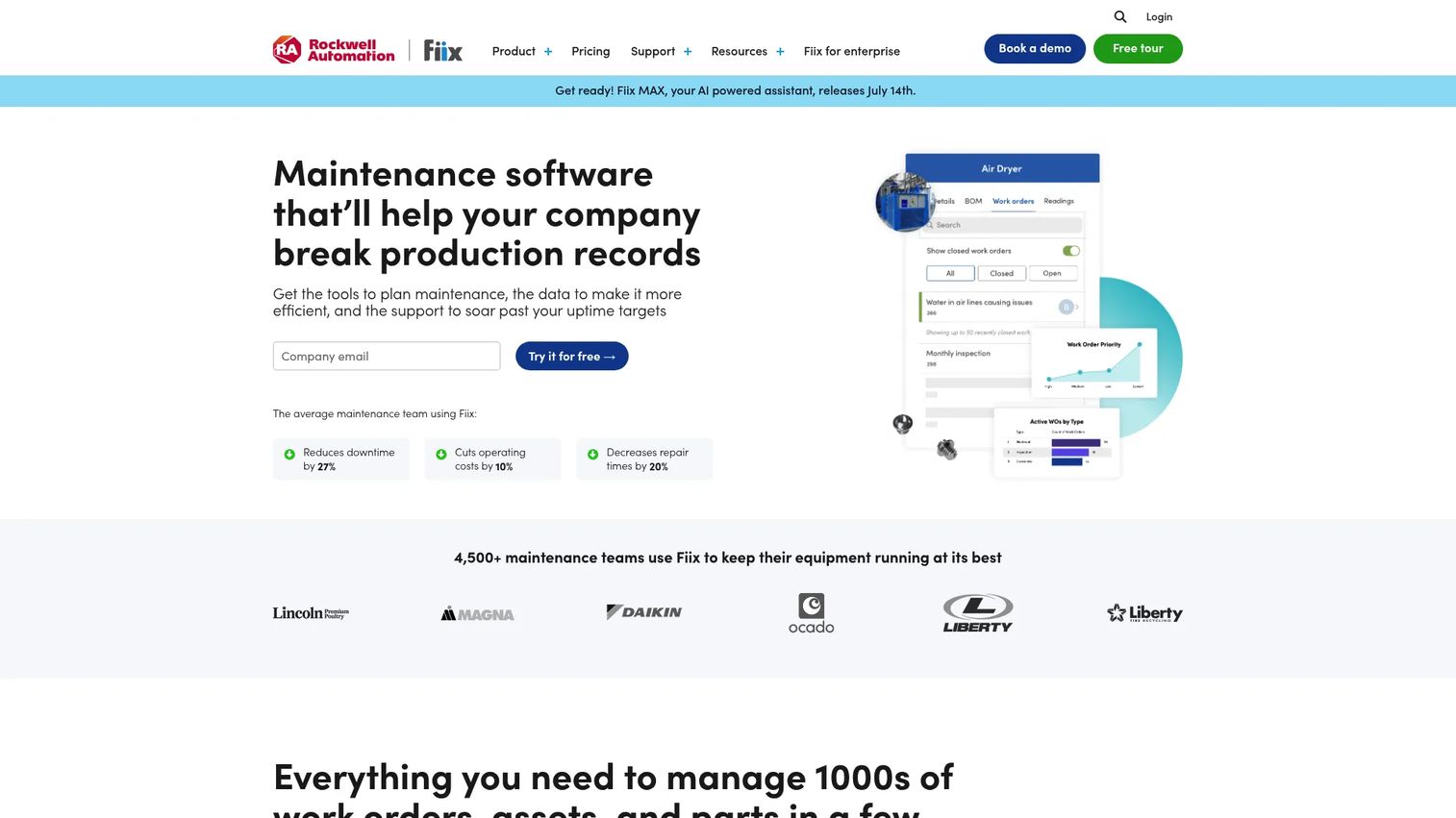
Fiix is a cloud-based CMMS for maintenance management with a lean toward analytics and predictive maintenance. It fits manufacturing and industrial teams that want to move past reactive work into data-informed reliability. A free entry tier makes it approachable for teams testing the waters before scaling.
Best for: Manufacturing and industrial maintenance teams that want a CMMS with a free entry tier and deeper analytics.
Key strengths
- Work order management: Full work order lifecycle from request to closeout.
- Asset management: Structured equipment records with maintenance history.
- Preventive maintenance scheduling: Time and usage-based recurring maintenance.
Fiix's analytics and predictive maintenance angle set it apart for teams ready to use maintenance data proactively. The predictive maintenance software market is forecast to reach USD 26.8 billion by 2034 at a 15.7% CAGR, per Dataintelo (2025), and Fiix positions itself where that demand is heading. Its enterprise readiness supports larger operations without abandoning the free-tier on-ramp.
Why choose Fiix: If you want to grow into predictive maintenance rather than staying purely reactive, Fiix gives you the analytics foundation. The free tier lets a small crew start before the plant commits to paid seats.
Fiix pricing: Fiix offers a free plan with limited users. Basic is $45 per user per month and Professional is $75 per user per month. Enterprise is custom-priced. It holds a 4.6/5 rating on G2.
Considerations before you buy
Feature lists look similar across these tools. The real differences show up in how the software fits your plant. Run every finalist through this checklist before you commit.
Deployment model and data control
Decide early whether cloud, desktop, or self-hosted matters for your plant. Some operations have connectivity or data-residency requirements that rule out cloud-only tools. FastMaint's one-time license and self-hosted option exist for exactly this reason, while most competitors are cloud subscriptions. Match the model to your IT reality, not the other way around.
Multi-site coordination
If you run more than one plant, verify how the tool handles multi-site maintenance. You want standardized asset data, consistent work order workflows, and cross-site reporting from one system. eMaint and Fiix are built for this complexity. Confirm whether pricing and configuration scale cleanly across locations before you sign.
Mobile and operator intake
Technicians live in the field, so a mobile CMMS is not optional. Test the mobile app with an actual technician, not a demo account. Also check how operators submit requests. Email-based or guest requests, like FastMaint's operator maintenance requests and WorkTrek's unlimited guest access, keep intake friction low without paying for extra seats.
Implementation and onboarding
The best feature set is worthless if the team never adopts it. Ask every vendor about implementation and onboarding: how long to go live, what data migration support exists, and whether an Excel import wizard can bring your spreadsheets in. Adoption speed usually predicts ROI better than feature depth. A tool the team actually uses beats a powerful one they avoid.
Conclusion
The right plant maintenance software depends on how your operation runs today, not on which tool has the longest feature list.
For plant teams that want practical setup and flexible deployment, FastMaint stands out with its one-time license options and Excel-first onboarding. Coast and WorkTrek fit simpler operational rollouts where clean work order execution and fast adoption matter most. For more complex or multi-site operations, eMaint and Fiix bring the configurability, reporting depth, and predictive maintenance headroom larger plants need. Limble, UpKeep, and MaintainX are the picks when usability and frontline adoption are your top priority.
Choose based on three questions: which deployment model fits your IT and data requirements, how many sites you need to coordinate, and how much process change your plant can realistically absorb. Start a trial with one crew, migrate real assets, and see whether the tool clears the spreadsheet chaos without creating a new bottleneck. That first-week test tells you more than any feature comparison.
FAQs
Plant maintenance software is a system for managing work orders, preventive maintenance, assets, spare parts inventory, and reporting in plant operations. It gives maintenance teams one source of truth for what work is scheduled, what is overdue, and the full service history of every asset, replacing scattered spreadsheets, email, and paper.
Most plant maintenance software runs on CMMS software functionality, so in practice the terms overlap heavily. The label can vary by vendor and complexity: some tools brand themselves as CMMS, others as EAM or asset operations platforms. Focus on whether the tool handles your work order management, PM scheduling, and asset needs rather than on the category name.
The threshold is usually recurring preventive maintenance across a growing asset count, multiple technicians, and coordination across shifts or sites. Once a spreadsheet cannot reliably enforce PM schedules or keep asset history consistent, tasks get skipped and downtime rises. That is the signal to move to dedicated maintenance scheduling software.
Prioritize work order management, preventive maintenance scheduling, asset history, spare parts inventory management, mobile access for technicians, and reporting. For maintenance software for manufacturing, meter-based and usage-based PM scheduling matters as much as time-based, since equipment wear tracks with production, not just the calendar.
CMMS focuses on maintenance execution: work orders, PMs, and the day-to-day of keeping equipment running. EAM is broader, covering the full asset lifecycle including procurement, depreciation, and long-term reliability. In the CMMS vs EAM vs ERP picture, ERP sits wider still across finance and operations. Plants should start with CMMS needs and add EAM depth only if asset lifecycle management is a real requirement.
Mobile access is critical because maintenance work happens in the field, not at a desk. A strong mobile CMMS lets technicians receive assignments, update status, attach photos, and close out work orders on the spot. That improves data quality and speeds up closeout, since technicians are not reconstructing details hours later from memory.
Yes. Onboarding speed and support affect adoption more than feature depth alone. Ask how long implementation takes, what data migration help exists, and whether an Excel import wizard can bring existing schedules and asset lists in. A tool the team adopts quickly delivers value faster than a powerful one nobody wants to use.