Your office is open three days a week. Nobody knows who is coming in. The best conference rooms are booked solid by Tuesday morning, and facilities is still planning capacity from badge data that arrives three weeks late.
This is the operational reality of hybrid work in 2026. According to CIPD (2025), 74% of UK organizations now have hybrid working in place. Most are still coordinating it through a mix of shared calendars, Slack threads, and spreadsheets. That approach breaks fast: Employees waste commutes on empty offices, rooms sit unused while teams fight over the same three bookings, and leadership has no reliable occupancy data before renewal conversations.
Hybrid enablement software turns that chaos into a governed system. It connects employee schedules, bookable spaces, visitor workflows, and workplace analytics so operations leaders can run an office that people actually want to come back to.
This guide compares 12 platforms for 2026 and helps you pick the right one for your hybrid policy, office footprint, and integration stack.
What's inside
This guide covers 12 hybrid workplace software platforms, evaluated against the criteria that determine whether employees adopt the tool or ignore it.
- Who this is for: Workplace operations leaders, facilities teams, IT buyers, and presales practitioners researching tools to coordinate distributed GTM teams
- Selection criteria:
- Desk booking and room scheduling depth
- Employee office-presence coordination and team visibility
- Workplace analytics and occupancy reporting
- Integrations with calendars, identity providers, communication tools, and workplace hardware
- Visitor, parking, and access workflows where relevant
Pricing and G2 ratings reflect figures verified against each vendor's live pricing page and G2 listing.
TL;DR
- Best overall hybrid enablement platform: Yarooms, for structured hybrid operations across desk booking, room scheduling, visitor workflows, and workplace analytics in one governed layer
- Best for visitor-heavy offices: Envoy, for teams where front-desk coordination, deliveries, and workplace safety workflows matter as much as desk booking
- Best for employee office-day coordination: Kadence, for companies that need team presence planning and AI-assisted scheduling without forcing manual coordination
- Best for workplace analytics: HubStar, for organizations making real-estate decisions from occupancy data
- Best for enterprise communications plus booking: Appspace, for larger companies combining digital signage, intranet, and space reservations in one employee experience layer
- Best free starting point: Eden or Scoop, depending on whether you need office space management or attendance coordination first
What is hybrid enablement software?
Hybrid enablement software helps organizations coordinate remote and in-office work by managing office schedules, desks, meeting rooms, visitors, workplace resources, and space-use data in one system.
The category sits between a shared calendar and a full IWMS (integrated workplace management system). It is not just a room-booking widget bolted onto Outlook. A purpose-built hybrid enablement platform connects employee schedules with workspace availability, enforces booking policies, and generates utilization data that facilities teams can act on before the next lease decision.
Key capabilities the category covers
- Desk booking: Hot desk reservations, neighborhood assignments, recurring bookings, check-in confirmation, and no-show release
- Room scheduling: Meeting room booking integrated with Outlook, Google Calendar, Microsoft Teams, and room display panels
- Employee office-presence planning: Team calendars showing who plans to come in, with smart suggestions for office days
- Visitor management: Pre-registration, check-in, badge printing, host notifications, and audit-ready visitor records
- Workplace analytics: Occupancy rates, peak-day heatmaps, floor utilization, and space planning recommendations
- Policy controls: Capacity limits, booking approval rules, access restrictions, and return-to-office policy enforcement
- Mobile access: Employee-facing apps for booking desks, checking team presence, and managing check-ins on the go
- Sensor and hardware integration: Occupancy sensors, room panels, badge systems, and WiFi data to validate actual vs booked usage
Category boundaries worth knowing
Pure calendar apps are not enough unless paired with workplace booking logic and policy controls. Event management platforms are adjacent but do not solve day-to-day office coordination. Revenue enablement and training tools fall outside this category unless they also manage hybrid workplace operations directly.
For presales and GTM teams specifically, hybrid enablement software matters for coordinating customer workshops, in-person discovery sessions, and technical validation meetings where the right room, the right team presence, and visitor access workflows all need to align without a 30-minute Slack thread.
When to use hybrid enablement software
Coordinate office days without Slack chaos
Your team runs three-day hybrid schedules and nobody is sure who is in on which day until the morning of. Hybrid enablement software gives employees a single place to signal their office plans, see which teammates are coming in, and book a desk before they commute. The result is fewer empty-seat surprises and more intentional in-person collaboration for discovery workshops, demos, and cross-functional planning sessions.
Match office space to actual demand
Facilities teams need occupancy data before changing floor plans, releasing floors, or renewing leases. Hybrid enablement platforms aggregate booking data, check-in confirmation, sensor readings, and badge events into utilization reports that show actual demand rather than assumed demand. For organizations managing large footprints across multiple locations, that data is the difference between evidence-based decisions and expensive guesses.
Manage visitors, parking, and workplace policies
Hybrid offices still receive external guests: Customer visits, vendor meetings, candidate interviews, and technical onsite sessions. Visitor management workflows handle pre-registration, check-in, host notifications, and access control without front-desk staff managing it manually. Parking booking and capacity limits round out the operational layer for offices where ad hoc arrival still creates friction.
Hybrid enablement software comparison
The table below gives you a snapshot of all 12 platforms before you read the individual sections. Use it to shortlist two or three tools, then dig into the detail.
| # | Product | Best for | Key differentiator | Pricing | G2 rating |
|---|---|---|---|---|---|
| 1 | Yarooms | Structured hybrid workplace operations | Unified desk booking, visitor management, and workplace analytics | From $99/month | 4.3/5 |
| 2 | Envoy | Visitor-heavy hybrid offices | Visitor, desk, room, delivery, and safety workflows | Free tier; modules from $2/user/month | 4.6/5 |
| 3 | Kadence | Employee office-day coordination | AI-powered scheduling and team presence planning | Custom pricing | 4.5/5 |
| 4 | Smartway2 | Complex workspace booking | Desk, room, parking, and resource scheduling | Custom pricing | 4.1/5 |
| 5 | HubStar | Workplace analytics and space planning | Occupancy intelligence and dynamic space management | Custom pricing | 5.0/5 |
| 6 | Eden | Office operations teams | Desk booking, visitor management, and internal ticketing | Free; paid from $89/location/month | 4.7/5 |
| 7 | Appspace | Enterprise workplace communications | Employee app, digital signage, intranet, and space booking | Free tier; Enterprise custom | 4.5/5 |
| 8 | Roomz | Hardware-connected room and desk booking | Wireless room displays, occupancy sensors, and booking software | From €499 (Experience Box) | N/A on G2 |
| 9 | Archie | Coworking and flexible offices | Space management, billing, visitor check-in, and member experience | From $159/month | 4.9/5 |
| 10 | Wellness360 | Wellness-linked hybrid workplace experience | Hybrid workplace features connected to employee wellbeing programs | Custom pricing | 4.4/5 |
| 11 | Robin | Employee-friendly office booking | Desk booking, room scheduling, maps, and workplace analytics | Custom pricing | 4.4/5 |
| 12 | Scoop | Team attendance planning | Office-day coordination and hybrid schedule visibility | Free; Enterprise $5/employee/month | 4.2/5 |
Best 12 hybrid enablement software tools for 2026
1. Yarooms
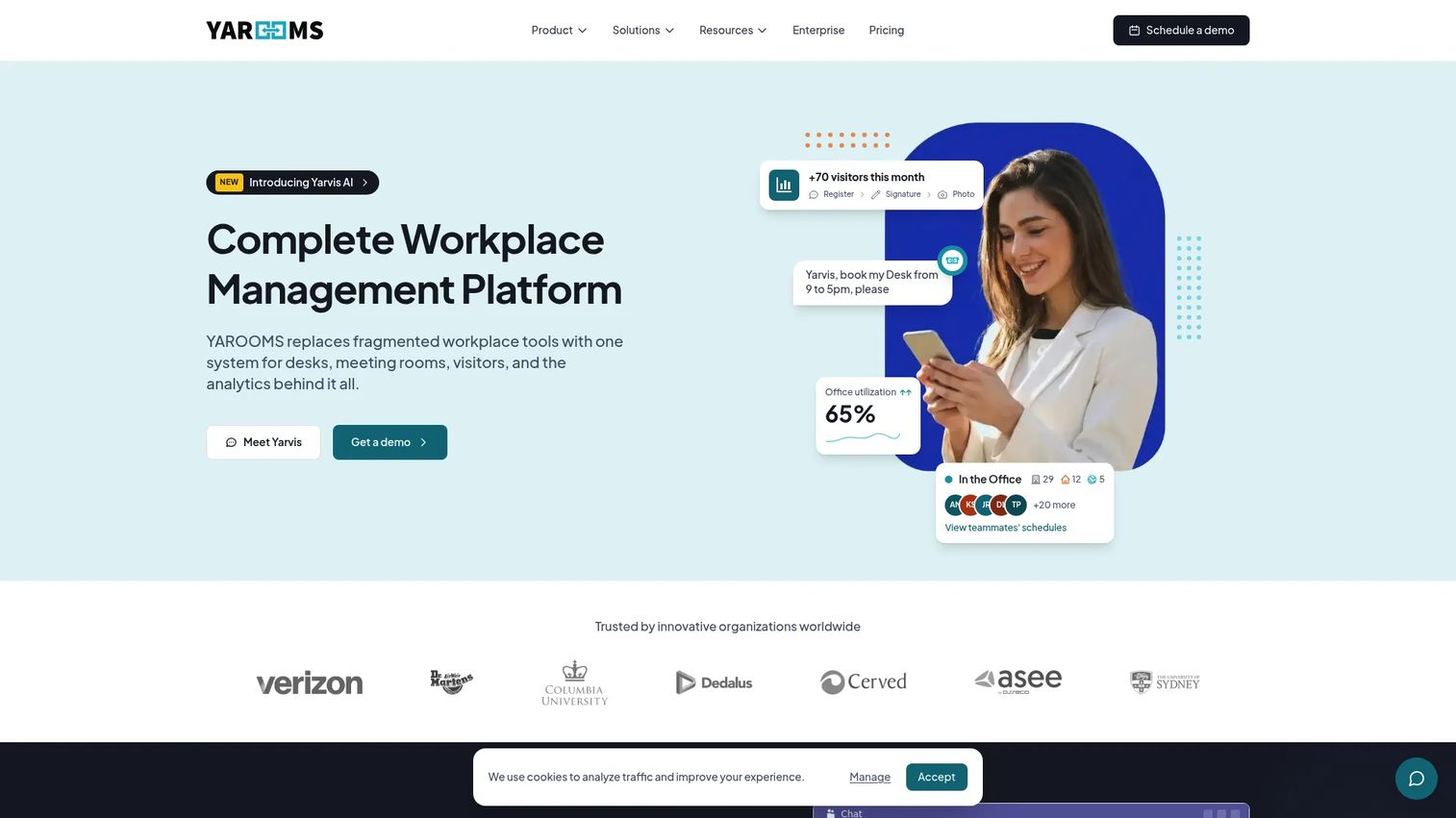
Yarooms is a workplace management platform covering desk booking, room scheduling, hybrid work scheduling, visitor management, and workplace analytics. It is built for organizations moving from ad hoc hybrid coordination to governed office planning with policies, analytics, and multi-location support.
Best for: Mid-market and enterprise teams that need structured hybrid work policies, booking workflows, and workplace analytics in one operational layer.
Key features
- Desk and room booking with interactive office maps
- Hybrid work scheduling and team presence calendars
- Visitor management with pre-registration, photos, and analytics
- Workplace analytics and carbon reporting
- SSO, Microsoft Teams integration, and Yarvis AI assistant
Why choose Yarooms: It fits companies that need governance and repeatability, not just basic booking. The Business plan adds Microsoft Teams integration and the Yarvis AI assistant, while Enterprise adds API access and on-premise deployment for teams with stricter security requirements.
Yarooms pricing: Plans start at $99/month (Starter, one location). Business is $399/month and Enterprise is $899/month. Annual billing saves 20%. A separate Visitor Management System is available at $99/location/month.
G2 rating: 4.3/5
2. Envoy
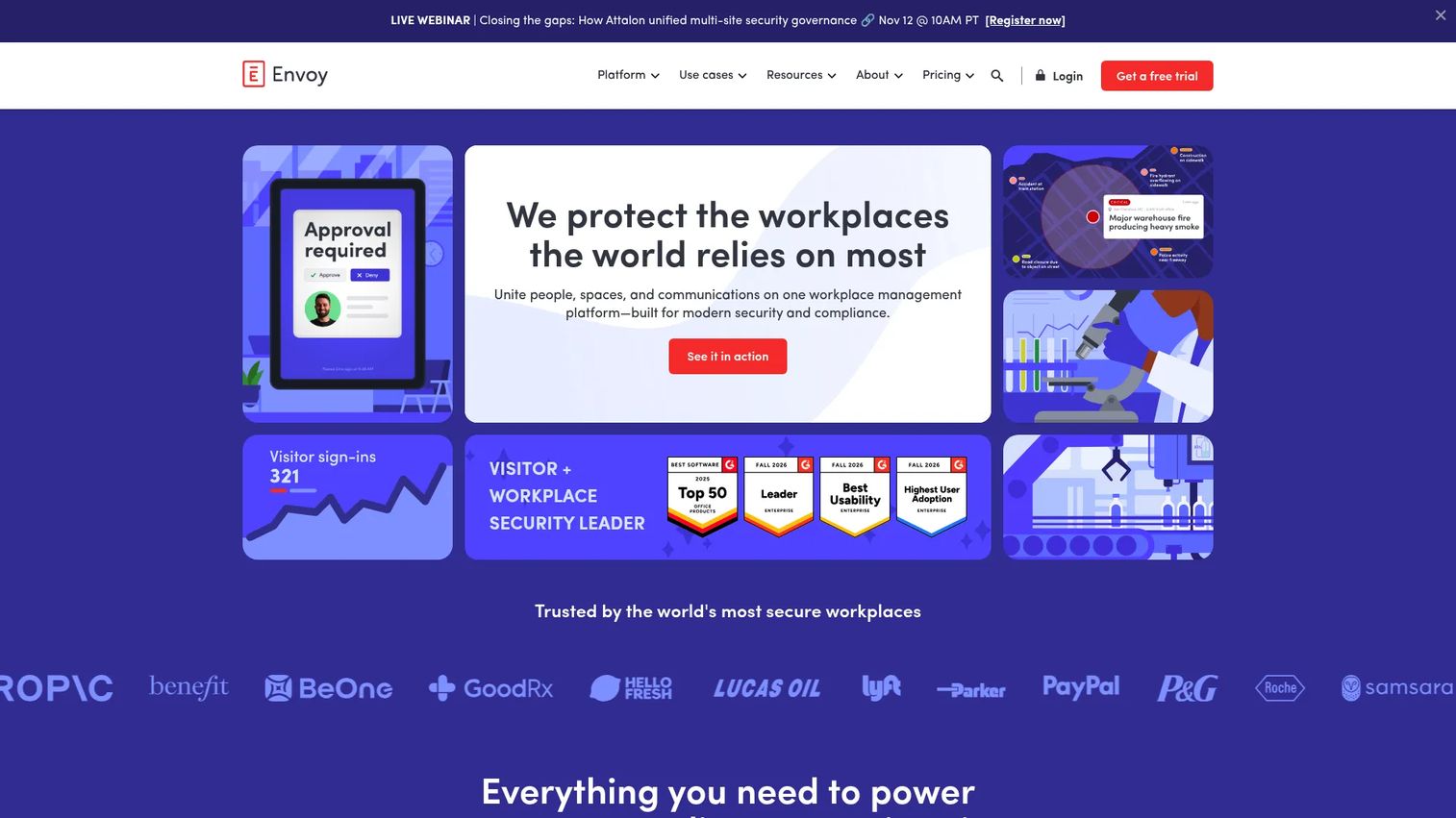
Envoy is an enterprise workplace platform built around visitor management, resource booking, mailroom management, and workplace safety. It operates on a platform-plus-modules model, so buyers select the workflows they need: Visitors, reservations, deliveries, screens, or critical event management.
Best for: Hybrid offices where visitor workflows, employee check-ins, delivery management, and front-desk coordination drive as much daily volume as desk booking.
Key features
- Visitor management with pre-registration, screening, badges, and audit records
- Desk, room, and parking booking with real-time availability and auto-release
- Mailroom and delivery management with digital logs and employee notifications
- Critical event management with emergency alerts and safety check-ins
- Digital signage with centralized content and device management
Why choose Envoy: It is the strongest choice when the office handles significant visitor traffic alongside employee booking. The modular pricing means you pay for what you use, though the required platform fee adds to the total cost.
Envoy pricing: Visitors Basic is free. Envoy Response Standard starts at $2/user/month (billed annually, plus platform fee). Reservations Standard starts at $5/bookable resource/month (billed annually, plus platform fee). Platform fee pricing requires contacting sales.
G2 rating: 4.6/5
3. Kadence
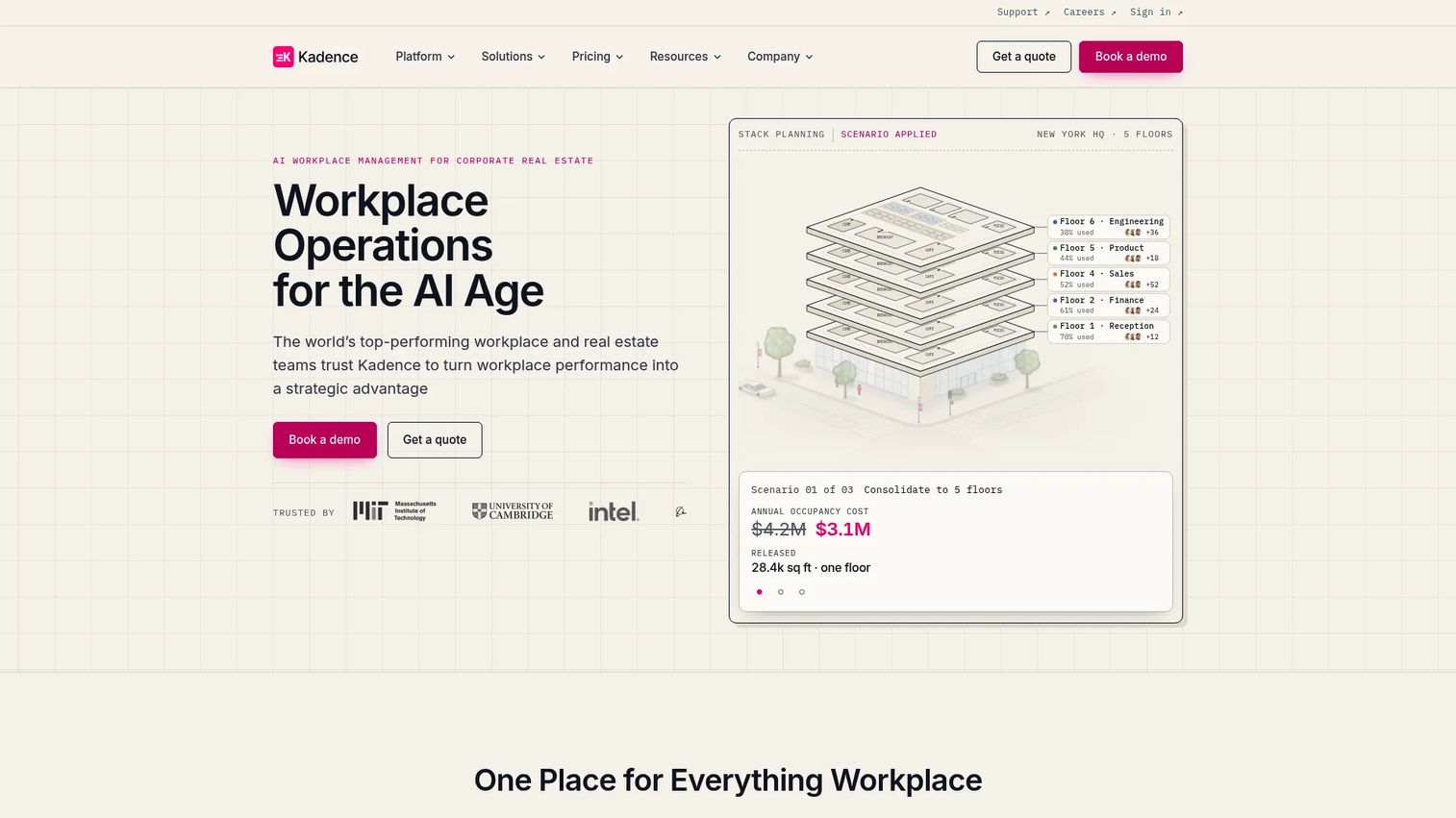
Kadence is an AI-powered workplace management platform for desk and room booking, visitor management, team coordination, and space planning. Its Kadence AI assistant operates directly inside Microsoft Teams and Slack, reducing the friction of switching to a separate tool for office-day planning.
Best for: Enterprise workplace teams that want AI-assisted office-day coordination and team presence planning with strong calendar integrations.
Key features
- Desk, room, and space booking with floor plan visualization
- Team scheduling and smart suggestions for in-office alignment
- Visitor management and workplace analytics
- Kadence AI inside Microsoft Teams and Slack
- SpaceOps scenario planning and move management
Why choose Kadence: The Teams and Slack integrations make adoption easier for employees who live in those tools. It suits organizations where the hardest problem is persuading employees to coordinate, not enforcing rigid policies.
Kadence pricing: Kadence uses active-user billing on annual contracts. Pricing is quote-based for WorkOps Team, WorkOps Pro, SpaceOps, and Enterprise Bundle plans. Floor plan upload and setup is listed at $250 per floor. Contact Kadence for subscription pricing.
G2 rating: 4.5/5
4. Smartway2
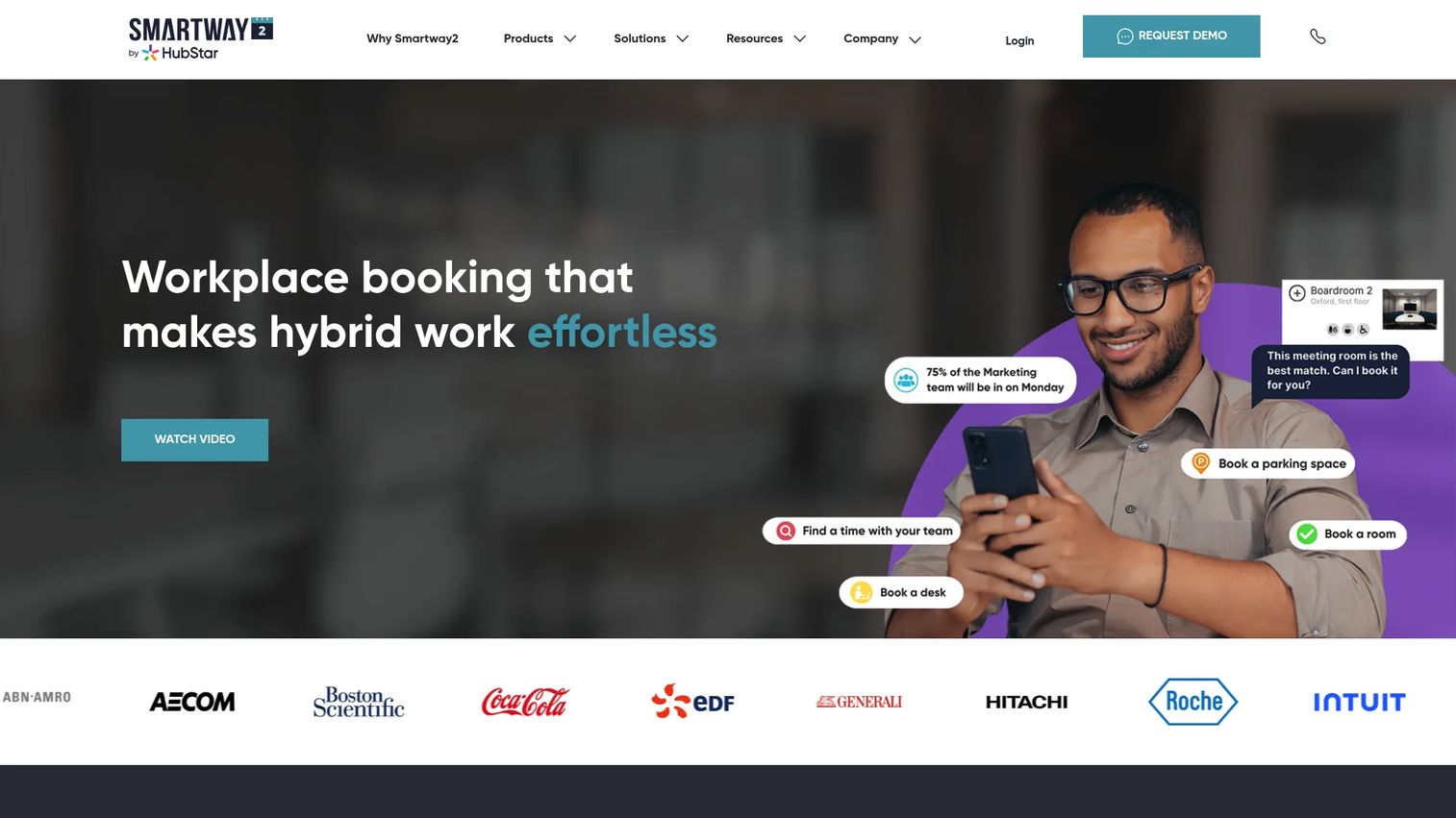
Smartway2 is a workplace scheduling and resource-booking platform for desks, meeting rooms, parking, catering, equipment, and other shared office resources. It is designed for organizations with complex booking rules, multi-resource requirements, and multiple locations.
Best for: Larger offices and multi-location companies that need structured workspace booking across diverse resource types, not just desks and rooms.
Key features
- Desk and hot-desk booking with configurable rules and no-show termination
- Meeting room booking via Outlook, Teams, web, and room display panels
- Parking, catering, equipment, and resource scheduling
- Workplace utilization analytics and custom reporting
- Active Directory, SSO, API, access control, and sensor integrations
Why choose Smartway2: It handles booking complexity that simpler tools do not: Multi-resource bundles, approval workflows, and integration with physical access control. It is a stronger fit for large footprints than for small teams running a single office.
Smartway2 pricing: Pricing is quote-based. Cost drivers include number of bookable resources, locations, integrations, and hardware requirements. Contact Smartway2 for a quote.
G2 rating: 4.1/5
5. HubStar
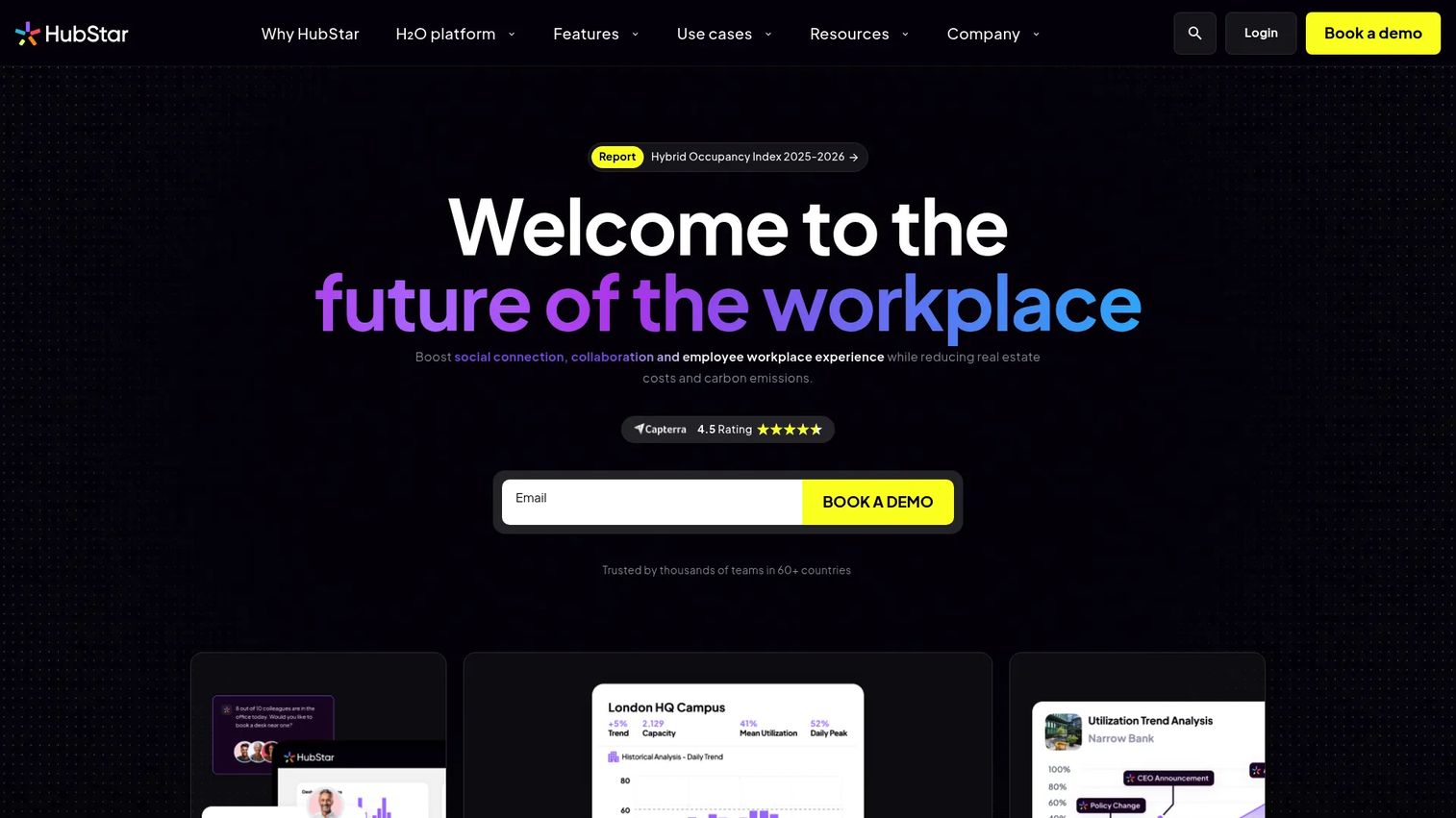
HubStar is a dynamic workplace platform focused on hybrid occupancy management, space utilization analytics, and workplace experience. It aggregates data from bookings, sensors, badge systems, and WiFi to give facilities teams a real-time and historical picture of how office space is actually being used.
Best for: Real-estate, facilities, and workplace leaders making space planning and lease decisions from occupancy intelligence rather than booking data alone.
Key features
- Real-time space utilization and occupancy analytics
- Desk and room booking with team collaboration planning
- Dynamic occupancy management and hybrid data management
- AI digital assistant for workplace insights
- Visitor management and sensor integrations
Why choose HubStar: Its analytics depth goes beyond booking counts. Teams that need to right-size a floor, justify a lease renewal, or rebalance neighborhoods across a building will find the occupancy intelligence more actionable than what most booking tools provide.
HubStar pricing: Custom pricing. HubStar directs buyers to request a demo for pricing. Cost is driven by office footprint, data sources, analytics modules, and sensor integrations.
G2 rating: 5.0/5
6. Eden
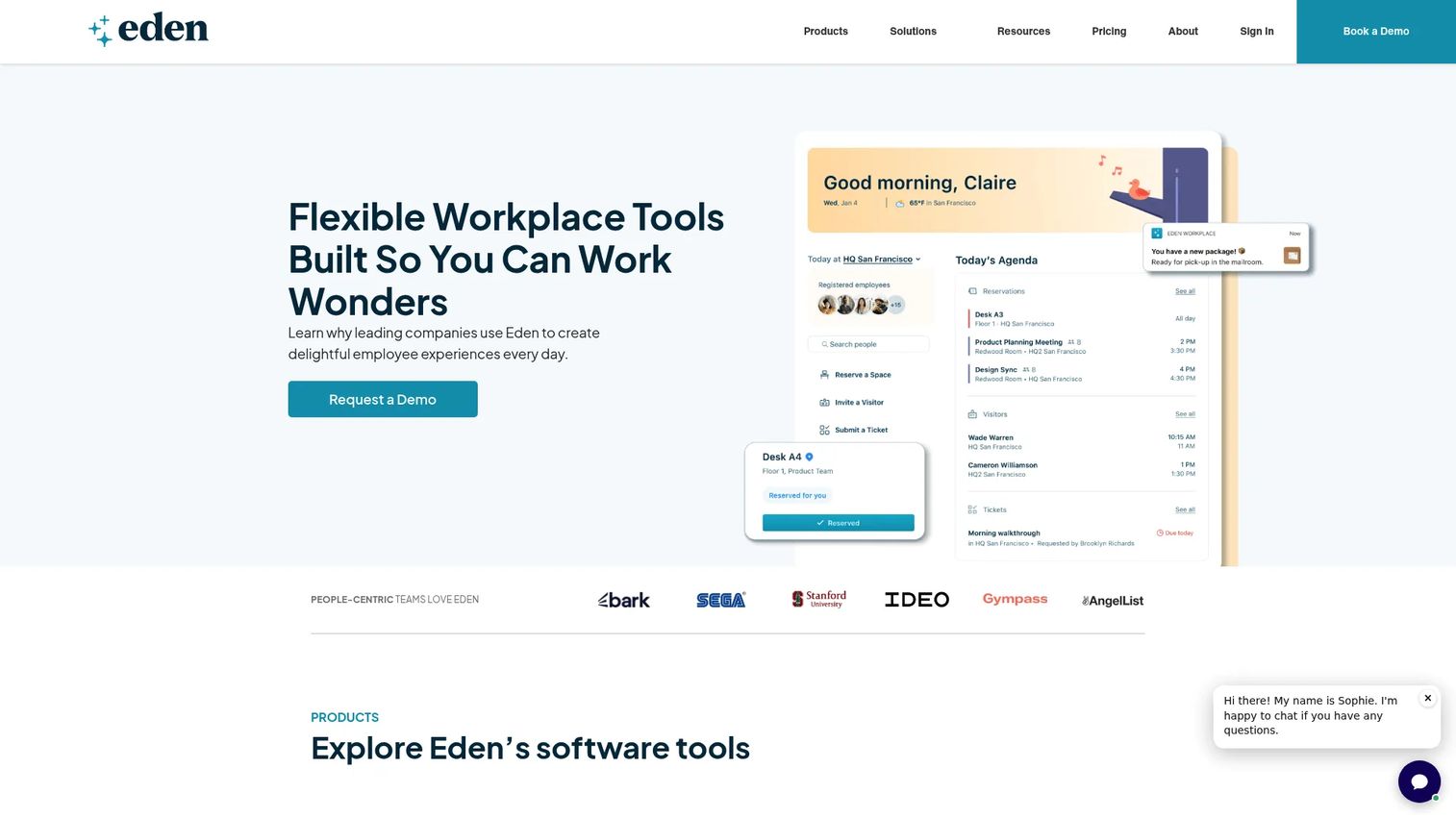
Eden provides workplace management software for desk booking, room scheduling, visitor management, deliveries, and internal ticketing. It is built for office operations teams that need to manage both bookable spaces and the day-to-day service requests that keep an office running.
Best for: Office operations teams that need desk booking and visitor workflows paired with internal service requests and workplace integrations in one platform.
Key features
- Desk booking and room scheduling
- Visitor management with customizable check-in flows
- Deliveries and package management
- Internal ticketing for workplace service requests
- 40+ integrations with workplace, identity, and HR tools
Why choose Eden: It combines the booking layer with the operational request layer that many platforms handle separately. Teams that spend time manually routing maintenance tickets, supply requests, and visitor workflows will find the unified view practical.
Eden pricing: Starter is free. The Accelerate plan is $89/location/month and Scale is $179/location/month (both billed monthly). Enterprise pricing requires contacting Eden.
G2 rating: 4.7/5
7. Appspace
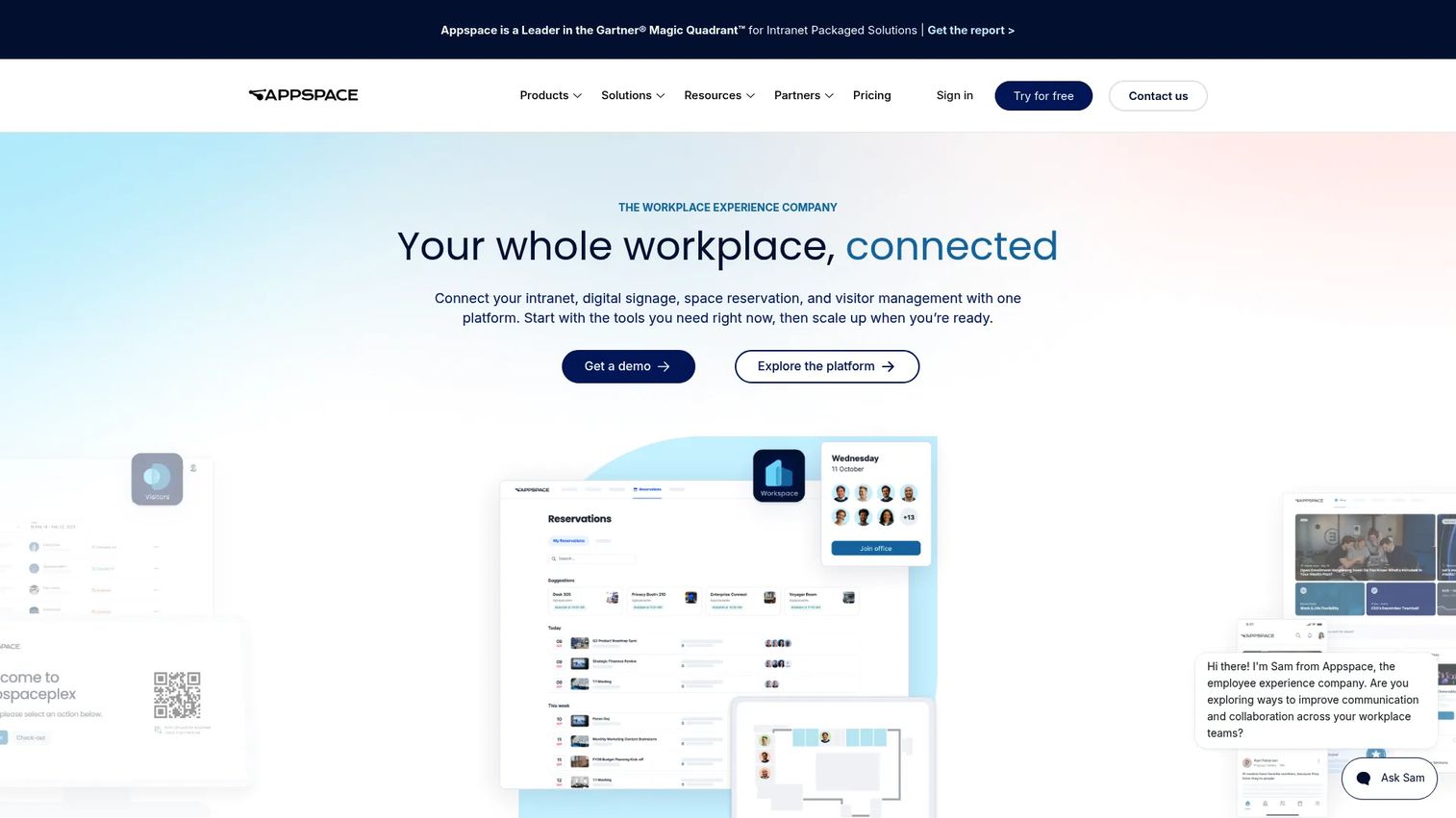
Appspace is a workplace experience platform combining an employee app, modern intranet, digital signage, space reservations, visitor management, and maps in one system. It is used by more than 150 Fortune 500 companies and millions of employees globally.
Best for: Enterprises that want workplace communication and space coordination in the same employee experience layer, with signage endpoints and intranet content managed from one admin.
Key features
- Employee app and modern intranet for internal communications
- Digital signage with centralized content publishing
- Room and desk reservations with workplace maps and wayfinding
- Visitor management and experience workflows
- AI-powered content creation and workplace analytics
Why choose Appspace: It suits organizations where the employee communication problem and the workplace booking problem are equally urgent. If you need a platform that handles a digital display in the lobby, an intranet post, and a desk booking in the same admin view, Appspace handles all of them.
Appspace pricing: A Free tier is available. Express and Enterprise plans are priced by users, devices, and required modules. Contact Appspace for subscription pricing. Additional storage costs $0.10/GB/month and additional bandwidth costs $0.15/GB/month.
G2 rating: 4.5/5
8. Roomz
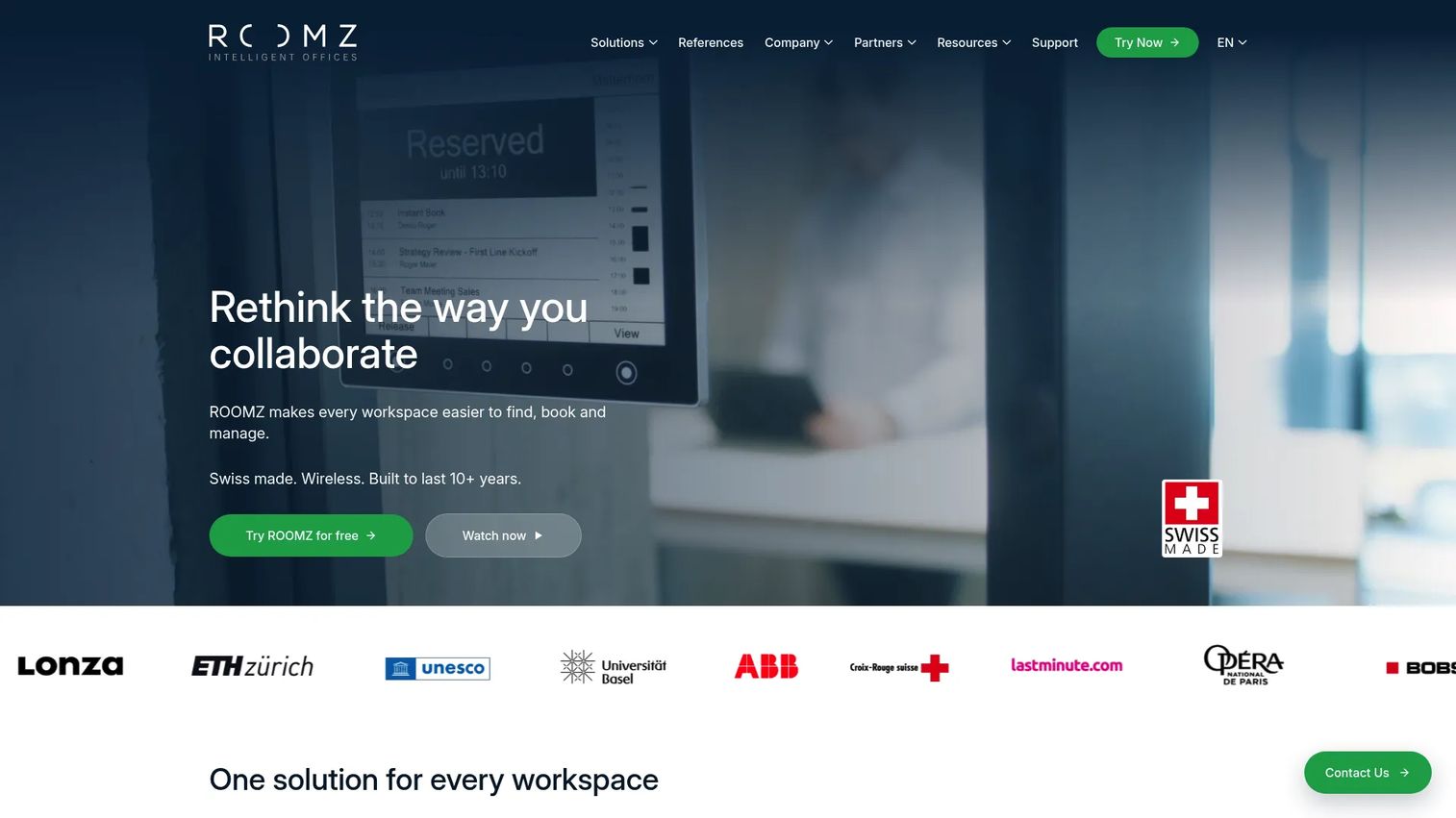
Roomz is a workplace booking platform built around hardware: Wireless e-ink room displays, occupancy sensors, and software that connects physical and digital booking in real time. It supports meeting room management, desk booking, and space analytics with cloud and on-premise deployment options.
Best for: Offices that want their booking software physically connected to room panels and occupancy sensors, with reliable hardware that does not require wiring or frequent charging.
Key features
- Wireless e-ink room displays with up to 4 years of battery life
- Occupancy sensors for detecting unused bookings and real usage
- Desk booking and hot-desk management with live space availability
- Space analytics for workplace usage insights
- Integrations with Microsoft 365, Microsoft Teams, Google Workspace, and Exchange
Why choose Roomz: The hardware-first design makes it practical for offices where rooms are regularly booked but rarely used. The sensor data closes the gap between what the calendar shows and what is actually happening in the building.
Roomz pricing: The Experience Box (which includes hardware and a one-year subscription) starts at €499 / CHF 569 / £479 MSRP, excluding taxes. Software-license pricing for broader deployments is available on request.
9. Archie
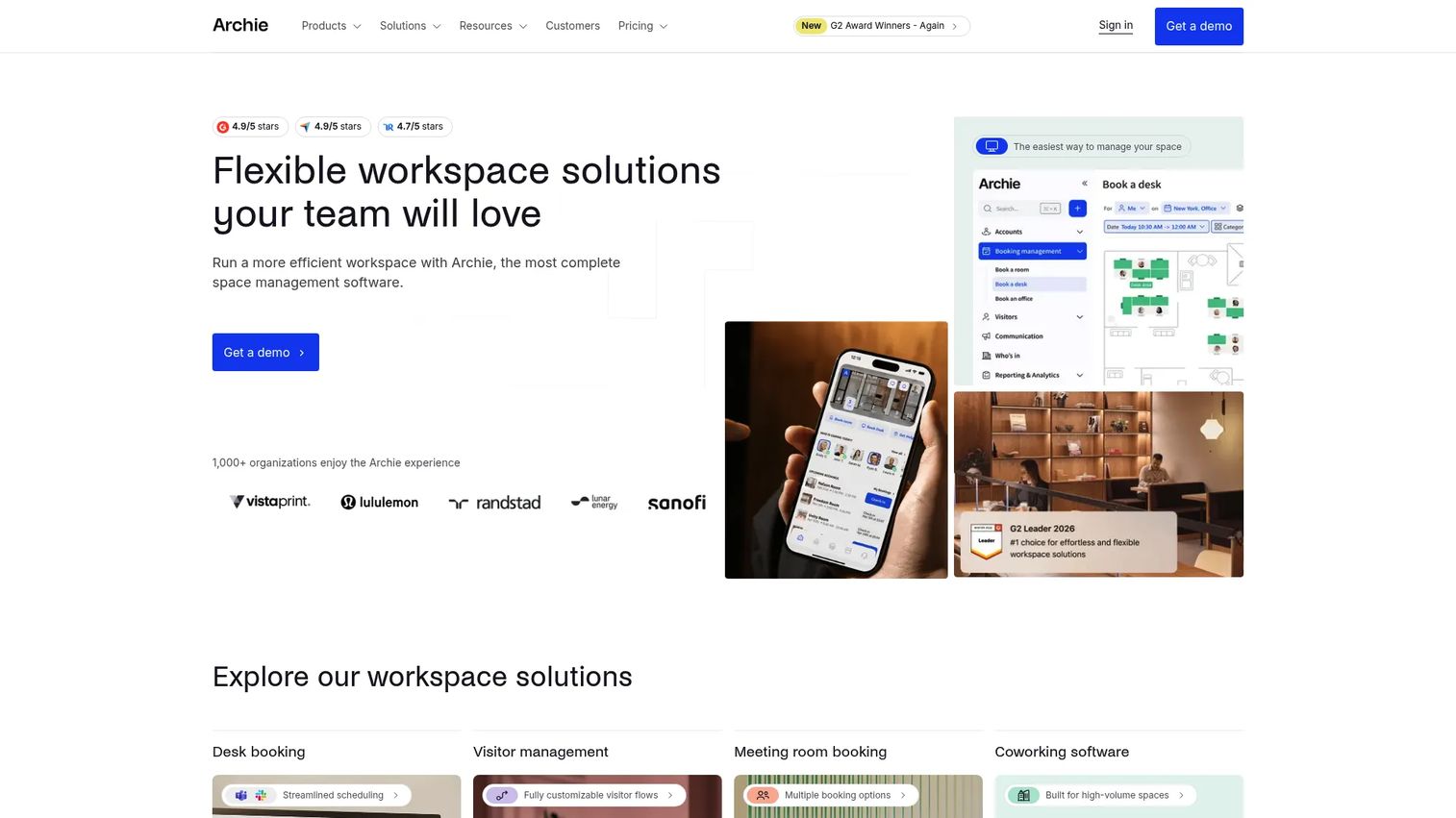
Archie is workspace management software for desk booking, meeting room scheduling, visitor management, and coworking operations. It covers both corporate hybrid offices and coworking operators that need membership management, billing, and member experience alongside space booking.
Best for: Organizations managing hybrid offices, coworking-style flexible spaces, or multi-location bookable environments where member or access billing is part of the workflow.
Key features
- Desk booking with visual floor plans, recurring bookings, check-ins, and occupancy analytics
- Meeting room booking and scheduling
- Visitor management with customizable registration flows
- Multi-location management with SSO, SCIM, API access, and webhooks
- Microsoft Teams, Slack, Outlook, and other integrations
Why choose Archie: It is one of the few platforms that handles both corporate hybrid offices and coworking operator workflows from the same product. For companies running flexible work environments that go beyond standard employee-only desk booking, the billing and member management features add meaningful operational coverage.
Archie pricing: Starter begins at $159/month (one location). Pro starts at $249/month and adds multiple locations, Teams/Outlook booking, Slack, SSO, and SCIM. Enterprise is custom. No free tier is listed; a 14-day test environment is available after a demo.
G2 rating: 4.9/5
10. Wellness360
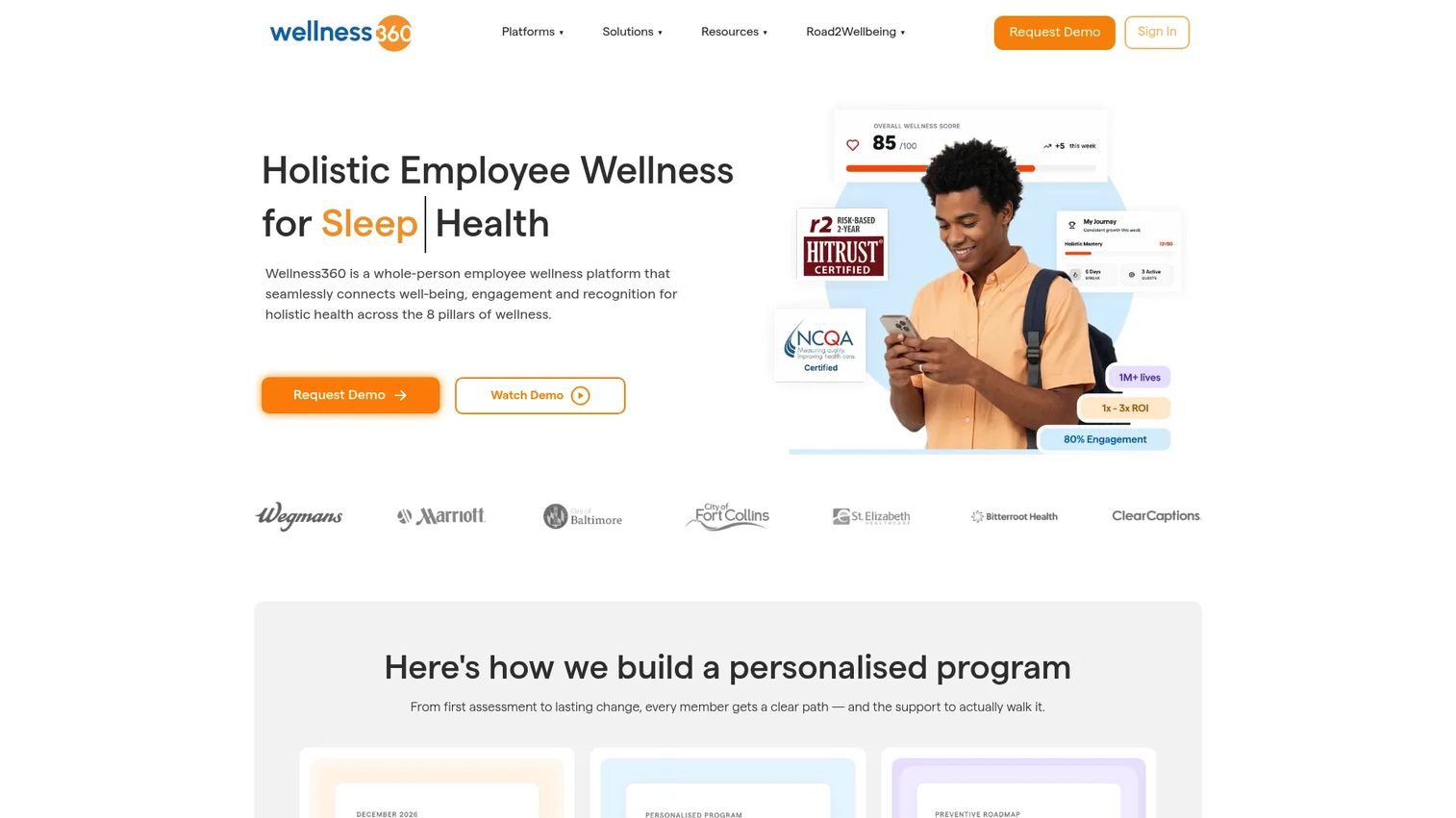
Wellness360 is a whole-person employee wellness platform that combines workplace scheduling and coordination with wellbeing programs, engagement surveys, recognition, rewards, and analytics. It is built for organizations where HR, workplace experience, and wellness are managed as one initiative rather than separate stacks.
Best for: Organizations where hybrid workplace coordination is part of a broader employee wellbeing and engagement program, particularly HR and People Ops leaders evaluating both together.
Key features
- Workplace scheduling and hybrid coordination features
- Wellness challenges, health risk assessments, and health journeys
- Peer-to-peer recognition, rewards catalogue, and lifestyle spending accounts
- Pulse surveys, community spaces, and engagement analytics
- ARIA and NOVA AI agents with 400+ integrations and real-time reporting
Why choose Wellness360: It makes sense when the buyer is evaluating hybrid workplace coordination as part of an employee experience initiative, not as a standalone facilities problem. Organizations looking purely for desk booking or room scheduling will find more focused tools in this list.
Wellness360 pricing: Custom pricing. Contact Wellness360 for a quote. Cost is driven by employee count, wellness modules selected, workplace features, and reporting requirements.
G2 rating: 4.4/5
11. Robin
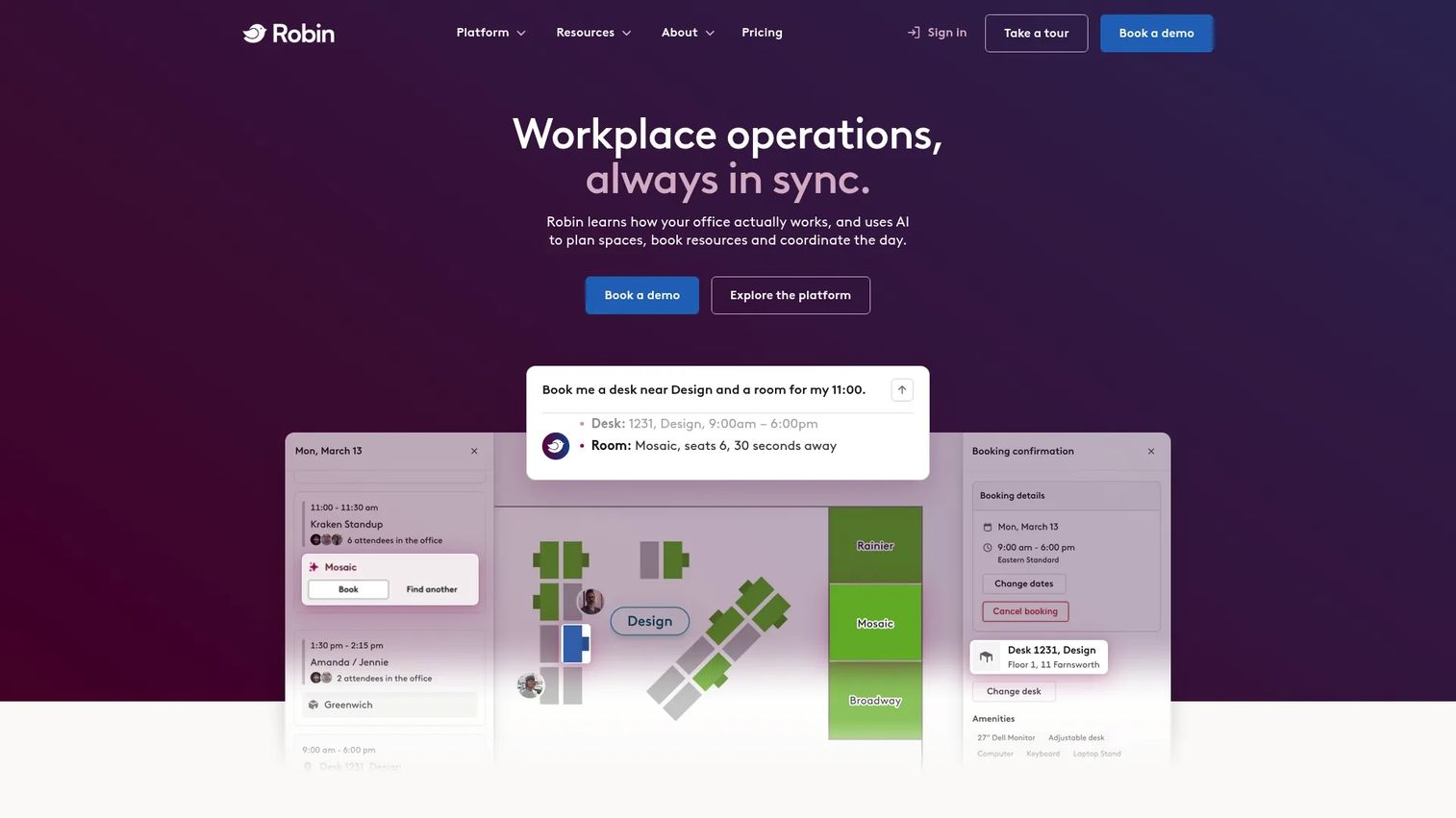
Robin is a workplace management platform for desk booking, room scheduling, parking, locker booking, and custom resource reservations. It includes interactive office maps, visitor management, meeting services, move management, and workplace analytics. Robin was named a Leader in the Gartner Magic Quadrant for Workplace Experience Applications.
Best for: Larger organizations managing hybrid workplaces and multiple office locations that need employee-friendly booking paired with solid workplace analytics.
Key features
- Desk, room, parking, locker, and custom-resource booking
- Interactive office maps, neighborhoods, move management, and scenario planning
- Visitor management, meeting services, and employee experience tools
- Workplace analytics covering utilization, booking patterns, and occupancy
- Mobile app for employees
Why choose Robin: Its combination of usability and analytics depth appeals to companies where employee adoption is the main barrier. The interactive maps and presence visibility help employees understand who is in and where, which drives booking behavior without mandates.
Robin pricing: Annual billing, tailored to each organization. Contact Robin for pricing.
G2 rating: 4.4/5
12. Scoop
Scoop focuses on hybrid team coordination: Who is coming into the office, when teams overlap, and how employees plan in-office days. It syncs work locations with Google Calendar and integrates with Slack for office-day planning and coworker visibility.
Best for: Companies whose primary hybrid challenge is attendance coordination and schedule visibility, not complex desk management or multi-resource booking.
Key features
- Office-day planning and work-location coordination
- Work-location syncing with Google Calendar
- Slack integration for office planning and schedule sharing
- Personalized summaries of coworker plans and meetings
- Workplace usage insights and attendance analytics
Why choose Scoop: It is the right starting point when coordinating people is harder than managing space. For teams with flexible hybrid policies and modest booking complexity, Scoop reduces the scheduling overhead without requiring a full workplace operations platform.
Scoop pricing: Basic is free. Enterprise is $5/employee/month.
G2 rating: 4.2/5
Considerations when choosing hybrid enablement software
Match the tool to your hybrid policy first
A company running anchor days (required in-office days per week) needs policy enforcement, capacity controls, and reporting. A fully flexible office needs employee-facing visibility and team coordination features. Map your policy before comparing feature lists, or you will end up paying for governance you do not enforce or missing coordination features you actually need.
Evaluate employee adoption friction before anything else
The best-specified platform fails if employees do not use it. Evaluate mobile app quality, calendar integration depth, and team presence visibility before committing. Tools that require employees to open a separate app to book a desk will see lower adoption than those embedded inside Teams or Slack. Ask vendors for adoption data from comparable deployments.
Verify integrations against your actual stack
The integrations that matter most are calendar (Outlook or Google), identity provider (Azure AD, Okta, Google), communication platform (Teams or Slack), HRIS, and visitor access control. Some tools also integrate with badge systems, WiFi data, and occupancy sensors. Verify which integrations are native, which require third-party connectors, and which are gated to higher pricing tiers.
Examine analytics depth, not just booking reports
Basic booking reports show reservation counts. Actionable workplace analytics combine bookings, check-ins, sensor data, badge events, and WiFi presence to show actual occupancy versus booked occupancy. If space planning is a goal, ask vendors specifically about their data sources, heatmap granularity, and whether utilization reports are based on bookings alone or confirmed physical presence.
Plan for security and governance before procurement
For enterprise buyers, standard questions cover role-based permissions, SSO and SCIM provisioning, data residency, visitor data retention, and audit logging. For presales and GTM teams coordinating customer-facing onsite sessions, visitor data handling and access control policies may also trigger a security review. Run these questions early so they do not stall deployment.
Conclusion
The right hybrid enablement tool depends on where the operational friction actually is. Here is a practical shortlist based on primary use case:
- Choose Yarooms or Envoy for broad hybrid workplace operations across booking, visitor management, and analytics
- Choose Kadence or Scoop for employee office-day coordination and team presence visibility
- Choose HubStar when real-estate and space planning decisions drive the evaluation
- Choose Appspace for enterprise organizations combining workplace communications with space booking
- Choose Robin for employee-friendly booking with strong interactive maps and utilization data
- Choose Archie for flexible offices or coworking-style environments with billing and member workflows
- Choose Eden for office operations teams managing bookings alongside service requests
The practical next step: Shortlist two or three tools based on your primary constraint (booking complexity, analytics depth, visitor volume, or communication integration), then run a 30 to 60 day pilot with one office, one team, and clear targets for booking adoption, room utilization, and employee satisfaction.
If your team sells workplace software, static screenshots will not show the scheduling, booking, and analytics workflows buyers need to understand. Use Guideflow to turn product flows into interactive demos prospects can click through before a live call.
Start your journey with Guideflow today!
FAQs
Hybrid enablement software helps organizations coordinate remote and in-office work by managing office schedules, desk and room booking, employee presence, visitor workflows, workplace policies, and space utilization analytics in one system. It is distinct from a shared calendar because it enforces booking rules, generates occupancy data, and gives facilities teams the visibility they need to manage office space actively.
Desk booking is one feature within a broader hybrid enablement platform. Full hybrid enablement software also handles team coordination and office-day planning, meeting room scheduling, visitor management and check-in, workplace policy enforcement, and utilization reporting. If your only problem is reserving hot desks, a lightweight booking tool may be enough. If you need occupancy data, visitor workflows, and policy controls, you need the broader category.
Small teams should prioritize easy setup, strong calendar integrations, and clear per-seat or per-location pricing. Eden's free Starter plan covers desk booking and visitor management for teams getting started. Scoop's free Basic plan works for attendance coordination. Archie's Starter at $159/month suits small teams that need desk booking plus visitor check-in without enterprise overhead. Evaluate whether the team needs booking software or presence coordination first, then match accordingly.
Enterprise buyers should prioritize governance, multi-location analytics, security controls, and integration depth. Yarooms, Envoy, Appspace, HubStar, and Robin all serve enterprise organizations. Evaluate SSO and SCIM provisioning, role-based permissions, data residency options, audit logging, and whether workplace analytics aggregate data from multiple signals (bookings, sensors, badge, WiFi) or from bookings alone. Smartway2 and Kadence also offer enterprise configurations for complex resource booking and AI-assisted scheduling respectively.
Pricing depends on employee count, number of locations, bookable resource count (desks and rooms), analytics modules, visitor workflow features, sensor integrations, and hardware. Yarooms starts at $99/month for a single location. Eden's paid plans begin at $89/location/month. Archie starts at $159/month. Scoop's Enterprise tier is $5/employee/month. Kadence, Smartway2, HubStar, Robin, Wellness360, and Appspace (beyond the free tier) are all quote-based. See each vendor section above for the most current figures.
The critical integrations are calendar (Outlook or Google Calendar), identity provider (Azure AD, Okta, Google Workspace), and communication platform (Microsoft Teams or Slack). Beyond those, relevant integrations include HRIS for roster sync, badge and access control systems, occupancy sensors, WiFi presence data, and visitor management platforms. For presales teams coordinating onsite technical sessions, calendar and room booking integrations with Teams or Google Meet are typically the most operationally important.
It can support cost reduction by giving facilities and real-estate teams better utilization data before lease decisions. If a floor consistently runs at 30% occupancy, that data makes a consolidation case that badge counts alone cannot. The tool does not guarantee savings; it gives leaders the evidence to make informed space decisions rather than renewing leases on assumption.
Start with one office and one or two teams. Set a pilot window of 30 to 60 days and define measurable targets upfront: Booking adoption rate, peak-day room utilization, employee satisfaction with the booking experience, and admin time saved on visitor coordination. After the pilot, compare utilization data before and after to validate whether the tool changed behavior. Roll out broader only once the pilot team shows sustainable adoption, not just early enthusiasm.