You are three weeks from a hearing. The claimant's counsel just emailed a new exhibit bundle, the tribunal chair needs an updated schedule, and your last confidentiality undertaking is buried somewhere in a thread from last month. Every party needs access to something, but not everything. And you are the person keeping it all straight in a spreadsheet.
This is the daily reality of arbitration and ADR administration. Standard case tools break down here because arbitration is not a single-owner workflow. You have claimants, respondents, arbitrators, experts, and institutional staff who each need controlled access to specific documents, on specific timelines, with a clean audit trail behind every action. Email cannot enforce permissions. Shared drives cannot show you who opened what and when.
The pressure is not abstract. The online dispute resolution software market is projected to grow from USD 2.12 billion in 2025 to USD 6.84 billion by 2032, an 18.18% CAGR, according to 360iResearch (2025). Market Research Future (2025) reports that technology adoption in international arbitration is expected to increase by over 50% in 2025 as firms chase efficiency and cost reduction. The teams moving now are treating arbitration software as an operations system, not a filing cabinet.
This guide is a practical shortlist for teams choosing arbitration software in 2026. No landing-page fluff, just where each tool fits.
What's inside
This guide compares 7 arbitration software tools built for case management, secure case collaboration, scheduling, and remote workflow handling. It covers purpose-built arbitration and mediation software, broader matter management software, and legal practice platforms that handle disputes as one workflow among many.
Selection is based on four things:
- Workflow depth: case setup, party management, deadlines, and templates
- Security and access: role-based permissions, confidential document sharing, and audit logs
- Collaboration: multi-party access across tribunals, counsel, and staff
- Operational fit: how well the tool matches your actual buying stage and team size
TL;DR
- Best overall for case operations: Casedoc, for configurable workflows and a single source of truth
- Best for document governance and exhibit workflows: Knovos Arbitrate
- Best for institutional credibility and services: American Arbitration Association
- Best for modern, flat-fee dispute handling: New Era ADR
- Best for broader legal matter management: Legal Files
- Best for legal practice management plus disputes: Clio
- Best for client-facing case handling: MyCase
Purpose-built arbitration teams should shortlist Casedoc, Knovos Arbitrate, and New Era ADR first.
What arbitration software is
Arbitration software is a category of tools that helps legal teams, institutions, and dispute resolution providers manage arbitration and ADR matters digitally, with workflow control, secure document sharing, scheduling, and status visibility across multiple parties.
It sits at the intersection of dispute resolution software and case management software. General case tools track matters. Arbitration-specific tools go deeper on the controls that arbitration demands: separating what each party can see, tracking every exhibit, and holding a defensible record of who did what.
Core capabilities buyers should expect:
- Case and matter tracking: Central records for every arbitration case, party, and stage
- Confidential document management: Secure access controls, versioning, and confidential document sharing
- Scheduling and availability: Hearing dates, deadlines, and arbitrator scheduling and availability
- Role-based access and audit logs: Permissions per party, plus a full trail of actions
- Collaboration across parties: Shared, controlled spaces for tribunals, counsel, and staff
- eSignature and approval workflows: eSignature approvals and structured sign-offs
- Reporting and ROI measurement: Status dashboards and an ROI calculator to justify spend
The broader digital arbitration market reflects the demand. Cognitive Market Research (2025) projects the space to reach USD 55.1 billion by 2033, up from USD 24.8 billion in 2025, a 10.5% CAGR.
When to use arbitration software
Not every dispute needs dedicated software. Here is where it earns its place.
Replace email-heavy case handling
When a single matter involves five parties, dozens of exhibits, and a moving deadline calendar, the inbox stops working. Attachments get lost. Nobody agrees on the latest version. You cannot prove who received what. Arbitration case management software replaces that chaos with a shared record and a real audit trail.
Standardize recurring arbitration workflows
If your team runs the same case type repeatedly, workflow standardization pays off fast. Templates, preset permissions, and single source of truth case spaces mean every matter opens the same way. Legal workflow automation removes the manual setup that eats admin hours and introduces errors.
Support remote and multi-party collaboration
Arbitration rarely happens in one room anymore. When parties, arbitrators, and experts are distributed, secure digital access matters more than physical proximity. Purpose-built tools give each party controlled remote collaboration without exposing the whole file to everyone. Online dispute resolution has made this the default, not the exception.
Comparison table
The table below helps you compare by intent, use case, and operational fit. Pricing and ratings should be verified at publication time, as vendors update both. Rows are sorted by relevance to arbitration and ADR workflow depth.
| # | Product | Best for | Key differentiator | Pricing | G2 rating |
|---|---|---|---|---|---|
| 1 | Casedoc | Courts, tribunals, and public justice teams | Configurable workflows and document control | Custom (contact sales) | Not listed |
| 2 | Knovos Arbitrate | Arbitration institutions and law firms | Document governance and exhibit workflows | Custom (contact sales) | 4.6/5 |
| 3 | American Arbitration Association | Businesses needing administered ADR | Institutional services and rules | From $225 per case | Not listed |
| 4 | New Era ADR | Teams wanting flat-fee, virtual ADR | All-inclusive flat fees | From $300 filing fee | Not listed |
| 5 | Legal Files | Corporate legal and government teams | Configurable matter management | Custom (contact sales) | 3.3/5 |
| 6 | Clio | Law firms wanting all-in-one management | Practice management plus disputes | From $69 CAD user/month | Not listed |
| 7 | MyCase | Firms needing client-facing clarity | Client communication and billing | From $50 user/month | 4.4/5 |
Best 7 arbitration software tools for 2026
1. Casedoc
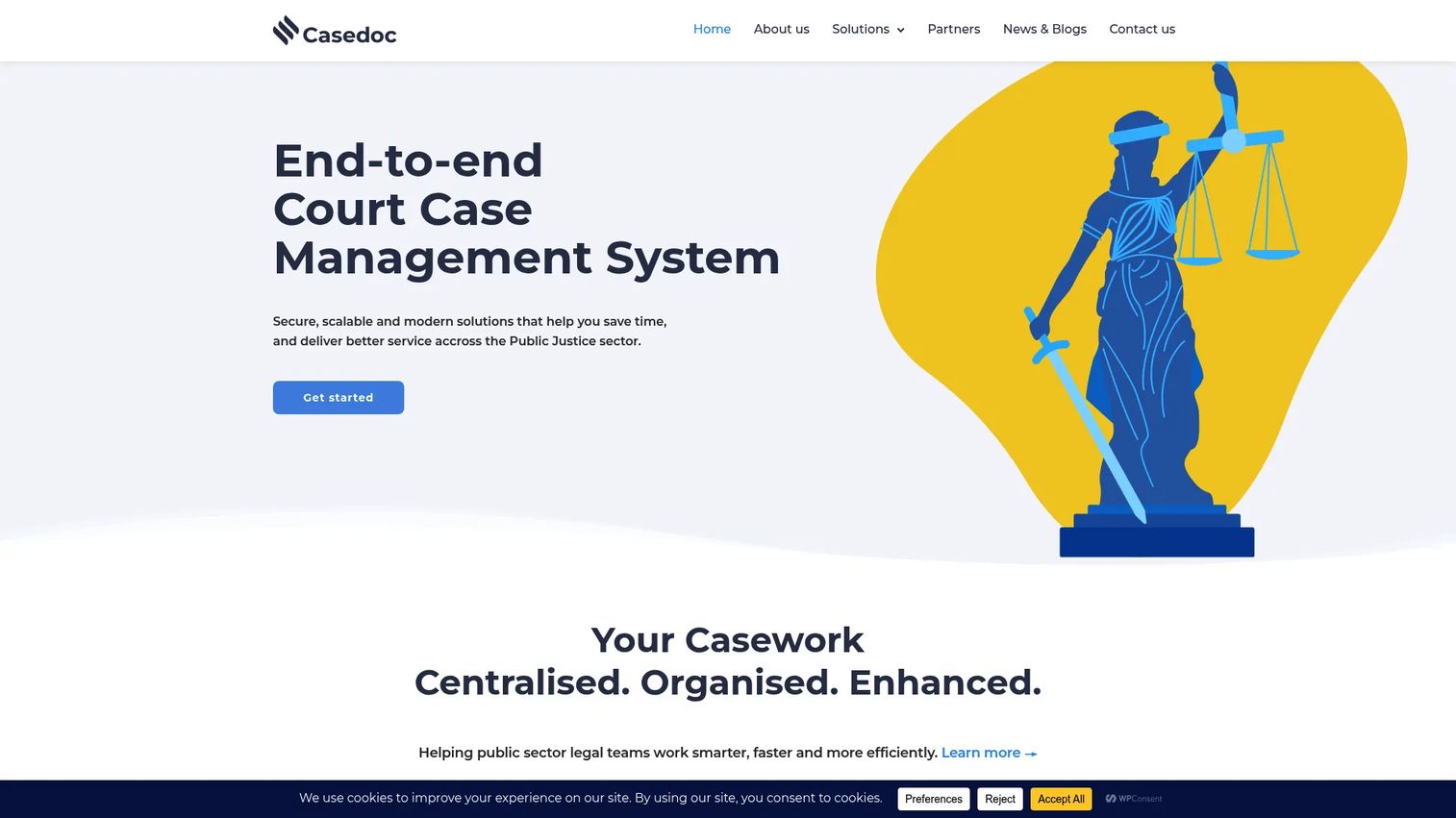
Casedoc is cloud-based court and public-sector case management software built for courts, tribunals, and public justice teams that need configurable case handling. It centralizes case setup, document and party management, and scheduling into one workspace, which is exactly the single source of truth arbitration-heavy teams want. If your operation runs on standardized process rather than one-off improvisation, Casedoc is built to match that.
The strength here is configurability. Workflows adapt to how your tribunal actually operates, rather than forcing your process into a rigid template. That makes it a strong fit for teams treating arbitration case management as an operations discipline, where predictable resolution speed and clean records matter as much as the ruling itself.
Best for: Courts, tribunals, and public justice teams needing configurable, secure case collaboration.
Key strengths
- Configurable workflows for different case types
- Document management with templates and version control
- Public portal and integrated scheduling
- Structured party and role management
Why choose Casedoc: Choose it when your team wants process standardization and a defensible audit trail across many similar matters, not just a place to store files.
Casedoc pricing: Casedoc lists flexible pricing options but does not publish numeric prices. Pricing is arranged through a contact or demo request.
2. Knovos Arbitrate
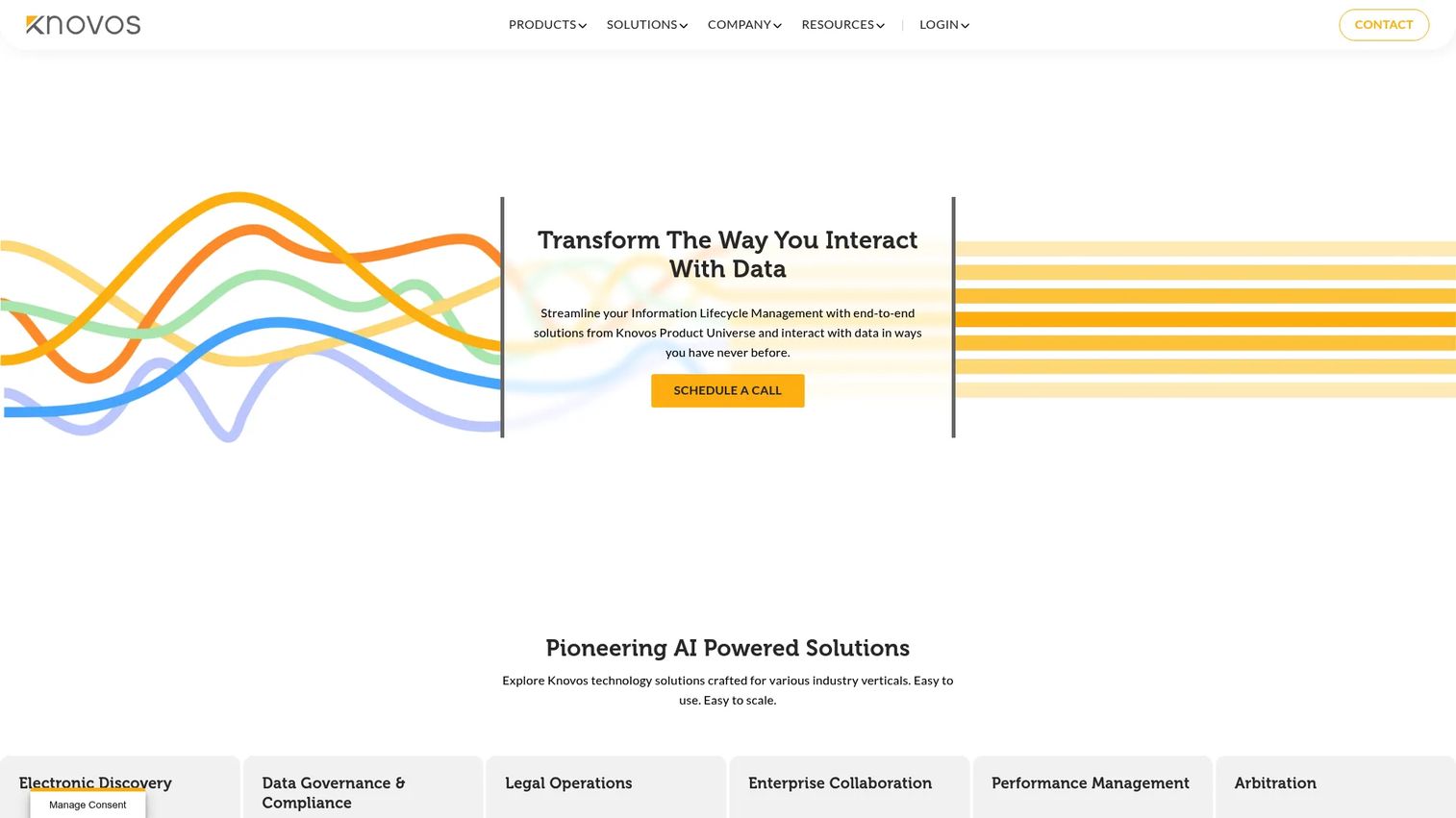
Knovos Arbitrate is arbitration case management and secure collaboration software built specifically for arbitration stakeholders: institutions, law firms, and legal teams that live and die by document control. Where Casedoc leans on configurable workflow, Knovos leans on governance. Its scalable document repository, tagging, watermarking, and version control make it the pick for exhibit-heavy matters.
The tool is built around multi-role collaboration. Different parties upload, view, edit, and share files within controlled boundaries, and document review with tagging keeps large evidence sets navigable. For institutions handling confidential, high-stakes disputes, that combination of secure access controls and structured review is the whole point.
Best for: Arbitration institutions and law firms needing document governance and secure case collaboration.
Key strengths
- Scalable document repository
- Upload, view, edit, and share with controls
- Document review with tagging
- Document watermarking and version control
Why choose Knovos Arbitrate: Pick it when exhibit management, confidentiality, and multi-role governance are your top priorities across complex matters.
Knovos Arbitrate pricing: Knovos offers standard licensing and pay-as-you-go plans. Public numeric pricing is not listed, so contact Knovos for a quote. It holds a 4.6/5 rating at the seller level on G2.
3. American Arbitration Association
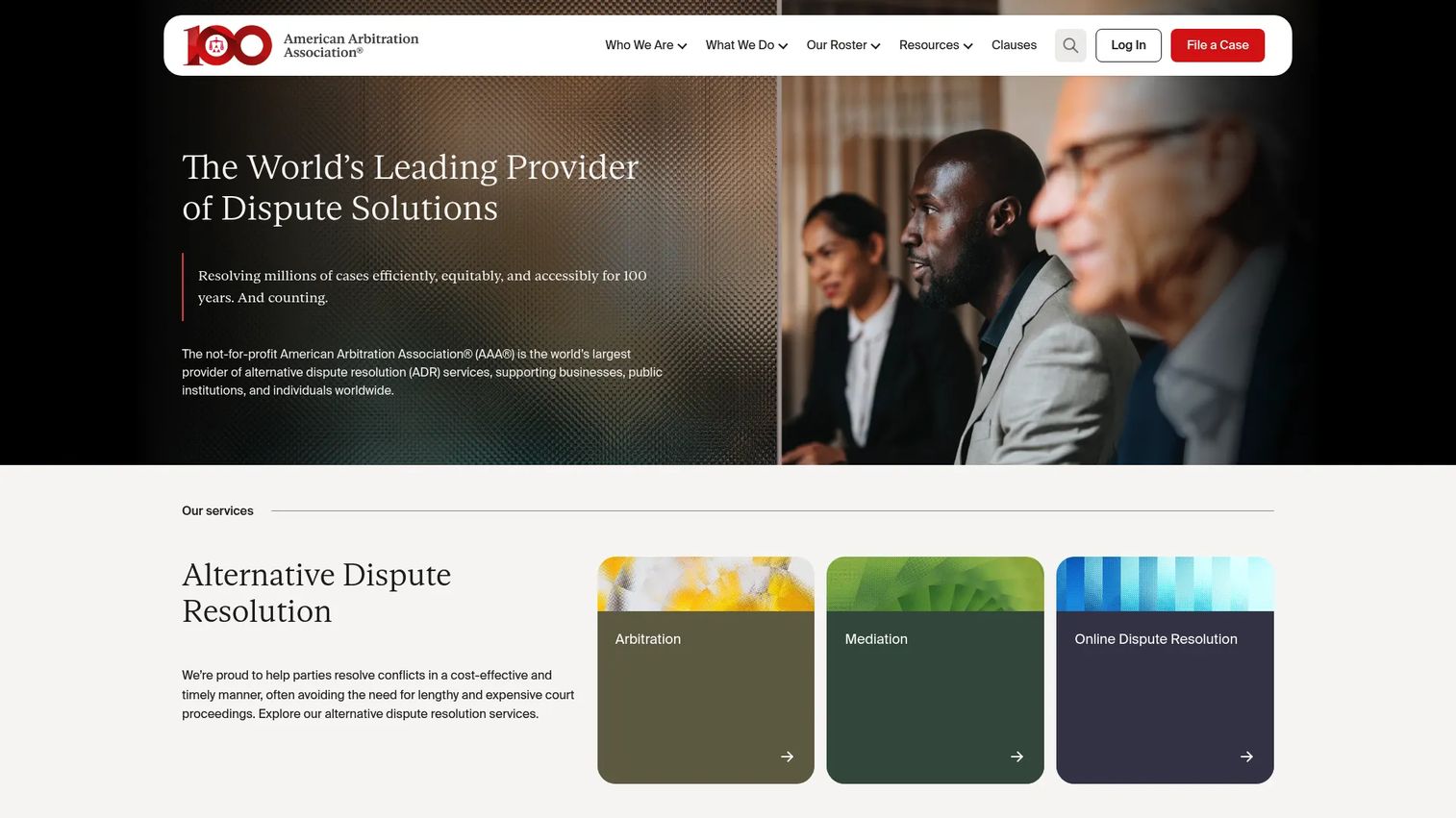
American Arbitration Association (AAA) is a not-for-profit ADR provider that administers arbitration, mediation, and related dispute resolution services under established rules. This is the outlier on the list: less a software platform, more an institutional service ecosystem. If your team wants an administered process with credibility and a defined rulebook rather than a workflow tool you configure yourself, AAA fits.
The value is trust and structure. AAA publishes rule-specific fee schedules, supports commercial and consumer arbitration, and offers mediation and online dispute resolution services. For buyers who care more about a recognized process and neutral administration than about owning the case management stack, that institutional weight is the differentiator.
Best for: Businesses and individuals needing administered arbitration or mediation under AAA rules.
Key strengths
- Commercial arbitration rules and fee schedule
- Consumer arbitration rules and fee schedule
- Mediation and online dispute resolution services
- Established institutional credibility
Why choose American Arbitration Association: Choose AAA when you want an established arbitration ecosystem and administered neutrality, rather than software you run in-house.
American Arbitration Association pricing: AAA uses rule-specific fee schedules instead of subscriptions. Consumer arbitration starts at a $225 individual filing fee, with separate business filing, case management, and hearing fees. Commercial cases use a separate schedule.
4. New Era ADR
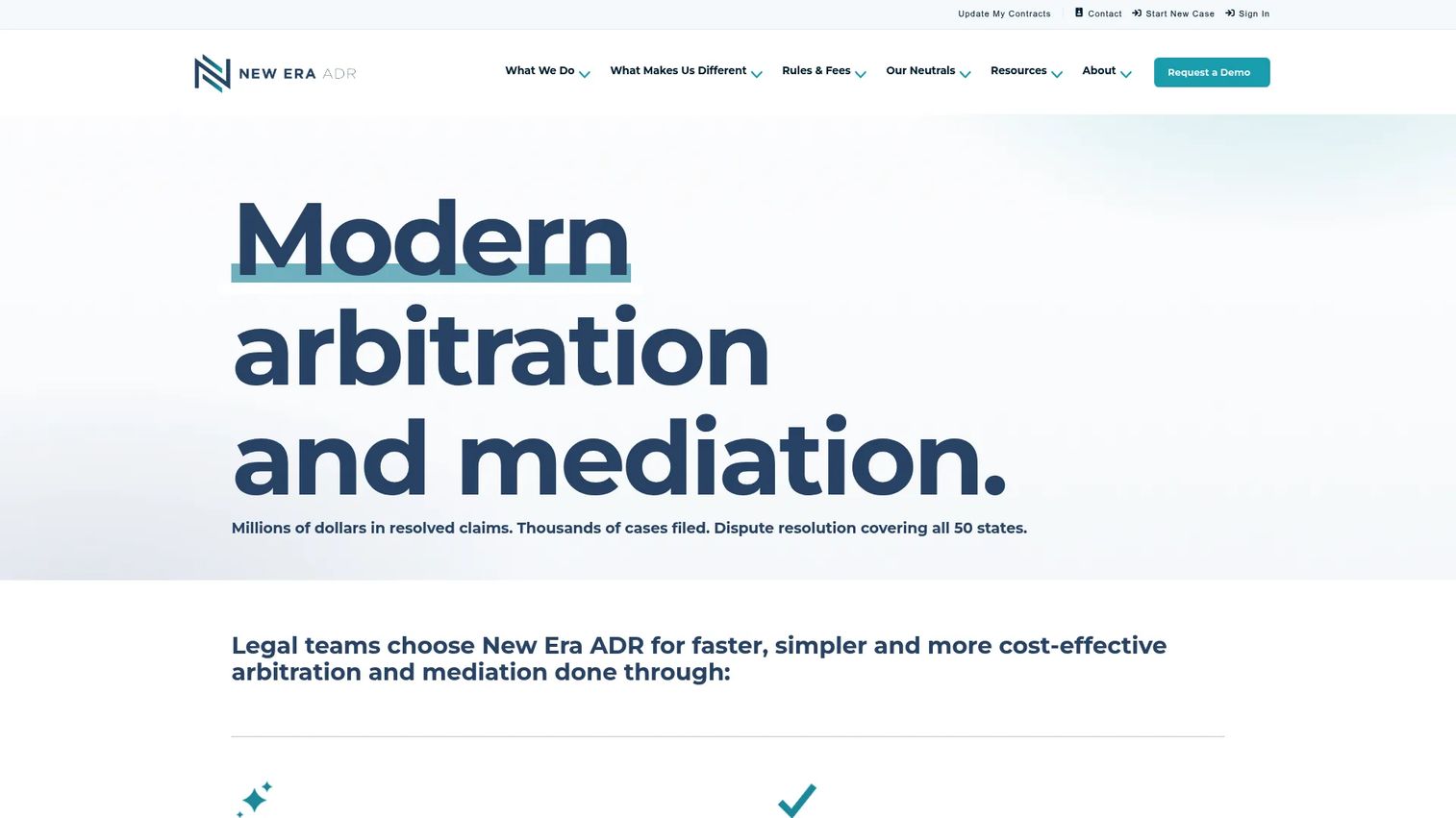
New Era ADR is a fully virtual ADR platform for arbitration and mediation, positioned around speed and predictable pricing. This is the modern, simple option. Instead of hourly billing and open-ended timelines, New Era ADR runs on all-inclusive flat fees by tier, which appeals directly to teams that want cost certainty and faster case oversight.
The platform handles case filing, document upload, and scheduling in one virtual environment, so remote collaboration is built in rather than bolted on. For legal teams and organizations that value predictability over deep configurability, this outcome-oriented model is the draw. It is arbitration and mediation software designed for people who want resolution speed and a clear invoice.
Best for: Organizations and legal teams needing faster, flat-fee mediation or arbitration.
Key strengths
- Flat-fee dispute resolution by tier
- Virtual arbitration and mediation
- Case filing, document upload, and scheduling
- Free account creation
Why choose New Era ADR: Choose it when predictable pricing and speed matter more than configuring a heavy case management stack yourself.
New Era ADR pricing: Pricing follows a public flat-fee schedule. Tier 1 starts at a $300 filing fee with $1,500 mediation and $3,000 expedited arbitration. Higher tiers scale up to $50,000 standard arbitration, with a separate mass claims structure. Account creation is free.
5. Legal Files
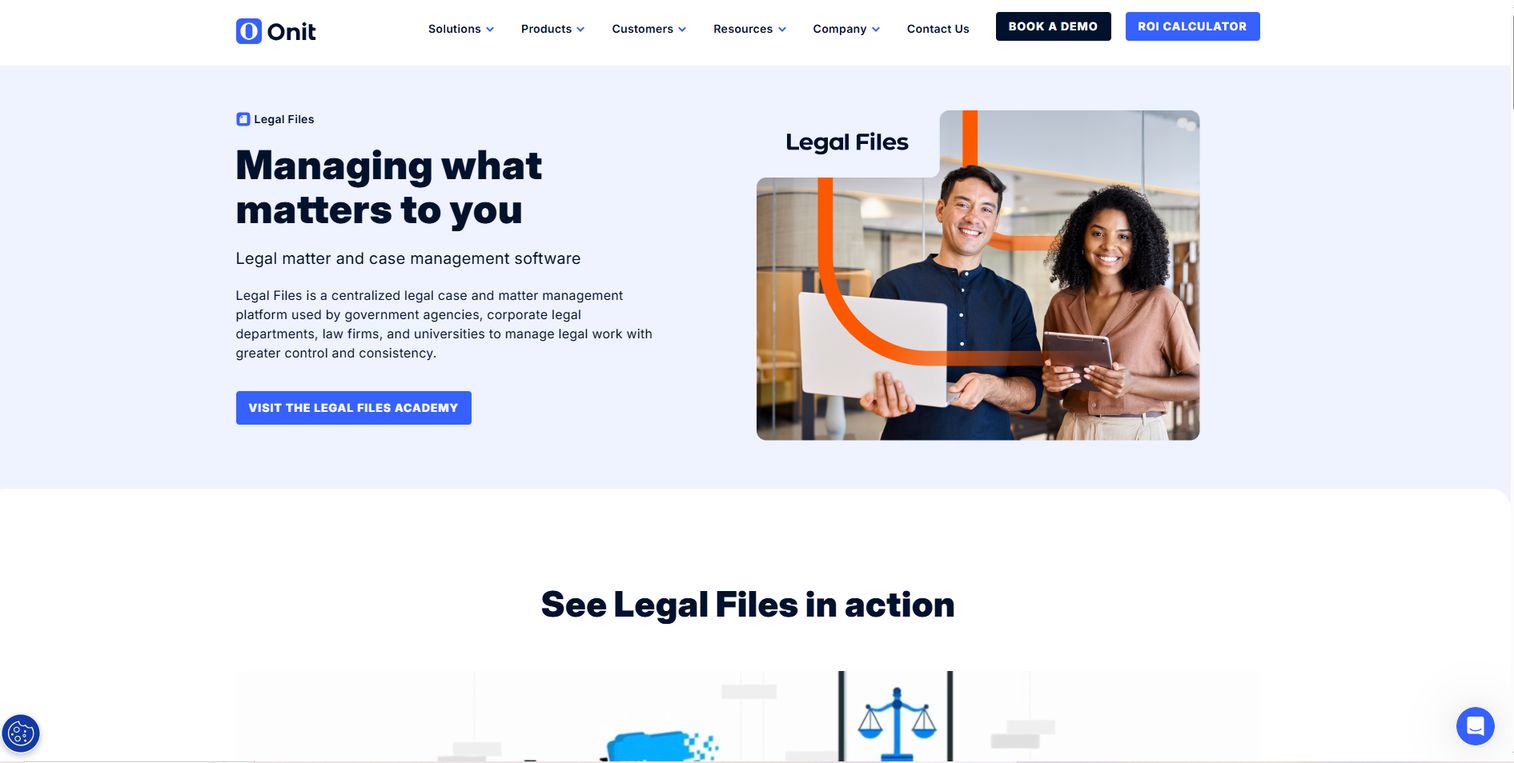
Legal Files is legal case and matter management software for law firms, corporate legal teams, government agencies, universities, and similar organizations. It is the pick when arbitration is one part of a larger legal operations workload rather than the entire job. Case and matter management sits alongside document, email, and calendaring management in a single configurable system.
The appeal is breadth with control. Automated workflows and reporting bring legal workflow automation to broad matter management software, so arbitration matters get organized deadlines and document control inside the same environment as everything else your legal team handles. For teams that need one platform across many matter types, that consolidation is the value.
Best for: Corporate legal and government teams needing configurable matter management with strong document control.
Key strengths
- Case and matter management
- Document, email, and calendaring management
- Automated workflows and reporting
- Configurable across matter types
Why choose Legal Files: Pick it when arbitration is part of a wider legal operations workflow and you want one configurable system for all matters.
Legal Files pricing: Legal Files does not publish public pricing and directs buyers to contact sales or request a demo. It holds a 3.3/5 rating on G2.
6. Clio
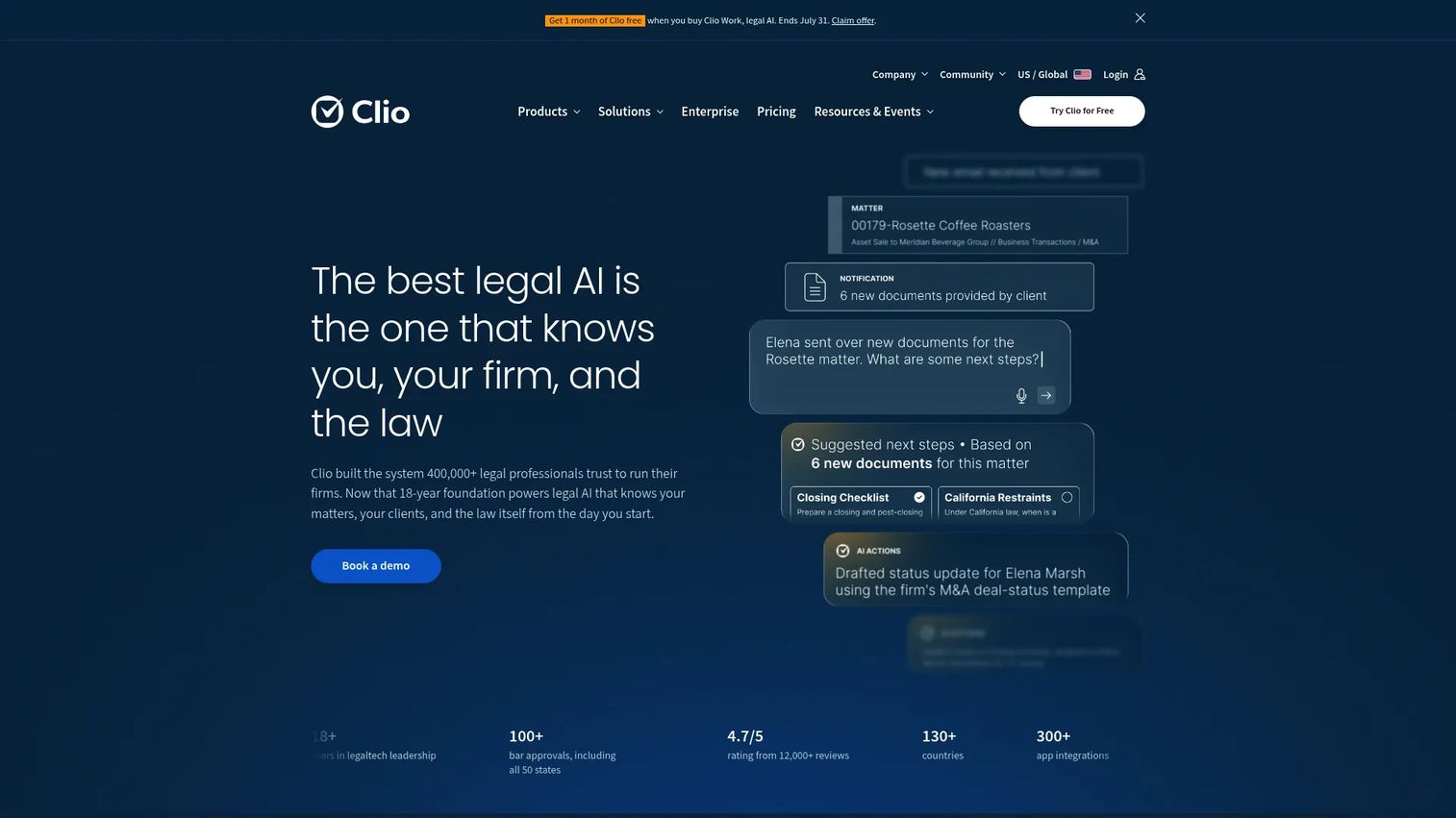
Clio is cloud-based legal practice management software for law firms, and a practical option when arbitration is one workflow inside a larger practice. Case management, billing and invoicing, and client intake and CRM live together, so disputes get tracked alongside the rest of the firm's book. This is the all-in-one route rather than a dedicated arbitration platform.
The strength is coverage. Matter tracking, document handling, and calendaring support arbitration matters while the same system handles billing and client relationships. For firms that want one platform across the whole practice and treat arbitration case management as part of that stack, Clio's breadth is the reason to look.
Best for: Law firms wanting an all-in-one practice management platform that also handles disputes.
Key strengths
- Case management and matter tracking
- Billing and invoicing
- Client intake and CRM
- Document handling and calendaring
Why choose Clio: Pick it when arbitration is one workflow inside a broader law practice and you want a single management platform.
Clio pricing: Public pricing on the Canadian page starts at $69 CAD per user per month for EasyStart, with Advanced at $109 CAD and Essentials at $179 CAD per user per month. The Clio Grow add-on runs from +$89 per user per month plus a one-time setup fee.
7. MyCase
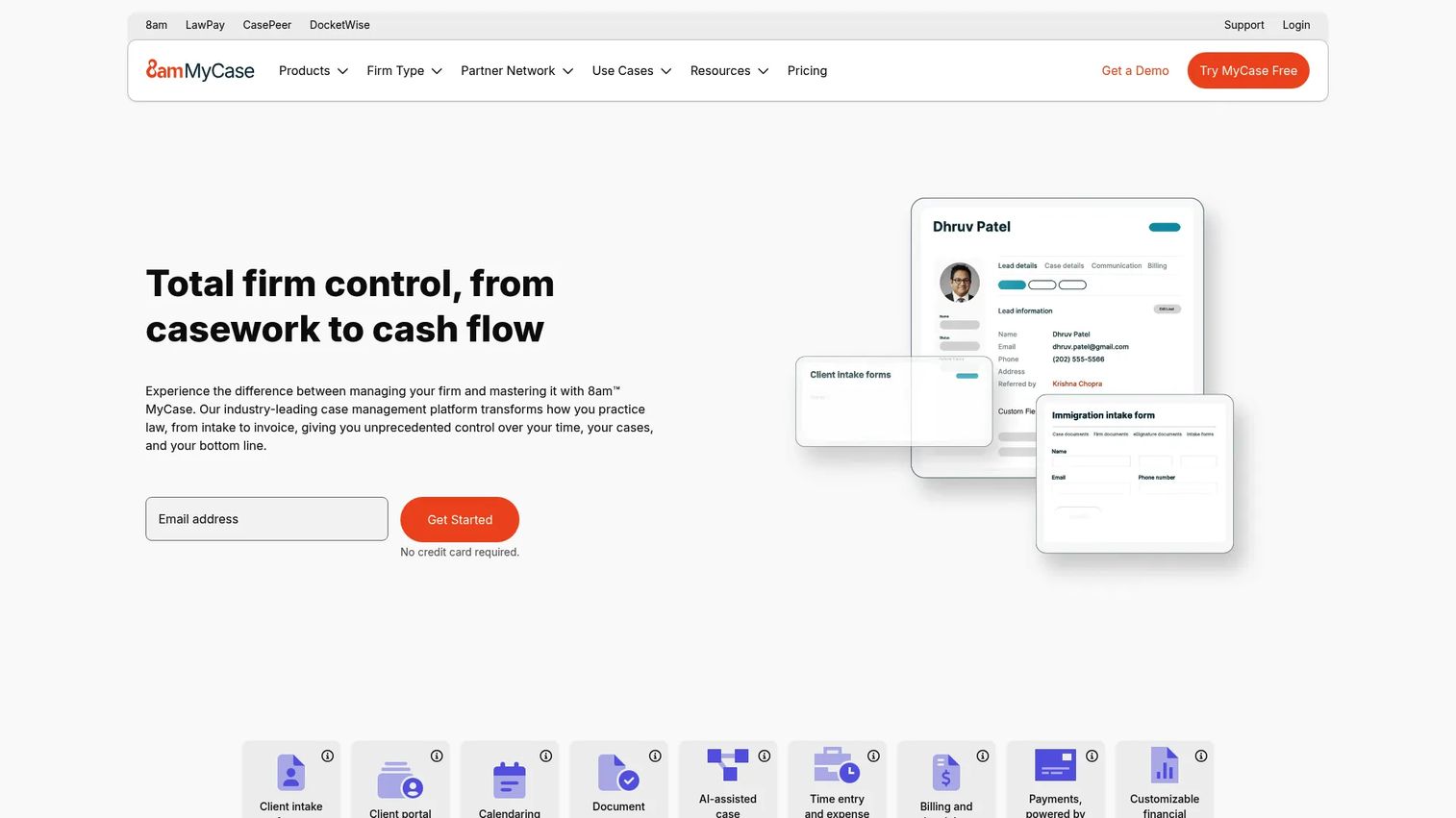
MyCase is cloud-based legal practice management software built around client communication and firm operations. It fits firms that need client-facing clarity plus basic arbitration workflow support. Client intake and lead management sit next to case management, calendaring, workflow automation, and document management in one platform.
The differentiator is the client-facing layer. Alongside matter organization, document sharing, and scheduling, MyCase brings billing, invoicing, payments, accounting, and analytics into the same system. For firms that want clients to feel informed while staff keep arbitration matters organized, that combination of secure case collaboration and client experience is the pull.
Best for: Firms needing client-facing clarity plus basic arbitration workflow support.
Key strengths
- Client intake and lead management
- Case management, calendaring, and workflow automation
- Document management and sharing
- Billing, payments, accounting, and analytics
Why choose MyCase: Choose it when client communication and firm operations matter as much as case handling itself.
MyCase pricing: MyCase Basic starts at $50 per user per month billed annually ($60 monthly). Pro runs $100 annually ($120 monthly) and Advanced $130 annually ($150 monthly). Accounting is $39 per user per month, and LawPay Payments carries no monthly fee. It holds a 4.4/5 rating on G2.
How to choose the right arbitration software
Before you commit, run every candidate through the same checklist.
Security and access controls
Arbitration lives or dies on confidentiality. Verify that permissions can be set per party, that sensitive documents can be restricted, and that the tool maintains complete audit logs. If you cannot prove who accessed what and when, the tool is not ready for real disputes.
Workflow depth and standardization
Look at how the tool handles recurring case types. Templates, preset permissions, and single source of truth case spaces are what turn arbitration software into an operations system. Legal workflow automation should remove manual setup, not add clicks.
Integration and stack fit
Check how the tool connects to what you already run: calendaring, document storage, billing, and any practice management platform. A tool that forces double entry costs more in staff time than it saves. Confirm the specific integrations you need exist before signing.
Collaboration and scheduling
Multi-party arbitration needs controlled remote collaboration. Evaluate how each tool handles scheduling and availability across arbitrators, and whether parties can work in shared spaces without seeing each other's confidential materials. Test this with a real matter shape, not a demo dataset.
Adoption and cost justification
The best tool is the one your team actually uses. Weigh setup effort, learning curve, and whether the vendor offers an ROI calculator or clear payback logic. Confirm pricing at your seat count and matter volume, since public prices and per-user rates change.
Conclusion
Arbitration software is no longer a filing cabinet. It is the operations layer that keeps confidential, multi-party disputes moving on schedule with a defensible record behind every step.
The right pick depends on who you are. Institutions and arbitration-heavy teams that want purpose-built depth should shortlist Casedoc for configurable workflows, Knovos Arbitrate for document governance and exhibit management, and New Era ADR for flat-fee, virtual dispute handling. Buyers who want administered neutrality rather than software should look at the American Arbitration Association. Legal teams where arbitration is one workflow among many will find Legal Files, Clio, and MyCase fit into a broader matter management or practice stack.
Buy for workflow fit, security, and scalability, not feature checklists. If your team needs purpose-built arbitration software, start your evaluation with Casedoc, Knovos Arbitrate, and New Era ADR. Then pressure-test each against a real matter before you commit.
Better digital case handling starts with matching the tool to how your team actually works.
FAQs
Arbitration software is used to organize arbitration and ADR cases digitally: tracking matters and parties, managing deadlines, sharing confidential documents securely, and coordinating collaboration across arbitrators, counsel, and staff. It replaces email and spreadsheets with a single, auditable record so disputes move faster with less manual admin.
The features that matter most are confidentiality and secure access controls, scheduling and deadline management, legal workflow automation, and multi-party access control. Audit logs and version control also matter, because arbitration demands a defensible record of who did what and when.
There is real overlap, but they are not identical. Case management software tracks matters broadly, while arbitration-specific tools go deeper on the controls arbitration requires: separating what each party can see, managing exhibits, and holding a clean audit trail. Many buyers use general case management software until multi-party confidentiality forces a purpose-built move.
Yes. Many platforms cover ADR broadly, including mediation workflows. Tools like New Era ADR and services like the American Arbitration Association handle both arbitration and mediation, so a single system can support the full dispute resolution range rather than arbitration alone.
Firms should focus on security and per-party permissions, integration fit with existing calendaring and document tools, and staff adoption. A tool nobody uses delivers no value. Test how each option handles a real multi-party matter, and confirm pricing at your actual seat count and case volume.
It reduces admin time through templates, centralized records, and fewer manual handoffs. Instead of rebuilding case structure for every matter, teams open standardized case spaces with preset permissions and deadlines. That workflow standardization and legal workflow automation cut the repetitive setup that consumes staff hours.
Institutional providers like the American Arbitration Association administer the dispute itself under established rules and neutral oversight. Software-first tools like Casedoc and Knovos Arbitrate give your team the workflow platform to run and organize cases in-house. One is a service ecosystem; the other is infrastructure you configure and control.
Not always. When a caseload is modest, a broader practice platform like Clio or MyCase can be enough. Purpose-built arbitration software becomes worth it once matters involve multiple parties, heavy exhibits, strict confidentiality, and the need for a defensible audit trail across recurring cases.