



You have twelve jobs on the board, nine technicians available, and three of those techs are already running late. The dispatcher is on the phone rebooking a customer while a spreadsheet sits open in another tab. Somewhere in that chaos, a service window slips, and an SLA credit gets triggered you did not budget for.
That scene repeats across thousands of field service operations every morning. And it costs real money: wasted drive time, idle technician hours, and missed appointments that quietly erode margin.
The category built to fix that is growing fast. The global service dispatch software market hit $3.32 billion in 2025 and is projected to reach $4.91 billion by 2030 at a 7.9% CAGR, according to The Business Research Company (2026). That growth reflects a simple shift: manual scheduling does not scale, and operations leaders know it.
This guide breaks down seven platforms worth evaluating, framed the way a product or operations owner actually decides: workflow fit, integration depth, mobile quality, and long-term maintainability, not just a feature checklist.
What's inside
This guide compares dispatch scheduling software for field service teams and route-heavy operations. It is written for operations leaders, product managers, and service ops owners choosing a system, not a point tool.
We evaluated each platform against four criteria that decide whether dispatch software actually reduces overhead:
- Scheduling automation and matching: how well it assigns jobs by skill, location, priority, and service window
- Route optimization and real-time tracking: travel efficiency, live status, and technician visibility
- Mobile field workflow: what technicians experience in the field, offline included
- Integrations and scalability: CRM, ERP, and data sync depth as your team grows
TL;DR
- Best for enterprise field service teams: Field Service (Salesforce), for organizations already standardized on Salesforce
- Best for all-in-one field service management: ServiceTitan, for trades and contracting businesses that want operations and dispatch in one platform
- Best for growing mid-market teams: FieldPulse, for configurable workflows and strong mobile operations
- Best for small home service businesses: Housecall Pro, for fast setup, scheduling, and customer notifications
- Best for route-heavy and last-mile operations: Onfleet, for delivery-style routing and proof of delivery
- Best for large dispatch-heavy fleets: Samsara, for fleet telematics and asset visibility
- Best for labor-intensive field crews: Workyard, for GPS time tracking and job costing
What is dispatch scheduling software
Dispatch scheduling software is a system that assigns field jobs to the right technician based on location, availability, skills, priority, and service windows, then tracks that work through completion in real time.
It sits at the center of field service operations. Instead of a dispatcher juggling calls and spreadsheets, the software matches work orders to resources, optimizes routes, and gives managers live visibility into where every job stands.
Core capabilities most dispatch management software includes:
- Real-time scheduling: automated job assignment based on skills, location, and service windows
- Route optimization: shortest-path routing that cuts travel time and fuel cost
- Technician tracking: live GPS status across the field team
- Work order management: job details, notes, photos, and completion status in one record
- Customer notifications: automated arrival windows, ETAs, and confirmations
- Analytics and reporting: SLA performance, first-time fix rate, and utilization dashboards
- Integrations: CRM, ERP, and accounting sync so data flows without re-entry
The distinction that matters: field service dispatch software is the scheduling and routing engine, while broader field service management platforms wrap it with billing, inventory, and customer records. Many tools on this list do both.
When to use dispatch scheduling software
Reduce manual scheduling overhead
When dispatchers spend their morning on phone calls, sticky notes, and a spreadsheet that never quite matches reality, you have outgrown manual scheduling. Every last-minute change becomes a fire drill. Dispatch scheduling and routing software absorbs those changes automatically, reassigning jobs by skill and location so a single dispatcher can handle more volume without dropping service windows.
Improve route efficiency and response times
When travel time eats into billable hours, or a technician gets sent across town while a closer one sits idle, routing is costing you margin. Route optimization matches the nearest qualified technician to each job and sequences stops to cut drive time. That directly improves response times and technician utilization, two levers that move revenue per tech.
Add visibility across the field team
When a manager cannot answer "where is my technician right now" without a phone call, you lack field visibility. Real-time tracking, customer notifications, and work order status close that gap. Dispatchers see live status, customers get accurate ETAs, and managers get the data to hold SLA performance accountable.
Comparison table
The seven platforms below are ranked by relevance to dispatch scheduling and field service operations, from enterprise field service down to specialized routing and labor tracking. Pricing and G2 ratings reflect each vendor's public listing at the time of writing.
| # | Product | Best for | Key differentiator | Pricing | G2 rating |
|---|---|---|---|---|---|
| 1 | Field Service (Salesforce) | Enterprise field service teams | Native Salesforce dispatch and scheduling | From $55/user/mo | 4.4/5 |
| 2 | ServiceTitan | Trades and contracting businesses | All-in-one operations for the trades | Request pricing | 4.4/5 |
| 3 | FieldPulse | Growing mid-market teams | Configurable workflows plus mobile ops | Request pricing | 4.7/5 |
| 4 | Housecall Pro | Small home service businesses | Fast setup with customer notifications | From $59/mo | Not listed |
| 5 | Onfleet | Route-heavy and last-mile teams | Delivery routing and proof of delivery | From $619/mo | 4.6/5 |
| 6 | Samsara | Large dispatch-heavy fleets | Fleet telematics and asset visibility | Request pricing | 4.5/5 |
| 7 | Workyard | Labor-intensive field crews | GPS time tracking and job costing | From $6/user/mo | 4.8/5 |
Best dispatch scheduling software for 2026
1. Field Service (Salesforce)
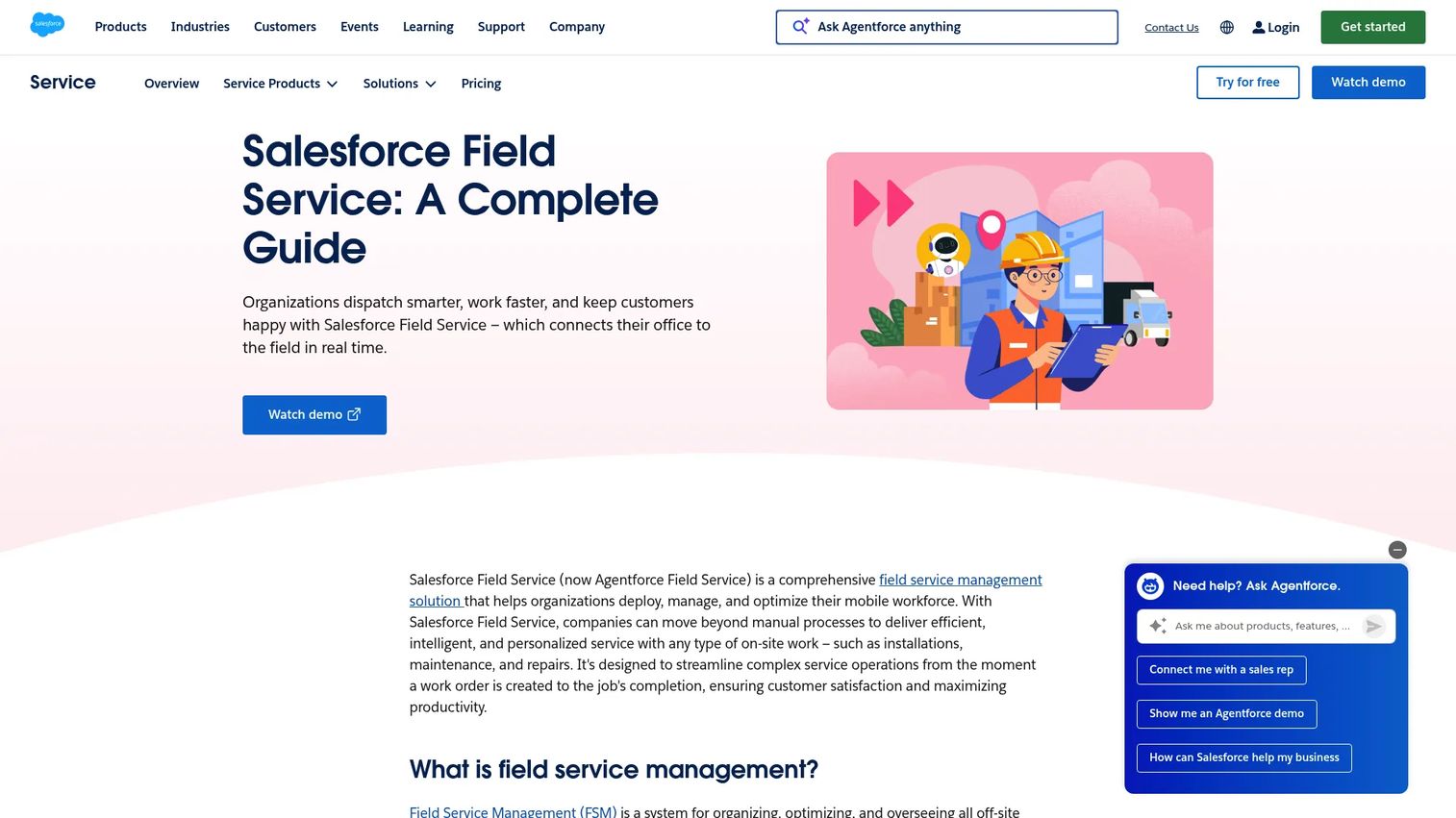
Field Service (Salesforce), now branded as Agentforce Field Service, is Salesforce's cloud platform for dispatch, scheduling, and mobile workforce management. It pairs intelligent scheduling with a dispatch console and technician mobile app, all sitting on the same data model as Service Cloud. For organizations already running Salesforce, that shared record is the whole argument: no separate CRM integration to maintain.
Best for: Enterprise field service teams already standardized on Salesforce who need dispatch, scheduling, and mobile workflows on one platform.
Key strengths
- Intelligent scheduling and optimization
- Mobile app with offline access
- Asset and inventory management
- Work order management
- Service Cloud integration
Why choose Field Service (Salesforce): If your customer records already live in Salesforce, this removes the biggest source of dispatch data drift: syncing two systems. The tradeoff is that it rewards teams with the scale and admin resources to configure it well, so it fits larger operations better than a two-truck shop.
Field Service (Salesforce) pricing: Public pricing starts at $55/user/month for the Contractor edition. Dispatcher and Technician editions run $175/user/month billed annually, Field Service Plus is $230/user/month, and Agentforce 1 Field Service is $650/user/month. No free tier is offered.
2. ServiceTitan
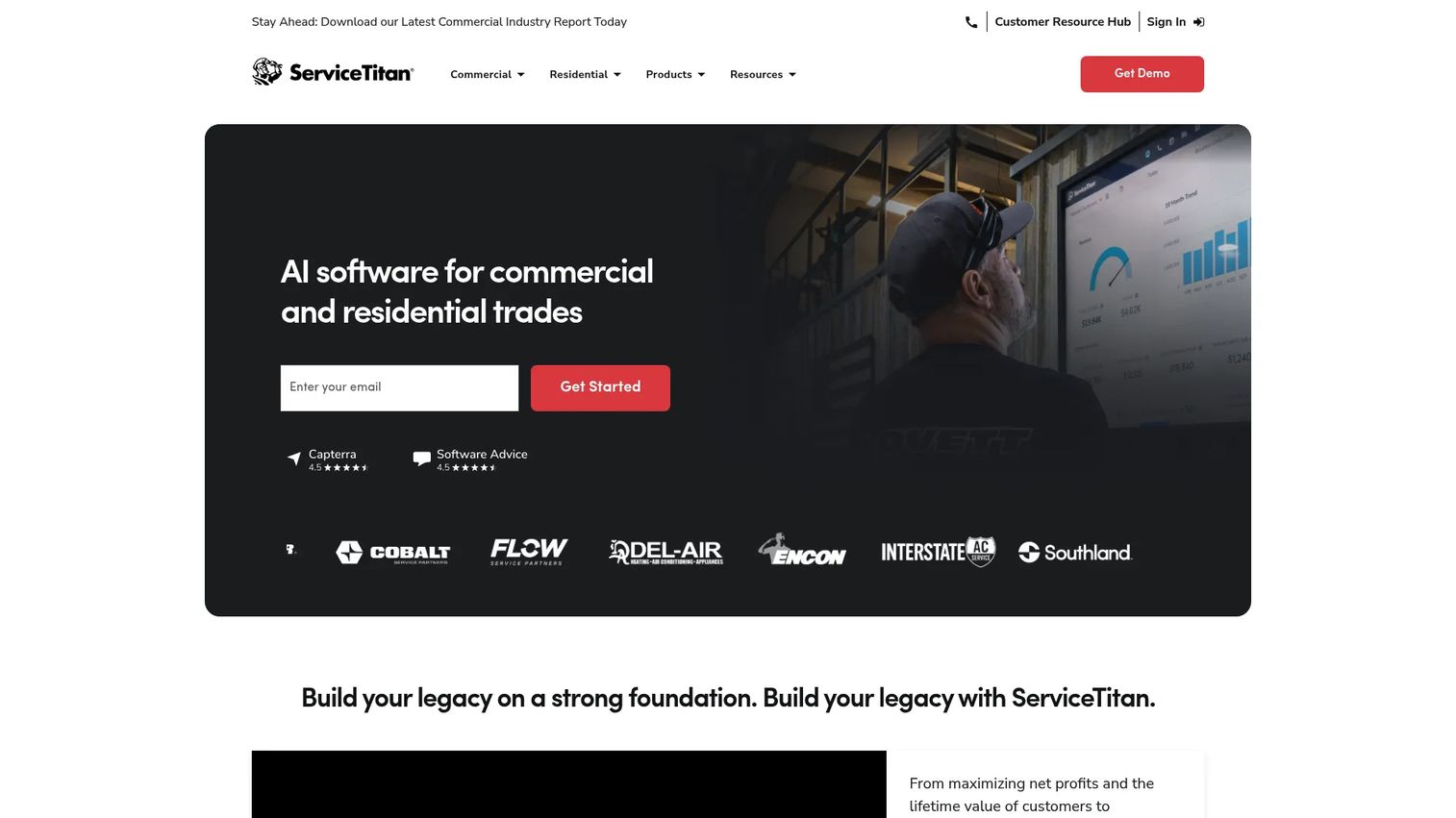
ServiceTitan is operating software built specifically for contracting and trades businesses. Dispatching and scheduling sit alongside call booking, pricebook, estimates, invoicing, and reporting, so the same platform that assigns the job also handles the money side. For HVAC, plumbing, and electrical operations, that end-to-end coverage is why it shows up on nearly every shortlist.
Best for: Trades and contracting businesses that want dispatch, customer communication, and operational reporting in one system.
Key strengths
- Dispatching and scheduling
- Call booking and recording
- Pricebook and estimates
- Invoicing and payments
- Operational reporting
Why choose ServiceTitan: It is the most complete option for home service trades that want to run the entire business, not just the schedule, in one place. That depth means it fits established operations more naturally than a solo operator testing the waters.
ServiceTitan pricing: ServiceTitan offers three packages, Starter, Essentials, and The Works, with per-technician pricing. No public dollar amounts are displayed, so you request a quote based on your team size and needs.
3. FieldPulse
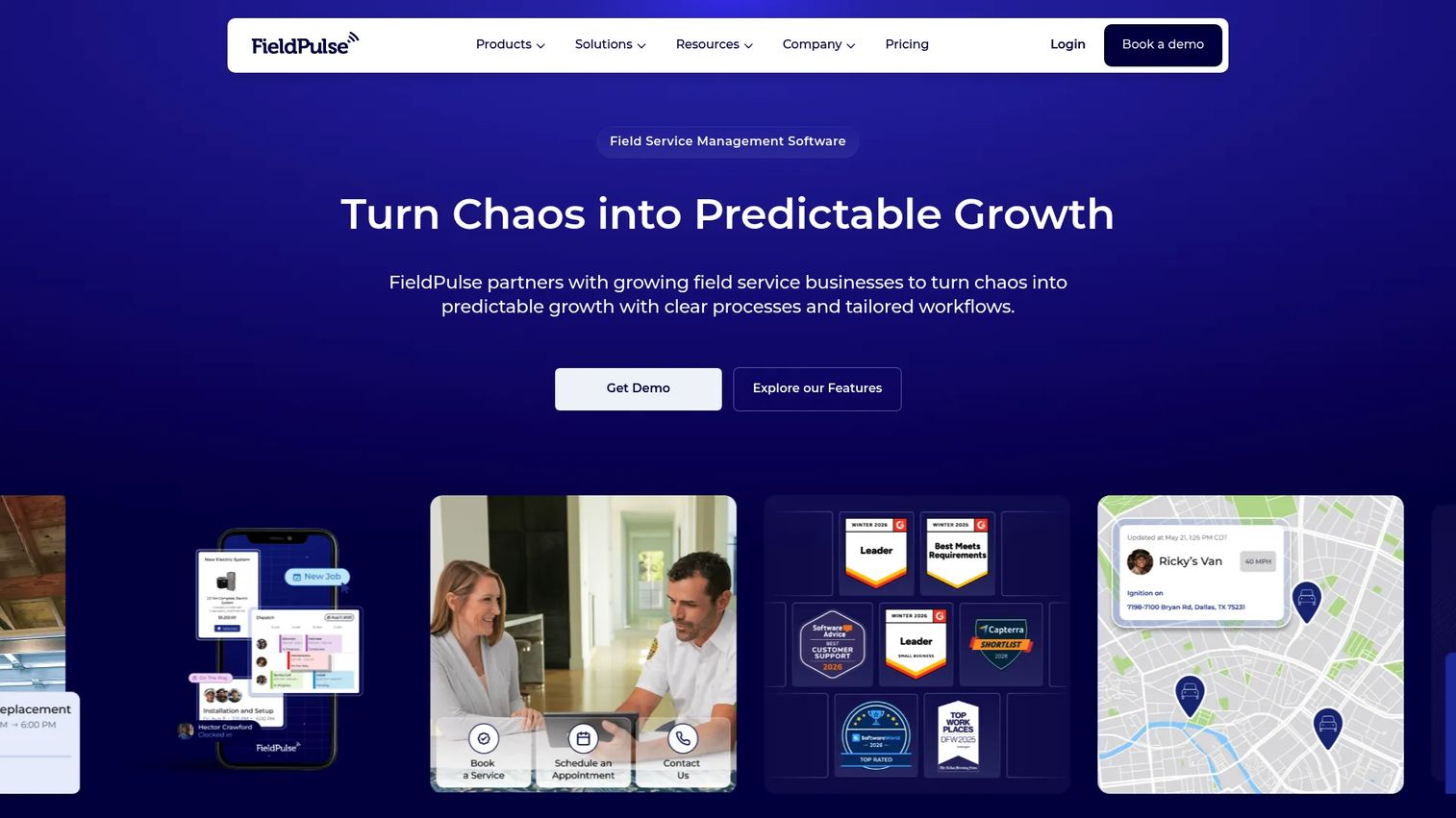
FieldPulse is field service management software covering scheduling, dispatching, work orders, estimates, invoices, and customer management, with a mobile-first design for field teams. It targets the gap between a basic SMB scheduler and a heavy enterprise platform, offering configurable workflows that grow with a mid-market team.
Best for: Growing field service businesses that need configurable workflows and strong mobile team operations without enterprise overhead.
Key strengths
- Scheduling and dispatching
- Work order management
- Estimates and invoices
- Customer management
- Mobile field app
Why choose FieldPulse: It hits a practical sweet spot for teams that have outgrown a lightweight tool but do not want the configuration burden of an enterprise suite. The workflows flex as you scale, which matters when your process is still evolving.
FieldPulse pricing: FieldPulse uses seat-based pricing across Essentials, Professional, and Enterprise tiers, with full-access and field seats. No public numeric price is displayed, so pricing comes through a custom quote based on seat mix.
4. Housecall Pro
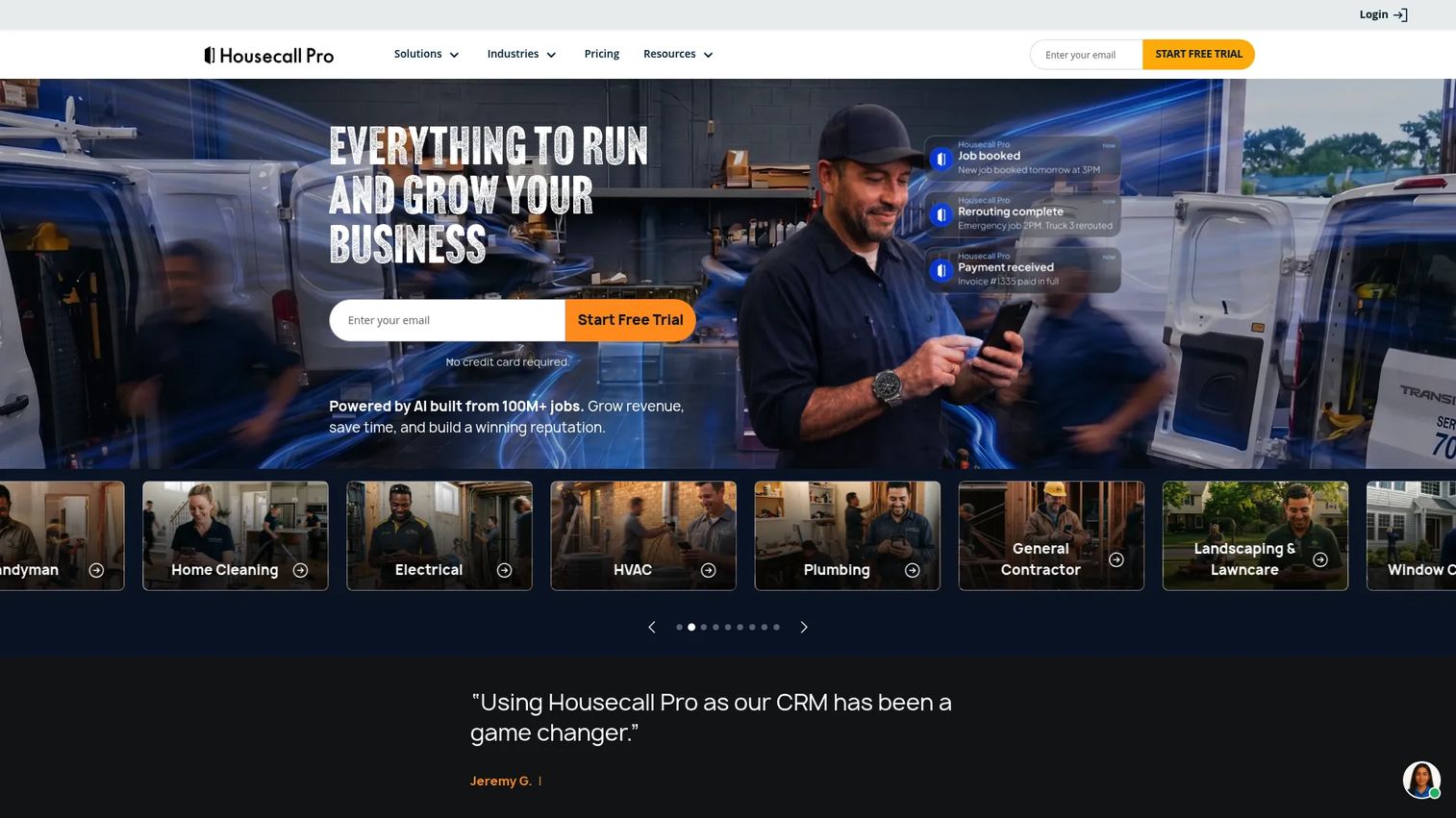
Housecall Pro is field service management software built for home service businesses, with online booking, scheduling, dispatching, invoicing, and payments in one app. Its reputation is ease of use: a small team can be booking and dispatching jobs the same day they sign up, which is why it dominates the SMB service segment.
Best for: Small home service businesses that want scheduling, customer notifications, and dispatch running fast without a long setup.
Key strengths
- Online booking
- Scheduling and dispatching
- Customer notifications
- Invoices and payments
- Mobile field app
Why choose Housecall Pro: It is the fastest path from signup to a working schedule for a small crew. Larger operations with complex routing needs may eventually want deeper optimization, but for SMB service work the speed and simplicity are the point.
Housecall Pro pricing: Plans are Basic at $59/month, Essentials at $149/month, and Max at $299/month, all billed annually and priced in USD. A 14-day free trial is available.
5. Onfleet
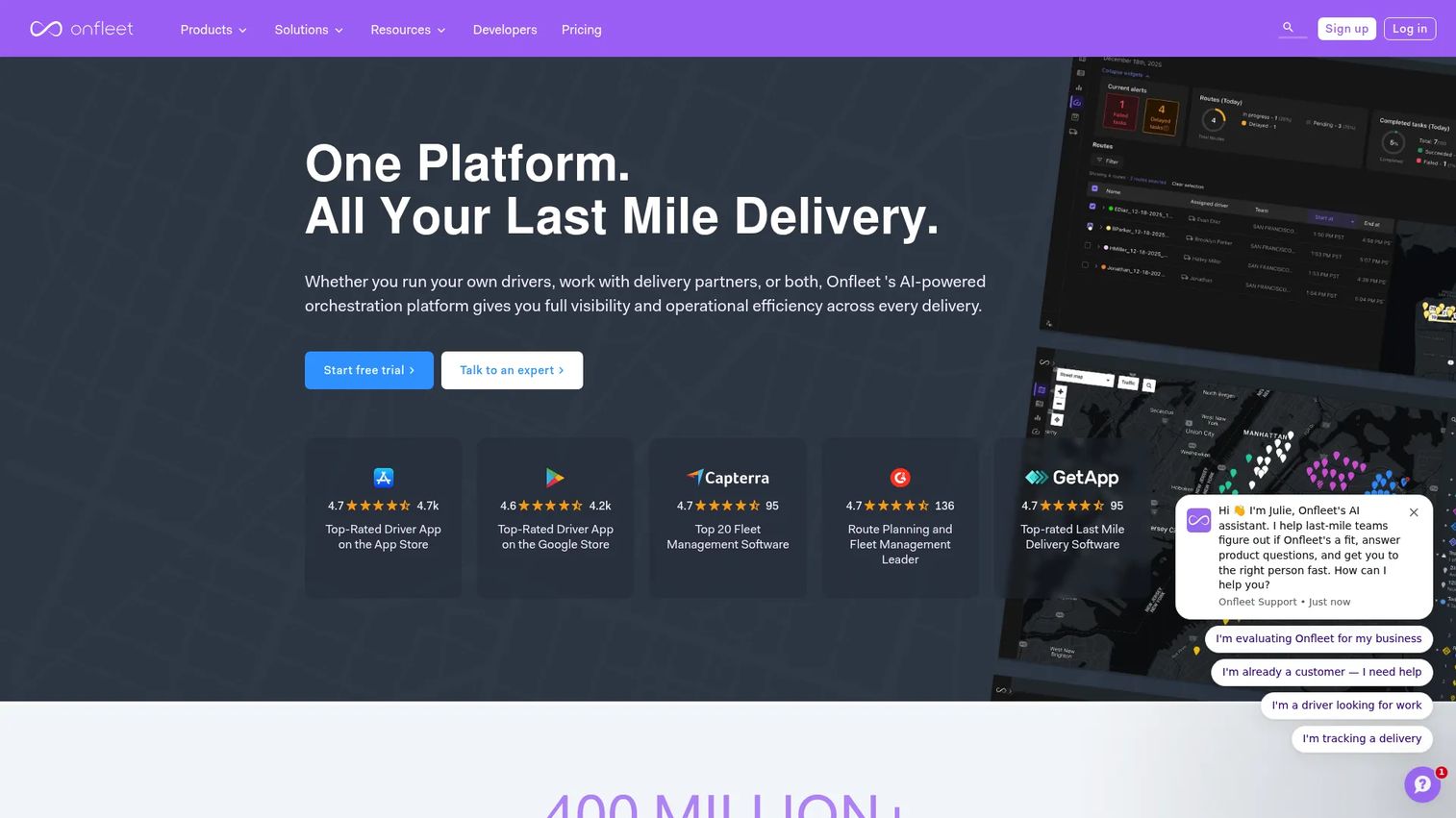
Onfleet is last-mile delivery software focused on dispatch, route optimization, real-time tracking, and customer notifications. Where the trades-oriented tools center on service calls, Onfleet centers on delivery-style routing: sequencing many stops, tracking drivers live, and capturing proof of delivery. If your dispatch problem looks more like logistics than repair, this is the fit.
Best for: Delivery and route-heavy teams that need last-mile orchestration with routing, live tracking, and proof of delivery.
Key strengths
- Route optimization and dispatching
- Real-time driver tracking
- Automated customer notifications
- Proof of delivery with photos and signatures
- Driver communication tools
Why choose Onfleet: It is purpose-built for high-volume, multi-stop routing rather than single service appointments. Teams doing delivery, courier, or field logistics get routing depth here that general field service tools do not match.
Onfleet pricing: Public plans are Launch at $619/month (2,500 tasks), Scale at $1,349/month (5,000 tasks), and Enterprise at $3,099/month. A Courier Suite starts at $299/month, and a 14-day free trial is offered.
6. Samsara
Samsara is a connected operations platform for physical businesses, combining fleet telematics, GPS tracking, AI dash cams, and equipment management. For dispatch-heavy fleets, its strength is the operational context around every vehicle: live location, driver safety, and asset status feed the same view dispatchers use to route work. That telematics foundation separates it from scheduling-only tools.
Best for: Fleets and physical-operations teams that need unified vehicle tracking, safety, compliance, and asset visibility alongside dispatch.
Key strengths
- Fleet telematics with GPS tracking
- AI dash cams and video safety
- Equipment management
- ELD compliance
- Operations analytics
Why choose Samsara: It fits operations where the vehicle and asset data matters as much as the schedule, like large service fleets managing safety and compliance. If your dispatch decisions depend on real-time fleet context, that telematics depth is the draw.
Samsara pricing: Samsara's pricing is quote-based. The pricing page asks for your fleet size rather than displaying public tiers, so you contact sales for a number scaled to your operation.
7. Workyard
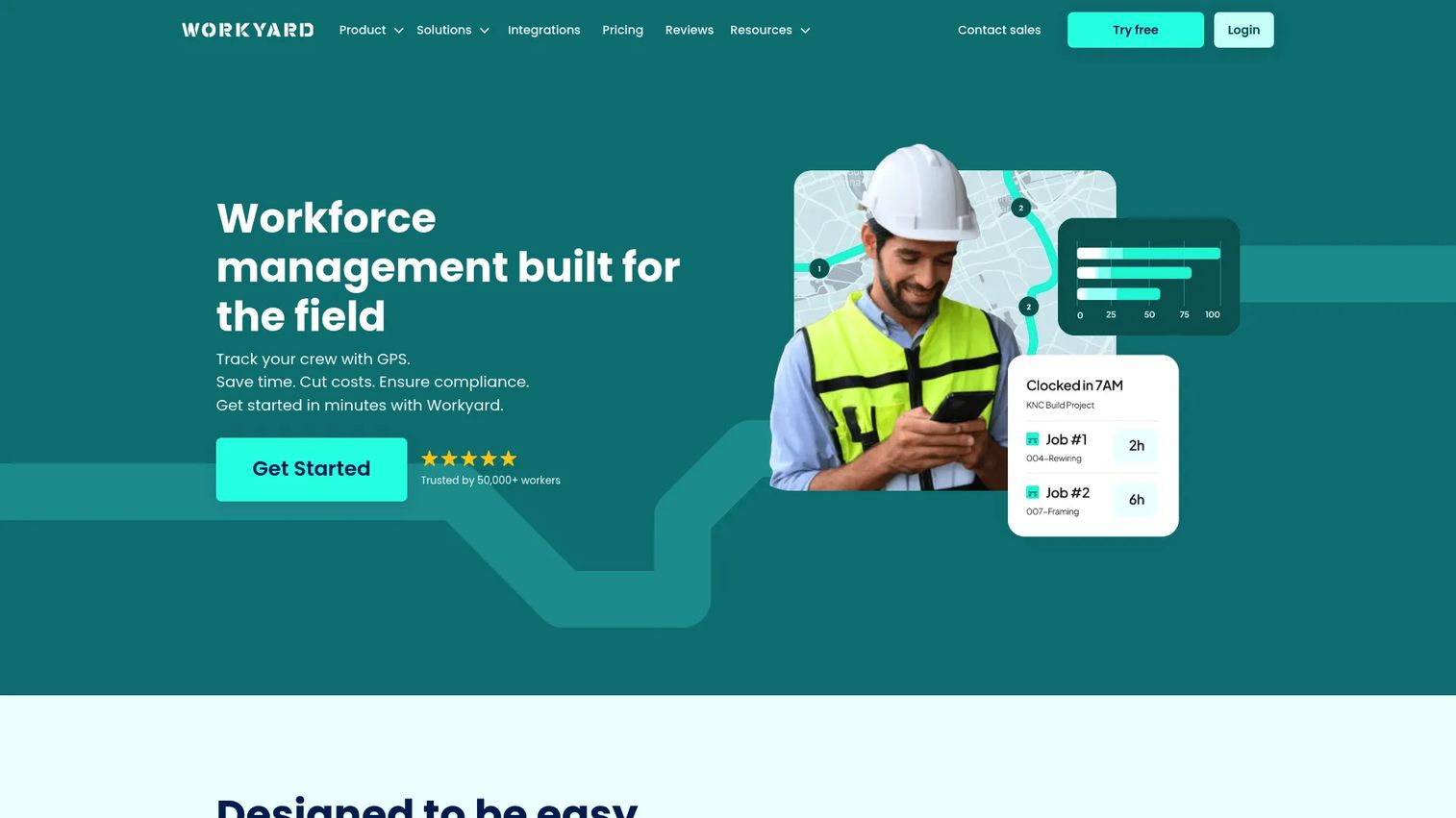
Workyard is workforce management software for construction and field service teams, built around GPS time tracking, scheduling, and job costing. Its focus is labor accountability: knowing which crew member was where, for how long, and against which job. For time-sensitive field operations where labor is the biggest cost line, that visibility ties scheduling directly to profitability.
Best for: Construction and field service businesses that need GPS-verified time tracking and crew accountability tied to job costing.
Key strengths
- GPS time tracking
- Scheduling and tasks
- Job tracking and job costing
- Crew accountability
- Field team visibility
Why choose Workyard: It connects the schedule to labor cost better than tools built purely for dispatch. If your margin depends on accurate, GPS-verified hours per job, this is where scheduling and costing meet.
Workyard pricing: Plans start at $6 per user/month billed annually. Publicly listed tiers include Starter at $8/user/month and Pro at $16/user/month, both with a $50/month company base fee, plus a quote-based Autopilot tier. A 14-day free trial is available.
Considerations
Before you commit to a platform, run each candidate against the criteria that actually determine whether dispatch software reduces overhead or just relocates it.
Scheduling logic and matching
Look at how the system assigns work. Does it match by skill, certification, location, priority, and service window, or does it just drop jobs on a calendar? Strong matching is what lets one dispatcher handle more volume. Test it against your messiest day, not your calmest.
Route optimization depth
Not all routing is equal. Single-appointment service tools and multi-stop delivery tools optimize very differently. Check whether the engine sequences stops, accounts for traffic and time windows, and rebalances routes when jobs change midday. Shallow routing shows up as wasted drive time.
Mobile field usability
The technician's phone is where the software lives or dies. Evaluate offline access, how fast a tech can update job status, capture photos, and collect signatures, and whether the app works on a poor connection. A clunky field app produces incomplete data no matter how good the back office is.
Integrations and data sync
Dispatch data has to reach your CRM, ERP, and accounting systems without manual re-entry. Confirm the specific integrations you need exist and sync in real time. A platform sitting on your existing CRM removes a whole class of sync failures. Weigh that against best-of-breed depth.
Reporting and SLA visibility
You cannot improve what you cannot see. Check whether the analytics surface SLA performance, first-time fix rate, response time, and technician utilization, and whether you can segment by team, region, or job type. Reporting maturity is what turns dispatch data into operational decisions.
Conclusion
The right dispatch scheduling software depends on the shape of your operation, not a single "best" label.
If you are an enterprise team already on Salesforce, Field Service (Salesforce) removes your biggest sync headache. Trades and contracting businesses that want everything in one system lean toward ServiceTitan, while growing mid-market teams get flexibility from FieldPulse. Small home service crews move fastest with Housecall Pro. For route-heavy and last-mile work, Onfleet has the routing depth; large fleets that need telematics context choose Samsara; and labor-intensive crews tie scheduling to cost best with Workyard.
The next step is not to read more reviews. Shortlist the two or three that match your operation, then demo each against your actual pain points: your busiest dispatch morning, your worst routing day, your most complex work order. The platform that handles your edge cases, not the marketing screenshots, is the one worth buying.
FAQs
Dispatch software is the scheduling and routing engine that assigns jobs to technicians and tracks them in real time. Field service management software is broader, wrapping dispatch with billing, inventory, customer records, and reporting. Many platforms on this list do both, so the line often blurs by product.
At minimum: real-time scheduling with skill and location matching, route optimization, technician GPS tracking, work order management, customer notifications, and reporting. Integrations with your CRM, ERP, and accounting stack matter just as much, since manual re-entry is where dispatch efficiency quietly leaks away.
Route optimization sequences stops and matches the nearest qualified technician to each job, cutting drive time and fuel cost. That directly improves response times and lets each technician complete more jobs per day. Over a fleet, small per-route savings compound into meaningful gains in technician utilization and margin.
Yes, when manual scheduling starts costing more than the software. If a dispatcher is spending mornings on spreadsheets and phone calls, or you are missing service windows, the overhead already justifies a tool. Options like Housecall Pro and Workyard offer low entry pricing and fast setup for small crews.
CRM integration keeps customer records and job history in sync, ERP and accounting integrations handle billing and inventory, and payment integrations close the loop after a job. Prioritize the systems you already run daily. A platform that sits natively on your existing CRM removes an entire category of sync failures.
Track technician utilization, jobs completed per day, average drive time, first-time fix rate, and SLA performance before and after rollout. The clearest gains usually show up as reduced idle time, fewer missed windows, and more jobs handled per dispatcher. Establish a baseline first, then measure against it after a full quarter.
Yes, mainly through better matching. When the system assigns jobs by skill and certification rather than just availability, the right technician arrives with the right parts and expertise. Work order detail, asset history, and mobile access to job records also help techs resolve issues on the first visit.
Offline access first, since field connectivity is unreliable. Then look at how fast a technician can update status, capture photos, collect signatures, and see the next job. A slow or confusing app produces incomplete field data, which undermines the reporting and visibility the whole system depends on.










