Sales closed a strong month. Implementation commitments piled up. Then the leadership team spent two hours opening spreadsheets, cross-referencing calendars, and still couldn't tell whether delivery had enough capacity to onboard the new accounts without slipping.
That scenario repeats itself across Series B SaaS companies the moment customer work scales past what one person can track in their head. The risk isn't visible in bookings. It shows up later as delayed onboarding, overworked senior staff, avoidable hiring spikes, and margin erosion that only becomes obvious when the board asks about gross profit per customer.
According to Runn's State of Resource Management (2026), 54% of organizations now use dedicated resource management software, while 44% are still running on spreadsheets. The gap matters: Teams without structured capacity data tend to hire reactively, miss delivery commitments, and have no defensible answer for "can we take on more work this quarter?"
Which platform gives you a trustworthy view of capacity before growth turns into a staffing problem?
What's inside
This guide covers 12 resource management tools for 2026, evaluated for capacity planning, utilization visibility, staffing control, and financial fit. Selection criteria:
- Dedicated scheduling and capacity: Does the tool answer who is available, when, and at what cost?
- Financial and profitability depth: Can it connect staffing to margins or project economics?
- Integration fit: Does it work with your existing project, CRM, and finance stack?
- Scalability: Does it fit a 50-person SaaS team, not just an enterprise PMO?
Pricing and G2 ratings were verified before publication. The guide distinguishes dedicated resource platforms from broader project management tools so you can match the depth to the decision you need to make.
TL;DR
- Best for professional services profitability: Productive connects resource plans, budgets, time tracking, and invoicing in one workflow
- Best for visual scheduling: Float gives delivery teams a clear drag-and-drop view of who is assigned and who is free
- Best for forecast-driven hiring decisions: Runn models capacity against people costs and pipeline demand
- Best for workload and availability management: Resource Guru detects booking conflicts and tracks availability across teams
- Best for enterprise services organizations: Kantata handles complex staffing, skills matching, and portfolio financials
- Best for teams already in a project platform: Wrike, ClickUp, Teamwork, Microsoft Project, or Jira, depending on your existing stack
What is resource management software?
Resource management software helps teams plan, assign, schedule, and forecast people, budgets, and capacity across projects.
It sits between project management (which tracks tasks and milestones) and workforce planning (which handles headcount and org design). The core job: Show who can do the work, when they are available, what it costs, and what happens to delivery if a commitment changes.
Core jobs the software handles
- Resource scheduling and staffing assignments across projects
- Capacity planning across teams and skill sets
- Workload balancing with overbooking alerts
- Utilization tracking against available hours
- Demand forecasting tied to booked work and pipeline
- Project budgets, margin, and scheduled-versus-actual effort
- Skills tracking for specialist staffing
- Reporting for leadership and finance
What it is not
Project management tools organize tasks, milestones, and dependencies. Time tracking tools record actual effort after the fact. Workforce management tools focus on shifts and frontline scheduling. Resource management software focuses on the forward-looking question: Does the team have capacity, at the right skill level, to meet what's already committed and what's coming?
Why it matters at Series B
The category becomes essential when delivery, onboarding, implementation, customer success, and internal product work compete for the same people. At 30 to 150 employees, the answer to "can we take on this deal?" can't live in the COO's spreadsheet. It needs to be a visible calculation: Current utilization, planned demand, pipeline, and the headcount timing that follows from each scenario.
According to Runn's 2026 research, 86% of organizations conduct capacity forecasting regularly or occasionally. The question for a growing SaaS company is whether that forecasting happens in a structured system or in a reactive conversation after a commitment is already made.
When to use resource management software
Replace spreadsheet-based staffing before it breaks
The warning signs are specific: Multiple managers edit the same allocation plan, availability data goes stale between updates, and founders end up arbitrating resource conflicts manually. A dedicated tool gives leadership one source of truth for who is booked, who is free, and where overbooking will hit delivery. The moment a single staffing change requires updates in four places, the spreadsheet model has already broken.
Forecast hiring against demand, not gut feel
A capacity model answers whether planned work and pipeline support a hiring decision before the commitment is made. Teams that have this visibility can decide whether to hire, reassign internally, use contractors for a specific gap, or delay an onboarding start. Teams without it tend to hire late and overstaff or hire early and burn budget.
Protect delivery margins as customer work scales
Implementation, onboarding, agency work, consulting engagements, and customer success programs all carry measurable labor costs. Resource management software connects those costs to scheduled hours, actual time, and project budgets. When a senior engineer is spending 60% of their time on a low-margin account, that shows up in the data before it shows up in the P&L.
Resource management software comparison
Use this table as a fast shortlist. Evaluate each platform against your operating model, integration stack, the number of people managing allocations, and whether financial data needs to flow out of the tool into finance or BI systems.
| # | Product | Best for | Key differentiator | Pricing | G2 rating |
|---|---|---|---|---|---|
| 1 | Productive | Services profitability | PSA with resource planning, budgets, and utilization | From $9/user/mo | 4.6/5 |
| 2 | Float | Visual scheduling | Drag-and-drop scheduling with capacity views | From $7/person/mo | 4.4/5 |
| 3 | Runn | Capacity forecasting | People cost modeling and scenario planning | From $7/seat/mo | 4.5/5 |
| 4 | Resource Guru | Availability management | Booking conflict detection and resource calendars | From $5/person/mo | 4.6/5 |
| 5 | Kantata | Enterprise services | Skills-based staffing, portfolio financials, governance | Custom pricing | 4.2/5 |
| 6 | Scoro | Agency operations | Project work, billing, and profitability in one view | From $17/user/mo | 4.5/5 |
| 7 | Wrike | Cross-functional orgs | Work management plus enterprise resource planning | Free; paid from $10/user/mo | 4.2/5 |
| 8 | ClickUp | Consolidating tools | Flexible workspaces with workload and planning views | Free; paid from $7/user/mo | 4.6/5 |
| 9 | Microsoft Project | Microsoft-centered PMOs | Deep scheduling, resource pools, Microsoft 365 fit | From $10/user/mo | 4.0/5 |
| 10 | Jira | Engineering capacity | Agile planning with Atlassian integrations | Free plan available | N/A |
| 11 | Teamwork | Client services teams | Client work, time tracking, budgets, and scheduling | Free; paid from €9.99/user/mo | 4.4/5 |
| 12 | Ganttic | Visual planners | Gantt-style scheduling across people and equipment | Free; paid from $25/mo | 4.0/5 |
Best 12 resource management software for 2026
1. Productive
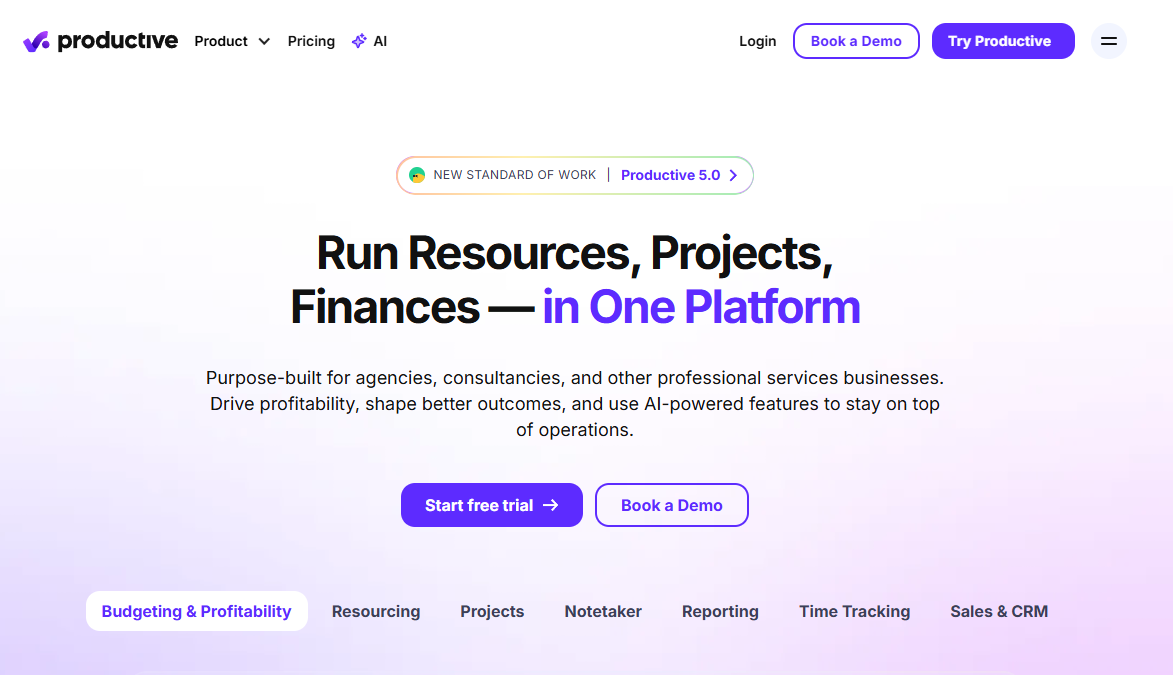
Productive is a professional services automation platform that connects resource planning, project management, time tracking, budgets, and invoicing in one workflow. It's built for teams where the question isn't just "who is available" but "is the work we're doing profitable?" Agencies, consultancies, and SaaS companies with implementation or customer delivery teams find it fits naturally when margin visibility matters week to week.
Best for: Agencies, consultancies, and SaaS teams that need resource allocation tied directly to billable utilization and delivery margin.
Key features
- Resource planning across projects and teams with utilization views
- Budget tracking, project financials, and profitability reporting
- Time tracking and invoicing in the same platform
- Sales pipeline and delivery forecasting
- AI-powered workflow features and reporting dashboards
Why choose Productive: It suits teams where customer delivery economics matter every week. If you need to connect staffing decisions to realized revenue and margin, it provides more depth than a standalone scheduler.
Productive pricing: Plans start at $9 per user per month billed yearly (Essential), with the Professional plan at $24 per user per month billed yearly. The Ultimate tier requires a conversation with sales. A 14-day free trial is available on all plans.
G2 rating: 4.6/5
2. Float
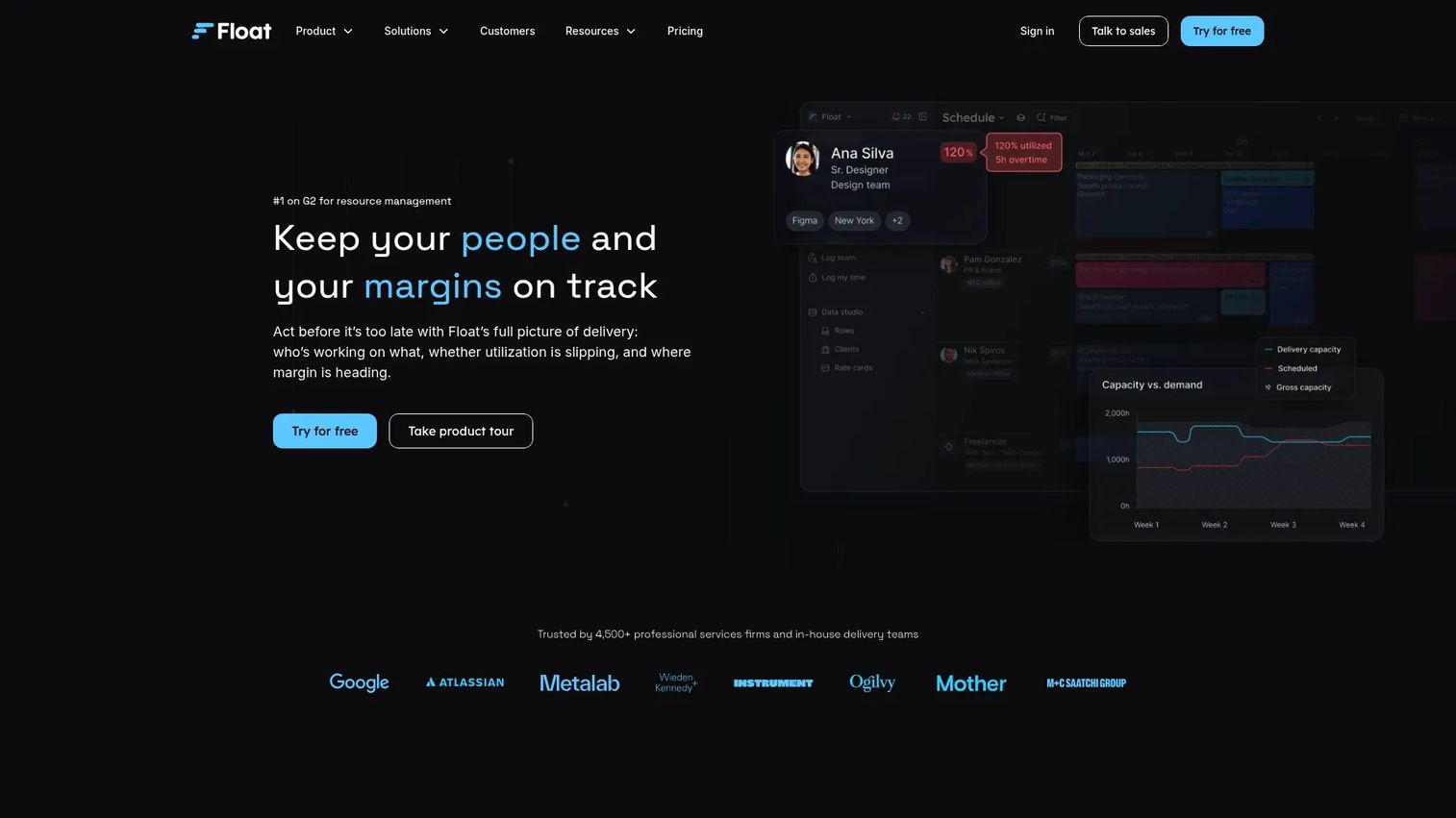
Float is a dedicated resource scheduling tool with a clean visual interface built around a single question: Who is working on what, and who has capacity? It handles scheduling assignments, time off, capacity views, and project budget tracking without requiring teams to adopt a full PSA suite.
Best for: Delivery leaders who want a reliable staffing view without migrating into a broader operations platform.
Key features
- Drag-and-drop team scheduling with capacity views
- Time off management integrated with scheduling
- Project budgets, estimates, and phases
- Scheduled-versus-actual reporting
- API and integrations with project and HR tools
Why choose Float: It fits teams that already have project management and finance tools in place but lack a reliable staffing layer. If the core failure mode is disagreement about who is available, Float solves that without requiring a broader platform migration. Teams needing deep financial planning or skills-based staffing should test whether it covers that depth before committing.
Float pricing: The Starter plan runs $7 per scheduled person per month; Pro is $12 per scheduled person per month. Both are available on monthly or annual billing. Enterprise pricing requires contacting the team. A 30-day free trial is available.
G2 rating: 4.4/5
3. Runn
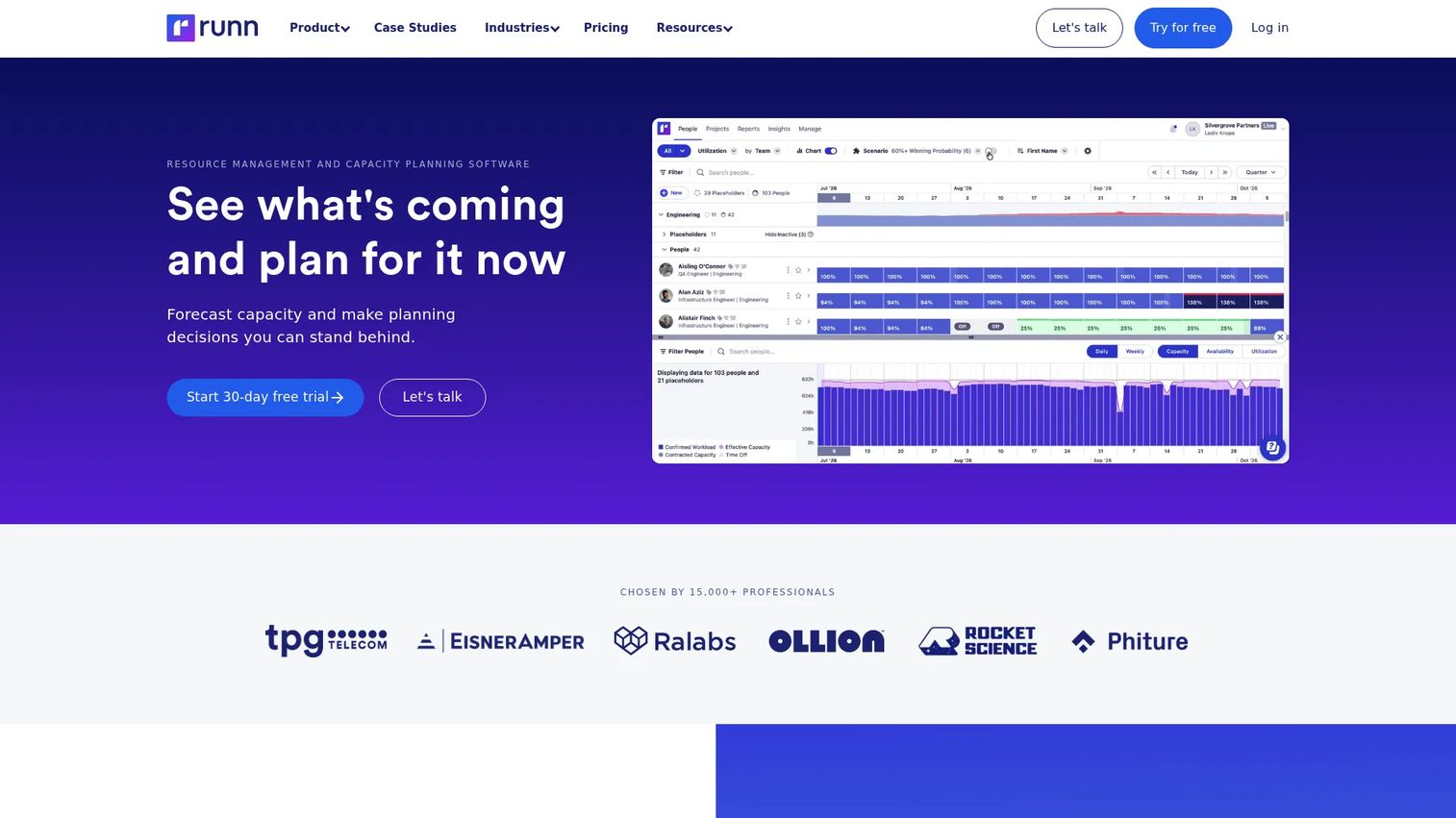
Runn focuses on forward-looking decisions. Its strength is capacity and utilization forecasting, scenario planning, and people cost modeling, making it a practical tool for answering the hiring question before a commitment is made. It connects planned work, pipeline demand, and people costs in a single view so leadership can model the consequences of taking on more work.
Best for: Founders and operations leaders who need to model whether planned work and pipeline support a specific hiring or staffing decision.
Key features
- Capacity and utilization forecasting with scenario planning
- Project demand and people cost modeling
- Skills and role-based allocation with time off support
- Planned-versus-actual tracking with timesheet integration
- Project budgets, rate cards, and financial reporting
Why choose Runn: The board meeting question "can we take this work on without damaging delivery or gross margin?" has a quantified answer in Runn before the commitment is made. It's particularly strong for teams that need resource forecasting software tied to hiring timelines rather than just scheduling visibility.
Runn pricing: Lite starts at $7 per resource seat per month; Standard is $11 per resource seat per month. Advanced pricing requires contacting the team. Plans start at 20 resource seats. A 30-day free trial of the Standard plan is available without a credit card.
G2 rating: 4.5/5
4. Resource Guru
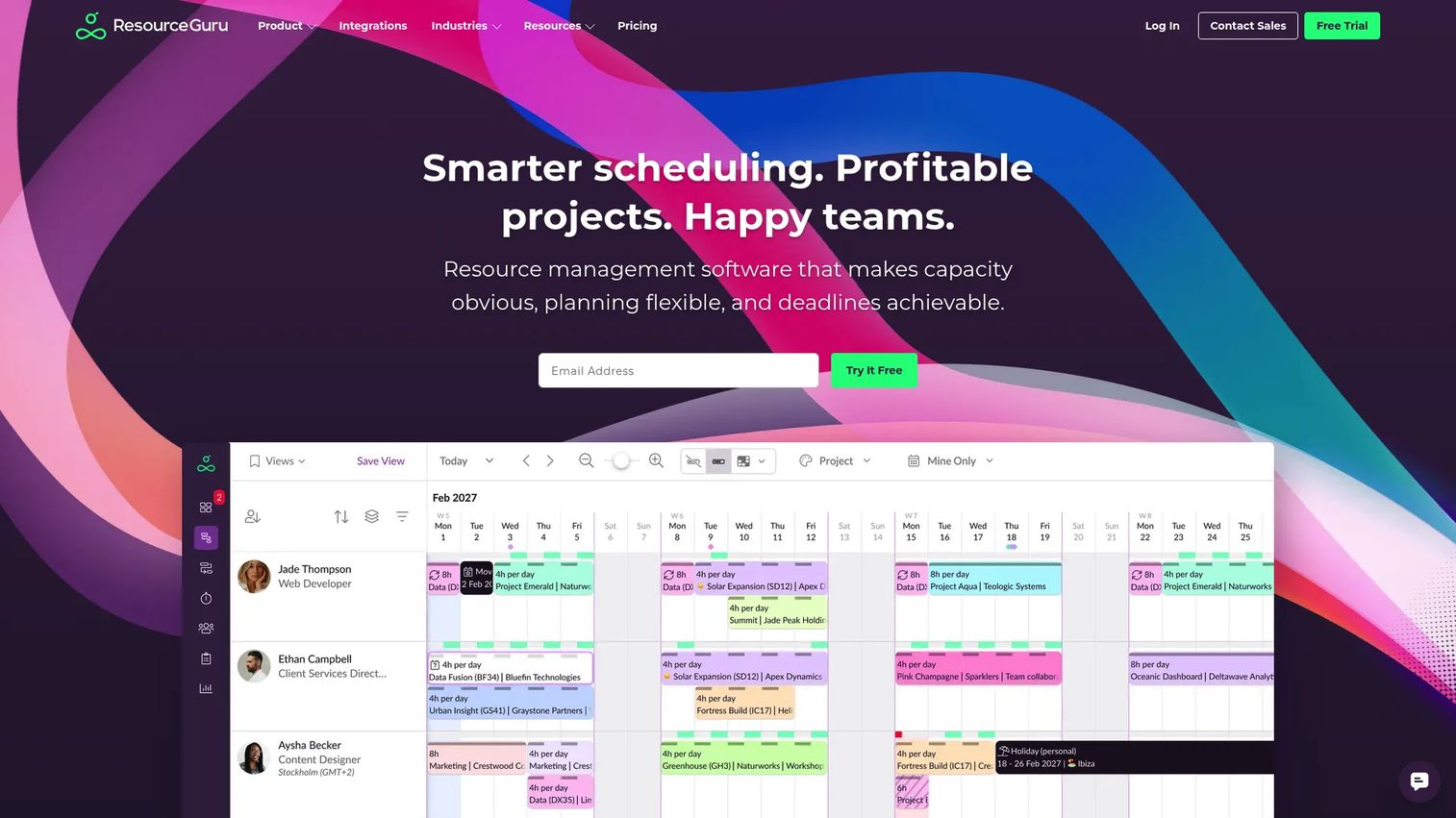
Resource Guru centers on availability management and booking conflict detection. It gives teams a clear scheduling calendar for people and equipment, surfaces clashes before they become delivery problems, and tracks time off alongside project assignments. The interface is straightforward, and it's often the first dedicated platform teams adopt when replacing shared calendar scheduling.
Best for: Teams replacing shared calendars and allocation spreadsheets with a dedicated scheduling source of truth.
Key features
- Resource calendars and booking views for people and equipment
- Clash detection for overlapping assignments
- Availability and time off tracking
- Capacity and utilization reporting
- Project budgets and timesheets
Why choose Resource Guru: It suits teams whose core problem is double-booking and unclear ownership. If the dominant scheduling failure mode is "we didn't know she was already committed to that project," Resource Guru addresses that directly. Teams that also need financial modeling or skills matching will want to evaluate whether its depth extends far enough.
Resource Guru pricing: The Grasshopper plan starts at $5 per person per month. Blackbelt is $8, and Master is $12 per person per month. Annual plans include two months free. Enterprise pricing requires contacting the sales team. A 30-day free trial is available across all plans.
G2 rating: 4.6/5
5. Kantata
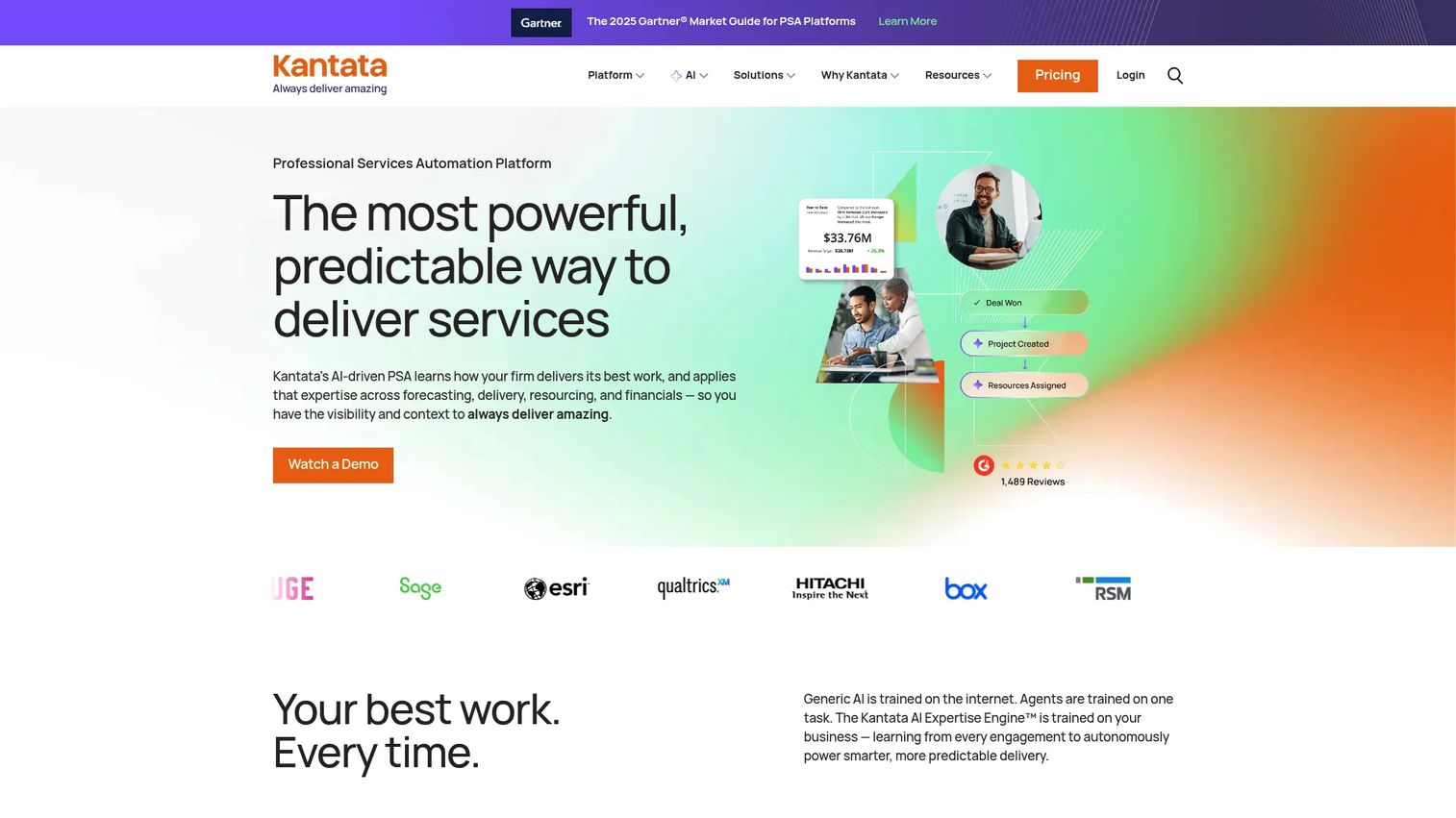
Kantata is an AI-powered professional services automation platform built for mature services organizations with complex staffing, skills matching, project financials, and portfolio-level reporting needs. It covers resource management, forecasting, financial management, project delivery, and business intelligence in a governed environment suited to multi-region or multi-practice delivery models.
Best for: Enterprise and upper mid-market services organizations that need structured resource planning across multiple teams, regions, or delivery models.
Key features
- Skills-based resource allocation and demand matching
- Services capacity planning and utilization analytics
- Project portfolio management with financial controls
- Forecasting and business intelligence dashboards
- Collaboration, integrations, and workflow automation
Why choose Kantata: Consider it when basic scheduling won't solve multi-region staffing, skills matching at scale, or services operations reporting for a board or finance team. The evaluation cycle is longer and the implementation more involved than most tools on this list. For teams at 30 to 60 people, a lighter-weight dedicated scheduler likely fits better.
Kantata pricing: Custom pricing. Kantata structures plans based on company size and delivery model. Contact the sales team for a quote. G2 reviewers report that enterprise contracts typically involve annual platform fees.
G2 rating: 4.2/5
6. Scoro
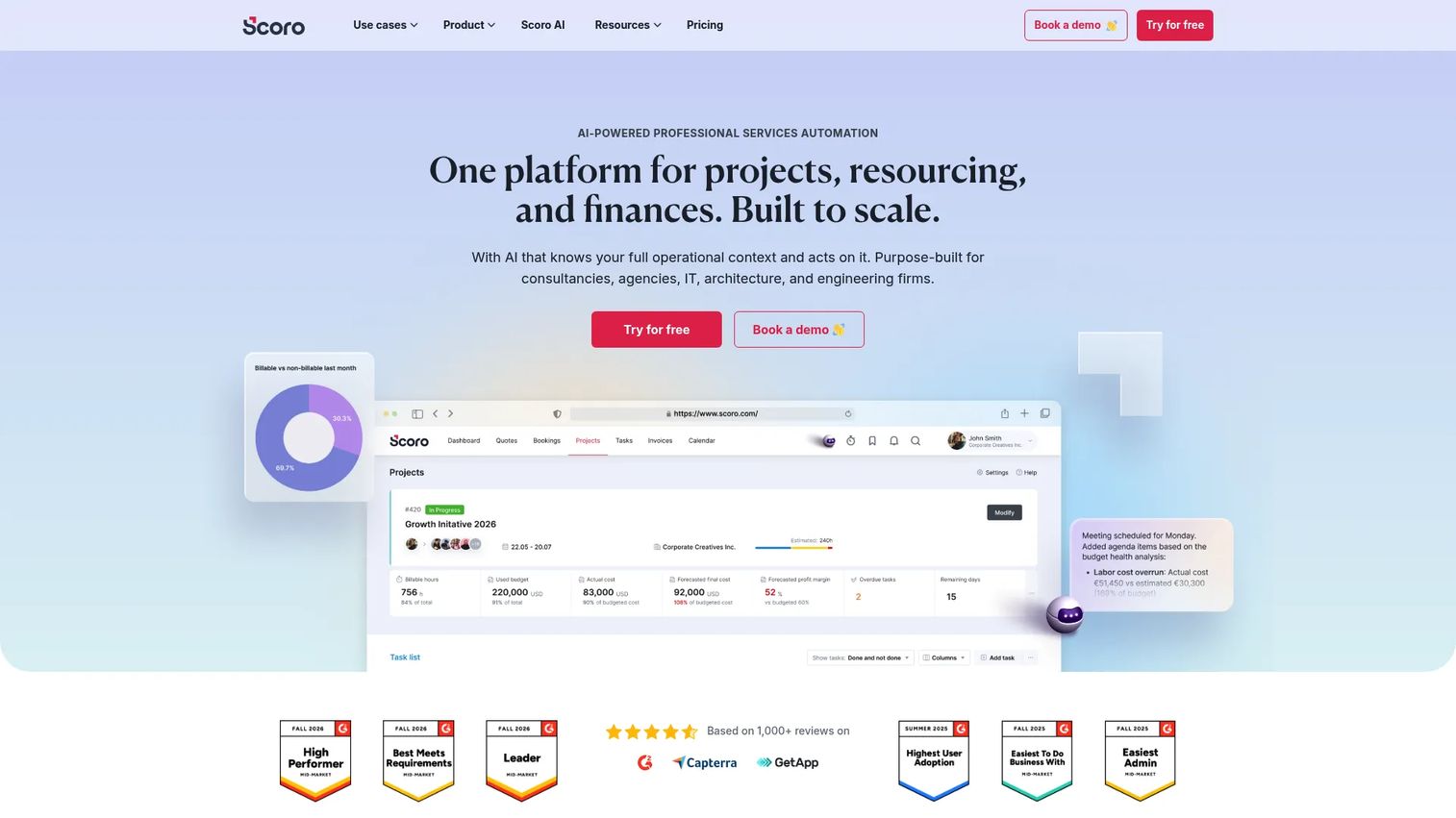
Scoro is a professional services automation platform built for agencies, consultancies, and IT firms that need project planning and commercial reporting in the same place. It connects resource scheduling, time tracking, CRM, invoicing, and profitability reporting across a modular architecture. For a founder-led services business, it answers the margin question at the project level rather than waiting for a monthly close.
Best for: Founder-led service organizations that need a tighter view of project work, budgets, time tracking, and profitability without separate tools for each.
Key features
- Resource scheduling and project planning in one view
- Budget and profitability tracking per project
- Time tracking, labor cost tracking, and billing
- CRM and sales pipeline management
- Financial reporting dashboards
Why choose Scoro: It fits teams that need to spot margin leakage early, before a project is invoiced. The modular pricing model means teams can start with the capabilities they need and expand later. It requires a minimum of five users and a structured onboarding process.
Scoro pricing: The Time-billing combination starts at $17 per user per month. Projects and Resources is $29 per user per month. The End-to-end combination is $57 per user per month. A minimum of five users is required. A 14-day free trial is available.
G2 rating: 4.5/5, verified October 2026.
7. Wrike
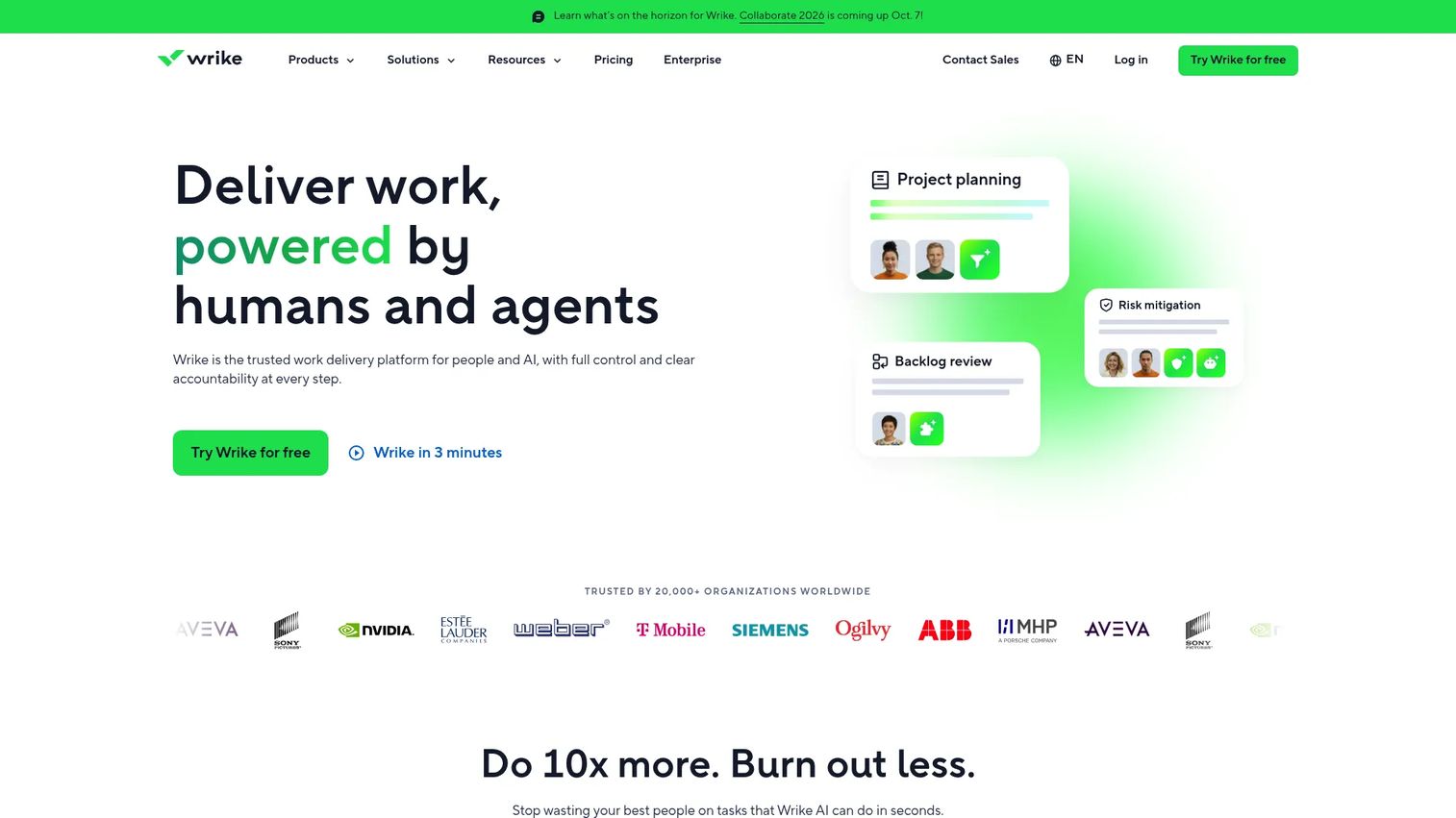
Wrike is a broad work management platform with enterprise-grade project execution and resource planning built in. It handles workload charts, resource allocation, portfolio planning, request forms, and workflow automation alongside task and project management. Teams that need to coordinate product, marketing, operations, and delivery in one system often evaluate it.
Best for: Cross-functional organizations that want resource visibility inside a wider project and work management environment.
Key features
- Workload charts and resource allocation views
- Project and portfolio planning with Gantt and board views
- Request forms and workflow automation
- Time tracking and reporting
- Enterprise permissions and governance
Why choose Wrike: It fits companies managing work across multiple functions that also need a scheduling layer. Check whether its resource planning depth matches your requirements before replacing a dedicated capacity tool. Workload features are more accessible at Business and Pinnacle tiers.
Wrike pricing: A free plan is available for basic task management. The Team plan is $10 per user per month billed annually; Business is $25 per user per month billed annually. Pinnacle and Apex tiers require contacting sales for pricing.
G2 rating: 4.2/5
8. ClickUp
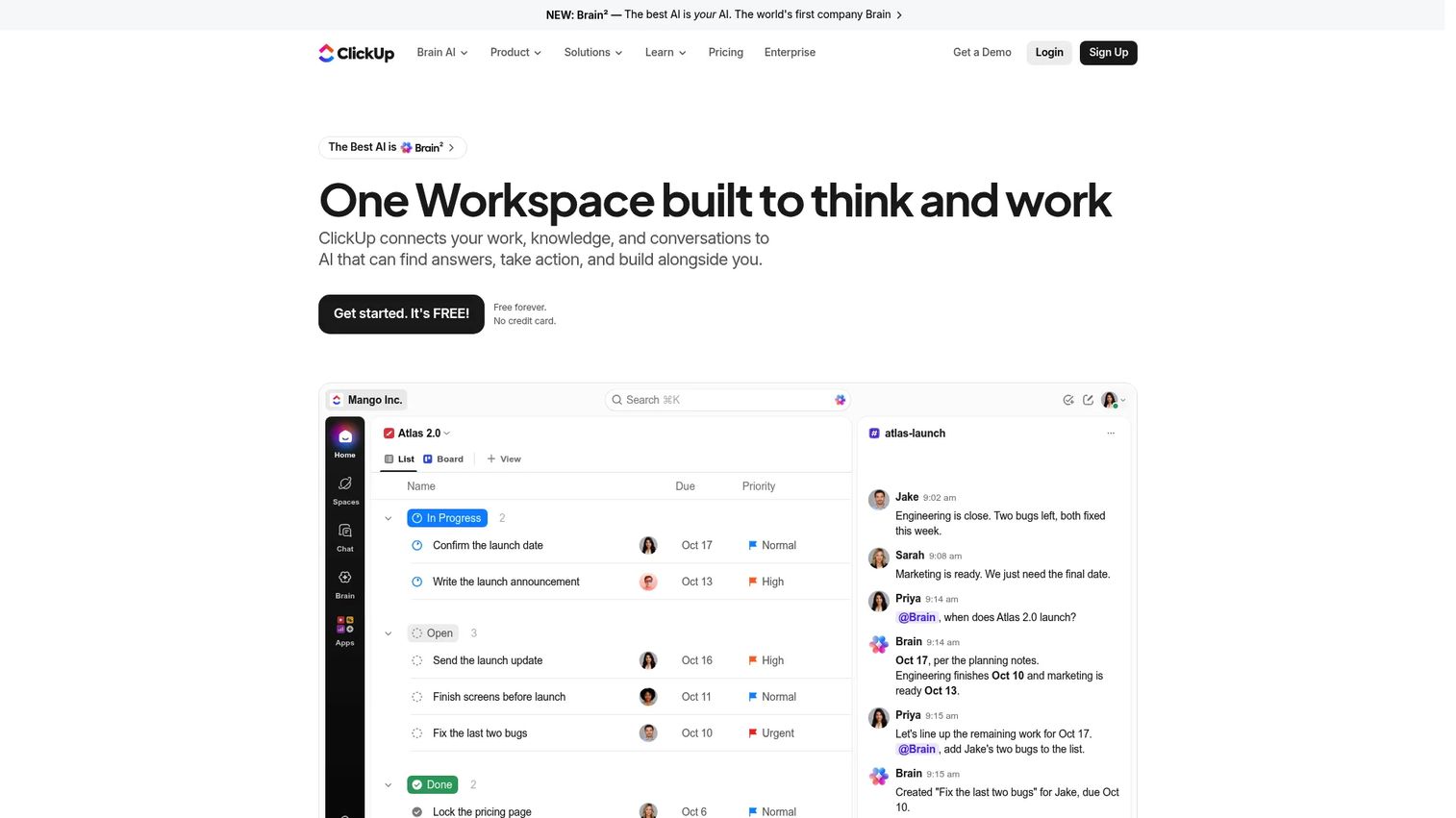
ClickUp is an all-in-one productivity platform combining tasks, docs, goals, dashboards, time tracking, and workload views in a configurable workspace. For SaaS teams looking to consolidate scattered tools, it offers a workload view that surfaces capacity alongside project work without requiring a separate resourcing platform.
Best for: SaaS teams that want project and workload management in one configurable workspace, particularly teams consolidating from multiple point tools.
Key features
- Workload and team capacity views with assignment tracking
- Tasks, goals, docs, and dashboards in one workspace
- Custom fields, automations, and templates
- Time tracking and sprint planning
- Enterprise search and AI features
Why choose ClickUp: It works well when resourcing is part of a broader operational rhythm and the team doesn't need financial planning or skills-based staffing. Teams that require robust capacity forecasting, utilization reporting, or project margin tracking should test its depth against a specialist tool before fully committing.
ClickUp pricing: A free plan (Free Forever) covers core features. The Unlimited plan is $7 per user per month billed annually ($10 monthly). Business is $12 per user per month billed annually ($19 monthly). Enterprise requires contacting sales.
G2 rating: 4.6/5
9. Microsoft Project
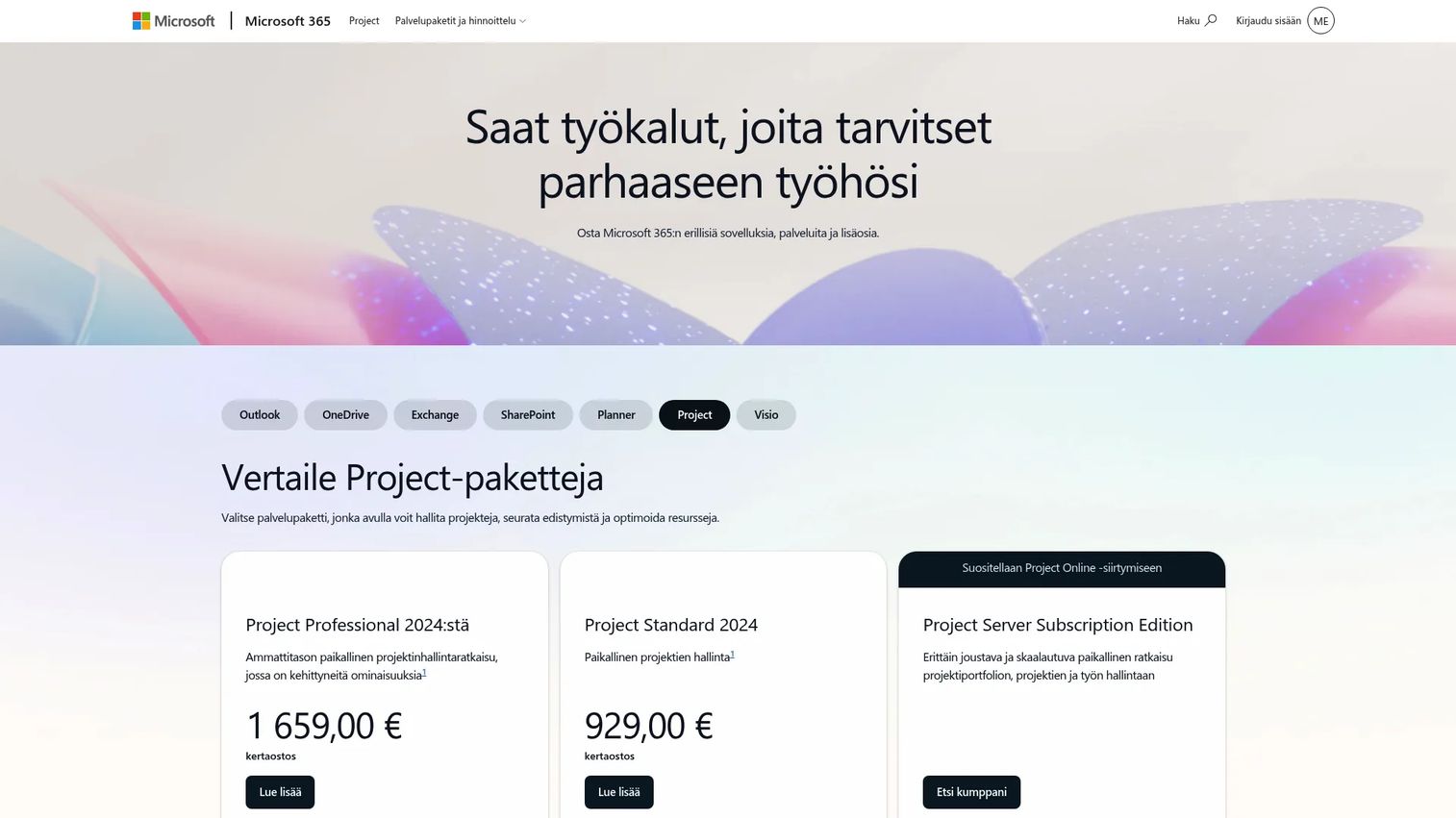
Microsoft Project is a structured project scheduling and resource management tool with deep Microsoft 365 integration. It handles resource pools, Gantt charts, dependency scheduling, capacity views, and portfolio planning. Organizations with established PMO practices and formal project schedules use it alongside Microsoft's broader productivity suite.
Best for: Portfolio, PMO, and enterprise project teams that already rely on Microsoft 365 and need formal project scheduling with resource pools.
Key features
- Resource pools and staffing assignments
- Gantt charts and task dependencies
- Capacity and utilization views
- Portfolio and program planning
- Microsoft 365 ecosystem integration
Why choose Microsoft Project: It fits teams with structured PMO processes and Microsoft-centered workflows. Note that Microsoft is consolidating its project planning tools under the Planner brand; Project Online is scheduled for retirement in September 2026, and the Planner and Project Plan 5 tier reached end of sale in May 2026. Verify current packaging before purchasing. It's more structure than most early-stage SaaS teams need.
Microsoft Project pricing: Planner is included in Microsoft 365 subscriptions at no additional cost. Planner Plan 1 is $10 per user per month (paid yearly). Planner and Project Plan 3 is $30 per user per month; Plan 5 was $55 per user per month but reached end of sale in May 2026.
G2 rating: 4.0/5
10. Jira
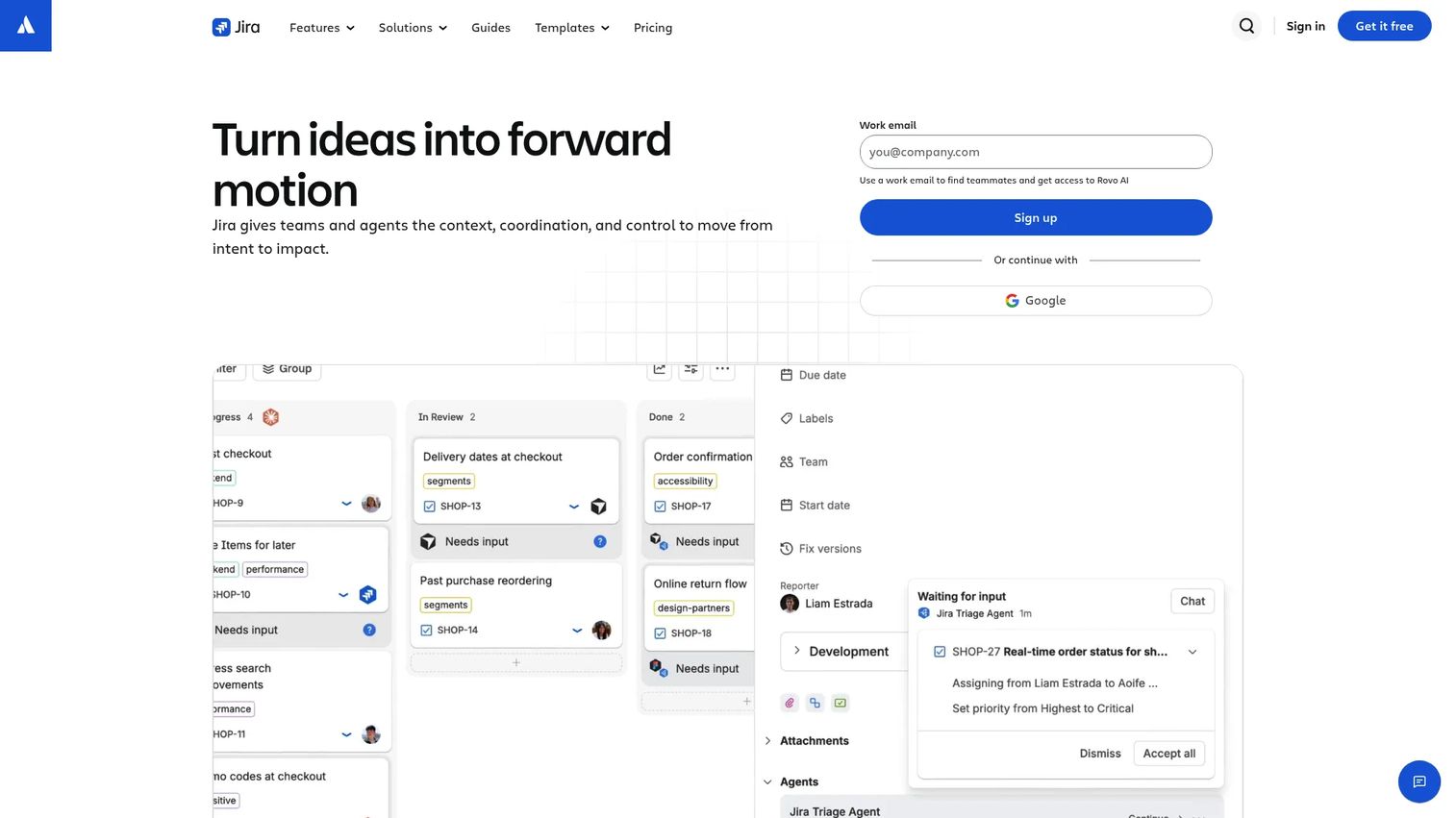
Jira is Atlassian's work management platform for planning, coordinating, tracking, and delivering work across teams. Engineering and product teams use it for sprint planning, backlog management, roadmaps, and dependency tracking. Capacity planning in Jira happens through sprint commitments, team velocity, and planning views, with additional depth available through the Atlassian Marketplace.
Best for: Product and engineering teams that need resource planning connected to agile delivery workflows.
Key features
- Sprint and backlog planning with capacity tracking
- Roadmaps and dependency tracking
- AI-assisted task intake and workflow coordination
- Issue-based workload visibility
- Atlassian Marketplace extensions for planning and reporting
Why choose Jira: It helps engineering teams understand planned work, delivery velocity, and sprint capacity. Set expectations clearly: Cross-functional staffing, utilization rates across non-engineering teams, and financial planning typically require additional tools or integrations alongside Jira.
Jira pricing: A free plan is available for up to a limited number of users. Standard and Premium pricing was not publicly displayed on the verified pricing page at the time of review. Enterprise pricing requires contacting Atlassian directly.
11. Teamwork
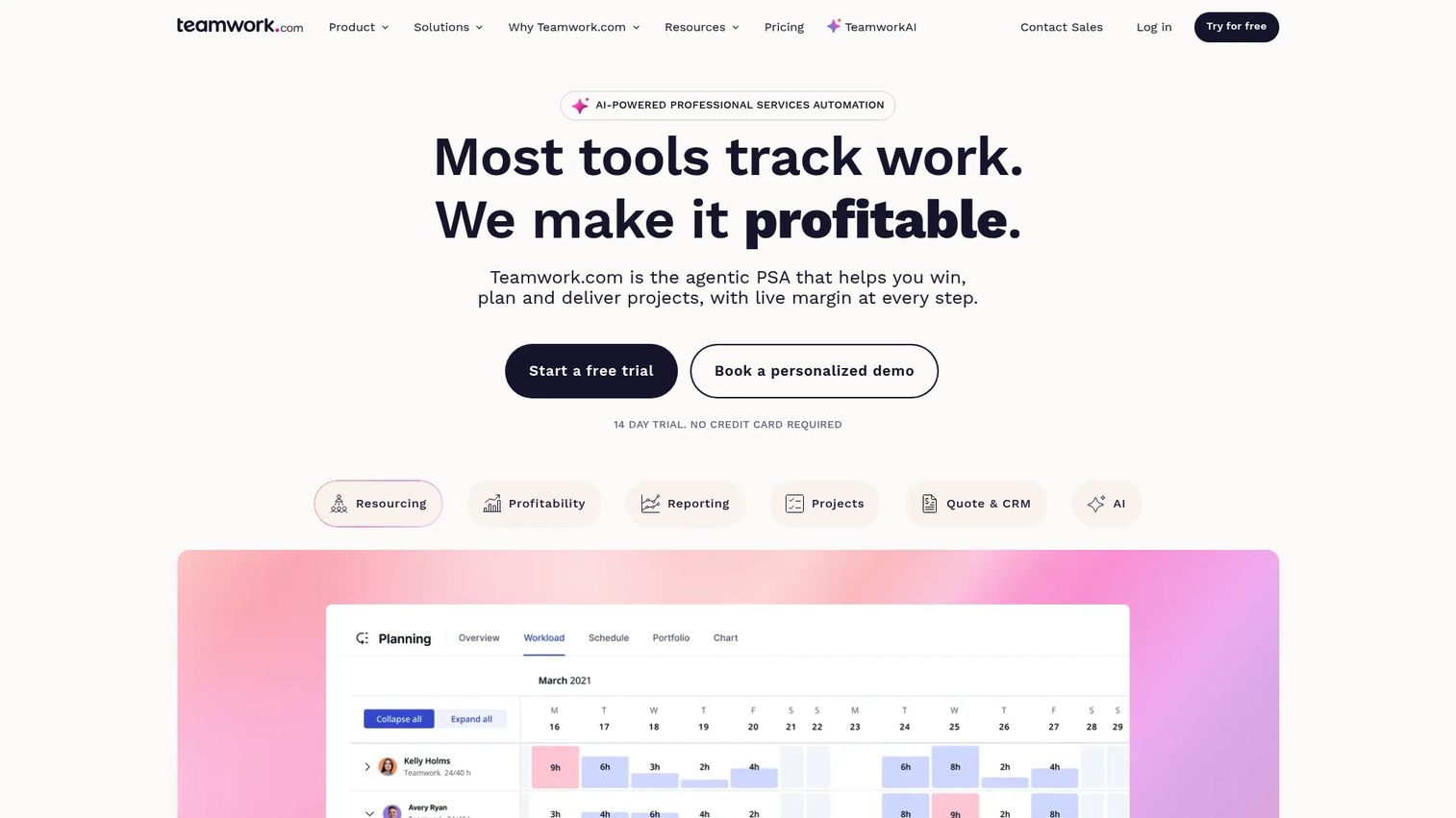
Teamwork is an AI-powered professional services automation platform built for client-facing delivery work. It combines project management, resource scheduling, time tracking, budgets, and profitability reporting in a platform designed around the operational rhythm of client work. SaaS companies with implementation, onboarding, or agency-model teams often find it fits their delivery discipline.
Best for: Client service teams that want project delivery, time tracking, resource planning, and profitability in one platform.
Key features
- Resource scheduling and workload management with capacity visibility
- Billable time tracking, budgets, and financial control
- Project templates, task planning, and Gantt views
- Client access and collaboration features
- AI-powered forecasting, summaries, and smart assignment
Why choose Teamwork: It's particularly useful for SaaS companies where customer onboarding and implementation work is tracked as billable delivery against client budgets. The combination of client collaboration and internal resource planning in one tool reduces context switching for delivery managers.
Teamwork pricing: A free plan covers up to 5 projects and 5 users. Basics is €9.99 per user per month billed annually. Accelerate is €24.99 per user per month billed annually, adding automation, capacity planning, budgets, and invoicing. Optimize and Enterprise use custom pricing. A free trial is available.
G2 rating: 4.4/5
12. Ganttic
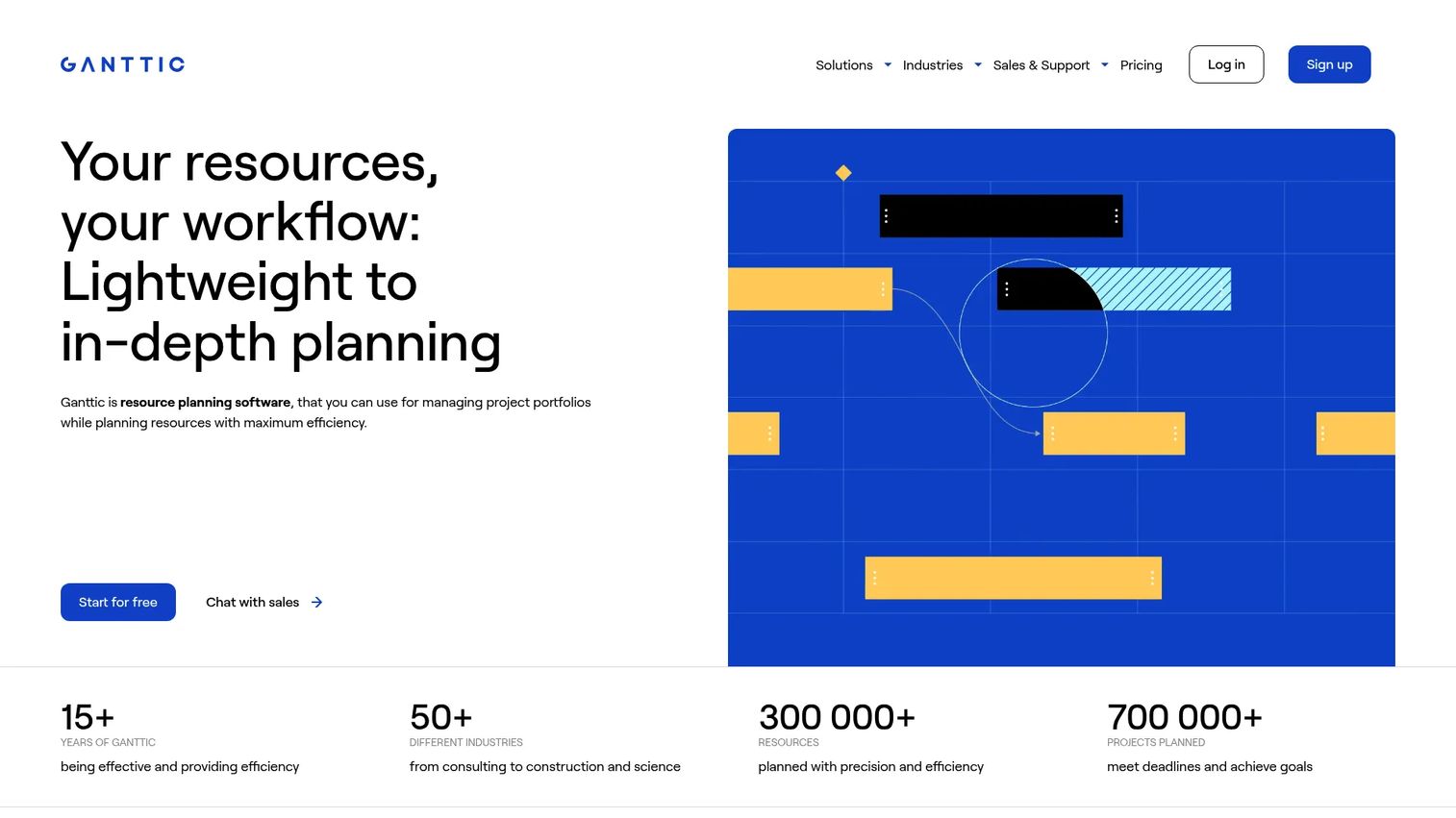
Ganttic is a visual resource planning tool for managing project portfolios and scheduling people, equipment, tools, rooms, and other resources on a Gantt-style timeline. It's configurable and handles complex schedules involving non-human assets alongside people, which makes it relevant for operations teams managing implementation labs, shared infrastructure, or field equipment.
Best for: Operations teams that need flexible visual scheduling across people and non-human resources with configurable planning views.
Key features
- Drag-and-drop Gantt-style resource planning
- Configurable resource views with custom data fields
- Equipment, facility, and tool scheduling alongside people
- Capacity and utilization reporting with project timelines
- Google and Outlook calendar integrations, REST API, and webhooks
Why choose Ganttic: It's particularly relevant when resources extend beyond employees, such as implementation labs, shared equipment, or operational infrastructure that competes with people for scheduling slots. The resource-count pricing model means cost scales with the size of the resource pool, not the number of users.
Ganttic pricing: A free plan covers up to 10 resources. The PRO paid plan starts at $25 per month for up to 20 resources, with pricing scaling by resource count. Annual plans receive two months free.
G2 rating: 4.0/5
Considerations when choosing resource management software
Choose the planning depth you actually need
A simple scheduler solves double-booking. It won't model hiring timing, skills gaps, labor costs, or project margins. Match the tool to the decision you need to make. If the question is "who is free next week," a scheduler is sufficient. If the question is "can we take on another enterprise implementation without hiring," you need a forecasting layer.
Separate capacity from task completion
Task completion tells you what shipped. Capacity planning tells you whether the team can absorb the next commitment without degrading delivery quality. Both views matter when the same people cover delivery and internal product work. Tools that conflate task tracking with capacity visibility often underdeliver on both.
Check financial data before assuming profitability reporting
If margin matters, confirm the platform ingests time, costs, budget data, and billing information at the level of detail your finance team needs. A dashboard labeled "profitability" may show revenue minus budgeted cost, not actual labor cost against realized revenue. Verify what feeds the numbers before treating a report as accurate.
Test adoption with the people who update allocations
Resource data is only useful if delivery leaders, project managers, and team leads maintain it. A short pilot on a live staffing cycle, before a full commitment, will tell you whether the interface fits how your team actually works. Tools with high setup friction tend to decay quickly after launch.
Verify integrations before implementation
Check your CRM, finance system, HRIS, calendar, and BI stack requirements against each platform's documented integrations. Confirm data export options, permissions, and API availability before signing. The most useful resource planning tools connect into your existing data infrastructure rather than creating a parallel source of truth your team has to manually reconcile.
Conclusion
The shortlisting logic for this list follows the operational question each tool answers:
Productive and Scoro serve teams that need profitability visibility alongside scheduling. Float and Resource Guru address straightforward scheduling and availability management. Runn is the clearest choice when hiring decisions depend on capacity forecasting. Kantata handles complex services operations at enterprise scale. Wrike, ClickUp, Teamwork, Microsoft Project, and Jira fit teams that need resourcing inside a broader project management environment. Ganttic covers visual planning across people and operational assets.
The right platform is the one that turns your next hiring decision, delivery commitment, or prioritization call into a visible calculation rather than a spreadsheet negotiation. Forward the shortlist to your VP of Operations or PMO lead with the specific decision they need to make, and let that guide the evaluation.
When your team evaluates complex operational software, letting internal stakeholders explore vendor workflows before scheduling calls can save hours of misaligned discovery. An interactive demo or sandbox environment lets your operations leader walk through a tool's scheduling or capacity views before anyone commits time to a live evaluation.
Start your journey with Guideflow today!
FAQs
The best option depends on whether the company needs simple scheduling, capacity forecasting, services profitability, or enterprise portfolio controls. A SaaS team with an implementation function should evaluate whether it needs financial depth (Productive, Scoro) or just scheduling clarity (Float, Resource Guru). Integration fit and data upkeep requirements matter as much as feature count when choosing.
Spreadsheets work for small, stable teams where one person maintains the allocation plan and changes are infrequent. They break down when multiple managers update allocations independently, availability data goes stale between cycles, or leadership needs utilization and capacity reporting in real time. The failure mode is usually invisible until a delivery conflict or hiring decision surfaces the gap.
Project management software tracks work: Tasks, milestones, dependencies, and completion status. Resource management software focuses on available people, their skills, their time, their costs, and how that capacity maps to current and future project demand. Many project tools include basic assignment views, but dedicated resource management software adds utilization tracking, demand forecasting, and financial modeling that project tools typically don't cover at the same depth.
It compares available capacity with planned assignments and actual logged time. Teams can see which employees are underutilized, where overbooking will create delivery risk, and which projects consume senior talent without enough commercial return. That visibility allows managers to redistribute work before a problem appears in delivery metrics rather than after.
Dedicated platforms like Runn and Kantata offer the strongest scenario modeling, utilization forecasting, and forward-looking staffing views, with Runn being more accessible for teams under 150 people. Float and Resource Guru handle current-period capacity clearly. Broader project platforms like Wrike, ClickUp, and Teamwork provide workload views that work for teams whose capacity needs center on current project assignments. See also our guide to capacity planning software for a deeper breakdown.
Jira supports engineering capacity planning through sprint planning, roadmaps, velocity tracking, and Atlassian Marketplace extensions. It works well for teams where capacity is measured in sprint points and delivery cycles. Cross-functional staffing, organization-wide utilization reporting, and financial visibility typically require additional tools or integrations alongside Jira.
Yes, particularly for organizations with formal project schedules, PMO governance, and Microsoft-centered workflows. It provides depth on resource pools, Gantt scheduling, and portfolio planning that fits established enterprise delivery practices. Note that Microsoft is consolidating its project tools under the Planner brand, and Project Online retires in September 2026, so verify current packaging before purchasing. For most early-stage SaaS companies, the structure it requires is more than the team needs.
Start with utilization rate, delivery capacity versus committed work, and planned-versus-actual effort per project. Add project margin where delivery work carries measurable labor cost. Over time, track forecast accuracy, delayed project starts, overallocated employees by function, and revenue per employee. These metrics connect resource planning directly to the board-level outcomes that matter at Series B: Gross margin, burn efficiency, and delivery capacity as a constraint on growth.