



You open a blank project, load a drum kit, and 20 minutes later you're still fighting the interface instead of finishing the beat. Then you actually finish something, go to release it, and realize the sample you flipped could get the track pulled.
That's the real trap with beat making software. Most tools force a trade-off between how fast you can start, how deep you can go, and whether you can legally sell what you make. The global beatmaking software market hit $2.1B in 2025, on its way to $4.1B by 2034 at a 7.8% CAGR, per MarketIntelo (2025). More tools, more overlap, more decisions.
Picking one is less about features and more about matching the tool to how you actually work. In 2026, that choice separates a beat that sits in your drafts folder from one that ships.
What's inside
This guide is for anyone choosing a beat maker, from a first-timer sketching ideas to a producer prepping release-ready tracks.
We compared seven tools across four categories: Desktop DAWs, browser-based studios, mobile apps, and sampling-first platforms. Selection criteria:
- Workflow speed: How fast you get from empty project to a finished loop
- Sampling support: Chopping, key sync, and stem handling
- Export quality and handoff: WAV, MIDI export, and stems for the next stage
- Commercial release rights: Whether you can legally sell what you make
TL;DR
- Best for complete production: FL Studio, a full DAW with lifetime free updates
- Best browser-based collaboration: Soundtrap, real-time projects with no download
- Best DJ-inspired fast beat creation: Serato Studio, sample-driven speed
- Best for Apple users: GarageBand, an easy Mac and iPhone entry point
- Best mobile sketching: BandLab, a free cloud studio that follows you anywhere
- Best sample-first production: Tracklib Beatmaker, sampling with clearance built in
- Best for budget-conscious beginners: BandLab, real production tools at $0
What is beat making software?
Beat making software is any tool that lets you build rhythm tracks, loops, melodies, and full productions using drums, samples, virtual instruments, and effects. It covers everything from a free browser app to a professional-grade DAW.
There are four broad categories, and knowing which one you need saves hours of wasted trials.
- Desktop DAWs: Full digital audio workstations like FL Studio and Ableton Live, built for arrangement, mixing, and mastering
- Browser-based studios: Online beat makers like Soundtrap that run in a tab with no install
- Mobile apps: Music making apps such as BandLab that let you sketch beats on a phone
- Sampling-first tools: Platforms like Tracklib built around chopping and clearing real records
Most serious producers end up using more than one. You sketch on a phone, then finish in a desktop DAW.
Key features to weigh when evaluating any beat maker:
- Drum programming: Step sequencers and pad grids for building patterns
- Loops and one-shots: Built-in libraries of royalty-free sounds to start fast
- Sampling and stem separation: Chopping audio and splitting tracks into stems
- MIDI and virtual instruments: Synths, keys, and the ability to export MIDI
- FX, mixing, and mastering: EQ, compression, and final polish inside one tool
- Export options and collaboration: WAV and MP3 output plus shared project access
The category grows on mobile too. The global smartphone music production software market was worth $98M in 2025, with a projected 10.3% CAGR through 2034, per Fortune Business Insights (2025). Phones are now a real production surface, not just a scratchpad.
When to use beat making software
Sketch ideas quickly
A browser tool or mobile app wins when the goal is capturing an idea before it disappears. You want low friction, no install, and a fast path from hum-in-your-head to a rough loop. An online beat maker or music making app lets you start anywhere, then move the project to a bigger tool later.
Build release-ready tracks
A desktop DAW is the better call when the beat needs to actually ship. You get full arrangement views, deep mixing, automation, high-quality export, and plugin support. This is where a rough sketch becomes a finished master. If you plan to sell, this is usually the finishing surface.
Work with samples and stems
Sampling software matters when your sound is built from real records. You need clean chopping, BPM and key sync, stem separation, and, critically, commercial use rights. Flipping a sample is easy. Clearing it so you can sell the beat is the hard part, and only some tools solve it.
Comparison table
Here's the fast side-by-side. Pricing and G2 ratings below reflect each vendor's current listing. Some tools skip G2 entirely, so a rating isn't always available.
| # | Product | Best for | Key differentiator | Pricing | G2 rating |
|---|---|---|---|---|---|
| 1 | BandLab | Budget-conscious beginners and mobile sketching | Free cloud DAW with collaboration | Free; Pro $14.99/mo | 3.8 |
| 2 | Soundtrap | Browser-based collaboration | Real-time shared projects in a tab | Free; paid plans available | 3.7 |
| 3 | Serato Studio | DJ-inspired fast beat creation | Scene and Song View with stems | Free; $149 one-time or $9.99/mo | N/A |
| 4 | GarageBand | Apple users starting out | Free on Mac with Logic handoff | Free with Mac | 4.3 |
| 5 | FL Studio | Complete production | Lifetime free updates | From $99 one-time | 4.6 |
| 6 | Ableton Live | Loop-based and live crossover | Session and Arrangement workflows | From $99 one-time | 4.7 |
| 7 | Tracklib Beatmaker | Sample-first production | Sampling with clearance built in | Free app; Tracklib from $14.99/mo | N/A |
Best beat making software for 2026
1. BandLab
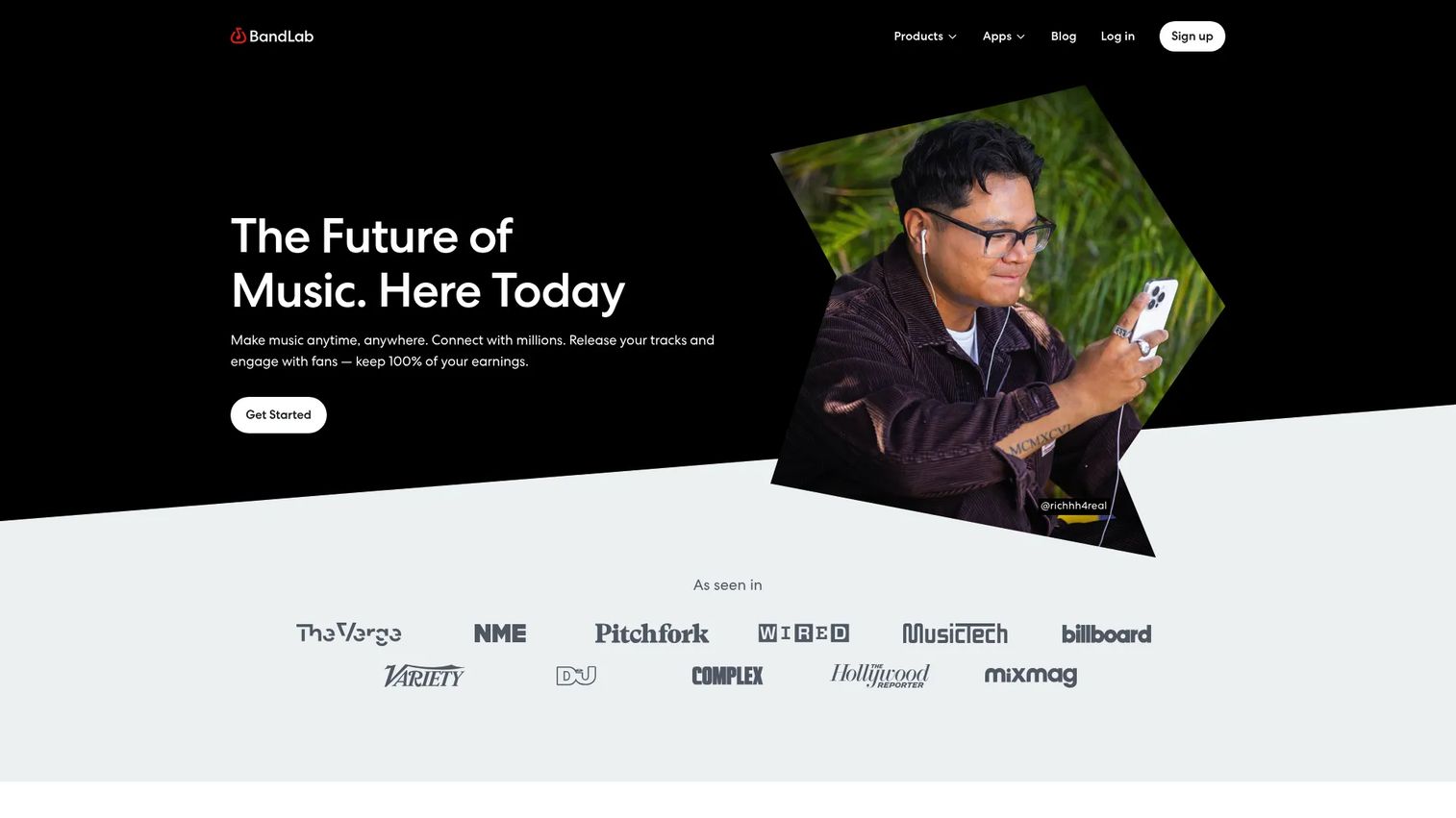
BandLab is a social music creation platform built around a free cloud DAW. You record, edit, and mix on a phone or in a browser, then share tracks with a built-in community. For a beginner who wants real production tools without paying, this is the lowest-friction way in.
Best for: Beginners and mobile producers who want a free cloud studio with collaboration.
Key features
- Cloud DAW for recording, editing, mixing
- Drum machine and sampler included
- Loops and beats library
- Mastering and AI creation tools
- Social sharing and messaging
Why choose BandLab: Pick it when budget is the constraint and you want to sketch anywhere, then upgrade only if you outgrow the free tier. It's the rare free music making app that doesn't feel crippled.
BandLab pricing: The core platform is free. Pro runs $14.99/month, or $99 for the first year then $149/year on annual billing, with a 3-day trial. A Max annual plan is listed at $199 for the first year, then $299/year.
BandLab Technologies holds a 3.8/5 rating on G2.
2. Soundtrap
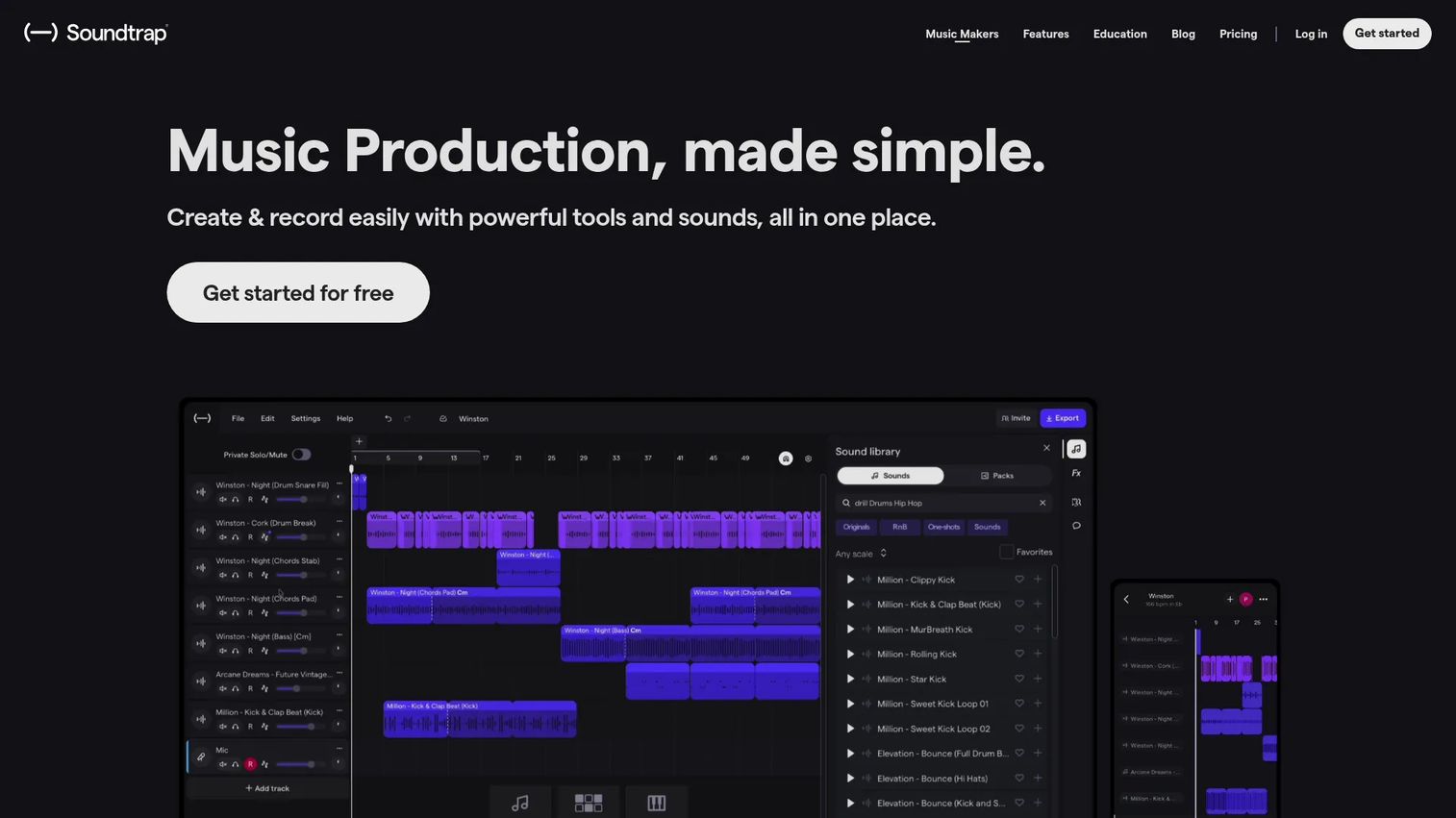
Soundtrap is an online collaborative studio for music and podcasts that runs entirely in a browser. Its standout is real-time collaboration: Two people can work the same project at once, with chat and video built in. No download, no install, just a tab.
Best for: Producers and teams who want a browser-native studio with live collaboration.
Key features
- Real-time collaboration with chat and video
- Virtual instruments and MIDI editor
- Patterns Beatmaker for drums
- Loops and sample packs
- Vocal tuning and mixing tools
Why choose Soundtrap: Choose it when the work is shared or you want instant access from any machine, and you value collaboration over deep desktop plugin depth. It removes the "email me the project file" dance entirely.
Soundtrap pricing: A free version is available. Paid personal plans include Sound Starter, Music Production, and Production & Vocals, sold monthly or yearly, plus an Education tier. Current paid prices are set on the Soundtrap pricing page.
Soundtrap holds a 3.7/5 rating on G2.
3. Serato Studio
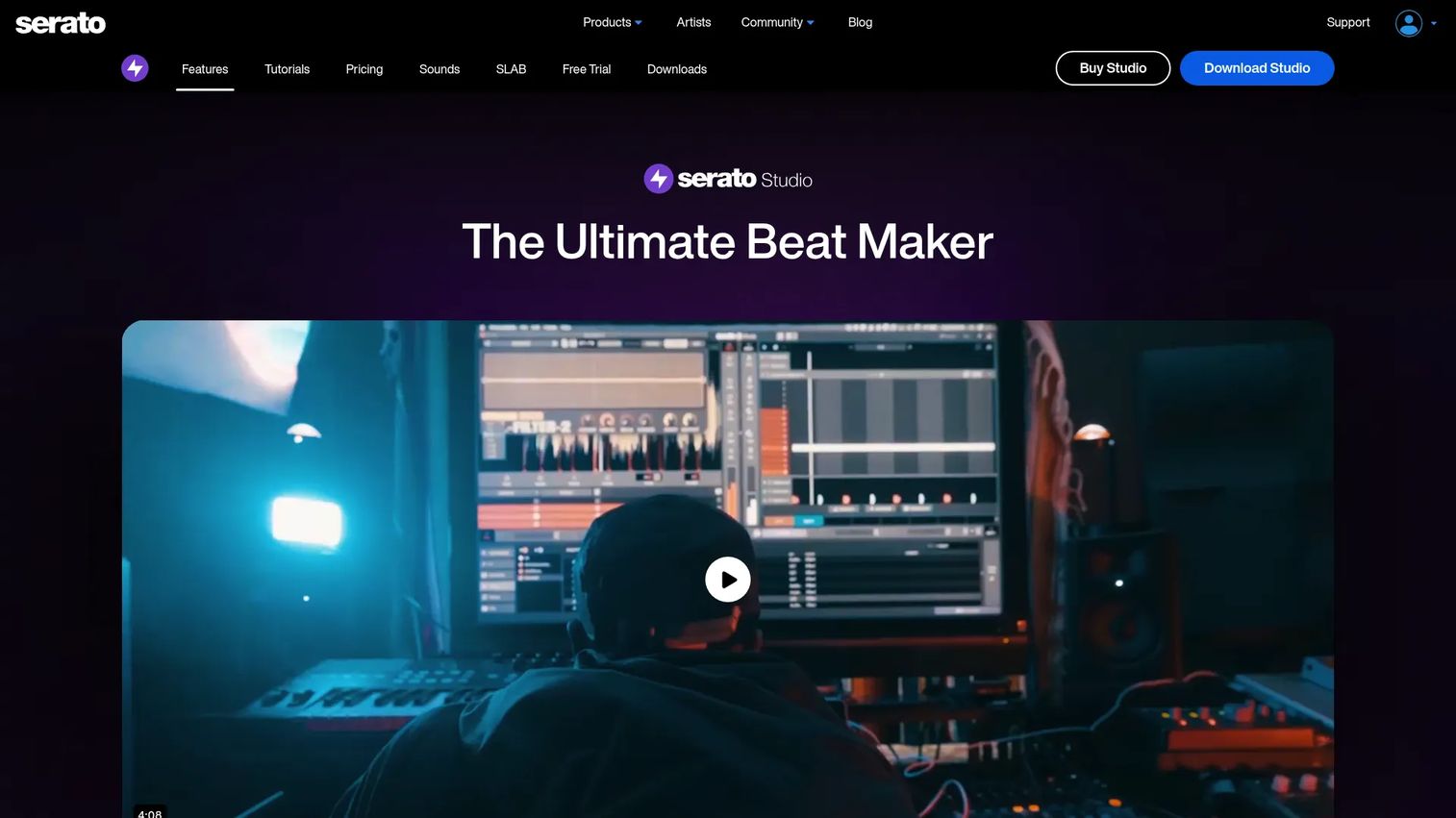
Serato Studio is a DAW built for making beats and DJ edits fast. Its Scene View and Song View let you build patterns and arrange them without a steep DAW learning curve. Stem separation and key or tempo tools make it a sampling machine for producers who came from DJing.
Best for: Beat makers and DJs who want quick, sample-based production and edits.
Key features
- Scene View and Song View workflow
- Stem separation built in
- Time-stretch and key-shift tools
- VST3 and Audio Unit plugin support
- Sample chopping and flipping
Why choose Serato Studio: Reach for it when speed to a finished beat matters more than a deep mixing suite, especially if you already think in DJ terms. It gets you from sample to arrangement quickly.
Serato Studio pricing: A free feature-limited version is available. A one-time purchase costs $149, or you can subscribe to the Producer Suite for $9.99/month, which bundles Serato Studio, Serato Sample, and Serato Hex FX.
Serato Studio doesn't currently carry a verified G2 aggregate rating.
4. GarageBand
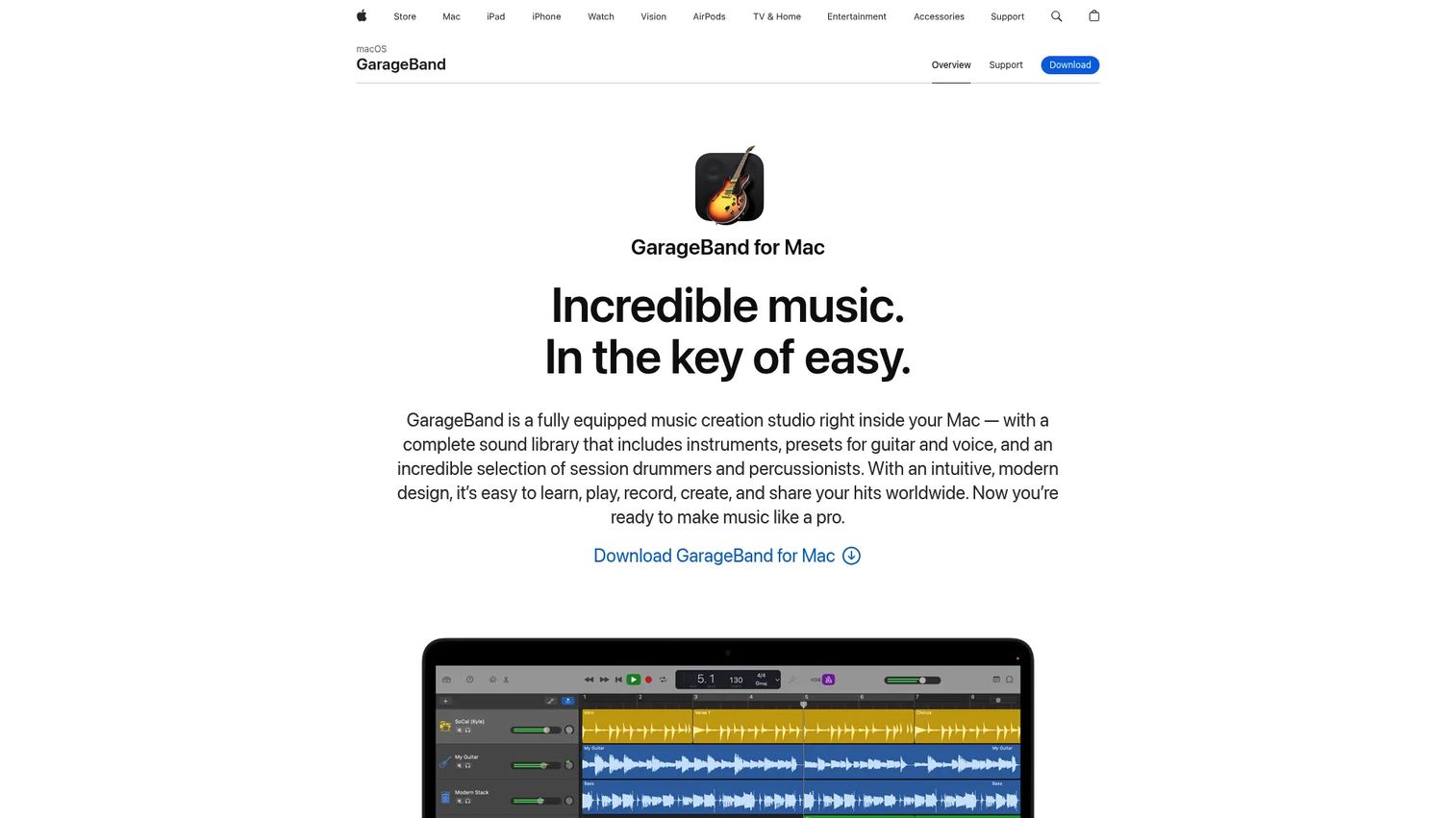
GarageBand is Apple's music creation studio for Mac, and it's free with the machine. It carries a full sound library, a Drummer virtual session player, and clean Piano Roll editing. For anyone on Apple hardware, it's the obvious no-cost entry point.
Best for: Mac users who want an easy entry-level DAW for songwriting and basic beats.
Key features
- Complete library of instruments, presets, loops
- Drummer with 28 drummers, 3 percussionists
- Up to 255 audio tracks
- Flex Time and Piano Roll editing
- Direct handoff to Logic Pro
Why choose GarageBand: Use it when you're on a Mac and want to start free, then step up to Logic Pro later without relearning the interface. The upgrade path is the quiet advantage here.
GarageBand pricing: GarageBand comes free on Mac. Apple's product page doesn't list a standalone purchase price, since it ships with the operating system.
GarageBand holds a 4.3/5 rating on G2.
5. FL Studio
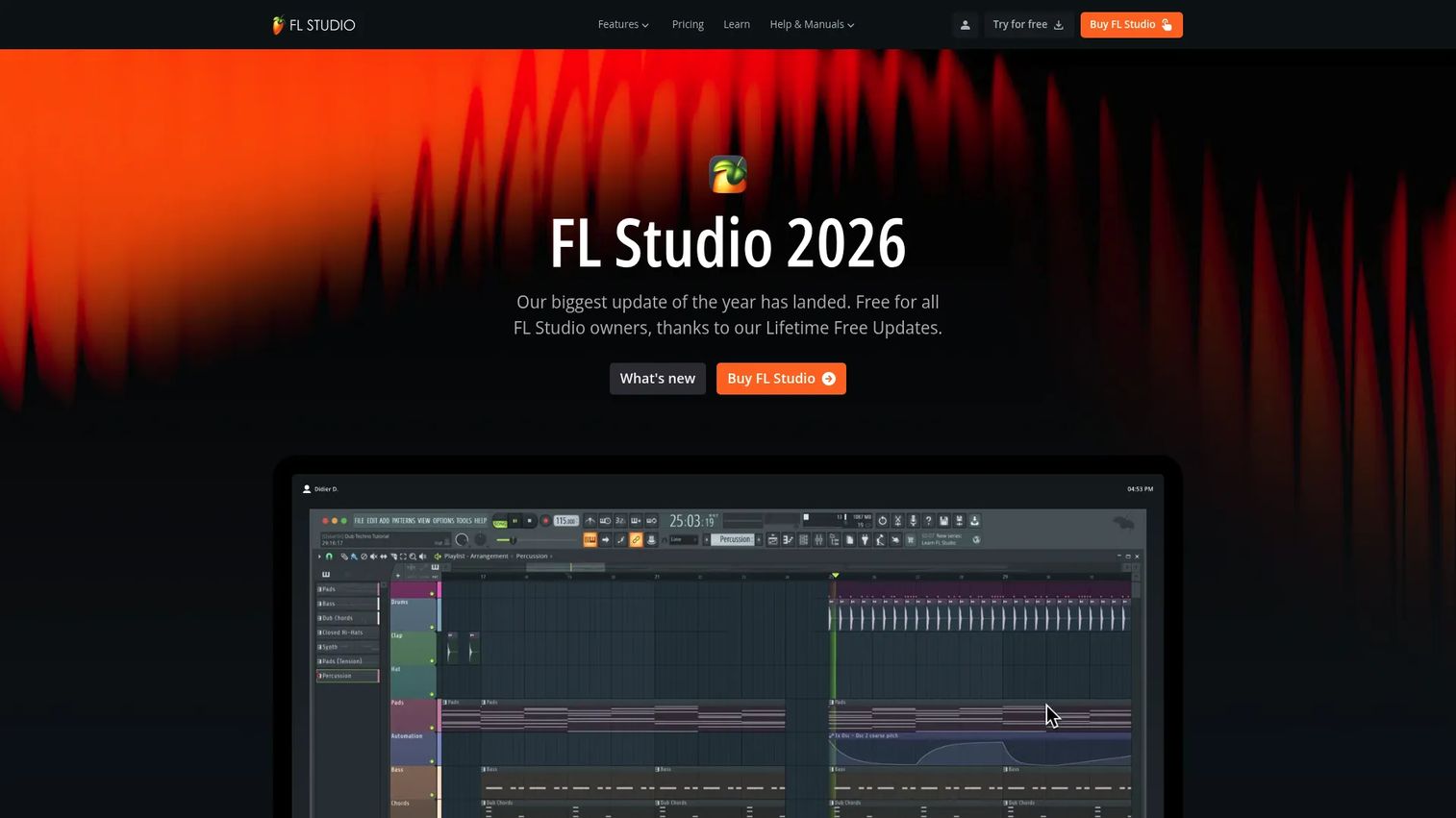
FL Studio is a full DAW for making beats, recording, arranging, mixing, and mastering. Its step sequencer and Piano Roll are a long-running standard in beat production. The headline perk: Buy once, get lifetime free updates, so you never pay for the next version.
Best for: Beatmakers and producers who want a feature-rich DAW with lifetime free updates.
Key features
- Piano Roll and full song arrangement
- Step sequencer for drum programming
- Audio recording, editing, stem separation
- VST2, VST3, AU, CLAP plugin support
- Export MIDI, WAV, and stems
Why choose FL Studio: Pick it when you want deep production power and a one-time cost that keeps paying off through free updates. The Fruity edition is a low entry point with a clear upgrade ladder.
FL Studio pricing: One-time editions start at $99 for Fruity, $199 for Producer, $299 for Signature Bundle, and $499 for All Plugins. Every edition includes lifetime free updates, and Rent-to-Own Plus spreads payments monthly.
FL Studio holds a 4.6/5 rating on G2.
6. Ableton Live
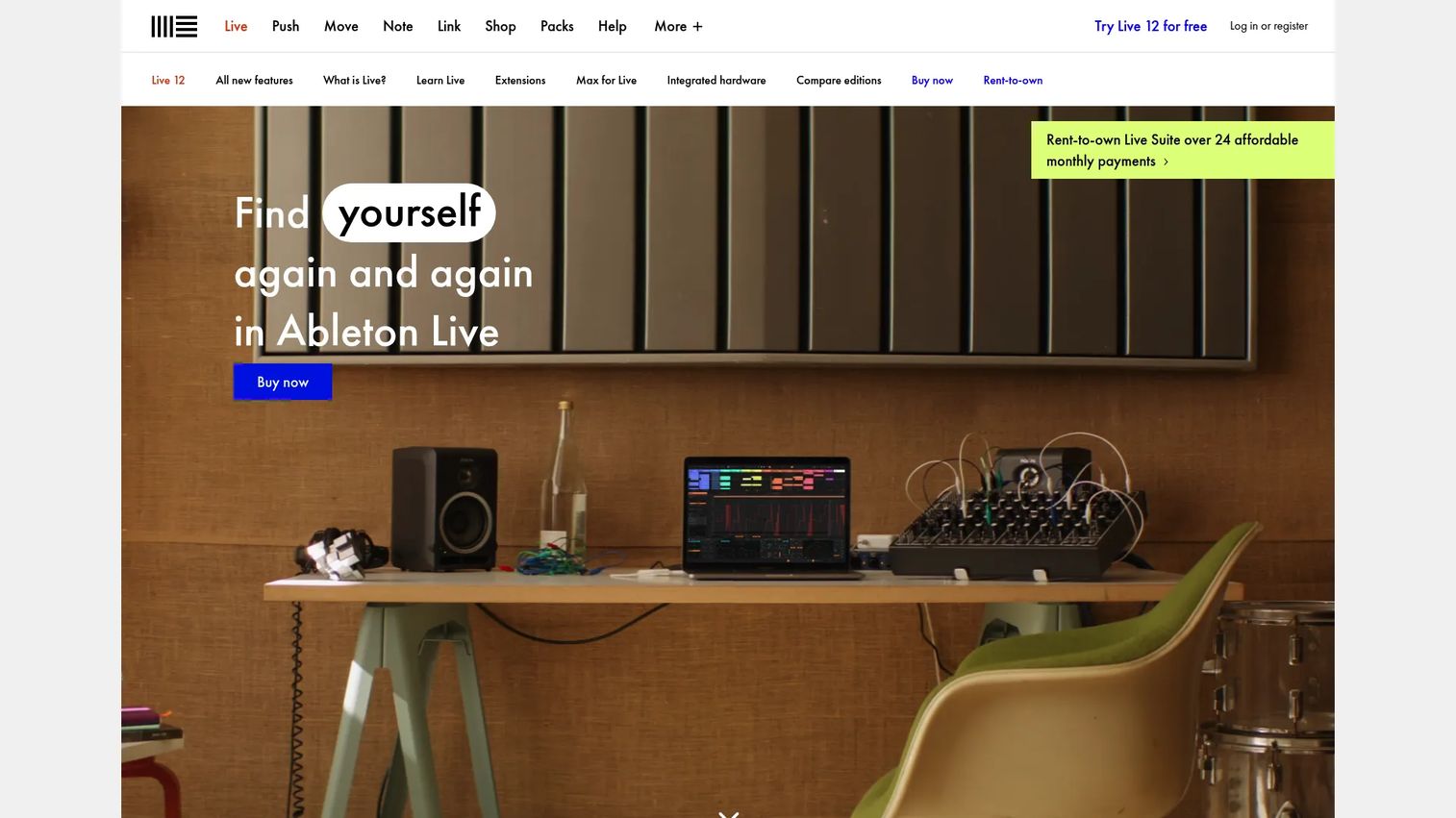
Ableton Live is a DAW built for both studio production and live performance. Its Session View is made for loop-based composition and improvisation, while Arrangement View handles full track structure. That dual workflow is why so many electronic producers commit to the learning curve.
Best for: Producers who need one DAW for both studio work and live sets.
Key features
- Session and Arrangement workflows
- Loop-based composition tools
- Sampling and audio warping
- Max for Live integration
- Ableton Link sync across devices
Why choose Ableton Live: Choose it when you want loop-driven flexibility and a path from idea to stage, and you're willing to invest time learning it. The Intro edition lets you start cheap before committing to Standard or Suite.
Ableton Live pricing: Live 12 comes in Intro at $99, Standard at $349, and Suite at $749, all one-time purchases. Suite also offers a rent-to-own option at $31.21/month over 24 payments.
Ableton holds a 4.7/5 rating on G2.
7. Tracklib Beatmaker
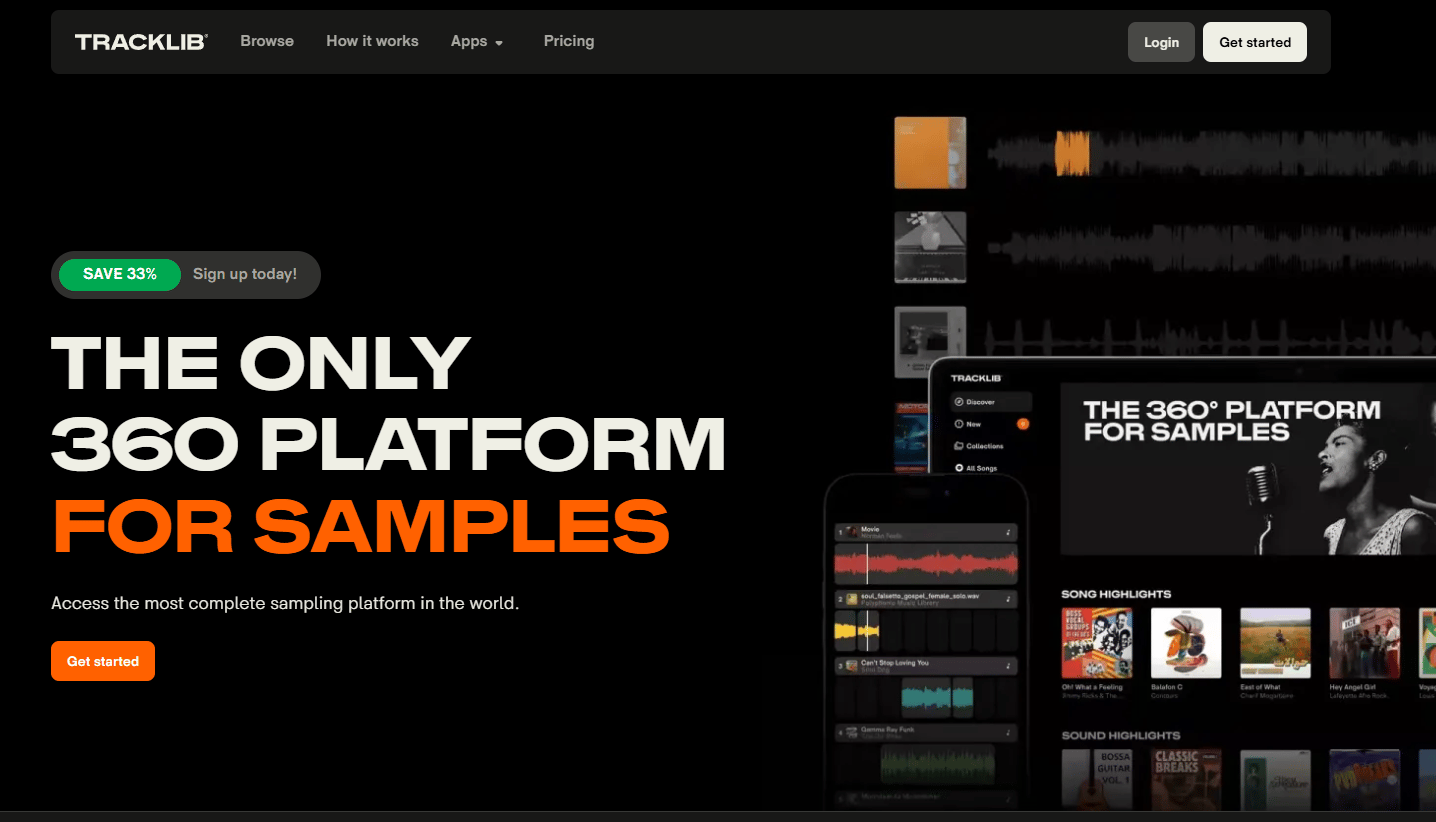
Tracklib Beatmaker is a mobile app for sampling and building tracks from Tracklib's licensed catalog. The point isn't just chopping, it's chopping records you can actually clear. You sketch on your phone, then sync to the desktop library to finish, with clearance handled through Tracklib.
Best for: Producers who want to sample real music with clearance included.
Key features
- Chop sequencer for flipping samples
- Track stack up to 8 tracks
- Key lock and FX with sidechain
- Export beats from phone
- Sync to desktop library
Why choose Tracklib Beatmaker: Use it when sampling real records is central to your sound and you need commercial rights sorted before release. It's the one tool here built around sample clearance, not around it.
Tracklib Beatmaker pricing: The app is free to download. Sampling runs through a Tracklib subscription, which starts at $14.99/month for Premium, with a $19.99/month tier for heavier use.
Tracklib Beatmaker doesn't currently carry a verified G2 rating.
Considerations
Before you commit, run through this checklist. It's the difference between a tool you actually use and another abandoned trial.
Choose the right workflow first
Decide whether you need a desktop DAW, browser studio, mobile app, or sampling-first tool before comparing features. A producer finishing release masters needs FL Studio or Ableton Live, not a phone app. Match the tool to the job, not the marketing.
Check sampling rights before you build
If you plan to sell beats, sample clearance is a first-class concern, not an afterthought. Uncleared samples can get a monetized track taken down or trigger a claim. Tracklib bundles clearance into the sample itself, which is why sampling producers gravitate to it.
Compare export quality and handoff options
Look at what you can actually get out of the tool: WAV and MP3 export, stems, and MIDI export for handoff. If you sketch in one app and finish in another, stems and MIDI portability decide how painful that move is. Test the export before you build a whole project.
Look at collaboration and cross-device access
Shared projects, comments, and cloud sync matter when more than one person touches a beat. Soundtrap and BandLab handle live and cloud collaboration well, so a co-producer can jump in without file swaps. Solo producers can skip this and prioritize depth instead.
Budget for the real cost
The sticker price is rarely the full cost. A free tier may cap exports, and a cheap DAW may push you toward paid sample packs or third-party plugins. Weigh a one-time purchase like FL Studio against a subscription like Serato's Producer Suite over a year of use.
Conclusion
Pick based on workflow, not hype. If you want full production power with a one-time cost, FL Studio is the safe default. For browser-based collaboration, Soundtrap keeps everyone in the same project. Serato Studio gets DJs to a finished beat fast, and GarageBand is the free Apple on-ramp.
Sketching on a budget? BandLab gives you real tools at $0 and follows you across devices. If your sound is built on real records, Tracklib Beatmaker solves the part everyone else ignores: Clearing the sample so you can actually sell the track. Ableton Live is worth the learning curve if you want one DAW for both the studio and the stage.
The simple decision rule: Match the tool to how you work, confirm you can legally release what you make, then start building.
If your day job is turning product interest into pipeline, the same show-don't-tell logic applies. Guideflow lets marketing teams capture a product flow, personalize it per segment, and analyze engagement, so you can share interactive demos across landing pages, sales follow-ups, onboarding flows, and ad campaigns. Its interactive demos, sandboxes, and demo centers give buyers a hands-on experience without a live call, and the AI tools help you edit, collaborate, and integrate with your existing stack.
Start your journey with Guideflow today!
FAQs
BandLab and GarageBand are the easiest starting points. BandLab is free across phone and browser with a full cloud DAW, while GarageBand ships free on any Mac. Both give real production tools without a paywall or a steep learning curve.
Yes, but check the terms and your sound sources. Free tools like BandLab and GarageBand let you keep and sell what you make, as long as the samples and loops are cleared for commercial use. The catch is usually the samples, not the software.
It depends on the job. A DAW like FL Studio or Ableton Live wins for release-ready tracks with deep mixing and export control. A lighter app is better for fast sketching and mobile ideas. Many producers use both, sketching in an app and finishing in a DAW.
FL Studio and Ableton Live are two of the most common professional choices, with strong G2 ratings of 4.6 and 4.7. Serato Studio is popular with DJs turned producers, and Tracklib is the go-to for sample-first workflows that need clearance.
Only if the sample is cleared. Chopping a copyrighted record in most DAWs doesn't grant you rights to release it. Tracklib solves this by licensing real songs and stems with clearance included, so producers can sample and release without a takedown risk.
BandLab and Tracklib Beatmaker lead on phones. BandLab offers a free full cloud studio, and Tracklib Beatmaker is built for sampling on mobile with sync back to a desktop library. The smartphone music production market is growing at a 10.3% CAGR through 2034, per Fortune Business Insights (2025), so mobile tools keep improving.
No. Tools like FL Studio, Ableton Live, and GarageBand ship with enough built-in instruments and effects to make finished tracks. Plugins add options and specific sounds, but they're an upgrade, not a requirement. Start with the stock library first.
Start with your platform and budget. GarageBand is free on Mac and the easiest on-ramp. FL Studio offers deep production with lifetime free updates from a one-time $99 start. Ableton Live suits loop-based work and live performance, starting at $99 for the Intro edition.










